
Introduction to Perl NICOLE VECERE Background General Purpose
Introduction to Perl NICOLE VECERE
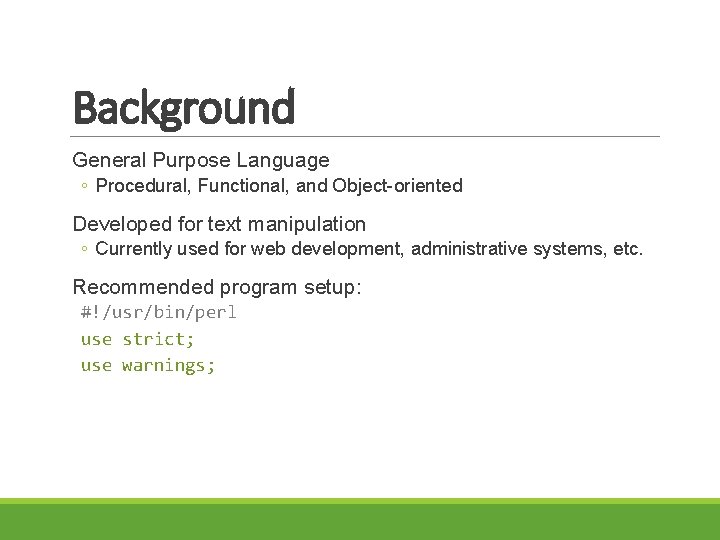
Background General Purpose Language ◦ Procedural, Functional, and Object-oriented Developed for text manipulation ◦ Currently used for web development, administrative systems, etc. Recommended program setup: #!/usr/bin/perl use strict; use warnings;
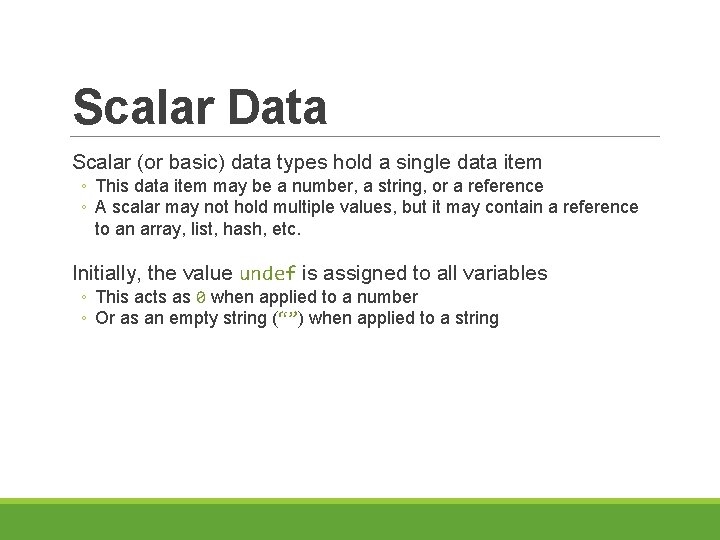
Scalar Data Scalar (or basic) data types hold a single data item ◦ This data item may be a number, a string, or a reference ◦ A scalar may not hold multiple values, but it may contain a reference to an array, list, hash, etc. Initially, the value undef is assigned to all variables ◦ This acts as 0 when applied to a number ◦ Or as an empty string (“”) when applied to a string
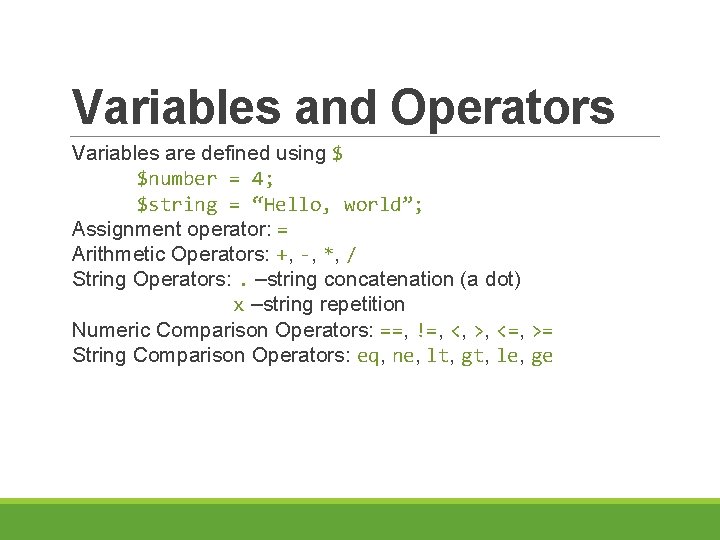
Variables and Operators Variables are defined using $ $number = 4; $string = “Hello, world”; Assignment operator: = Arithmetic Operators: +, -, *, / String Operators: . –string concatenation (a dot) x –string repetition Numeric Comparison Operators: ==, !=, <, >, <=, >= String Comparison Operators: eq, ne, lt, gt, le, ge
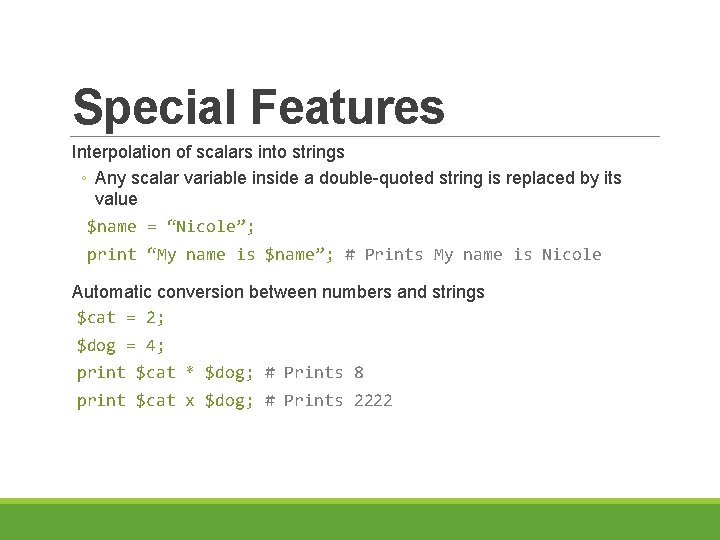
Special Features Interpolation of scalars into strings ◦ Any scalar variable inside a double-quoted string is replaced by its value $name = “Nicole”; print “My name is $name”; # Prints My name is Nicole Automatic conversion between numbers and strings $cat = 2; $dog = 4; print $cat * $dog; # Prints 8 print $cat x $dog; # Prints 2222
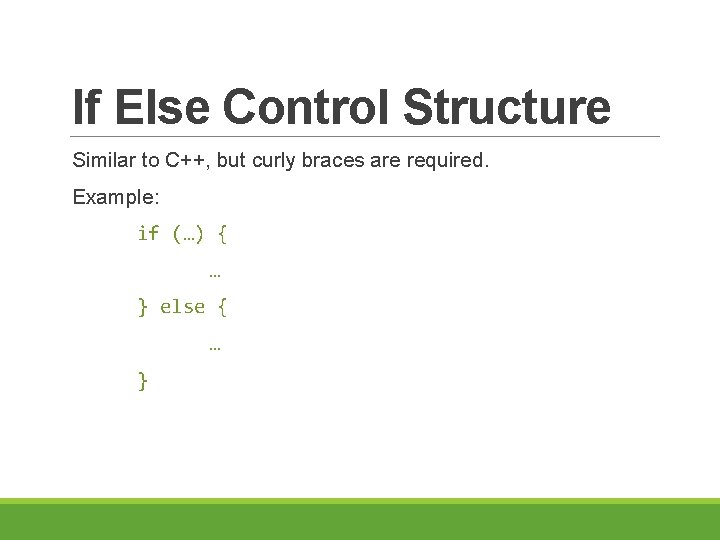
If Else Control Structure Similar to C++, but curly braces are required. Example: if (…) { … } else { … }
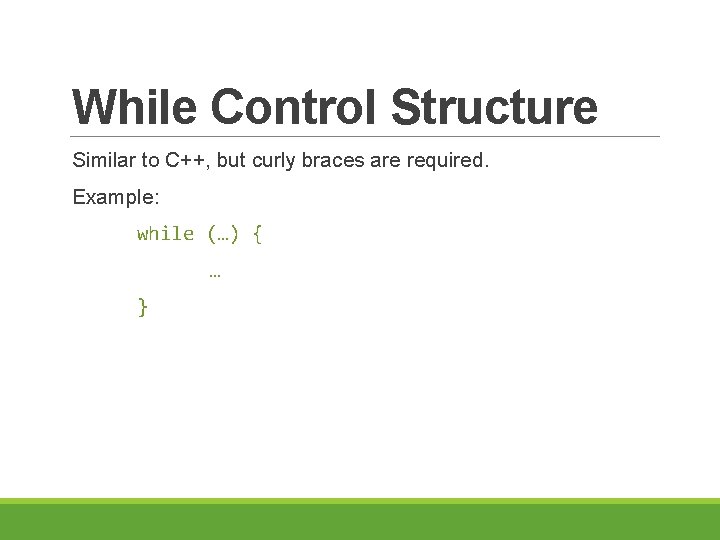
While Control Structure Similar to C++, but curly braces are required. Example: while (…) { … }
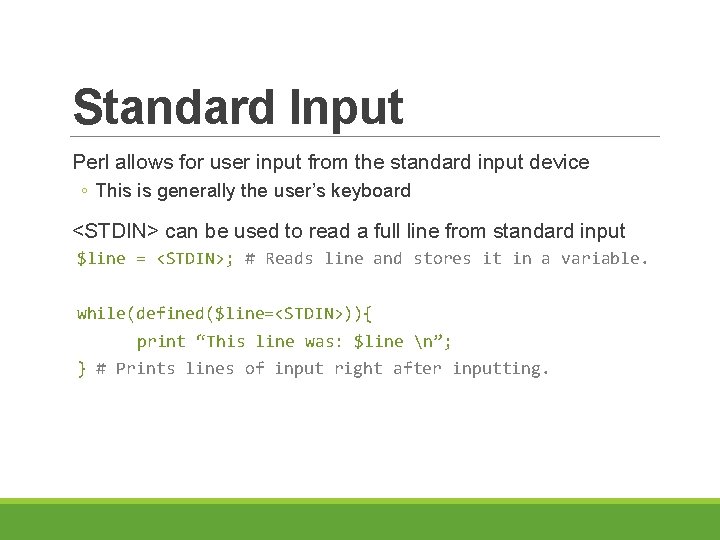
Standard Input Perl allows for user input from the standard input device ◦ This is generally the user’s keyboard <STDIN> can be used to read a full line from standard input $line = <STDIN>; # Reads line and stores it in a variable. while(defined($line=<STDIN>)){ print “This line was: $line n”; } # Prints lines of input right after inputting.
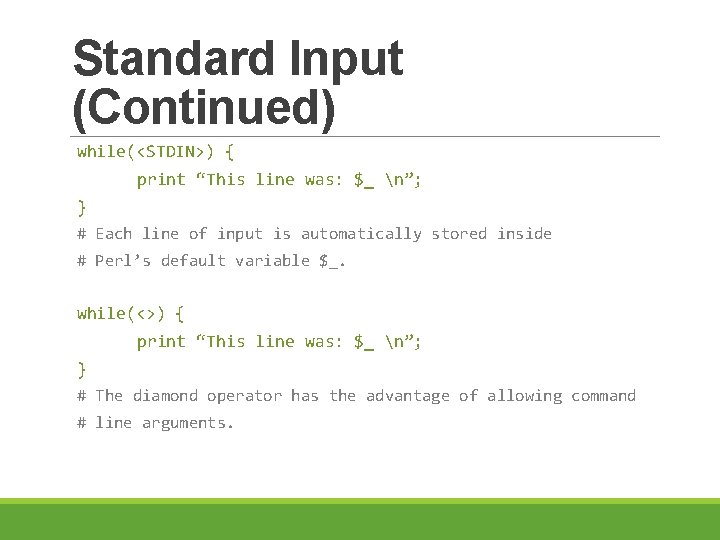
Standard Input (Continued) while(<STDIN>) { print “This line was: $_ n”; } # Each line of input is automatically stored inside # Perl’s default variable $_. while(<>) { print “This line was: $_ n”; } # The diamond operator has the advantage of allowing command # line arguments.
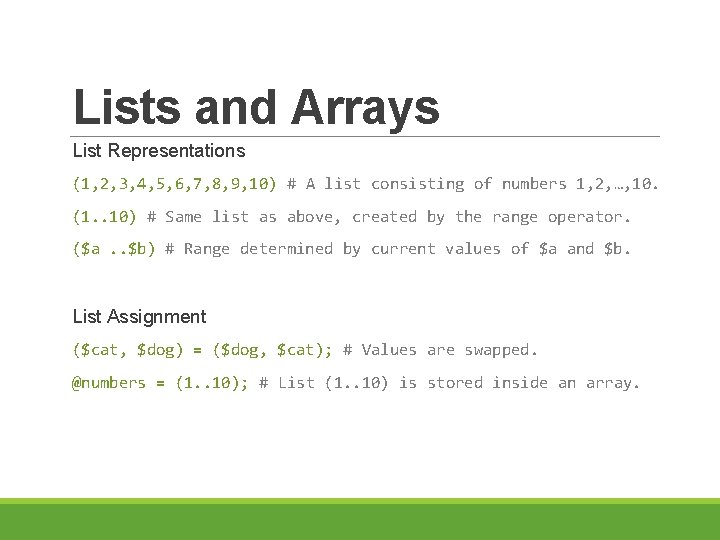
Lists and Arrays List Representations (1, 2, 3, 4, 5, 6, 7, 8, 9, 10) # A list consisting of numbers 1, 2, …, 10. (1. . 10) # Same list as above, created by the range operator. ($a. . $b) # Range determined by current values of $a and $b. List Assignment ($cat, $dog) = ($dog, $cat); # Values are swapped. @numbers = (1. . 10); # List (1. . 10) is stored inside an array.
![Accessing List Elements Examples: @values = (1. . 100); print $values[0]; # Prints 1](http://slidetodoc.com/presentation_image_h2/3a9e61eafdebd52ceb2d58aca9309915/image-11.jpg "Accessing List Elements Examples: @values = (1. . 100); print $values[0]; # Prints 1")
Accessing List Elements Examples: @values = (1. . 100); print $values[0]; # Prints 1 print $values[35]; # Prints 36 print $values[100]; # Nothing is printed. Value of $values[100] is undef. print $values[$#values]; # $#values is the largest index. # Value 99 is printed since it’s the last list element.
![Reading into a List Example: while(<>){ $lines[$index] = $_; $index = $index + 1;](http://slidetodoc.com/presentation_image_h2/3a9e61eafdebd52ceb2d58aca9309915/image-12.jpg "Reading into a List Example: while(<>){ $lines[$index] = $_; $index = $index + 1;")
Reading into a List Example: while(<>){ $lines[$index] = $_; $index = $index + 1; } print $#lines+1; print @lines; # Lines of input become elements of a list stored inside # array @lines. After reading we print out the number of # input lines, then the whole list.
- Slides: 12