
Introduction to PDS Programs for Beginners 10 50

Introduction to PDS Programs for Beginners 10: 50 PM-12: 00 PM Mockingbird 3 Presenter: Angelique Arnold 31 -MAY-17
Software and Services for Catholic and Orthodox Organizations Parish Data System has been the leading developer of Catholic and Orthodox church software solutions since 1978, meeting the needs of over 9000+ parishes, schools, and dioceses worldwide.
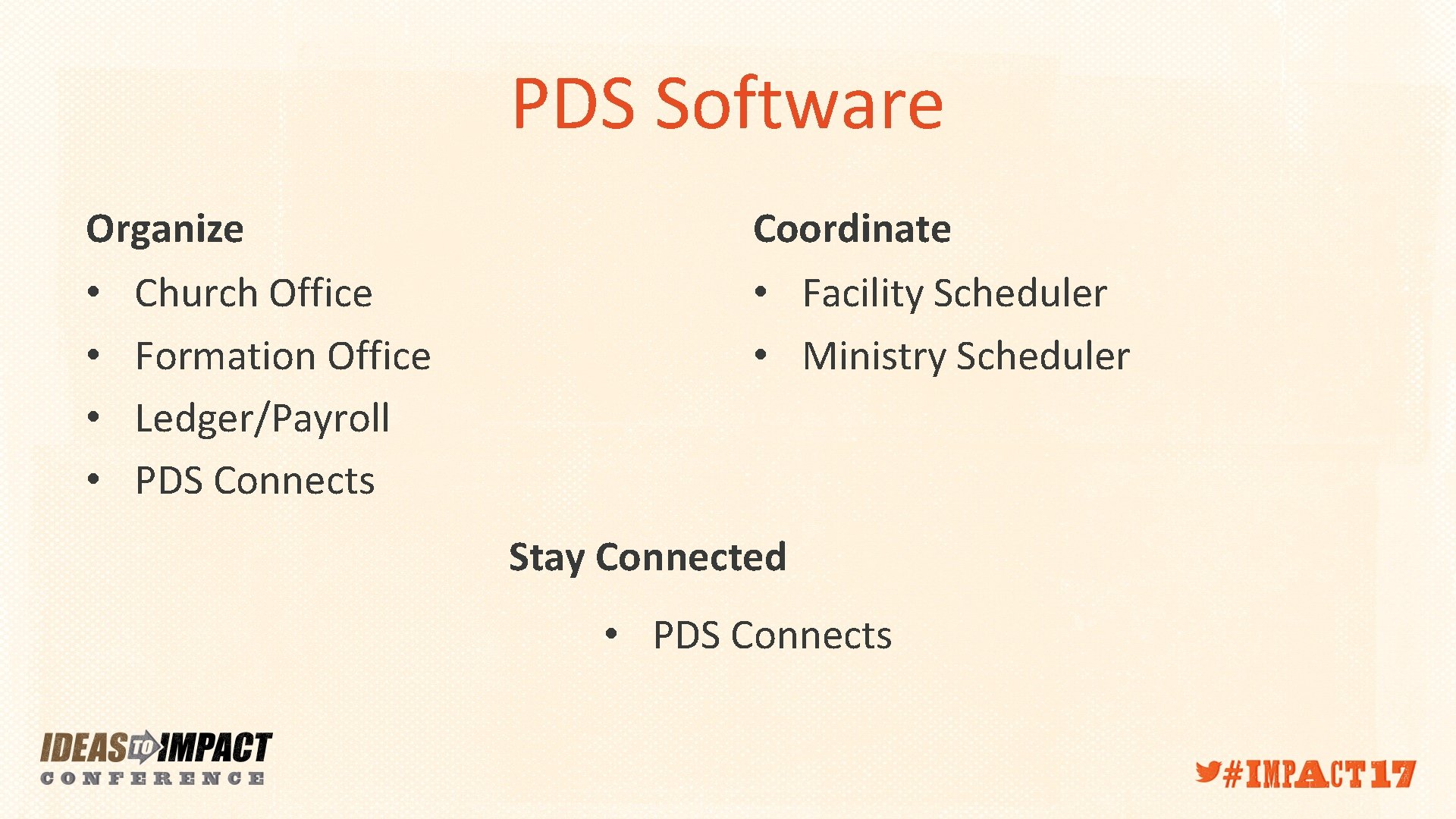
PDS Software Organize • • Church Office Formation Office Ledger/Payroll PDS Connects Coordinate • Facility Scheduler • Ministry Scheduler Stay Connected • PDS Connects
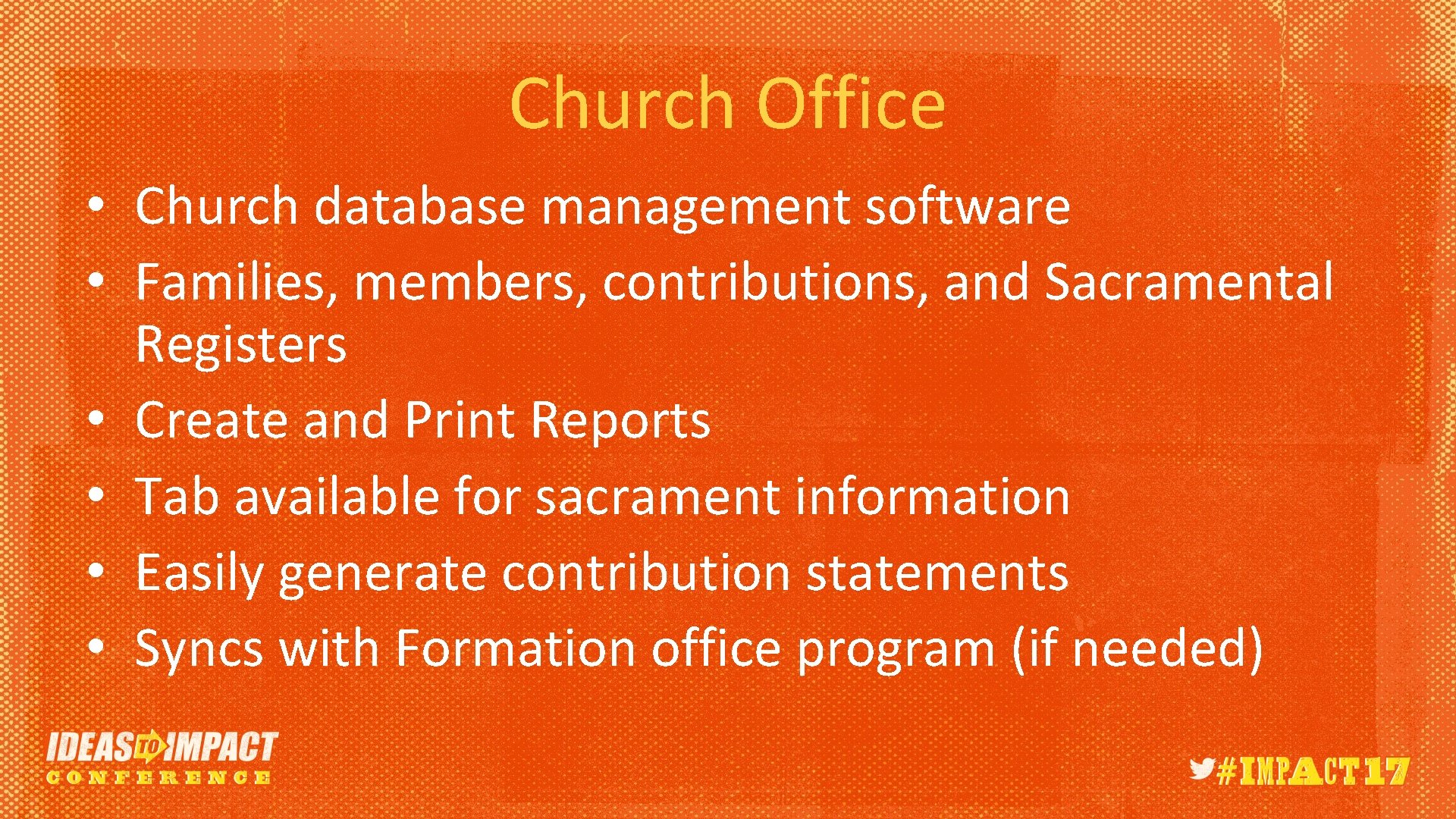
Church Office • Church database management software • Families, members, contributions, and Sacramental Registers • Create and Print Reports • Tab available for sacrament information • Easily generate contribution statements • Syncs with Formation office program (if needed)
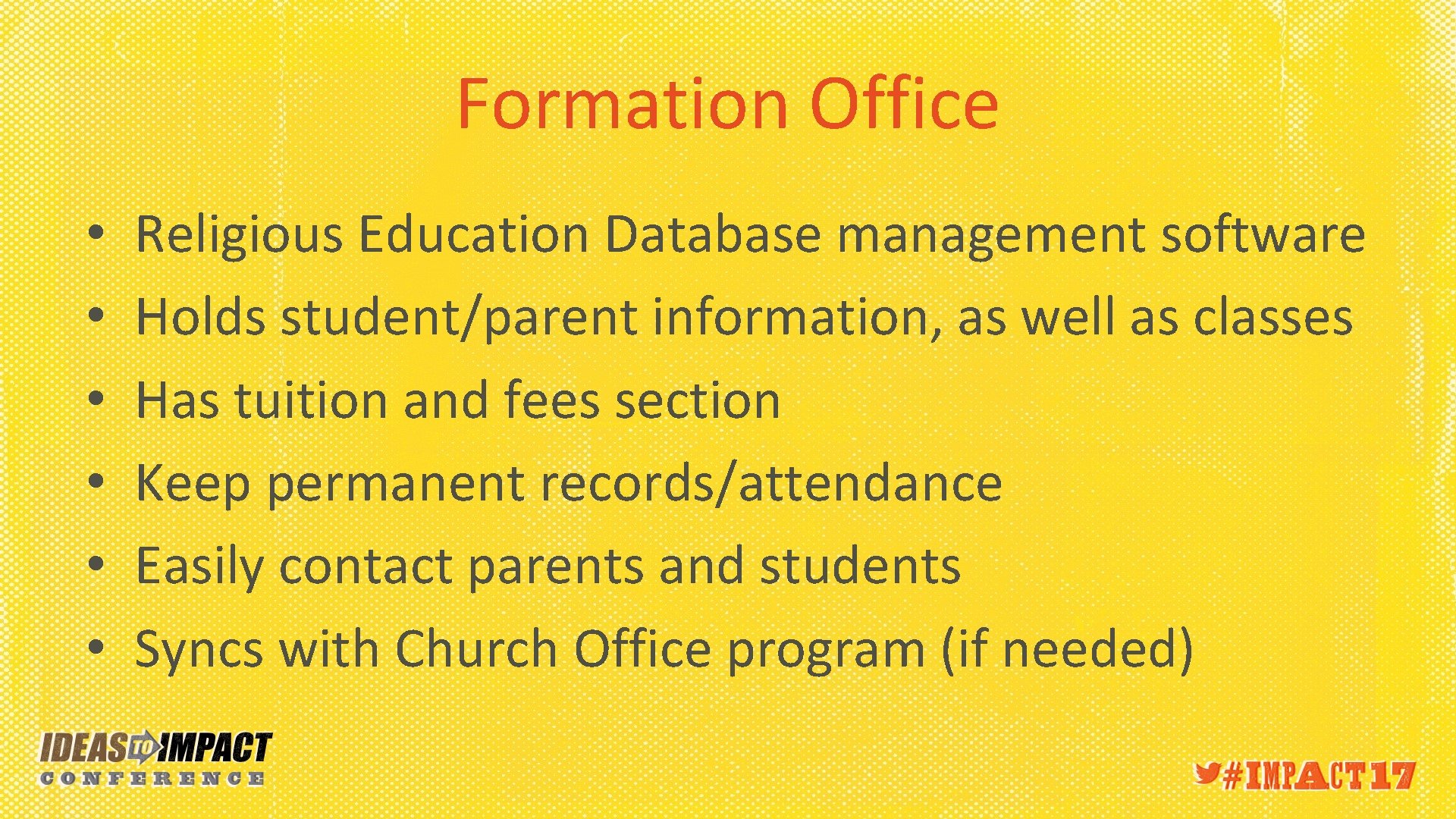
Formation Office • • • Religious Education Database management software Holds student/parent information, as well as classes Has tuition and fees section Keep permanent records/attendance Easily contact parents and students Syncs with Church Office program (if needed)
Facility Scheduler • Automated scheduling tool • Checks availability of dates and times and allows you to schedule without conflicts • Schedule recurring events • Printable calendars • Export to Google Calendar option
Ministry Scheduler • Automated tool for scheduling mass volunteers • Allows regular recurring masses and special masses • Lets you set away periods, serve with lists, preferred masses, rotation of positions, etc. • Print and email schedules to volunteers • Schedule months at a time
Ledger/Payroll Accounting software/payroll management solution Print checks for invoices Comprehensive Reporting tool Customizable Chart of accounts (including groups, funds, departments) • Complete payroll solution (including all tax documentation) • •
PDS Connects • Your Church Office Database online • Members can create a login and edit their own information • Information is synced down to PDS Church office
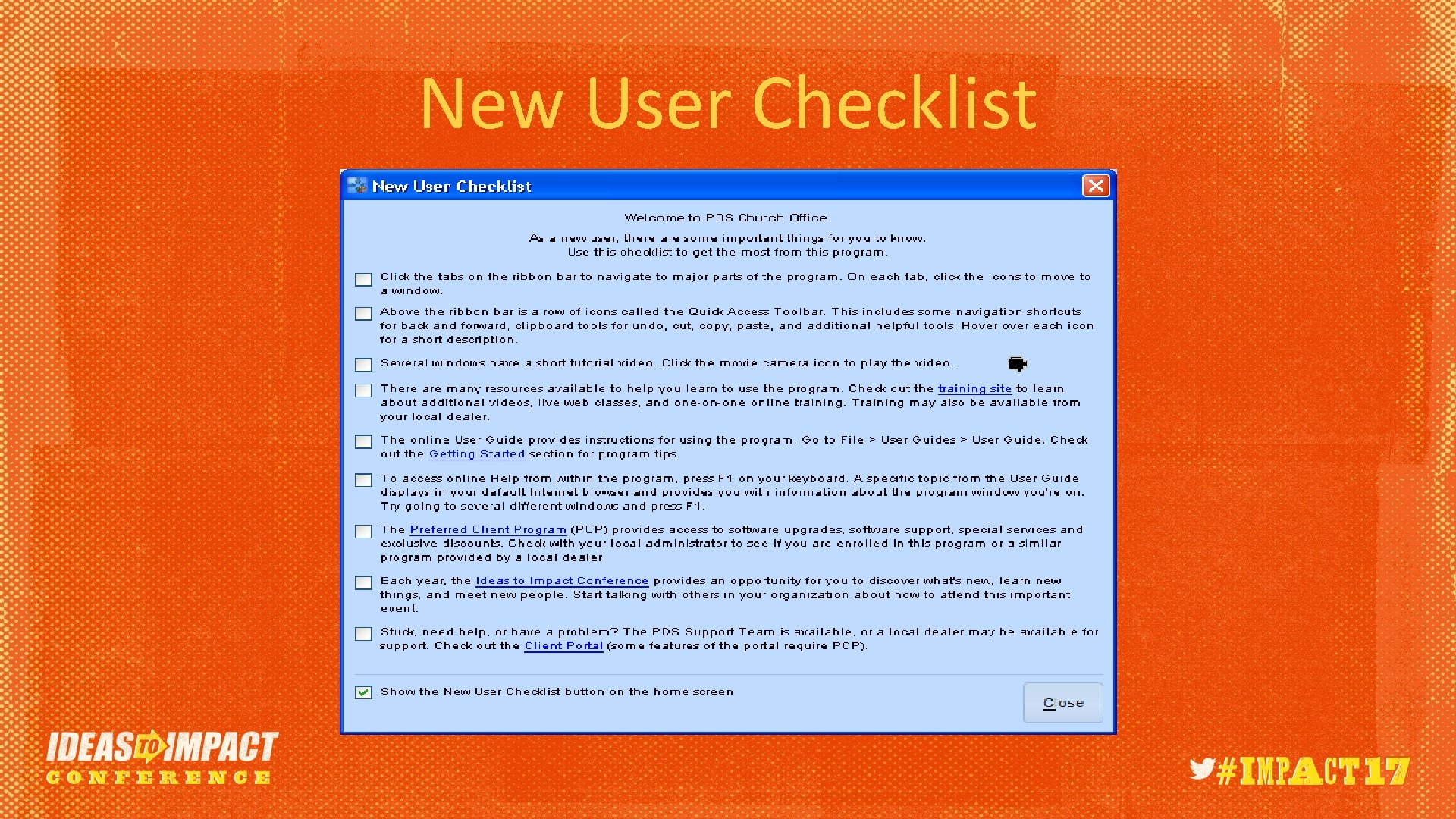
New User Checklist
Keyboard Shortcuts • You can use keyboard shortcuts to quickly navigate through your PDS program. When you press Alt on your keyboard, notice the letters that display above each tab. Press Alt and then the let of the section you want to go to. For example, Alt+I for Information, Alt+R for reports. • Use the arrow keys to navigate the drop-down lists and menu items. Press Enter to select a highlighted menu item.
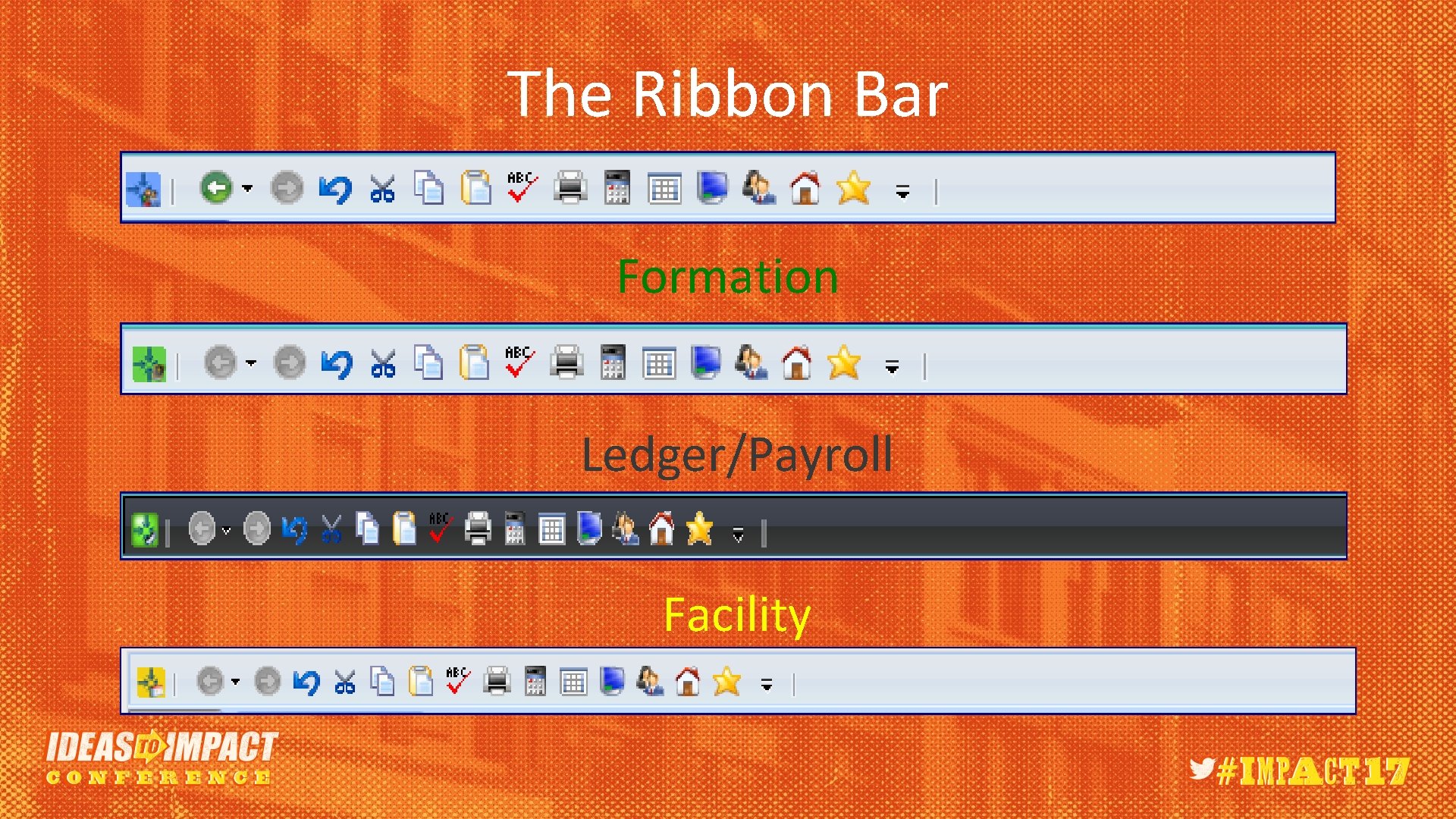
The Ribbon Bar Formation Ledger/Payroll Facility
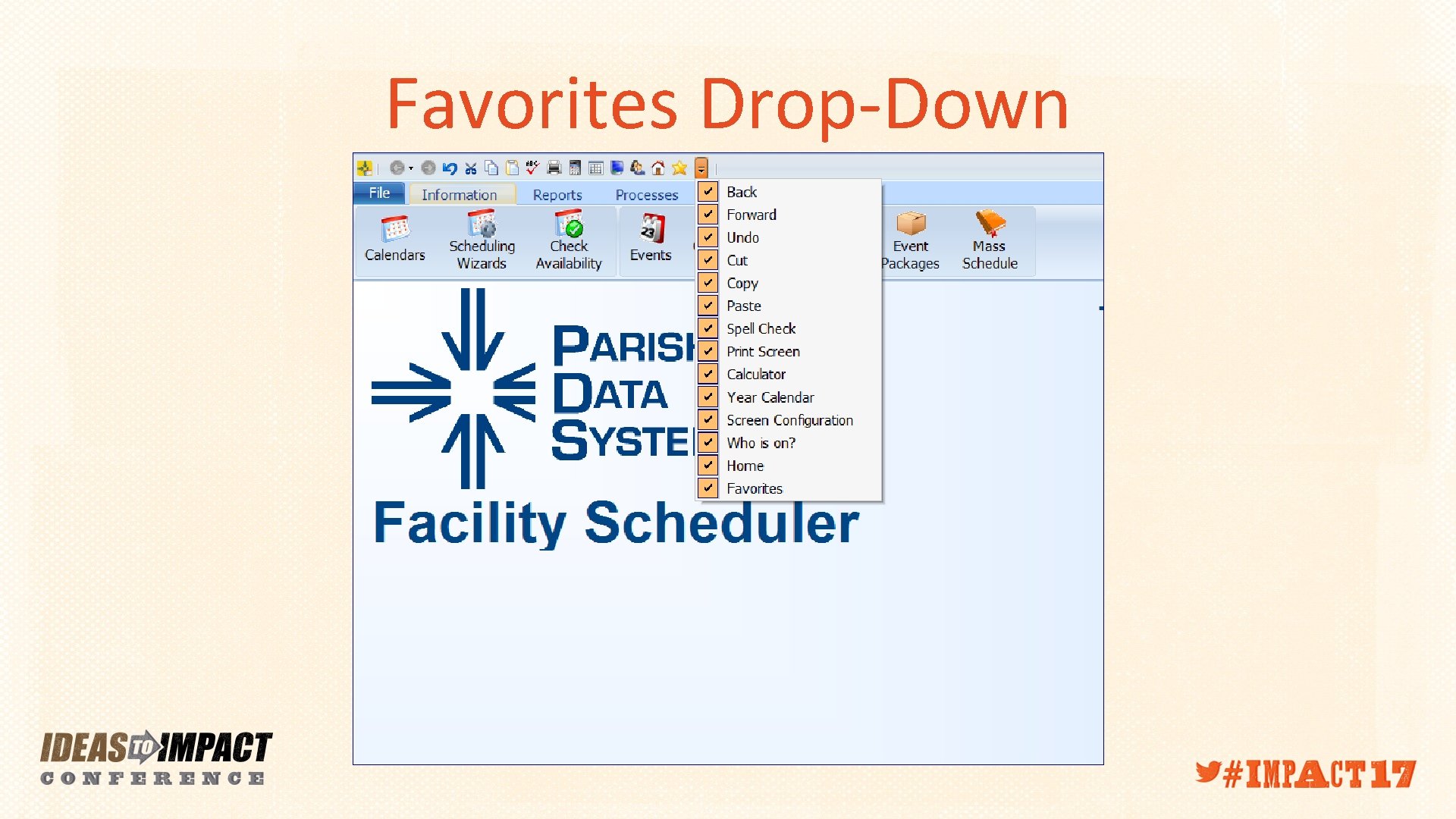
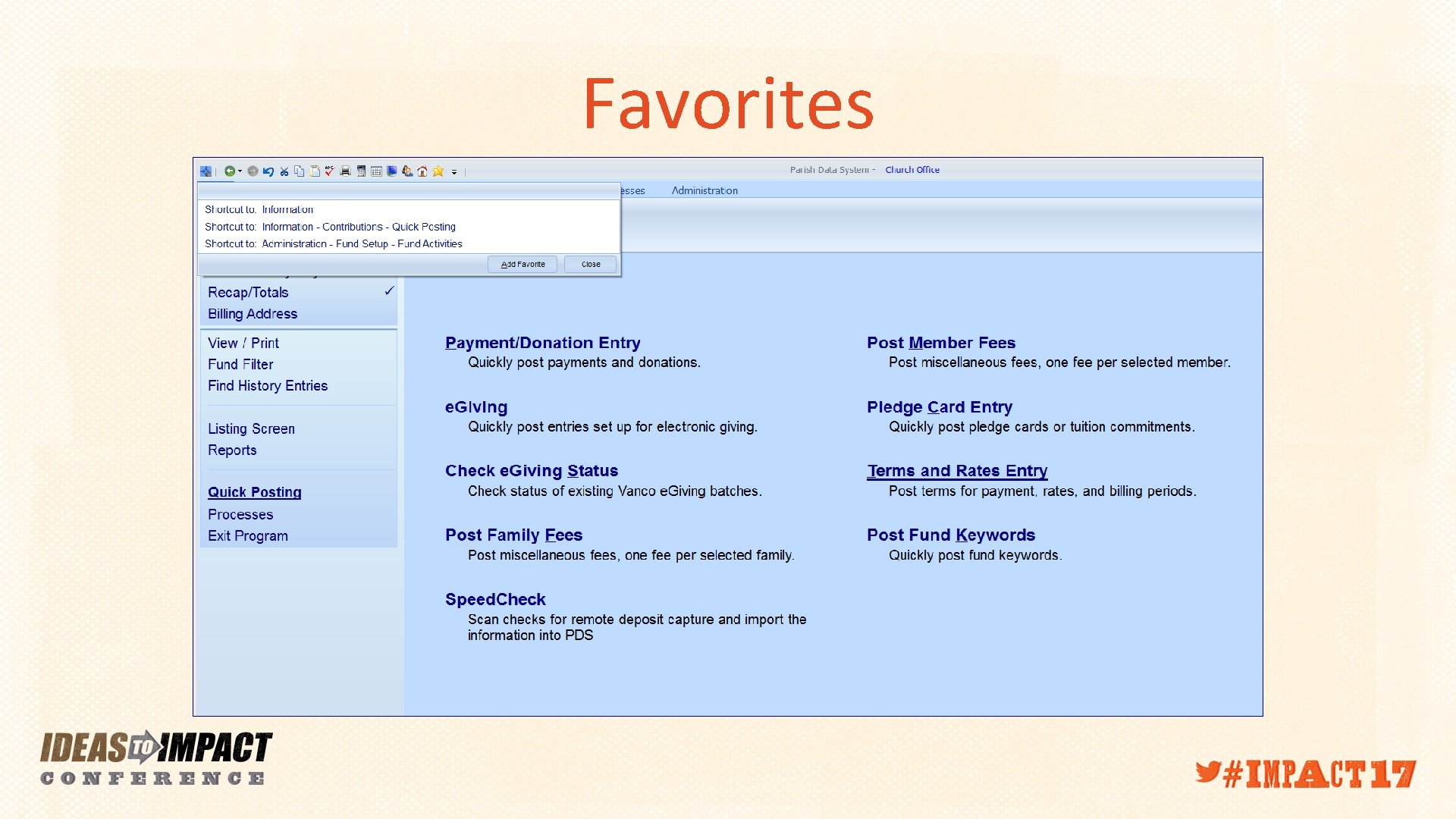
Favorites Drop-Down
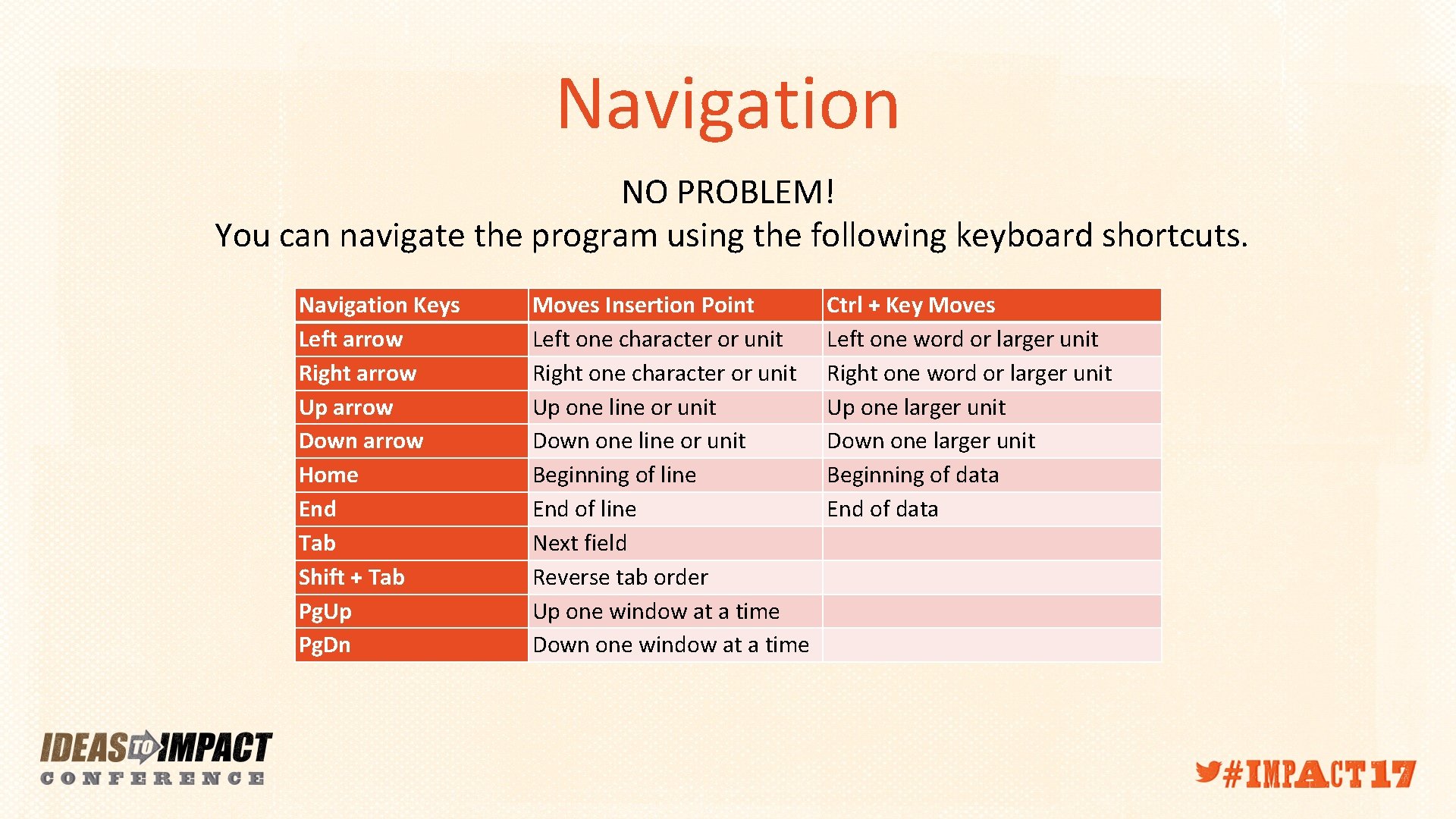
Navigation NO PROBLEM! You can navigate the program using the following keyboard shortcuts. Navigation Keys Left arrow Right arrow Up arrow Down arrow Home End Tab Shift + Tab Pg. Up Pg. Dn Moves Insertion Point Left one character or unit Right one character or unit Up one line or unit Down one line or unit Beginning of line End of line Next field Reverse tab order Up one window at a time Down one window at a time Ctrl + Key Moves Left one word or larger unit Right one word or larger unit Up one larger unit Down one larger unit Beginning of data End of data
Favorites

Question s?

Thank you!
- Slides: 17