
Introduction to Operating Systems Lesson 10 Mac OS
- Slides: 18
Introduction to Operating Systems Lesson 10 — Mac OS X Server Gorman, Stubbs, & CEP Inc. 1
Objectives l l l 2 Install Mac OS X Server from the CD-ROM. Configure Mac OS X Server using the Server Setup Assistant. Use Server Admin Settings to set up Sharing, Apple. Talk, FTP, and Web services. Use Server Settings to set up an IP-filter firewall. Use the Terminal application to execute some simple Unix commands. Lesson 10 – Understanding Mac OS X Server
An Introduction to Mac OS X Server l l l 3 Installing, configuring, and running a server can be terribly complex. Mac OS X Server is a Unix server. Apple has made it easy. Lesson 10 – Understanding Mac OS X Server
Installing Mac OS X Server l Requirements: – – – l 4 G 3 Macintosh 128 MB RAM 4 Gig+ Follow the instructions given in Step-by. Step 10. 1. Lesson 10 – Understanding Mac OS X Server
Mac OS X Server’s Graphical User Interface l l l 5 Log in using the administrator name and password. The dock and desktop should look familiar (if not, review Lesson 3). Mac OS X Server is nearly identical to Mac OS X. Lesson 10 – Understanding Mac OS X Server
Server Settings l l 6 Server Settings manages the major services on your server. Server Settings can also manage other servers on the network. Lesson 10 – Understanding Mac OS X Server
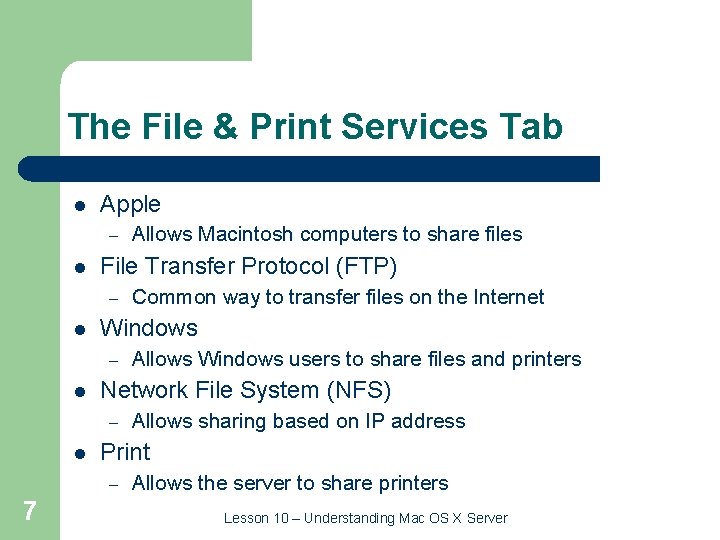
The File & Print Services Tab l Apple – l File Transfer Protocol (FTP) – l Allows sharing based on IP address Print – 7 Allows Windows users to share files and printers Network File System (NFS) – l Common way to transfer files on the Internet Windows – l Allows Macintosh computers to share files Allows the server to share printers Lesson 10 – Understanding Mac OS X Server
The General Settings Tab l Server Info – l Macintosh Manager – 8 Allows you to change the serial number A tool that assists in managing a network of Macintosh computers Lesson 10 – Understanding Mac OS X Server
The Internet Services Tab l Mail service – – l Web service – – 9 Able to use POP, IMAP, and SMTP Can regulate spam Uses Apache Can manage multiple Web sites Lesson 10 – Understanding Mac OS X Server
The Network Services Tab l Firewall – l DHCP/Net. Boot – l Translates domain names into IP addresses SLP Service – 10 Automatically configures a user when they connect Domain Name Service (DNS) – l Denies access based on IP address and port Provides a directory of all the services running on your network Lesson 10 – Understanding Mac OS X Server
The Workgroup Manager l l l 11 Manages users, groups of users, and their respective permissions Can manage users on a single server or users spread across a large network Stores user information in a Net. Info or LDAP directory Lesson 10 – Understanding Mac OS X Server
The Workgroup Manager and Server Status l l l 12 Integrated with the Workgroup Manager Is actually another application Shows the status of various processes running on a server Lesson 10 – Understanding Mac OS X Server
The Workgroup Manager: Sharing l l l 13 Mac OS X Server uses the Unix permissions model Can also be changed using the Get Info command Makes the server very secure Lesson 10 – Understanding Mac OS X Server
The Workgroup Manager: Accounts l l l 14 Allows you to change user or group information Manage basic, advanced, group, home, mail, and print information Change the settings for many users at once by changing settings for groups Lesson 10 – Understanding Mac OS X Server
The Workgroup Manager: Preferences l l 15 Restrict users access to parts of the computer Allows administrators to protect computers in public places Can manage settings once, never, or always Change the settings for applications, classic use, Dock, Finder, Internet, Login, Media Access, and Printing Lesson 10 – Understanding Mac OS X Server
Quick. Time Streaming Server l l l 16 Delivers movies and music over the Web in real time Also delivers pre-recorded media Has an easy access Web administration interface Lesson 10 – Understanding Mac OS X Server
Terminal l l 17 Interacts with Darwin, Mac OS X Server’s open-source command line interface Allows you to use Unix commands Lesson 10 – Understanding Mac OS X Server
Summary l l l 18 Install Mac OS X Server from the CD-ROM. Configure Max OS X Server using the Server Setup Assistant. Use Server Settings to set up Sharing, Apple. Talk, FTP, and Web services. Use Server Settings to set up a firewall. Use the Terminal application to execute some Unix commands. Lesson 10 – Understanding Mac OS X Server