
Introduction to Operating Systems David Ferry CSCI 3500
- Slides: 16
Introduction to Operating Systems David Ferry CSCI 3500 – Operating Systems Saint Louis University St. Louis, MO 63103 1
Why Take This Course? • Knowledge – Systems programming using the OS – Become an avid consumer of OS mechanisms – Jumping off point to higher systems courses • History – See the evolution of computing – Understand different computing paradigms • Practice – Programming intensive course – Understand your own ability before you start CSCI 3500 - Operating Systems 2
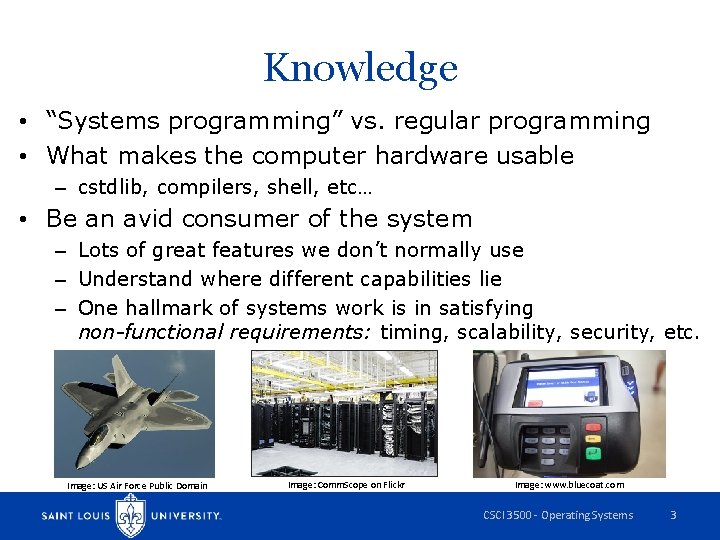
Knowledge • “Systems programming” vs. regular programming • What makes the computer hardware usable – cstdlib, compilers, shell, etc… • Be an avid consumer of the system – Lots of great features we don’t normally use – Understand where different capabilities lie – One hallmark of systems work is in satisfying non-functional requirements: timing, scalability, security, etc. Image: US Air Force Public Domain Image: Comm. Scope on Flickr Image: www. bluecoat. com CSCI 3500 - Operating Systems 3
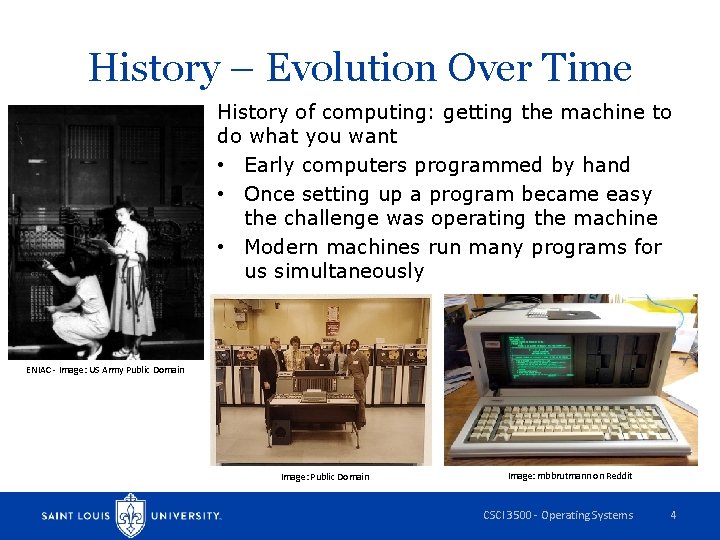
History – Evolution Over Time History of computing: getting the machine to do what you want • Early computers programmed by hand • Once setting up a program became easy the challenge was operating the machine • Modern machines run many programs for us simultaneously ENIAC - Image: US Army Public Domain Image: mbbrutmann on Reddit CSCI 3500 - Operating Systems 4
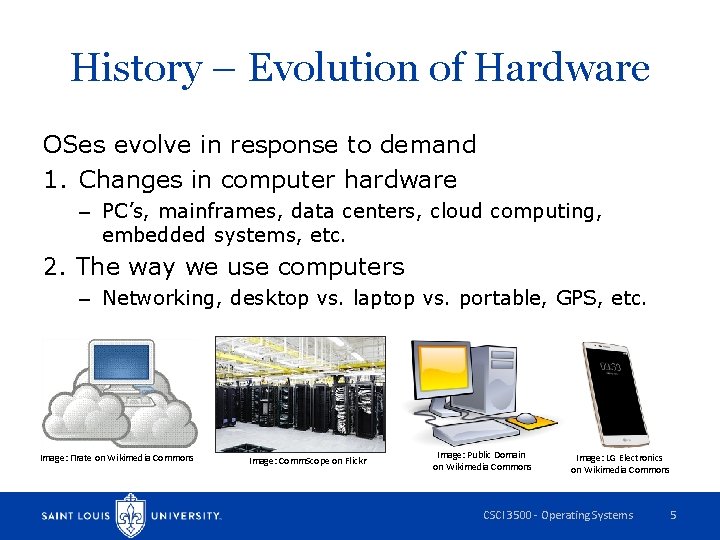
History – Evolution of Hardware OSes evolve in response to demand 1. Changes in computer hardware – PC’s, mainframes, data centers, cloud computing, embedded systems, etc. 2. The way we use computers – Networking, desktop vs. laptop vs. portable, GPS, etc. Image: Πrate on Wikimedia Commons Image: Comm. Scope on Flickr Image: Public Domain on Wikimedia Commons Image: LG Electronics on Wikimedia Commons CSCI 3500 - Operating Systems 5
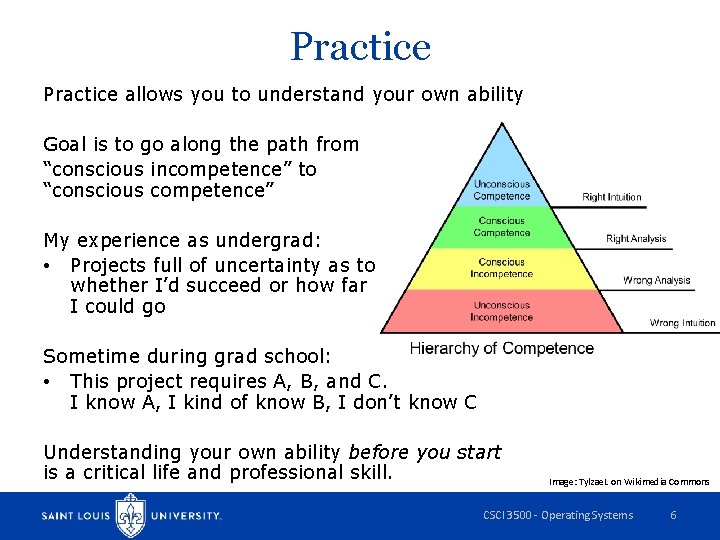
Practice allows you to understand your own ability Goal is to go along the path from “conscious incompetence” to “conscious competence” My experience as undergrad: • Projects full of uncertainty as to whether I’d succeed or how far I could go Sometime during grad school: • This project requires A, B, and C. I know A, I kind of know B, I don’t know C Understanding your own ability before you start is a critical life and professional skill. Image: Tylzae. L on Wikimedia Commons CSCI 3500 - Operating Systems 6
How This Course Approaches OS Two basic types of OS courses: 1. Practical systems programming, with lecture focus on OS theory / practice (this course) – See better how the OS facilitates applications – Can touch a lot more systems topics – More relevant skill set 2. Build an OS from first principles (not us) – Focuses on nuts and bolts from boot to running first programs – Lots of details, some are not that important – Not a skill most of us will need CSCI 3500 - Operating Systems 7
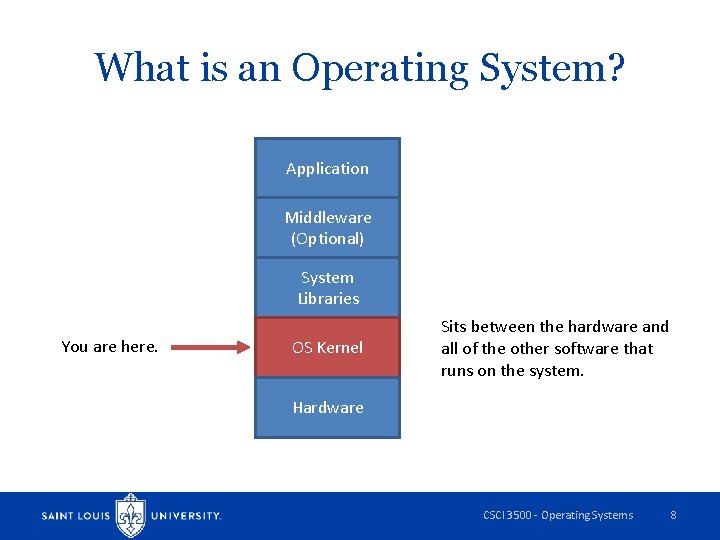
What is an Operating System? Application Middleware (Optional) System Libraries You are here. OS Kernel Sits between the hardware and all of the other software that runs on the system. Hardware CSCI 3500 - Operating Systems 8
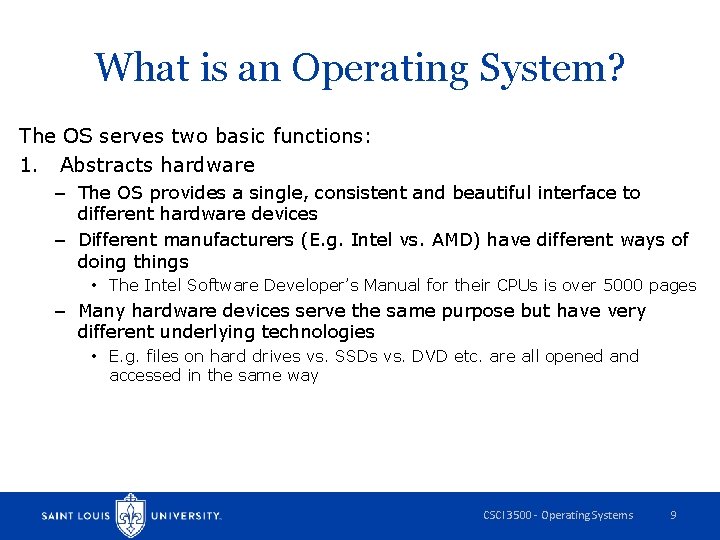
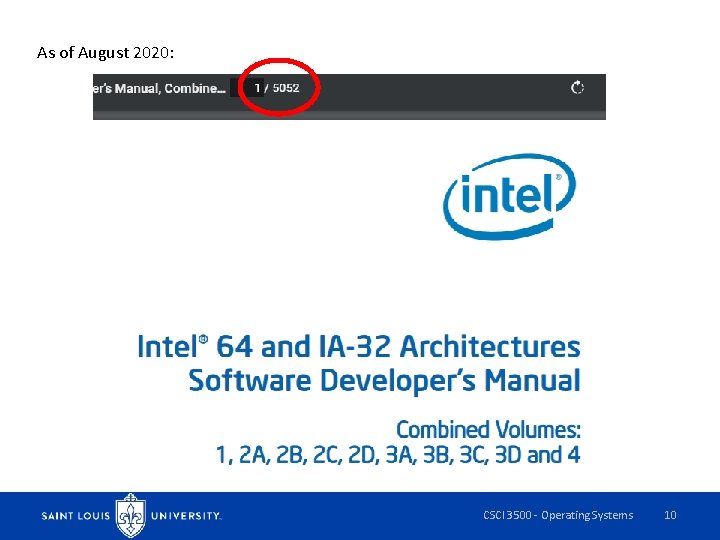
What is an Operating System? The OS serves two basic functions: 1. Abstracts hardware – The OS provides a single, consistent and beautiful interface to different hardware devices – Different manufacturers (E. g. Intel vs. AMD) have different ways of doing things • The Intel Software Developer’s Manual for their CPUs is over 5000 pages – Many hardware devices serve the same purpose but have very different underlying technologies • E. g. files on hard drives vs. SSDs vs. DVD etc. are all opened and accessed in the same way CSCI 3500 - Operating Systems 9
As of August 2020: CSCI 3500 - Operating Systems 10
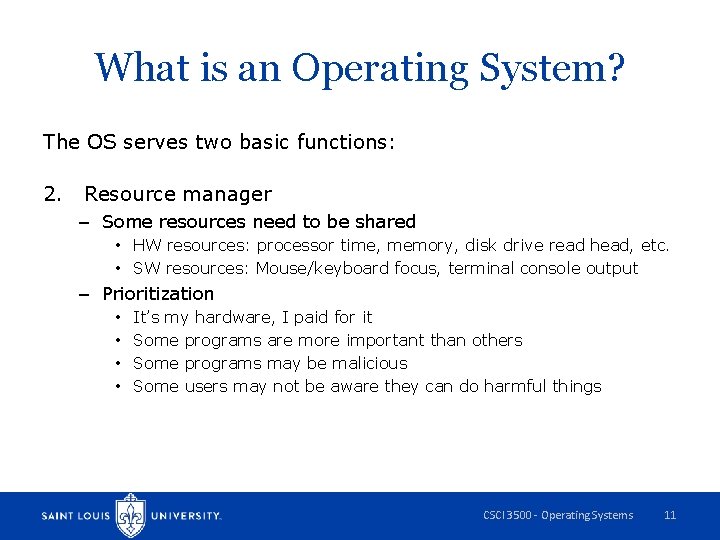
What is an Operating System? The OS serves two basic functions: 2. Resource manager – Some resources need to be shared • HW resources: processor time, memory, disk drive read head, etc. • SW resources: Mouse/keyboard focus, terminal console output – Prioritization • • It’s my hardware, I paid for it Some programs are more important than others Some programs may be malicious Some users may not be aware they can do harmful things CSCI 3500 - Operating Systems 11
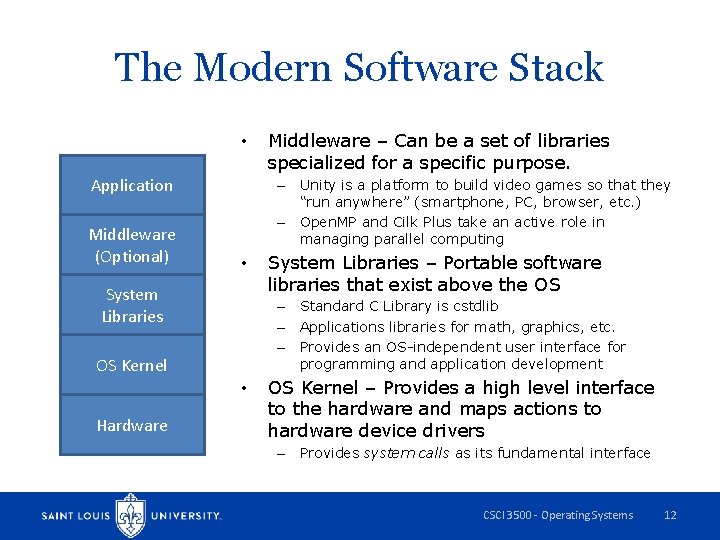
The Modern Software Stack • Application Middleware (Optional) – Unity is a platform to build video games so that they “run anywhere” (smartphone, PC, browser, etc. ) – Open. MP and Cilk Plus take an active role in managing parallel computing • System Libraries – Portable software libraries that exist above the OS – Standard C Library is cstdlib – Applications libraries for math, graphics, etc. – Provides an OS-independent user interface for programming and application development OS Kernel • Hardware Middleware – Can be a set of libraries specialized for a specific purpose. OS Kernel – Provides a high level interface to the hardware and maps actions to hardware device drivers – Provides system calls as its fundamental interface CSCI 3500 - Operating Systems 12
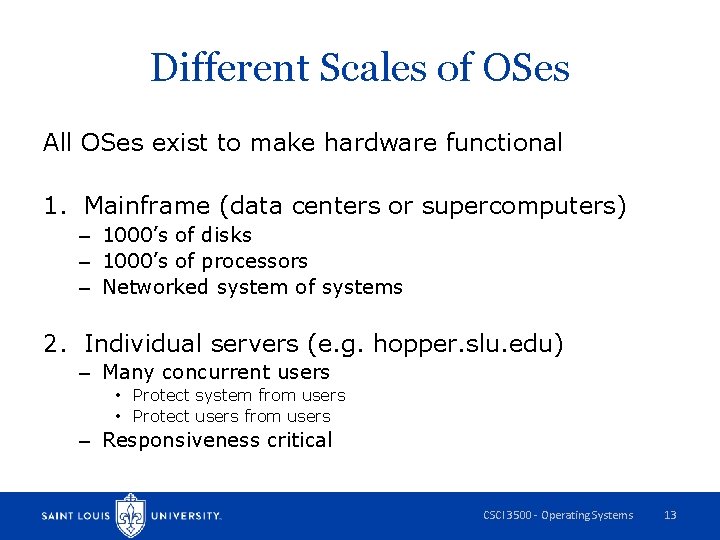
Different Scales of OSes All OSes exist to make hardware functional 1. Mainframe (data centers or supercomputers) – 1000’s of disks – 1000’s of processors – Networked system of systems 2. Individual servers (e. g. hopper. slu. edu) – Many concurrent users • Protect system from users • Protect users from users – Responsiveness critical CSCI 3500 - Operating Systems 13
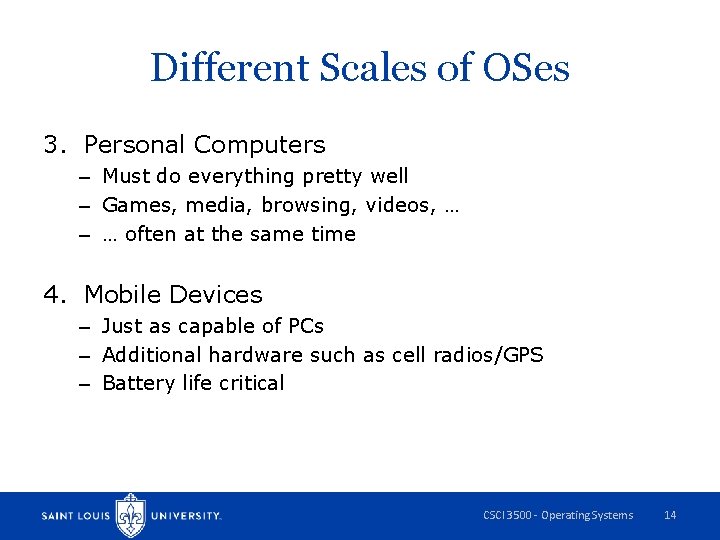
Different Scales of OSes 3. Personal Computers – Must do everything pretty well – Games, media, browsing, videos, … – … often at the same time 4. Mobile Devices – Just as capable of PCs – Additional hardware such as cell radios/GPS – Battery life critical CSCI 3500 - Operating Systems 14
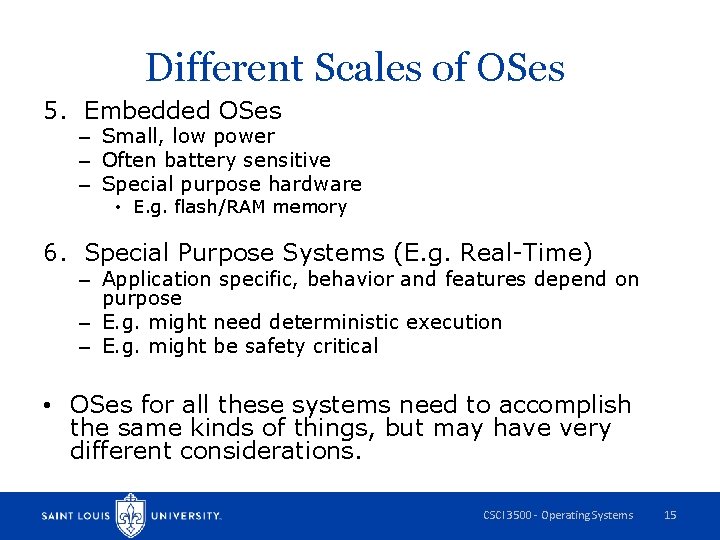
Different Scales of OSes 5. Embedded OSes – Small, low power – Often battery sensitive – Special purpose hardware • E. g. flash/RAM memory 6. Special Purpose Systems (E. g. Real-Time) – Application specific, behavior and features depend on purpose – E. g. might need deterministic execution – E. g. might be safety critical • OSes for all these systems need to accomplish the same kinds of things, but may have very different considerations. CSCI 3500 - Operating Systems 15
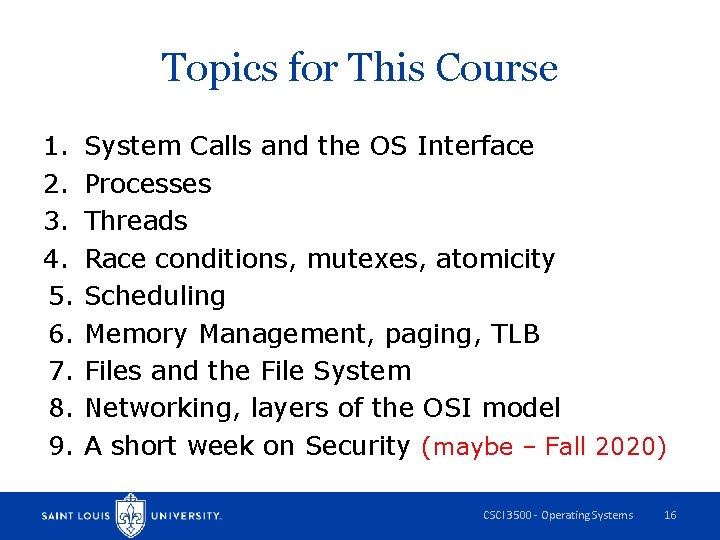
Topics for This Course 1. 2. 3. 4. 5. 6. 7. 8. 9. System Calls and the OS Interface Processes Threads Race conditions, mutexes, atomicity Scheduling Memory Management, paging, TLB Files and the File System Networking, layers of the OSI model A short week on Security (maybe – Fall 2020) CSCI 3500 - Operating Systems 16