
Introduction to ObjectOriented Programming in Python Barb Ericson
Introduction to Object-Oriented Programming in Python Barb Ericson Georgia Institute of Technology July 2009 06 -Intro-Object-Oriented-Prog 1
Learning Goals • Compare procedural programming and object-oriented programming • Introduce computation as simulation • Create objects in Python • Invoke methods on objects in Python • Create a subclass • Create a method in a class • Pass a parameter to a method in a class 06 -Intro-Object-Oriented-Prog 2
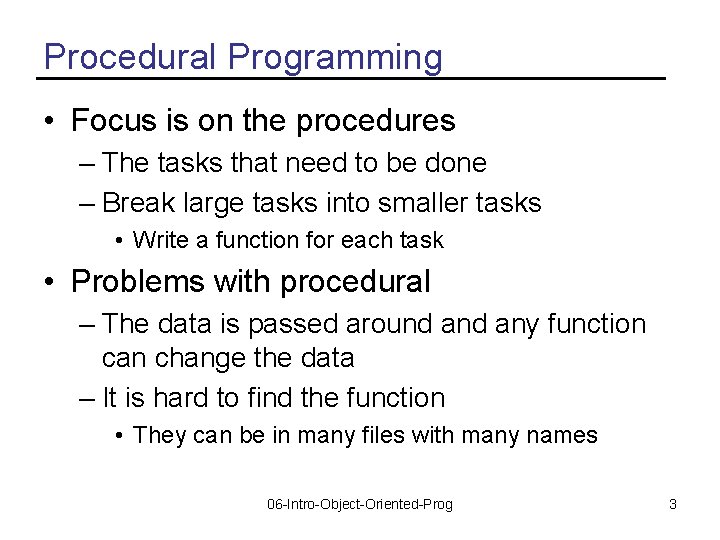
Procedural Programming • Focus is on the procedures – The tasks that need to be done – Break large tasks into smaller tasks • Write a function for each task • Problems with procedural – The data is passed around any function can change the data – It is hard to find the function • They can be in many files with many names 06 -Intro-Object-Oriented-Prog 3
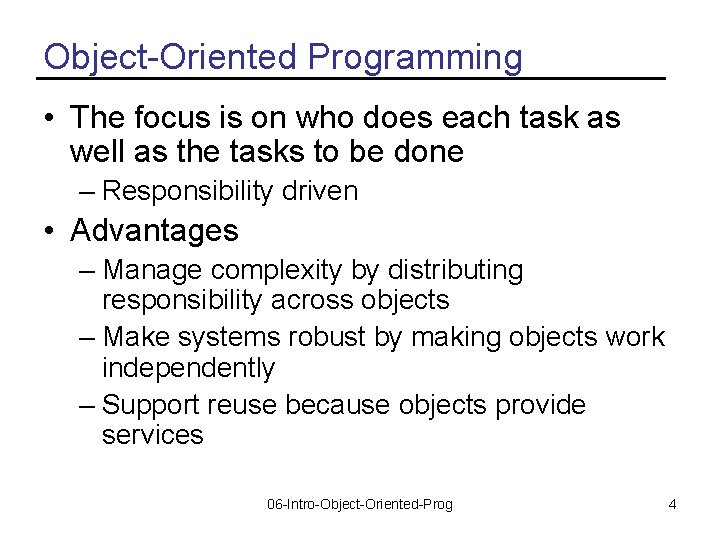
Object-Oriented Programming • The focus is on who does each task as well as the tasks to be done – Responsibility driven • Advantages – Manage complexity by distributing responsibility across objects – Make systems robust by making objects work independently – Support reuse because objects provide services 06 -Intro-Object-Oriented-Prog 4
Computers as Simulators • “The computer is the Proteus of machines. Its essence is its universality, its power to simulate. Because it can take on a thousand forms and serve a thousand functions, it can appeal to a thousand tastes. ” Seymour Papert in Mindstorms 06 -Intro-Object-Oriented-Prog 5
Creating a Simulation • Computers let us simulate things – We do this by creating models of the things we want to simulate – We need to define what types of objects we will want in our simulation and what they can do • Classes define the types and create objects of that type • Objects act in the simulation 06 -Intro-Object-Oriented-Prog 6
Creating objects • We have been creating objects in Python using – make. Picture(file) – make. Sound(file) • But, these are functions we created to make it easy to create objects from these classes 06 -Intro-Object-Oriented-Prog 7
Creating objects in python • Use Class. Name(value 1, value 2, …) – Picture(file) # create a picture – Sound(file) # create a sound – World() # create a world • Name the objects that are created >>> earth = World() >>> tina = Turtle(earth) >>> sue = Turtle(earth) • Use the name to ask the object to do something obj. Name. function() >>> tina. forward() 06 -Intro-Object-Oriented-Prog 8
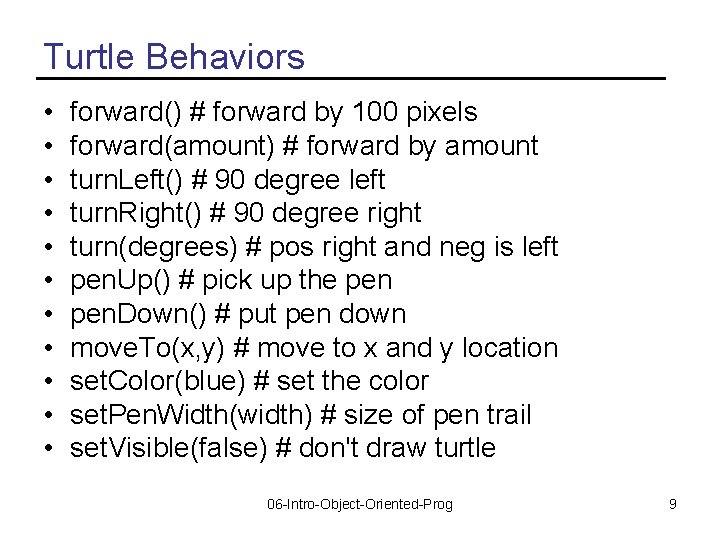
Turtle Behaviors • • • forward() # forward by 100 pixels forward(amount) # forward by amount turn. Left() # 90 degree left turn. Right() # 90 degree right turn(degrees) # pos right and neg is left pen. Up() # pick up the pen. Down() # put pen down move. To(x, y) # move to x and y location set. Color(blue) # set the color set. Pen. Width(width) # size of pen trail set. Visible(false) # don't draw turtle 06 -Intro-Object-Oriented-Prog 9
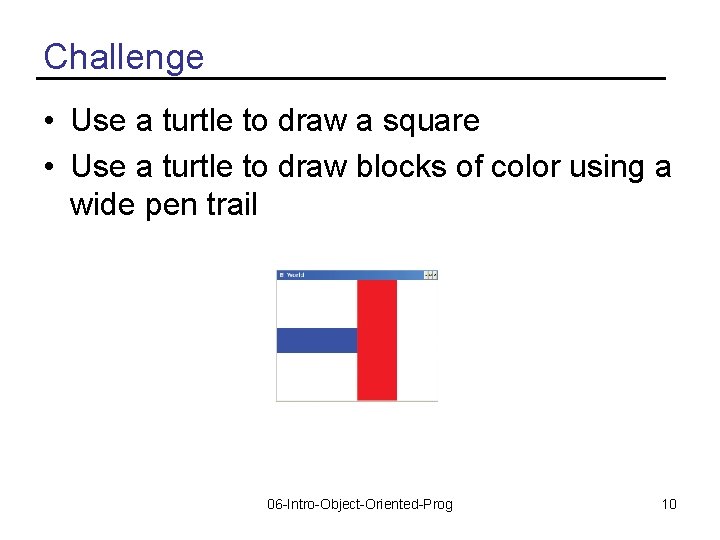
Challenge • Use a turtle to draw a square • Use a turtle to draw blocks of color using a wide pen trail 06 -Intro-Object-Oriented-Prog 10
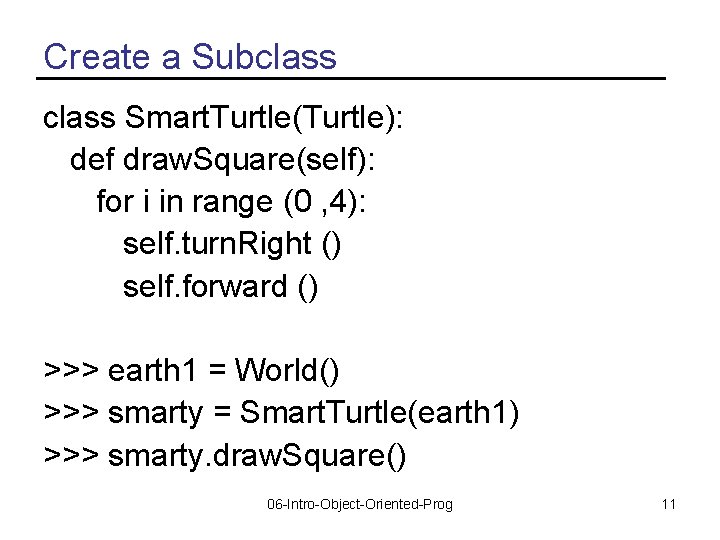
Create a Subclass Smart. Turtle(Turtle): def draw. Square(self): for i in range (0 , 4): self. turn. Right () self. forward () >>> earth 1 = World() >>> smarty = Smart. Turtle(earth 1) >>> smarty. draw. Square() 06 -Intro-Object-Oriented-Prog 11
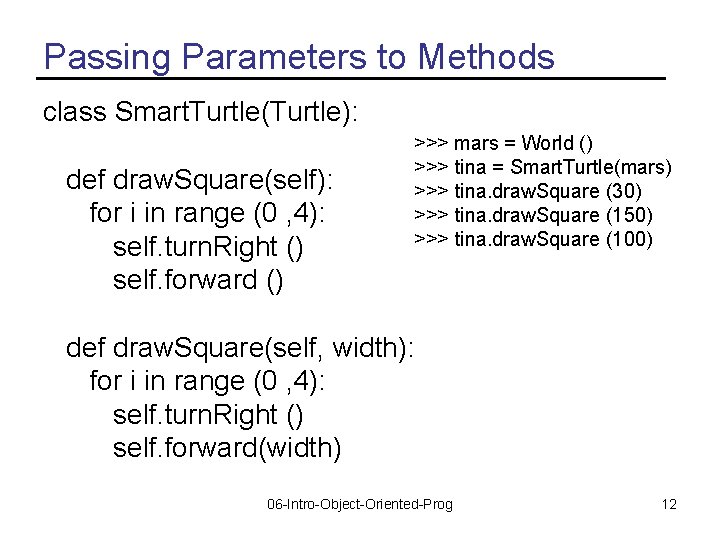
Passing Parameters to Methods class Smart. Turtle(Turtle): def draw. Square(self): for i in range (0 , 4): self. turn. Right () self. forward () >>> mars = World () >>> tina = Smart. Turtle(mars) >>> tina. draw. Square (30) >>> tina. draw. Square (150) >>> tina. draw. Square (100) def draw. Square(self, width): for i in range (0 , 4): self. turn. Right () self. forward(width) 06 -Intro-Object-Oriented-Prog 12
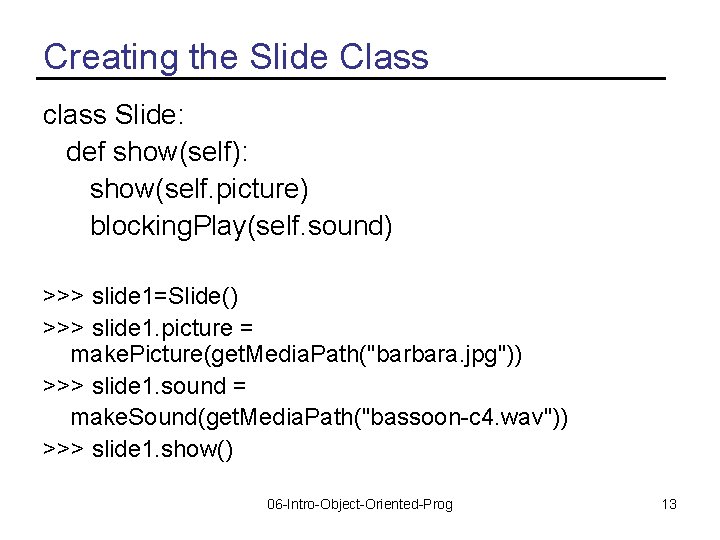
Creating the Slide Class class Slide: def show(self): show(self. picture) blocking. Play(self. sound) >>> slide 1=Slide() >>> slide 1. picture = make. Picture(get. Media. Path("barbara. jpg")) >>> slide 1. sound = make. Sound(get. Media. Path("bassoon-c 4. wav")) >>> slide 1. show() 06 -Intro-Object-Oriented-Prog 13
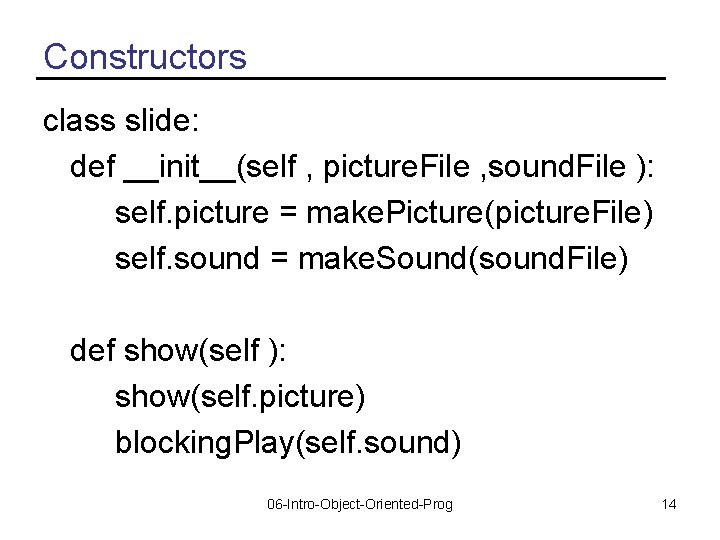
Constructors class slide: def __init__(self , picture. File , sound. File ): self. picture = make. Picture(picture. File) self. sound = make. Sound(sound. File) def show(self ): show(self. picture) blocking. Play(self. sound) 06 -Intro-Object-Oriented-Prog 14
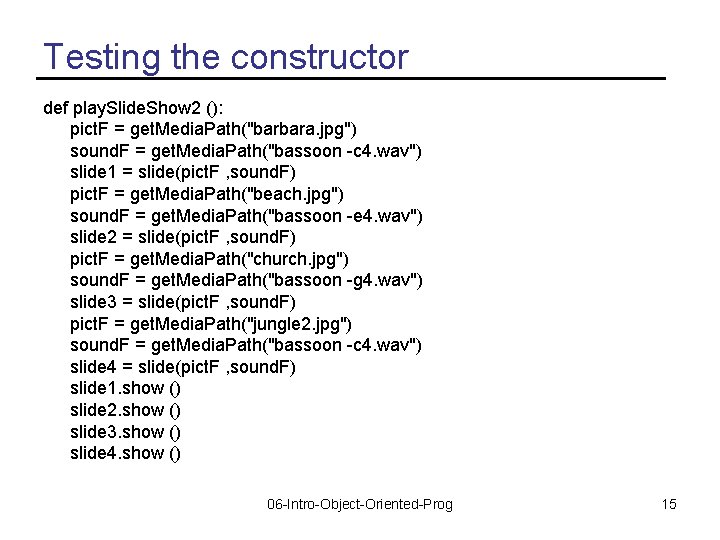
Testing the constructor def play. Slide. Show 2 (): pict. F = get. Media. Path("barbara. jpg") sound. F = get. Media. Path("bassoon -c 4. wav") slide 1 = slide(pict. F , sound. F) pict. F = get. Media. Path("beach. jpg") sound. F = get. Media. Path("bassoon -e 4. wav") slide 2 = slide(pict. F , sound. F) pict. F = get. Media. Path("church. jpg") sound. F = get. Media. Path("bassoon -g 4. wav") slide 3 = slide(pict. F , sound. F) pict. F = get. Media. Path("jungle 2. jpg") sound. F = get. Media. Path("bassoon -c 4. wav") slide 4 = slide(pict. F , sound. F) slide 1. show () slide 2. show () slide 3. show () slide 4. show () 06 -Intro-Object-Oriented-Prog 15
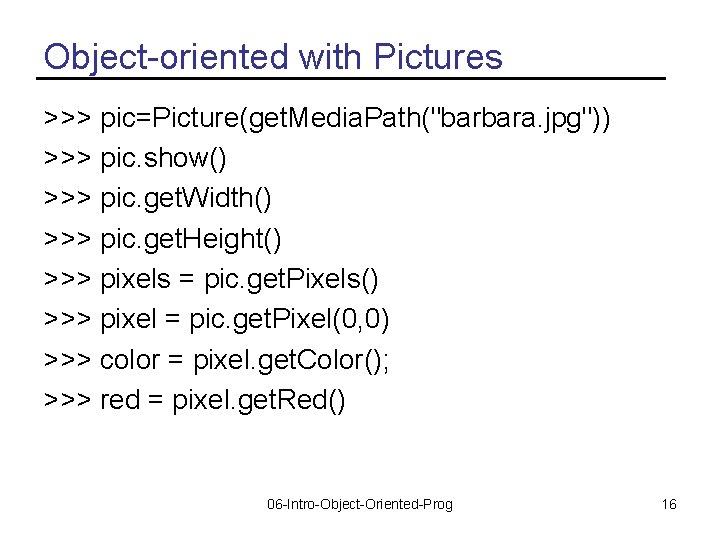
Object-oriented with Pictures >>> pic=Picture(get. Media. Path("barbara. jpg")) >>> pic. show() >>> pic. get. Width() >>> pic. get. Height() >>> pixels = pic. get. Pixels() >>> pixel = pic. get. Pixel(0, 0) >>> color = pixel. get. Color(); >>> red = pixel. get. Red() 06 -Intro-Object-Oriented-Prog 16
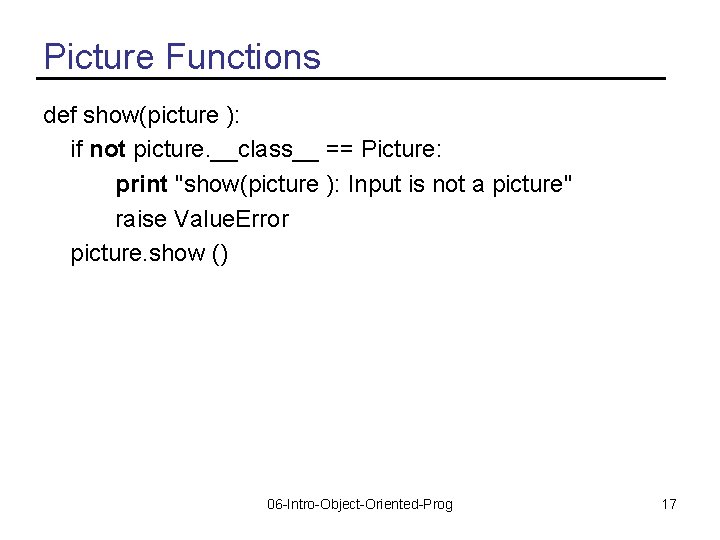
Picture Functions def show(picture ): if not picture. __class__ == Picture: print "show(picture ): Input is not a picture" raise Value. Error picture. show () 06 -Intro-Object-Oriented-Prog 17
Summary • Procedural programming has a focus on the procedures (tasks) • Object-oriented programming has a focus on the objects and on simulation • You can create objects from classes in Python – Picture(file) or Class(parameters) • You can create subclasses in Python – class Smart. Turtle(Turtle): • You can overload methods by passing different parameters 06 -Intro-Object-Oriented-Prog 18
- Slides: 18