
INTRODUCTION TO NETWORKING COMPUTER NETWORK Term network l

- Slides: 23
INTRODUCTION TO NETWORKING
COMPUTER NETWORK Term network: l Anything that resembles a net in how it looks or functions. Computer Network: l Multiple computers and devices that are all connected together. Capabilities of each computer are increased so the user can accomplish more.
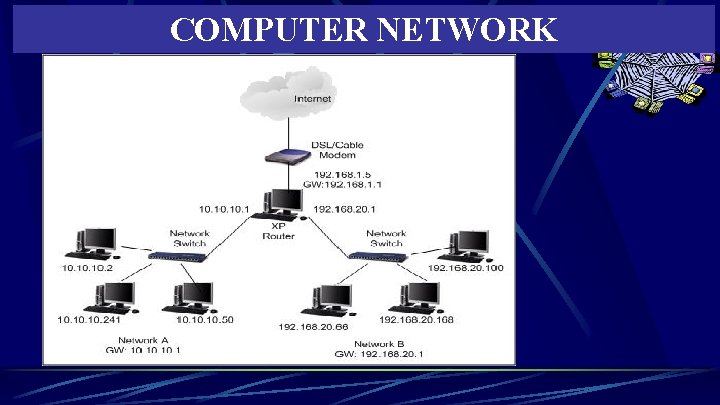
COMPUTER NETWORK
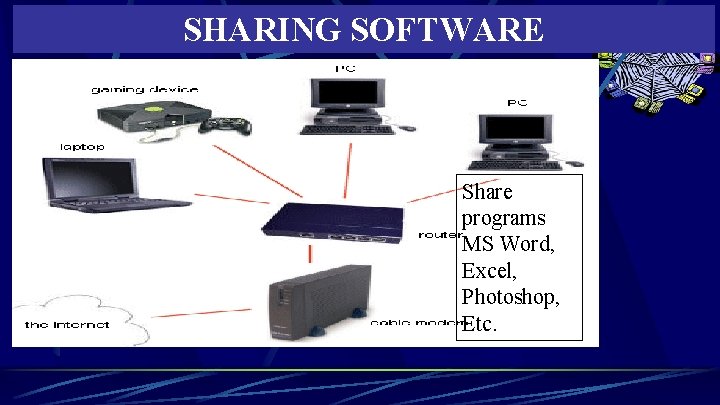
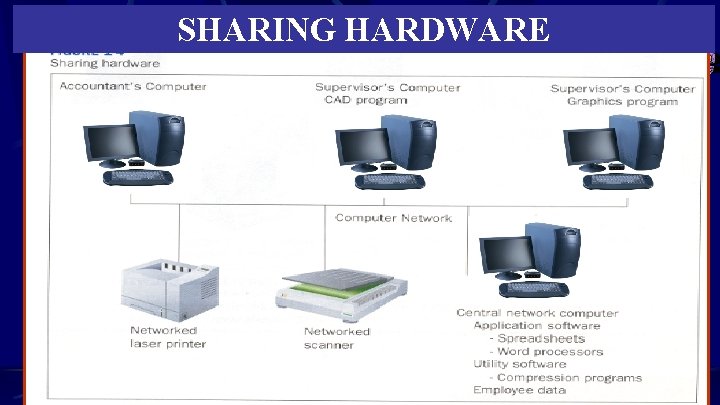
PURPOSES OF COMPUTER NETWORK Share Software and Data l Users can share their hardware & software w/other users on the network but still have the power of the computer on their desks. Share Hardware Improve Communication Centralize Management Not all software can be Installed on a network. A special software is Required for it to function Properly on the Network.
SHARING SOFTWARE Share programs MS Word, Excel, Photoshop, Etc.
HARDWARE THAT CAN BE SHARED Printers l Fax Machines l Scanners l Modems l Hard Disk Drives l CD-Rom drives l DVD drives l
SHARING HARDWARE
IMPROVES COMMUNICATION E-mail Electronic Calendars Collaborative Writing Software l Allows different users to add their own revisions, suggestions and comments to a single document Video Conferencing l Allows virtual meetings from remote areas without leaving your desk
GROUPWARE Programs that help people work together collectively even if they are located remotely from each other. Most commonly and widely used groupware is: E-MAIL. Be sure and add to notes—Test Question
CENTRALIZE MANAGEMENT Updates to software can be pushed across the network to all computers eliminating the need to visit every office and perform installation. Problem diagnosis can be performed across the network. Software training for staff can be made available.
NETWORK COMMUNICATIONS VOICE COMMUNICATION TELECOMMUNICATIONS
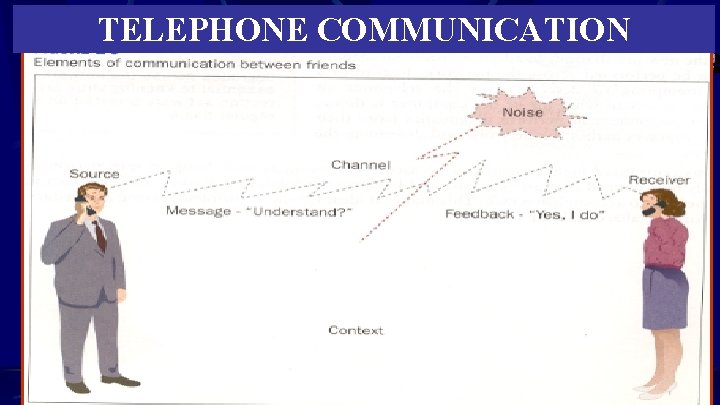
TELEPHONE COMMUNICATION
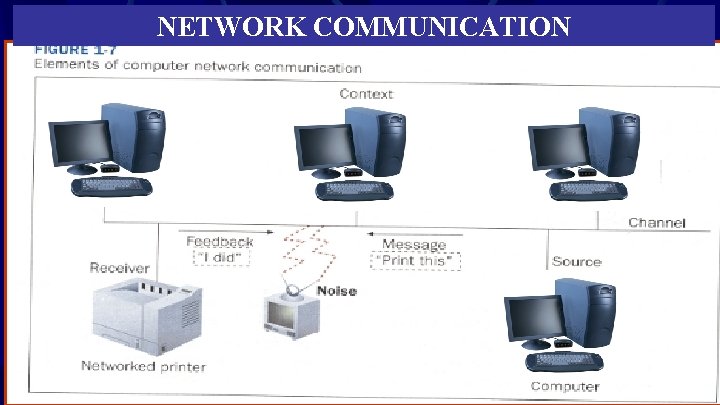
SEVEN ELEMENTS OF COMMUNICATION Source-where the information to be transmitted originates. Message-what needs to be sent Channel-pathway through which the source sends the message Receiver-intended recipient of the message Noise-barriers to communication Feedback-positive or negative response indicating that message was received Context-overall environment through which the communication takes place
NETWORK COMMUNICATION
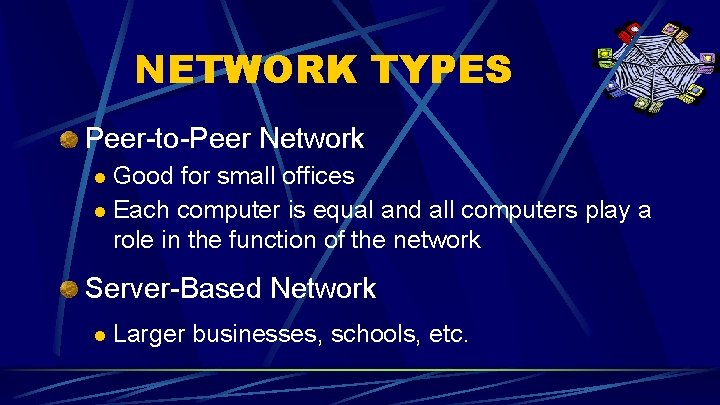
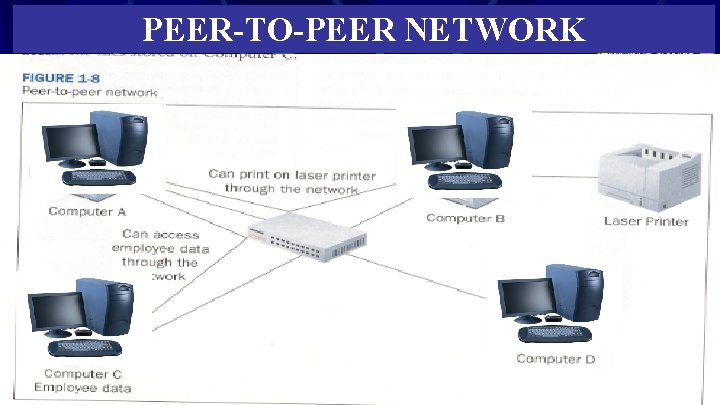
NETWORK TYPES Peer-to-Peer Network Good for small offices l Each computer is equal and all computers play a role in the function of the network l Server-Based Network l Larger businesses, schools, etc.
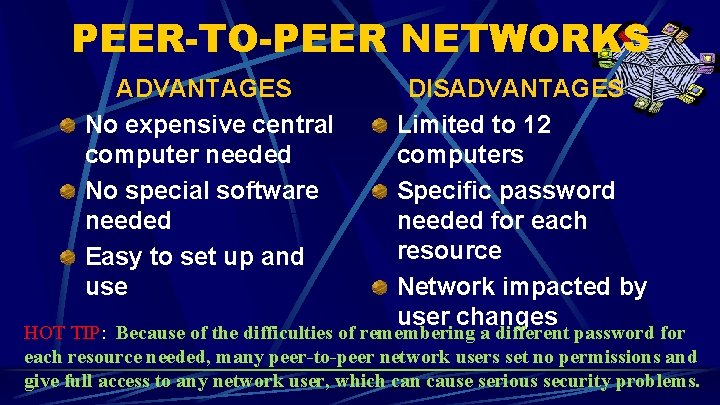
PEER-TO-PEER NETWORKS ADVANTAGES No expensive central computer needed No special software needed Easy to set up and use DISADVANTAGES Limited to 12 computers Specific password needed for each resource Network impacted by user changes HOT TIP: Because of the difficulties of remembering a different password for each resource needed, many peer-to-peer network users set no permissions and give full access to any network user, which can cause serious security problems.
PEER-TO-PEER NETWORK
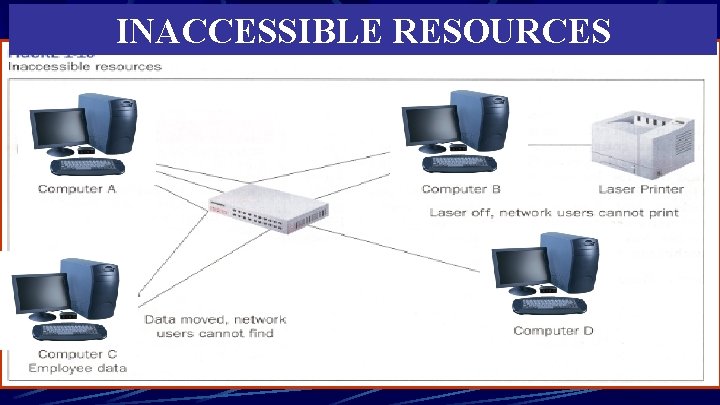
INACCESSIBLE RESOURCES
GEOGRAPHY LOCAL AREA NETWORK (LAN) WIDE AREA NETWORK (WAN)
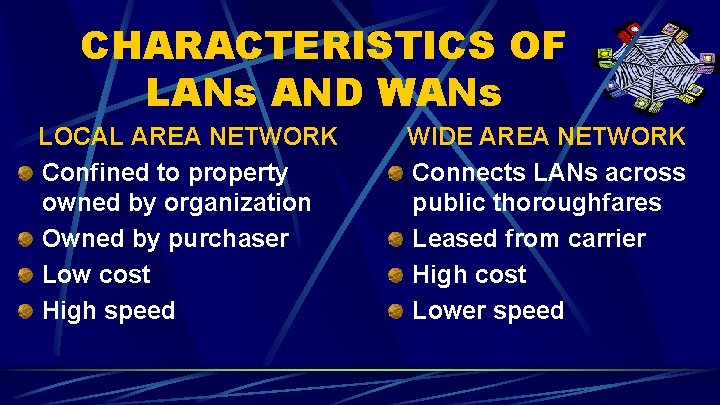
CHARACTERISTICS OF LANs AND WANs LOCAL AREA NETWORK Confined to property owned by organization Owned by purchaser Low cost High speed WIDE AREA NETWORK Connects LANs across public thoroughfares Leased from carrier High cost Lower speed
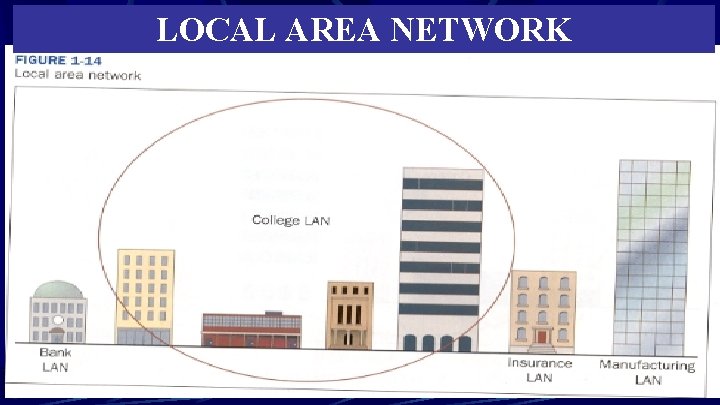
LOCAL AREA NETWORK
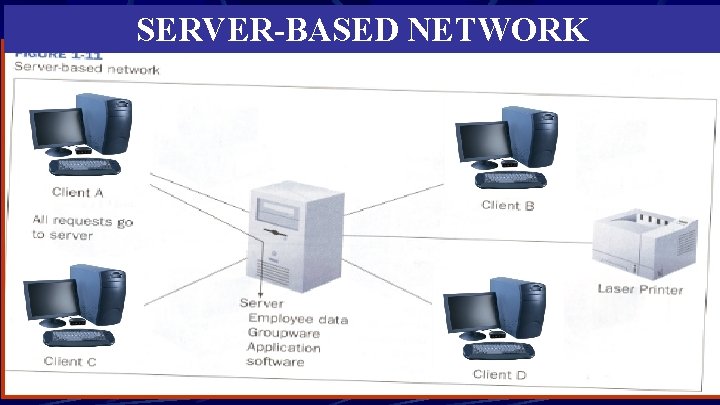
SERVER-BASED NETWORK ADVANTAGES No limit to number of clients Single log-in password Easy to expand DISADVANTAGES Requires expensive servers Needs special software Requires specialized personnel to manage HOT TIP: Expanding a server-based network to accommodate additional users often involves just adding an additional server to the network.
SERVER-BASED NETWORK