
Introduction to MS Dynamics NAV Purchase example and








- Slides: 26
Introduction to MS Dynamics NAV Purchase example and impacts (Inventory, Vendor Ledger Entries and General Ledger Ing. J. Skorkovský, CSc. MASARYK UNIVERSITY BRNO, Czech Republic Faculty of economics and business administration Department of corporate economy
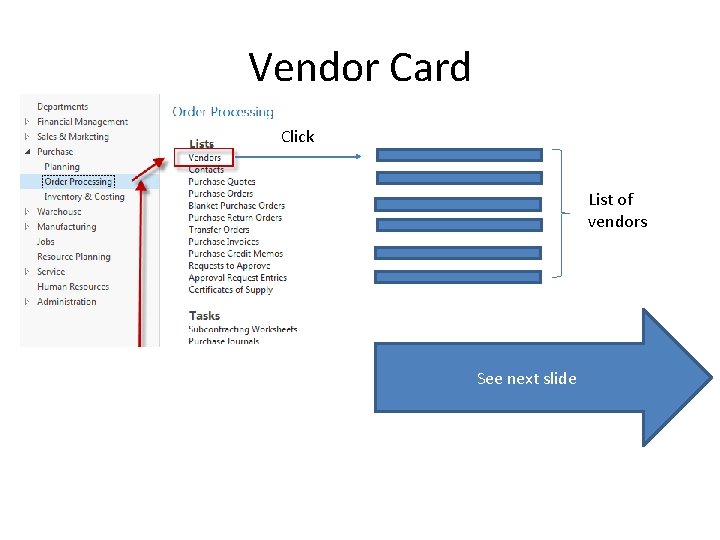
Vendor Card Click List of vendors See next slide
List of Vendors See balance (calculated field ) and explain ! See business history and explain ! Use Edit icon in order to open chosen vendor card
Vendor Card See following tabs : • General - basic fields (country, purchase, balance, . . ) • Communication – basic fields (e-mail, …) • Invoicing - basic fields (posting groups- will part of accounting section of this course) • Payments – basic fields (payment terms- enter new one by use of formula date) • Receiving – basic fields (location) • Foreign trade – basic fields (currency code and language)
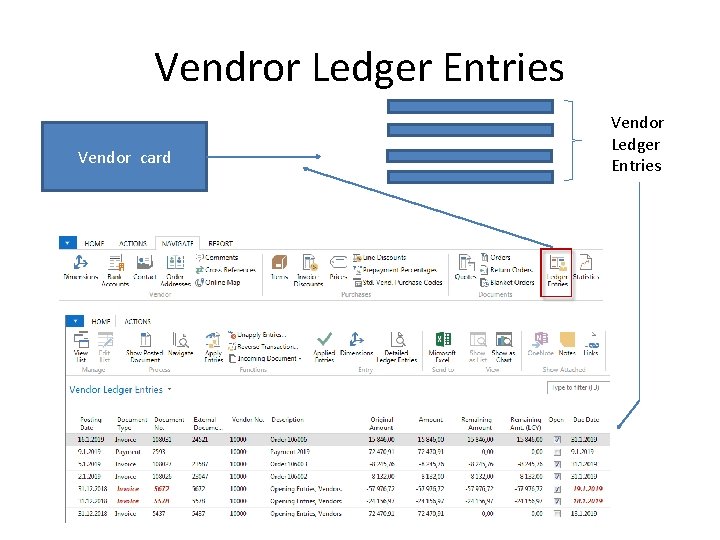
Vendror Ledger Entries Vendor card Vendor Ledger Entries
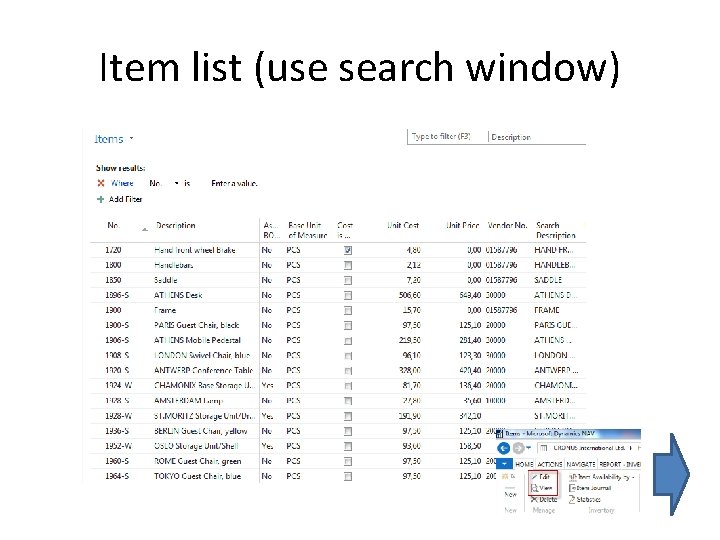
Item list (use search window)
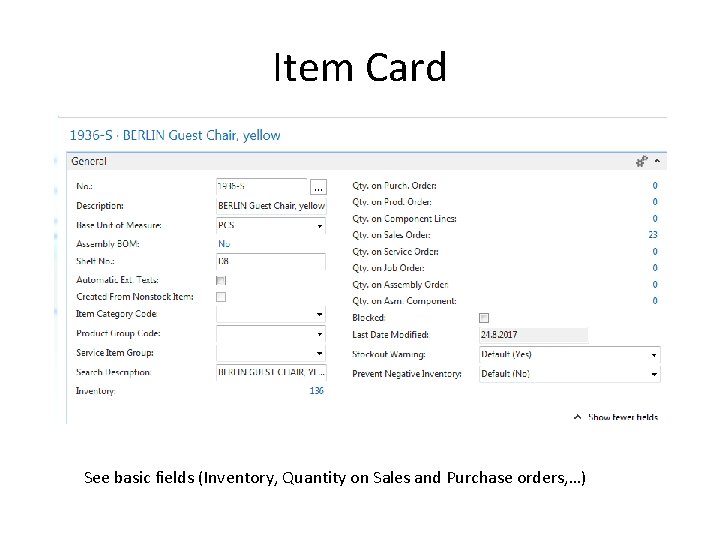
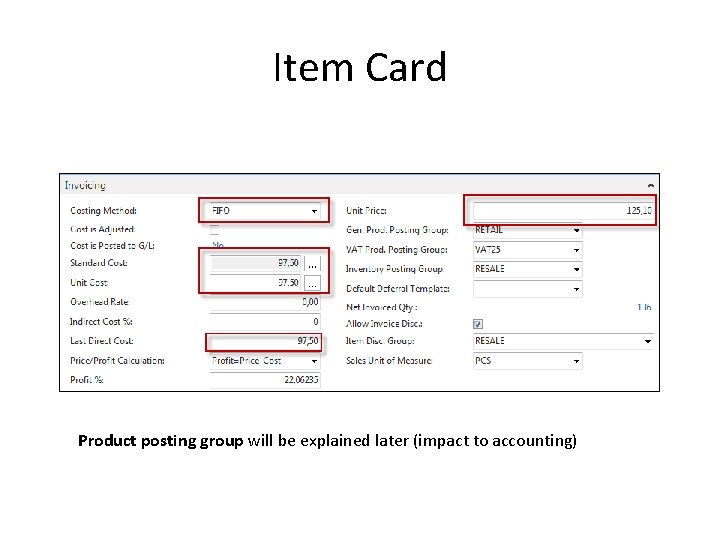
Item Card See basic fields (Inventory, Quantity on Sales and Purchase orders, …)
Item Card Product posting group will be explained later (impact to accounting)
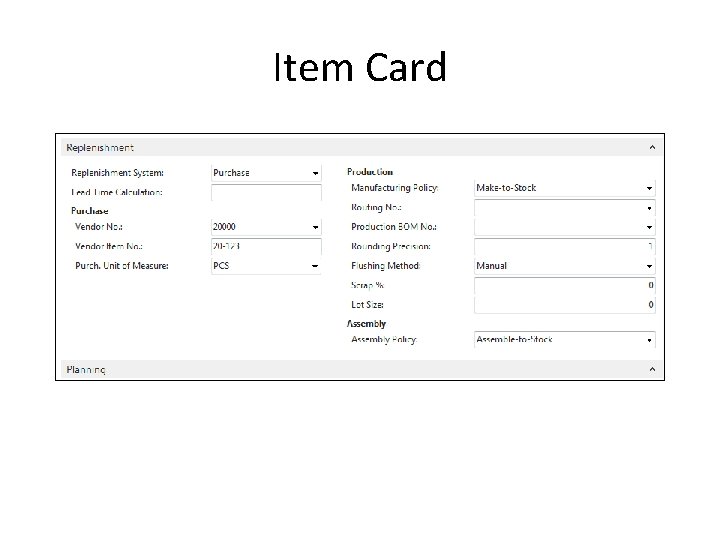
Item Card
Item Ledger Entries By removing filter value see other entry types (purchases, transfers sales, …) !
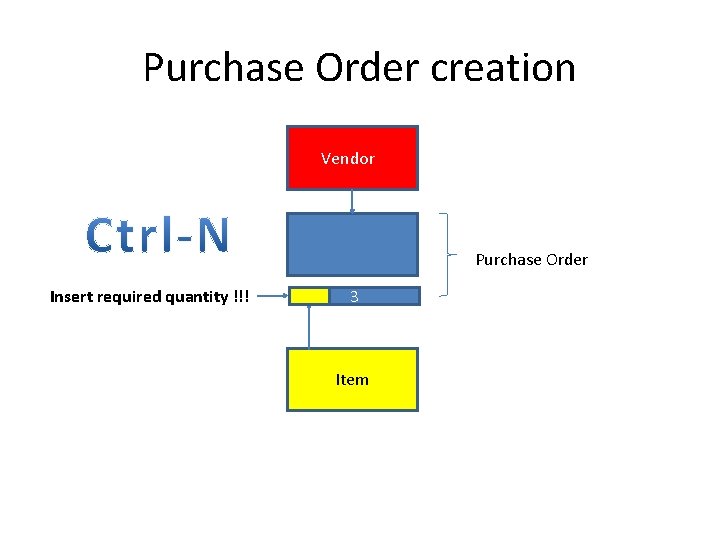
Purchase Order creation Vendor Purchase Order Insert required quantity !!! 3 Item
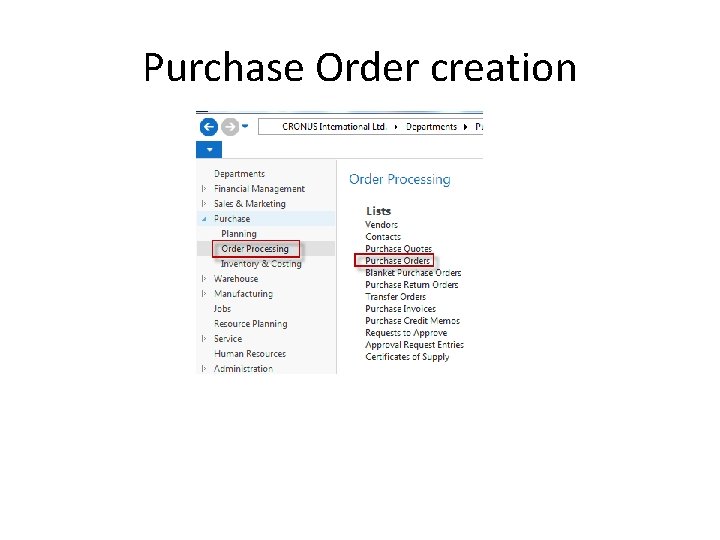
Purchase Order creation
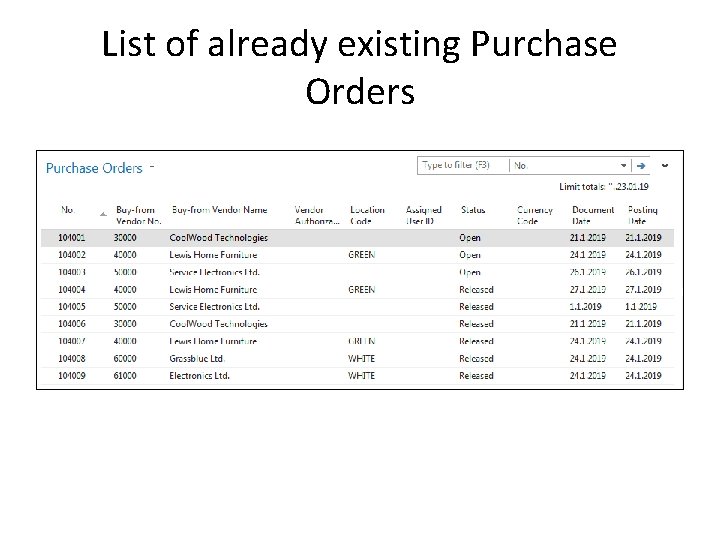
List of already existing Purchase Orders
Purchase Order (PO) - new Double click Empty form of PO structure
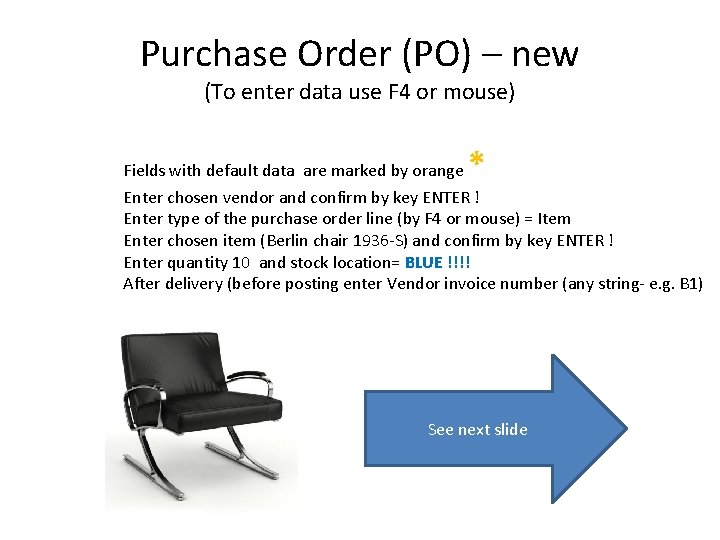
Purchase Order (PO) – new (To enter data use F 4 or mouse) * Fields with default data are marked by orange Enter chosen vendor and confirm by key ENTER ! Enter type of the purchase order line (by F 4 or mouse) = Item Enter chosen item (Berlin chair 1936 -S) and confirm by key ENTER ! Enter quantity 10 and stock location= BLUE !!!! After delivery (before posting enter Vendor invoice number (any string- e. g. B 1) See next slide
Purchase Order (PO)
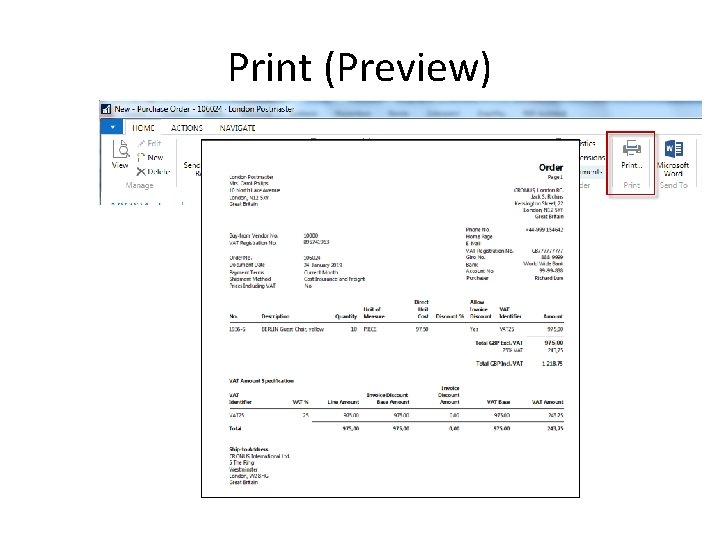
Print (Preview)
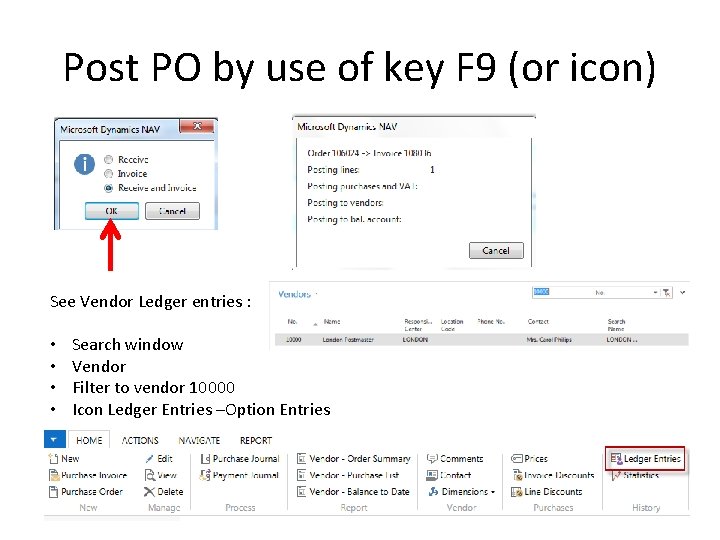
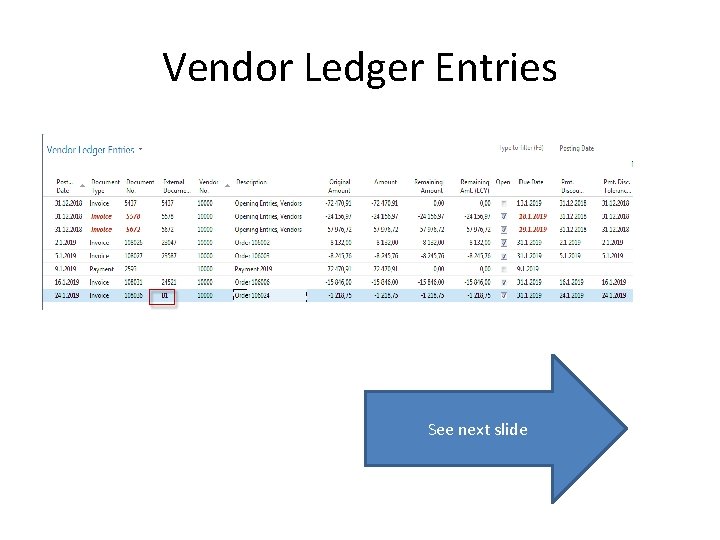
Post PO by use of key F 9 (or icon) See Vendor Ledger entries : • • Search window Vendor Filter to vendor 10000 Icon Ledger Entries –Option Entries
Vendor Ledger Entries See next slide
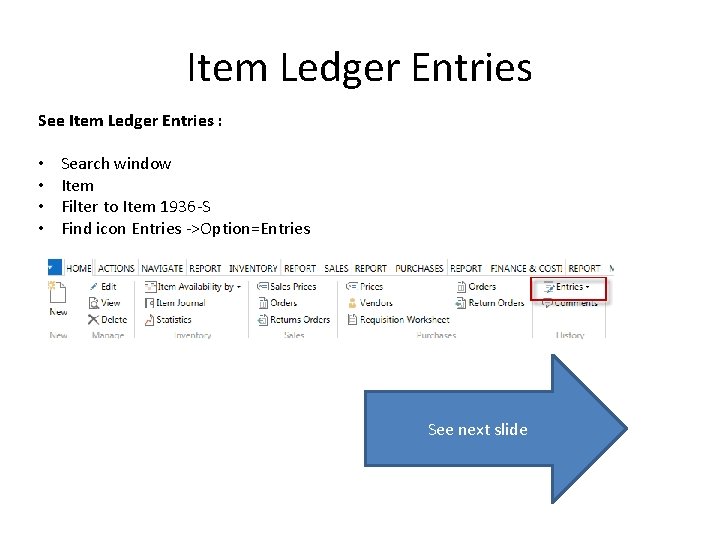
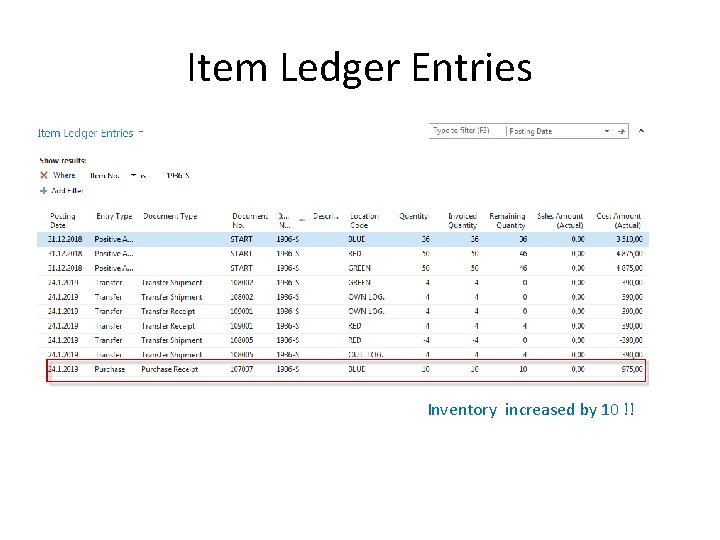
Item Ledger Entries See Item Ledger Entries : • • Search window Item Filter to Item 1936 -S Find icon Entries ->Option=Entries See next slide
Item Ledger Entries Inventory increased by 10 !!
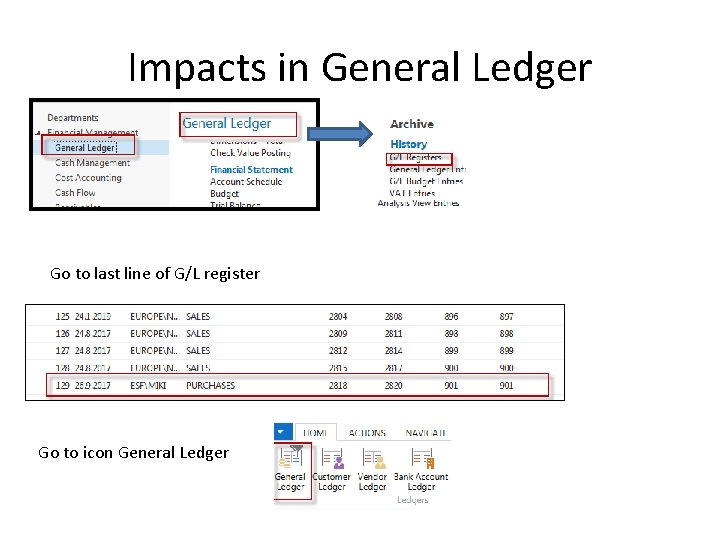
Impacts in General Ledger Go to last line of G/L register Go to icon General Ledger
Impacts in General Ledger Purchase Retail 7110 975, 00 Purchase VAT 25% 5630 243, 75 1218, 75 =975+243, 75 Vendors Domestic 5410 1 218, 75
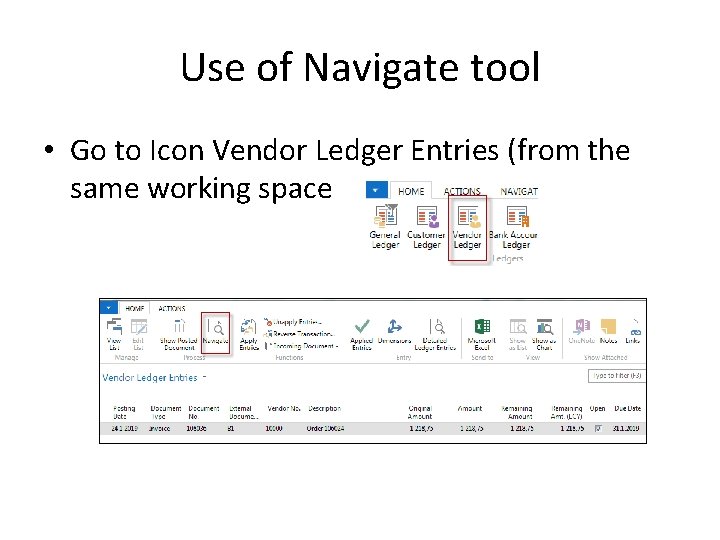
Use of Navigate tool • Go to Icon Vendor Ledger Entries (from the same working space
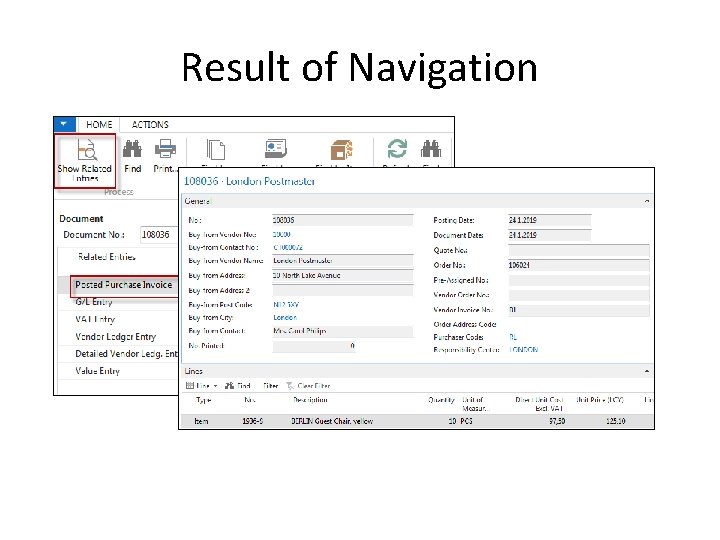
Result of Navigation
End of the section Purchase example and impacts (inventory, Vendor Ledger Entries and General Ledge)