
Introduction to Microsoft Flow Overview Creating My First










- Slides: 29
Introduction to Microsoft Flow Overview Creating My First Flow
Hello, my name is… Manuel Quintana Training Content Manager Co-Author - mquintana@pragmaticworks. com Blog: https: //sqlrican. wordpress. com/ Twitter: @SQLRican
Requirements Permission Needed Access to create Microsoft Flows Free license or Community Edition Access to upload files to One. Drive for Business Access to create and write to a Share. Point List Access to Twitter Technologies Used Microsoft Flow Share. Point One. Drive for Business Twitter The Internet Microsoft Windows XP Professional, Microsoft Windows 7, Microsoft Windows 8, Windows 10
Agenda Microsoft Flow Overview Using Flow Templates Creating Your First Flow From Scratch Designing Approval Flows
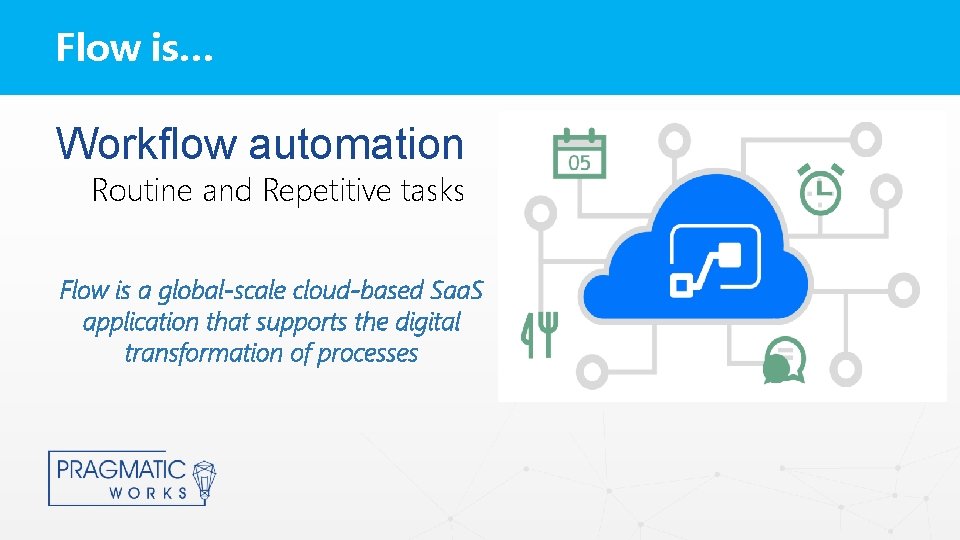
Flow is… Workflow automation Routine and Repetitive tasks Flow is a global-scale cloud-based Saa. S application that supports the digital transformation of processes
Why Automation? • Increase Productivity • Eliminate Inconsistencies • Focus on Business Critical Issues
Business Problems, Flow Solutions Work Force Multiplication Nontechnical staff acts as citizen developers Leveraging drag and drop functionality, not code Systems Integration 225+ Connectors Custom and template solutions Regulation Administration & compliance Data Loss Prevention (DLP) policy
Real World Use Cases Within Power Platform • Power BI • Power Apps • Microsoft Flow
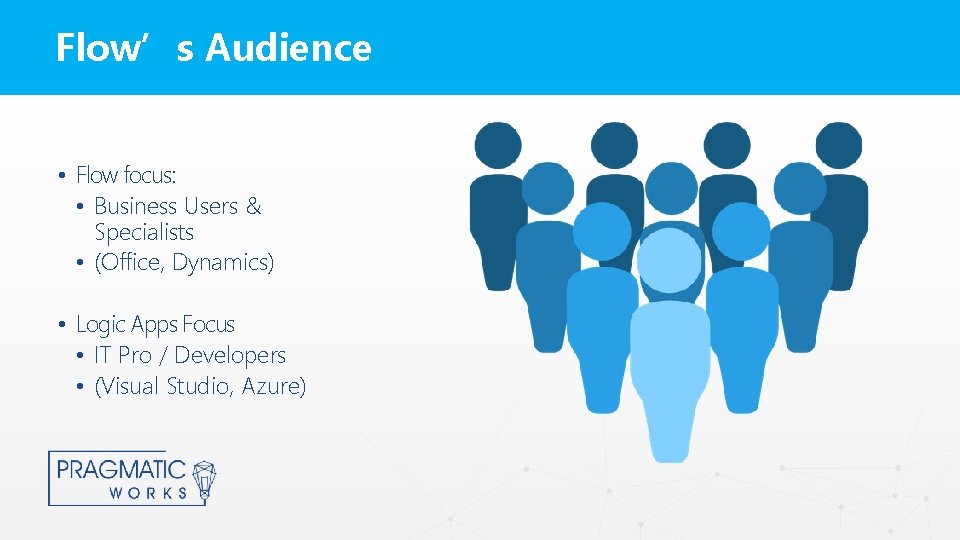
Flow’s Audience • Flow focus: • Business Users & Specialists • (Office, Dynamics) • Logic Apps Focus • IT Pro / Developers • (Visual Studio, Azure)
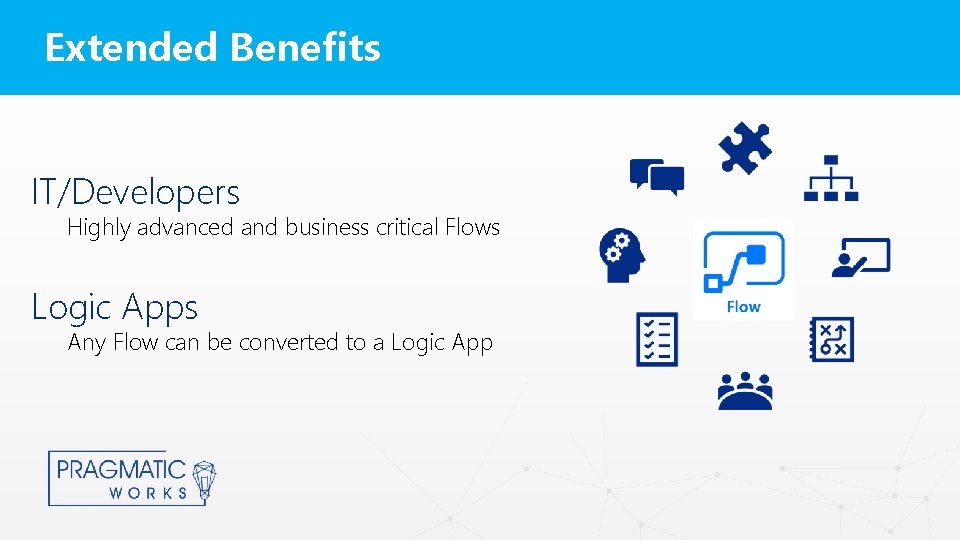
Extended Benefits IT/Developers Highly advanced and business critical Flows Logic Apps Any Flow can be converted to a Logic App
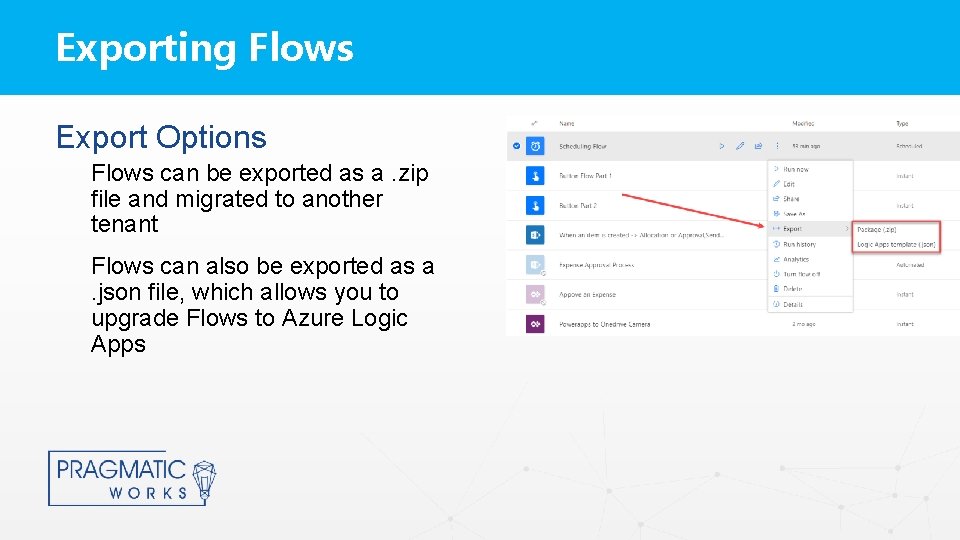
Exporting Flows Export Options Flows can be exported as a. zip file and migrated to another tenant Flows can also be exported as a. json file, which allows you to upgrade Flows to Azure Logic Apps
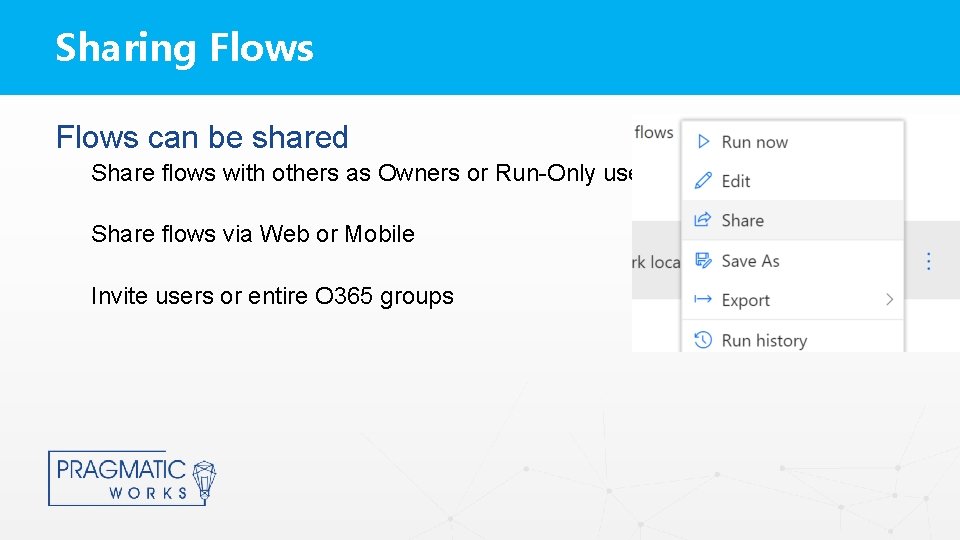
Sharing Flows can be shared Share flows with others as Owners or Run-Only users Share flows via Web or Mobile Invite users or entire O 365 groups
Flow Owners can create, delete, and modify Flows By default the Flow Creator is the Flow Owner Flows can have multiple owners My Flows vs Team Flows When a Flow has multiple Owners it becomes a Team Flow and will appear in the Team Flows tab instead of My Flows tab
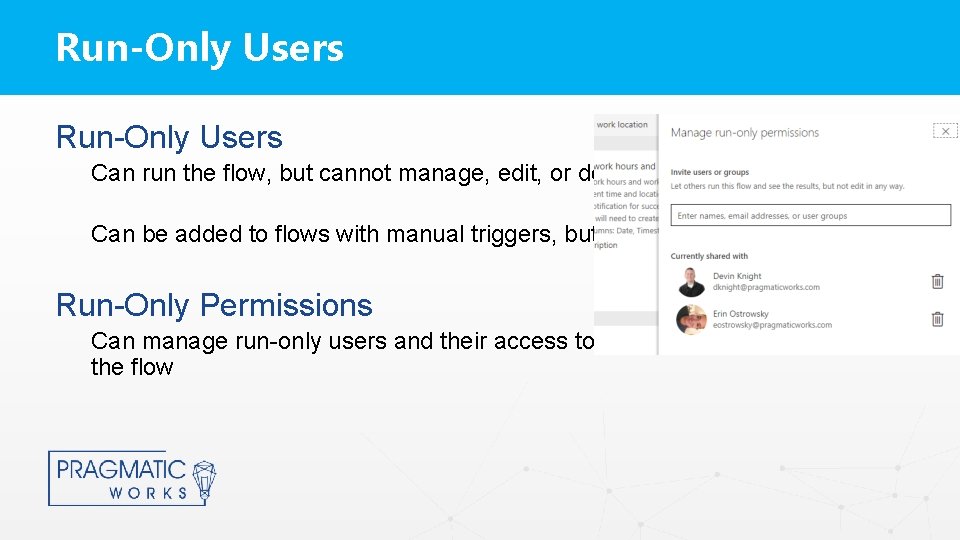
Run-Only Users Can run the flow, but cannot manage, edit, or delete the flow Can be added to flows with manual triggers, buttons, sharepoint, etc. Run-Only Permissions Can manage run-only users and their access to connections used within the flow
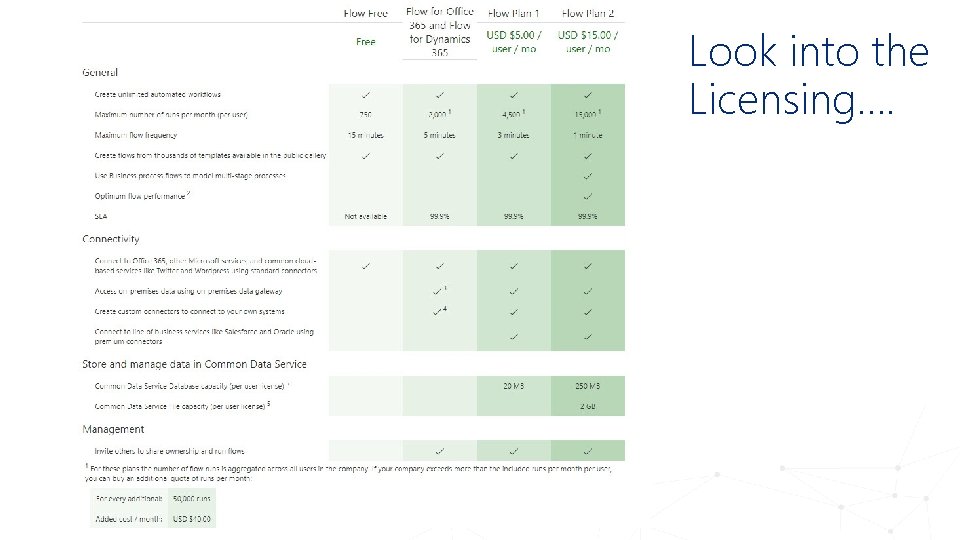
Look into the Licensing….
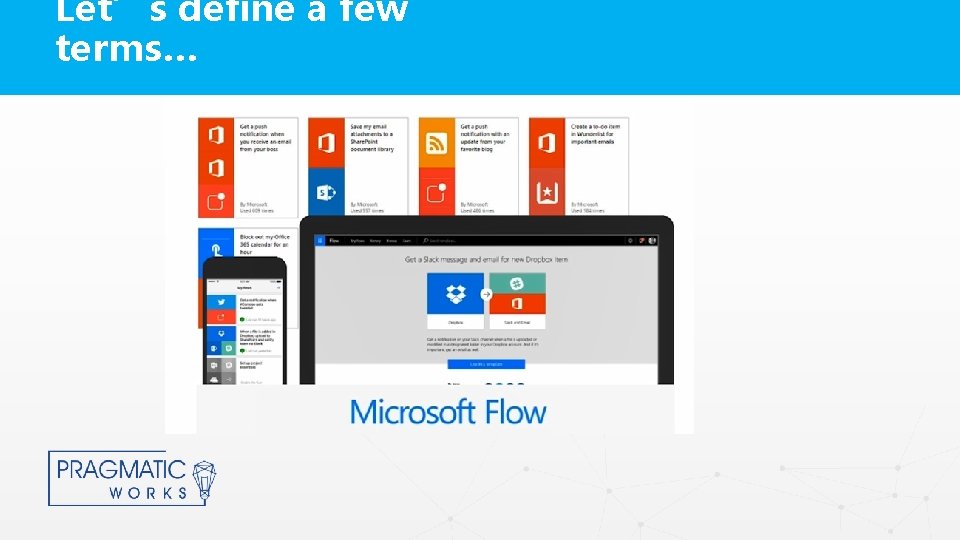
Let’s define a few terms…
Triggers & Actions Triggers Sets the flow in motion An Event A Button Scheduled Actions What you want to happen when a trigger is invoked Workflow Definition Language
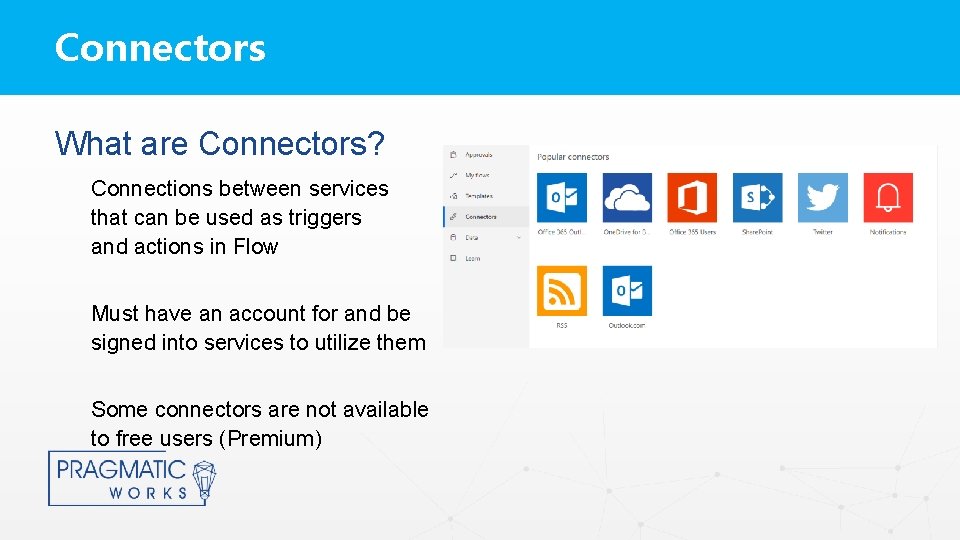
Connectors What are Connectors? Connections between services that can be used as triggers and actions in Flow Must have an account for and be signed into services to utilize them Some connectors are not available to free users (Premium)
Connectors Data Explorer
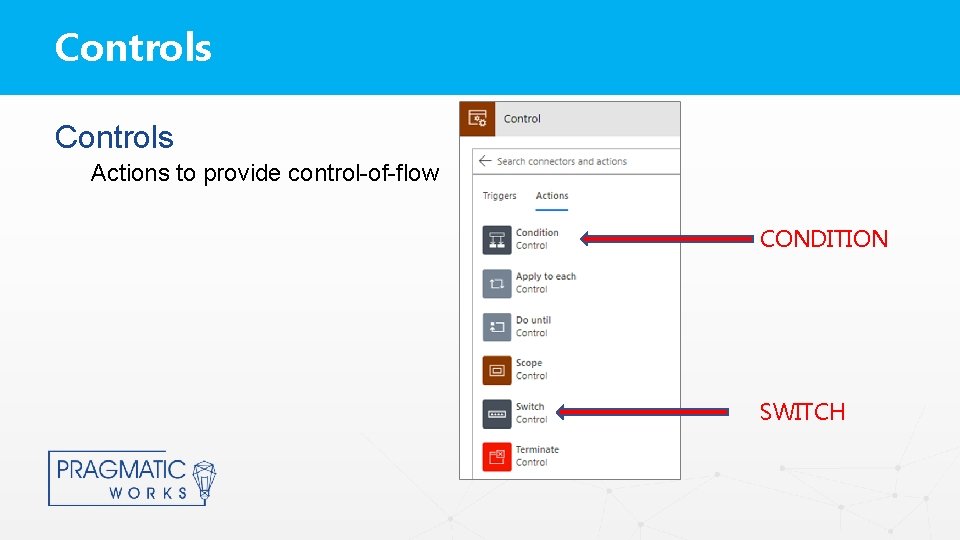
Controls Actions to provide control-of-flow CONDITION SWITCH
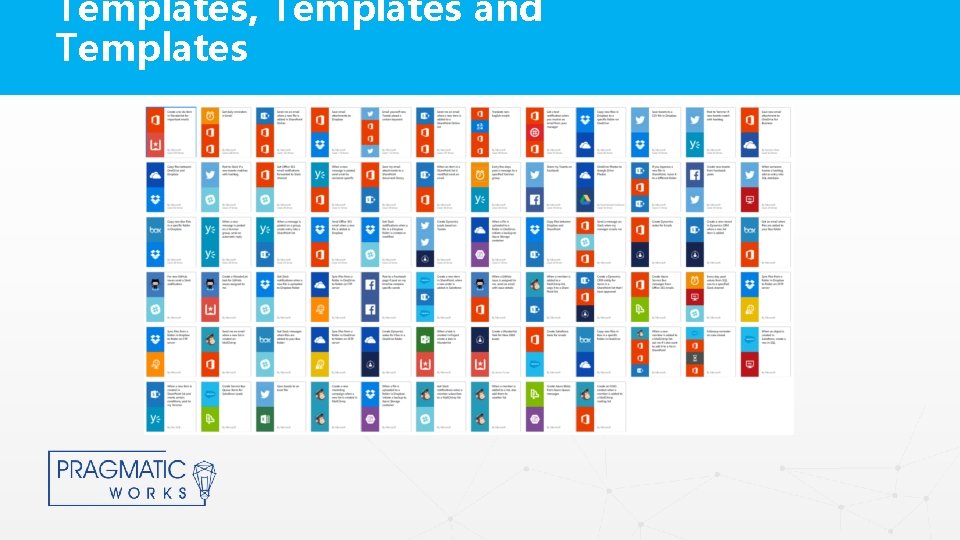
Flow Templates What is a Template? A pre-built flow that performs one or more tasks automatically after it is triggered by an event Can be modified to fit your specific needs Can be examined as a Learning Tool Can be uploaded to the Microsoft Flow Community for sharing
Templates, Templates and Templates
Event Flows What is the Trigger? Based on an event that occurs in another service Example When a new row is added to a Share. Point List then…
On-Demand Flows What is the Trigger? Manually run based on user action Initiating the Flow From dedicated Flow button From other apps like Power. Apps, Share. Point, and others Example When I push a button on my phone then…
Scheduling Flows What is the Trigger? A schedule date and time occurring Example When it is a weekday at 9: 00 AM then…
Approval Flows What is an Approval Flow? Quickly and easily manage the approval of documents or processes across services Easily incorporates O 365 users and groups
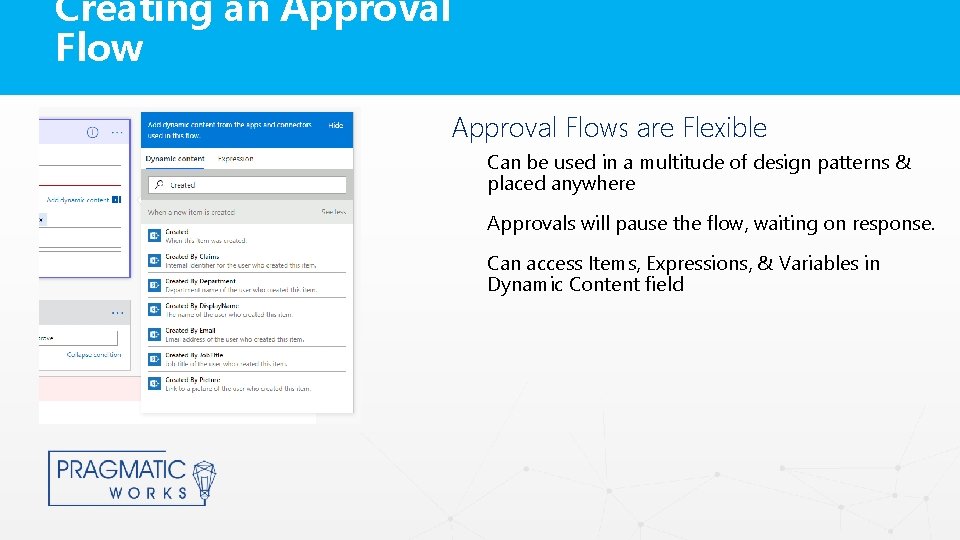
Creating an Approval Flows are Flexible Can be used in a multitude of design patterns & placed anywhere Approvals will pause the flow, waiting on response. Can access Items, Expressions, & Variables in Dynamic Content field
Interacting with Approval Requests Can Interact with Approval Requests via multiple interfaces: Email Web Mobile App
Getting Started with Flow Creating a Flow Using a Template Creating a Flow from Scratch Demonstration