
Introduction To MATLAB Lab 1 20191440 By Elham

Introduction To MATLAB Lab 1 – 2019/1440 By: Elham Sunbu
OUTLINE • Matlab introduction • Why Matlab • Matlab Software install and interface

Matlab introduction • Mat. Lab : Matrix Laboratory • Numerical Computations with matrices Every number can be represented as matrix • Why Matlab? User Friendly (GUI) Easy to work with Powerful tools for complex mathematics It was originally designed for solving linear algebra type problems using matrices
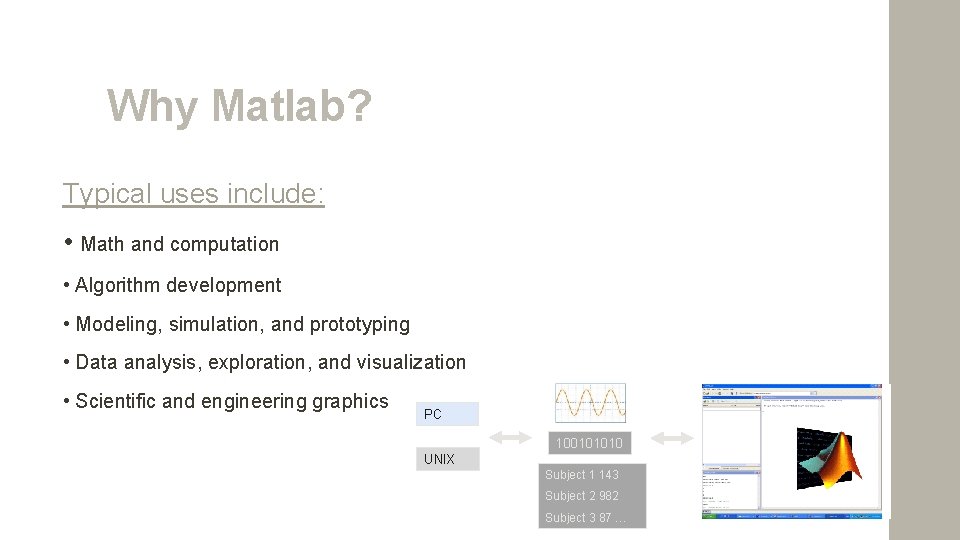
Why Matlab? Typical uses include: • Math and computation • Algorithm development • Modeling, simulation, and prototyping • Data analysis, exploration, and visualization • Scientific and engineering graphics PC 100101010 UNIX Subject 1 143 Subject 2 982 Subject 3 87 …
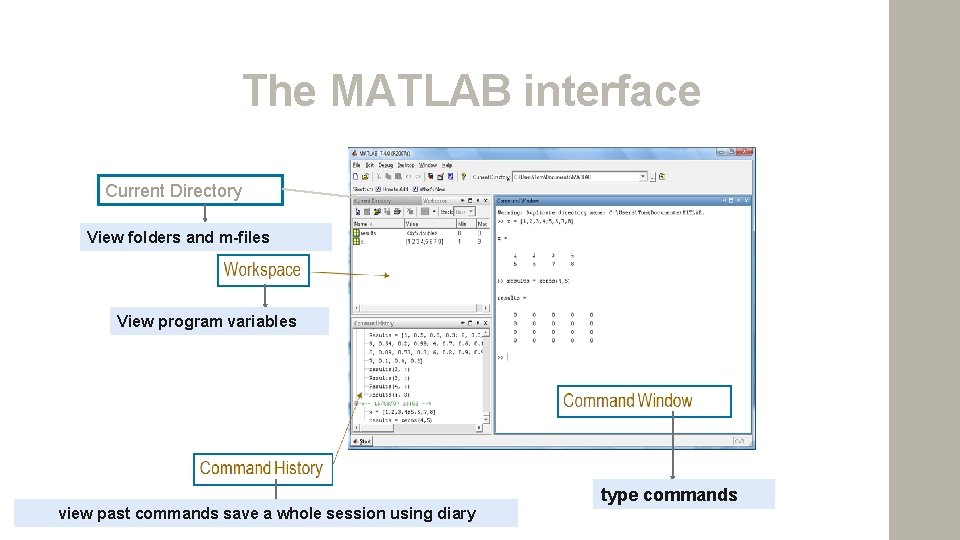
The MATLAB interface Current Directory View folders and m-files View program variables view past commands save a whole session using diary type commands
Matlab Special Variables • ans: default variable name • pi: ratio of circle circumference to its diameter, π = 3. 1415926. . . • eps: smallest amount by which two numbers can differ • inf or Inf: infinity • nan or Na. N: not-a-number, e. g. 0/0 • date: current date in a character string format, such as 19 -Mar-1998
Commands Involving Variables • who: lists the names of defined variables • whos: lists the names and sizes of defined variables • clear: clears all variables, resets default values of special variables • clear var: clears variable var • clc: clears the command window, homes the cursor (moves the prompt to the top line), but does not affect variables • clf: clears the current figure and thus clears the graph window. • more on: enables paging of the output in the command window • more off: disables paging of the output in the command window.

Introduction To Simulink Lab sheet 3 – 2017/1439 By: Elham Sunbu
OUTLINE Contents Simulink Modeling examples SIMULINK
Simulink – Used to model, analyze and simulate dynamic systems using block diagrams. – Fully integrated with MATLAB , easy and fast to learn and flexible. – Provides a graphical user interface for constructing block diagram of a system – therefore is easy to use. – C codes can be generated from Simulink models for embedded applications and rapid prototyping of control systems.
Simulink – Model – simplified representation of a system – e. g. using mathematical equation. – We simulate a model to study the behavior of a system – need to verify that our model is correct – expect results. Knowing how to use Simulink or MATLAB does not mean that you know how to model a system
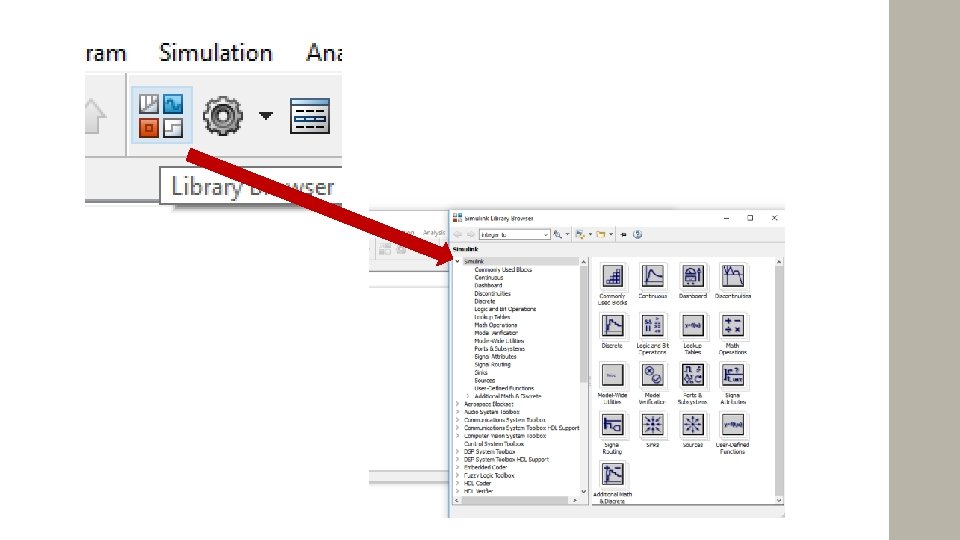
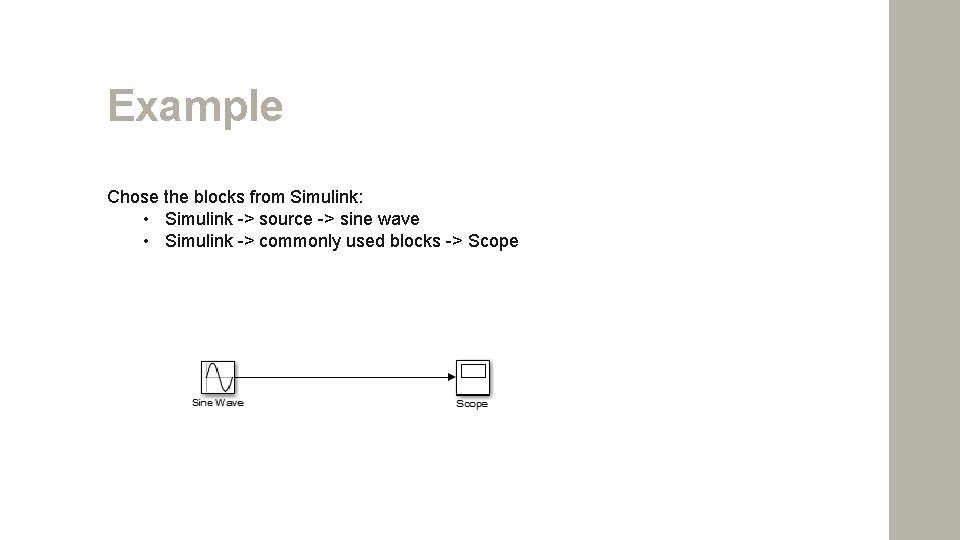
Example Chose the blocks from Simulink: • Simulink -> source -> sine wave • Simulink -> commonly used blocks -> Scope
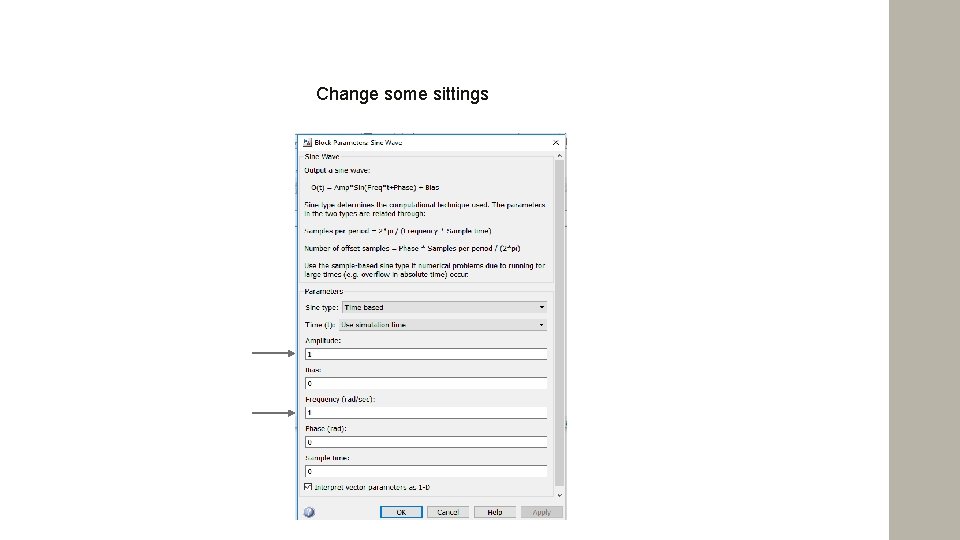
Change some sittings
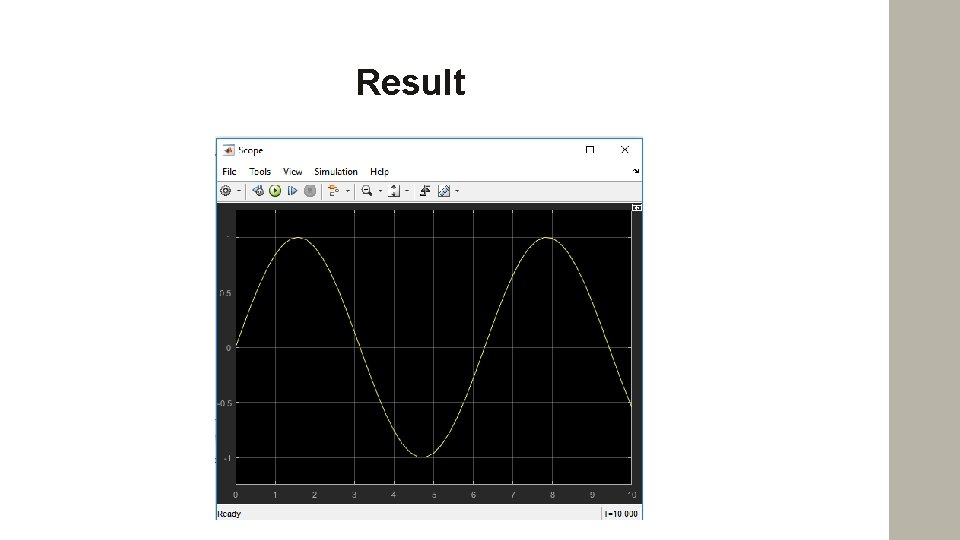
Result
Reference • Internet – search engine • Mastering MATLAB 6 (Prentice Hall) Duane Hanselman Bruce Littlefield

Thank You 17
- Slides: 17