
Introduction to Matlab By Ycel zbek Outline q
Introduction to Matlab By: İ. Yücel Özbek
Outline: q n n n n What is Matlab? Matlab Screen Variables, array, matrix, indexing Operators (Arithmetic, relational, logical ) Display Facilities Flow Control Using of M-File Writing User Defined Functions Conclusion
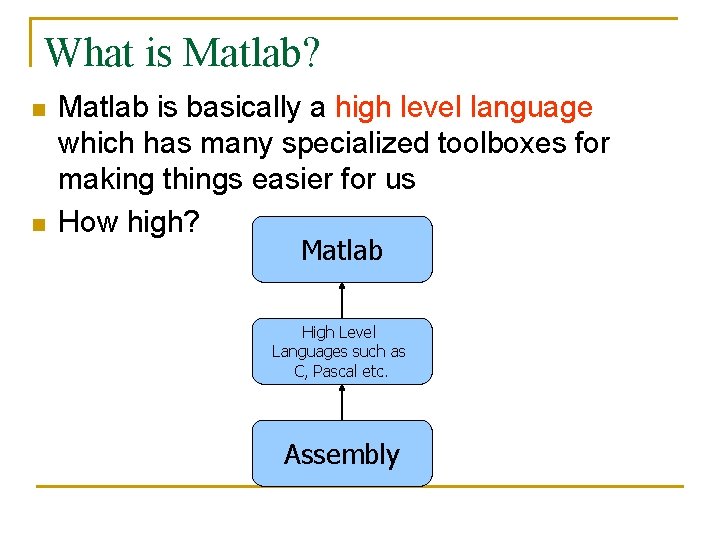
What is Matlab? n n Matlab is basically a high level language which has many specialized toolboxes for making things easier for us How high? Matlab High Level Languages such as C, Pascal etc. Assembly

What are we interested in? n n Matlab is too broad for our purposes in this course. The features we are going to require is Series of Matlab commands Matlab m-files functions Input Output capability Command Line Command execution like DOS command window mat-files Data storage/ loading

Matlab Screen n Command Window q type commands n Current Directory q View folders and m-files n Workspace q View program variables q Double click on a variable to see it in the Array Editor n Command History q view past commands q save a whole session using diary
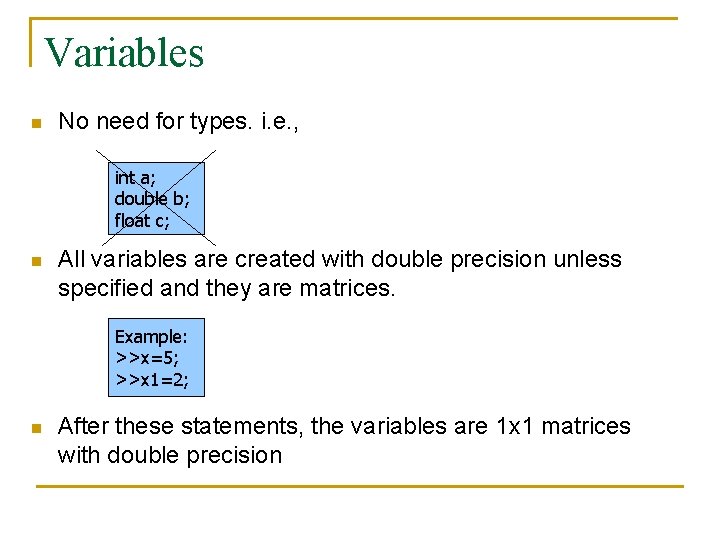
Variables n No need for types. i. e. , int a; double b; float c; n All variables are created with double precision unless specified and they are matrices. Example: >>x=5; >>x 1=2; n After these statements, the variables are 1 x 1 matrices with double precision
![Array, Matrix n a vector x = [1 2 5 1] x = 1](http://slidetodoc.com/presentation_image_h/b1ae2aead96decaa440a93c2f1160945/image-7.jpg "Array, Matrix n a vector x = [1 2 5 1] x = 1")
Array, Matrix n a vector x = [1 2 5 1] x = 1 n 2 5 a matrix 1 x = [1 2 3; 5 1 4; 3 2 -1] x = 1 5 3 n transpose 2 1 2 3 4 -1 y = x’ y = 1 2 5 1
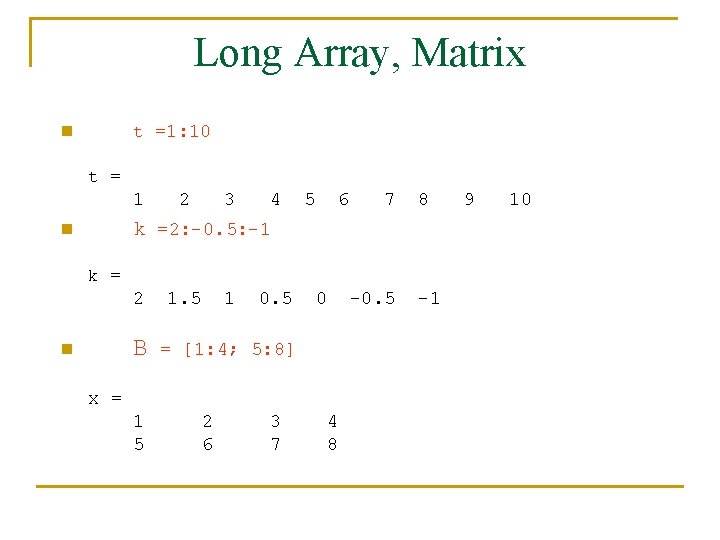
Long Array, Matrix t =1: 10 n t = 1 2 3 4 5 6 7 8 k =2: -0. 5: -1 n k = 2 B n 1. 5 1 0. 5 0 -0. 5 = [1: 4; 5: 8] x = 1 5 2 6 3 7 4 8 -1 9 10

Generating Vectors from functions n zeros(M, N) Mx. N matrix of zeros n ones(M, N) Mx. N matrix of ones n rand(M, N) Mx. N matrix of uniformly distributed random numbers on (0, 1) x = zeros(1, 3) x = 0 0 0 x = ones(1, 3) x = 1 1 1 x = rand(1, 3) x = 0. 9501 0. 2311 0. 6068
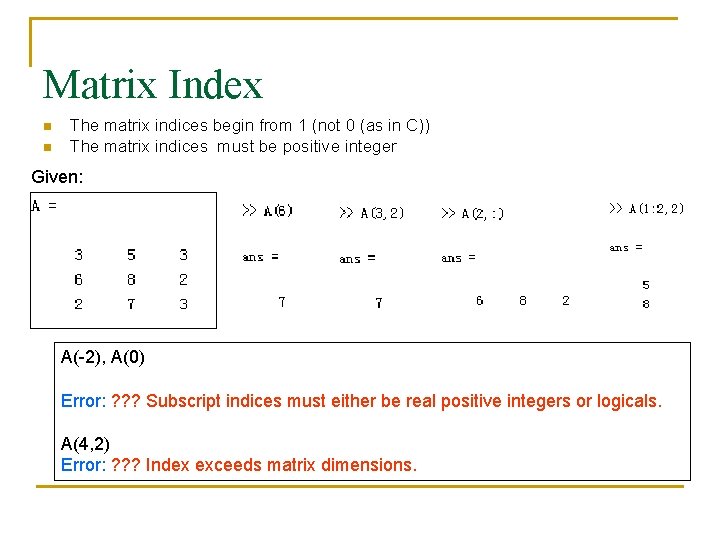
Matrix Index n n The matrix indices begin from 1 (not 0 (as in C)) The matrix indices must be positive integer Given: A(-2), A(0) Error: ? ? ? Subscript indices must either be real positive integers or logicals. A(4, 2) Error: ? ? ? Index exceeds matrix dimensions.
![Concatenation of Matrices n x = [1 2], y = [4 5], z=[ 0](http://slidetodoc.com/presentation_image_h/b1ae2aead96decaa440a93c2f1160945/image-11.jpg "Concatenation of Matrices n x = [1 2], y = [4 5], z=[ 0")
Concatenation of Matrices n x = [1 2], y = [4 5], z=[ 0 0] A = [ x y] 1 2 4 5 B = [x ; y] 1 2 4 5 C = [x y ; z] Error: ? ? ? Error using ==> vertcat CAT arguments dimensions are not consistent.
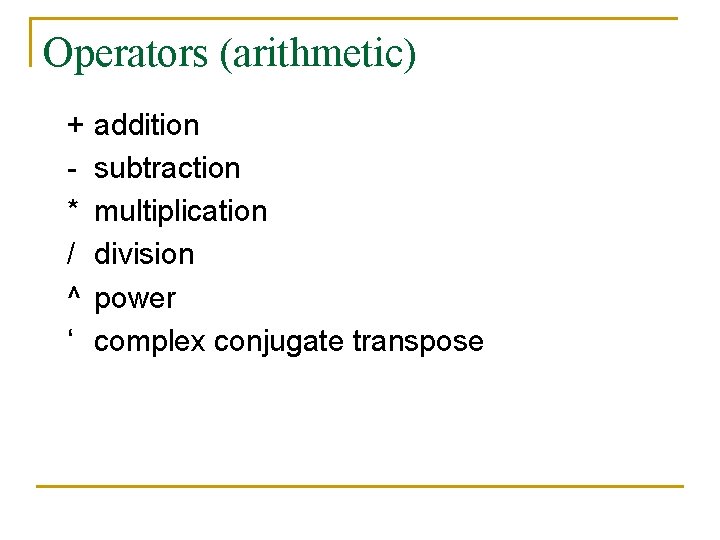
Operators (arithmetic) + * / ^ ‘ addition subtraction multiplication division power complex conjugate transpose
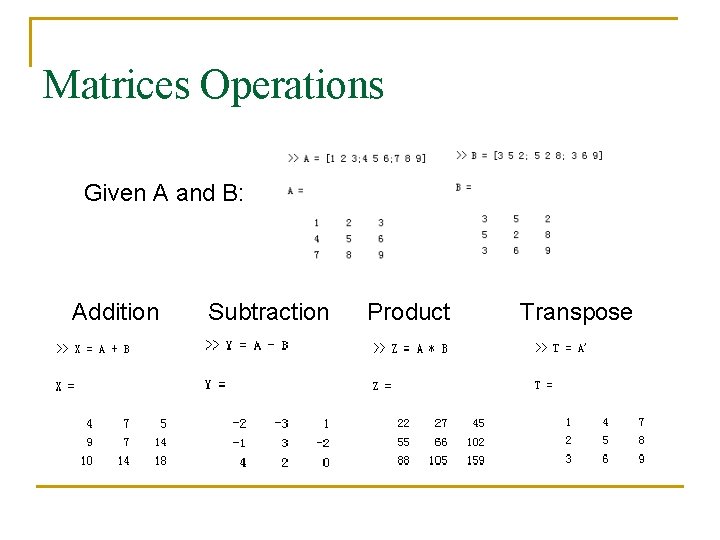
Matrices Operations Given A and B: Addition Subtraction Product Transpose
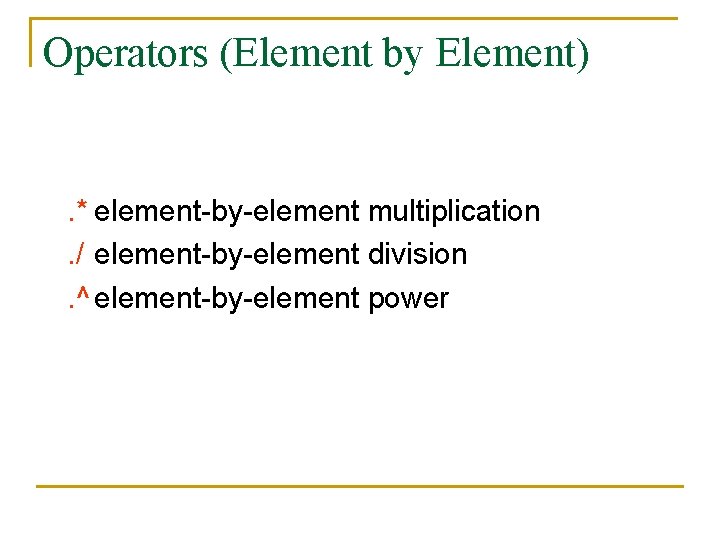
Operators (Element by Element) . * element-by-element multiplication. / element-by-element division. ^ element-by-element power
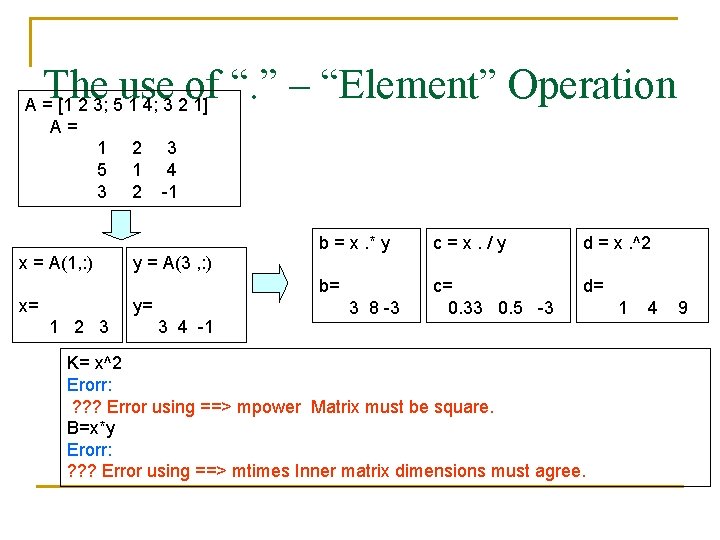
The use of “. ” – “Element” Operation A = [1 2 3; 5 1 4; 3 2 1] A= 1 2 3 5 1 4 3 2 -1 x = A(1, : ) x= y = A(3 , : ) y= 1 2 3 3 4 -1 b = x. * y c=x. /y d = x. ^2 b= c= 0. 33 0. 5 -3 d= 3 8 -3 K= x^2 Erorr: ? ? ? Error using ==> mpower Matrix must be square. B=x*y Erorr: ? ? ? Error using ==> mtimes Inner matrix dimensions must agree. 1 4 9
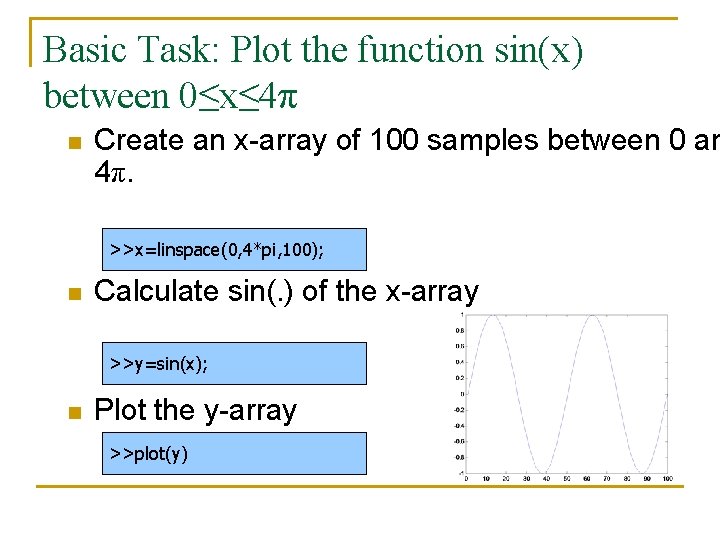
Basic Task: Plot the function sin(x) between 0≤x≤ 4π n Create an x-array of 100 samples between 0 an 4π. >>x=linspace(0, 4*pi, 100); n Calculate sin(. ) of the x-array >>y=sin(x); n Plot the y-array >>plot(y)
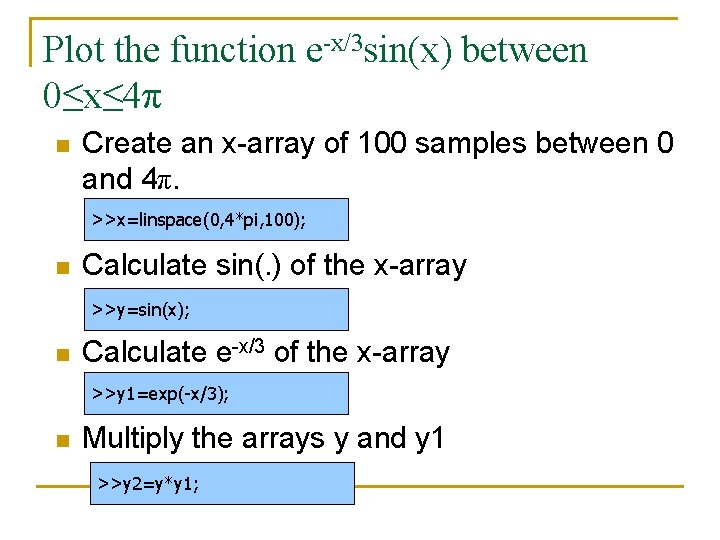
Plot the function e-x/3 sin(x) between 0≤x≤ 4π n Create an x-array of 100 samples between 0 and 4π. >>x=linspace(0, 4*pi, 100); n Calculate sin(. ) of the x-array >>y=sin(x); n Calculate e-x/3 of the x-array >>y 1=exp(-x/3); n Multiply the arrays y and y 1 >>y 2=y*y 1;
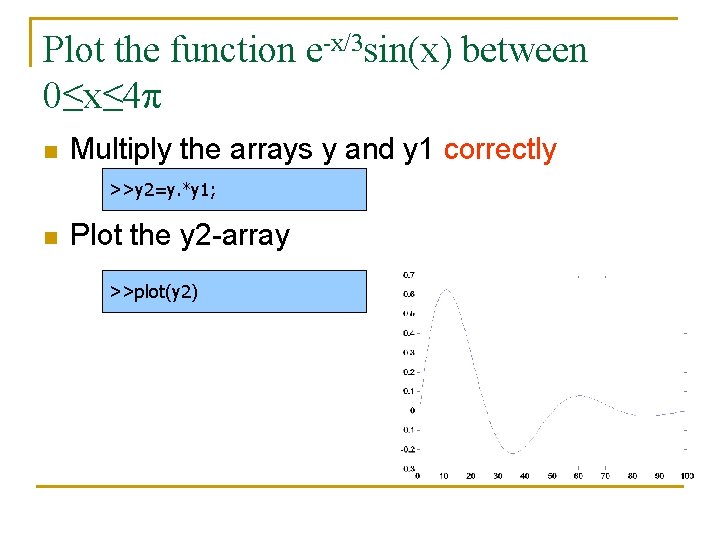
Plot the function e-x/3 sin(x) between 0≤x≤ 4π n Multiply the arrays y and y 1 correctly >>y 2=y. *y 1; n Plot the y 2 -array >>plot(y 2)
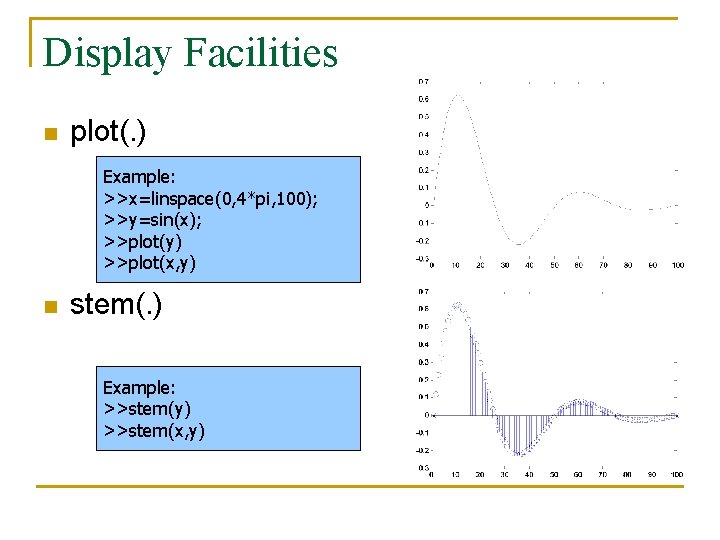
Display Facilities n plot(. ) Example: >>x=linspace(0, 4*pi, 100); >>y=sin(x); >>plot(y) >>plot(x, y) n stem(. ) Example: >>stem(y) >>stem(x, y)

Display Facilities n title(. ) >>title(‘This is the sinus function’) n xlabel(. ) >>xlabel(‘x (secs)’) n ylabel(. ) >>ylabel(‘sin(x)’)

Operators (relational, logical) n n n n == Equal to ~= Not equal to < Strictly smaller > Strictly greater <= Smaller than or equal to >= Greater than equal to & And operator | Or operator
Flow Control n n n if for while break ….
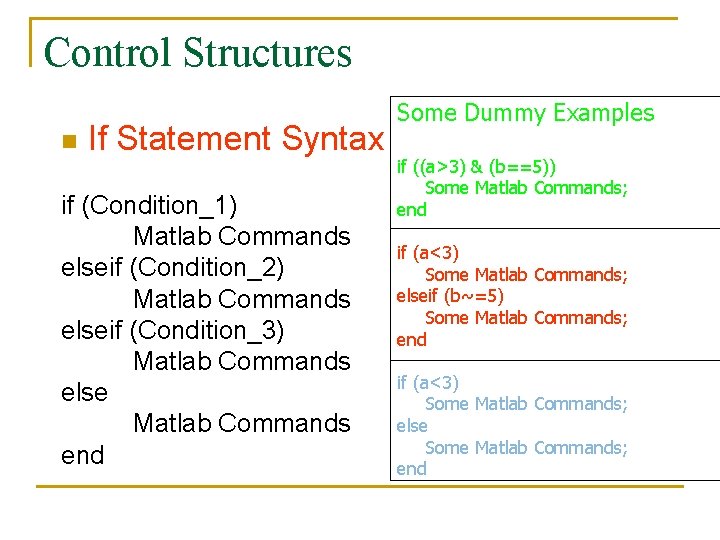
Control Structures n If Statement Syntax if (Condition_1) Matlab Commands elseif (Condition_2) Matlab Commands elseif (Condition_3) Matlab Commands else Matlab Commands end Some Dummy Examples if ((a>3) & (b==5)) Some Matlab Commands; end if (a<3) Some Matlab Commands; elseif (b~=5) Some Matlab Commands; end if (a<3) Some Matlab Commands; else Some Matlab Commands; end
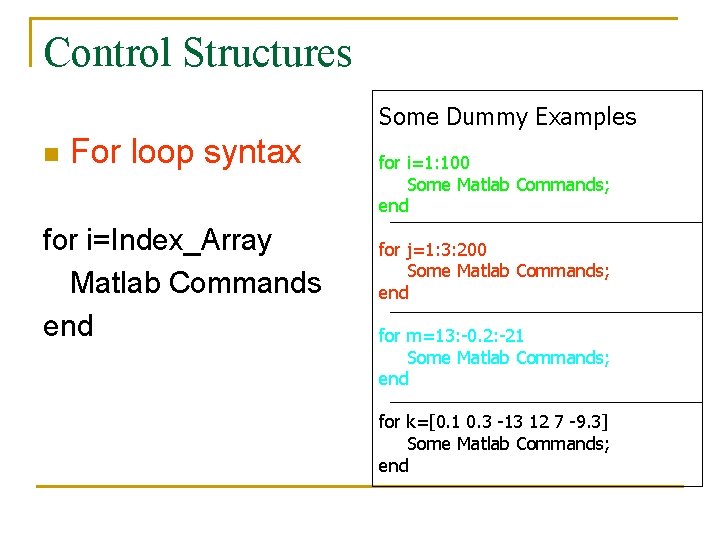
Control Structures Some Dummy Examples n For loop syntax for i=Index_Array Matlab Commands end for i=1: 100 Some Matlab Commands; end for j=1: 3: 200 Some Matlab Commands; end for m=13: -0. 2: -21 Some Matlab Commands; end for k=[0. 1 0. 3 -13 12 7 -9. 3] Some Matlab Commands; end
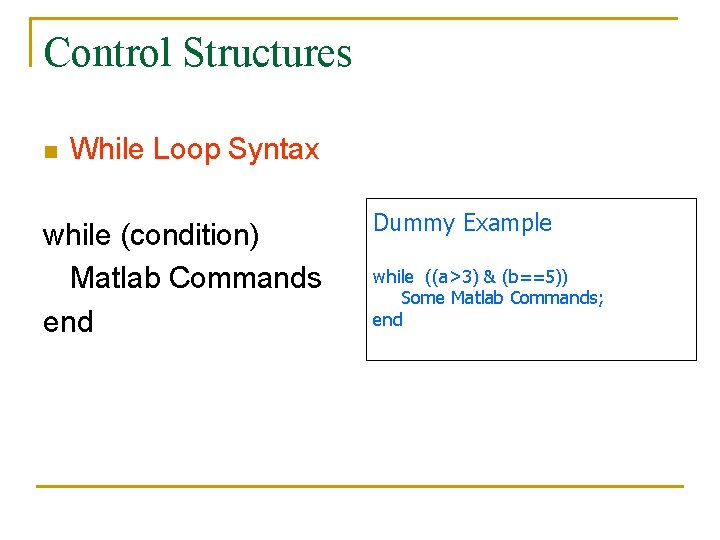
Control Structures n While Loop Syntax while (condition) Matlab Commands end Dummy Example while ((a>3) & (b==5)) Some Matlab Commands; end
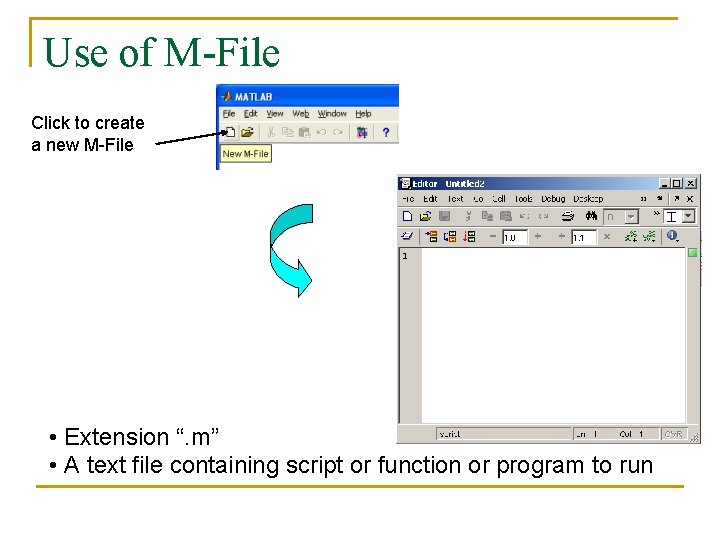
Use of M-File Click to create a new M-File • Extension “. m” • A text file containing script or function or program to run
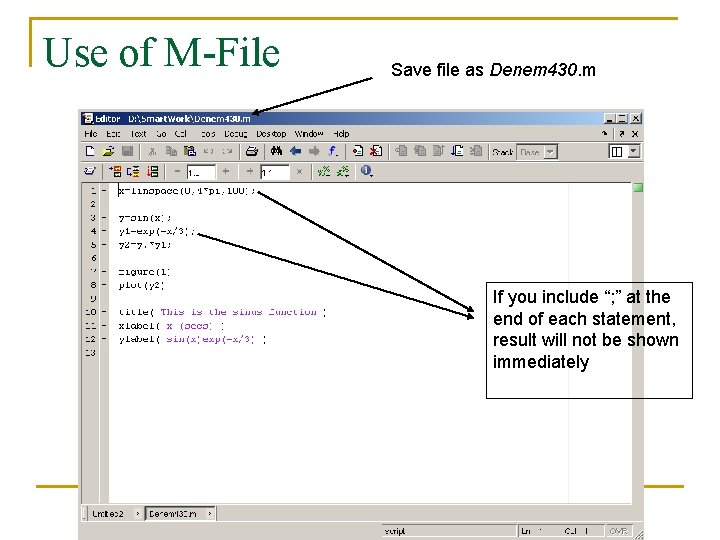
Use of M-File Save file as Denem 430. m If you include “; ” at the end of each statement, result will not be shown immediately
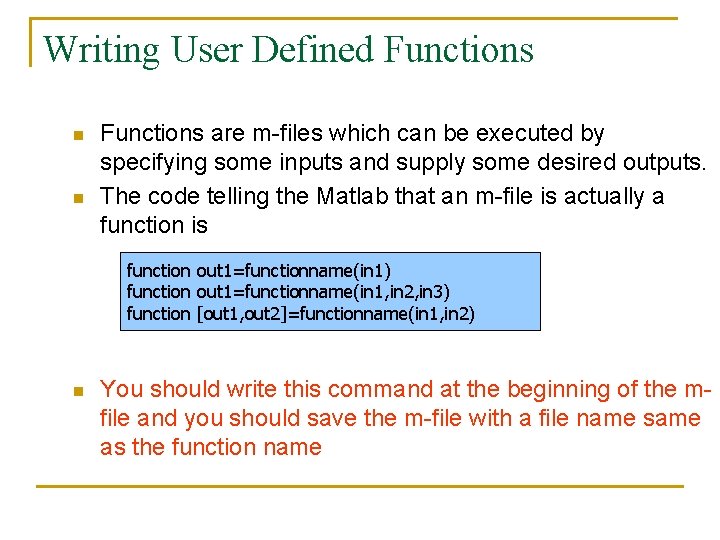
Writing User Defined Functions n n Functions are m-files which can be executed by specifying some inputs and supply some desired outputs. The code telling the Matlab that an m-file is actually a function is function out 1=functionname(in 1) function out 1=functionname(in 1, in 2, in 3) function [out 1, out 2]=functionname(in 1, in 2) n You should write this command at the beginning of the mfile and you should save the m-file with a file name same as the function name
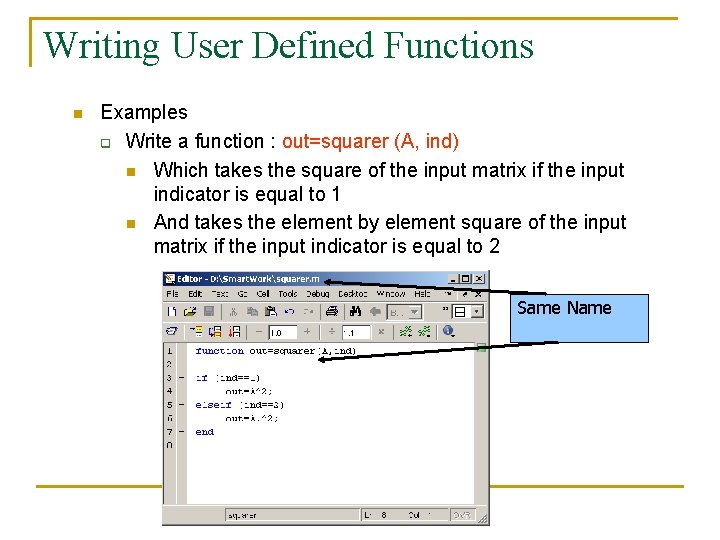
Writing User Defined Functions n Examples q Write a function : out=squarer (A, ind) n Which takes the square of the input matrix if the input indicator is equal to 1 n And takes the element by element square of the input matrix if the input indicator is equal to 2 Same Name
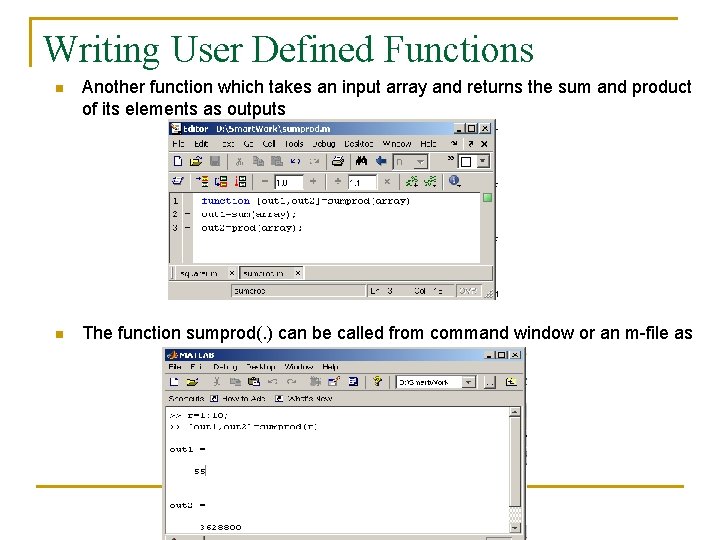
Writing User Defined Functions n Another function which takes an input array and returns the sum and product of its elements as outputs n The function sumprod(. ) can be called from command window or an m-file as
Notes: n n “%” is the neglect sign for Matlab (equaivalent of “//” in C). Anything after it on the same line is neglected by Matlab compiler. Sometimes slowing down the execution is done deliberately for observation purposes. You can use the command “pause” for this purpose pause %wait until any key pause(3) %wait 3 seconds
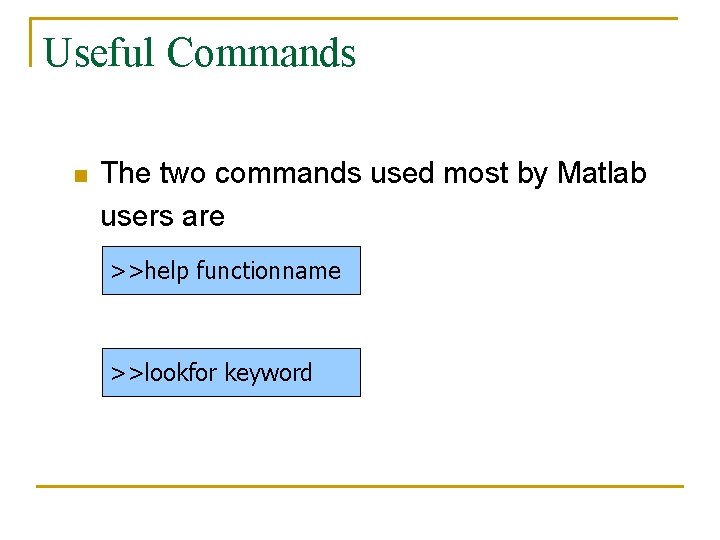
Useful Commands n The two commands used most by Matlab users are >>help functionname >>lookfor keyword
Questions n n n ? ? ?

Thank You…
- Slides: 34