
Introduction to Macromedia Coldfusion MX 7 Part III


- Slides: 32
Introduction to Macromedia Coldfusion MX 7, Part III Gateways, Charting, Searching, and other new goodness Presented by the Mid-Michigan Coldfusion User’s Group 5/9/2005
The Final Part of the Series… • In previous meetings, we discussed: – The New CF Forms (Flash Forms) – The New CF Document Commands (PDF) – The New CF Reporting Application • This week’s meeting: – Gateways – Charting Enhancements – Verity Searching Enhancements – Other various enhancements in CF 7
Gateways • Gateways are Macromedia’s solution to integrate CFML with other applications and protocols. • It also allows one to create processes that are executed asynchronously. • Available in the Enterprise Edition, and Developer editions ONLY.
Gateways • Possible uses of Gateways: – Asynchronous Logger • Still get the verbose logs, but don’t sacrifice your processor power during heavy loads. – Interact directly with Cell Phones via SMS • Includes a SMS tester, and instructions on how to make your CFML apps “SMS-Aware” – Interact directly with the TCP/IP stack • Make an SNMP trap, a full featured FTP server, or even your own web-server!
Gateways • Caveats – Requires Enterprise Edition • Your target audience may be limited. – To create custom gateways, it requires an extensive Java background • Limiting to non-java programmers outside the “standard components” – The SMS gateway requires an SMS aggregator to use outside of testing… $$$
Included Gateways • Asynchronous CFML Gateway – Allows you to spawn asynchronous CFML pages to do background processing, for example • Directory Watcher – Watch for files to change, and trigger events if the directory changes • JMS Gateway – Seamless communication between your application and most Java Aware applications
Included Gateways • SAMETIME Gateway – IBM Lotus Notes Instant Messenger Gateway • SMS Gateway – Communicate directly with Cell Phone Text Messaging • Socket Gateway – Work directly with the TCP/IP stack to send/receive data (Telnet) • XMPP Gateway – Instant Message with Jabber clients
Using Gateways • Using the Event Gateways feature of Coldfusion is easy! – All events are triggered using specially named CFC Functions! – Those events are automatically called by the running gateway, no work needed to get them to execute. – These events can also be triggered by CFML code.
Gateways Example • Experience Bank Example
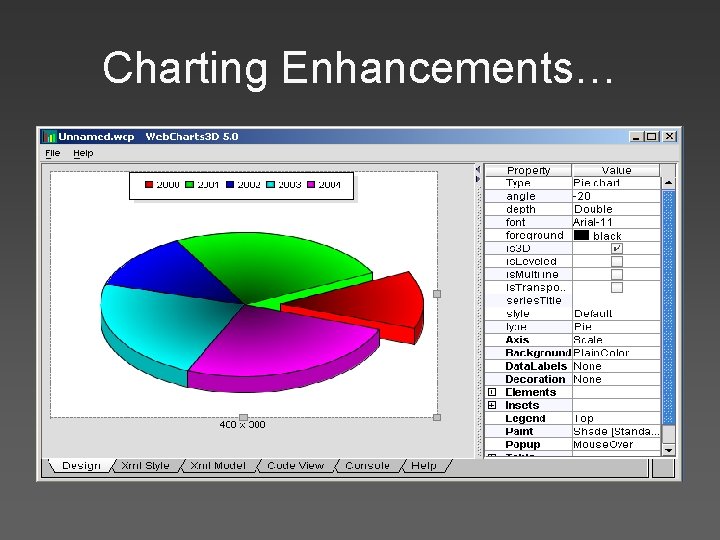
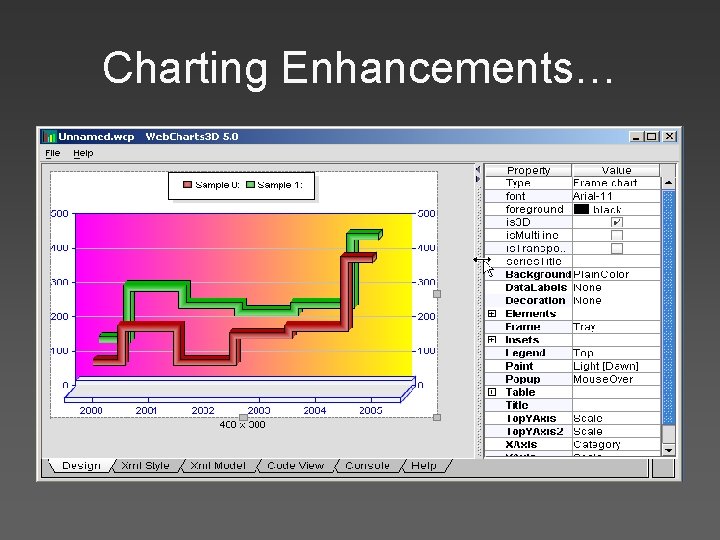
Charting Enhancements… • Coldfusion MX 7 now has a completely new charting engine, which is extremely customizable! – Labeling / Dates works! – Custom Charts • Can be derived as XML files, or can be put on server and called by name • Charting Designer included in CFMX 7 Install
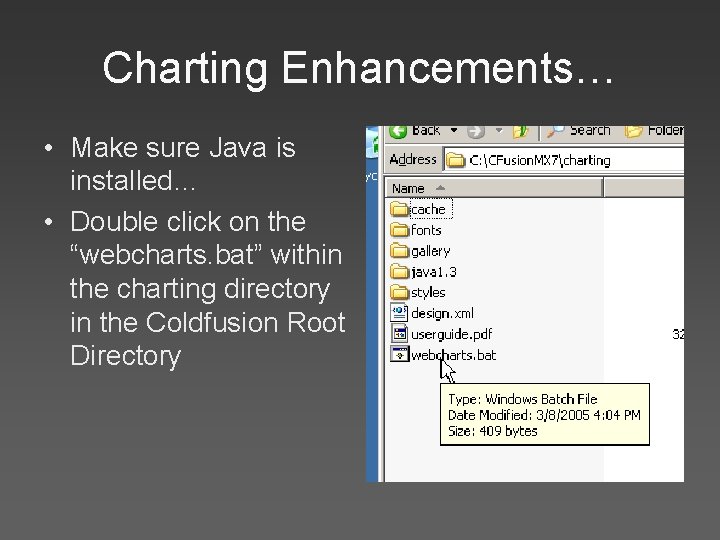
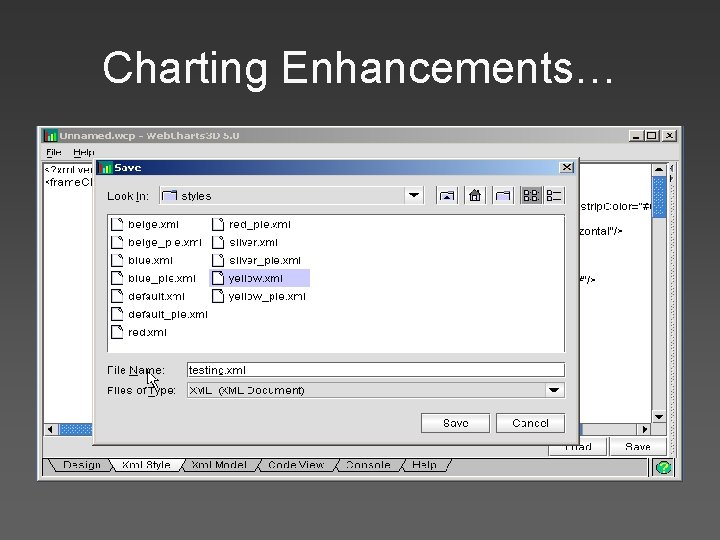
Charting Enhancements… • Make sure Java is installed… • Double click on the “webcharts. bat” within the charting directory in the Coldfusion Root Directory
Charting Enhancements…
Charting Enhancements…
Charting Enhancements…
Charting Enhancements… • Once you have customized the chart the way you like, click on the “XML Style” tab, and click on the “Save” button • Save your style in the ChartingStyles directory in your Coldfusion Root. • You can now call the new style via the style=“” attribute of the <CFCHART> tag.
Charting Example • CFchart. cfm
Verity and Searching • For the MX 7 release of Coldfusion, Macromedia got us a new version of Verity K 2 Search Engine • This new release allows us to – Full Text Searching (same as previous versions) – Spelling Corrections based on indexes (new) – Highlighted Search Results (new) – Search within results (new)
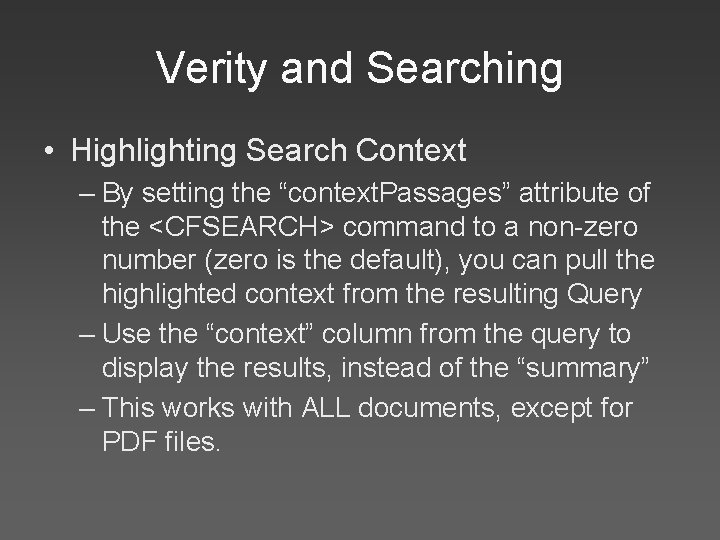
Verity and Searching • Highlighting Search Context – By setting the “context. Passages” attribute of the <CFSEARCH> command to a non-zero number (zero is the default), you can pull the highlighted context from the resulting Query – Use the “context” column from the query to display the results, instead of the “summary” – This works with ALL documents, except for PDF files.
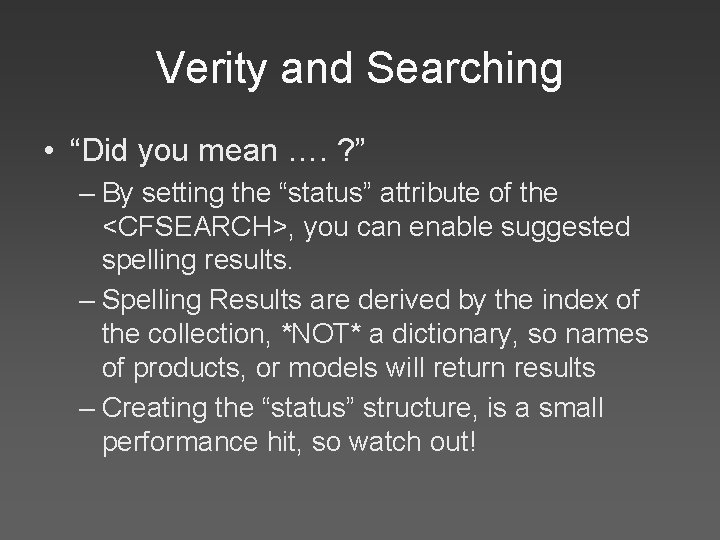
Verity and Searching • “Did you mean …. ? ” – By setting the “status” attribute of the <CFSEARCH>, you can enable suggested spelling results. – Spelling Results are derived by the index of the collection, *NOT* a dictionary, so names of products, or models will return results – Creating the “status” structure, is a small performance hit, so watch out!
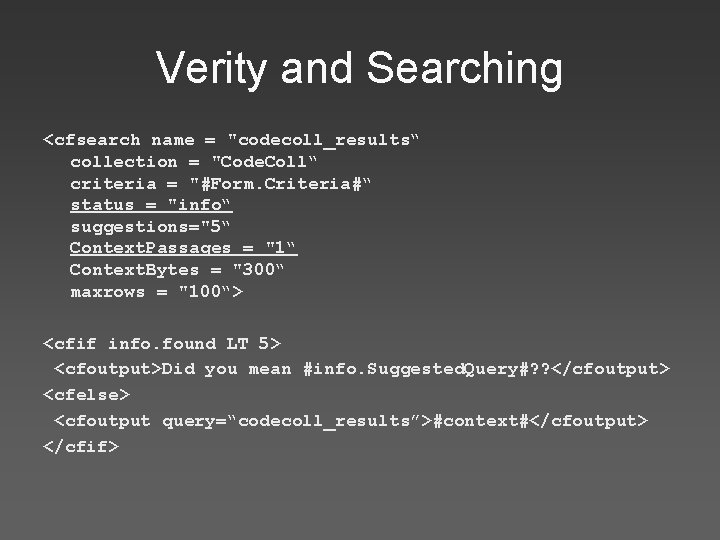
Verity and Searching <cfsearch name = "codecoll_results“ collection = "Code. Coll“ criteria = "#Form. Criteria#“ status = "info“ suggestions="5“ Context. Passages = "1“ Context. Bytes = "300“ maxrows = "100“> <cfif info. found LT 5> <cfoutput>Did you mean #info. Suggested. Query#? ? </cfoutput> <cfelse> <cfoutput query=“codecoll_results”>#context#</cfoutput> </cfif>
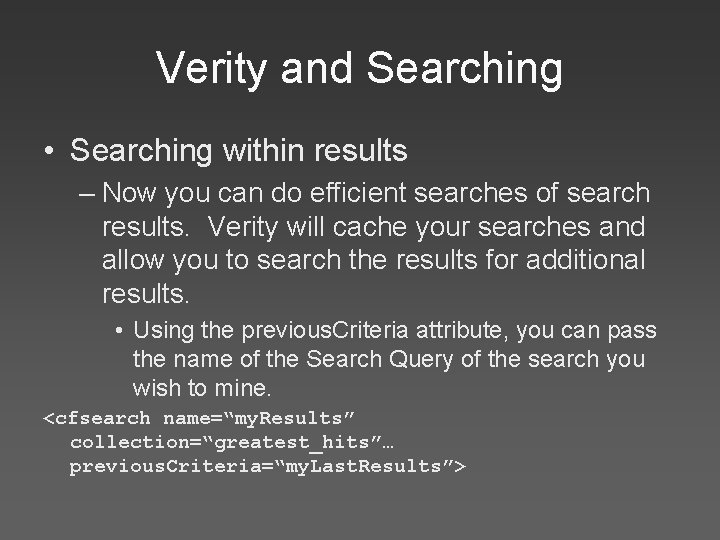
Verity and Searching • Searching within results – Now you can do efficient searches of search results. Verity will cache your searches and allow you to search the results for additional results. • Using the previous. Criteria attribute, you can pass the name of the Search Query of the search you wish to mine. <cfsearch name=“my. Results” collection=“greatest_hits”… previous. Criteria=“my. Last. Results”>
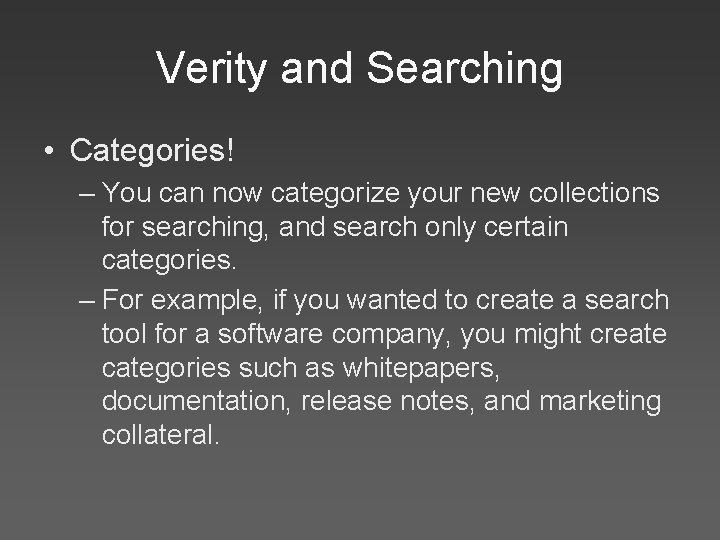
Verity and Searching • Categories! – You can now categorize your new collections for searching, and search only certain categories. – For example, if you wanted to create a search tool for a software company, you might create categories such as whitepapers, documentation, release notes, and marketing collateral.
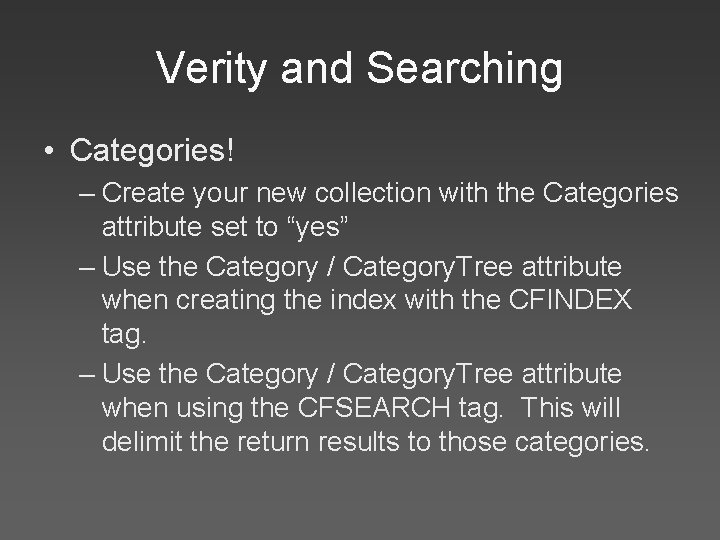
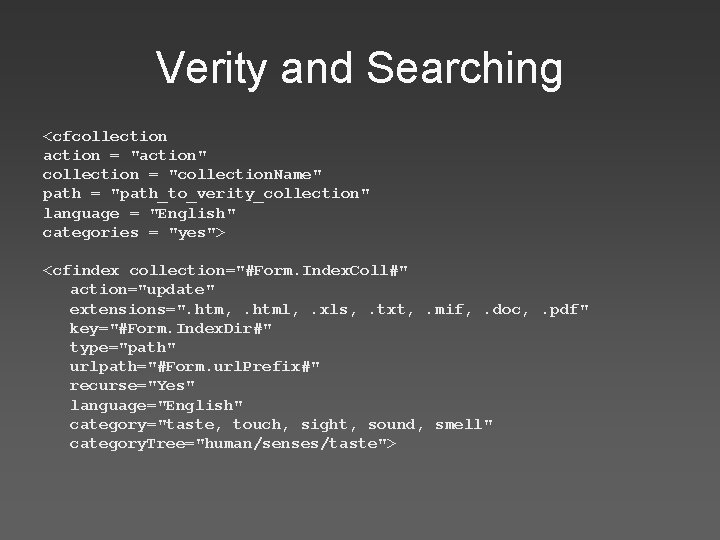
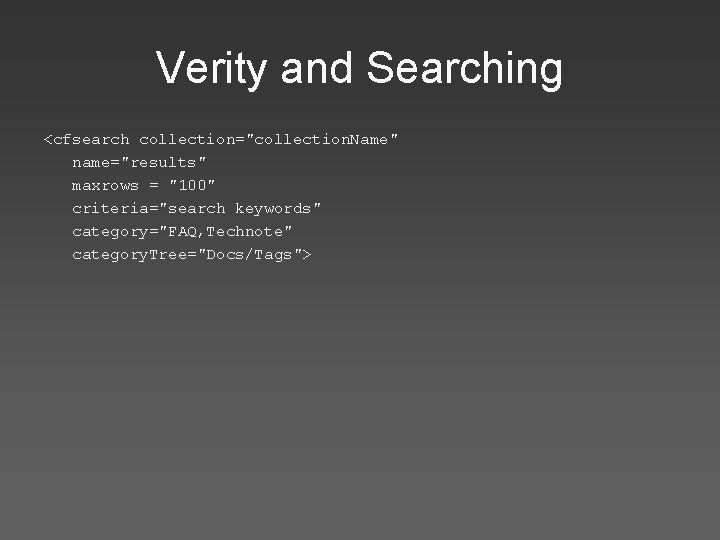
Verity and Searching • Categories! – Create your new collection with the Categories attribute set to “yes” – Use the Category / Category. Tree attribute when creating the index with the CFINDEX tag. – Use the Category / Category. Tree attribute when using the CFSEARCH tag. This will delimit the return results to those categories.
Verity and Searching <cfcollection action = "action" collection = "collection. Name" path = "path_to_verity_collection" language = "English" categories = "yes"> <cfindex collection="#Form. Index. Coll#" action="update" extensions=". htm, . html, . xls, . txt, . mif, . doc, . pdf" key="#Form. Index. Dir#" type="path" urlpath="#Form. url. Prefix#" recurse="Yes" language="English" category="taste, touch, sight, sound, smell" category. Tree="human/senses/taste">
Verity and Searching <cfsearch collection="collection. Name" name="results" maxrows = "100" criteria="search keywords" category="FAQ, Technote" category. Tree="Docs/Tags">
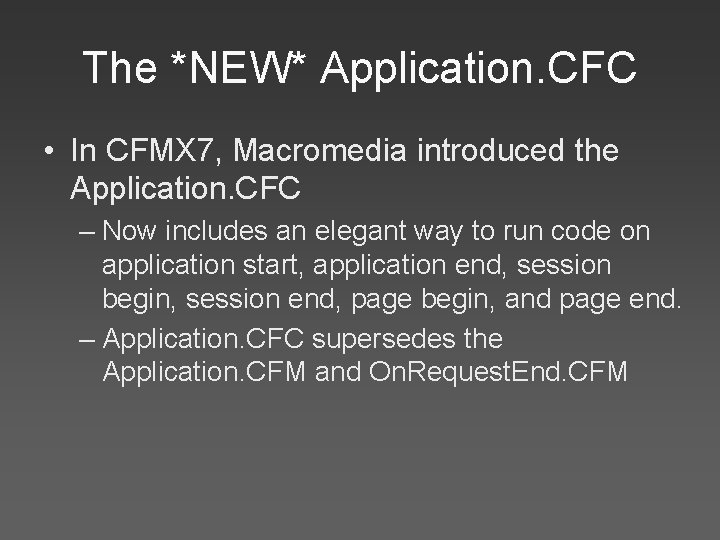
The *NEW* Application. CFC • In CFMX 7, Macromedia introduced the Application. CFC – Now includes an elegant way to run code on application start, application end, session begin, session end, page begin, and page end. – Application. CFC supersedes the Application. CFM and On. Request. End. CFM
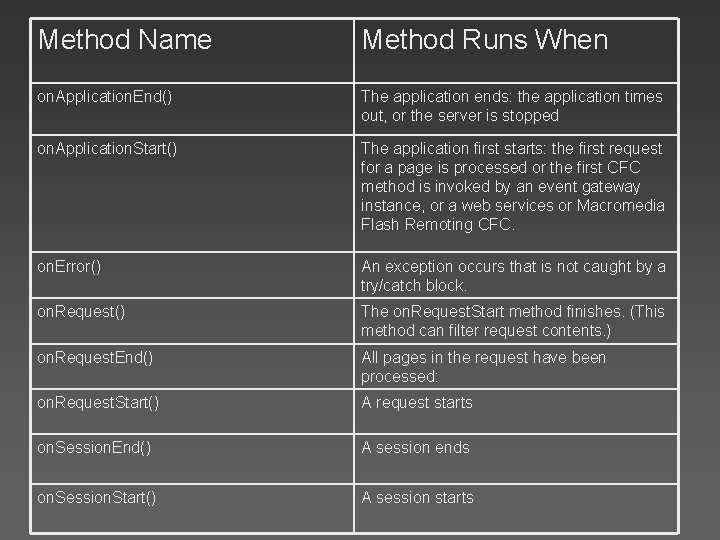
Method Name Method Runs When on. Application. End() The application ends: the application times out, or the server is stopped on. Application. Start() The application first starts: the first request for a page is processed or the first CFC method is invoked by an event gateway instance, or a web services or Macromedia Flash Remoting CFC. on. Error() An exception occurs that is not caught by a try/catch block. on. Request() The on. Request. Start method finishes. (This method can filter request contents. ) on. Request. End() All pages in the request have been processed: on. Request. Start() A request starts on. Session. End() A session ends on. Session. Start() A session starts
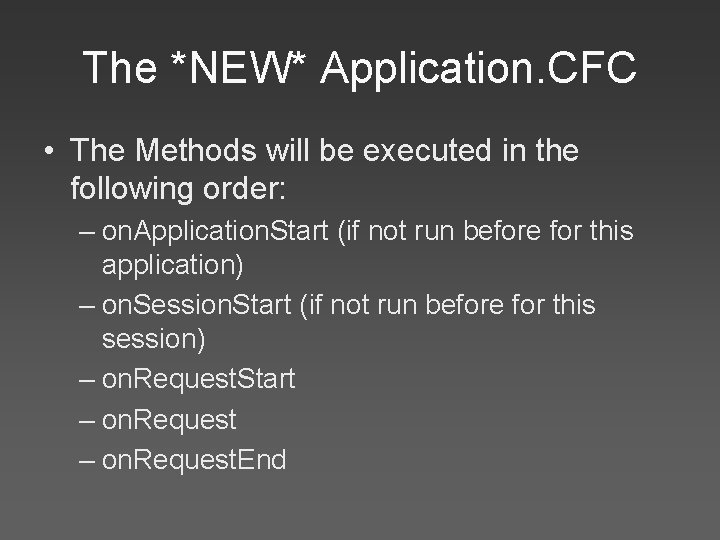
The *NEW* Application. CFC • The Methods will be executed in the following order: – on. Application. Start (if not run before for this application) – on. Session. Start (if not run before for this session) – on. Request. Start – on. Request. End
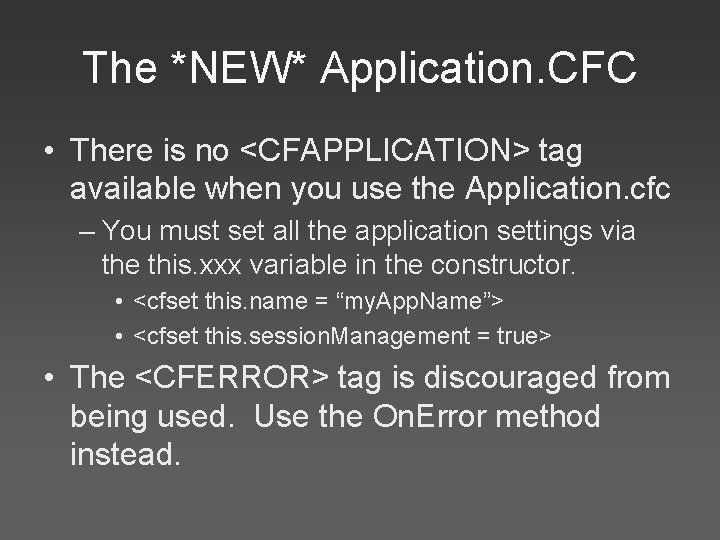
The *NEW* Application. CFC • There is no <CFAPPLICATION> tag available when you use the Application. cfc – You must set all the application settings via the this. xxx variable in the constructor. • <cfset this. name = “my. App. Name”> • <cfset this. session. Management = true> • The <CFERROR> tag is discouraged from being used. Use the On. Error method instead.
Other new enhancements… • Dreamweaver Enhancements – Improves components usability. – Auto-create CFC’s to interact with queries • Better CFCs – No longer suffers from certain design issues from prior releases • CF Administrator API – A true API to work with data sources, etc.
Other new enhancements… • New DB Drivers – Improved performance • Note: No longer supports my. SQL 4. x out of the box due to licensing restrictions. You can download the new JDBC driver from www. mysql. com • Bug fixes, and other little add-ons – Don’t worry, we won’t list them all here
Q&A