
Introduction to LISP Atoms Lists Math LISP LISt
- Slides: 43
Introduction to LISP Atoms, Lists Math
LISP LISt Processing n Function model n – Program = function definition – Give arguments – Returns values n Mathematical functions – mapping from one domain to another
LISP Basics n Common objects are atoms and lists – one thing is both Atoms as in Prolog – a thing in itself n Lists as in Prolog – a sequence of things n Syntax is different, tho’ n
Interacting with LISP You write something down n LISP tells you its value n – it’s an error if it has no value What you write down is an atom or a list n What you get back is an atom or a list n
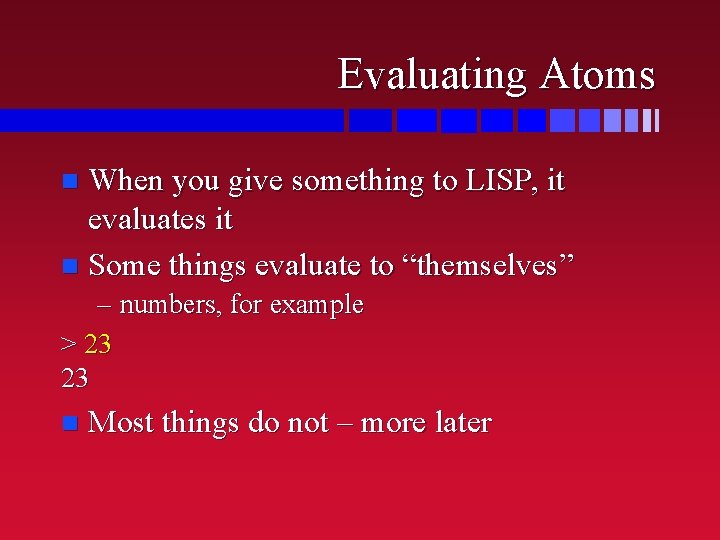
Evaluating Atoms When you give something to LISP, it evaluates it n Some things evaluate to “themselves” n – numbers, for example > 23 23 n Most things do not – more later
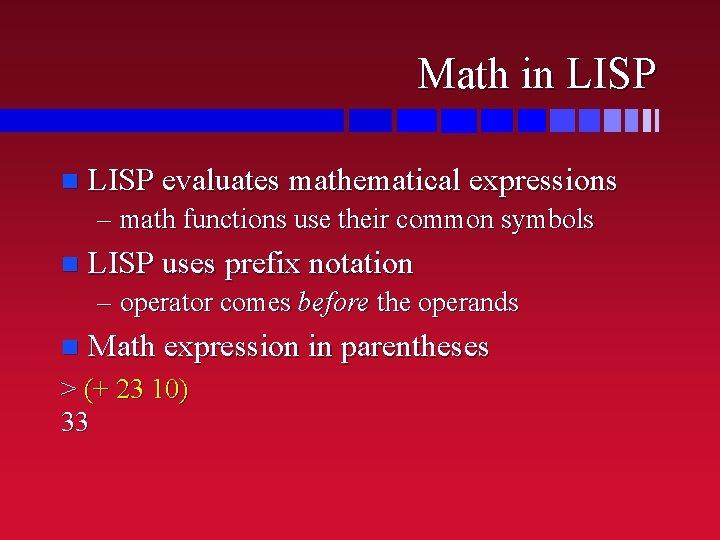
Math in LISP evaluates mathematical expressions – math functions use their common symbols n LISP uses prefix notation – operator comes before the operands n Math expression in parentheses > (+ 23 10) 33
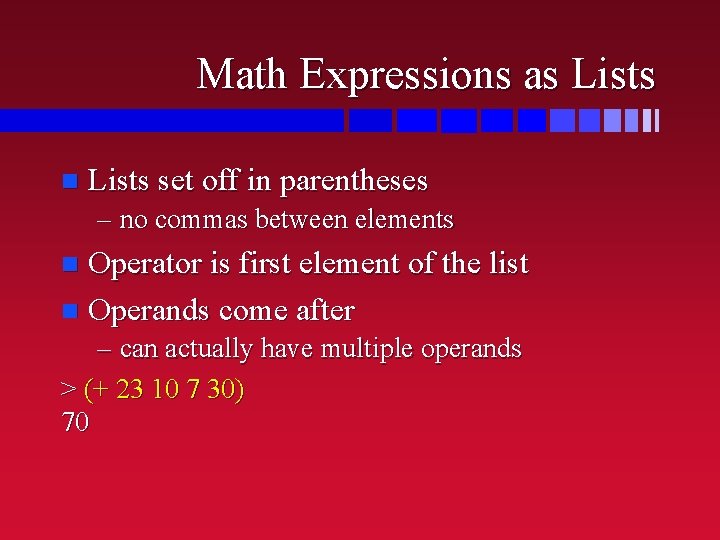
Math Expressions as Lists n Lists set off in parentheses – no commas between elements Operator is first element of the list n Operands come after n – can actually have multiple operands > (+ 23 10 7 30) 70
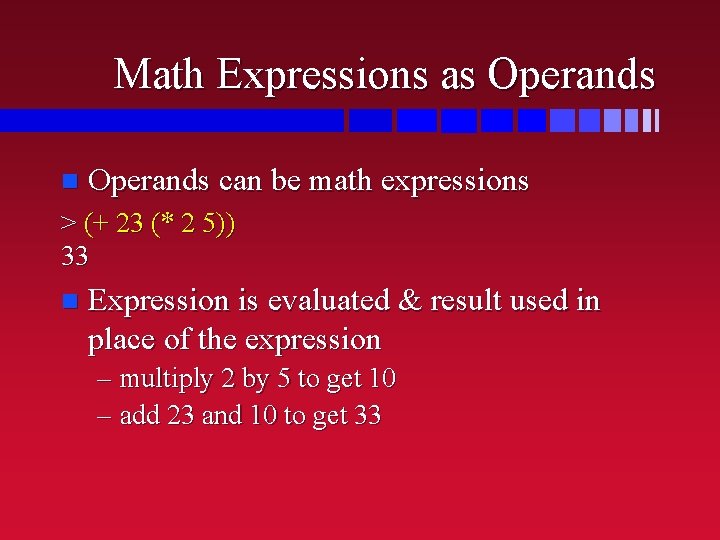
Math Expressions as Operands n Operands can be math expressions > (+ 23 (* 2 5)) 33 n Expression is evaluated & result used in place of the expression – multiply 2 by 5 to get 10 – add 23 and 10 to get 33
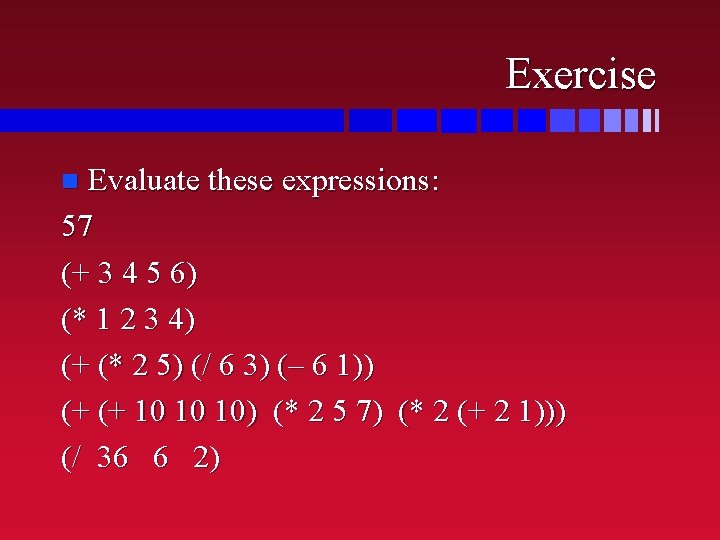
Exercise Evaluate these expressions: 57 (+ 3 4 5 6) (* 1 2 3 4) (+ (* 2 5) (/ 6 3) (– 6 1)) (+ (+ 10 10 10) (* 2 5 7) (* 2 (+ 2 1))) (/ 36 6 2) n
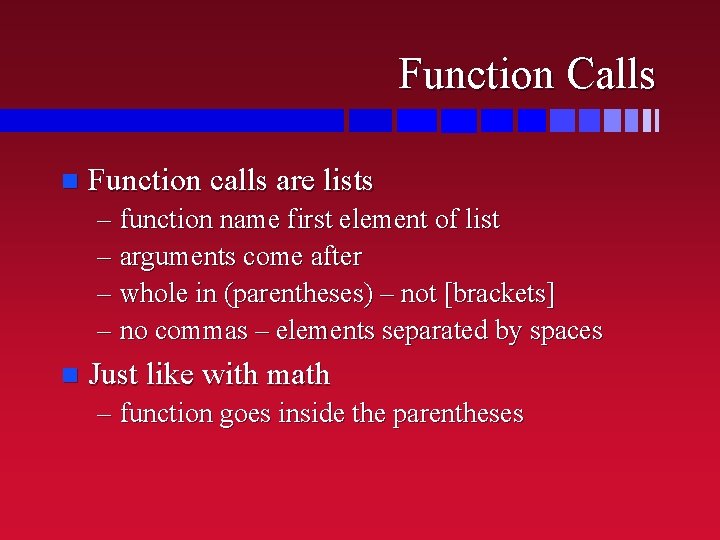
Function Calls n Function calls are lists – function name first element of list – arguments come after – whole in (parentheses) – not [brackets] – no commas – elements separated by spaces n Just like with math – function goes inside the parentheses
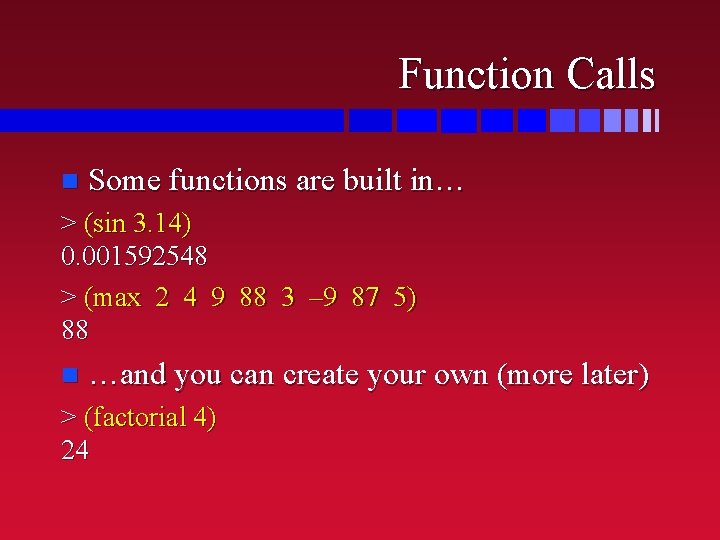
Function Calls n Some functions are built in… > (sin 3. 14) 0. 001592548 > (max 2 4 9 88 3 – 9 87 5) 88 n …and you can create your own (more later) > (factorial 4) 24
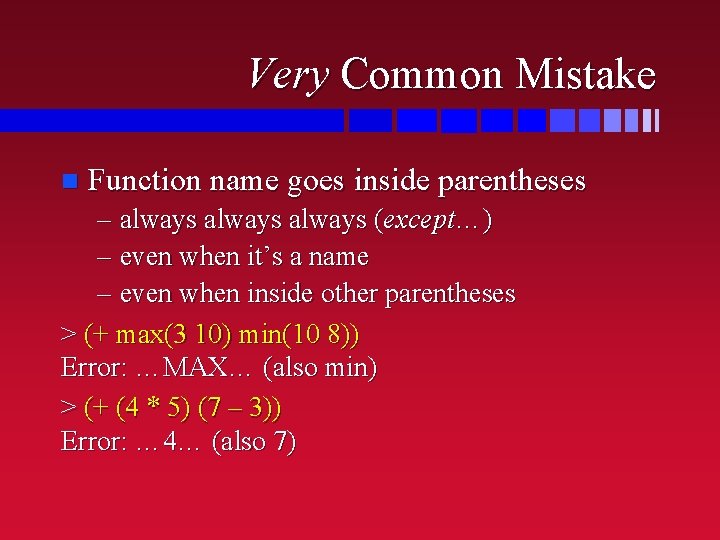
Very Common Mistake n Function name goes inside parentheses – always (except…) – even when it’s a name – even when inside other parentheses > (+ max(3 10) min(10 8)) Error: …MAX… (also min) > (+ (4 * 5) (7 – 3)) Error: … 4… (also 7)
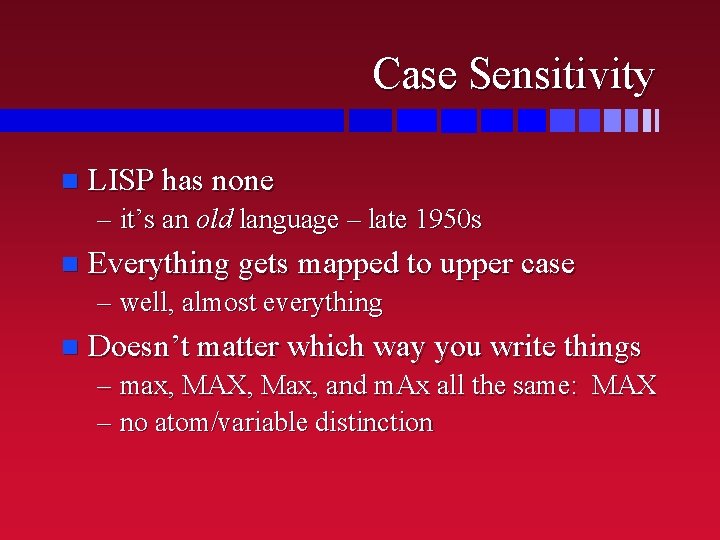
Case Sensitivity n LISP has none – it’s an old language – late 1950 s n Everything gets mapped to upper case – well, almost everything n Doesn’t matter which way you write things – max, MAX, Max, and m. Ax all the same: MAX – no atom/variable distinction
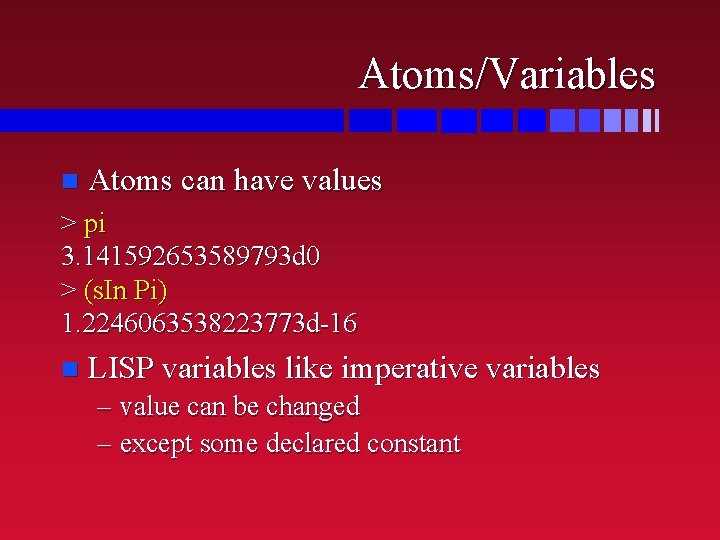
Atoms/Variables n Atoms can have values > pi 3. 141592653589793 d 0 > (s. In Pi) 1. 2246063538223773 d-16 n LISP variables like imperative variables – value can be changed – except some declared constant
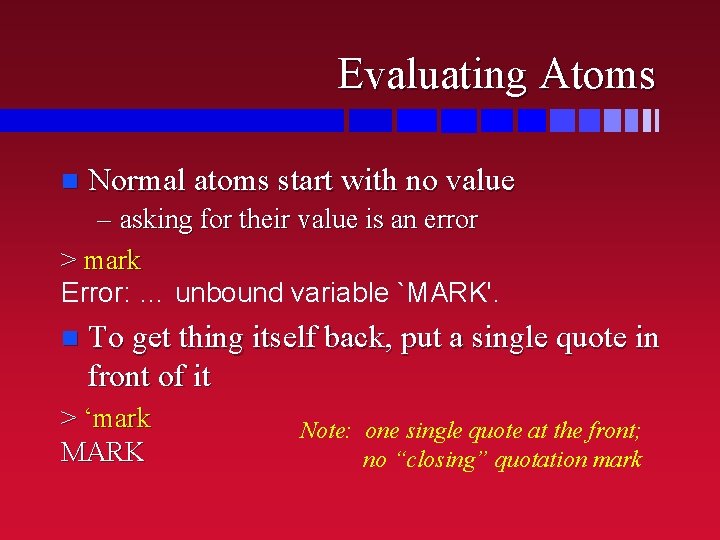
Evaluating Atoms n Normal atoms start with no value – asking for their value is an error > mark Error: … unbound variable `MARK'. n To get thing itself back, put a single quote in front of it > ‘mark MARK Note: one single quote at the front; no “closing” quotation mark
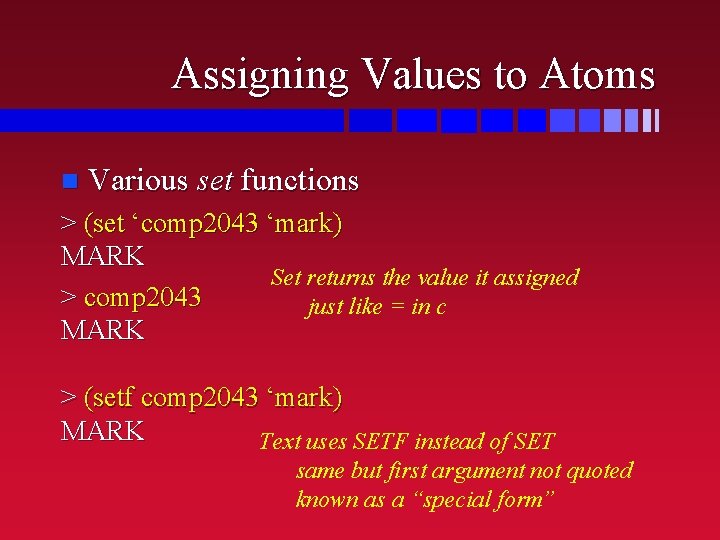
Assigning Values to Atoms n Various set functions > (set ‘comp 2043 ‘mark) MARK Set returns the value it assigned > comp 2043 just like = in c MARK > (setf comp 2043 ‘mark) MARK Text uses SETF instead of SET same but first argument not quoted known as a “special form”
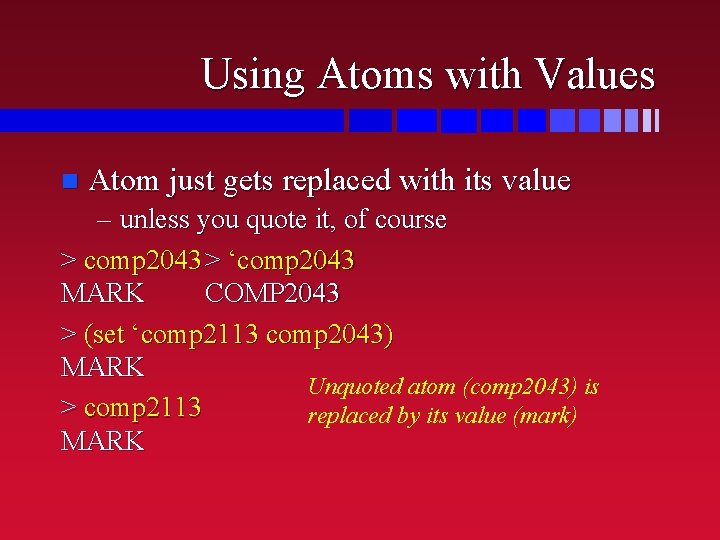
Using Atoms with Values n Atom just gets replaced with its value – unless you quote it, of course > comp 2043 > ‘comp 2043 MARK COMP 2043 > (set ‘comp 2113 comp 2043) MARK Unquoted atom (comp 2043) is > comp 2113 replaced by its value (mark) MARK
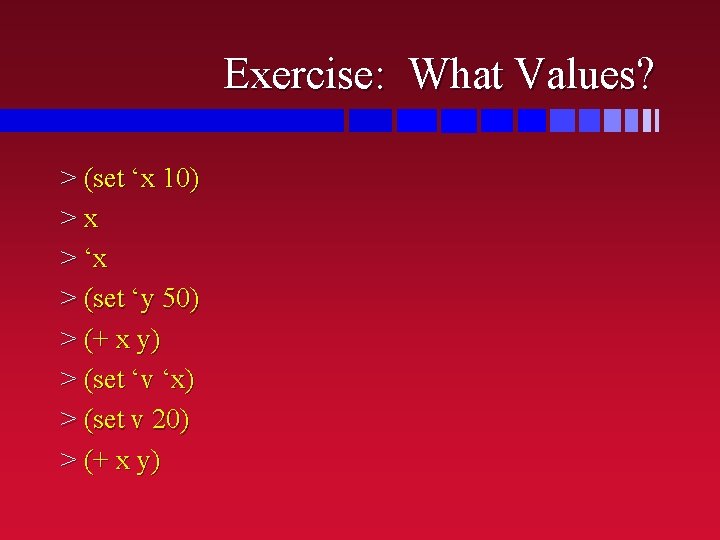
Exercise: What Values? > (set ‘x 10) >x > ‘x > (set ‘y 50) > (+ x y) > (set ‘v ‘x) > (set v 20) > (+ x y)
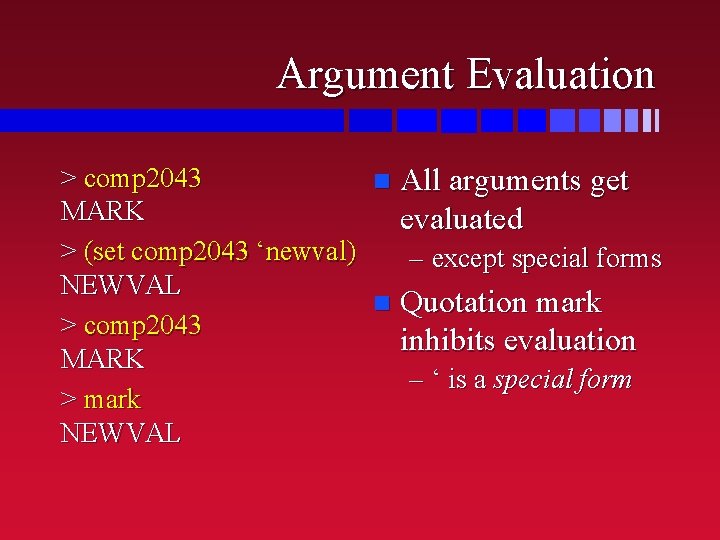
Argument Evaluation > comp 2043 n All arguments get MARK evaluated > (set comp 2043 ‘newval) – except special forms NEWVAL n Quotation mark > comp 2043 inhibits evaluation MARK – ‘ is a special form > mark NEWVAL
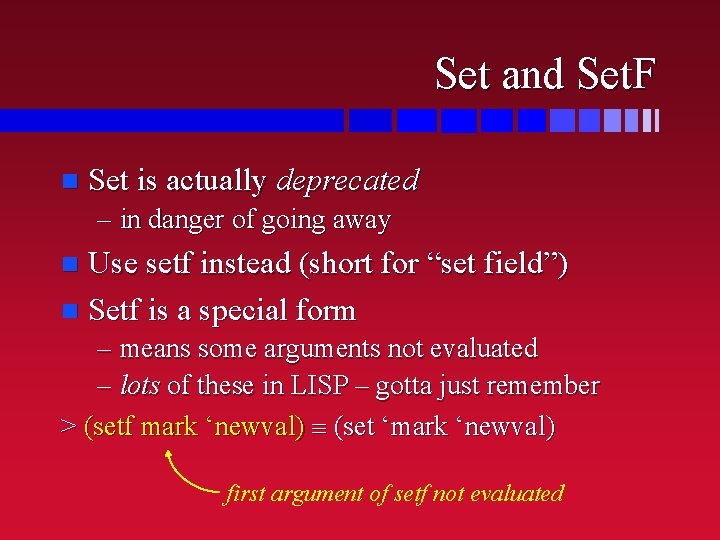
Set and Set. F n Set is actually deprecated – in danger of going away Use setf instead (short for “set field”) n Setf is a special form n – means some arguments not evaluated – lots of these in LISP – gotta just remember > (setf mark ‘newval) (set ‘mark ‘newval) first argument of setf not evaluated
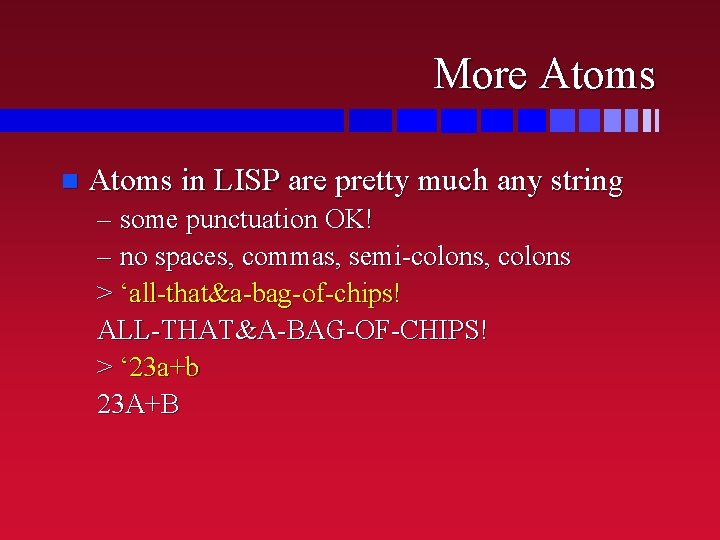
More Atoms n Atoms in LISP are pretty much any string – some punctuation OK! – no spaces, commas, semi-colons, colons > ‘all-that&a-bag-of-chips! ALL-THAT&A-BAG-OF-CHIPS! > ‘ 23 a+b 23 A+B
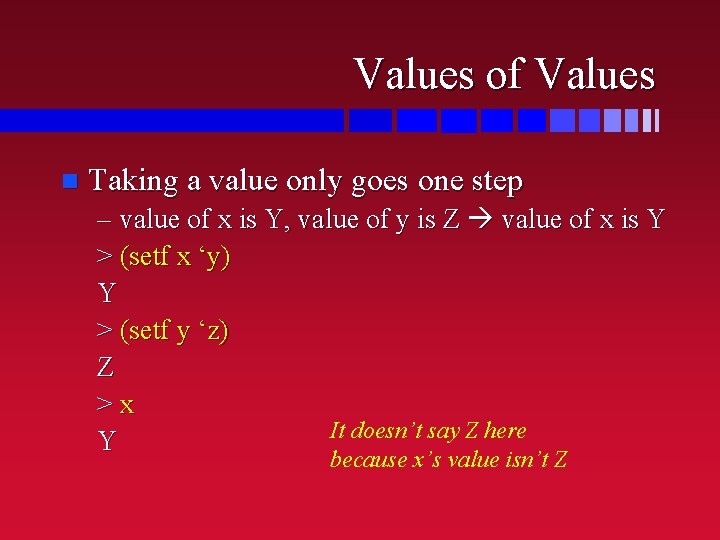
Values of Values n Taking a value only goes one step – value of x is Y, value of y is Z value of x is Y > (setf x ‘y) Y > (setf y ‘z) Z >x It doesn’t say Z here Y because x’s value isn’t Z
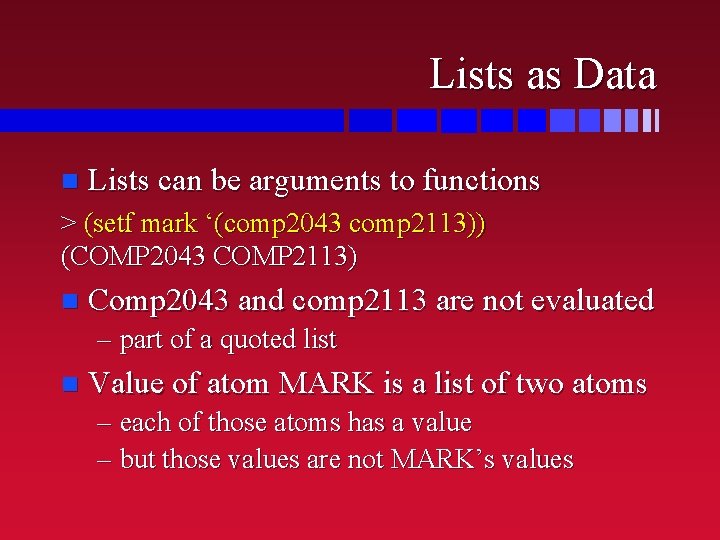
Lists as Data n Lists can be arguments to functions > (setf mark ‘(comp 2043 comp 2113)) (COMP 2043 COMP 2113) n Comp 2043 and comp 2113 are not evaluated – part of a quoted list n Value of atom MARK is a list of two atoms – each of those atoms has a value – but those values are not MARK’s values
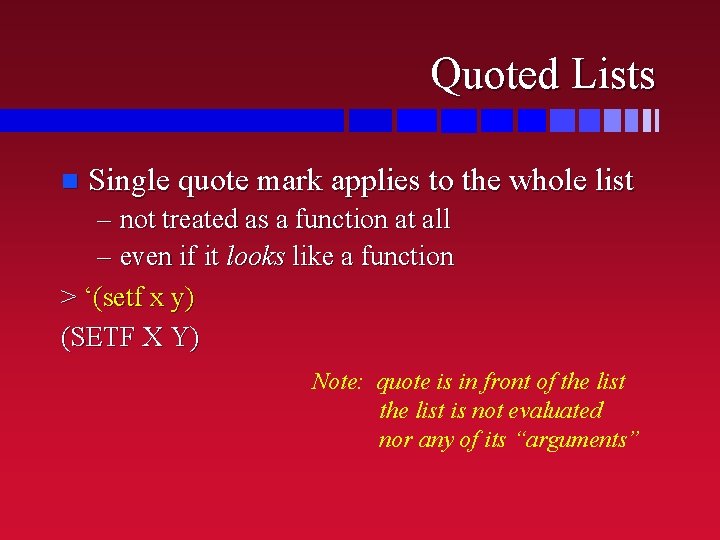
Quoted Lists n Single quote mark applies to the whole list – not treated as a function at all – even if it looks like a function > ‘(setf x y) (SETF X Y) Note: quote is in front of the list is not evaluated nor any of its “arguments”
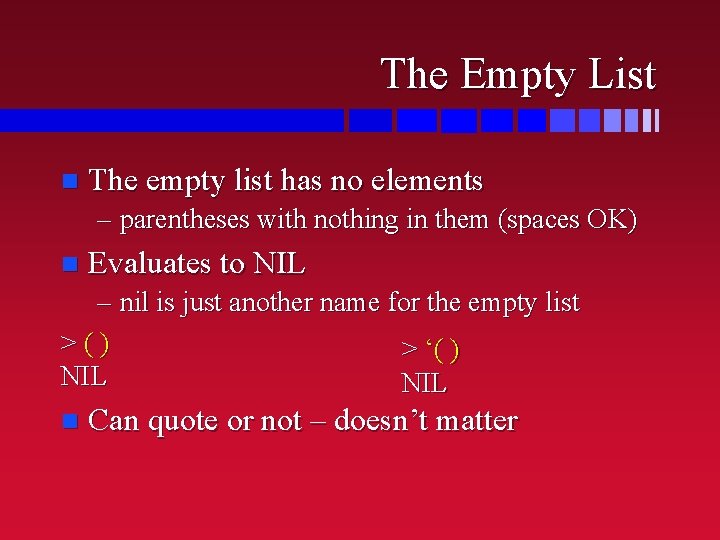
The Empty List n The empty list has no elements – parentheses with nothing in them (spaces OK) n Evaluates to NIL – nil is just another name for the empty list >() > ‘( ) NIL n Can quote or not – doesn’t matter
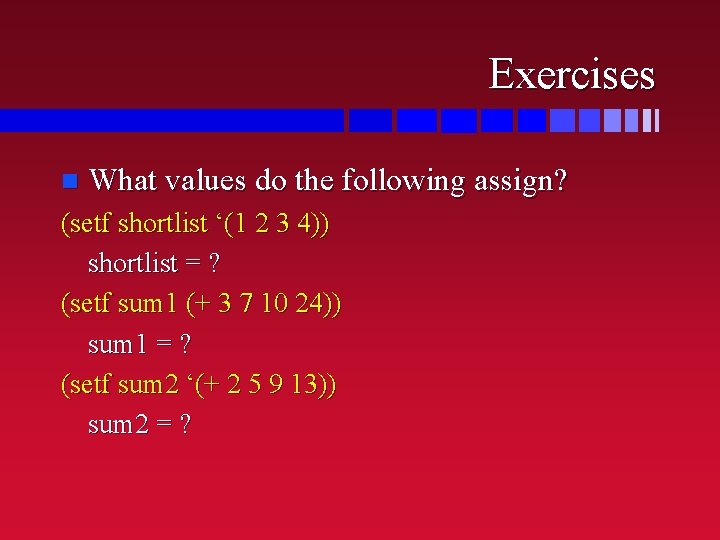
Exercises n What values do the following assign? (setf shortlist ‘(1 2 3 4)) shortlist = ? (setf sum 1 (+ 3 7 10 24)) sum 1 = ? (setf sum 2 ‘(+ 2 5 9 13)) sum 2 = ?
Working with Lists are a big part of LISP n Need to be able to: n – take lists apart – put lists together n Functions for doing just that
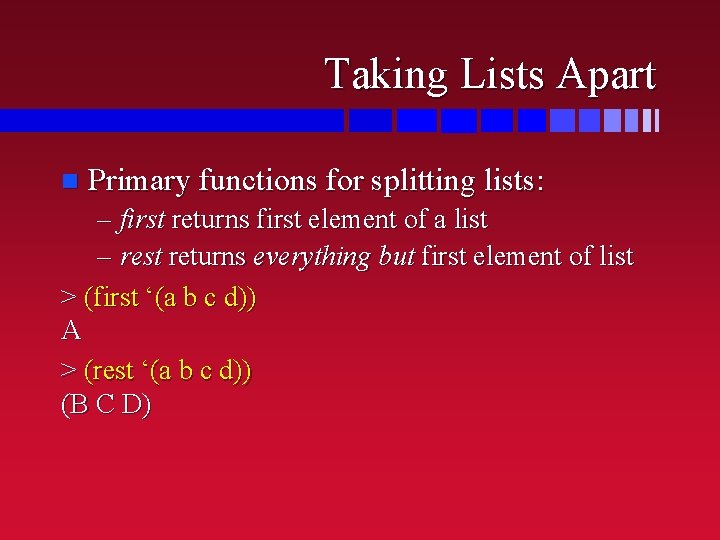
Taking Lists Apart n Primary functions for splitting lists: – first returns first element of a list – rest returns everything but first element of list > (first ‘(a b c d)) A > (rest ‘(a b c d)) (B C D)
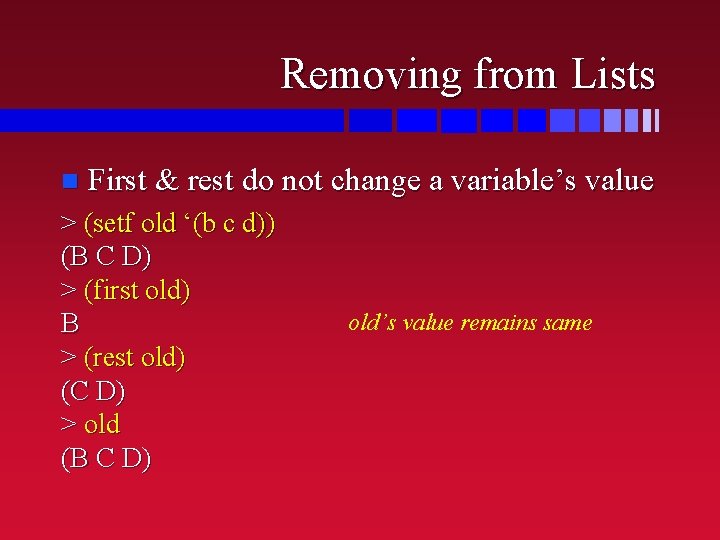
Removing from Lists n First & rest do not change a variable’s value > (setf old ‘(b c d)) (B C D) > (first old) B > (rest old) (C D) > old (B C D) old’s value remains same
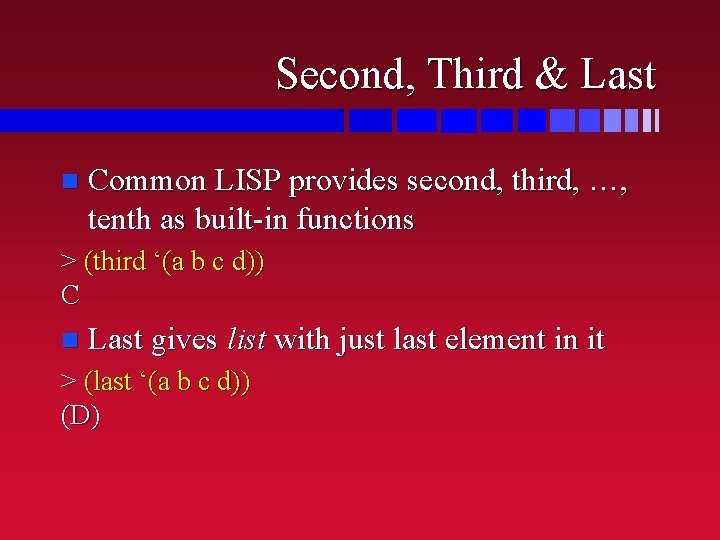
Second, Third & Last n Common LISP provides second, third, …, tenth as built-in functions > (third ‘(a b c d)) C n Last gives list with just last element in it > (last ‘(a b c d)) (D)
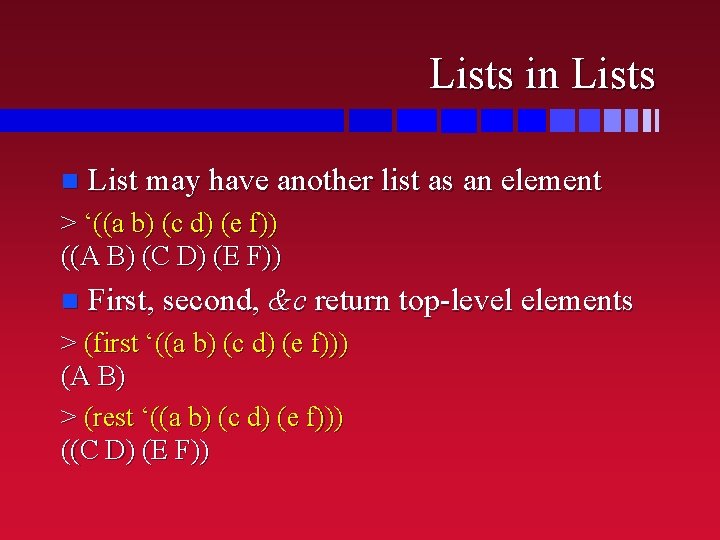
Lists in Lists n List may have another list as an element > ‘((a b) (c d) (e f)) ((A B) (C D) (E F)) n First, second, &c return top-level elements > (first ‘((a b) (c d) (e f))) (A B) > (rest ‘((a b) (c d) (e f))) ((C D) (E F))
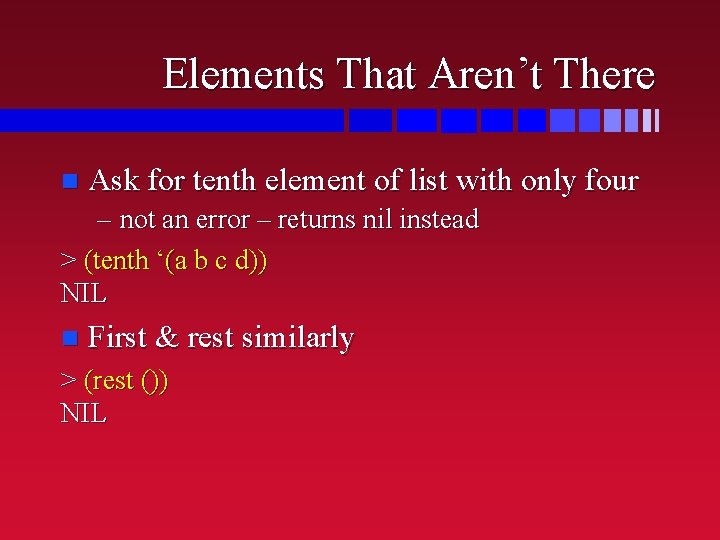
Elements That Aren’t There n Ask for tenth element of list with only four – not an error – returns nil instead > (tenth ‘(a b c d)) NIL n First & rest similarly > (rest ()) NIL
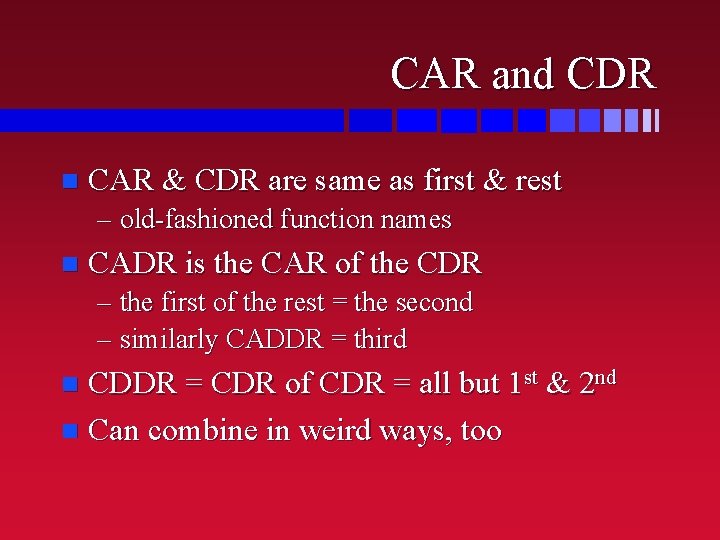
CAR and CDR n CAR & CDR are same as first & rest – old-fashioned function names n CADR is the CAR of the CDR – the first of the rest = the second – similarly CADDR = third CDDR = CDR of CDR = all but 1 st & 2 nd n Can combine in weird ways, too n
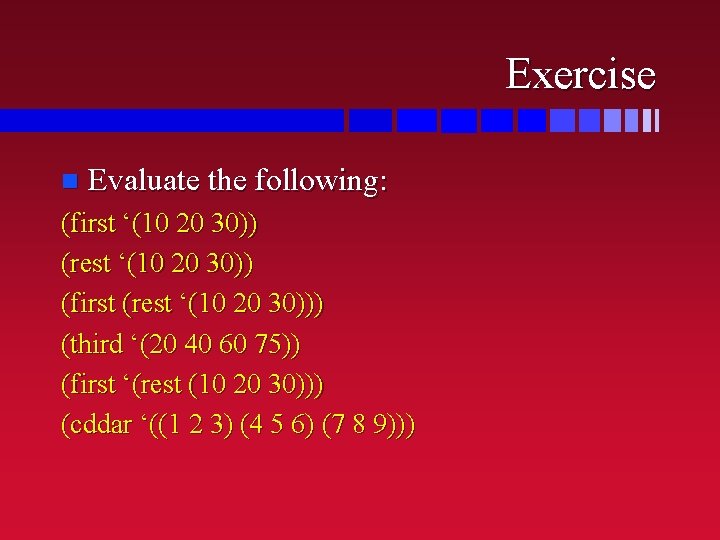
Exercise n Evaluate the following: (first ‘(10 20 30)) (rest ‘(10 20 30)) (first (rest ‘(10 20 30))) (third ‘(20 40 60 75)) (first ‘(rest (10 20 30))) (cddar ‘((1 2 3) (4 5 6) (7 8 9)))
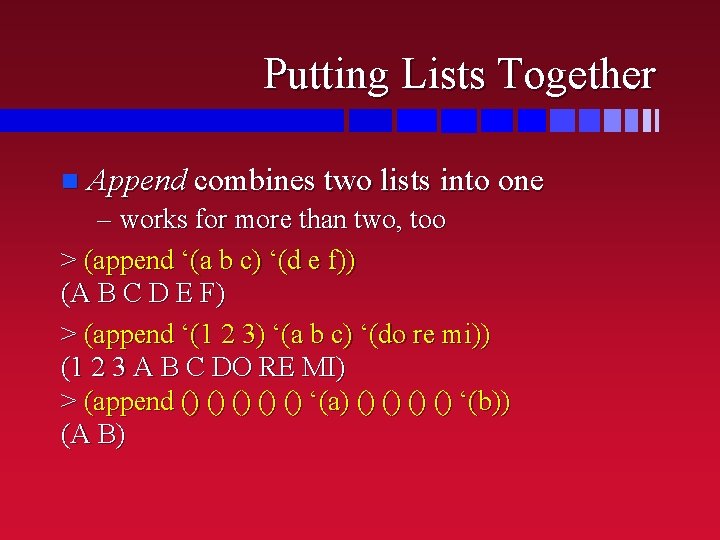
Putting Lists Together n Append combines two lists into one – works for more than two, too > (append ‘(a b c) ‘(d e f)) (A B C D E F) > (append ‘(1 2 3) ‘(a b c) ‘(do re mi)) (1 2 3 A B C DO RE MI) > (append () () () ‘(a) () () ‘(b)) (A B)
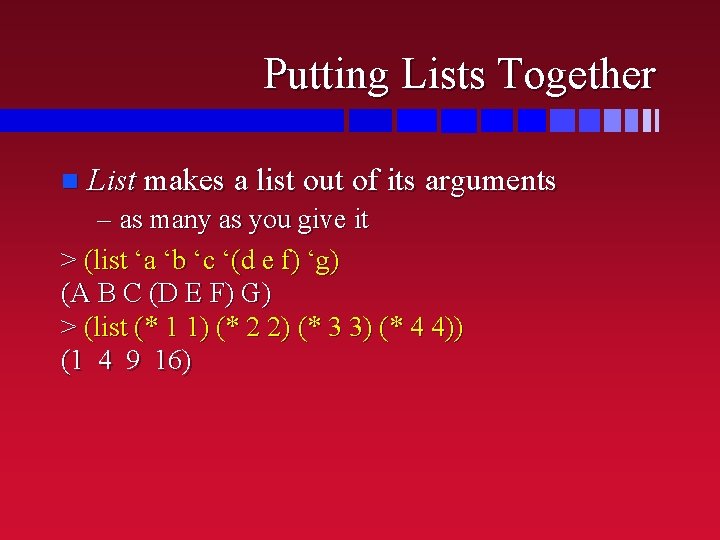
Putting Lists Together n List makes a list out of its arguments – as many as you give it > (list ‘a ‘b ‘c ‘(d e f) ‘g) (A B C (D E F) G) > (list (* 1 1) (* 2 2) (* 3 3) (* 4 4)) (1 4 9 16)
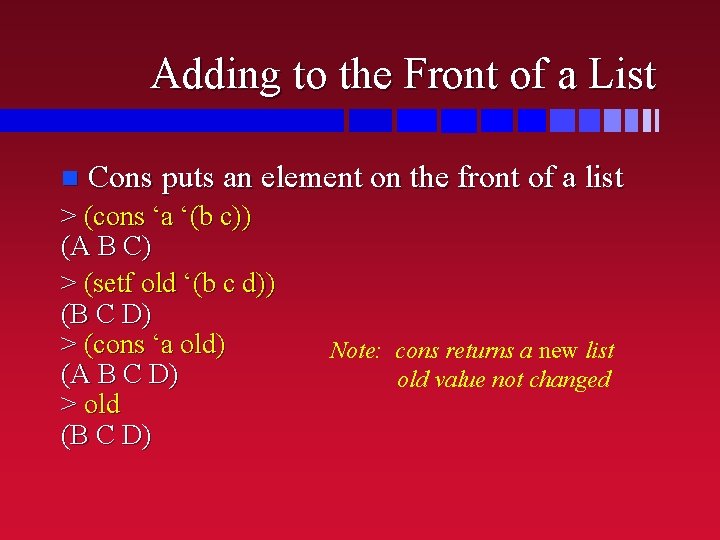
Adding to the Front of a List n Cons puts an element on the front of a list > (cons ‘a ‘(b c)) (A B C) > (setf old ‘(b c d)) (B C D) > (cons ‘a old) (A B C D) > old (B C D) Note: cons returns a new list old value not changed
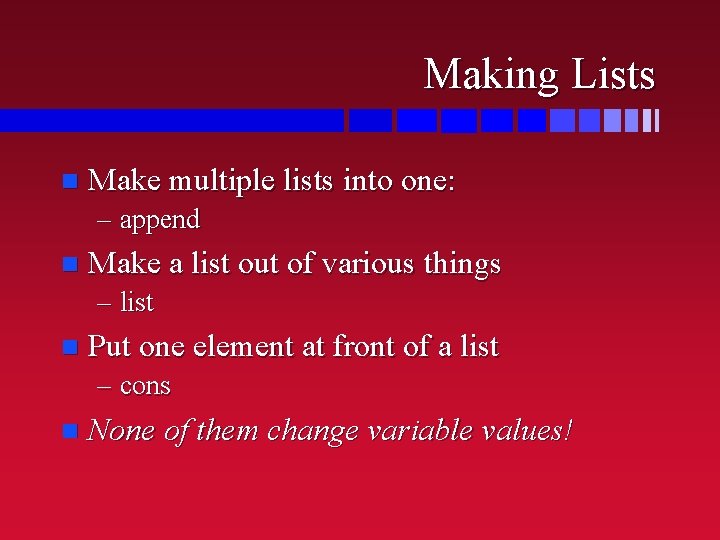
Making Lists n Make multiple lists into one: – append n Make a list out of various things – list n Put one element at front of a list – cons n None of them change variable values!
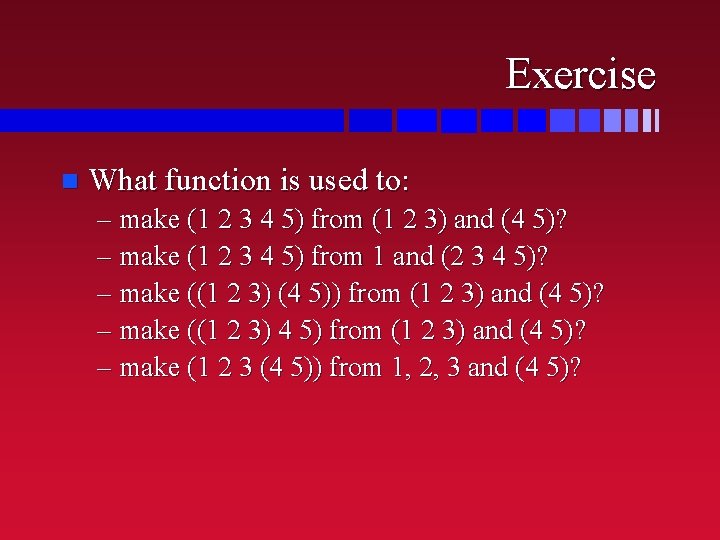
Exercise n What function is used to: – make (1 2 3 4 5) from (1 2 3) and (4 5)? – make (1 2 3 4 5) from 1 and (2 3 4 5)? – make ((1 2 3) (4 5)) from (1 2 3) and (4 5)? – make ((1 2 3) 4 5) from (1 2 3) and (4 5)? – make (1 2 3 (4 5)) from 1, 2, 3 and (4 5)?
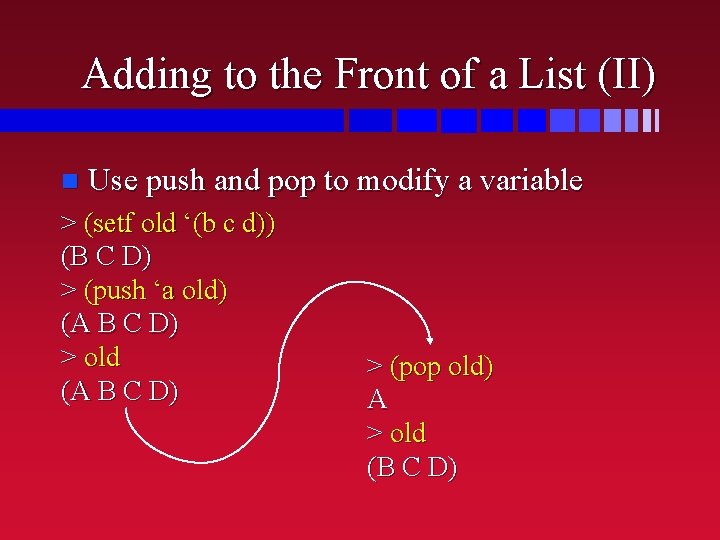
Adding to the Front of a List (II) n Use push and pop to modify a variable > (setf old ‘(b c d)) (B C D) > (push ‘a old) (A B C D) > old (A B C D) > (pop old) A > old (B C D)
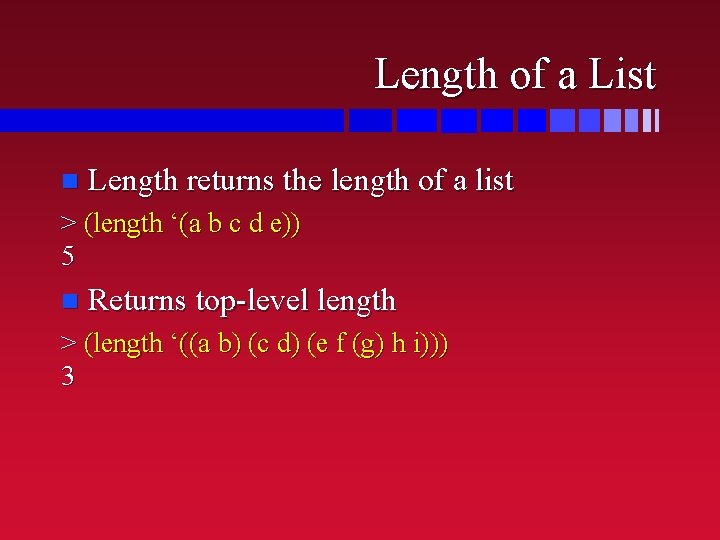
Length of a List n Length returns the length of a list > (length ‘(a b c d e)) 5 n Returns top-level length > (length ‘((a b) (c d) (e f (g) h i))) 3
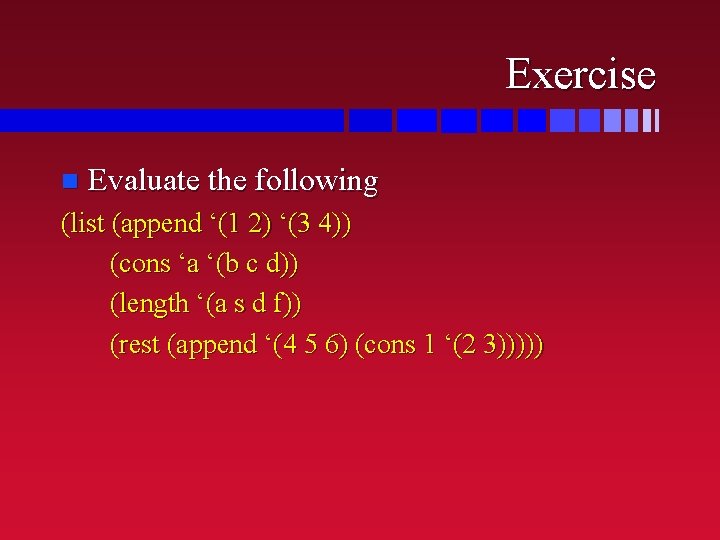
Exercise n Evaluate the following (list (append ‘(1 2) ‘(3 4)) (cons ‘a ‘(b c d)) (length ‘(a s d f)) (rest (append ‘(4 5 6) (cons 1 ‘(2 3)))))
Next Time n Defining functions in LISP – Chapters 3 & 4