
Introduction to Linux Tux the penguin mascot of


![2 -directories are separated using forward slashes. [alaei@node 65 ~]$ cd linux/ 3 -some](https://slidetodoc.com/presentation_image_h2/5ff7a0eb218ddb4da3c8154ed7cad909/image-15.jpg "2 -directories are separated using forward slashes. [alaei@node 65 ~]$ cd linux/ 3 -some")

- Slides: 18
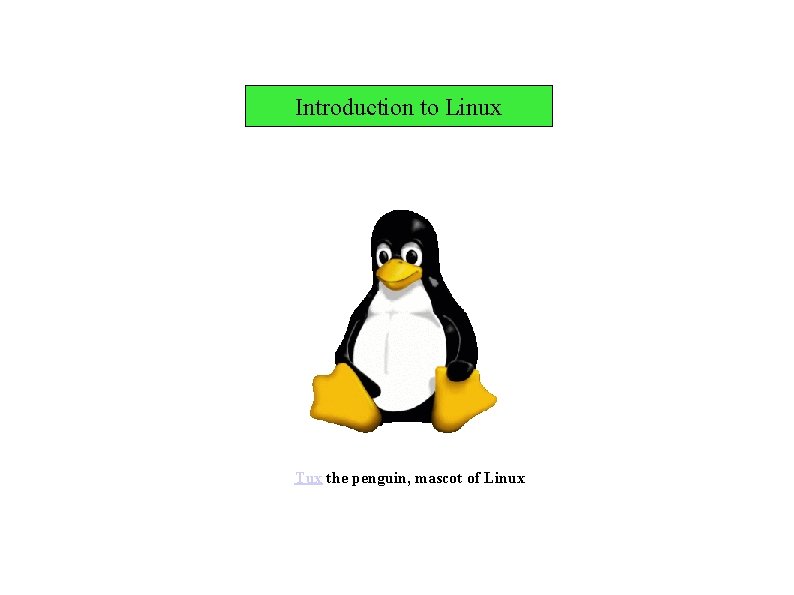
Introduction to Linux Tux the penguin, mascot of Linux
Introduction to Linux 1 -History 2 -Is Linux difficult? 3 -Properties of Linux 4 -Linux and GNU 5 -Open Source 6 -Unix system Architecture 7 -Which distribution of Linux 8 -Setup Linux for scientific purpose start with Linux (tutorial session)
History UNIX Travel back in time, about 30 years ago. . . in those days, every computer had a different operating system In 1969, a team of developers in Bell Labs laboratories started working on this problem They developed a new OS (UNIX) : 1 -Simple and elegant 2 - Writting in the C programming language instead of in assembly code 3 -Able to recycle code (for recycling: change only kernel)
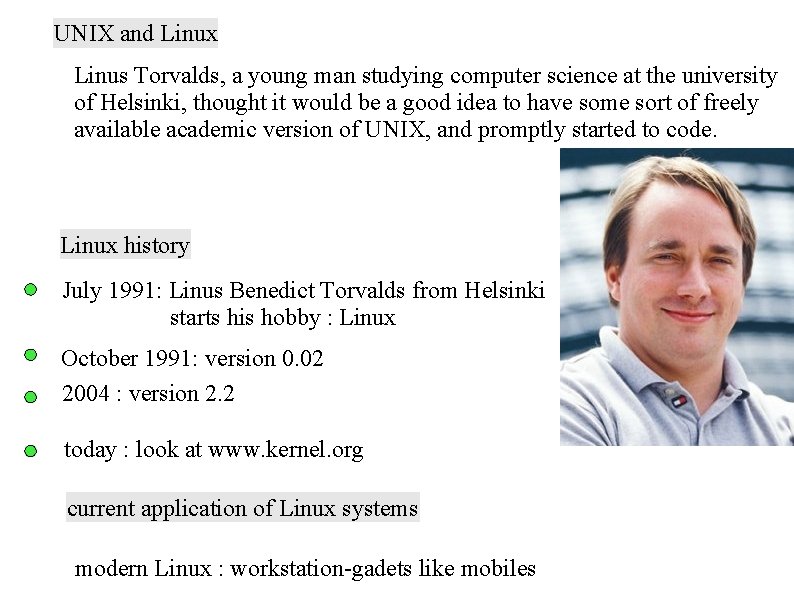
UNIX and Linux Linus Torvalds, a young man studying computer science at the university of Helsinki, thought it would be a good idea to have some sort of freely available academic version of UNIX, and promptly started to code. Linux history July 1991: Linus Benedict Torvalds from Helsinki starts his hobby : Linux October 1991: version 0. 02 2004 : version 2. 2 today : look at www. kernel. org current application of Linux systems modern Linux : workstation-gadets like mobiles
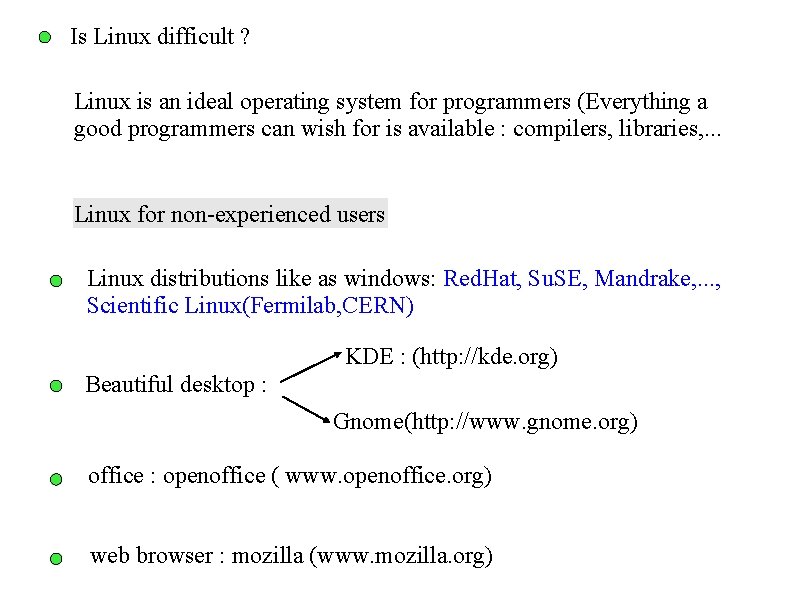
Is Linux difficult ? Linux is an ideal operating system for programmers (Everything a good programmers can wish for is available : compilers, libraries, . . . Linux for non-experienced users Linux distributions like as windows: Red. Hat, Su. SE, Mandrake, . . . , Scientific Linux(Fermilab, CERN) KDE : (http: //kde. org) Beautiful desktop : Gnome(http: //www. gnome. org) office : openoffice ( www. openoffice. org) web browser : mozilla (www. mozilla. org)
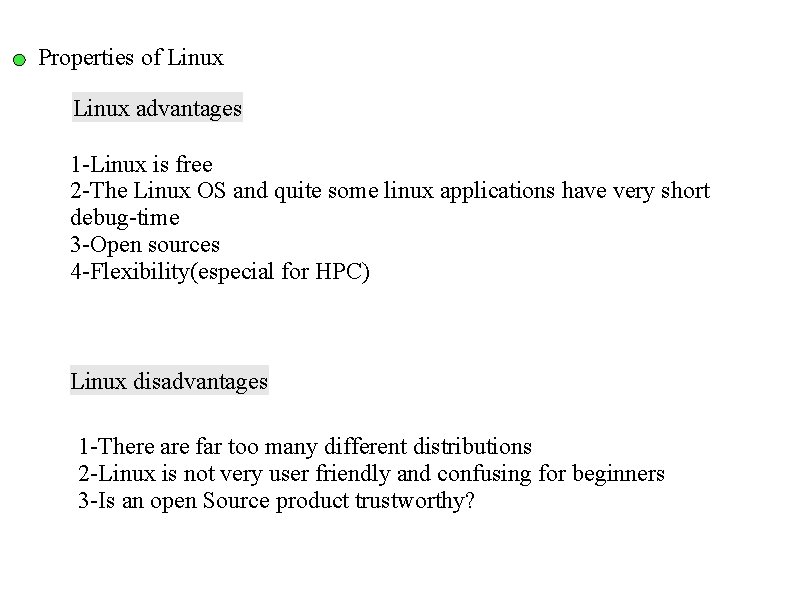
Properties of Linux advantages 1 -Linux is free 2 -The Linux OS and quite some linux applications have very short debug-time 3 -Open sources 4 -Flexibility(especial for HPC) Linux disadvantages 1 -There are far too many different distributions 2 -Linux is not very user friendly and confusing for beginners 3 -Is an open Source product trustworthy?
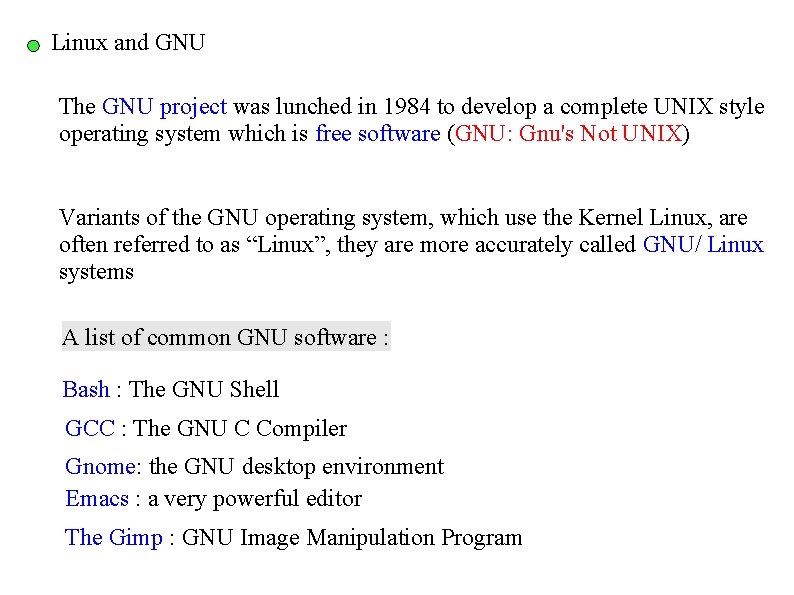
Linux and GNU The GNU project was lunched in 1984 to develop a complete UNIX style operating system which is free software (GNU: Gnu's Not UNIX) Variants of the GNU operating system, which use the Kernel Linux, are often referred to as “Linux”, they are more accurately called GNU/ Linux systems A list of common GNU software : Bash : The GNU Shell GCC : The GNU C Compiler Gnome: the GNU desktop environment Emacs : a very powerful editor The Gimp : GNU Image Manipulation Program
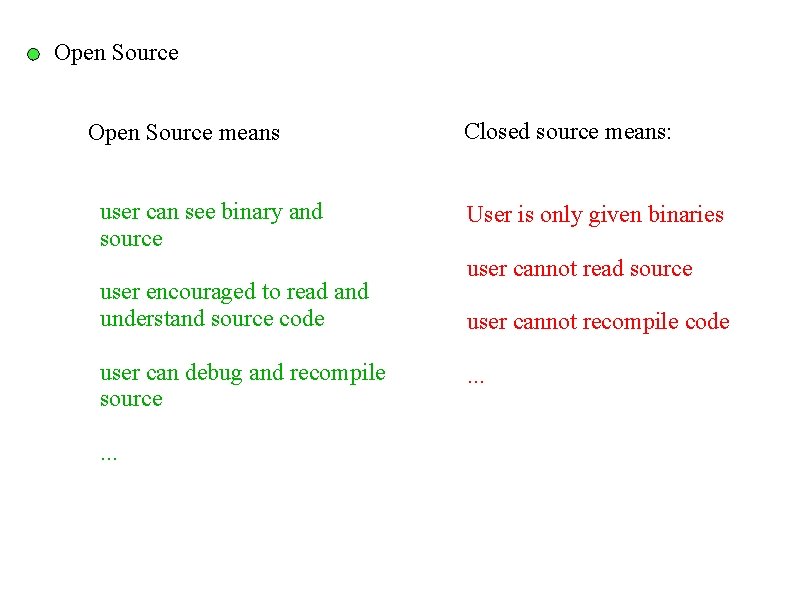
Open Source means user can see binary and source user encouraged to read and understand source code user can debug and recompile source. . . Closed source means: User is only given binaries user cannot read source user cannot recompile code. . .
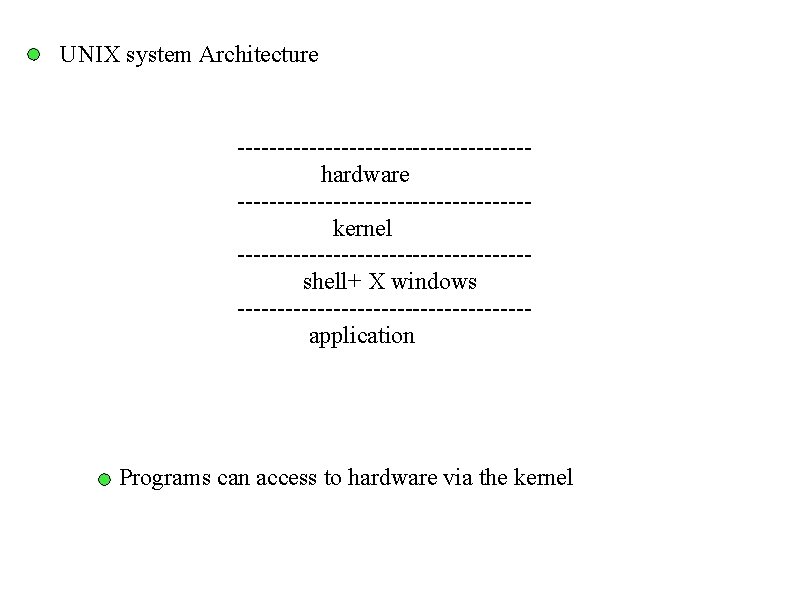
UNIX system Architecture ------------------hardware ------------------kernel ------------------shell+ X windows ------------------application Programs can access to hardware via the kernel
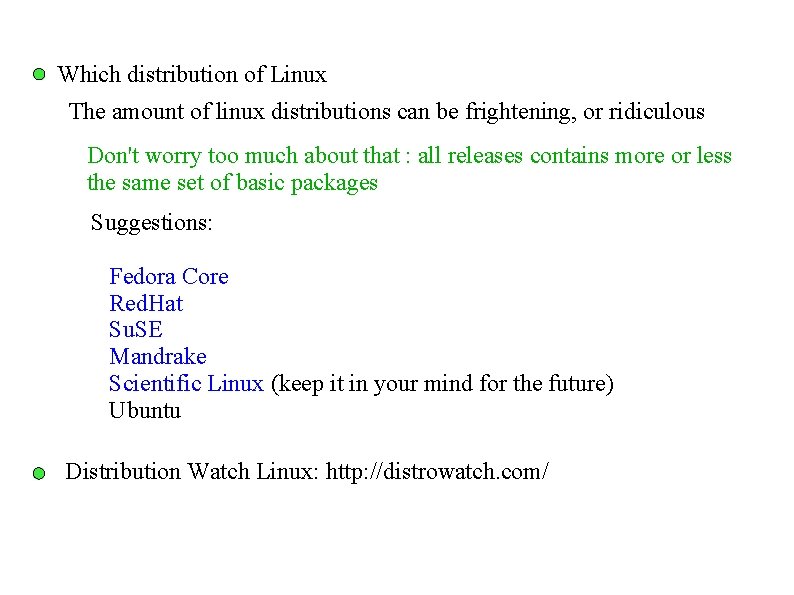
Which distribution of Linux The amount of linux distributions can be frightening, or ridiculous Don't worry too much about that : all releases contains more or less the same set of basic packages Suggestions: Fedora Core Red. Hat Su. SE Mandrake Scientific Linux (keep it in your mind for the future) Ubuntu Distribution Watch Linux: http: //distrowatch. com/
Setup Linux for scientific purpose
Start with Linux Graphical mode Login Text mode Don't log in as root <CTRL> <ALT> <F 1> from graphics to text <CTRL> <ALT> <F 7> from text to graphics [alaei@node 65 tutor]$ username of machine prompt
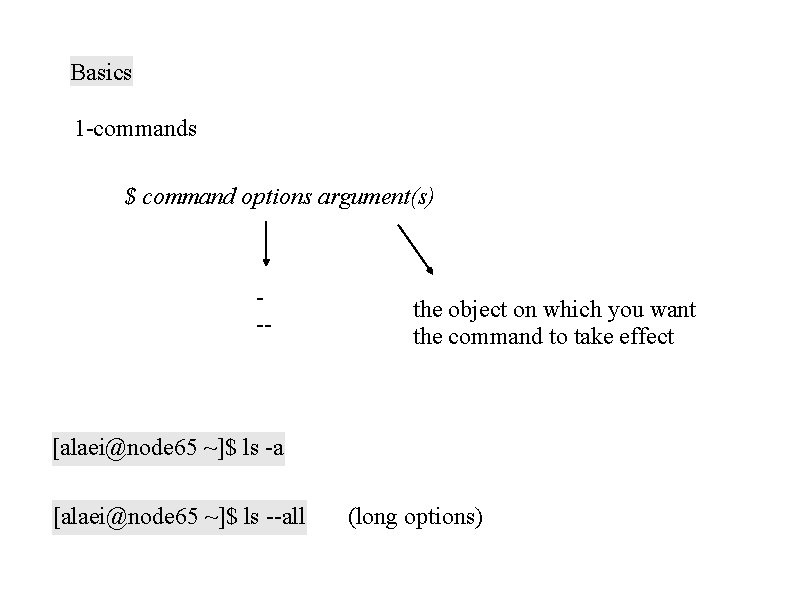
Basics 1 -commands $ command options argument(s) -- the object on which you want the command to take effect [alaei@node 65 ~]$ ls -a [alaei@node 65 ~]$ ls --all (long options)
2 -directories are separated using forward slashes. [alaei@node 65 ~]$ cd linux/ 3 -some techniques commands Tab directories Tab Ctrl+A: Move cursor to the beginning of the command line Ctrl+C : End a runing program and return the prompt Ctrl+D: Log out of the current shell session, equal to typing exit or logout Alt+F 2 , Alt+F 1
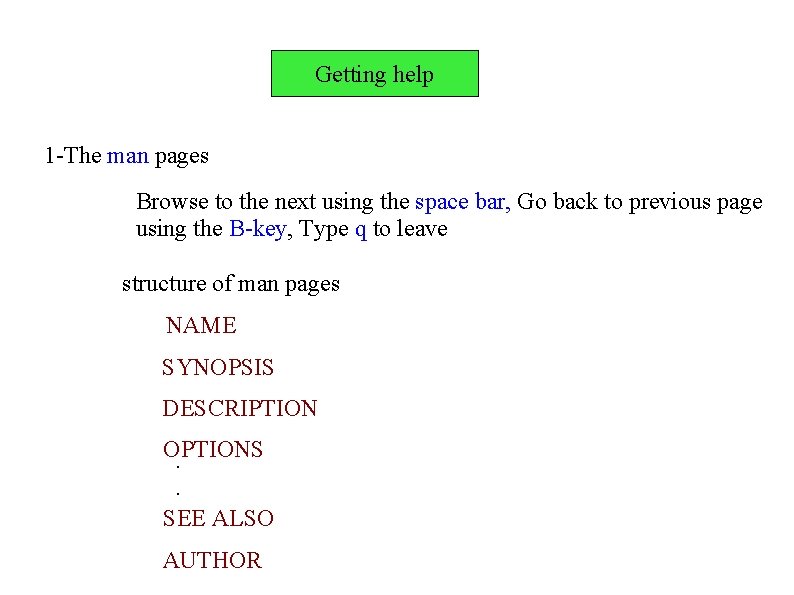
Getting help 1 -The man pages Browse to the next using the space bar, Go back to previous page using the B-key, Type q to leave structure of man pages NAME SYNOPSIS DESCRIPTION OPTIONS. . SEE ALSO AUTHOR
2 -info pages These usually contain more recent information and are somewhat easier to use 3 -The whatis command A short index of explanations for commands 4 - The apropos command Search the whatis database for strings 5 - The –help option Most GNU commands support the --help
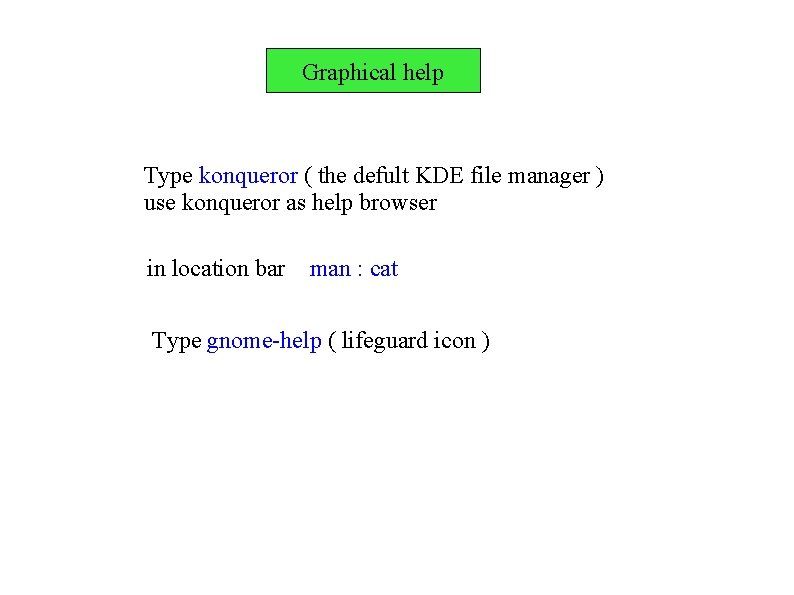
Graphical help Type konqueror ( the defult KDE file manager ) use konqueror as help browser in location bar man : cat Type gnome-help ( lifeguard icon )