
Introduction to JSP Introduction JSP is based on
Introduction to JSP
Introduction • JSP is based on the Java technology and is an extension of the Java Servlet technology • Platform independence and extensibility of servlets are easily incorporated in JSP • Using the Java server-side modules, JSP can fit effortlessly into the framework of a Web server with minimal overhead • The use of XML-like tags and Java-like syntax in JSP facilitate building Web -based applications

Benefits • Platform independence. The use of JSP adds versatility to a Web application by enabling its execution on any computer • Enhanced performance. The compilation process in JSP produces faster results or output • Separation of logic from display. The use of JSP permits the HTMLspecific static content and a mixture of HTML, Java, and JSP to be placed in separate files • Ease of administration. The use of JSP eliminates the need for highlevel technical expertise • Ease of use. All JSP applications run on major Web servers and operating systems
Competition • JSP versus ASP. The dynamic content of JSP is written in Java, in contrast to that of ASP, which is written using an ASP-specific language • JSP versus PHP is similar to ASP and JSP to a certain extent. With basic HTML knowledge, however, a VBScript programmer can write ASP applications and a Java programmer can create JSP applications, whereas PHP requires learning an entirely new language • JSP versus Java. Script is a client-side programming language used to build parts of HTML Web pages while the browser loads a document. As a result, the pages generated in Java. Script create dynamic content that is solely based on the client environment
JSP Characteristics • JSP is an extension of the Java Servlet technology • It uses Java objects to receive Web requests and subsequently builds and sends back appropriate responses to the browser • The compilation of an JSP page generates a servlet that incorporates all servlet functionality

Request-Response Cycle
JSP and Servlets • A JSP file, when compiled, generates a servlet • A JSP file is much easier to deploy because the JSP engine performs the recompilation for the Java code automatically • JSP also aims to relieve the programmers from coding for servlets by autogeneration of servlets • Servlets and JSP share common features, such as platform independence, creation of database-driven Web applications, and server-side programming capabilities
JSP and Servlets • Servlets tie up files to handle the static presentation logic and the dynamic business logic independently • An HTML file is used for the static content and a Java file for the dynamic content • A change made to any file requires the recompilation of the corresponding servlet • JSP allows Java code to be embedded directly into an HTML page by using special tags • The HTML content and the Java content can also be placed in separate files

Compilation Process • The compilation of a JSP page builds a request and a response cycle with two phases: • the translation phase • the request-processing phase • When the client requests a JSP page, the server sends a request to the JSP Engine • The JSP container compiles the corresponding translation unit • Then, the JSP engine automatically generates a servlet • This results in the creation of a class file for the JSP page • The response is generated according to the request specifications • The servlet then sends back the response corresponding to the request received
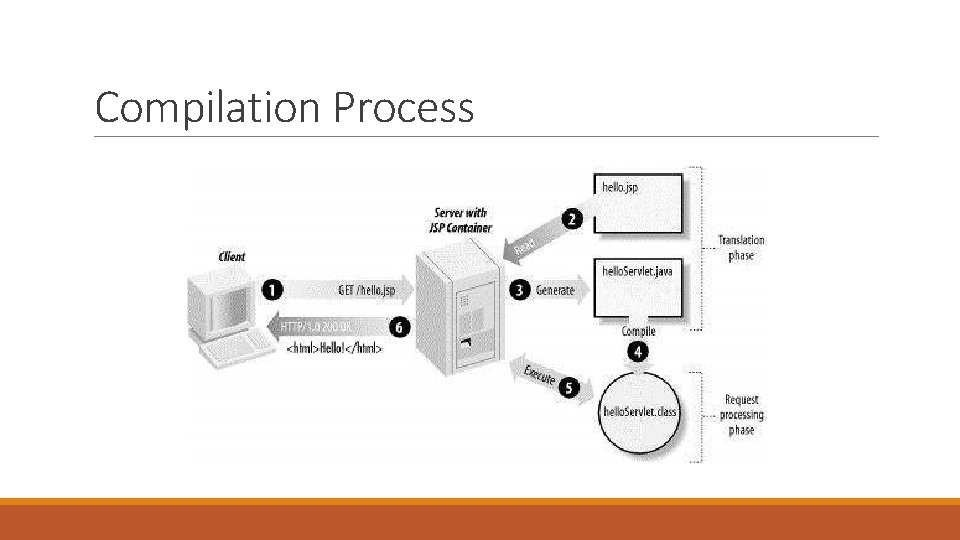
Compilation Process
Installation • Download an implementation of the Java Software Development Kit (SDK) • Set the PATH and JAVA_HOME environment variables to refer to the directory that contains java and javac, typically java_install_dir/bin and java_install_dir • A number of Web Servers that support Java. Server Pages and Servlets development • Apache Tomcat is an open source software implementation of the Java. Server Pages and Servlet technologies • After a successful startup, the default web-applications included with Tomcat will be available by visiting http: //localhost: 8080/
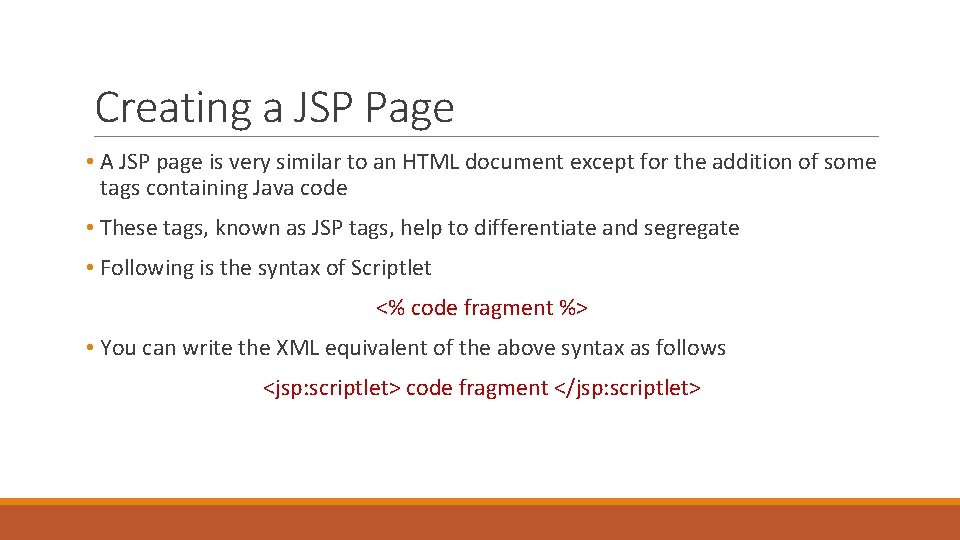
Creating a JSP Page • A JSP page is very similar to an HTML document except for the addition of some tags containing Java code • These tags, known as JSP tags, help to differentiate and segregate • Following is the syntax of Scriptlet <% code fragment %> • You can write the XML equivalent of the above syntax as follows <jsp: scriptlet> code fragment </jsp: scriptlet>
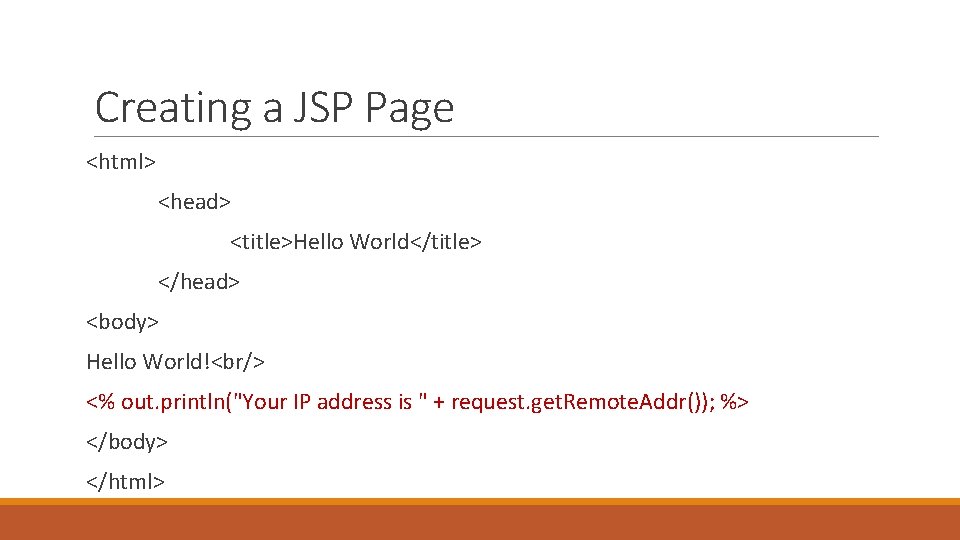
Creating a JSP Page <html> <head> <title>Hello World</title> </head> <body> Hello World!<br/> <% out. println("Your IP address is " + request. get. Remote. Addr()); %> </body> </html>
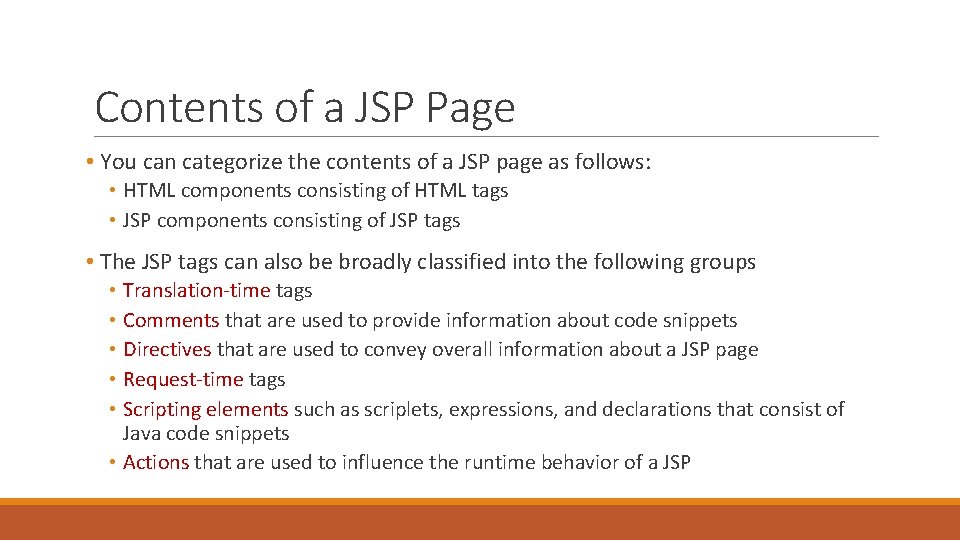
Contents of a JSP Page • You can categorize the contents of a JSP page as follows: • HTML components consisting of HTML tags • JSP components consisting of JSP tags • The JSP tags can also be broadly classified into the following groups • Translation-time tags • Comments that are used to provide information about code snippets • Directives that are used to convey overall information about a JSP page • Request-time tags • Scripting elements such as scriplets, expressions, and declarations that consist of Java code snippets • Actions that are used to influence the runtime behavior of a JSP
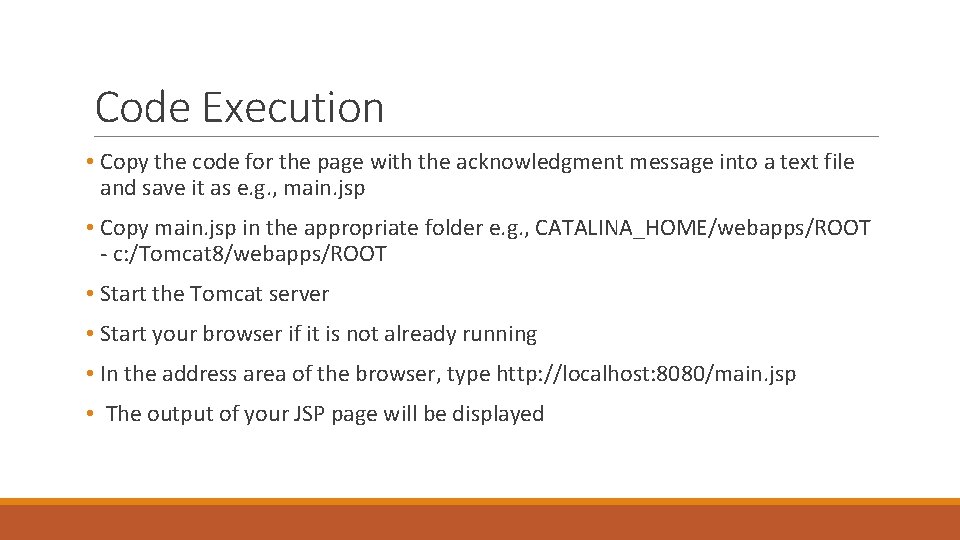
Code Execution • Copy the code for the page with the acknowledgment message into a text file and save it as e. g. , main. jsp • Copy main. jsp in the appropriate folder e. g. , CATALINA_HOME/webapps/ROOT - c: /Tomcat 8/webapps/ROOT • Start the Tomcat server • Start your browser if it is not already running • In the address area of the browser, type http: //localhost: 8080/main. jsp • The output of your JSP page will be displayed
![Declarations <%! declaration; [ declaration; ]+. . . %> <%! int i = 0;](http://slidetodoc.com/presentation_image_h2/81b41cf33c5193da729bea0cd61d40ff/image-16.jpg "Declarations <%! declaration; [ declaration; ]+. . . %> <%! int i = 0;")
Declarations <%! declaration; [ declaration; ]+. . . %> <%! int i = 0; %> <%! int a, b, c; %> <%! Circle a = new Circle(2. 0); %>
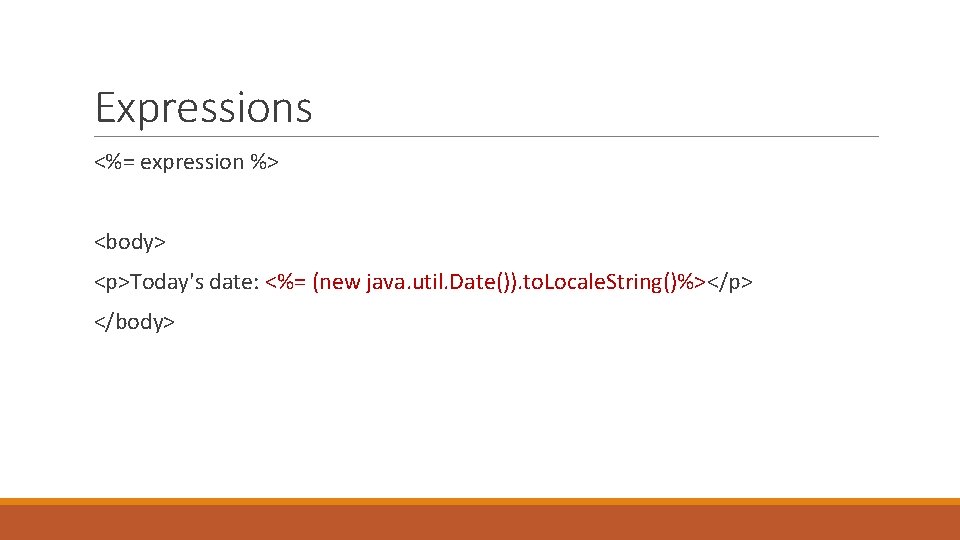
Expressions <%= expression %> <body> <p>Today's date: <%= (new java. util. Date()). to. Locale. String()%></p> </body>
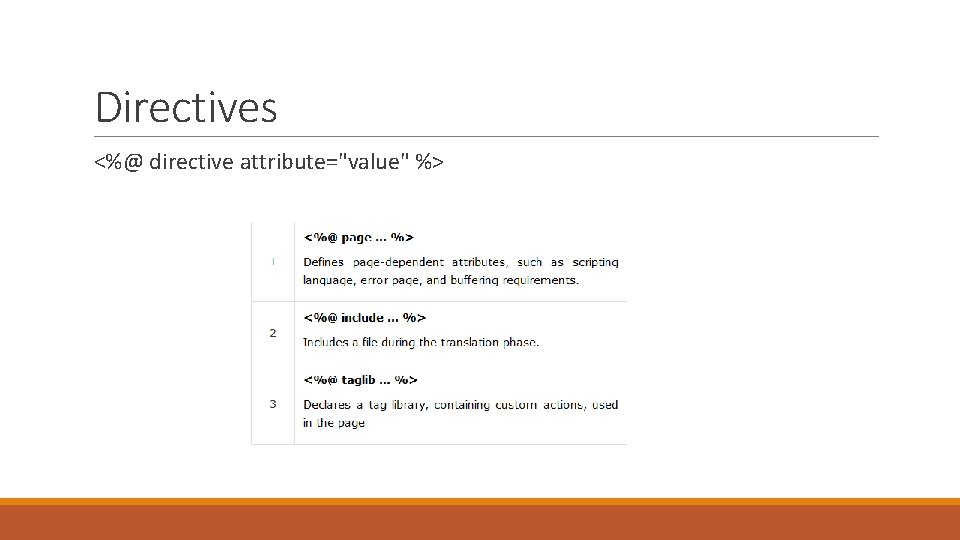
Directives <%@ directive attribute="value" %>
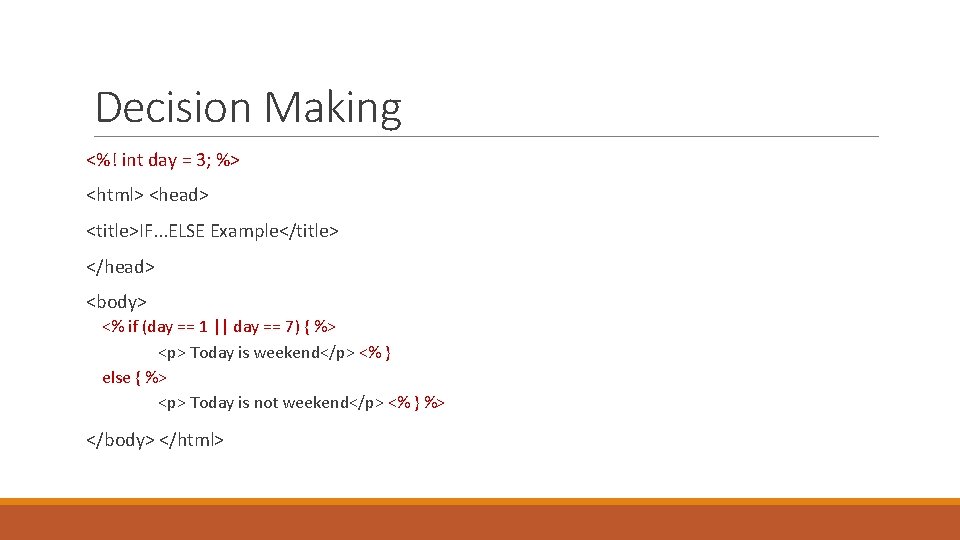
Decision Making <%! int day = 3; %> <html> <head> <title>IF. . . ELSE Example</title> </head> <body> <% if (day == 1 || day == 7) { %> <p> Today is weekend</p> <% } else { %> <p> Today is not weekend</p> <% } %> </body> </html>
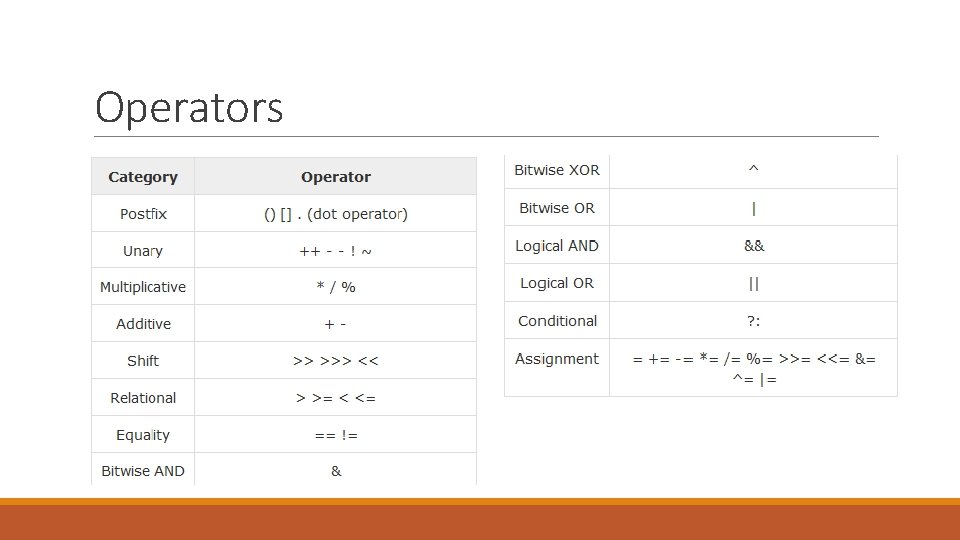
Operators
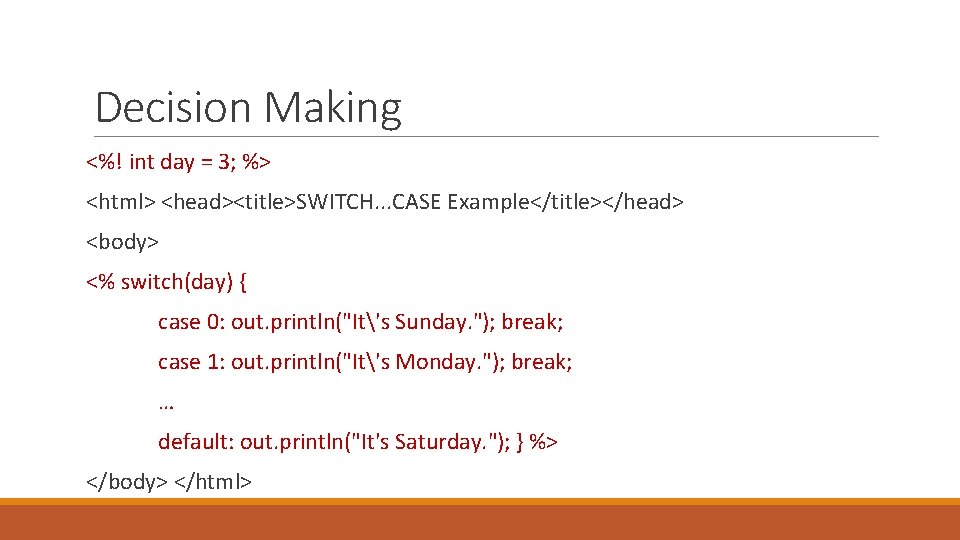
Decision Making <%! int day = 3; %> <html> <head><title>SWITCH. . . CASE Example</title></head> <body> <% switch(day) { case 0: out. println("It's Sunday. "); break; case 1: out. println("It's Monday. "); break; … default: out. println("It's Saturday. "); } %> </body> </html>
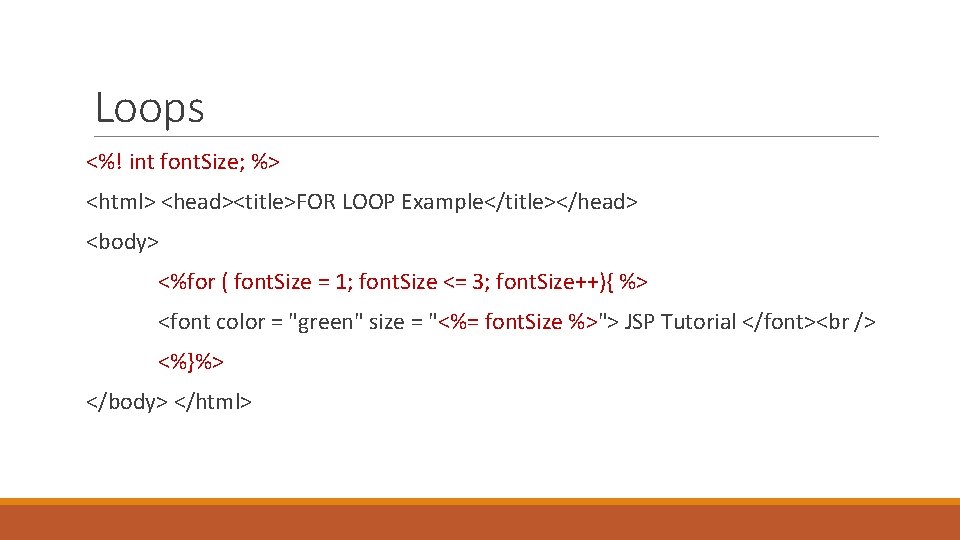
Loops <%! int font. Size; %> <html> <head><title>FOR LOOP Example</title></head> <body> <%for ( font. Size = 1; font. Size <= 3; font. Size++){ %> <font color = "green" size = "<%= font. Size %>"> JSP Tutorial </font> <%}%> </body> </html>
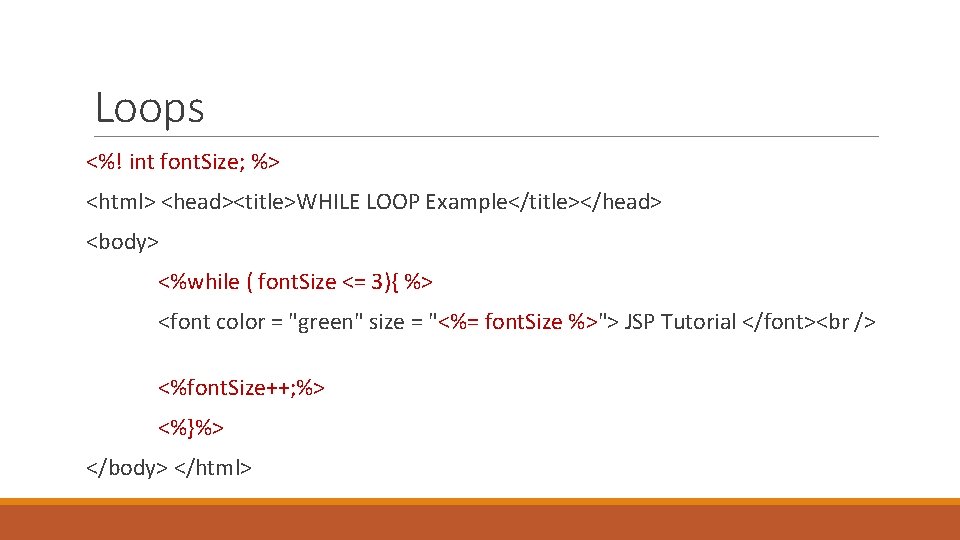
Loops <%! int font. Size; %> <html> <head><title>WHILE LOOP Example</title></head> <body> <%while ( font. Size <= 3){ %> <font color = "green" size = "<%= font. Size %>"> JSP Tutorial </font> <%font. Size++; %> <%}%> </body> </html>
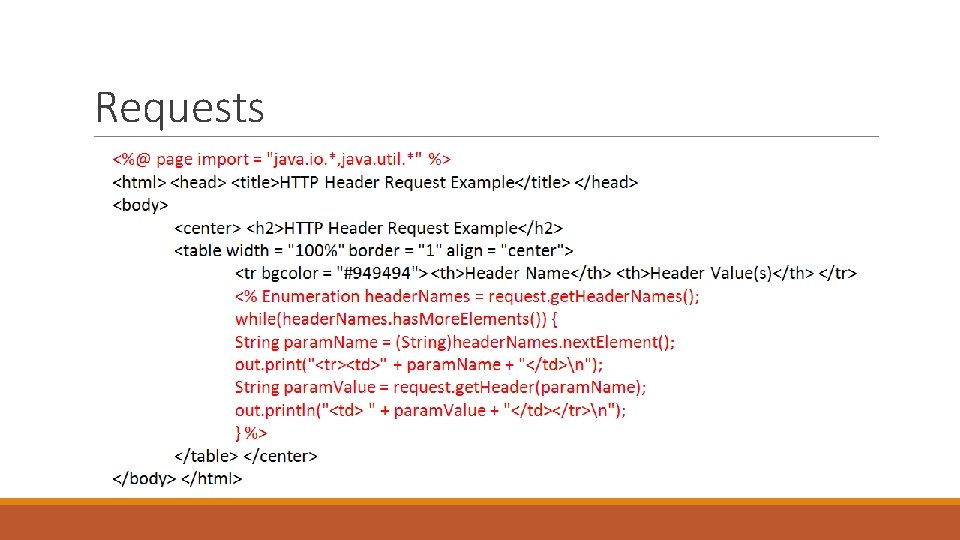
Requests • The request object is an instance of a javax. servlet. http. Http. Servlet. Request object • Each time a client requests a page, the JSP engine creates a new object to represent that request • The request object provides methods to get HTTP header information including form data, cookies, HTTP methods, etc
![Requests • Request object methods (examples) • Cookie[] get. Cookies(). Returns an array containing](http://slidetodoc.com/presentation_image_h2/81b41cf33c5193da729bea0cd61d40ff/image-25.jpg "Requests • Request object methods (examples) • Cookie[] get. Cookies(). Returns an array containing")
Requests • Request object methods (examples) • Cookie[] get. Cookies(). Returns an array containing all of the Cookie objects the client sent with this request • Enumeration get. Attribute. Names(). Returns an Enumeration containing the names of the attributes available to this request • Http. Session get. Session(). Returns the current session associated with the this request, or if the request does not have a session, creates one • Object get. Attribute(String name). Returns the value of the named attribute as an Object, or null if no attribute of the given name exists • String get. Parameter(String name). Returns the value of a request parameter as a String, or null if the parameter does not exist
Requests
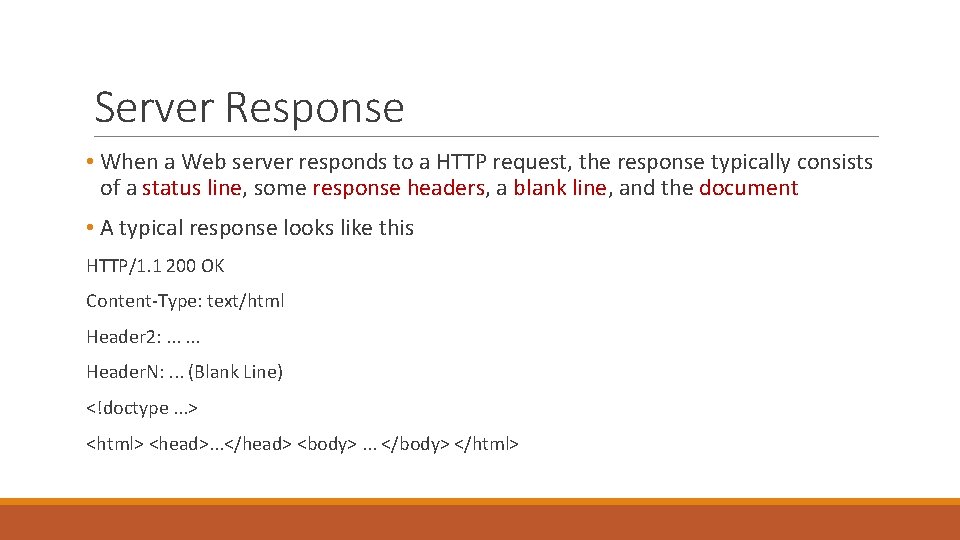
Server Response • When a Web server responds to a HTTP request, the response typically consists of a status line, some response headers, a blank line, and the document • A typical response looks like this HTTP/1. 1 200 OK Content-Type: text/html Header 2: . . . Header. N: . . . (Blank Line) <!doctype. . . > <html> <head>. . . </head> <body>. . . </body> </html>
Server Response • The response object is an instance of a javax. servlet. http. Http. Servlet. Response object • Just as the server creates the request object, it also creates an object to represent the response to the client • The response object also defines the interfaces that deal with creating new HTTP headers
Server Response • Response object methods (examples) • void add. Cookie(Cookie cookie). Adds the specified cookie to the response • void send. Error(int sc). Sends an error response to the client using the specified status code and clearing the buffer • void send. Redirect(String location). Sends a temporary redirect response to the client using the specified redirect location URL • void set. Header(String name, String value). Sets a response header with the given name and value
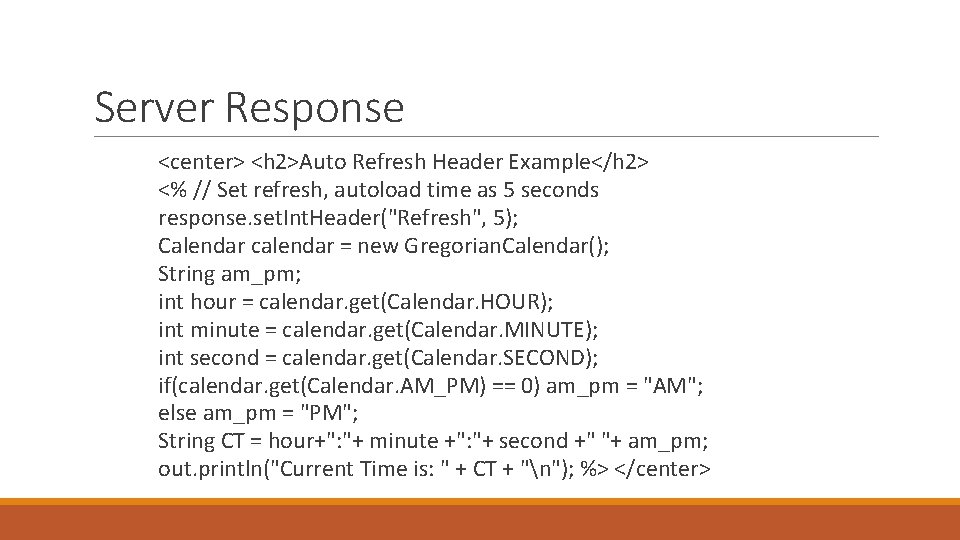
Server Response <center> <h 2>Auto Refresh Header Example</h 2> <% // Set refresh, autoload time as 5 seconds response. set. Int. Header("Refresh", 5); Calendar calendar = new Gregorian. Calendar(); String am_pm; int hour = calendar. get(Calendar. HOUR); int minute = calendar. get(Calendar. MINUTE); int second = calendar. get(Calendar. SECOND); if(calendar. get(Calendar. AM_PM) == 0) am_pm = "AM"; else am_pm = "PM"; String CT = hour+": "+ minute +": "+ second +" "+ am_pm; out. println("Current Time is: " + CT + "n"); %> </center>
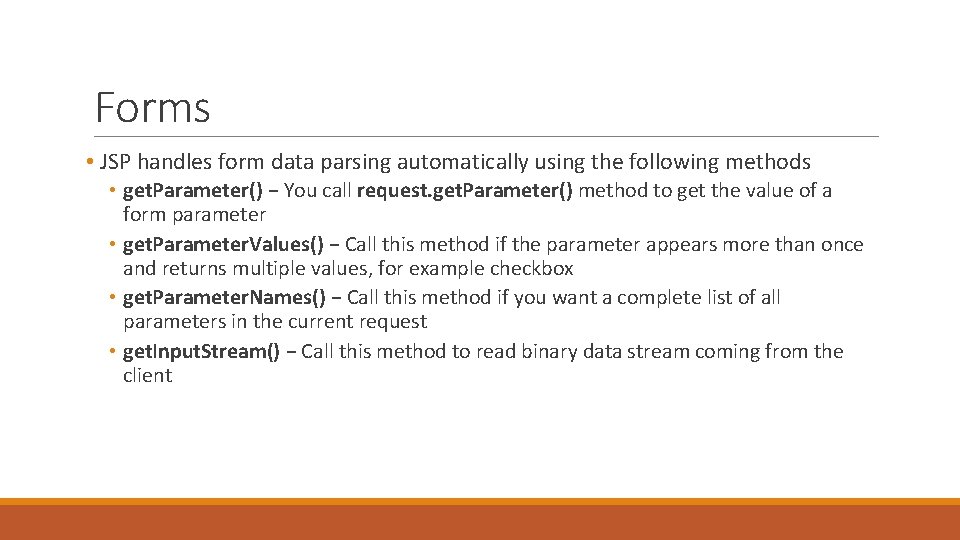
Forms • JSP handles form data parsing automatically using the following methods • get. Parameter() − You call request. get. Parameter() method to get the value of a form parameter • get. Parameter. Values() − Call this method if the parameter appears more than once and returns multiple values, for example checkbox • get. Parameter. Names() − Call this method if you want a complete list of all parameters in the current request • get. Input. Stream() − Call this method to read binary data stream coming from the client
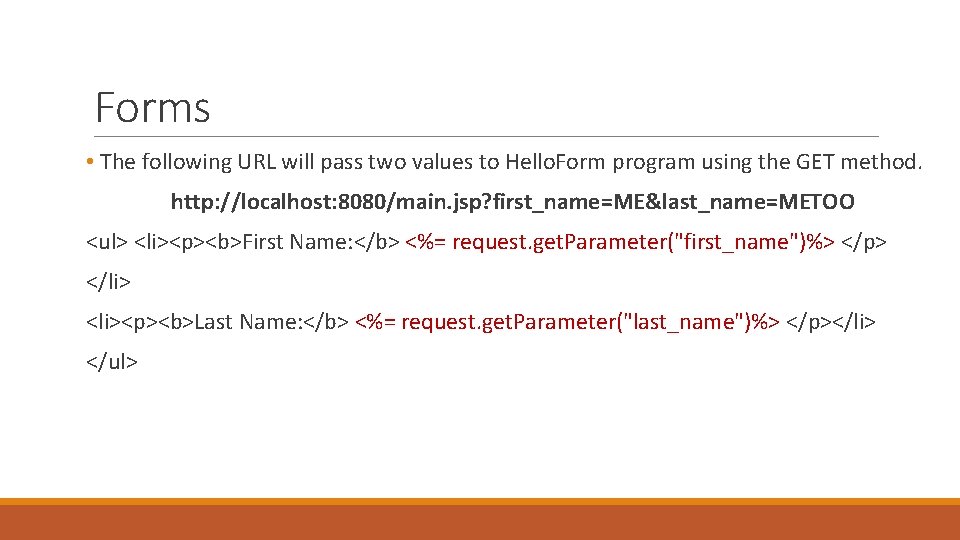
Forms • The following URL will pass two values to Hello. Form program using the GET method. http: //localhost: 8080/main. jsp? first_name=ME&last_name=METOO <ul> <li><p><b>First Name: </b> <%= request. get. Parameter("first_name")%> </p> </li> <li><p><b>Last Name: </b> <%= request. get. Parameter("last_name")%> </p></li> </ul>
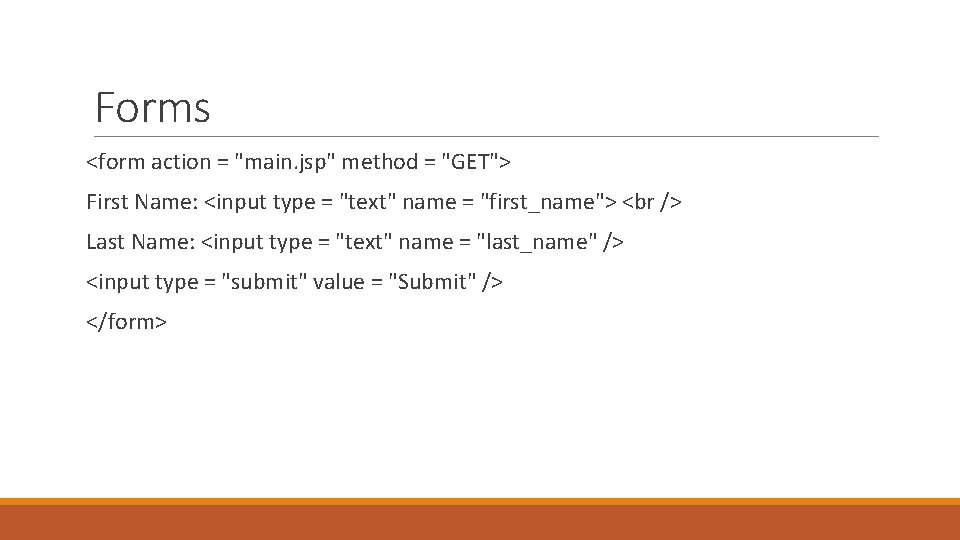
Forms <form action = "main. jsp" method = "GET"> First Name: <input type = "text" name = "first_name"> Last Name: <input type = "text" name = "last_name" /> <input type = "submit" value = "Submit" /> </form>
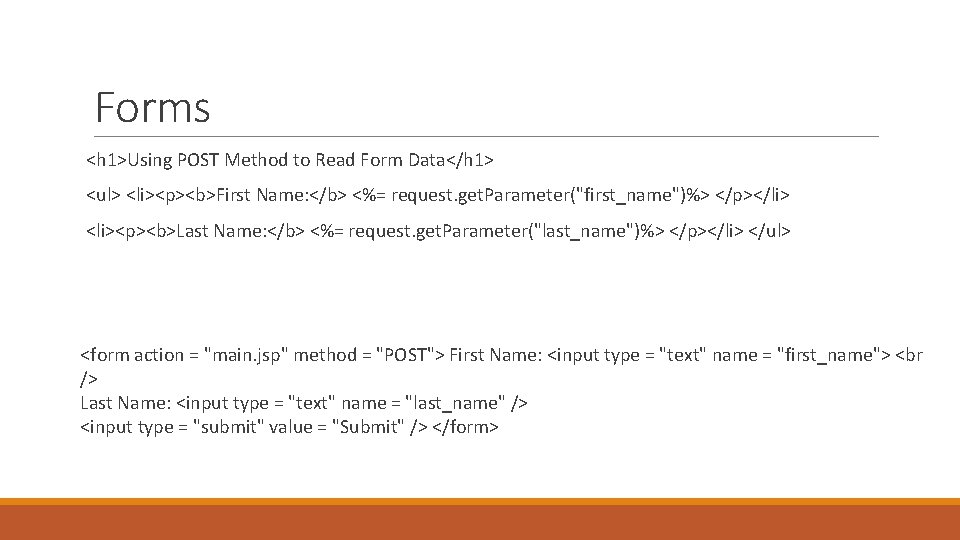
Forms <h 1>Using POST Method to Read Form Data</h 1> <ul> <li><p><b>First Name: </b> <%= request. get. Parameter("first_name")%> </p></li> <li><p><b>Last Name: </b> <%= request. get. Parameter("last_name")%> </p></li> </ul> <form action = "main. jsp" method = "POST"> First Name: <input type = "text" name = "first_name"> <br /> Last Name: <input type = "text" name = "last_name" /> <input type = "submit" value = "Submit" /> </form>
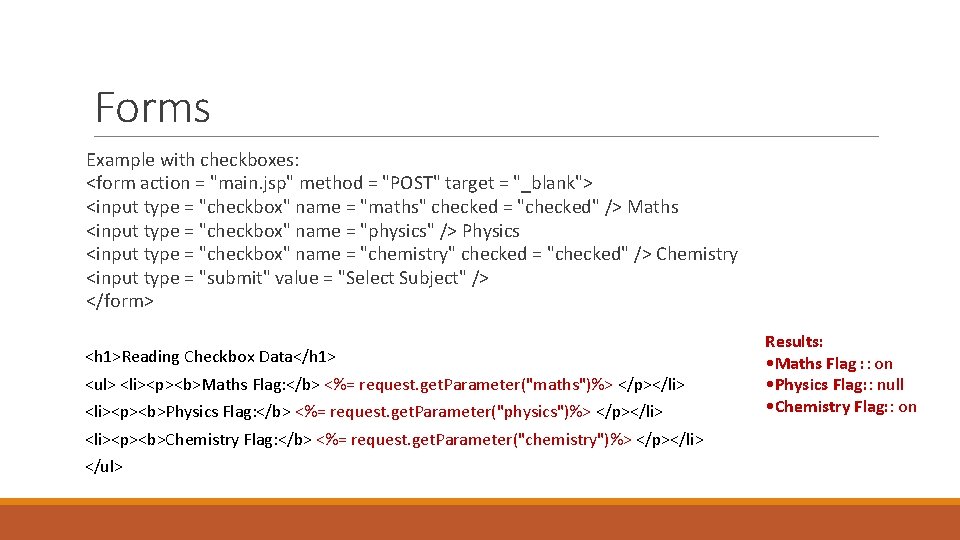
Forms Example with checkboxes: <form action = "main. jsp" method = "POST" target = "_blank"> <input type = "checkbox" name = "maths" checked = "checked" /> Maths <input type = "checkbox" name = "physics" /> Physics <input type = "checkbox" name = "chemistry" checked = "checked" /> Chemistry <input type = "submit" value = "Select Subject" /> </form> <h 1>Reading Checkbox Data</h 1> <ul> <li><p><b>Maths Flag: </b> <%= request. get. Parameter("maths")%> </p></li> <li><p><b>Physics Flag: </b> <%= request. get. Parameter("physics")%> </p></li> <li><p><b>Chemistry Flag: </b> <%= request. get. Parameter("chemistry")%> </p></li> </ul> Results: • Maths Flag : : on • Physics Flag: : null • Chemistry Flag: : on
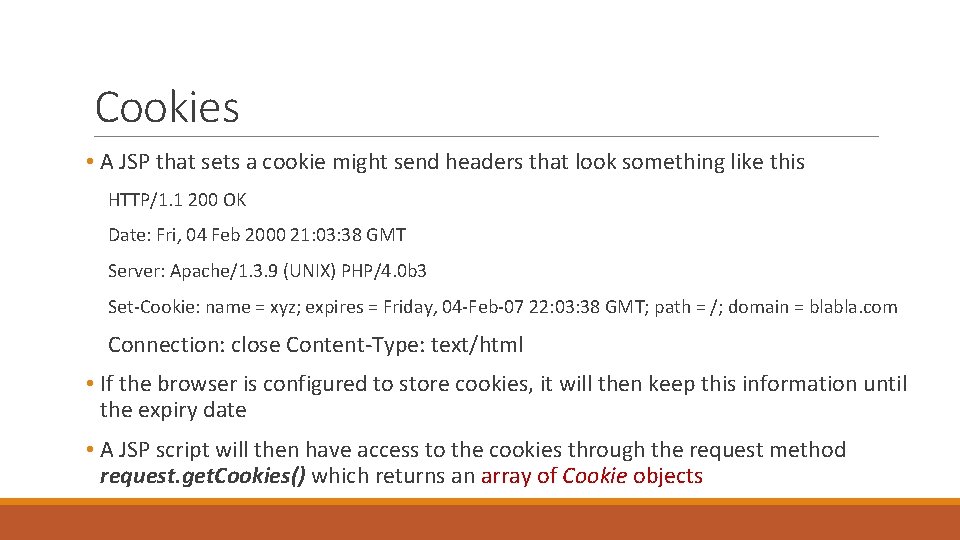
Cookies • A JSP that sets a cookie might send headers that look something like this HTTP/1. 1 200 OK Date: Fri, 04 Feb 2000 21: 03: 38 GMT Server: Apache/1. 3. 9 (UNIX) PHP/4. 0 b 3 Set-Cookie: name = xyz; expires = Friday, 04 -Feb-07 22: 03: 38 GMT; path = /; domain = blabla. com Connection: close Content-Type: text/html • If the browser is configured to store cookies, it will then keep this information until the expiry date • A JSP script will then have access to the cookies through the request method request. get. Cookies() which returns an array of Cookie objects
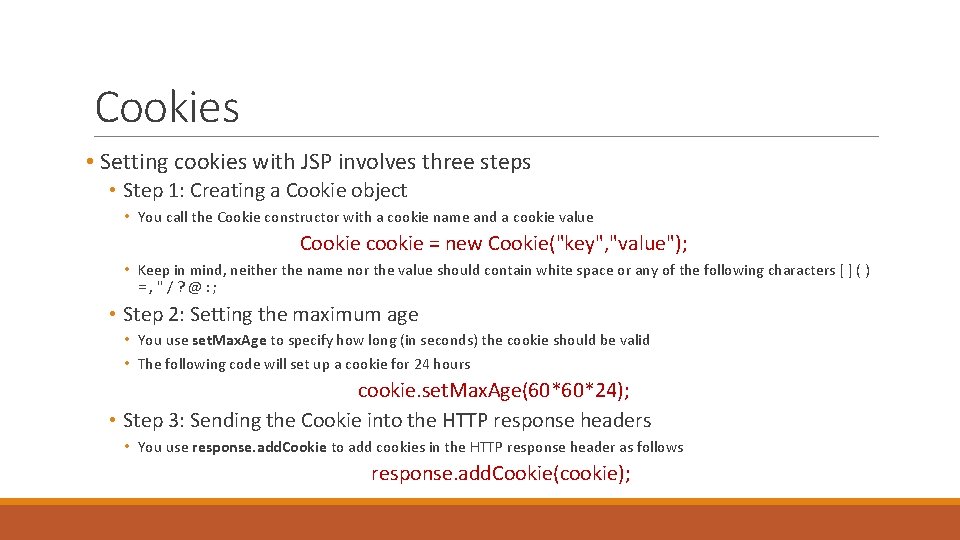
Cookies • Setting cookies with JSP involves three steps • Step 1: Creating a Cookie object • You call the Cookie constructor with a cookie name and a cookie value Cookie cookie = new Cookie("key", "value"); • Keep in mind, neither the name nor the value should contain white space or any of the following characters [ ] ( ) =, "/? @: ; • Step 2: Setting the maximum age • You use set. Max. Age to specify how long (in seconds) the cookie should be valid • The following code will set up a cookie for 24 hours cookie. set. Max. Age(60*60*24); • Step 3: Sending the Cookie into the HTTP response headers • You use response. add. Cookie to add cookies in the HTTP response header as follows response. add. Cookie(cookie);
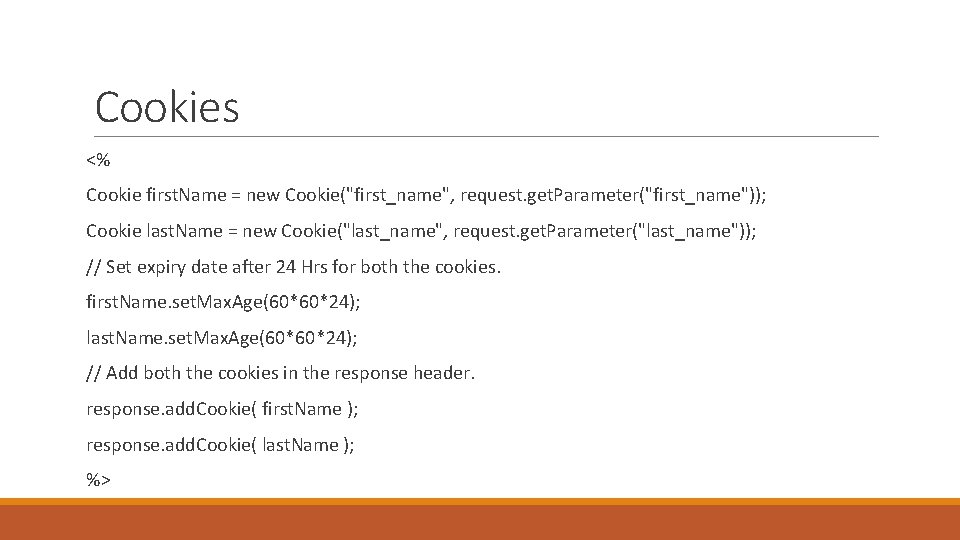
Cookies <% Cookie first. Name = new Cookie("first_name", request. get. Parameter("first_name")); Cookie last. Name = new Cookie("last_name", request. get. Parameter("last_name")); // Set expiry date after 24 Hrs for both the cookies. first. Name. set. Max. Age(60*60*24); last. Name. set. Max. Age(60*60*24); // Add both the cookies in the response header. response. add. Cookie( first. Name ); response. add. Cookie( last. Name ); %>
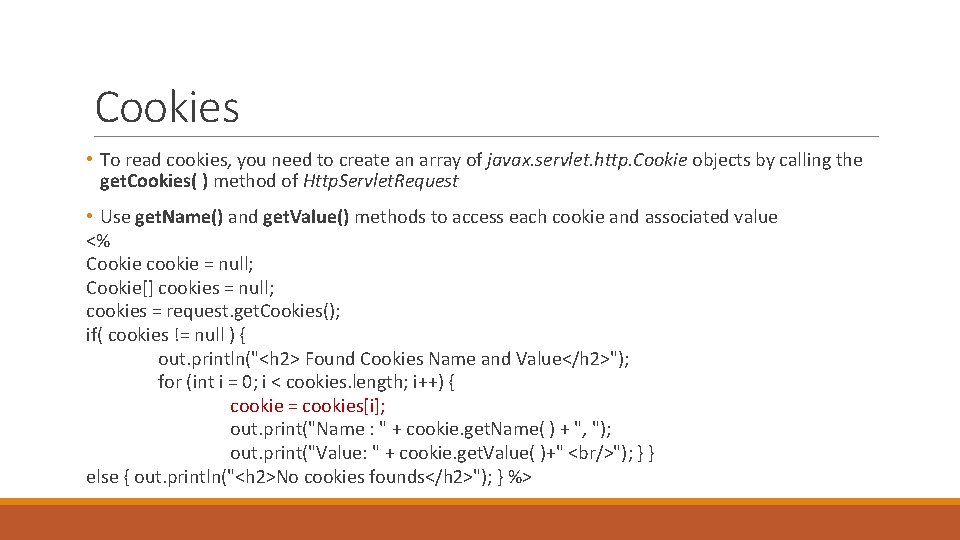
Cookies • To read cookies, you need to create an array of javax. servlet. http. Cookie objects by calling the get. Cookies( ) method of Http. Servlet. Request • Use get. Name() and get. Value() methods to access each cookie and associated value <% Cookie cookie = null; Cookie[] cookies = null; cookies = request. get. Cookies(); if( cookies != null ) { out. println("<h 2> Found Cookies Name and Value</h 2>"); for (int i = 0; i < cookies. length; i++) { cookie = cookies[i]; out. print("Name : " + cookie. get. Name( ) + ", "); out. print("Value: " + cookie. get. Value( )+" <br/>"); } } else { out. println("<h 2>No cookies founds</h 2>"); } %>
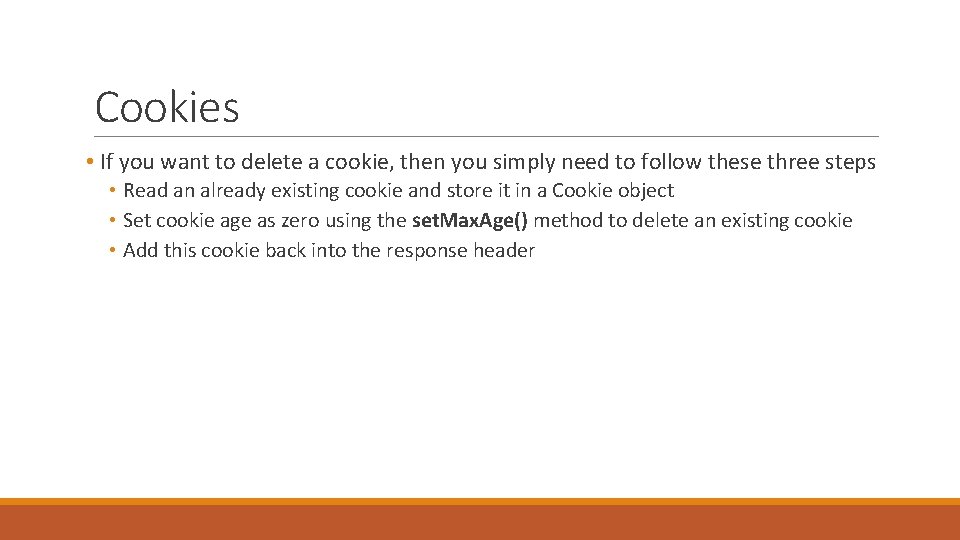
Cookies • If you want to delete a cookie, then you simply need to follow these three steps • Read an already existing cookie and store it in a Cookie object • Set cookie age as zero using the set. Max. Age() method to delete an existing cookie • Add this cookie back into the response header
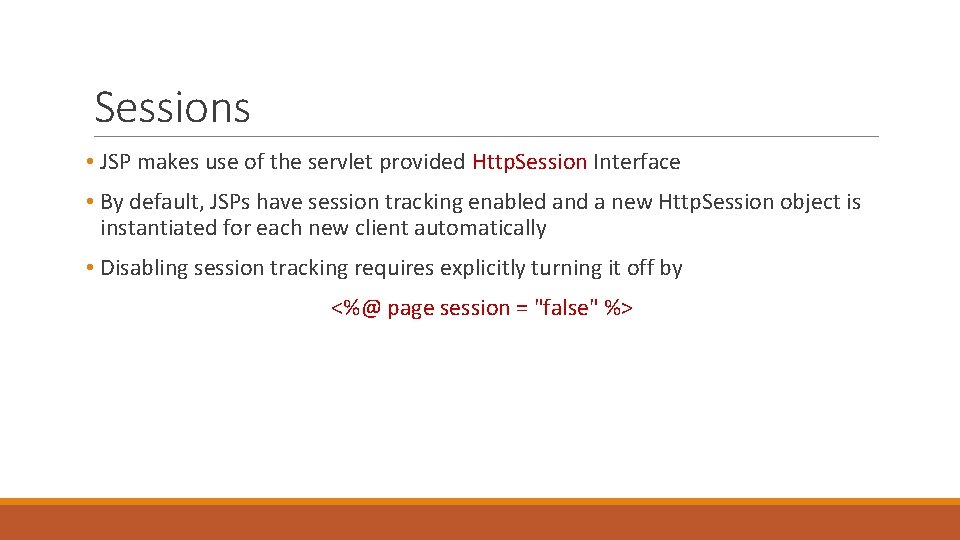
Sessions • JSP makes use of the servlet provided Http. Session Interface • By default, JSPs have session tracking enabled and a new Http. Session object is instantiated for each new client automatically • Disabling session tracking requires explicitly turning it off by <%@ page session = "false" %>
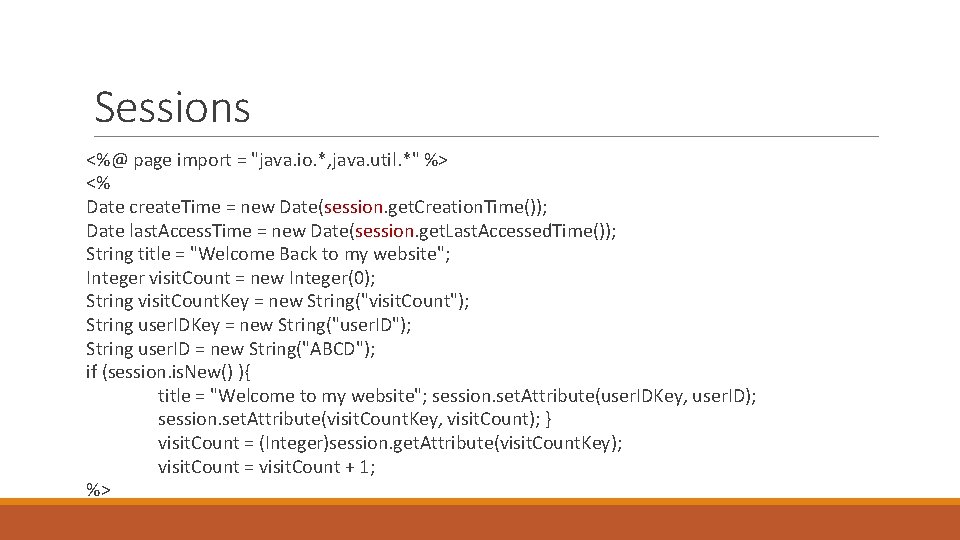
Sessions <%@ page import = "java. io. *, java. util. *" %> <% Date create. Time = new Date(session. get. Creation. Time()); Date last. Access. Time = new Date(session. get. Last. Accessed. Time()); String title = "Welcome Back to my website"; Integer visit. Count = new Integer(0); String visit. Count. Key = new String("visit. Count"); String user. IDKey = new String("user. ID"); String user. ID = new String("ABCD"); if (session. is. New() ){ title = "Welcome to my website"; session. set. Attribute(user. IDKey, user. ID); session. set. Attribute(visit. Count. Key, visit. Count); } visit. Count = (Integer)session. get. Attribute(visit. Count. Key); visit. Count = visit. Count + 1; %>
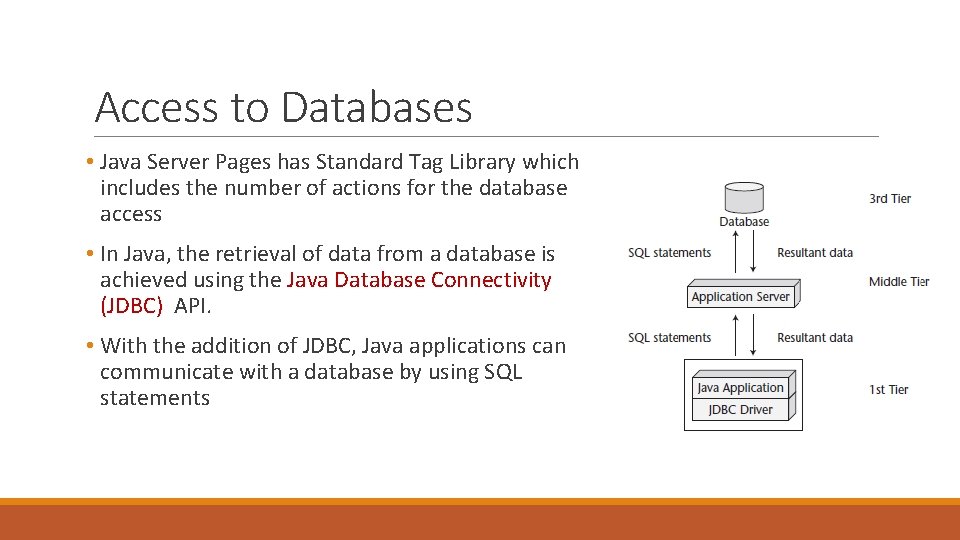
Access to Databases • Java Server Pages has Standard Tag Library which includes the number of actions for the database access • In Java, the retrieval of data from a database is achieved using the Java Database Connectivity (JDBC) API. • With the addition of JDBC, Java applications can communicate with a database by using SQL statements
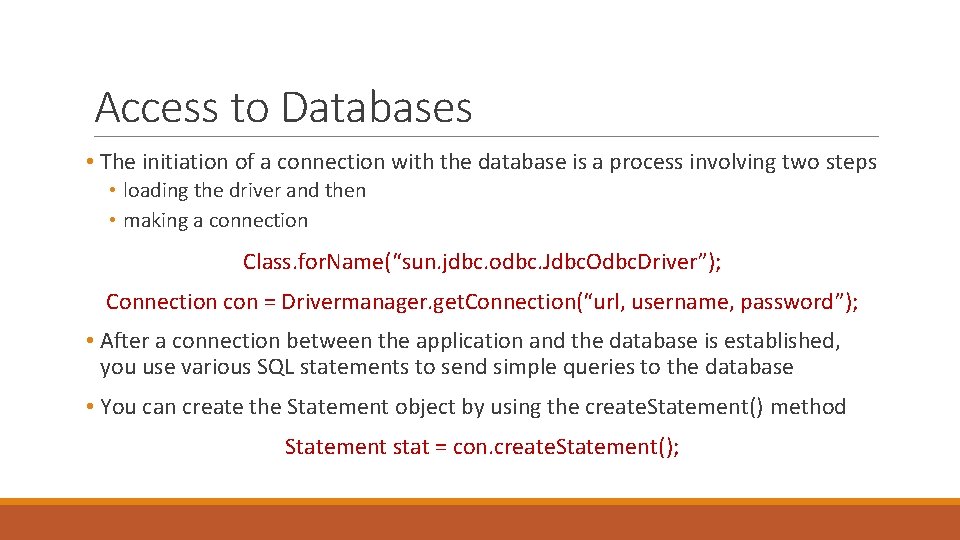
Access to Databases • The initiation of a connection with the database is a process involving two steps • loading the driver and then • making a connection Class. for. Name(“sun. jdbc. odbc. Jdbc. Odbc. Driver”); Connection con = Drivermanager. get. Connection(“url, username, password”); • After a connection between the application and the database is established, you use various SQL statements to send simple queries to the database • You can create the Statement object by using the create. Statement() method Statement stat = con. create. Statement();
Access to Databases • The statement object uses the following methods for querying the database: • The execute() method is used to execute a SQL statement that may return multiple results. • The execute. Query() method is used to execute a simple select query and return a Result. Set object. • The execute. Update() method is used to execute a SQL INSERT, UPDATE, or DELETE statements
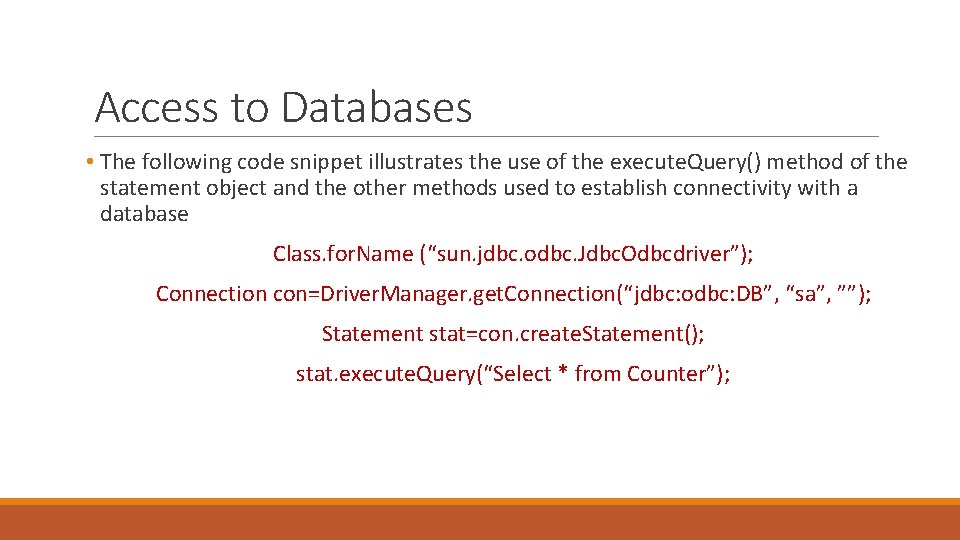
Access to Databases • The following code snippet illustrates the use of the execute. Query() method of the statement object and the other methods used to establish connectivity with a database Class. for. Name (“sun. jdbc. odbc. Jdbc. Odbcdriver”); Connection con=Driver. Manager. get. Connection(“jdbc: odbc: DB”, “sa”, ””); Statement stat=con. create. Statement(); stat. execute. Query(“Select * from Counter”);
Access to Databases • The methods of the Result. Set object can be used to access data from a table • Executing a SQL statement usually generates a Result. Set object • The API adopts a cursor over the returned data • The cursor points to the first row • The next() method is used to move the cursor to the next row
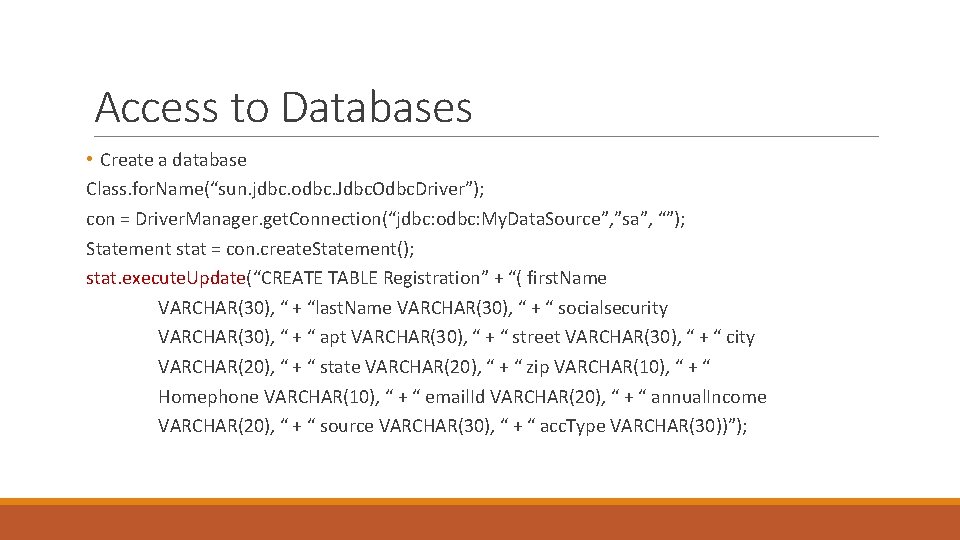
Access to Databases • Create a database Class. for. Name(“sun. jdbc. odbc. Jdbc. Odbc. Driver”); con = Driver. Manager. get. Connection(“jdbc: odbc: My. Data. Source”, ”sa”, “”); Statement stat = con. create. Statement(); stat. execute. Update(“CREATE TABLE Registration” + “( first. Name VARCHAR(30), “ + “last. Name VARCHAR(30), “ + “ socialsecurity VARCHAR(30), “ + “ apt VARCHAR(30), “ + “ street VARCHAR(30), “ + “ city VARCHAR(20), “ + “ state VARCHAR(20), “ + “ zip VARCHAR(10), “ + “ Homephone VARCHAR(10), “ + “ email. Id VARCHAR(20), “ + “ annual. Income VARCHAR(20), “ + “ source VARCHAR(30), “ + “ acc. Type VARCHAR(30))”);
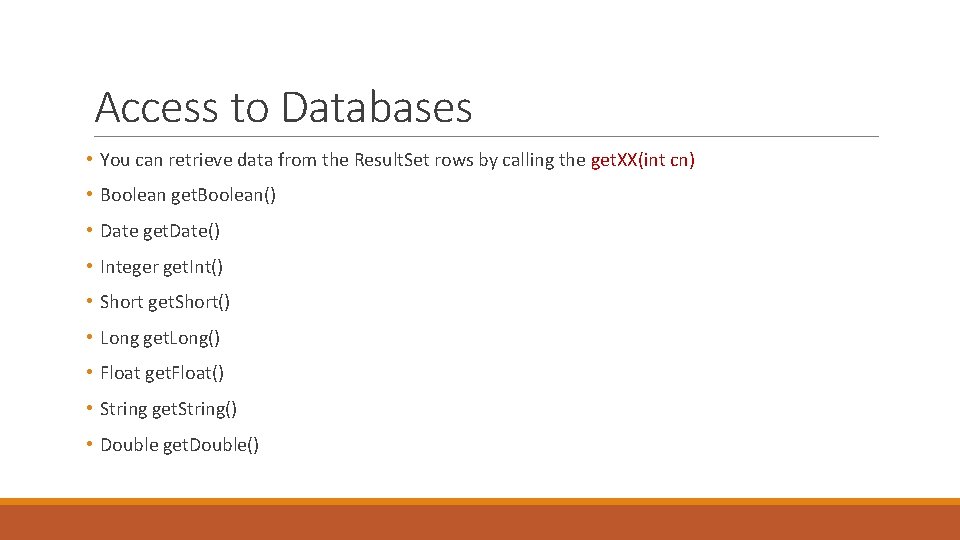
Access to Databases • You can retrieve data from the Result. Set rows by calling the get. XX(int cn) • Boolean get. Boolean() • Date get. Date() • Integer get. Int() • Short get. Short() • Long get. Long() • Float get. Float() • String get. String() • Double get. Double()
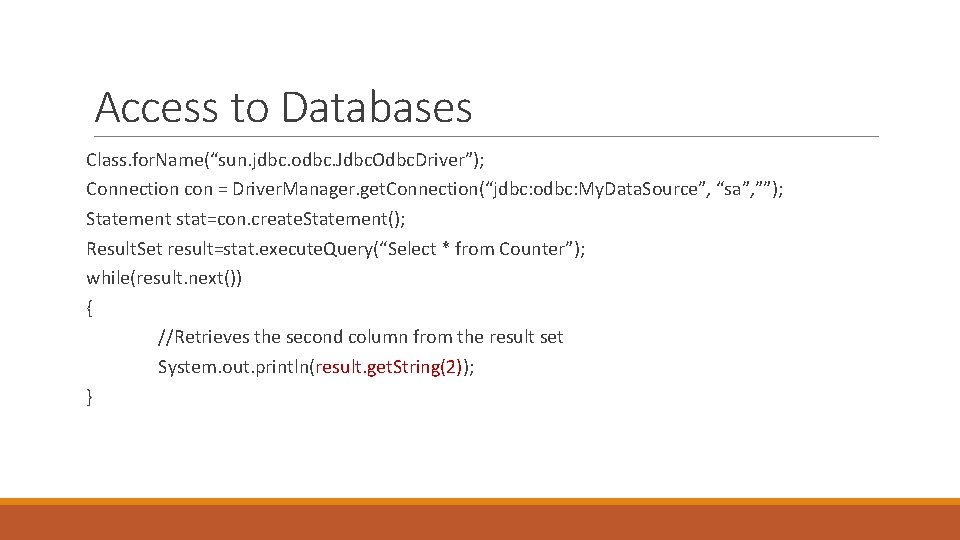
Access to Databases Class. for. Name(“sun. jdbc. odbc. Jdbc. Odbc. Driver”); Connection con = Driver. Manager. get. Connection(“jdbc: odbc: My. Data. Source”, “sa”, ””); Statement stat=con. create. Statement(); Result. Set result=stat. execute. Query(“Select * from Counter”); while(result. next()) { //Retrieves the second column from the result set System. out. println(result. get. String(2)); }
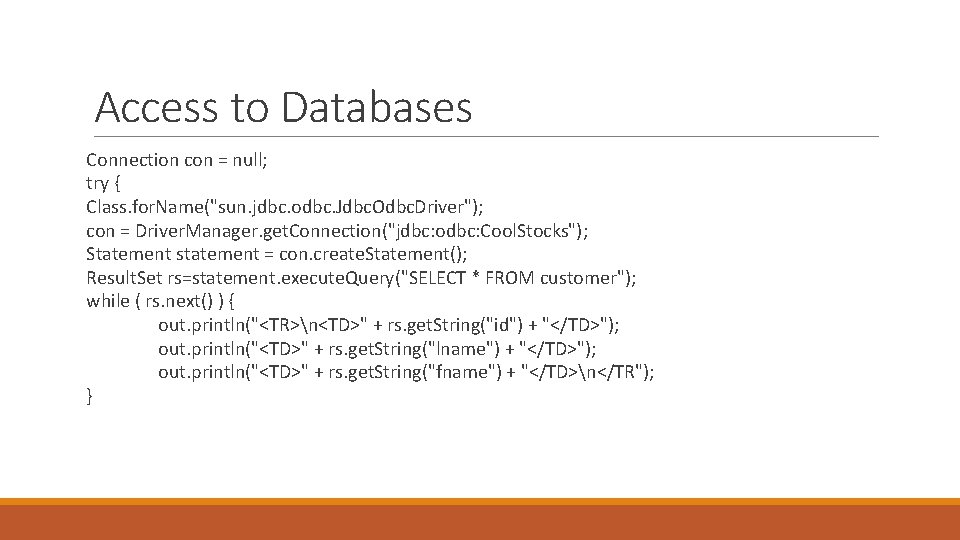
Access to Databases Connection con = null; try { Class. for. Name("sun. jdbc. odbc. Jdbc. Odbc. Driver"); con = Driver. Manager. get. Connection("jdbc: odbc: Cool. Stocks"); Statement statement = con. create. Statement(); Result. Set rs=statement. execute. Query("SELECT * FROM customer"); while ( rs. next() ) { out. println("<TR>n<TD>" + rs. get. String("id") + "</TD>"); out. println("<TD>" + rs. get. String("lname") + "</TD>"); out. println("<TD>" + rs. get. String("fname") + "</TD>n</TR"); }
Thank you for your attention!
- Slides: 52