
Introduction to Java Server Pages Jeff Offutt with
- Slides: 35
Introduction to Java Server Pages Jeff Offutt with help from Ye Wu http: //www. cs. gmu. edu/~offutt/ SWE 642 Software Engineering for the World Wide Web sources: Professional Java Server Programming, Patzer, Wrox, Ch 11
Web Applications • review A web application uses enabling technologies to 1. make web site contents dynamic 2. allow users of the system to affect business logic on the server • • Web applications allow users to affect state on the server Search engines, though complicated, do not really affect the server’s state A web application is a program deployed on the web 1/19/2022 © Offutt 2
Enabling Technologies review • Web server responses can be static or dynamic – Static : HTML document is retrieved from the file system and returned to the client – Dynamic : HTML document is generated by a program in response to an HTTP request • Dynamic web pages are created by enabling technologies An enabling technology is a mechanism that is used to make web pages interactive and responsive to user inputs 1/19/2022 © Offutt 3
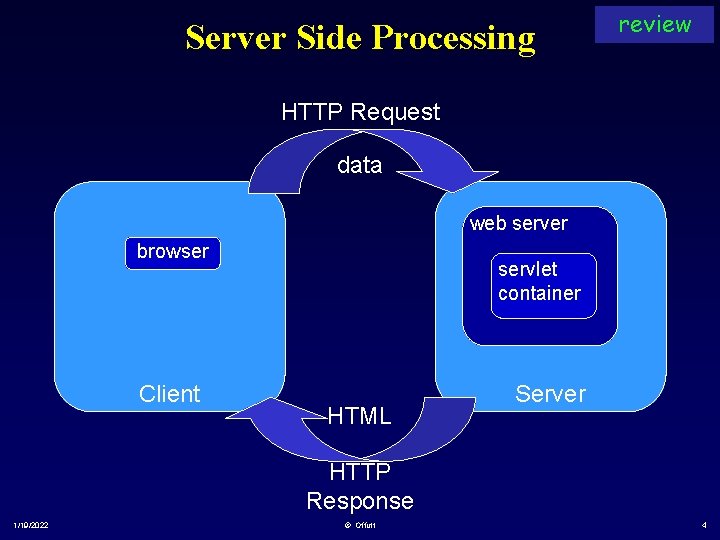
Server Side Processing review HTTP Request data web server browser Client servlet container HTML Server HTTP Response 1/19/2022 © Offutt 4
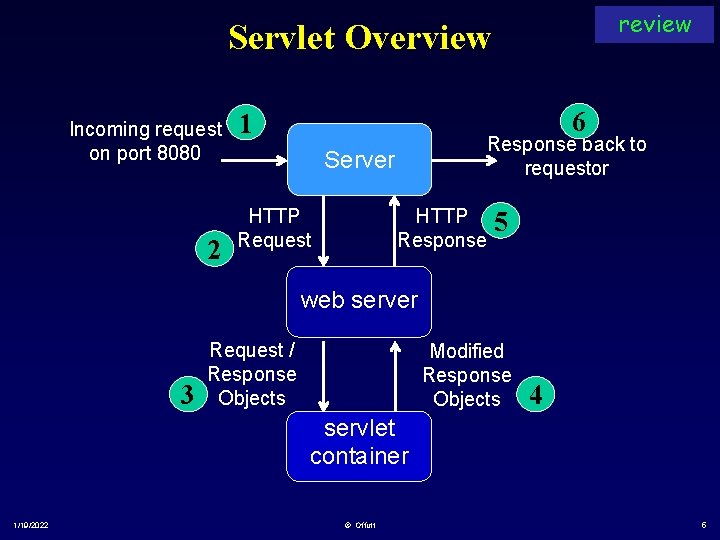
review Servlet Overview Incoming request on port 8080 2 6 1 Response back to requestor Server HTTP Request HTTP Response 5 web server 3 Request / Response Objects Modified Response Objects 4 servlet container 1/19/2022 © Offutt 5
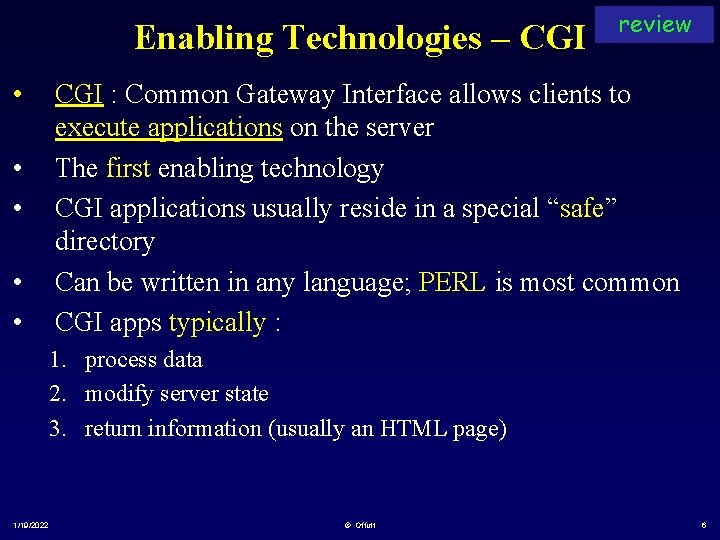
Enabling Technologies – CGI • • • review CGI : Common Gateway Interface allows clients to execute applications on the server The first enabling technology CGI applications usually reside in a special “safe” directory Can be written in any language; PERL is most common CGI apps typically : 1. process data 2. modify server state 3. return information (usually an HTML page) 1/19/2022 © Offutt 6
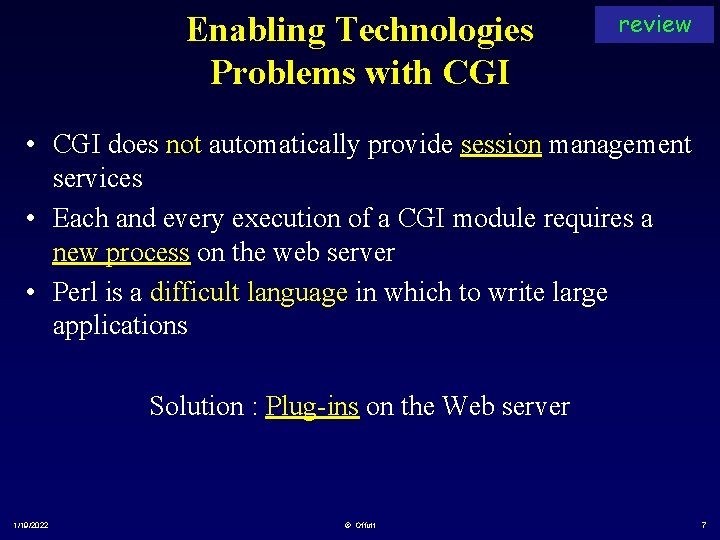
Enabling Technologies Problems with CGI review • CGI does not automatically provide session management services • Each and every execution of a CGI module requires a new process on the web server • Perl is a difficult language in which to write large applications Solution : Plug-ins on the Web server 1/19/2022 © Offutt 7
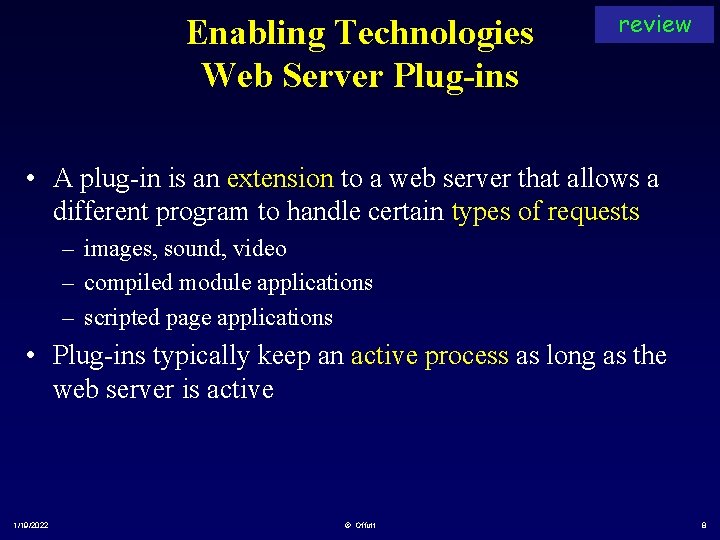
Enabling Technologies Web Server Plug-ins review • A plug-in is an extension to a web server that allows a different program to handle certain types of requests – images, sound, video – compiled module applications – scripted page applications • Plug-ins typically keep an active process as long as the web server is active 1/19/2022 © Offutt 8
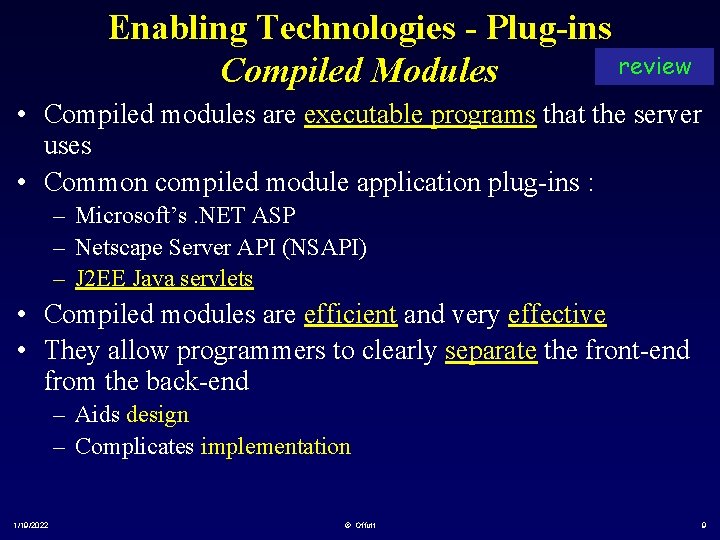
Enabling Technologies - Plug-ins review Compiled Modules • Compiled modules are executable programs that the server uses • Common compiled module application plug-ins : – Microsoft’s. NET ASP – Netscape Server API (NSAPI) – J 2 EE Java servlets • Compiled modules are efficient and very effective • They allow programmers to clearly separate the front-end from the back-end – Aids design – Complicates implementation 1/19/2022 © Offutt 9
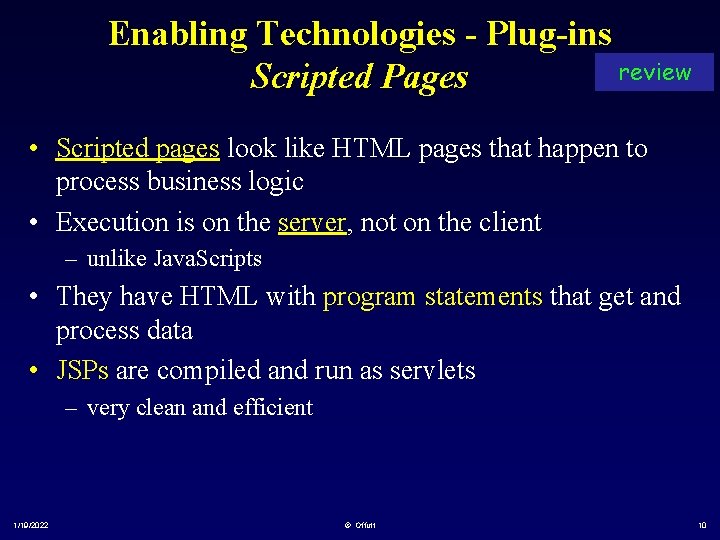
Enabling Technologies - Plug-ins review Scripted Pages • Scripted pages look like HTML pages that happen to process business logic • Execution is on the server, not on the client – unlike Java. Scripts • They have HTML with program statements that get and process data • JSPs are compiled and run as servlets – very clean and efficient 1/19/2022 © Offutt 10
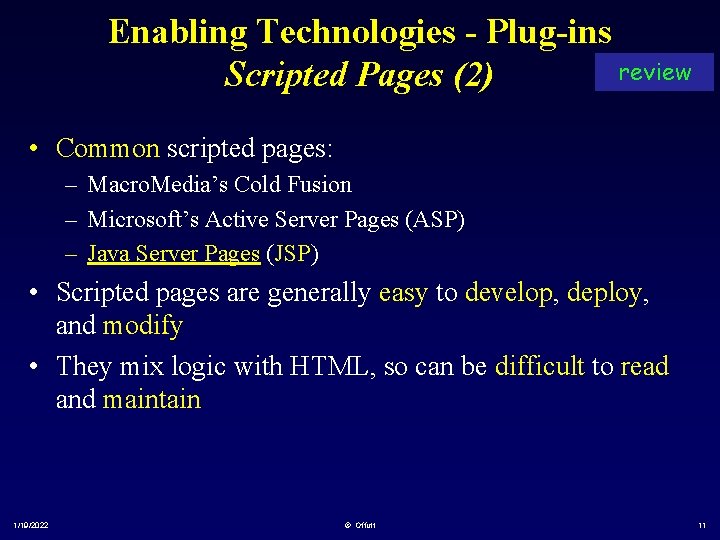
Enabling Technologies - Plug-ins review Scripted Pages (2) • Common scripted pages: – Macro. Media’s Cold Fusion – Microsoft’s Active Server Pages (ASP) – Java Server Pages (JSP) • Scripted pages are generally easy to develop, deploy, and modify • They mix logic with HTML, so can be difficult to read and maintain 1/19/2022 © Offutt 11
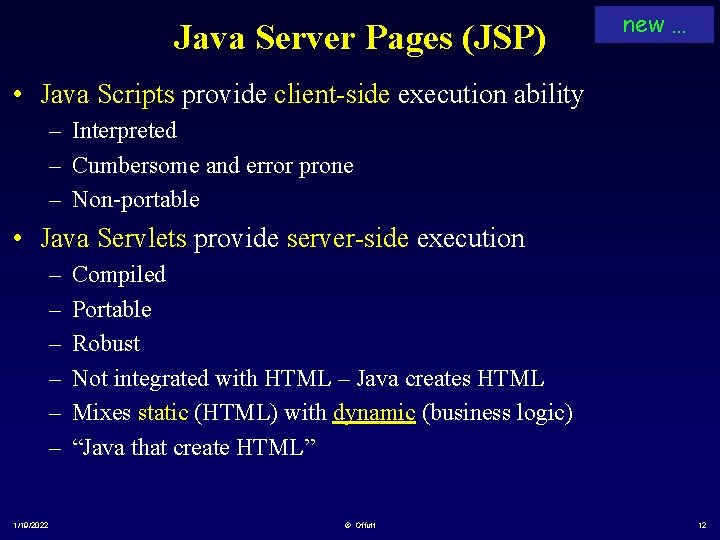
Java Server Pages (JSP) new … • Java Scripts provide client-side execution ability – Interpreted – Cumbersome and error prone – Non-portable • Java Servlets provide server-side execution – – – 1/19/2022 Compiled Portable Robust Not integrated with HTML – Java creates HTML Mixes static (HTML) with dynamic (business logic) “Java that create HTML” © Offutt 12
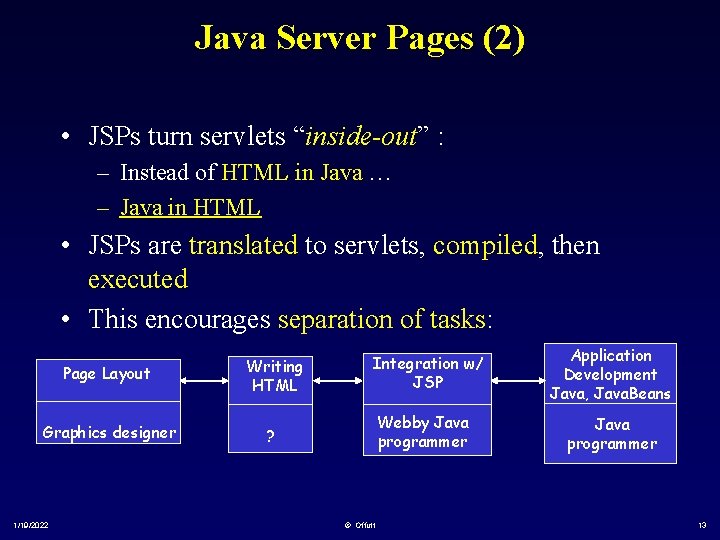
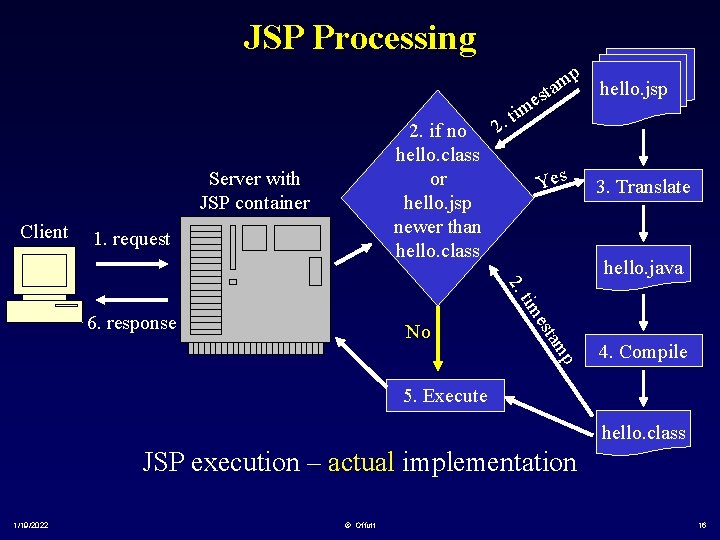
Java Server Pages (2) • JSPs turn servlets “inside-out” : – Instead of HTML in Java … – Java in HTML • JSPs are translated to servlets, compiled, then executed • This encourages separation of tasks: Page Layout Writing HTML Graphics designer ? 1/19/2022 Integration w/ JSP Webby Java programmer © Offutt Application Development Java, Java. Beans Java programmer 13
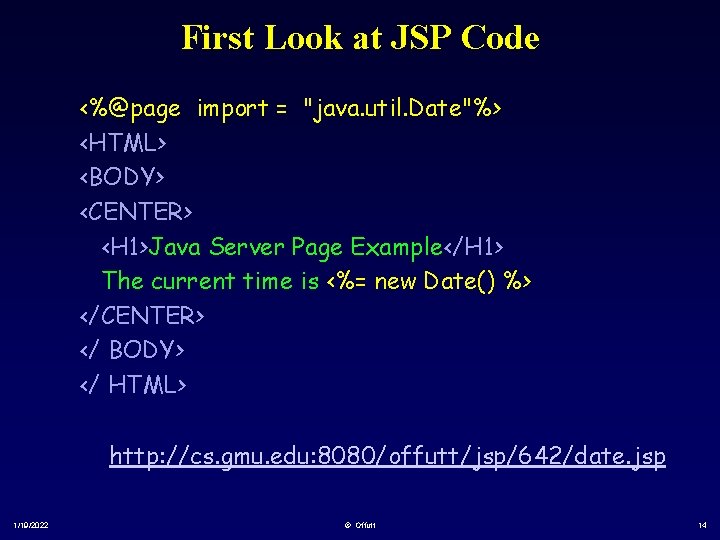
First Look at JSP Code <%@page import = "java. util. Date"%> <HTML> <BODY> <CENTER> <H 1>Java Server Page Example</H 1> The current time is <%= new Date() %> </CENTER> </ BODY> </ HTML> http: //cs. gmu. edu: 8080/offutt/jsp/642/date. jsp 1/19/2022 © Offutt 14
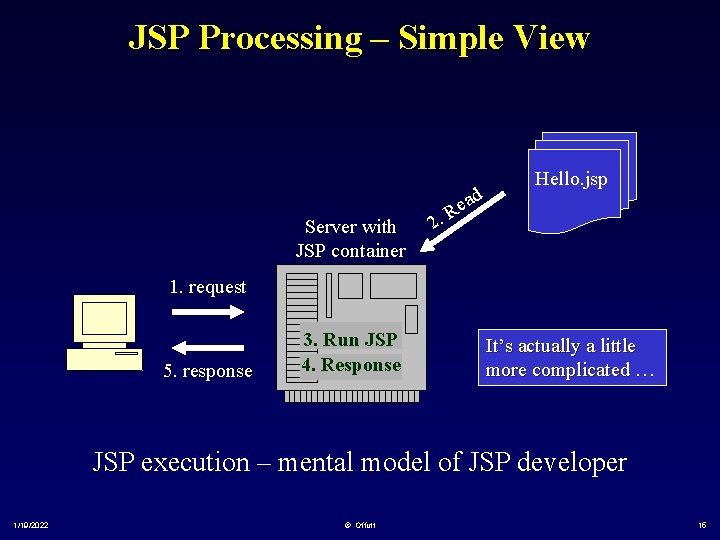
JSP Processing – Simple View Server with JSP container 2. ad e R Hello. jsp 1. request 5. response 3. Run JSP 4. Response It’s actually a little more complicated … JSP execution – mental model of JSP developer 1/19/2022 © Offutt 15
JSP Processing 2. if no hello. class or hello. jsp newer than hello. class Server with JSP container Client 1. request me ti. 2 m sta p Yes hello. jsp 3. Translate hello. java 2. p am No est tim 6. response 4. Compile 5. Execute hello. class JSP execution – actual implementation 1/19/2022 © Offutt 16
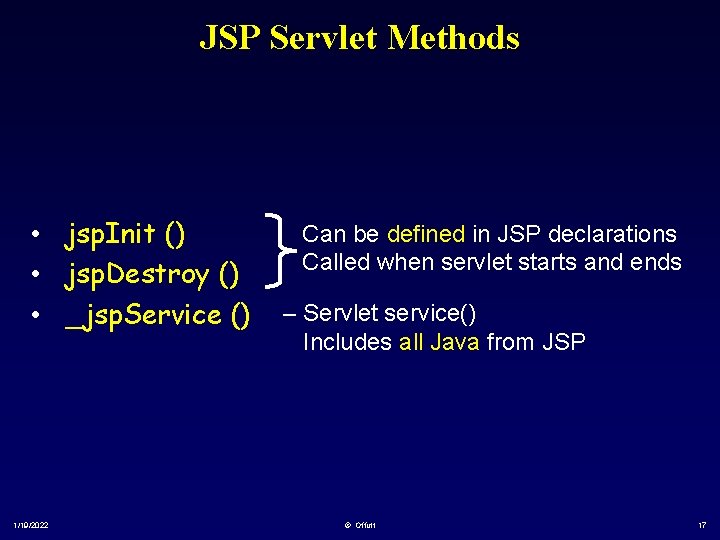
JSP Servlet Methods • jsp. Init () • jsp. Destroy () • _jsp. Service () 1/19/2022 Can be defined in JSP declarations Called when servlet starts and ends – Servlet service() Includes all Java from JSP © Offutt 17
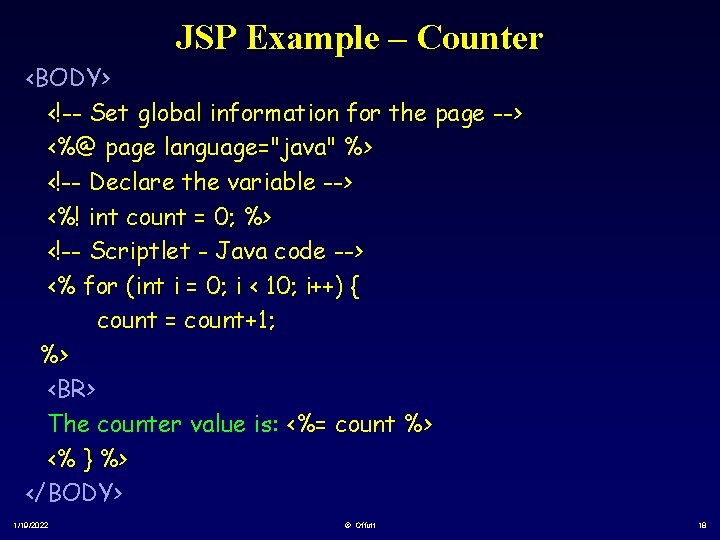
JSP Example – Counter <BODY> <!-- Set global information for the page --> <%@ page language="java" %> <!-- Declare the variable --> <%! int count = 0; %> <!-- Scriptlet - Java code --> <% for (int i = 0; i < 10; i++) { count = count+1; %> <BR> The counter value is: <%= count %> <% } %> </BODY> 1/19/2022 © Offutt 18
JSP Example http: //cs. gmu. edu/~offutt/classes/642/examples/jsp/ Just do one, save the others 1/19/2022 © Offutt 19
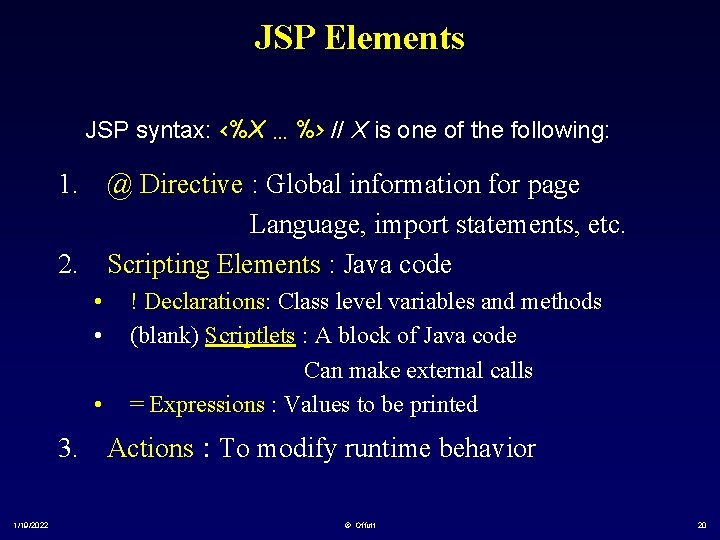
JSP Elements JSP syntax: <%X … %> // X is one of the following: 1. @ Directive : Global information for page Language, import statements, etc. 2. Scripting Elements : Java code • • • ! Declarations: Class level variables and methods (blank) Scriptlets : A block of Java code Can make external calls = Expressions : Values to be printed 3. Actions : To modify runtime behavior 1/19/2022 © Offutt 20
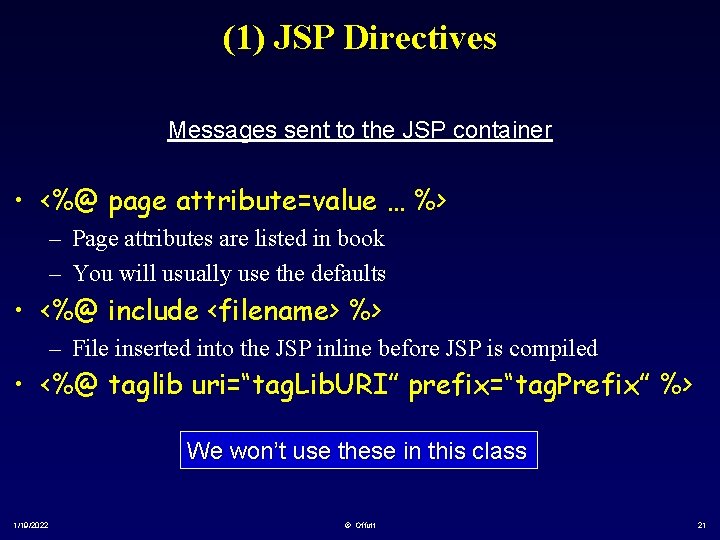
(1) JSP Directives Messages sent to the JSP container • <%@ page attribute=value … %> – Page attributes are listed in book – You will usually use the defaults • <%@ include <filename> %> – File inserted into the JSP inline before JSP is compiled • <%@ taglib uri=“tag. Lib. URI” prefix=“tag. Prefix” %> We won’t use these in this class 1/19/2022 © Offutt 21
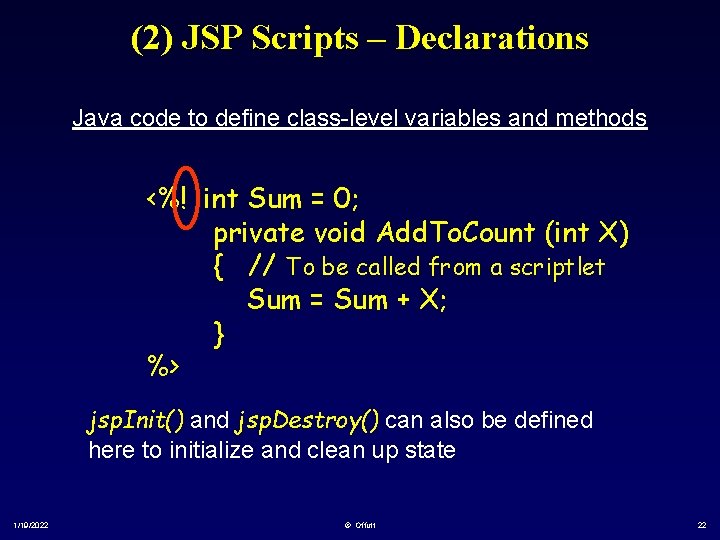
(2) JSP Scripts – Declarations Java code to define class-level variables and methods <%! int Sum = 0; private void Add. To. Count (int X) { // To be called from a scriptlet Sum = Sum + X; } %> jsp. Init() and jsp. Destroy() can also be defined here to initialize and clean up state 1/19/2022 © Offutt 22
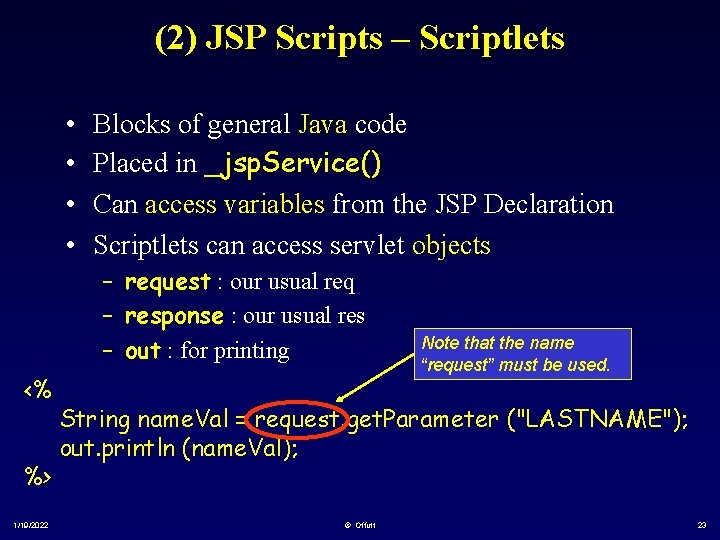
(2) JSP Scripts – Scriptlets • • Blocks of general Java code Placed in _jsp. Service() Can access variables from the JSP Declaration Scriptlets can access servlet objects – request : our usual req – response : our usual res – out : for printing <% %> 1/19/2022 Note that the name “request” must be used. String name. Val = request. get. Parameter ("LASTNAME"); out. println (name. Val); © Offutt 23
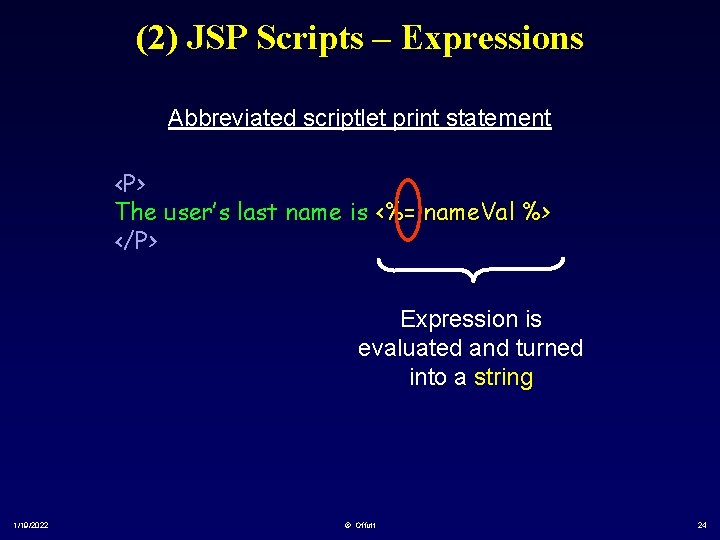
(2) JSP Scripts – Expressions Abbreviated scriptlet print statement <P> The user’s last name is <%= name. Val %> </P> Expression is evaluated and turned into a string 1/19/2022 © Offutt 24
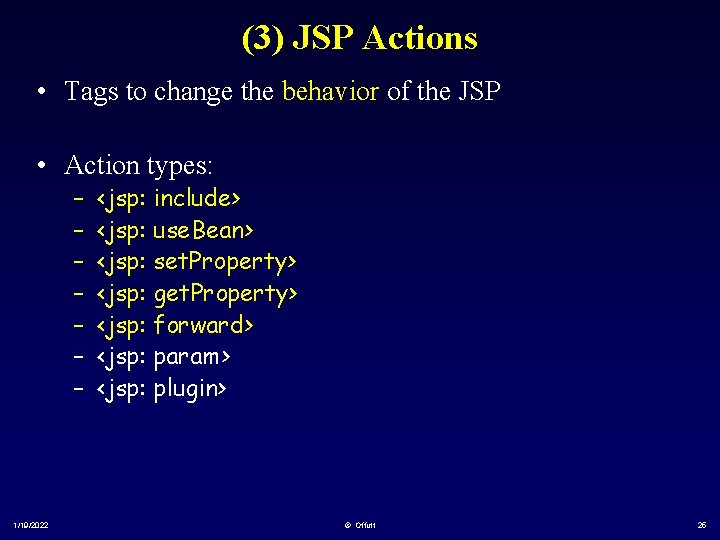
(3) JSP Actions • Tags to change the behavior of the JSP • Action types: – – – – 1/19/2022 <jsp: include> <jsp: use. Bean> <jsp: set. Property> <jsp: get. Property> <jsp: forward> <jsp: param> <jsp: plugin> © Offutt 25
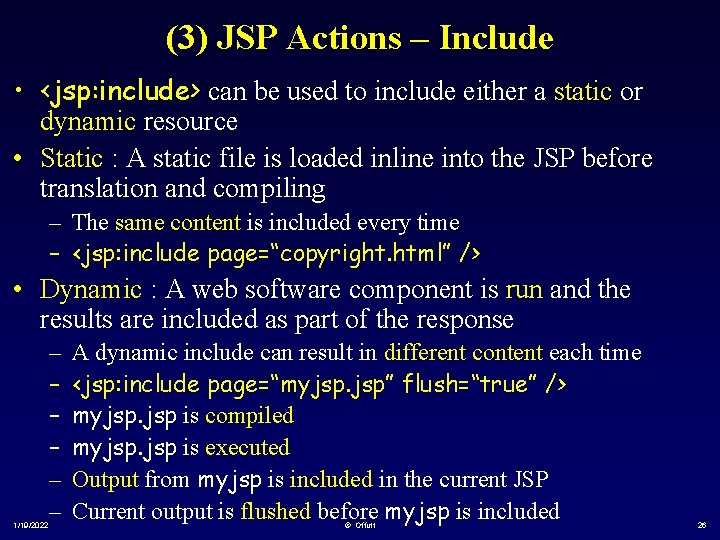
(3) JSP Actions – Include • <jsp: include> can be used to include either a static or dynamic resource • Static : A static file is loaded inline into the JSP before translation and compiling – The same content is included every time – <jsp: include page=“copyright. html” /> • Dynamic : A web software component is run and the results are included as part of the response 1/19/2022 – – – A dynamic include can result in different content each time <jsp: include page=“myjsp. jsp” flush=“true” /> myjsp. jsp is compiled myjsp. jsp is executed Output from myjsp is included in the current JSP Current output is flushed before myjsp is included © Offutt 26
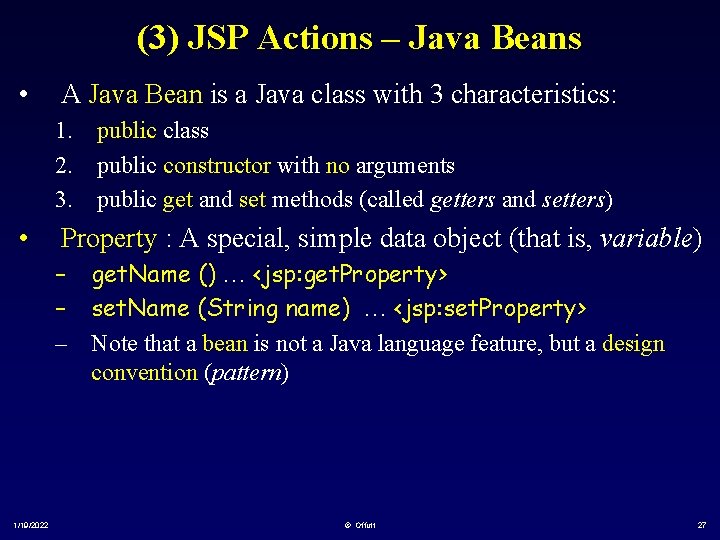
(3) JSP Actions – Java Beans • A Java Bean is a Java class with 3 characteristics: 1. public class 2. public constructor with no arguments 3. public get and set methods (called getters and setters) • Property : A special, simple data object (that is, variable) – get. Name () … <jsp: get. Property> – set. Name (String name) … <jsp: set. Property> – Note that a bean is not a Java language feature, but a design convention (pattern) 1/19/2022 © Offutt 27
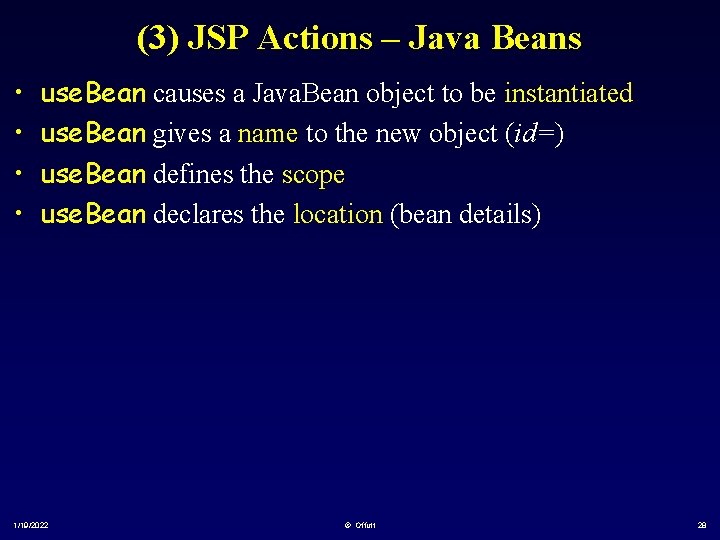
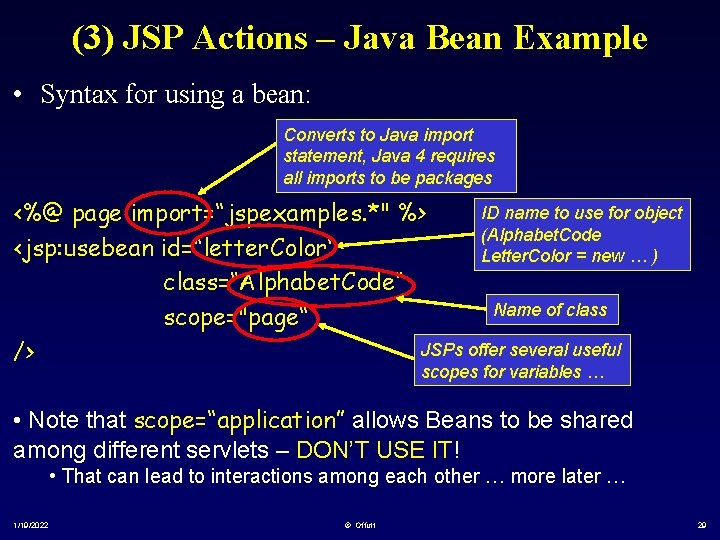
(3) JSP Actions – Java Beans • • use. Bean causes a Java. Bean object to be instantiated use. Bean gives a name to the new object (id=) use. Bean defines the scope use. Bean declares the location (bean details) 1/19/2022 © Offutt 28
(3) JSP Actions – Java Bean Example • Syntax for using a bean: Converts to Java import statement, Java 4 requires all imports to be packages ID name to use for object <%@ page import=“jspexamples. *" %> (Alphabet. Code <jsp: usebean id=“letter. Color“ Letter. Color = new … ) class=“Alphabet. Code“ Name of class scope="page“ JSPs offer several useful /> scopes for variables … • Note that scope=“application” allows Beans to be shared among different servlets – DON’T USE IT! • That can lead to interactions among each other … more later … 1/19/2022 © Offutt 29
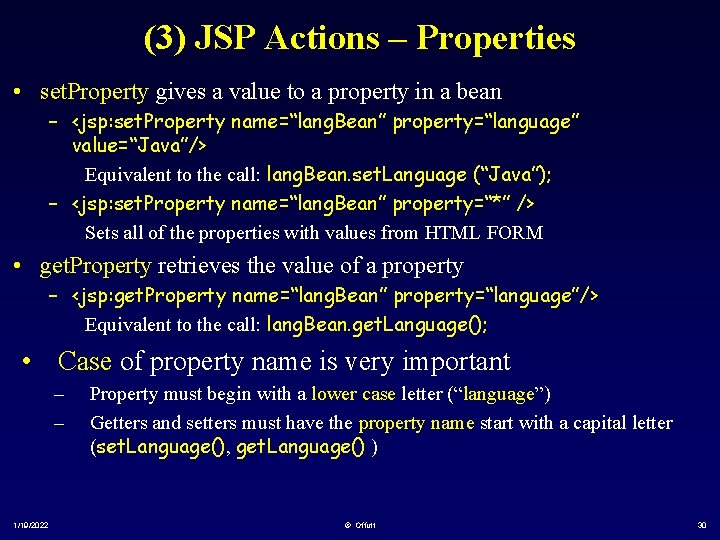
(3) JSP Actions – Properties • set. Property gives a value to a property in a bean – <jsp: set. Property name=“lang. Bean” property=“language” value=“Java”/> Equivalent to the call: lang. Bean. set. Language (“Java”); – <jsp: set. Property name=“lang. Bean” property=“*” /> Sets all of the properties with values from HTML FORM • get. Property retrieves the value of a property – <jsp: get. Property name=“lang. Bean” property=“language”/> Equivalent to the call: lang. Bean. get. Language(); • Case of property name is very important – – 1/19/2022 Property must begin with a lower case letter (“language”) Getters and setters must have the property name start with a capital letter (set. Language(), get. Language() ) © Offutt 30
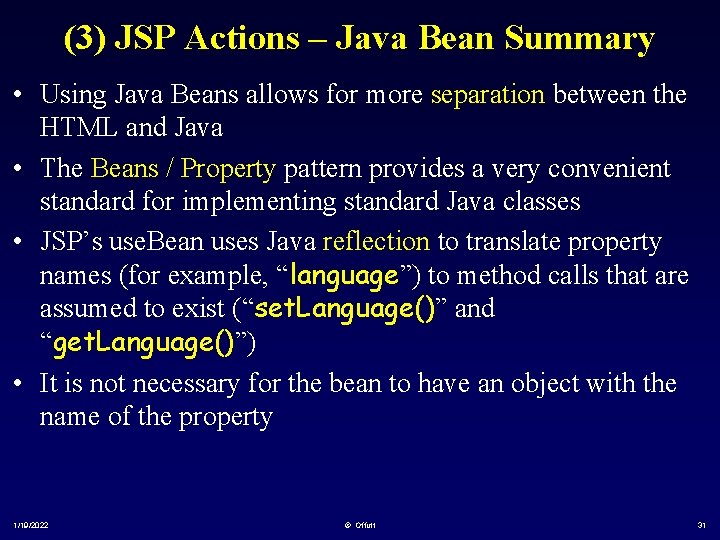
(3) JSP Actions – Java Bean Summary • Using Java Beans allows for more separation between the HTML and Java • The Beans / Property pattern provides a very convenient standard for implementing standard Java classes • JSP’s use. Bean uses Java reflection to translate property names (for example, “language”) to method calls that are assumed to exist (“set. Language()” and “get. Language()”) • It is not necessary for the bean to have an object with the name of the property 1/19/2022 © Offutt 31
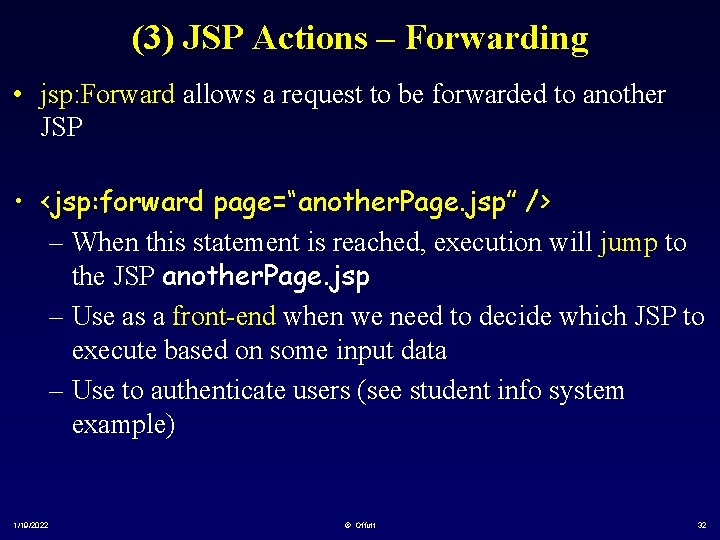
(3) JSP Actions – Forwarding • jsp: Forward allows a request to be forwarded to another JSP • <jsp: forward page=“another. Page. jsp” /> – When this statement is reached, execution will jump to the JSP another. Page. jsp – Use as a front-end when we need to decide which JSP to execute based on some input data – Use to authenticate users (see student info system example) 1/19/2022 © Offutt 32
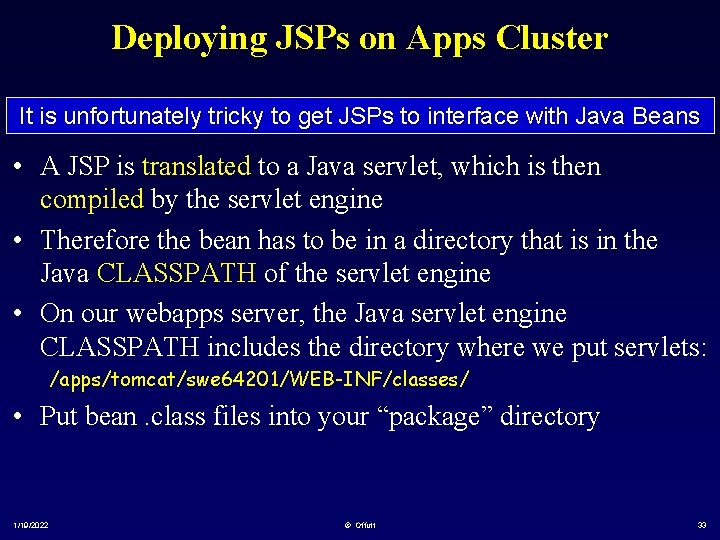
Deploying JSPs on Apps Cluster It is unfortunately tricky to get JSPs to interface with Java Beans • A JSP is translated to a Java servlet, which is then compiled by the servlet engine • Therefore the bean has to be in a directory that is in the Java CLASSPATH of the servlet engine • On our webapps server, the Java servlet engine CLASSPATH includes the directory where we put servlets: /apps/tomcat/swe 64201/WEB-INF/classes/ • Put bean. class files into your “package” directory 1/19/2022 © Offutt 33
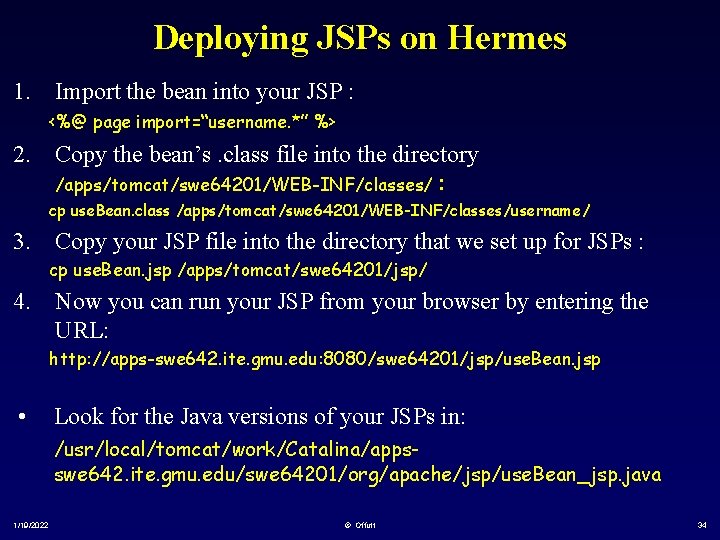
Deploying JSPs on Hermes 1. Import the bean into your JSP : <%@ page import=“username. *” %> 2. Copy the bean’s. class file into the directory /apps/tomcat/swe 64201/WEB-INF/classes/ : cp use. Bean. class /apps/tomcat/swe 64201/WEB-INF/classes/username/ 3. Copy your JSP file into the directory that we set up for JSPs : cp use. Bean. jsp /apps/tomcat/swe 64201/jsp/ 4. Now you can run your JSP from your browser by entering the URL: http: //apps-swe 642. ite. gmu. edu: 8080/swe 64201/jsp/use. Bean. jsp • Look for the Java versions of your JSPs in: /usr/local/tomcat/work/Catalina/appsswe 642. ite. gmu. edu/swe 64201/org/apache/jsp/use. Bean_jsp. java 1/19/2022 © Offutt 34
JSP & Java Bean Examples http: //cs. gmu. edu/~offutt/classes/642/examples/jsp/ 1/19/2022 © Offutt 35