
Introduction to Java Primitive Types Operators Basic input
Introduction to Java Primitive Types Operators Basic input and output
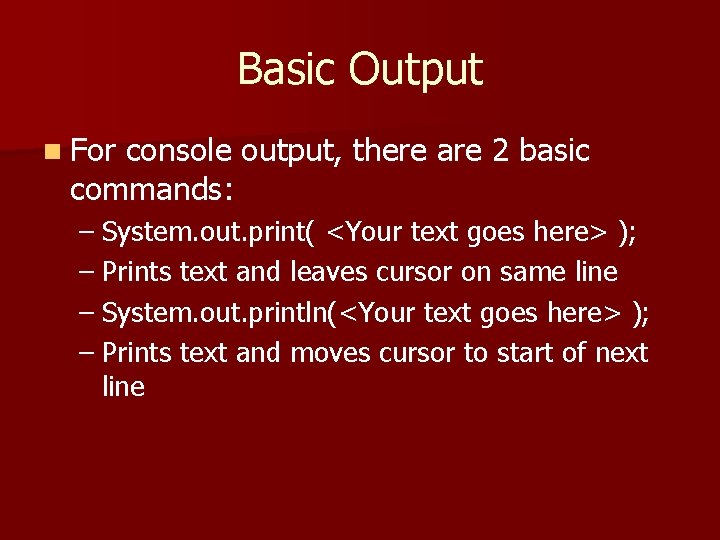
Basic Output n For console output, there are 2 basic commands: – System. out. print( <Your text goes here> ); – Prints text and leaves cursor on same line – System. out. println(<Your text goes here> ); – Prints text and moves cursor to start of next line
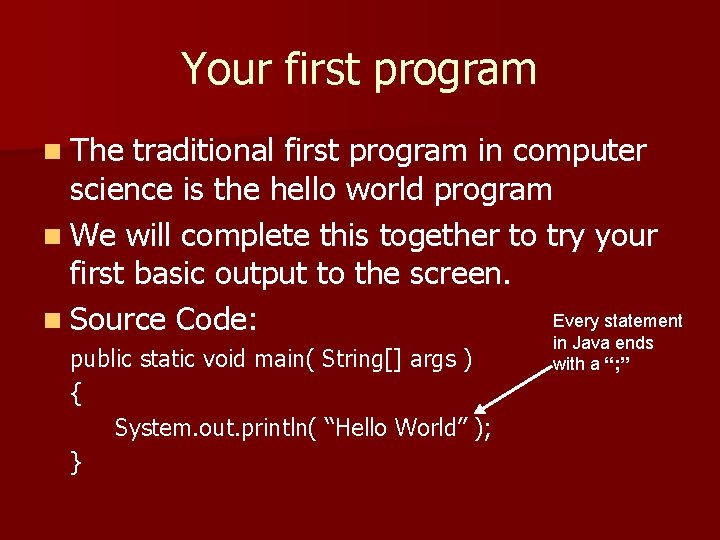
Your first program n The traditional first program in computer science is the hello world program n We will complete this together to try your first basic output to the screen. Every statement n Source Code: public static void main( String[] args ) { System. out. println( “Hello World” ); } in Java ends with a “; ”
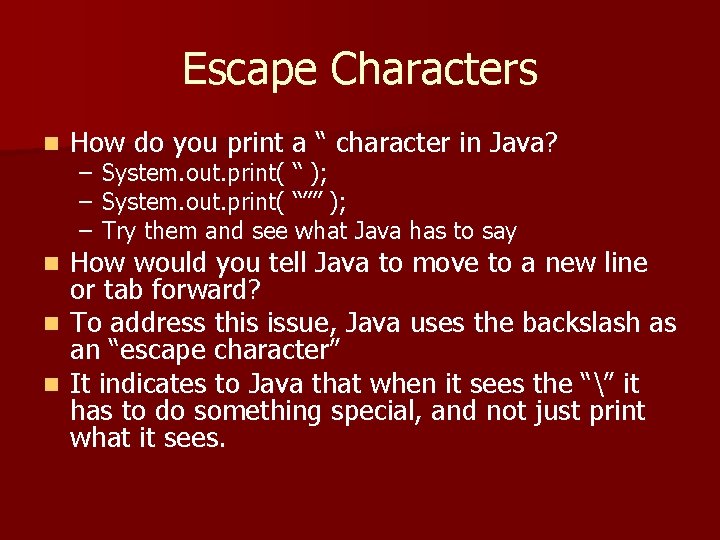
Escape Characters n How do you print a “ character in Java? – System. out. print( “ ); – System. out. print( “”” ); – Try them and see what Java has to say How would you tell Java to move to a new line or tab forward? n To address this issue, Java uses the backslash as an “escape character” n It indicates to Java that when it sees the “” it has to do something special, and not just print what it sees. n
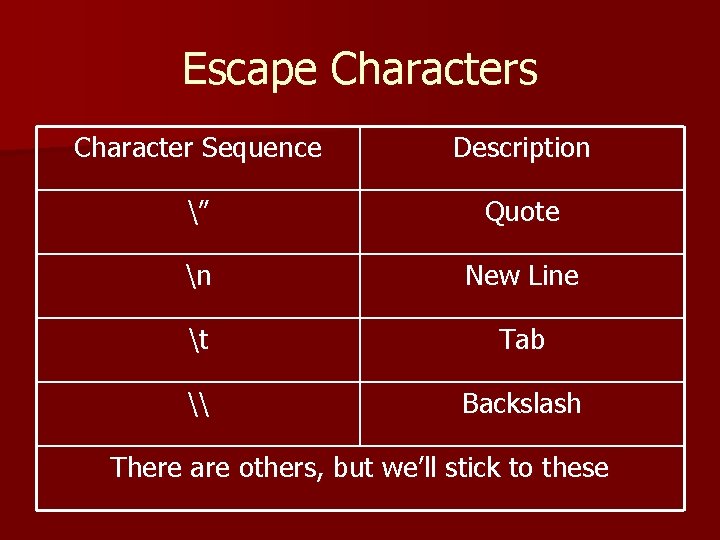
Escape Characters Character Sequence Description ” Quote n New Line t Tab \ Backslash There are others, but we’ll stick to these
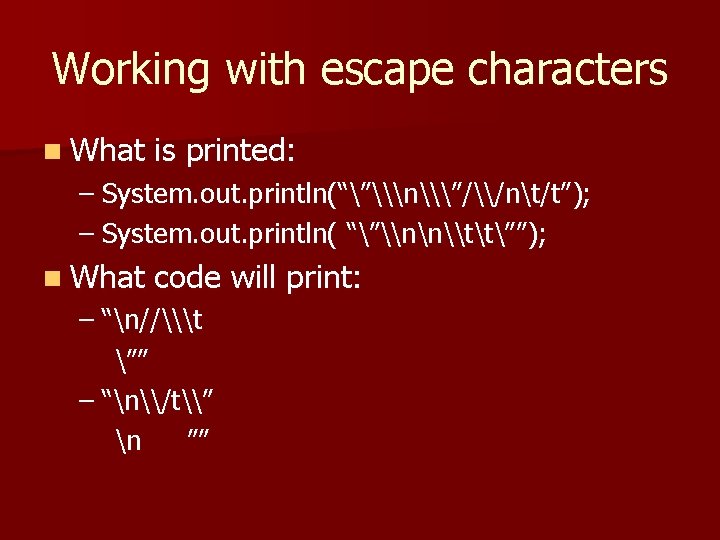
Working with escape characters n What is printed: – System. out. println(“”\n\”/\/nt/t”); – System. out. println( “”\nn\tt””); n What code will print: – “n//\t ”” – “n\/t\” n ””
String Concatenation n You’ll notice a vertical line in your source code – This represents a standard page width for printing – You can write past the line, but when you print your work it will not fit on the paper One thing you can do is tell java to join two strings together using the “+” operator n This is known as String concatenation n
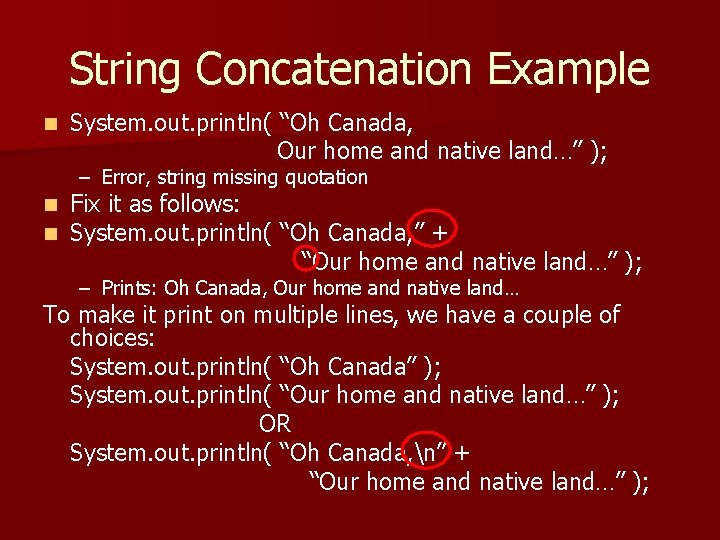
String Concatenation Example n System. out. println( “Oh Canada, Our home and native land…” ); – Error, string missing quotation n n Fix it as follows: System. out. println( “Oh Canada, ” + “Our home and native land…” ); – Prints: Oh Canada, Our home and native land… To make it print on multiple lines, we have a couple of choices: System. out. println( “Oh Canada” ); System. out. println( “Our home and native land…” ); OR System. out. println( “Oh Canada, n” + “Our home and native land…” );
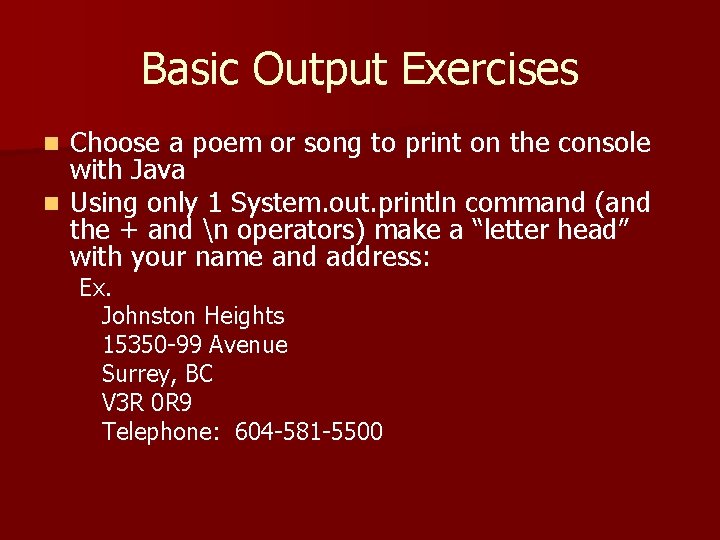
Basic Output Exercises Choose a poem or song to print on the console with Java n Using only 1 System. out. println command (and the + and n operators) make a “letter head” with your name and address: n Ex. Johnston Heights 15350 -99 Avenue Surrey, BC V 3 R 0 R 9 Telephone: 604 -581 -5500
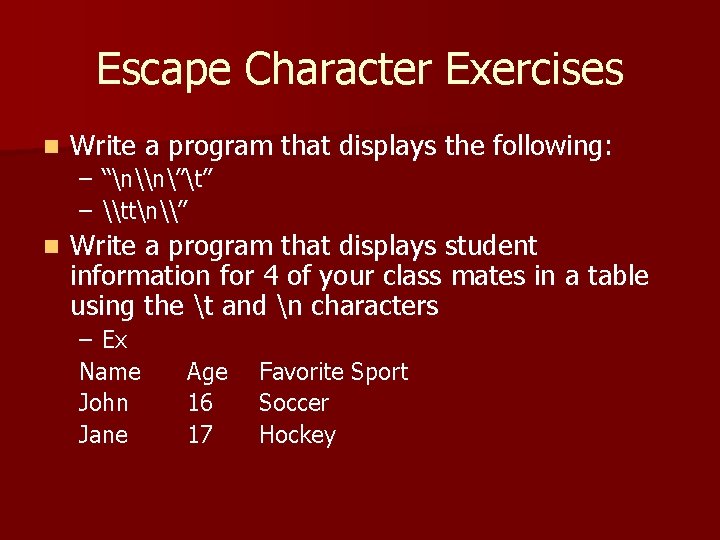
Escape Character Exercises n Write a program that displays the following: – “n\n”t” – \ttn\” n Write a program that displays student information for 4 of your class mates in a table using the t and n characters – Ex Name John Jane Age 16 17 Favorite Sport Soccer Hockey
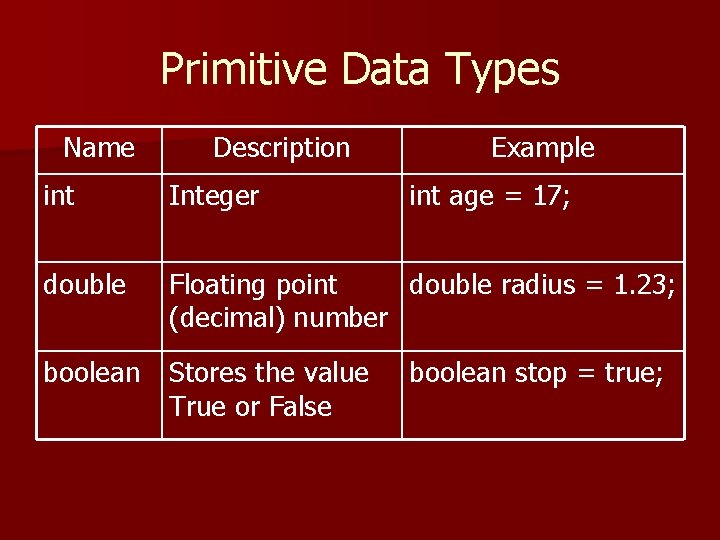
Primitive Data Types Name Description Example int Integer double Floating point double radius = 1. 23; (decimal) number boolean Stores the value True or False int age = 17; boolean stop = true;
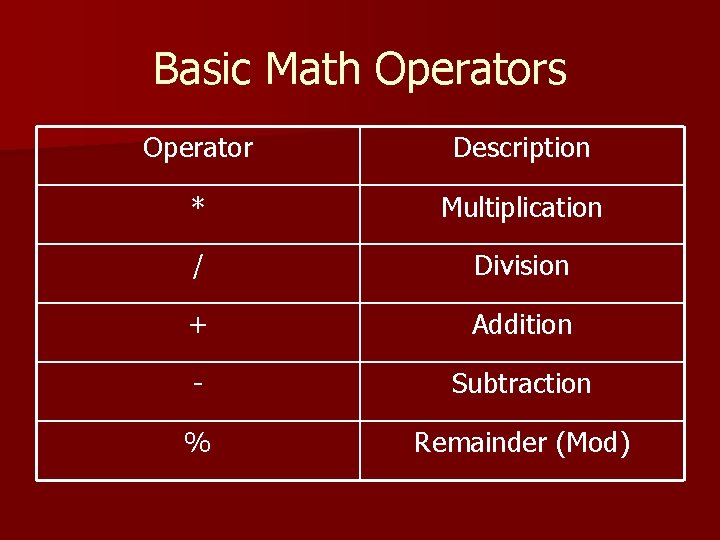
Basic Math Operators Operator Description * Multiplication / Division + Addition - Subtraction % Remainder (Mod)
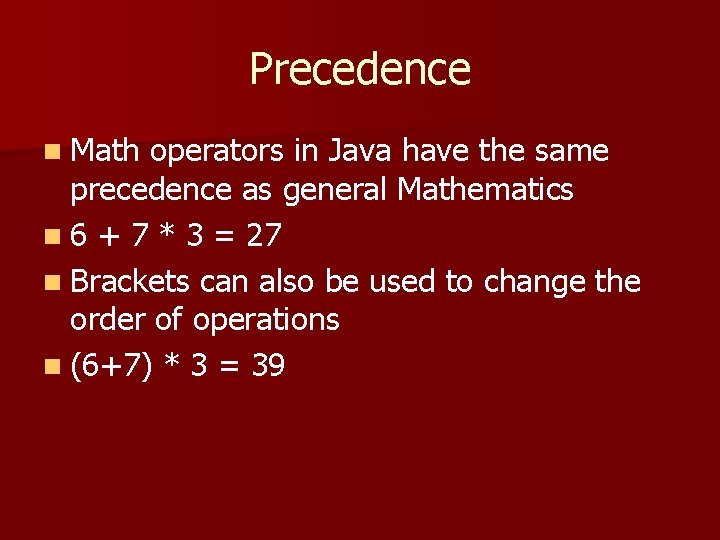
Precedence n Math operators in Java have the same precedence as general Mathematics n 6 + 7 * 3 = 27 n Brackets can also be used to change the order of operations n (6+7) * 3 = 39
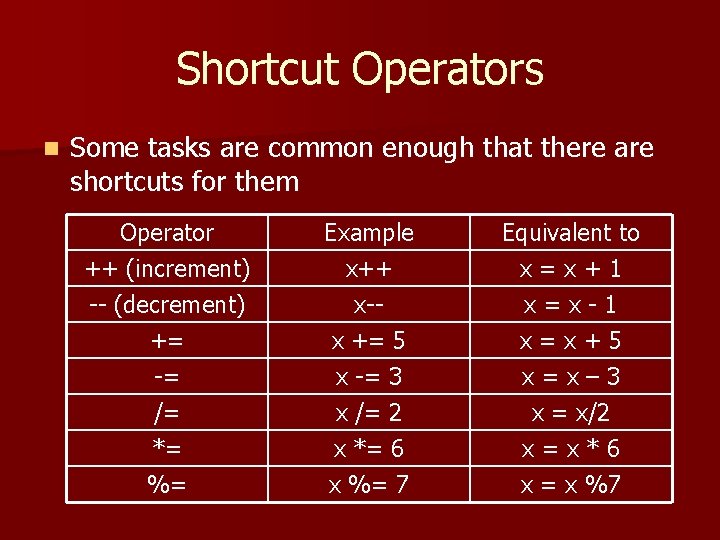
Shortcut Operators n Some tasks are common enough that there are shortcuts for them Operator ++ (increment) -- (decrement) += Example x++ x-x += 5 Equivalent to x = x + 1 x = x - 1 x = x + 5 -= /= *= %= x -= 3 x /= 2 x *= 6 x %= 7 x = x – 3 x = x/2 x = x * 6 x = x %7
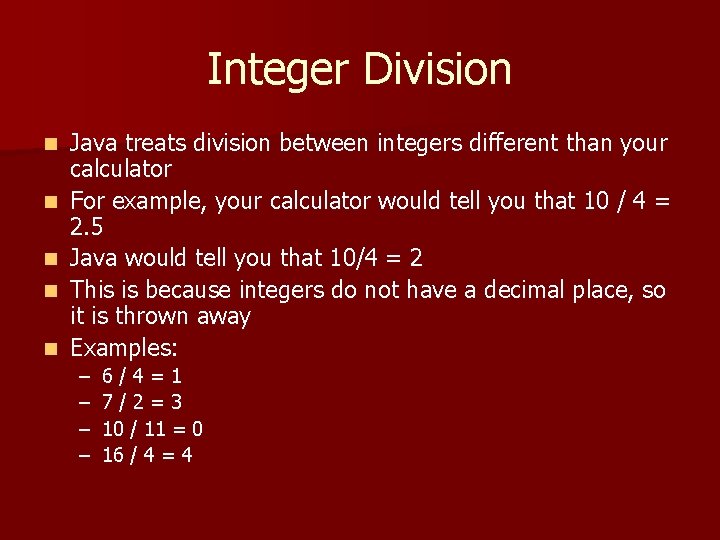
Integer Division n n Java treats division between integers different than your calculator For example, your calculator would tell you that 10 / 4 = 2. 5 Java would tell you that 10/4 = 2 This is because integers do not have a decimal place, so it is thrown away Examples: – – 6 / 4 = 1 7 / 2 = 3 10 / 11 = 0 16 / 4 = 4
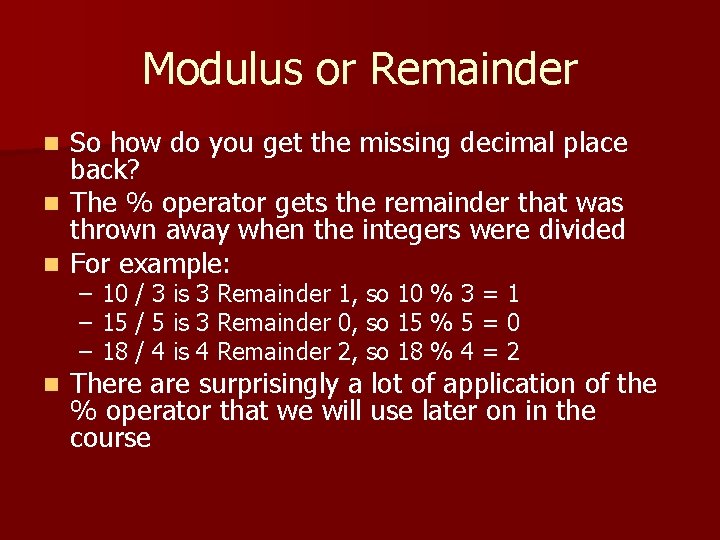
Modulus or Remainder So how do you get the missing decimal place back? n The % operator gets the remainder that was thrown away when the integers were divided n For example: n – – – n 10 / 3 is 3 Remainder 1, so 10 % 3 = 1 15 / 5 is 3 Remainder 0, so 15 % 5 = 0 18 / 4 is 4 Remainder 2, so 18 % 4 = 2 There are surprisingly a lot of application of the % operator that we will use later on in the course
String Concatenation With Numbers n Sometimes you want to print text with numbers and there is an important rule in Java to be aware of: – When you use the + operator, if one of the operands is a string, then both will be treated as a string – + only performs addition if BOTH operands are numbers – This can make for some peculiar output
String Concatenation With Numbers n n Concatenation occurs from left to right What is printed? n As a general rule, put your arithmetic operations in brackets so they are done separately from the string concatenation – – – System. out. println( “Sum is: “ + 1 + 2 + 3 ); Prints: “Sum is 123” System. out. println( “Sum is: “ + (1+2+3) ); Prints “Sum is 6” System. out. println( 1 + “ 2” + 3 + (4 + 5) ); Prints 1239
Math Operator Exercises n Case Study: Multiplication table n Together, we’ll program java to display a multiplication table for us. – The first time we do this we won’t use a variable – The second time we’ll compare how a variable makes our program more versatile
Constants in Java As a programmer you’ll run in to constant values like often n In order to guarantee the value is not changed somewhere in your code, you can use the final keyword to indicate to java that the value is not to change n Example: n – final double MILES_PER_KM = 1. 6; n Note the style to indicate a constant is to capitalize the variable name
Basic Input n Interaction through the keyboard is done with the Scanner class. n It is part of the standard Java library that comes with the compiler. n In order to use it, we have to tell Java we want to add it to our program – import java. util. Scanner;
Basic input First we have to tell Java where we want to scan, for our class it will always be System. in n Create the Scanner as follows: n – Scanner keyboard = new Scanner( System. in ); – It can have any name, it does not have to be called keyboard (it is a variable) – The new keyword in Java tells java to create a new Object for us to use Objects perform tasks for us, to access these tasks we have to use the “. ” operator n Our compiler has this built in as a feature, when you type: “keyboard. ” and wait, a list a methods pops up n
Scanner Methods n The most common methods we’ll use for Scanners are: – – n next() gets the next word (separated by space) next. Line() gets the next line of text next. Double() gets data as a double next. Int() gets data as an integer When you read data from the keyboard with these methods, the enter key invokes them to start
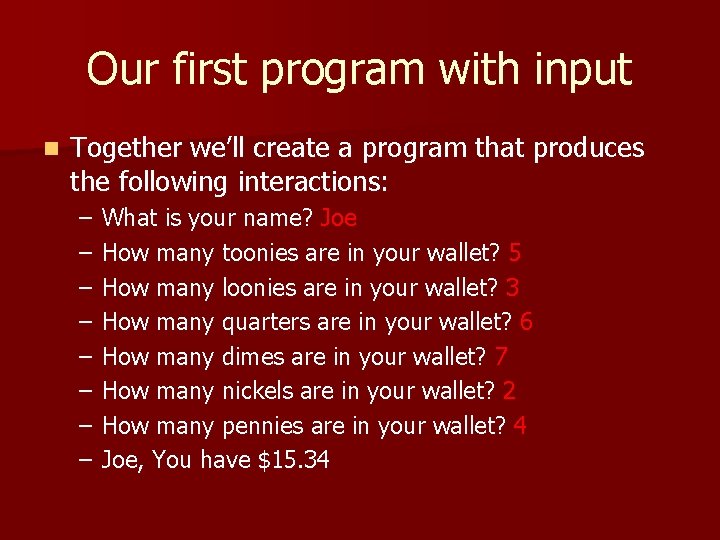
Our first program with input n Together we’ll create a program that produces the following interactions: – – – – What is your name? Joe How many toonies are in your wallet? 5 How many loonies are in your wallet? 3 How many quarters are in your wallet? 6 How many dimes are in your wallet? 7 How many nickels are in your wallet? 2 How many pennies are in your wallet? 4 Joe, You have $15. 34
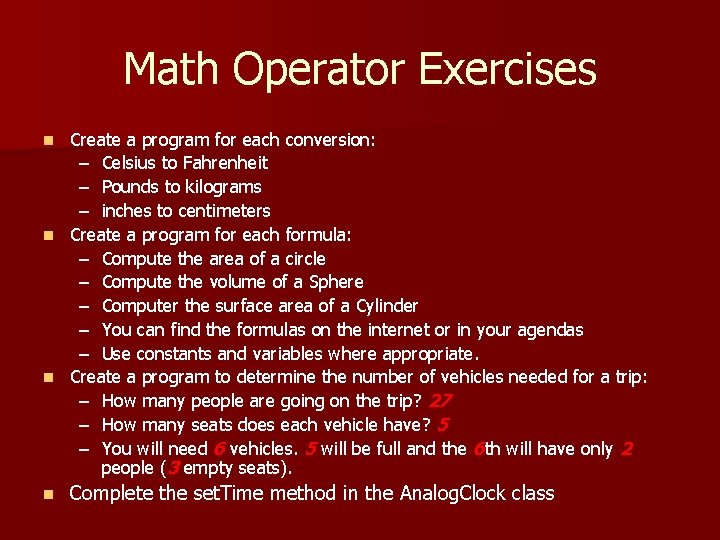
Math Operator Exercises Create a program for each conversion: – Celsius to Fahrenheit – Pounds to kilograms – inches to centimeters n Create a program for each formula: – Compute the area of a circle – Compute the volume of a Sphere – Computer the surface area of a Cylinder – You can find the formulas on the internet or in your agendas – Use constants and variables where appropriate. n Create a program to determine the number of vehicles needed for a trip: – How many people are going on the trip? 27 – How many seats does each vehicle have? 5 – You will need 6 vehicles. 5 will be full and the 6 th will have only 2 people (3 empty seats). n n Complete the set. Time method in the Analog. Clock class
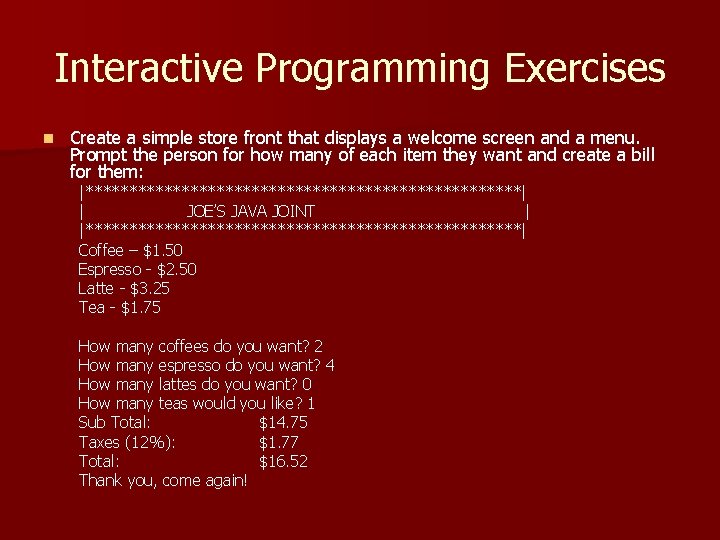
Interactive Programming Exercises n Create a simple store front that displays a welcome screen and a menu. Prompt the person for how many of each item they want and create a bill for them: |*************************| | JOE’S JAVA JOINT | |*************************| Coffee – $1. 50 Espresso - $2. 50 Latte - $3. 25 Tea - $1. 75 How many coffees do you want? 2 How many espresso do you want? 4 How many lattes do you want? 0 How many teas would you like? 1 Sub Total: $14. 75 Taxes (12%): $1. 77 Total: $16. 52 Thank you, come again!
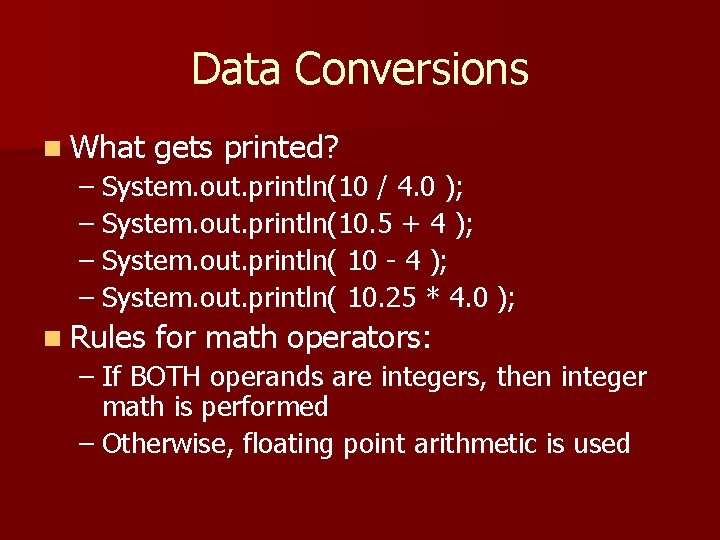
Data Conversions n What gets printed? – System. out. println(10 / 4. 0 ); – System. out. println(10. 5 + 4 ); – System. out. println( 10 - 4 ); – System. out. println( 10. 25 * 4. 0 ); n Rules for math operators: – If BOTH operands are integers, then integer math is performed – Otherwise, floating point arithmetic is used
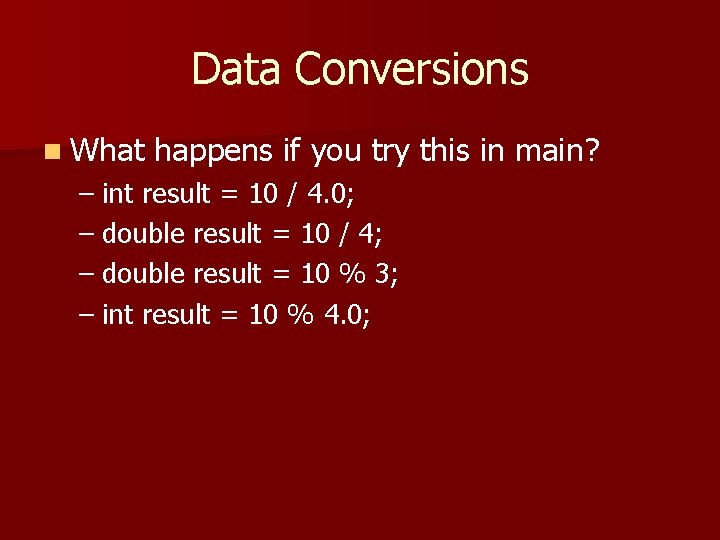
Data Conversions n What happens if you try this in main? – int result = 10 / 4. 0; – double result = 10 / 4; – double result = 10 % 3; – int result = 10 % 4. 0;
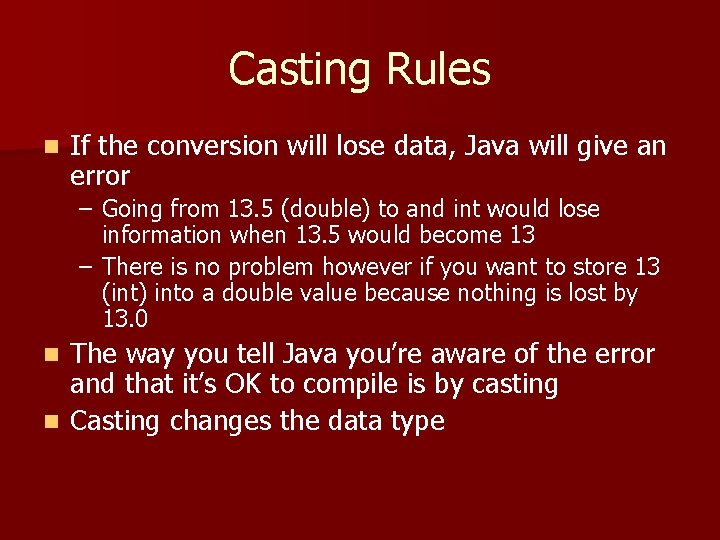
Casting Rules n If the conversion will lose data, Java will give an error – Going from 13. 5 (double) to and int would lose information when 13. 5 would become 13 – There is no problem however if you want to store 13 (int) into a double value because nothing is lost by 13. 0 The way you tell Java you’re aware of the error and that it’s OK to compile is by casting n Casting changes the data type n
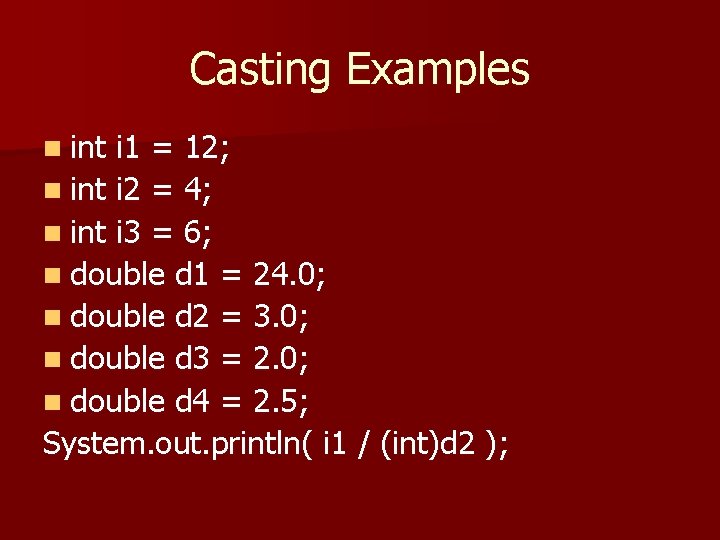
Casting Examples n int i 1 = 12; n int i 2 = 4; n int i 3 = 6; n double d 1 = 24. 0; n double d 2 = 3. 0; n double d 3 = 2. 0; n double d 4 = 2. 5; System. out. println( i 1 / (int)d 2 );
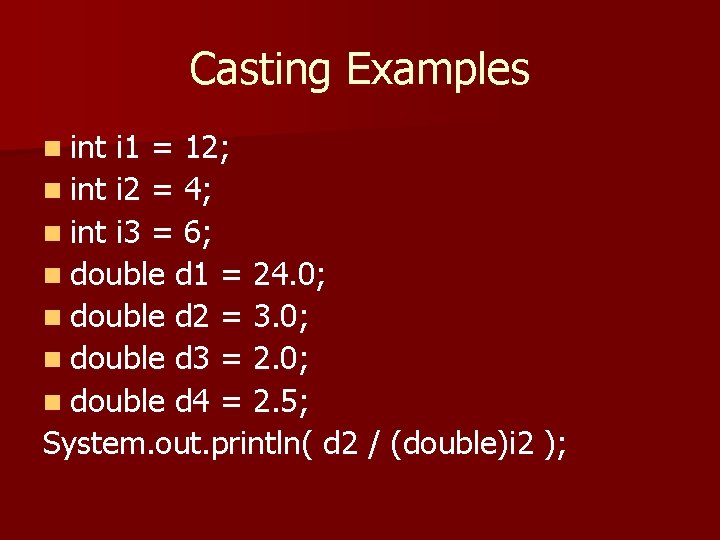
Casting Examples n int i 1 = 12; n int i 2 = 4; n int i 3 = 6; n double d 1 = 24. 0; n double d 2 = 3. 0; n double d 3 = 2. 0; n double d 4 = 2. 5; System. out. println( d 2 / (double)i 2 );
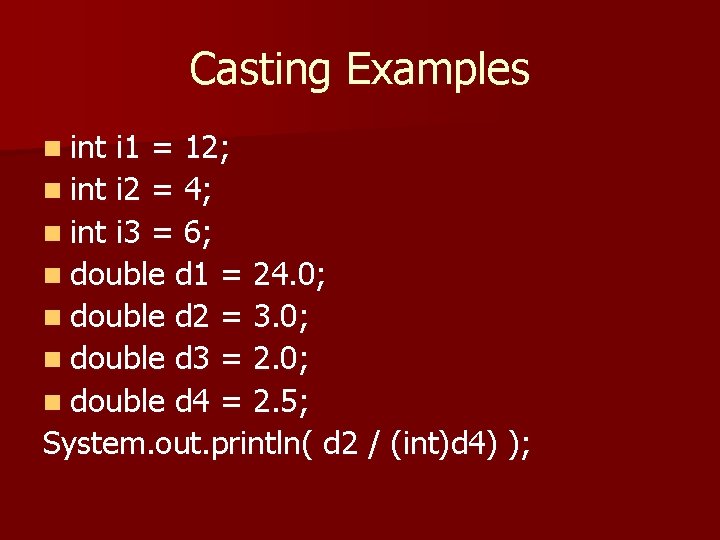
Casting Examples n int i 1 = 12; n int i 2 = 4; n int i 3 = 6; n double d 1 = 24. 0; n double d 2 = 3. 0; n double d 3 = 2. 0; n double d 4 = 2. 5; System. out. println( d 2 / (int)d 4) );
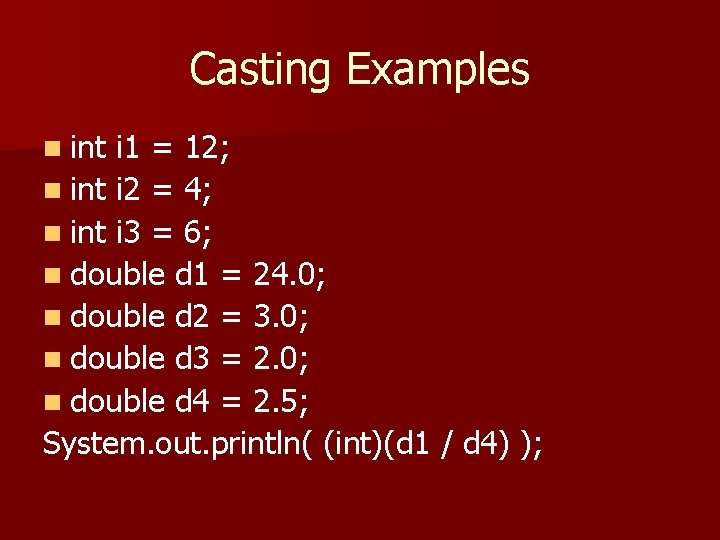
Casting Examples n int i 1 = 12; n int i 2 = 4; n int i 3 = 6; n double d 1 = 24. 0; n double d 2 = 3. 0; n double d 3 = 2. 0; n double d 4 = 2. 5; System. out. println( (int)(d 1 / d 4) );
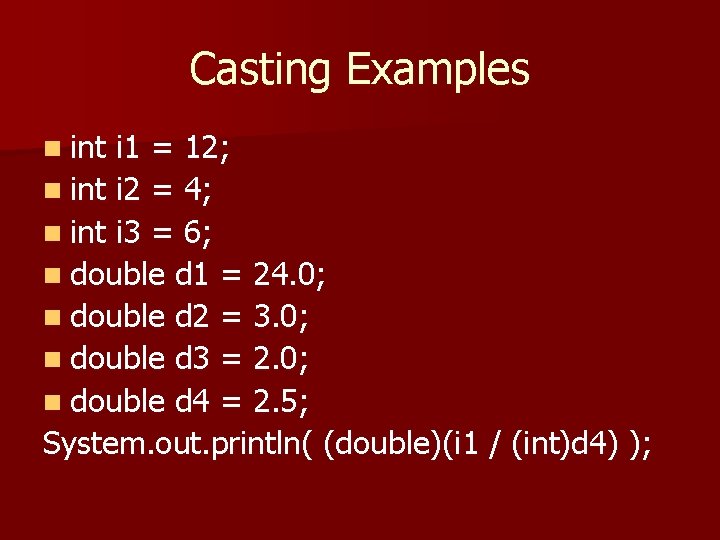
Casting Examples n int i 1 = 12; n int i 2 = 4; n int i 3 = 6; n double d 1 = 24. 0; n double d 2 = 3. 0; n double d 3 = 2. 0; n double d 4 = 2. 5; System. out. println( (double)(i 1 / (int)d 4) );
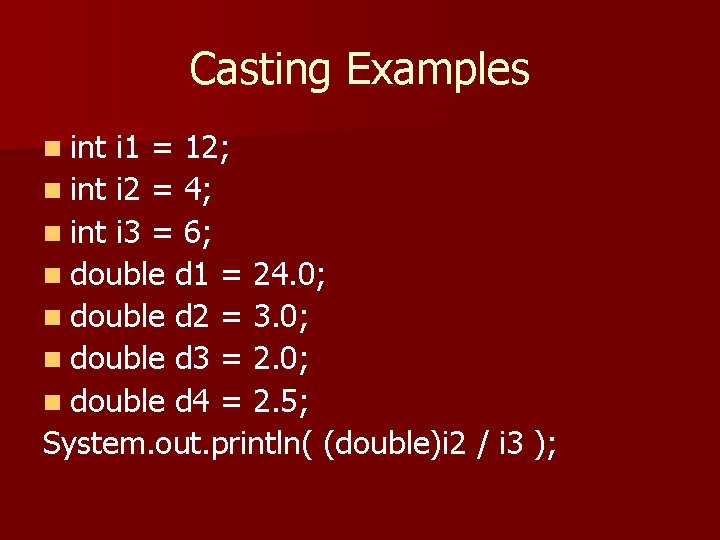
Casting Examples n int i 1 = 12; n int i 2 = 4; n int i 3 = 6; n double d 1 = 24. 0; n double d 2 = 3. 0; n double d 3 = 2. 0; n double d 4 = 2. 5; System. out. println( (double)i 2 / i 3 );
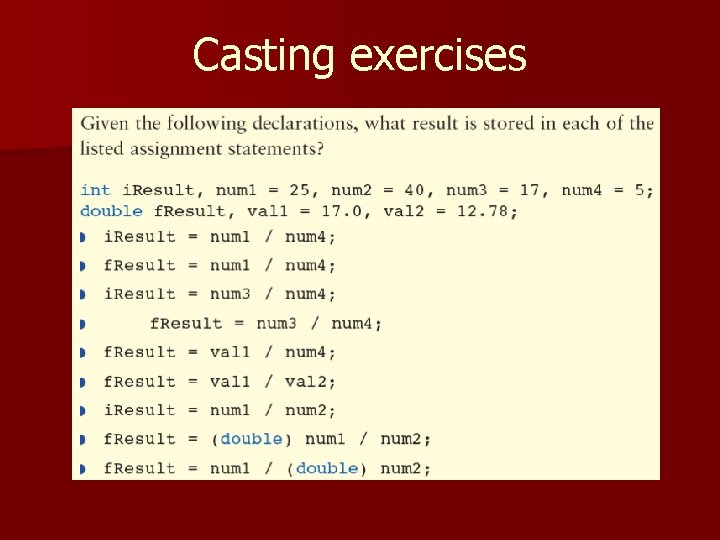
Casting exercises
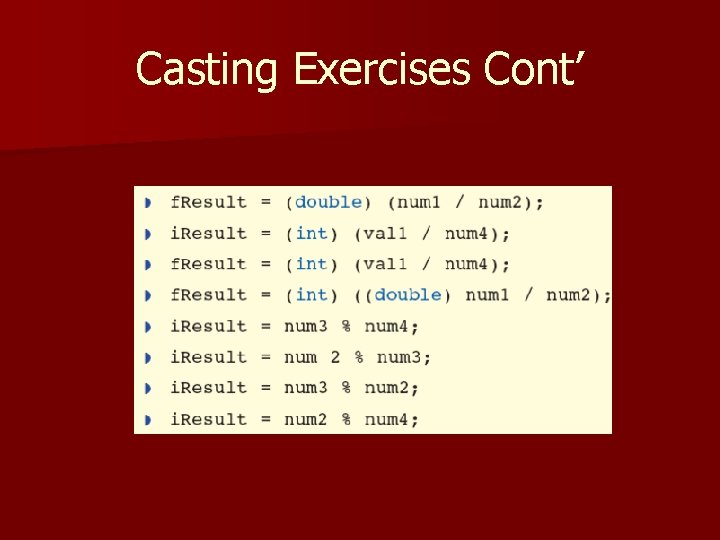
Casting Exercises Cont’
- Slides: 37