
Introduction to Java Java Characteristics n Simple relatively
- Slides: 23
Introduction to Java
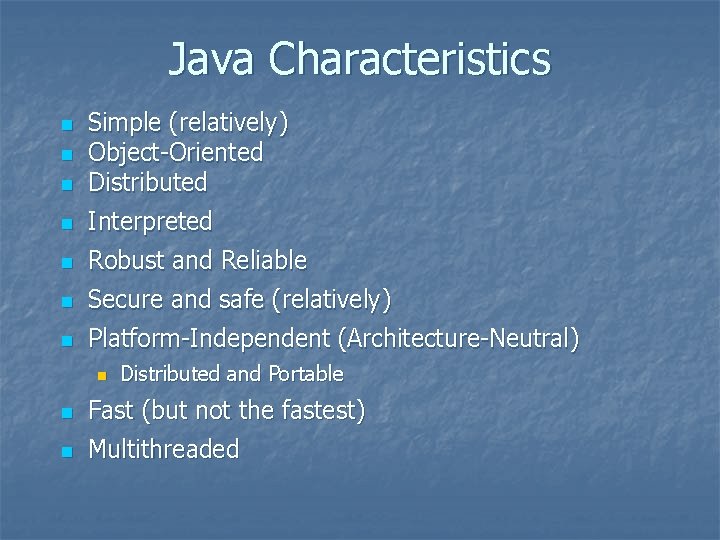
Java Characteristics n Simple (relatively) Object-Oriented Distributed n Interpreted n Robust and Reliable n Secure and safe (relatively) n Platform-Independent (Architecture-Neutral) n n n Distributed and Portable n Fast (but not the fastest) n Multithreaded
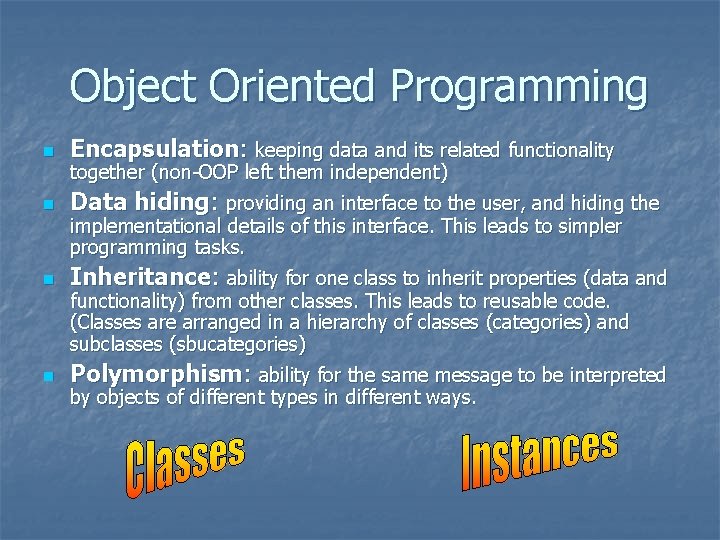
Object Oriented Programming n Encapsulation: keeping data and its related functionality n Data hiding: providing an interface to the user, and hiding the n Inheritance: ability for one class to inherit properties (data and n Polymorphism: ability for the same message to be interpreted together (non-OOP left them independent) implementational details of this interface. This leads to simpler programming tasks. functionality) from other classes. This leads to reusable code. (Classes are arranged in a hierarchy of classes (categories) and subclasses (sbucategories) by objects of different types in different ways.
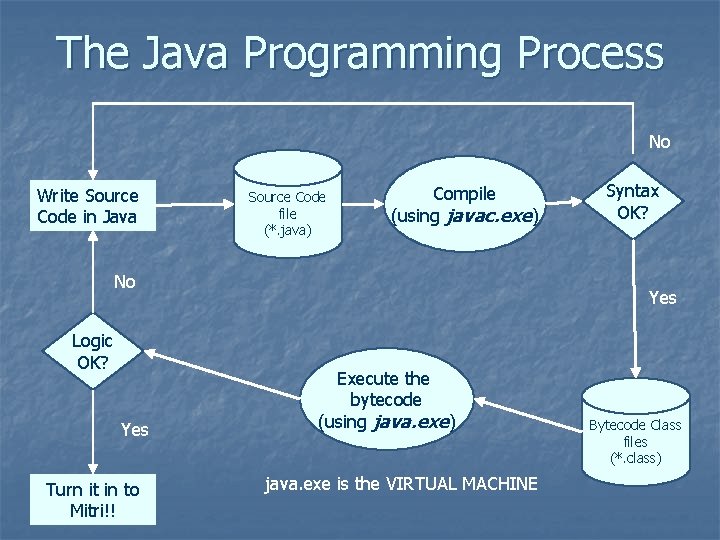
The Java Programming Process No Write Source Code in Java Source Code file (*. java) Compile (using javac. exe) No Logic OK? Yes Turn it in to Mitri!! Syntax OK? Yes Execute the bytecode (using java. exe) java. exe is the VIRTUAL MACHINE Bytecode Class files (*. class)
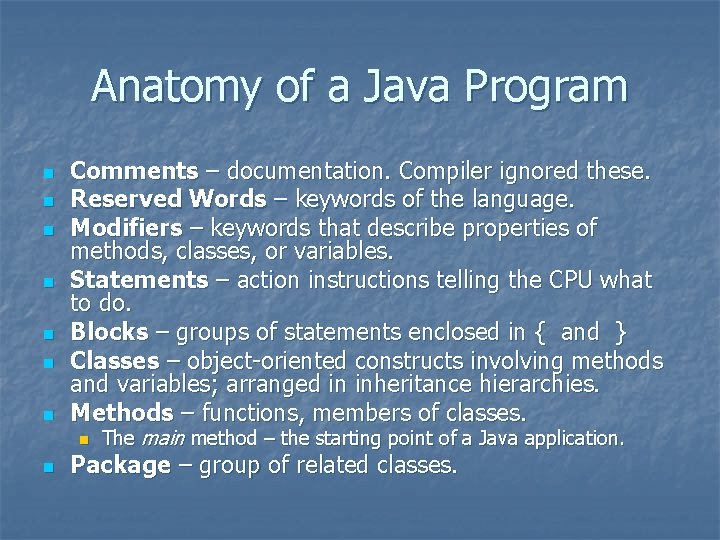
Anatomy of a Java Program n n n n Comments – documentation. Compiler ignored these. Reserved Words – keywords of the language. Modifiers – keywords that describe properties of methods, classes, or variables. Statements – action instructions telling the CPU what to do. Blocks – groups of statements enclosed in { and } Classes – object-oriented constructs involving methods and variables; arranged in inheritance hierarchies. Methods – functions, members of classes. n n The main method – the starting point of a Java application. Package – group of related classes.
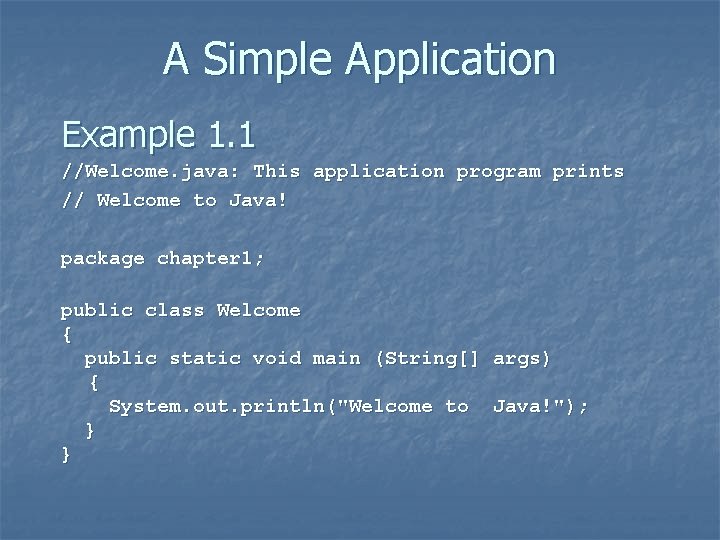
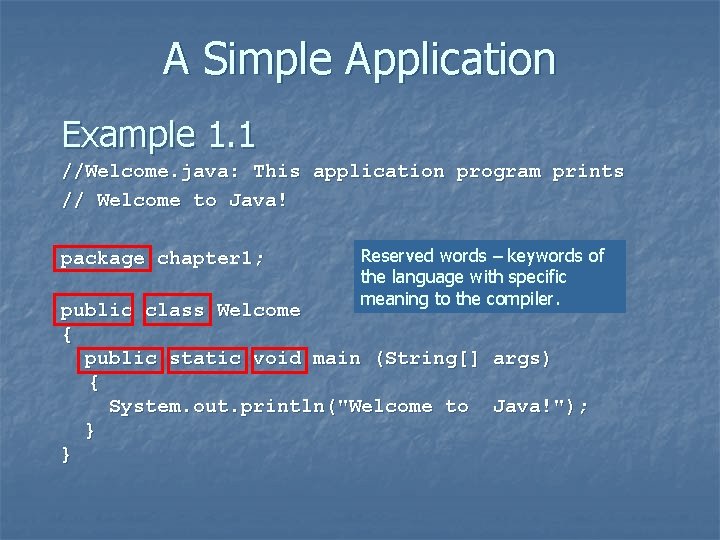
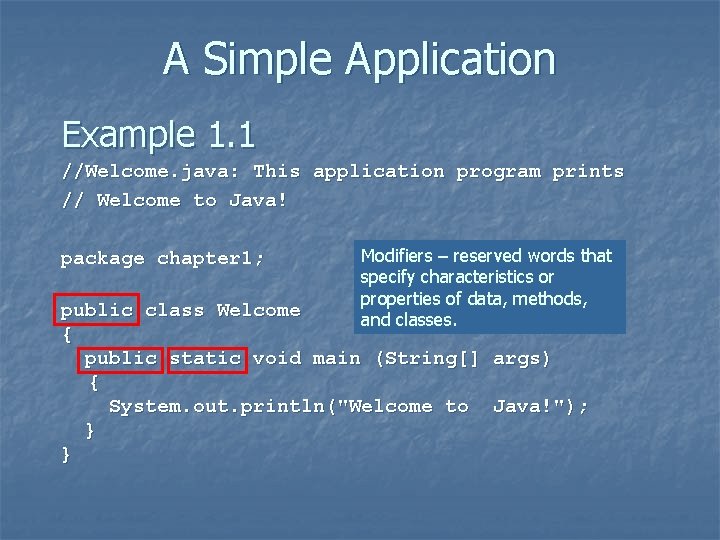
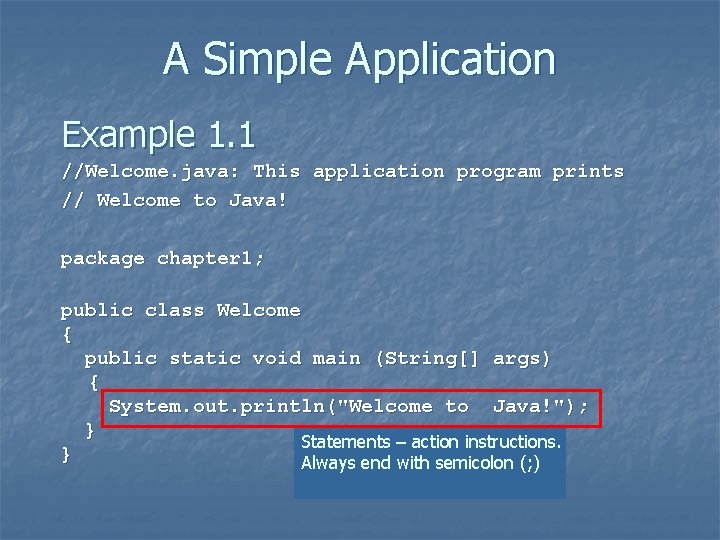
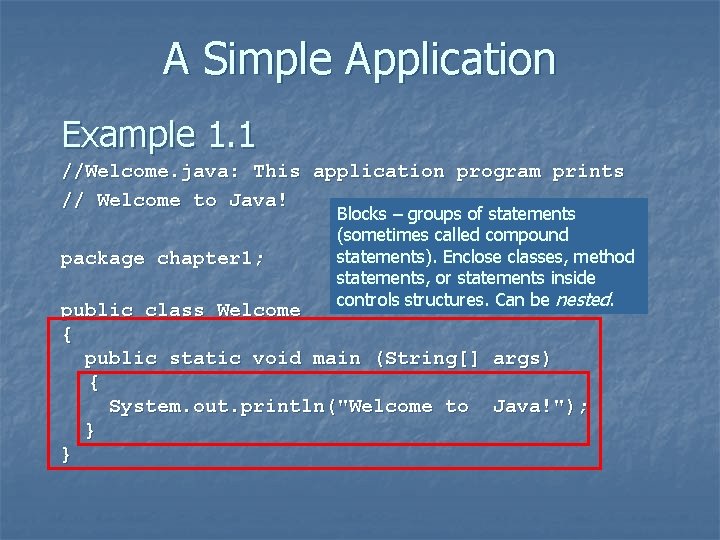
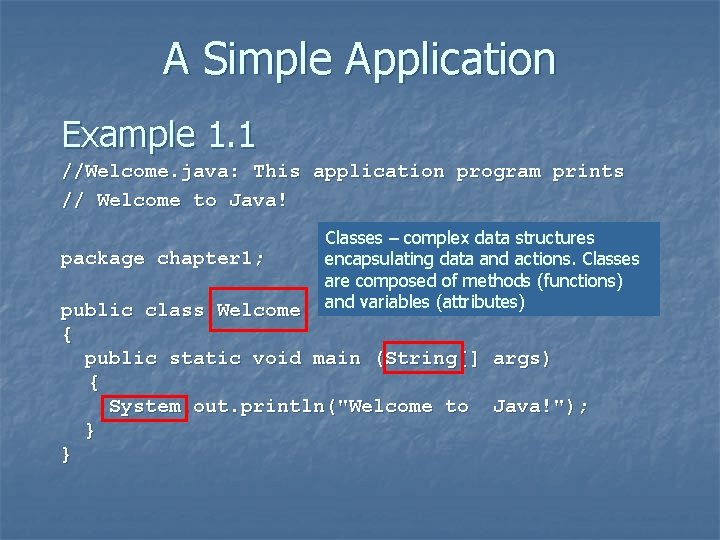
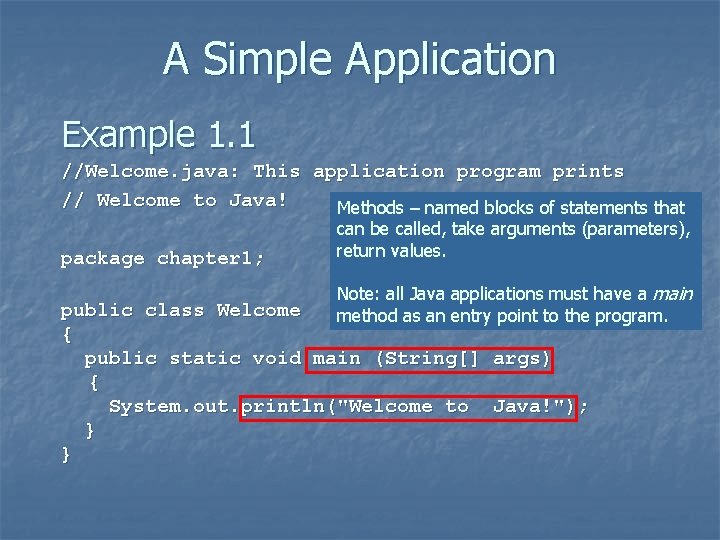
A Simple Application Example 1. 1 //Welcome. java: This application program prints // Welcome to Java! package chapter 1; public class Welcome { public static void main (String[] args) { System. out. println("Welcome to Java!"); } }
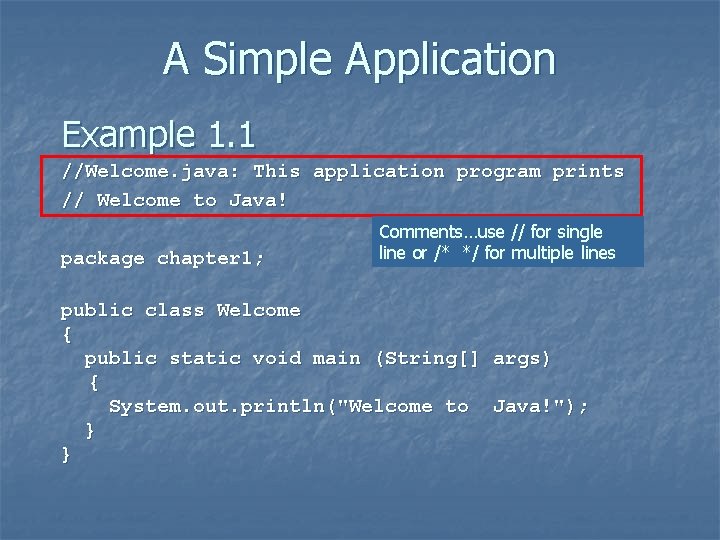
A Simple Application Example 1. 1 //Welcome. java: This application program prints // Welcome to Java! package chapter 1; Comments…use // for single line or /* */ for multiple lines public class Welcome { public static void main (String[] args) { System. out. println("Welcome to Java!"); } }
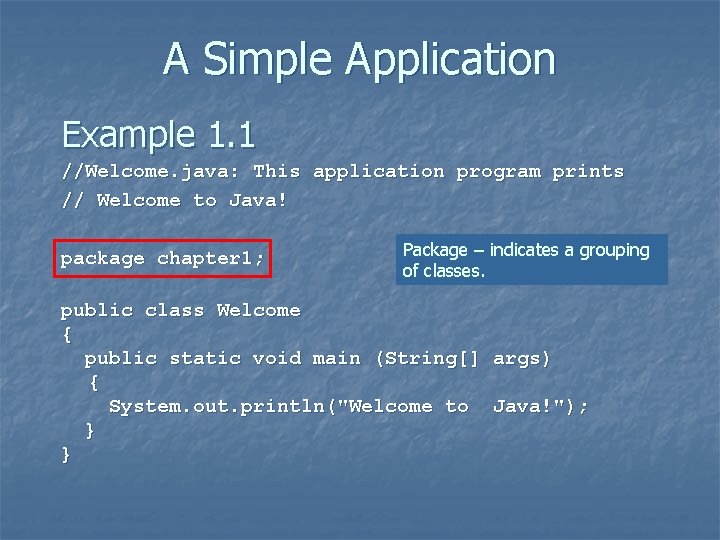
A Simple Application Example 1. 1 //Welcome. java: This application program prints // Welcome to Java! package chapter 1; Package – indicates a grouping of classes. public class Welcome { public static void main (String[] args) { System. out. println("Welcome to Java!"); } }
A Simple Application Example 1. 1 //Welcome. java: This application program prints // Welcome to Java! package chapter 1; Reserved words – keywords of the language with specific meaning to the compiler. public class Welcome { public static void main (String[] args) { System. out. println("Welcome to Java!"); } }
A Simple Application Example 1. 1 //Welcome. java: This application program prints // Welcome to Java! package chapter 1; Modifiers – reserved words that specify characteristics or properties of data, methods, and classes. public class Welcome { public static void main (String[] args) { System. out. println("Welcome to Java!"); } }
A Simple Application Example 1. 1 //Welcome. java: This application program prints // Welcome to Java! package chapter 1; public class Welcome { public static void main (String[] args) { System. out. println("Welcome to Java!"); } Statements – action instructions. } Always end with semicolon (; )
A Simple Application Example 1. 1 //Welcome. java: This application program prints // Welcome to Java! package chapter 1; Blocks – groups of statements (sometimes called compound statements). Enclose classes, method statements, or statements inside controls structures. Can be nested. public class Welcome { public static void main (String[] args) { System. out. println("Welcome to Java!"); } }
A Simple Application Example 1. 1 //Welcome. java: This application program prints // Welcome to Java! package chapter 1; Classes – complex data structures encapsulating data and actions. Classes are composed of methods (functions) and variables (attributes) public class Welcome { public static void main (String[] args) { System. out. println("Welcome to Java!"); } }
A Simple Application Example 1. 1 //Welcome. java: This application program prints // Welcome to Java! Methods – named blocks of statements that package chapter 1; can be called, take arguments (parameters), return values. Note: all Java applications must have a main method as an entry point to the program. public class Welcome { public static void main (String[] args) { System. out. println("Welcome to Java!"); } }
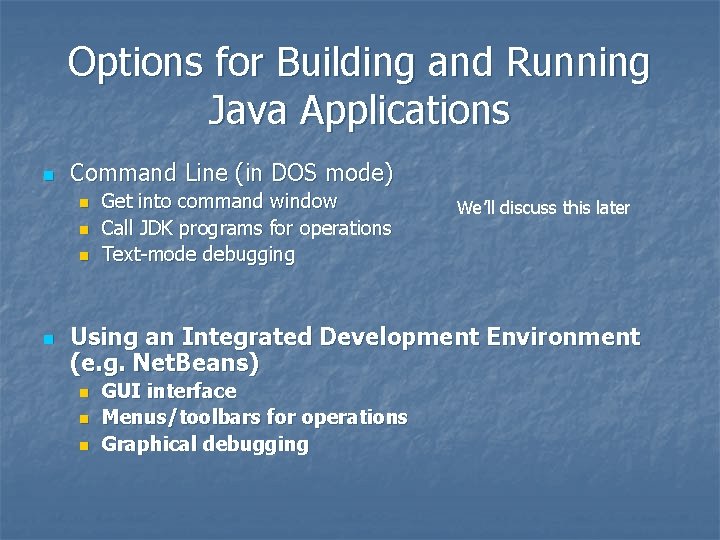
Options for Building and Running Java Applications n Command Line (in DOS mode) n n Get into command window Call JDK programs for operations Text-mode debugging We’ll discuss this later Using an Integrated Development Environment (e. g. Net. Beans) n n n GUI interface Menus/toolbars for operations Graphical debugging
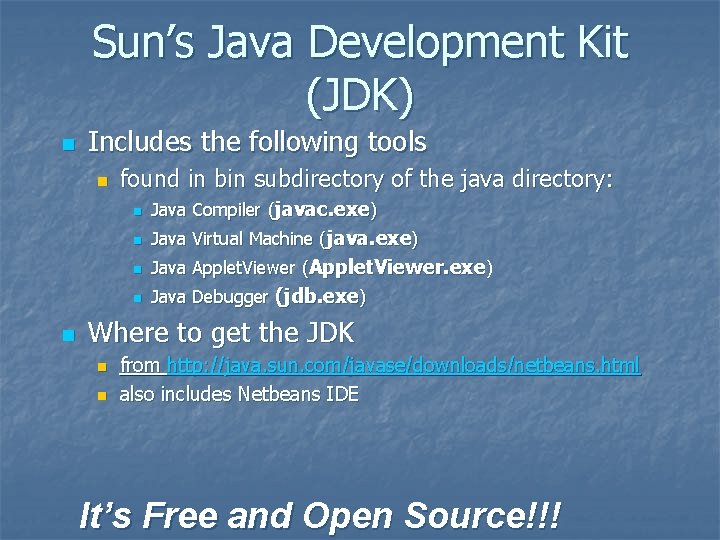
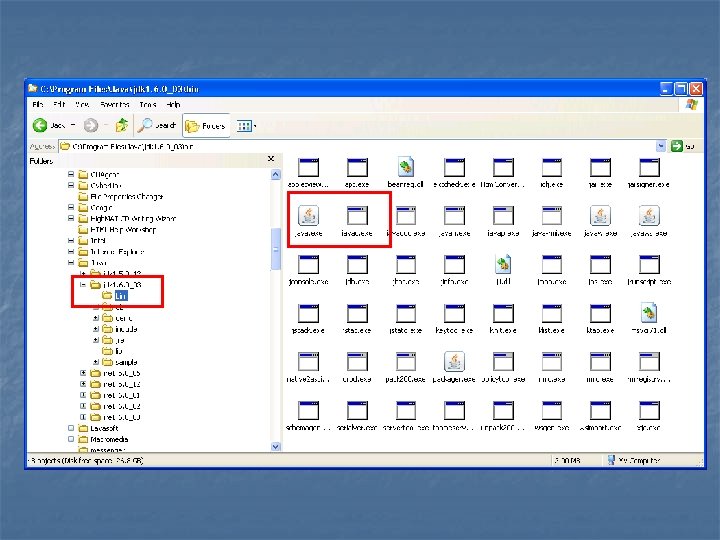
Sun’s Java Development Kit (JDK) n Includes the following tools n n found in bin subdirectory of the java directory: n Java Compiler (javac. exe) n Java Virtual Machine (java. exe) n Java Applet. Viewer (Applet. Viewer. exe) n Java Debugger (jdb. exe) Where to get the JDK n n from http: //java. sun. com/javase/downloads/netbeans. html also includes Netbeans IDE It’s Free and Open Source!!!
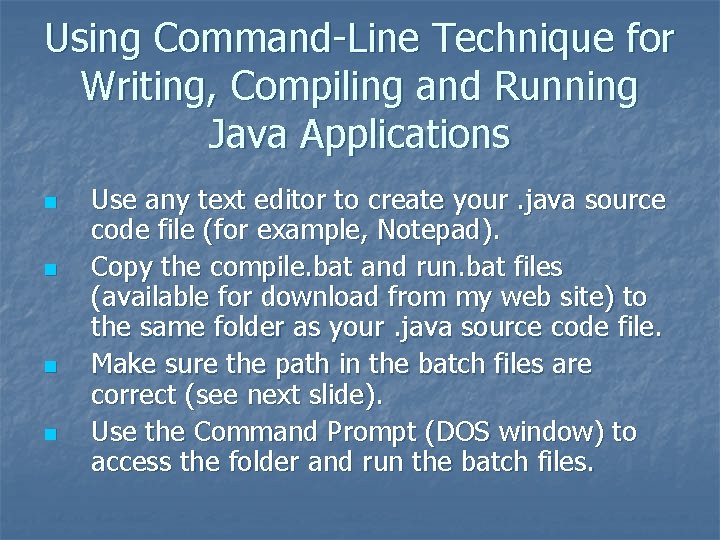
Using Command-Line Technique for Writing, Compiling and Running Java Applications n n Use any text editor to create your. java source code file (for example, Notepad). Copy the compile. bat and run. bat files (available for download from my web site) to the same folder as your. java source code file. Make sure the path in the batch files are correct (see next slide). Use the Command Prompt (DOS window) to access the folder and run the batch files.
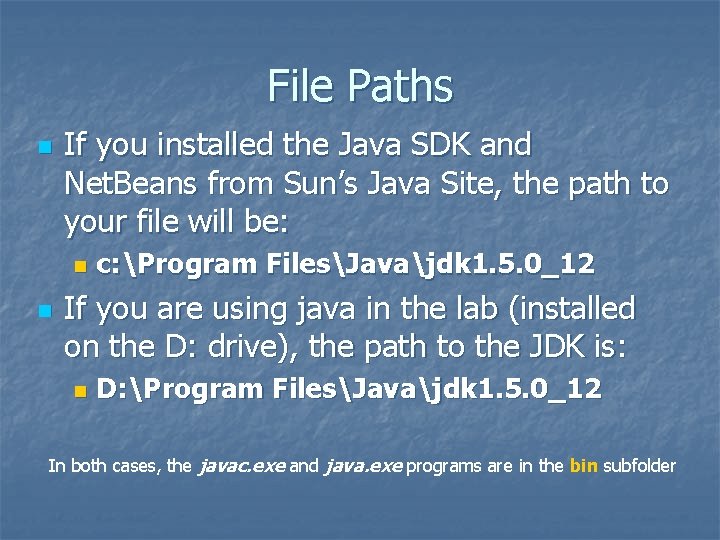
File Paths n If you installed the Java SDK and Net. Beans from Sun’s Java Site, the path to your file will be: n n c: Program FilesJavajdk 1. 5. 0_12 If you are using java in the lab (installed on the D: drive), the path to the JDK is: n D: Program FilesJavajdk 1. 5. 0_12 In both cases, the javac. exe and java. exe programs are in the bin subfolder
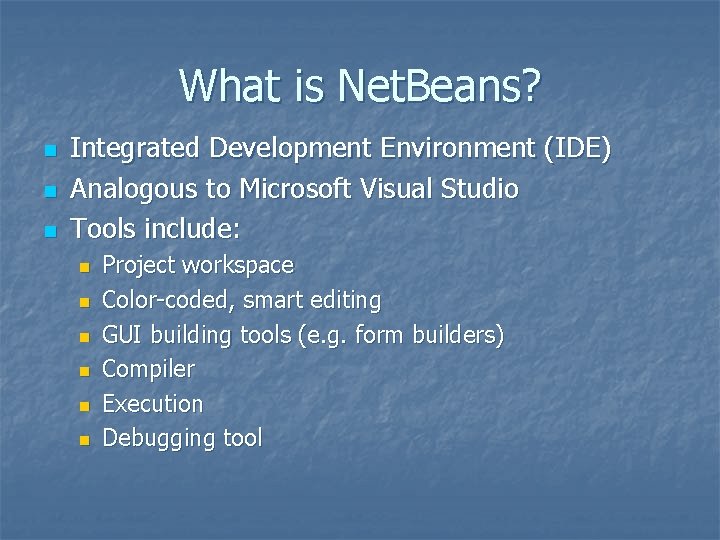
What is Net. Beans? n n n Integrated Development Environment (IDE) Analogous to Microsoft Visual Studio Tools include: n n n Project workspace Color-coded, smart editing GUI building tools (e. g. form builders) Compiler Execution Debugging tool
What is Net. Beans? (continued) n n Can build entire projects consisting of multiple source files and classes Includes GUI building tools for easy placement of components (controls) n n Like form builders in VB Menu/toolbar interfaces for compile/execute/debug
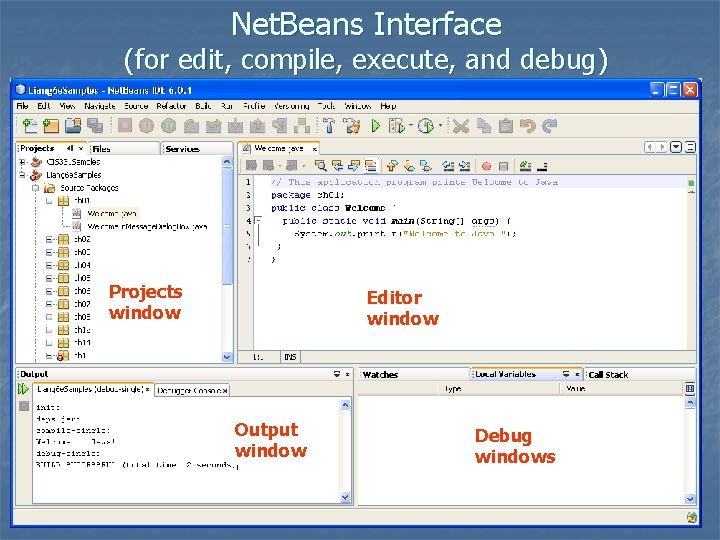
Net. Beans Interface (for edit, compile, execute, and debug) Projects window Editor window Output window Debug windows
Using the Examples from Liang’s Textbook n n All Textbook examples are located downloadable from my web site. Create a Liang 7 e. Samples project using Net. Beans. In the Liang 7 e. Samples folder, there is a src subfolder. In that subfolder, you can copy the folders I provide in my examples…each subfolder of src is a package, and contains the java programs of the chapter NOTE: Liang has a web site with more resources: http: //prenhall. com/liang.