
Introduction to Java Collection Original slides courtesy Wuwei
- Slides: 16
Introduction to Java Collection Original slides courtesy Wuwei Shen 1
Java Collections • What are they? – A number of pre-packaged implementations of common ‘container’ classes, such as Linked. Lists, Sets, etc. – Part of the java. util package. • Advantages – Very flexible, can hold any kind of object • Disadvantages – Not as efficient as arrays (for some uses) – Not type-safe. Store references to Object 2
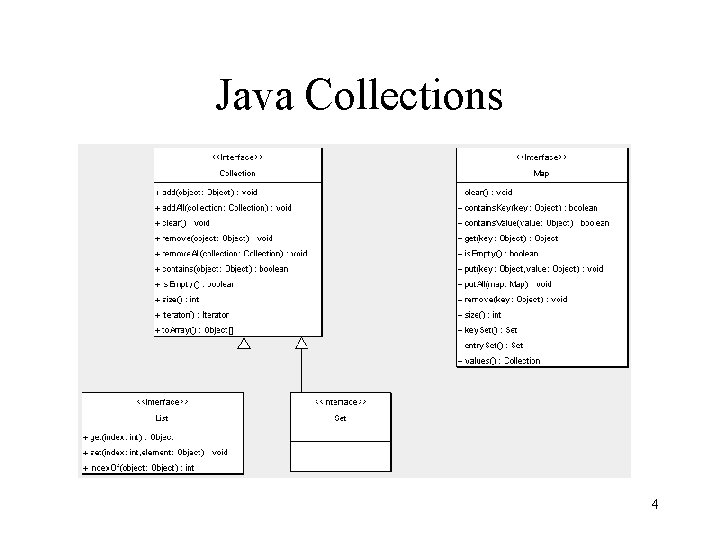
Java Collections • Two Types of Containers • Collections – Group of objects, which may restricted or manipulated in some way – E. g. an ordered to make a List or Linked. List – E. g. a Set, an unordered group which can only contain one of each item • Maps – Associative array, Dictionary, Lookup Table, Hash – A group of name-value pairs 3
Java Collections 4
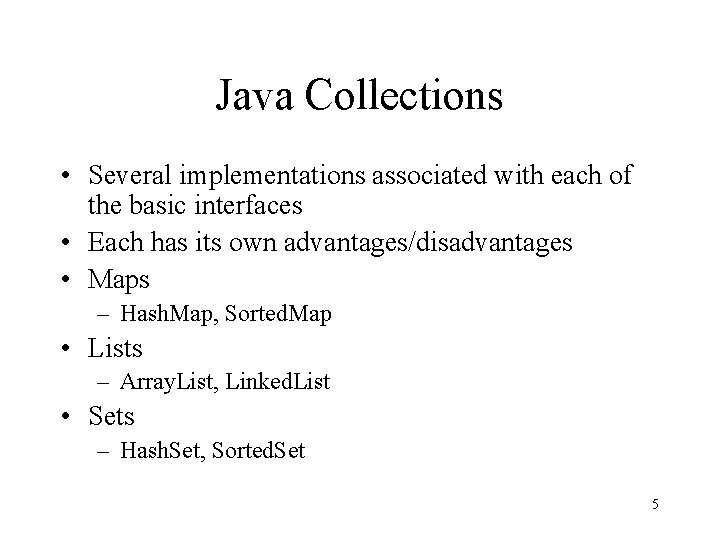
Java Collections • Several implementations associated with each of the basic interfaces • Each has its own advantages/disadvantages • Maps – Hash. Map, Sorted. Map • Lists – Array. List, Linked. List • Sets – Hash. Set, Sorted. Set 5
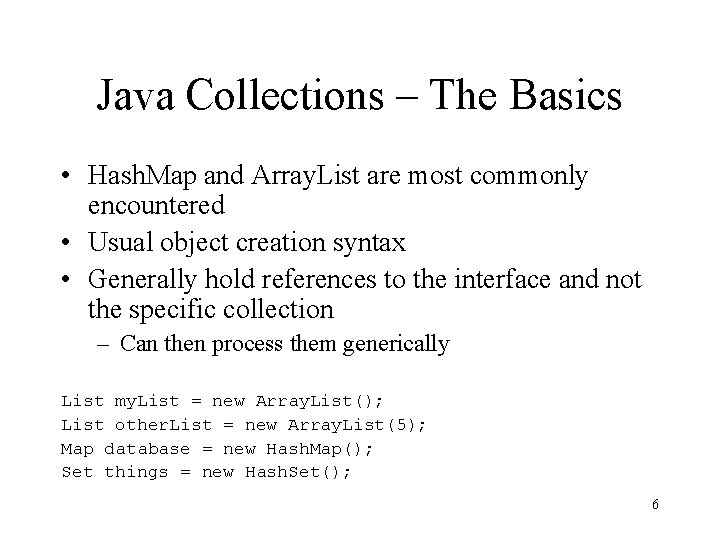
Java Collections – The Basics • Hash. Map and Array. List are most commonly encountered • Usual object creation syntax • Generally hold references to the interface and not the specific collection – Can then process them generically List my. List = new Array. List(); List other. List = new Array. List(5); Map database = new Hash. Map(); Set things = new Hash. Set(); 6
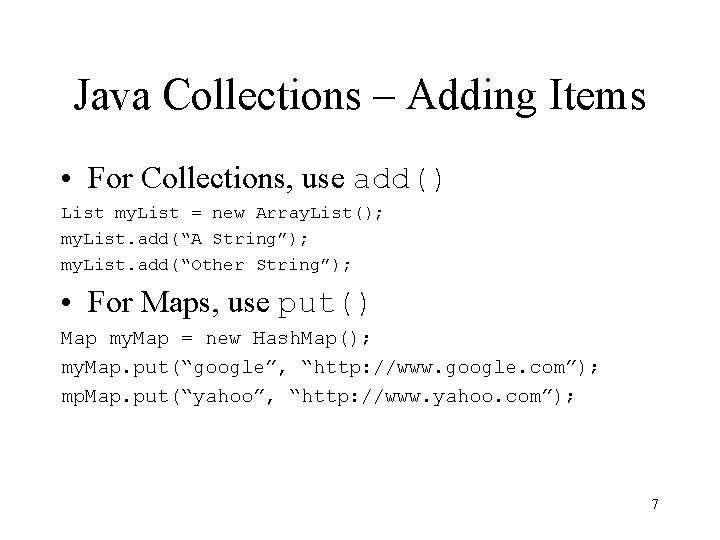
Java Collections – Adding Items • For Collections, use add() List my. List = new Array. List(); my. List. add(“A String”); my. List. add(“Other String”); • For Maps, use put() Map my. Map = new Hash. Map(); my. Map. put(“google”, “http: //www. google. com”); mp. Map. put(“yahoo”, “http: //www. yahoo. com”); 7
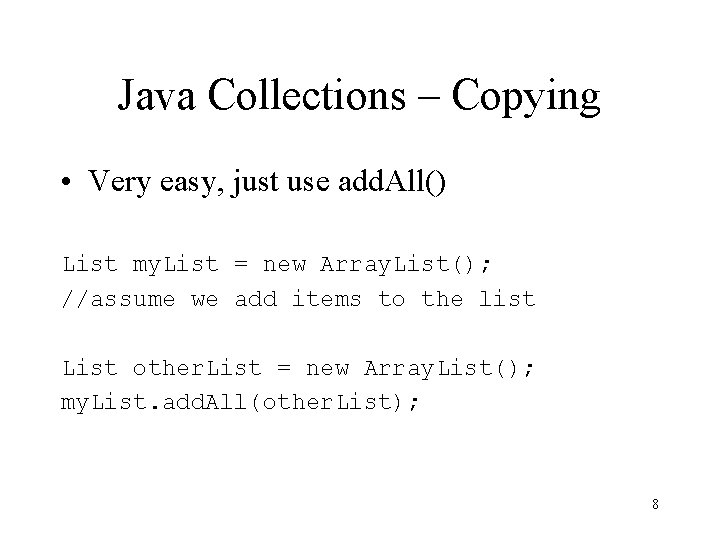
Java Collections – Copying • Very easy, just use add. All() List my. List = new Array. List(); //assume we add items to the list List other. List = new Array. List(); my. List. add. All(other. List); 8
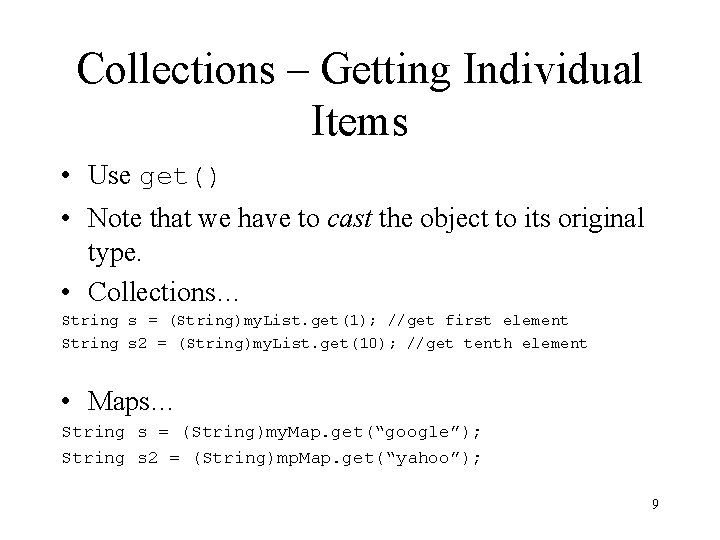
Collections – Getting Individual Items • Use get() • Note that we have to cast the object to its original type. • Collections… String s = (String)my. List. get(1); //get first element String s 2 = (String)my. List. get(10); //get tenth element • Maps… String s = (String)my. Map. get(“google”); String s 2 = (String)mp. Map. get(“yahoo”); 9
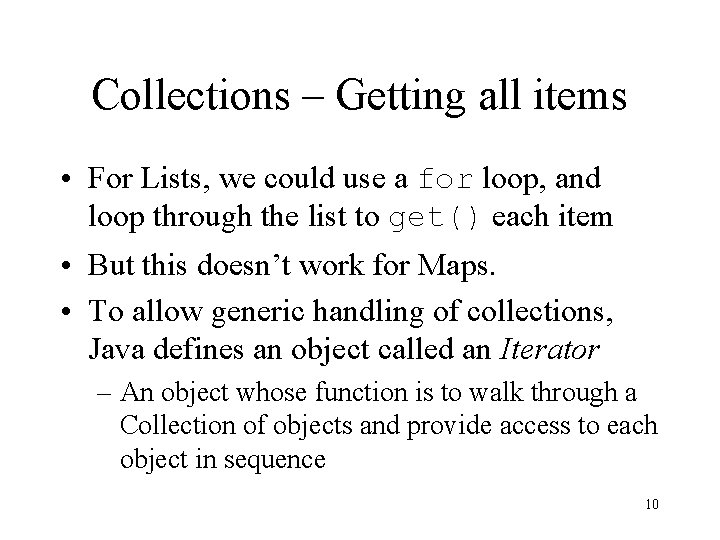
Collections – Getting all items • For Lists, we could use a for loop, and loop through the list to get() each item • But this doesn’t work for Maps. • To allow generic handling of collections, Java defines an object called an Iterator – An object whose function is to walk through a Collection of objects and provide access to each object in sequence 10
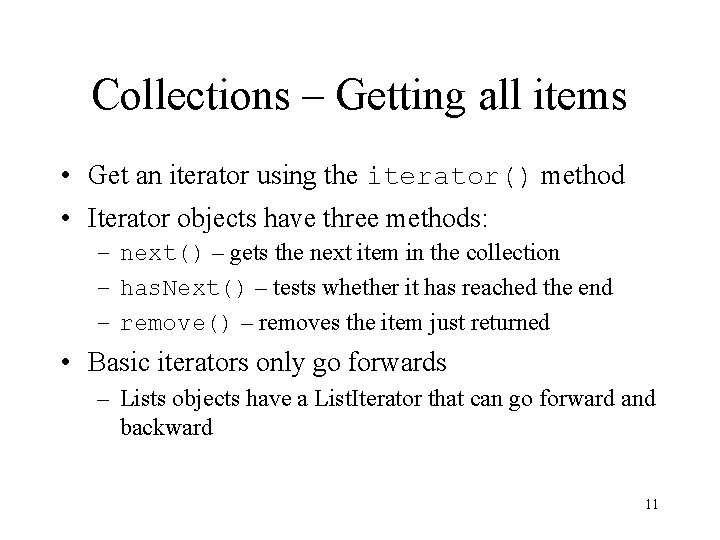
Collections – Getting all items • Get an iterator using the iterator() method • Iterator objects have three methods: – next() – gets the next item in the collection – has. Next() – tests whether it has reached the end – remove() – removes the item just returned • Basic iterators only go forwards – Lists objects have a List. Iterator that can go forward and backward 11
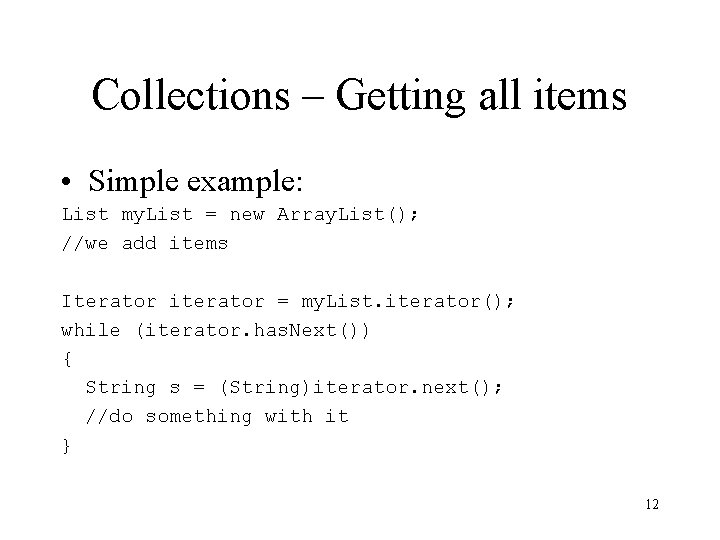
Collections – Getting all items • Simple example: List my. List = new Array. List(); //we add items Iterator iterator = my. List. iterator(); while (iterator. has. Next()) { String s = (String)iterator. next(); //do something with it } 12
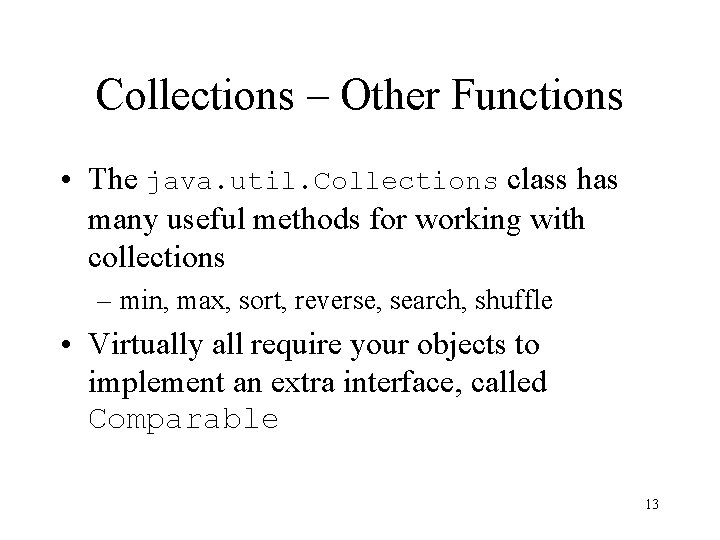
Collections – Other Functions • The java. util. Collections class has many useful methods for working with collections – min, max, sort, reverse, search, shuffle • Virtually all require your objects to implement an extra interface, called Comparable 13
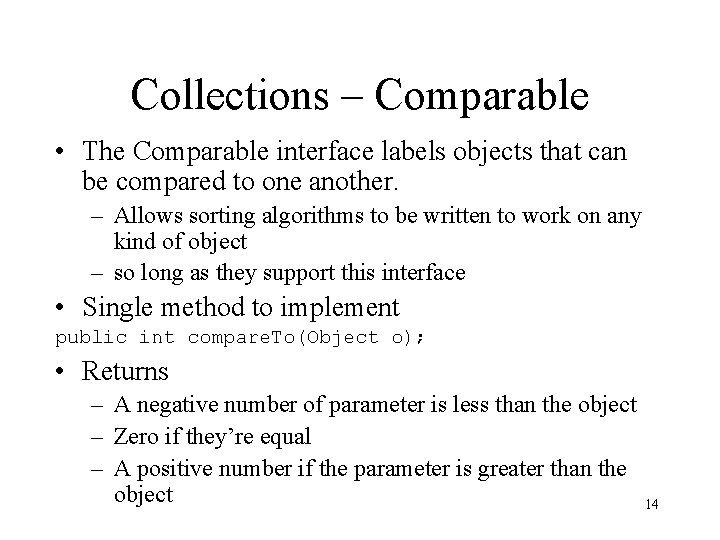
Collections – Comparable • The Comparable interface labels objects that can be compared to one another. – Allows sorting algorithms to be written to work on any kind of object – so long as they support this interface • Single method to implement public int compare. To(Object o); • Returns – A negative number of parameter is less than the object – Zero if they’re equal – A positive number if the parameter is greater than the object 14
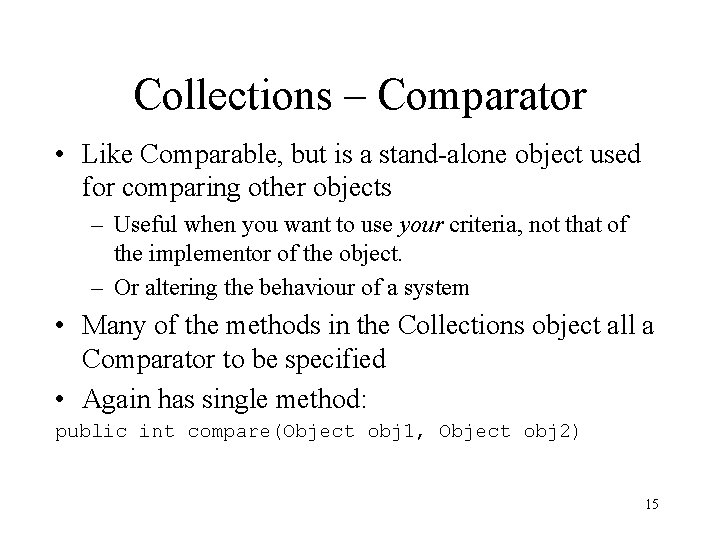
Collections – Comparator • Like Comparable, but is a stand-alone object used for comparing other objects – Useful when you want to use your criteria, not that of the implementor of the object. – Or altering the behaviour of a system • Many of the methods in the Collections object all a Comparator to be specified • Again has single method: public int compare(Object obj 1, Object obj 2) 15
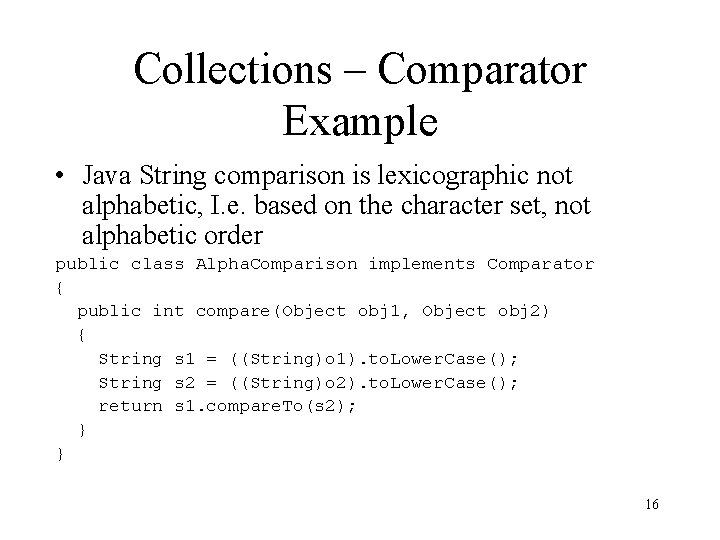
Collections – Comparator Example • Java String comparison is lexicographic not alphabetic, I. e. based on the character set, not alphabetic order public class Alpha. Comparison implements Comparator { public int compare(Object obj 1, Object obj 2) { String s 1 = ((String)o 1). to. Lower. Case(); String s 2 = ((String)o 2). to. Lower. Case(); return s 1. compare. To(s 2); } } 16