
Introduction to Information Technology Chapter 1 Mind Tools
- Slides: 21
Introduction to Information Technology Chapter 1 Mind Tools for Your Future
Chapter 1: Key Questions 1. 1 How does information technology facilitate e-mail, networks, and the use of the Internet and the Web, and what is the meaning of the term cyberspace? 1. 2 What are the five sizes of computers, and what are clients and servers? 1. 3 What four basic operations do all computers follow, and what are some of the devices associated with each operation? How does communications affect these operations? 1. 4 What are three directions of computer development and three directions of communications development?
What is Information Technology? l Information Technology(Infotech) – l Computer systems – l Merging computers with high speed communications links Programmable, multiuser machines that accept data and processes, or manipulate it into information we can use Communications systems – electromagnetic devices and systems for communicating over long distances
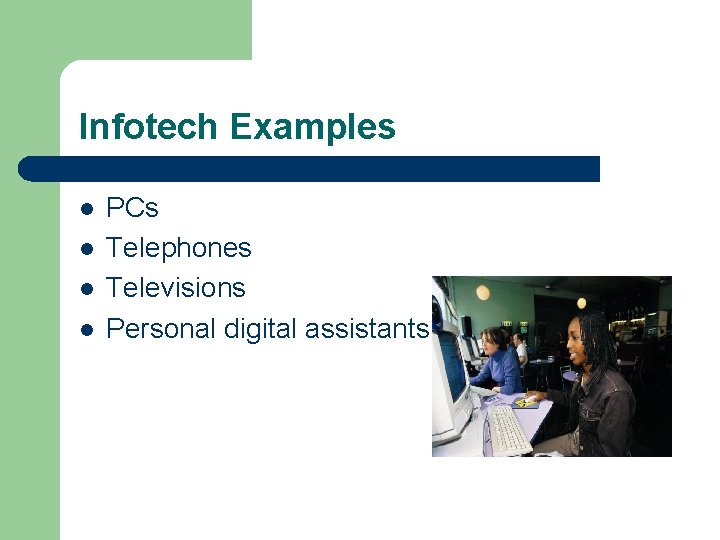
Infotech Examples l l PCs Telephones Televisions Personal digital assistants
Communications – the Plumbing of Cyberspace l Cyberspace – Internet l l – Mother of all networks Over 400, 000 smaller networks World Wide Web l l Part of the Internet Multimedia format
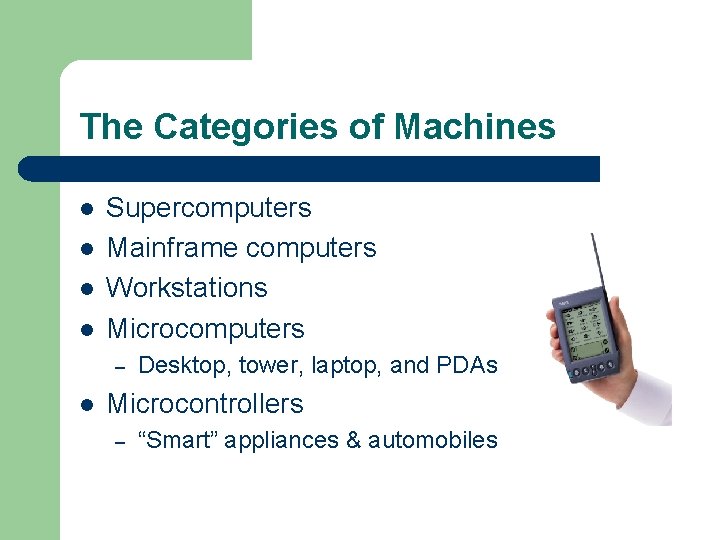
The Categories of Machines l l Supercomputers Mainframe computers Workstations Microcomputers – l Desktop, tower, laptop, and PDAs Microcontrollers – “Smart” appliances & automobiles
Servers & Clients l Server – – Central computer Holds databases and programs for clients l l E. g. , Web servers and mail servers Clients – – Linked by wired or wireless network PCs, workstations, & other devices
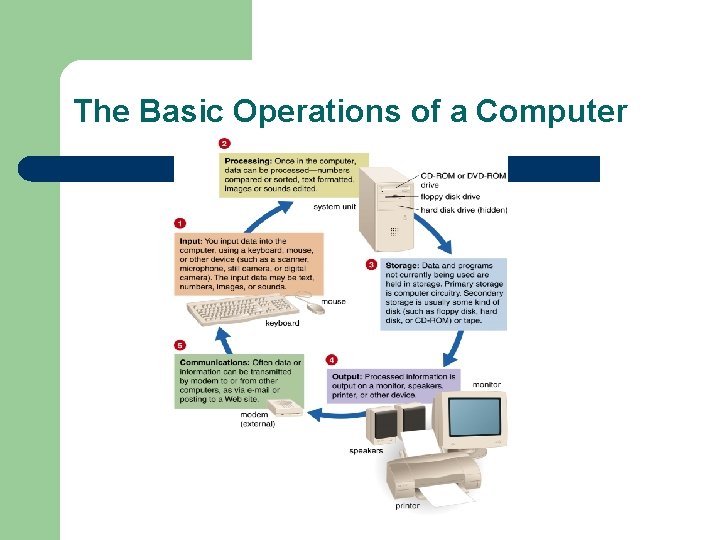
How Computers Work? Processes data into information l – – Data – raw facts and figures that are processed into information Information – data that has been summarized or manipulated for use in decision making Uses hardware & software l – – Hardware – all machinery and equipment in a computer system Software – instructions that tell a computer how to perform a task Operates by performing: l – – – Input – whatever is put in to a computer system Processing – CPU processes data into information Storage – store data/programs in memory and hard disks Output – the results of processing Communications - extends the power of the computer
The Basic Operations of a Computer
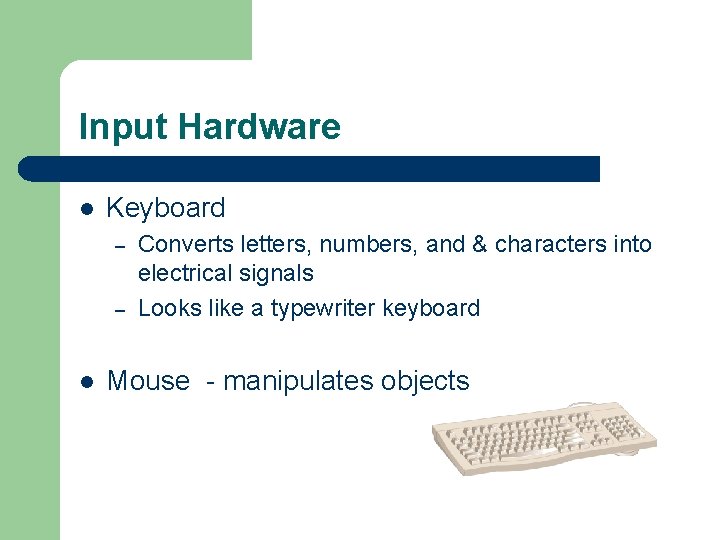
Input Hardware l Keyboard – – l Converts letters, numbers, and & characters into electrical signals Looks like a typewriter keyboard Mouse - manipulates objects
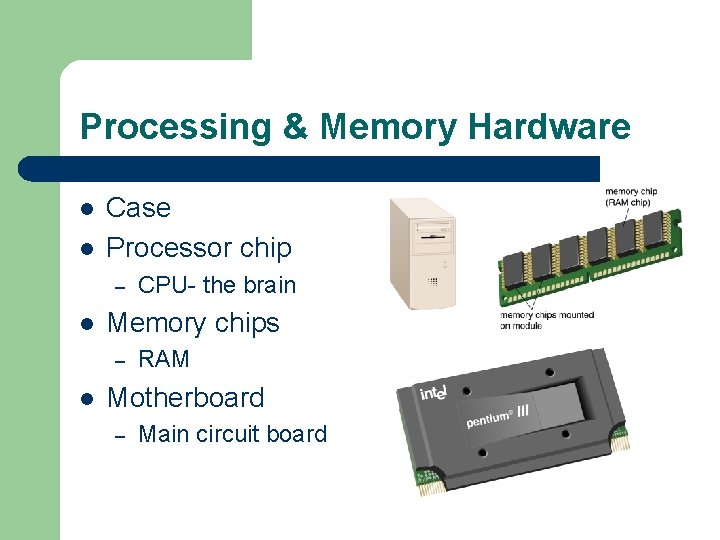
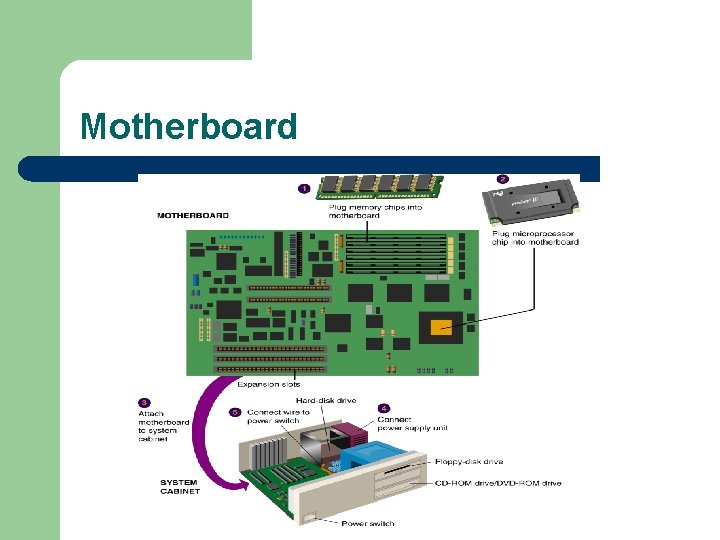
Processing & Memory Hardware l l Case Processor chip – l Memory chips – l CPU- the brain RAM Motherboard – Main circuit board
Motherboard
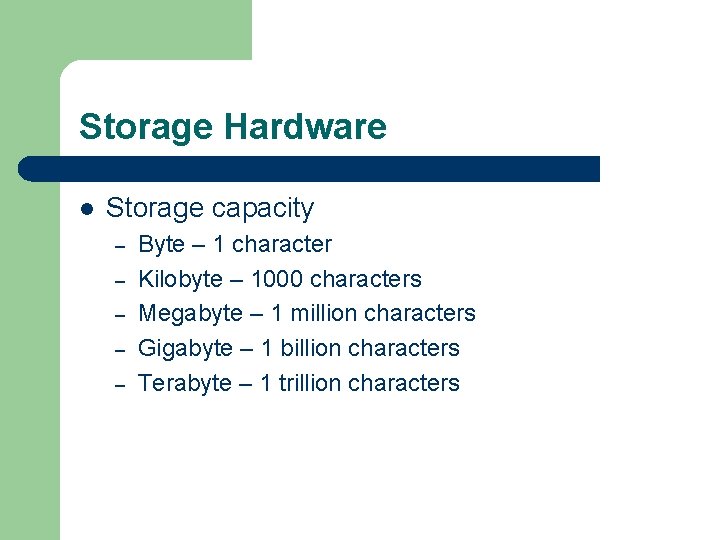
Storage Hardware l Storage capacity – – – Byte – 1 character Kilobyte – 1000 characters Megabyte – 1 million characters Gigabyte – 1 billion characters Terabyte – 1 trillion characters
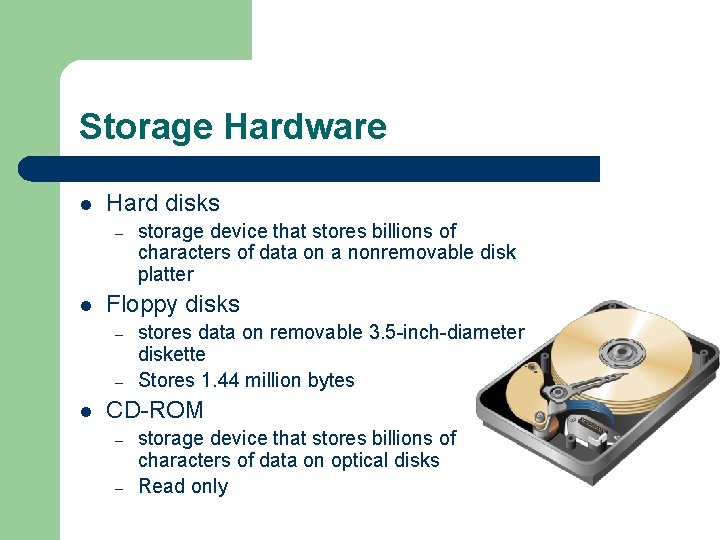
Storage Hardware l Hard disks – l Floppy disks – – l storage device that stores billions of characters of data on a nonremovable disk platter stores data on removable 3. 5 -inch-diameter diskette Stores 1. 44 million bytes CD-ROM – – storage device that stores billions of characters of data on optical disks Read only
Output Hardware l l Devices that translate information processed by the computer into human readable forms Peripheral devices – expands computer’s input, storage, and output capacities: üVideo card üSound card üMonitor üPair of speakers üPrinter
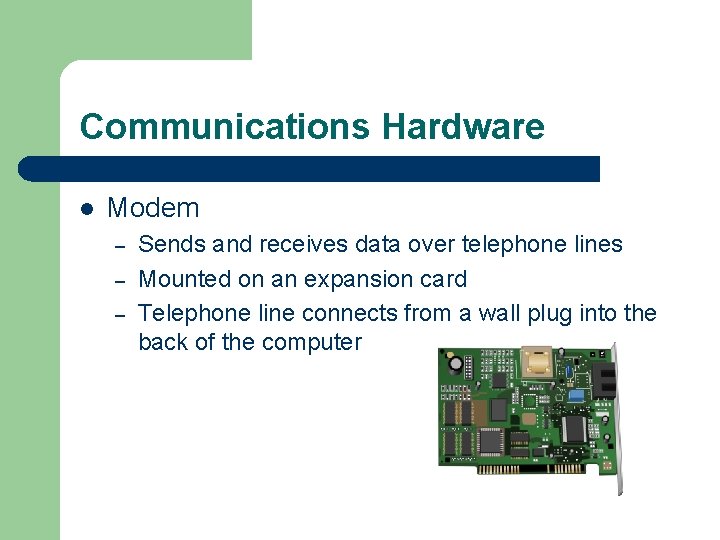
Communications Hardware l Modem – – – Sends and receives data over telephone lines Mounted on an expansion card Telephone line connects from a wall plug into the back of the computer
Computer Software l System software – – Performs essential operations Enables application software to run l l E. g. , Windows 95/98/2000, Linux Application software – – Performs specific tasks Requires system software l E. g. , Word, Excel, Netscape,
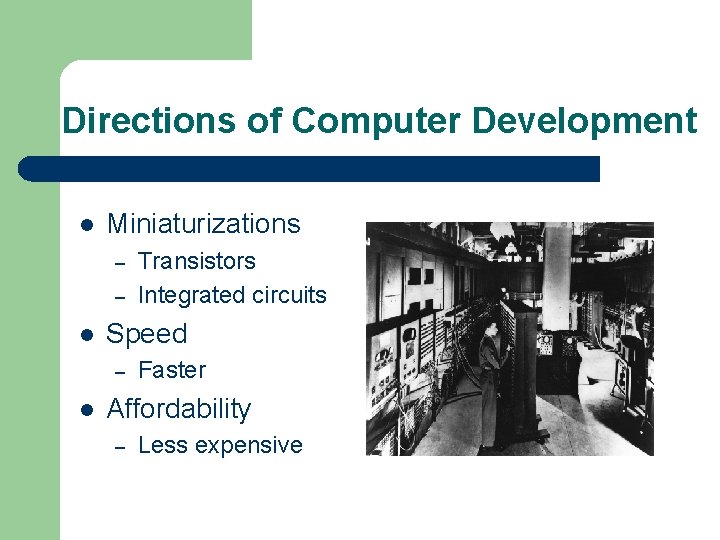
Directions of Computer Development l Miniaturizations – – l Speed – l Transistors Integrated circuits Faster Affordability – Less expensive
Directions of Communications Development l Connectivity – l Interactivity – l Ability to connect computers by communications line Two-way communication Multimedia – Text, pictures, sound, & animation
Computers & Communications Combined l Convergence – l Portability – l Portable and smaller Personalization – l computers, communications, consumer electronics, entertainment, mass media Information tailored to personal preferences Information overload
Ethics & Infor. Tech Concerns l Speed & scale – l Unpredictability – l great amounts of information can be stored, retrieved, and transmitted at a speed and on a scale not possible before a lot less predictable and reliable Complexity – some computer systems are not even understood by their creators