
Introduction to Information Retrieval Open source Java library
Introduction to Information Retrieval Τι είναι; § Open source Java library for IR (indexing and searching) http: //lucene. apache. org/ § Lets you add search to your application, not a complete search system by itself -- software library not an application § Written by Doug Cutting § Used by Linked. In, Twitter Trends, Netflix … and many more (see http: //wiki. apache. org/lucene-java/Powered. By) § Ports/integrations to other languages § Python (http: //lucene. apache. org/pylucene/index. html) C/C++, C#, Ruby, Perl, PHP, … § Beyond core jar, a number of extension modules § contrib modules
Introduction to Information Retrieval Πηγές § Lucene: http: //lucene. apache. org/core/ § Lucene in Action: http: //www. manning. com/hatcher 3/ § Code samples available for download πολύ χρήσιμο § JUnit: http: //junit. org/ § Some examples are JUnit test cases § Automatically executes all methods with public void test-XXX() signature
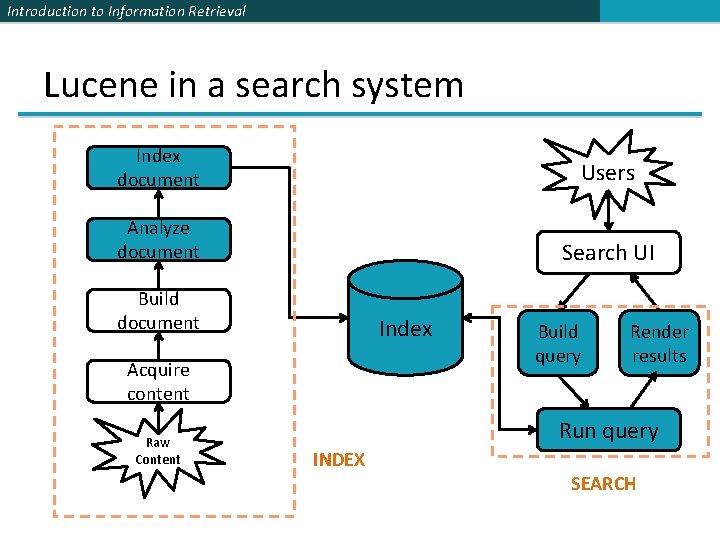
Introduction to Information Retrieval Lucene in a search system Index document Users Analyze document Search UI Build document Index Acquire content Raw Content Build query Render results Run query INDEX SEARCH
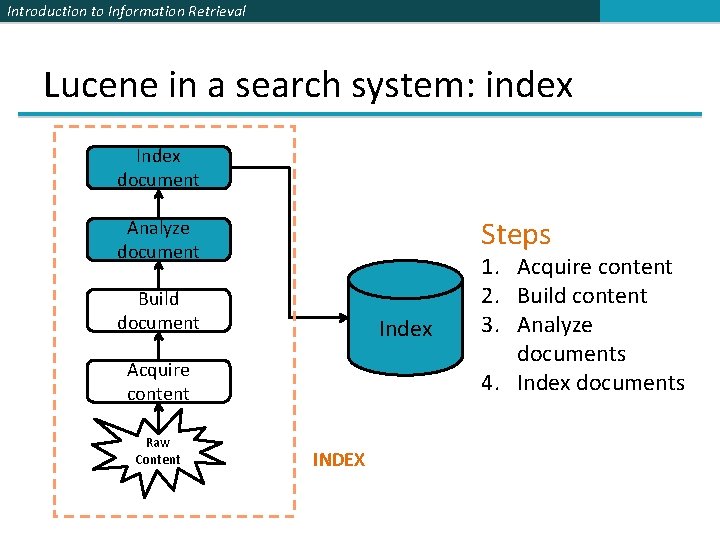
Introduction to Information Retrieval Lucene in a search system: index Index document Steps Analyze document Build document Index Acquire content Raw Content INDEX 1. Acquire content 2. Build content 3. Analyze documents 4. Index documents
Introduction to Information Retrieval Lucene in a search system: index Acquire content (not supported by core Lucid) Depending on type § Crawler or spiders (web) § Specific APIs provided by the application (e. g. , Twitter, Four. Square) § Complex software if scattered at various location, etc Additional issues § Access Control Lists § Online/real-time Complex documents (e. g. , XML, relational databases, JSON etc) Solr (Tika, chapter 7)
Introduction to Information Retrieval Lucene in a search system: index Build document (not supported by core Lucid) A document is the unit of search Each document consists of separately named fields with values (title, body, etc) ü What constitutes a document and what are its fields? Lucene provides an API for building fields and documents Other issues (not handled) § Extract text from document (if binary) § Handle markups (XML, HTML) § Add additional fields (semantic analysis) § Boost individual files § At indexing time (per document and field, section 2. 5) § At query time (section 5. 7)
Introduction to Information Retrieval Lucene in a search system: index Analyze document (supported by core Lucid) Given a document -> extract its tokens Details in Chapter 4 Issues § handle compounds § case sensitivity § inject synonyms § spell correction § collapse singular and plural § stemmer (Porter’s)
Introduction to Information Retrieval Lucene in a search system: index Index document (supported by core Lucid) Details in Chapter 2
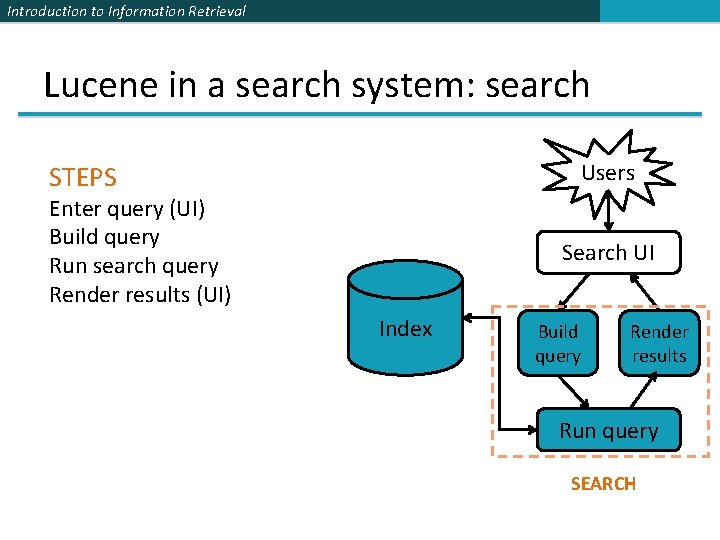
Introduction to Information Retrieval Lucene in a search system: search Users STEPS Enter query (UI) Build query Run search query Render results (UI) Search UI Index Build query Render results Run query SEARCH
Introduction to Information Retrieval Lucene in a search system: search Search User Interface (UI) No default search UI, but many useful contrib modules General instructions § Simple (do not present a lot of options in the first page) a single search box better than 2 -step process § Result presentation is important § highlight matches (highlighter contrib modules, section 8. 3&8. 4) § make sort order clear, etc § Be transparent: e. g. , explain if you expand search for synonyms, autocorrect errors (spellchecker contrib module, section 8. 5 , etc)
Introduction to Information Retrieval Lucene in a search system: search Build query (supported by core Lucid) Provides a package Query. Parser: process the user text input into a Query object (Chapter 3) Query may contain Boolean operators, phrase queries, wildcard terms
Introduction to Information Retrieval Lucene in a search system: search Search query (supported by core Lucid) See Chapter 6 Three models § Pure Boolean model (no sort) § Vector space model § Probabilistic model Lucene combines Boolean and vector model – select which one on a search-by-search basis Customize
Introduction to Information Retrieval Lucene in a search system: search Render results (supported by core Lucid) UI issues
Introduction to Information Retrieval Lucene in action Get code from the book § Command line Indexer § …/lia 2 e/src/lia/meetlucene/Indexer. java § Command line Searcher § …/lia 2 e 3/src/lia/meetlucene/Searcher. java
Introduction to Information Retrieval How Lucene models content § A Document is the atomic unit of indexing and searching § A Document contains Fields § Fields have a name and a value § Examples: Title, author, date, abstract, body, URL, keywords, . . § Different documents can have different fields v You have to translate raw content into Fields v Search a field using name: term, e. g. , title: lucene
Introduction to Information Retrieval Documents and Fields Parametric or zone indexing There is one (parametric) index for each field Also, supports weighted field scoring
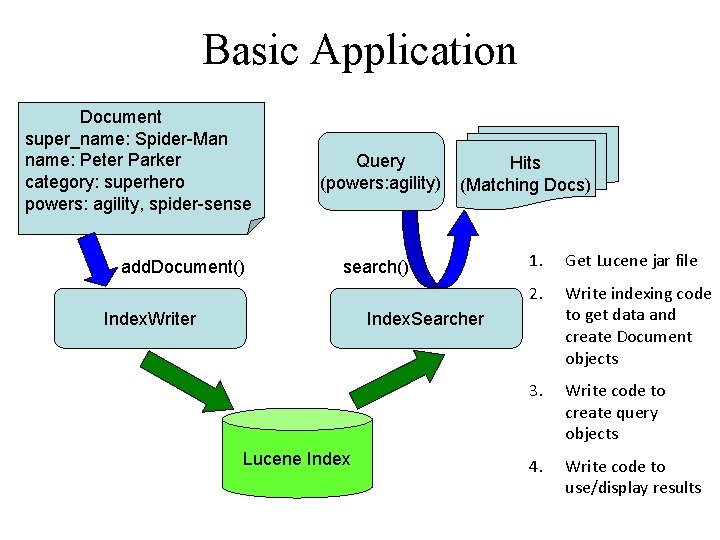
Basic Application Document super_name: Spider-Man name: Peter Parker category: superhero powers: agility, spider-sense add. Document() Query (powers: agility) Hits (Matching Docs) search() Index. Writer 1. Get Lucene jar file 2. Write indexing code to get data and create Document objects 3. Write code to create query objects 4. Write code to use/display results Index. Searcher Lucene Index
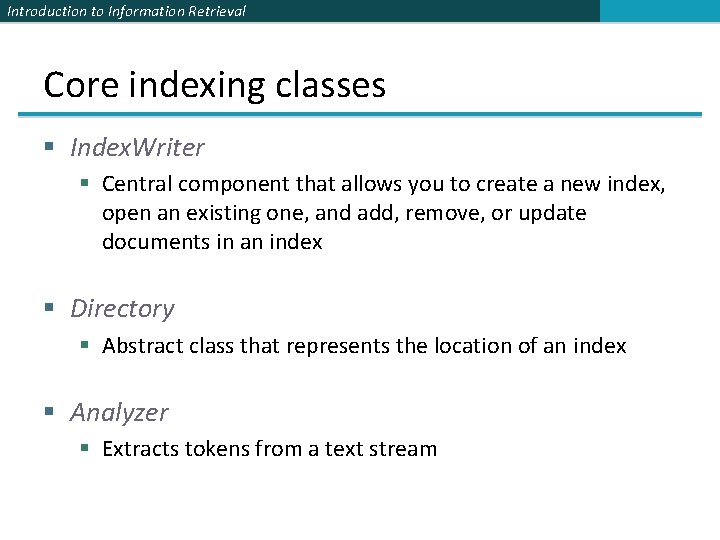
Introduction to Information Retrieval Core indexing classes § Index. Writer § Central component that allows you to create a new index, open an existing one, and add, remove, or update documents in an index § Directory § Abstract class that represents the location of an index § Analyzer § Extracts tokens from a text stream
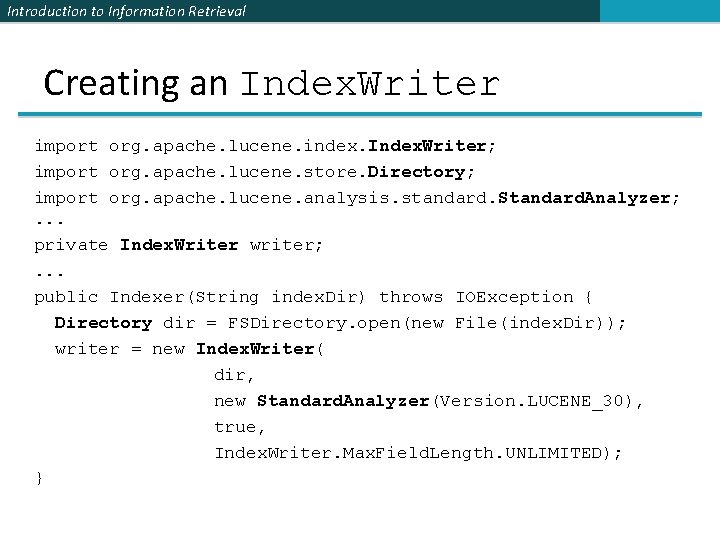
Introduction to Information Retrieval Creating an Index. Writer import org. apache. lucene. index. Index. Writer; import org. apache. lucene. store. Directory; import org. apache. lucene. analysis. standard. Standard. Analyzer; . . . private Index. Writer writer; . . . public Indexer(String index. Dir) throws IOException { Directory dir = FSDirectory. open(new File(index. Dir)); writer = new Index. Writer( dir, new Standard. Analyzer(Version. LUCENE_30), true, Index. Writer. Max. Field. Length. UNLIMITED); }
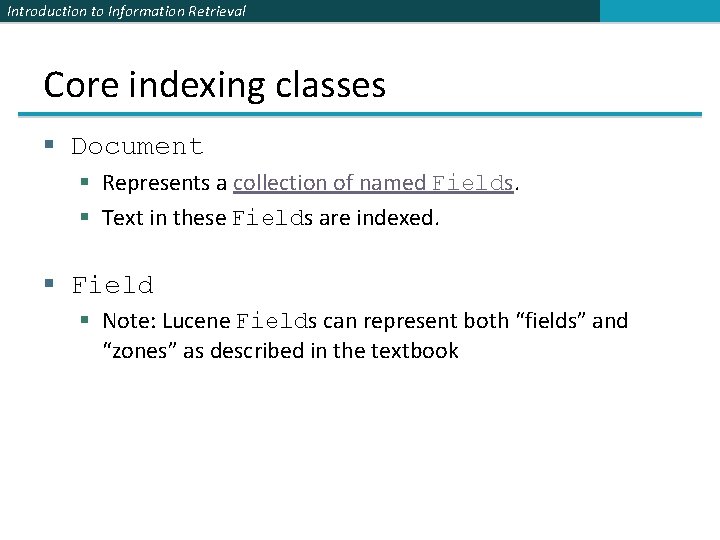
Introduction to Information Retrieval Core indexing classes § Document § Represents a collection of named Fields. § Text in these Fields are indexed. § Field § Note: Lucene Fields can represent both “fields” and “zones” as described in the textbook
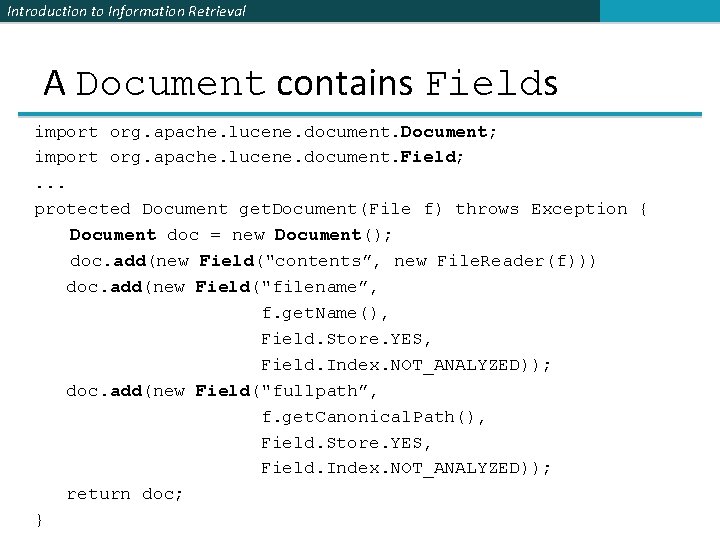
Introduction to Information Retrieval A Document contains Fields import org. apache. lucene. document. Document; import org. apache. lucene. document. Field; . . . protected Document get. Document(File f) throws Exception { Document doc = new Document(); doc. add(new Field("contents”, new File. Reader(f))) doc. add(new Field("filename”, f. get. Name(), Field. Store. YES, Field. Index. NOT_ANALYZED)); doc. add(new Field("fullpath”, f. get. Canonical. Path(), Field. Store. YES, Field. Index. NOT_ANALYZED)); return doc; }
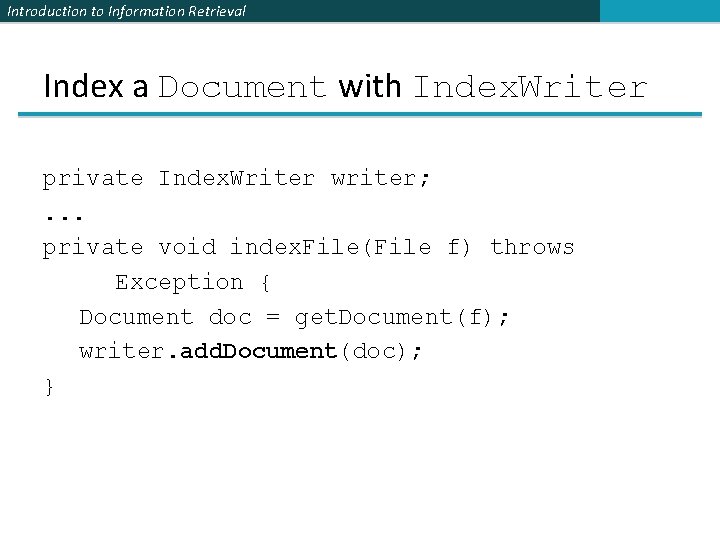
Introduction to Information Retrieval Index a Document with Index. Writer private Index. Writer writer; . . . private void index. File(File f) throws Exception { Document doc = get. Document(f); writer. add. Document(doc); }
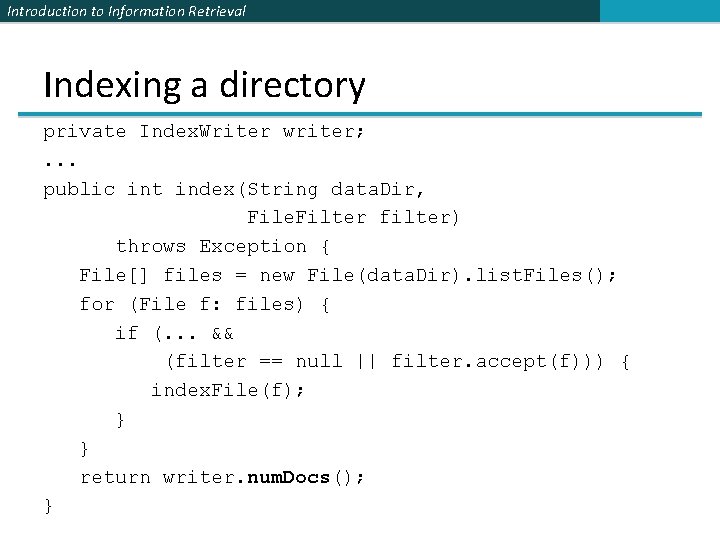
Introduction to Information Retrieval Indexing a directory private Index. Writer writer; . . . public int index(String data. Dir, File. Filter filter) throws Exception { File[] files = new File(data. Dir). list. Files(); for (File f: files) { if (. . . && (filter == null || filter. accept(f))) { index. File(f); } } return writer. num. Docs(); }
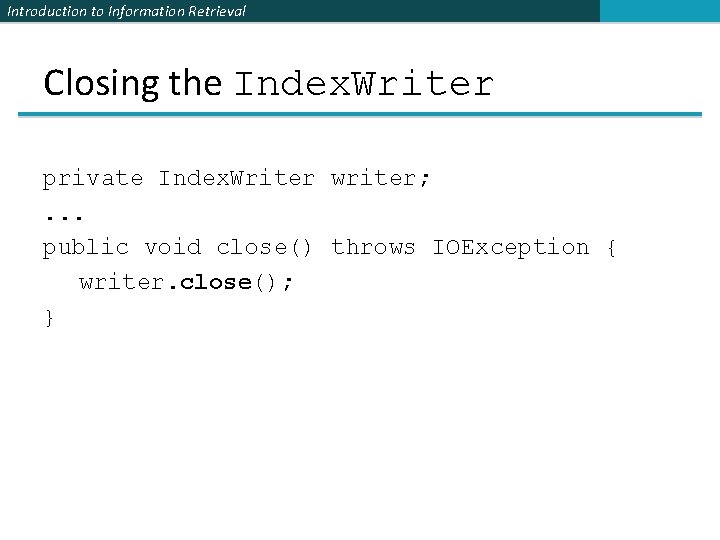
Introduction to Information Retrieval Closing the Index. Writer private Index. Writer writer; . . . public void close() throws IOException { writer. close(); }
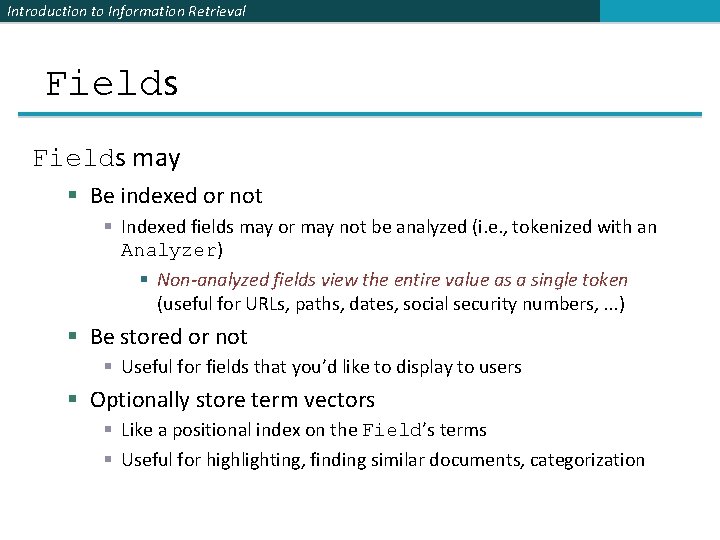
Introduction to Information Retrieval Fields may § Be indexed or not § Indexed fields may or may not be analyzed (i. e. , tokenized with an Analyzer) § Non-analyzed fields view the entire value as a single token (useful for URLs, paths, dates, social security numbers, . . . ) § Be stored or not § Useful for fields that you’d like to display to users § Optionally store term vectors § Like a positional index on the Field’s terms § Useful for highlighting, finding similar documents, categorization
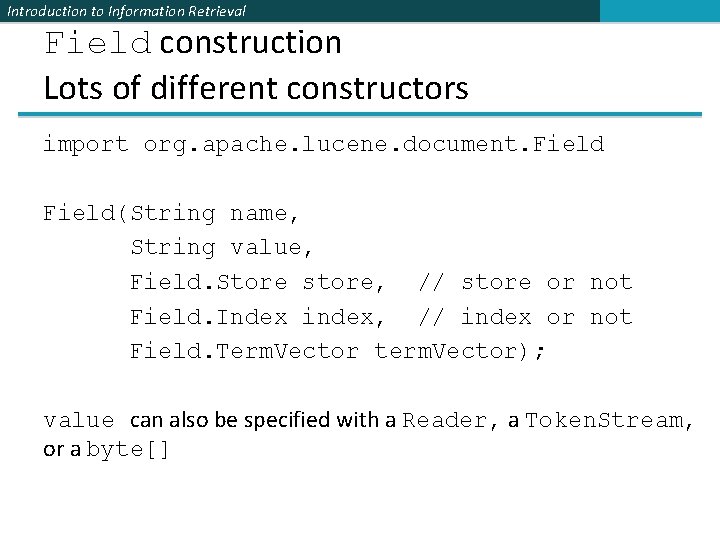
Introduction to Information Retrieval Field construction Lots of different constructors import org. apache. lucene. document. Field(String name, String value, Field. Store store, // store or not Field. Index index, // index or not Field. Term. Vector term. Vector); value can also be specified with a Reader, a Token. Stream, or a byte[]
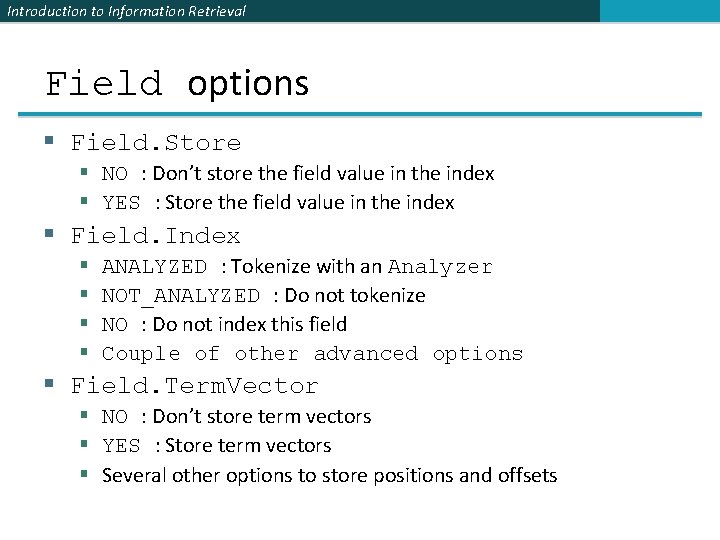
Introduction to Information Retrieval Field options § Field. Store § NO : Don’t store the field value in the index § YES : Store the field value in the index § Field. Index § § ANALYZED : Tokenize with an Analyzer NOT_ANALYZED : Do not tokenize NO : Do not index this field Couple of other advanced options § Field. Term. Vector § NO : Don’t store term vectors § YES : Store term vectors § Several other options to store positions and offsets
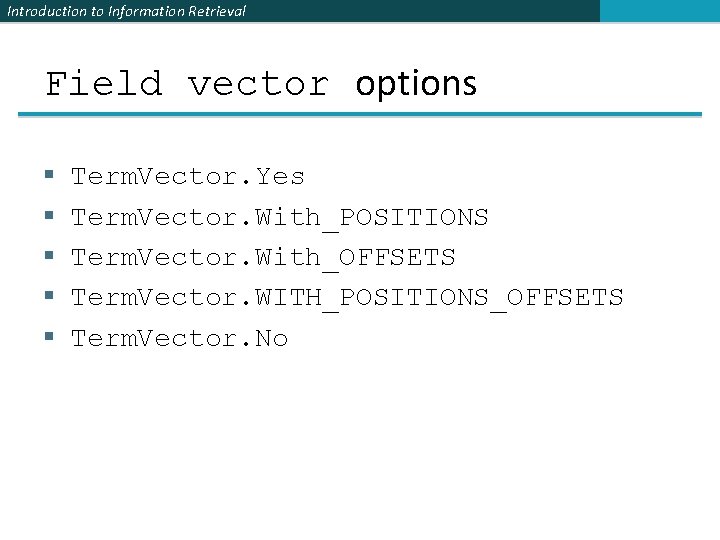
Introduction to Information Retrieval Field vector options § § § Term. Vector. Yes Term. Vector. With_POSITIONS Term. Vector. With_OFFSETS Term. Vector. WITH_POSITIONS_OFFSETS Term. Vector. No
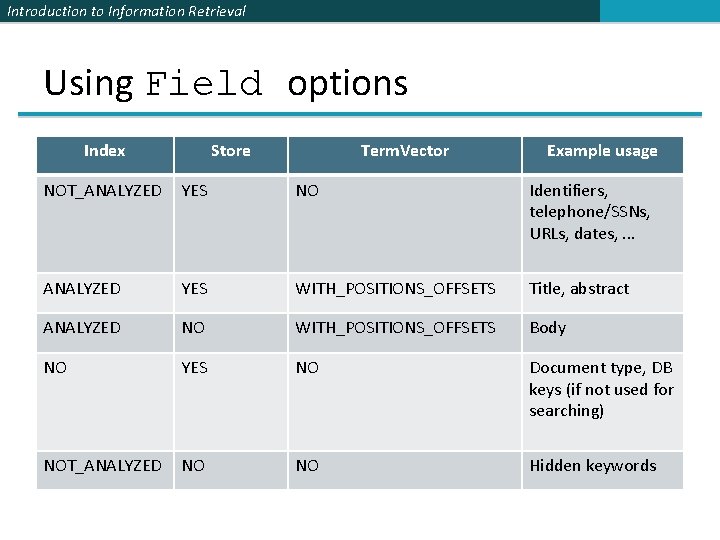
Introduction to Information Retrieval Using Field options Index Store Term. Vector Example usage NOT_ANALYZED YES NO Identifiers, telephone/SSNs, URLs, dates, . . . ANALYZED YES WITH_POSITIONS_OFFSETS Title, abstract ANALYZED NO WITH_POSITIONS_OFFSETS Body NO YES NO Document type, DB keys (if not used for searching) NOT_ANALYZED NO NO Hidden keywords
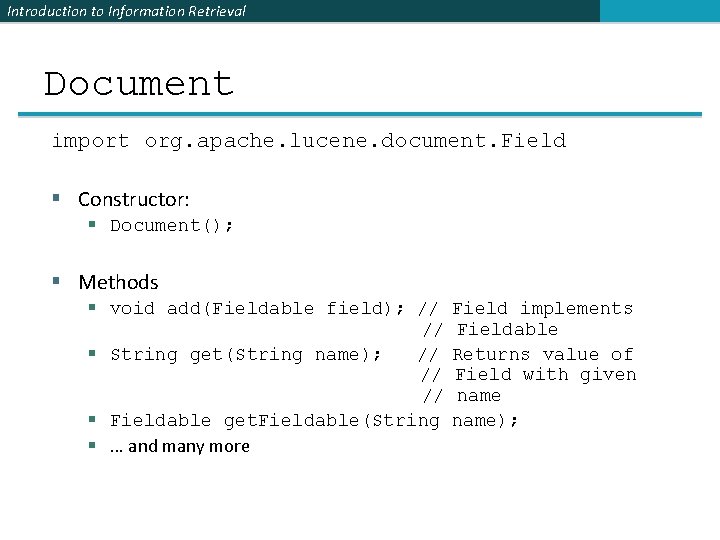
Introduction to Information Retrieval Document import org. apache. lucene. document. Field § Constructor: § Document(); § Methods § void add(Fieldable field); // // § String get(String name); // // // § Fieldable get. Fieldable(String §. . . and many more Field implements Fieldable Returns value of Field with given name);
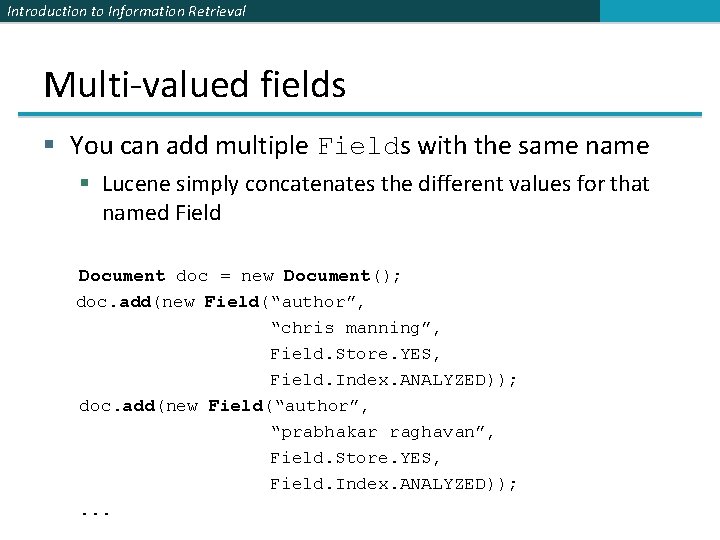
Introduction to Information Retrieval Multi-valued fields § You can add multiple Fields with the same name § Lucene simply concatenates the different values for that named Field Document doc = new Document(); doc. add(new Field(“author”, “chris manning”, Field. Store. YES, Field. Index. ANALYZED)); doc. add(new Field(“author”, “prabhakar raghavan”, Field. Store. YES, Field. Index. ANALYZED)); . . .
Introduction to Information Retrieval Analyzers Tokenizes the input text § Common Analyzers § Whitespace. Analyzer Splits tokens on whitespace § Simple. Analyzer Splits tokens on non-letters, and then lowercases § Stop. Analyzer Same as Simple. Analyzer, but also removes stop words § Standard. Analyzer Most sophisticated analyzer that knows about certain token types, lowercases, removes stop words, . . .
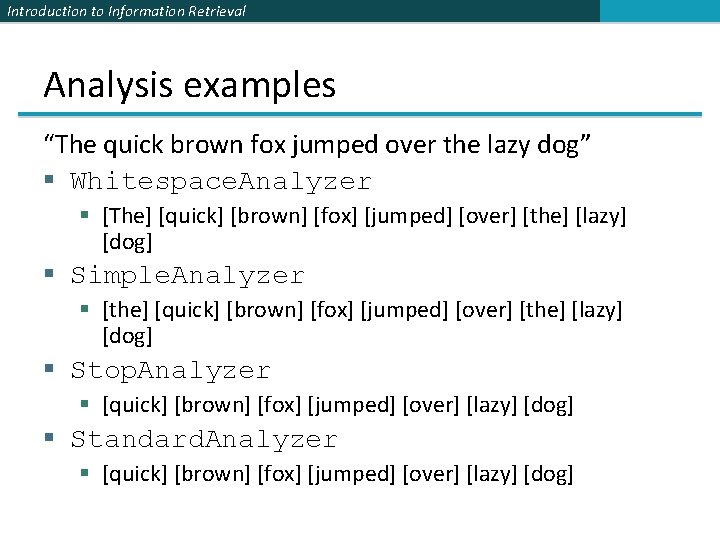
Introduction to Information Retrieval Analysis examples “The quick brown fox jumped over the lazy dog” § Whitespace. Analyzer § [The] [quick] [brown] [fox] [jumped] [over] [the] [lazy] [dog] § Simple. Analyzer § [the] [quick] [brown] [fox] [jumped] [over] [the] [lazy] [dog] § Stop. Analyzer § [quick] [brown] [fox] [jumped] [over] [lazy] [dog] § Standard. Analyzer § [quick] [brown] [fox] [jumped] [over] [lazy] [dog]
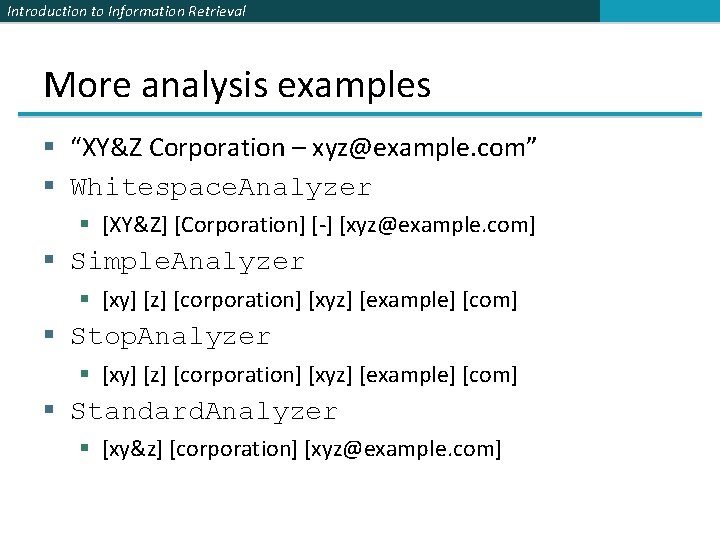
Introduction to Information Retrieval More analysis examples § “XY&Z Corporation – xyz@example. com” § Whitespace. Analyzer § [XY&Z] [Corporation] [-] [xyz@example. com] § Simple. Analyzer § [xy] [z] [corporation] [xyz] [example] [com] § Stop. Analyzer § [xy] [z] [corporation] [xyz] [example] [com] § Standard. Analyzer § [xy&z] [corporation] [xyz@example. com]
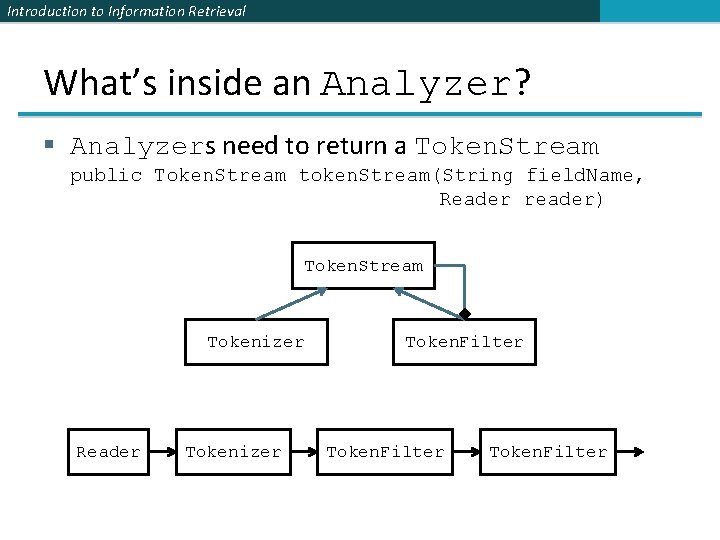
Introduction to Information Retrieval What’s inside an Analyzer? § Analyzers need to return a Token. Stream public Token. Stream token. Stream(String field. Name, Reader reader) Token. Stream Tokenizer Reader Tokenizer Token. Filter
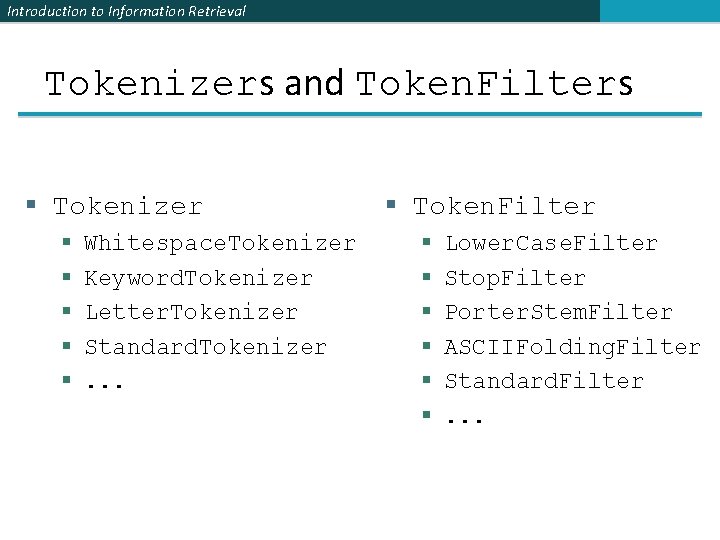
Introduction to Information Retrieval Tokenizers and Token. Filters § Tokenizer § § § Whitespace. Tokenizer Keyword. Tokenizer Letter. Tokenizer Standard. Tokenizer. . . § Token. Filter § § § Lower. Case. Filter Stop. Filter Porter. Stem. Filter ASCIIFolding. Filter Standard. Filter. . .
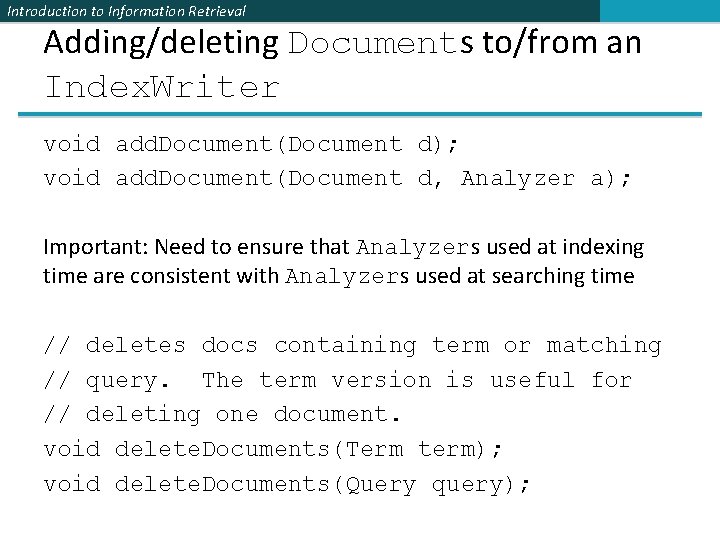
Introduction to Information Retrieval Adding/deleting Documents to/from an Index. Writer void add. Document(Document d); void add. Document(Document d, Analyzer a); Important: Need to ensure that Analyzers used at indexing time are consistent with Analyzers used at searching time // deletes docs containing term or matching // query. The term version is useful for // deleting one document. void delete. Documents(Term term); void delete. Documents(Query query);
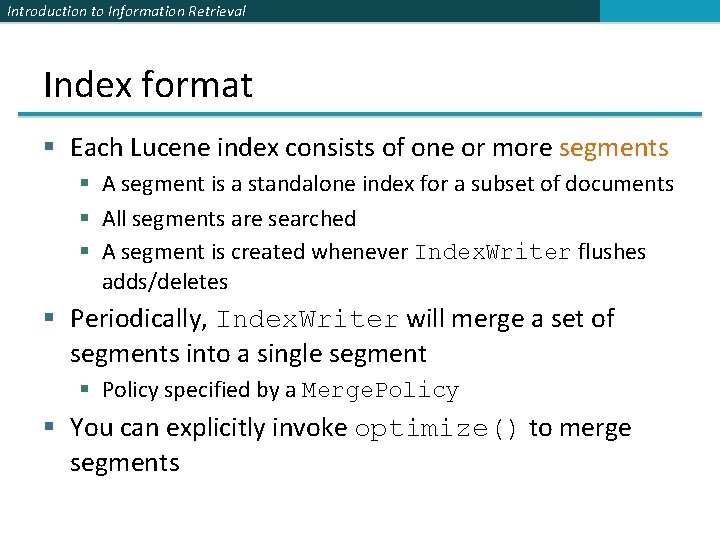
Introduction to Information Retrieval Index format § Each Lucene index consists of one or more segments § A segment is a standalone index for a subset of documents § All segments are searched § A segment is created whenever Index. Writer flushes adds/deletes § Periodically, Index. Writer will merge a set of segments into a single segment § Policy specified by a Merge. Policy § You can explicitly invoke optimize() to merge segments
Introduction to Information Retrieval Basic merge policy § Segments are grouped into levels § Segments within a group are roughly equal size (in log space) § Once a level has enough segments, they are merged into a segment at the next level up
Introduction to Information Retrieval Core searching classes
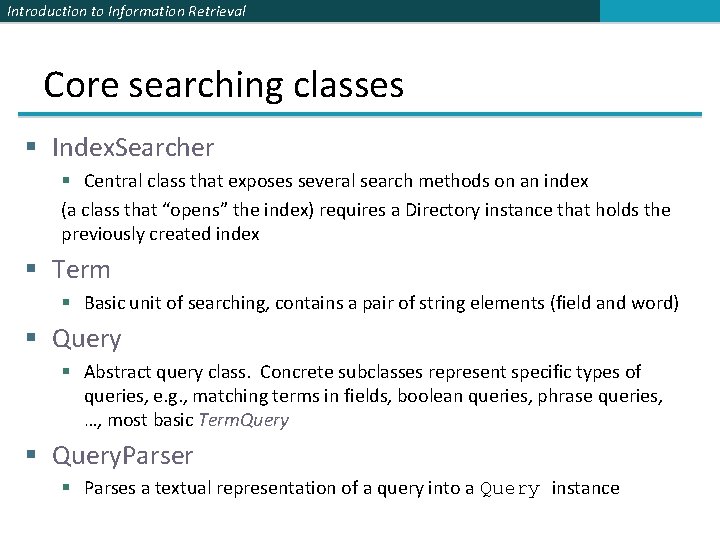
Introduction to Information Retrieval Core searching classes § Index. Searcher § Central class that exposes several search methods on an index (a class that “opens” the index) requires a Directory instance that holds the previously created index § Term § Basic unit of searching, contains a pair of string elements (field and word) § Query § Abstract query class. Concrete subclasses represent specific types of queries, e. g. , matching terms in fields, boolean queries, phrase queries, …, most basic Term. Query § Query. Parser § Parses a textual representation of a query into a Query instance
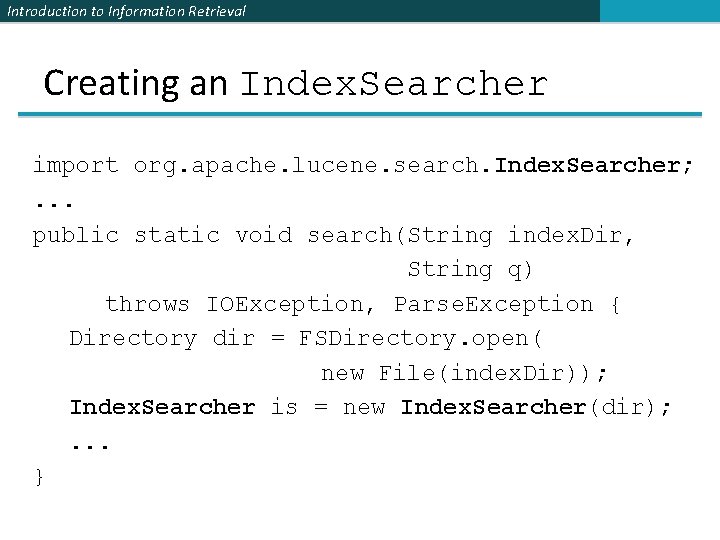
Introduction to Information Retrieval Creating an Index. Searcher import org. apache. lucene. search. Index. Searcher; . . . public static void search(String index. Dir, String q) throws IOException, Parse. Exception { Directory dir = FSDirectory. open( new File(index. Dir)); Index. Searcher is = new Index. Searcher(dir); . . . }
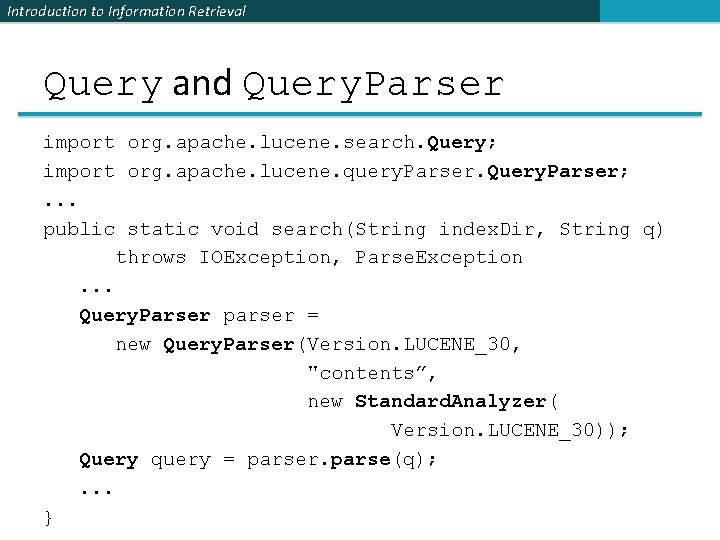
Introduction to Information Retrieval Query and Query. Parser import org. apache. lucene. search. Query; import org. apache. lucene. query. Parser. Query. Parser; . . . public static void search(String index. Dir, String q) throws IOException, Parse. Exception. . . Query. Parser parser = new Query. Parser(Version. LUCENE_30, "contents”, new Standard. Analyzer( Version. LUCENE_30)); Query query = parser. parse(q); . . . }
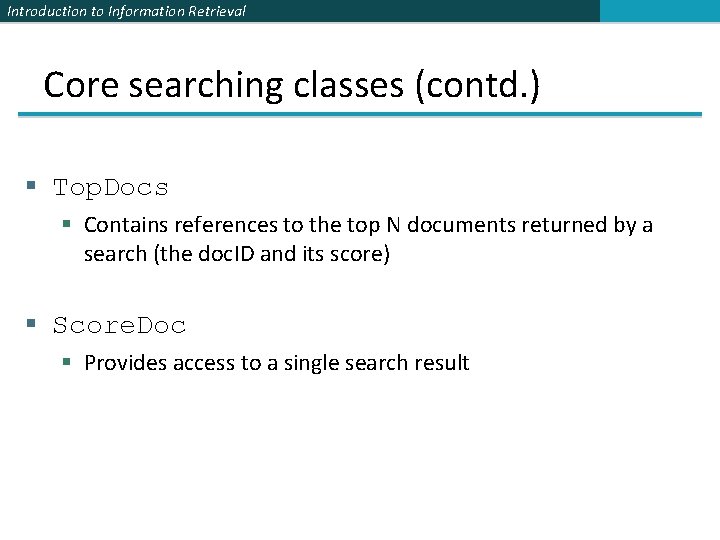
Introduction to Information Retrieval Core searching classes (contd. ) § Top. Docs § Contains references to the top N documents returned by a search (the doc. ID and its score) § Score. Doc § Provides access to a single search result
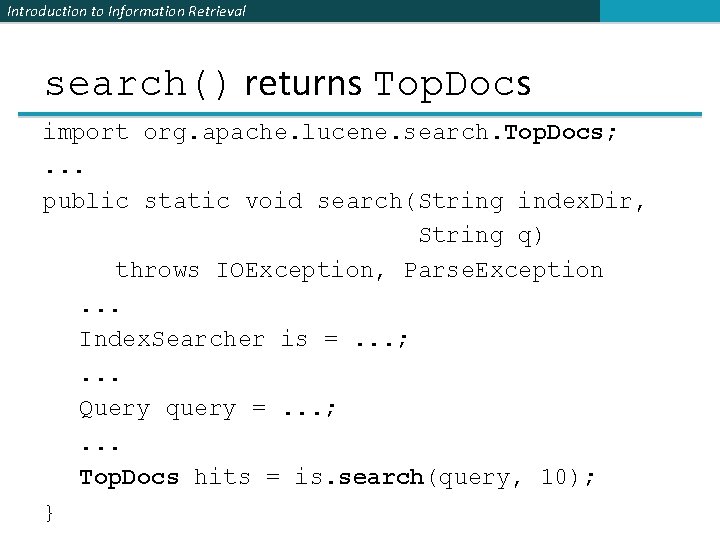
Introduction to Information Retrieval search() returns Top. Docs import org. apache. lucene. search. Top. Docs; . . . public static void search(String index. Dir, String q) throws IOException, Parse. Exception. . . Index. Searcher is =. . . ; . . . Query query =. . . ; . . . Top. Docs hits = is. search(query, 10); }
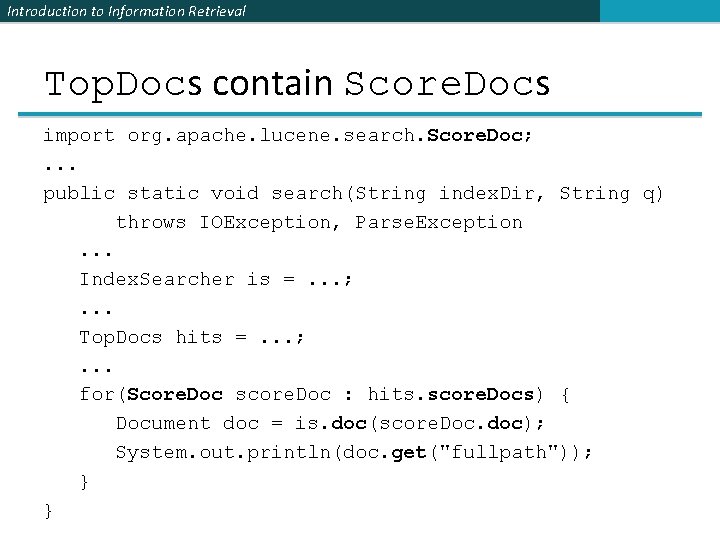
Introduction to Information Retrieval Top. Docs contain Score. Docs import org. apache. lucene. search. Score. Doc; . . . public static void search(String index. Dir, String q) throws IOException, Parse. Exception. . . Index. Searcher is =. . . ; . . . Top. Docs hits =. . . ; . . . for(Score. Doc score. Doc : hits. score. Docs) { Document doc = is. doc(score. Doc. doc); System. out. println(doc. get("fullpath")); } }
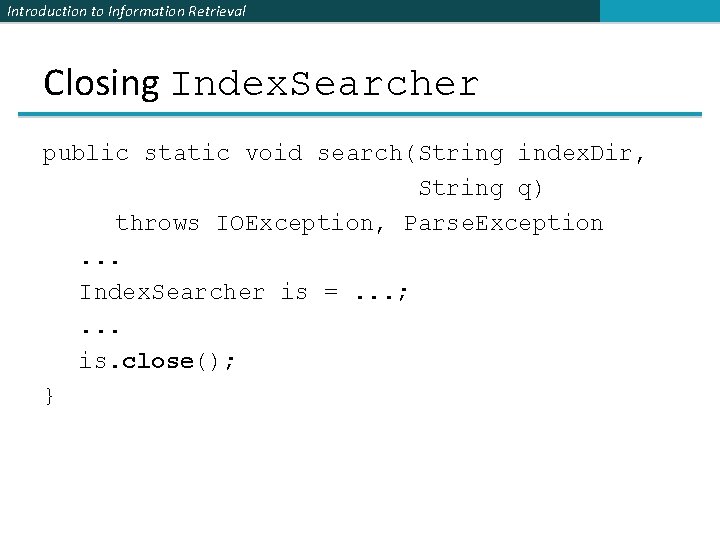
Introduction to Information Retrieval Closing Index. Searcher public static void search(String index. Dir, String q) throws IOException, Parse. Exception. . . Index. Searcher is =. . . ; . . . is. close(); }
Introduction to Information Retrieval Index. Searcher § Constructor: § Index. Searcher(Directory d); § deprecated
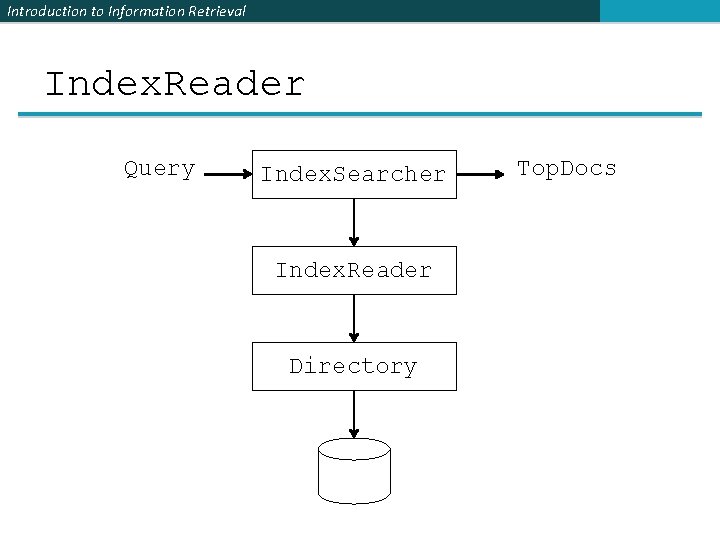
Introduction to Information Retrieval Index. Reader Query Index. Searcher Index. Reader Directory Top. Docs
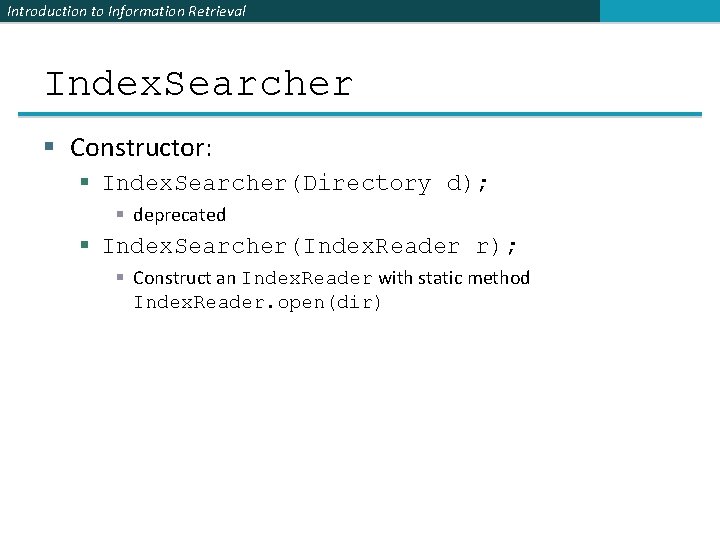
Introduction to Information Retrieval Index. Searcher § Constructor: § Index. Searcher(Directory d); § deprecated § Index. Searcher(Index. Reader r); § Construct an Index. Reader with static method Index. Reader. open(dir)
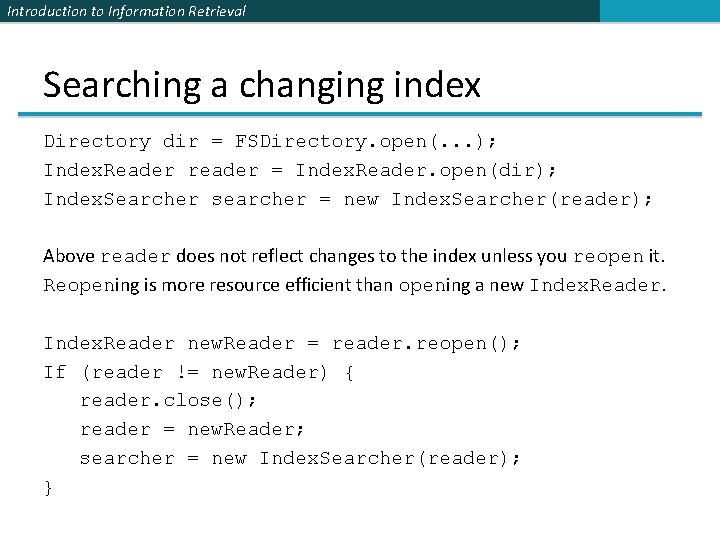
Introduction to Information Retrieval Searching a changing index Directory dir = FSDirectory. open(. . . ); Index. Reader reader = Index. Reader. open(dir); Index. Searcher searcher = new Index. Searcher(reader); Above reader does not reflect changes to the index unless you reopen it. Reopening is more resource efficient than opening a new Index. Reader new. Reader = reader. reopen(); If (reader != new. Reader) { reader. close(); reader = new. Reader; searcher = new Index. Searcher(reader); }
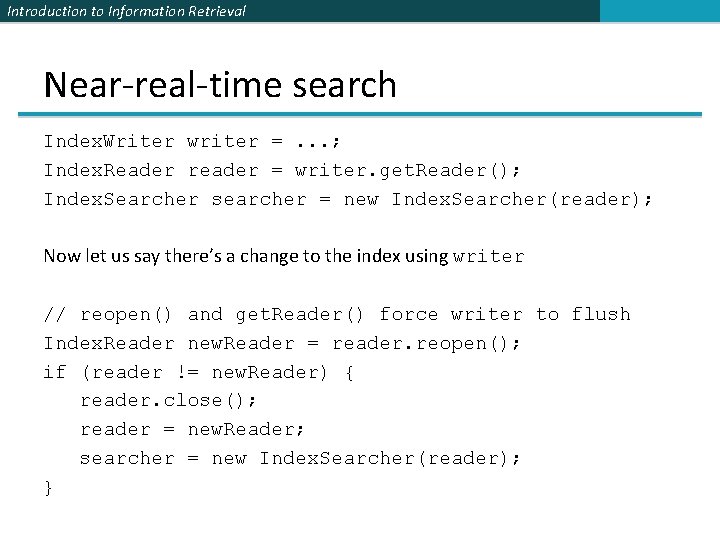
Introduction to Information Retrieval Near-real-time search Index. Writer writer =. . . ; Index. Reader reader = writer. get. Reader(); Index. Searcher searcher = new Index. Searcher(reader); Now let us say there’s a change to the index using writer // reopen() and get. Reader() force writer to flush Index. Reader new. Reader = reader. reopen(); if (reader != new. Reader) { reader. close(); reader = new. Reader; searcher = new Index. Searcher(reader); }
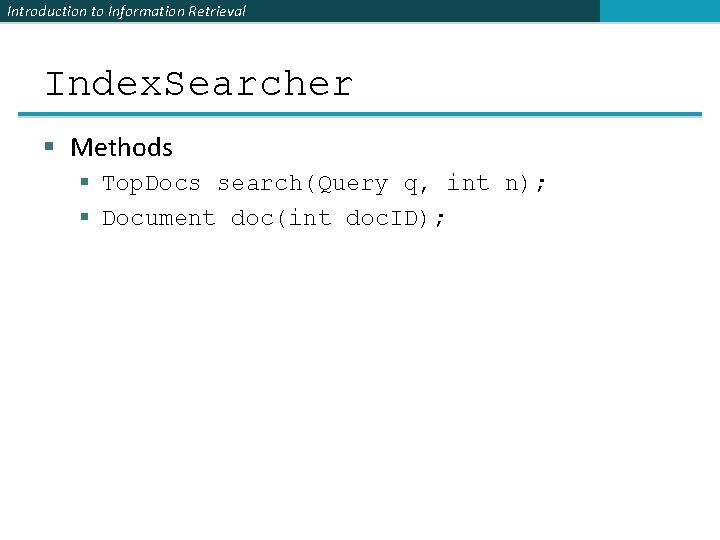
Introduction to Information Retrieval Index. Searcher § Methods § Top. Docs search(Query q, int n); § Document doc(int doc. ID);
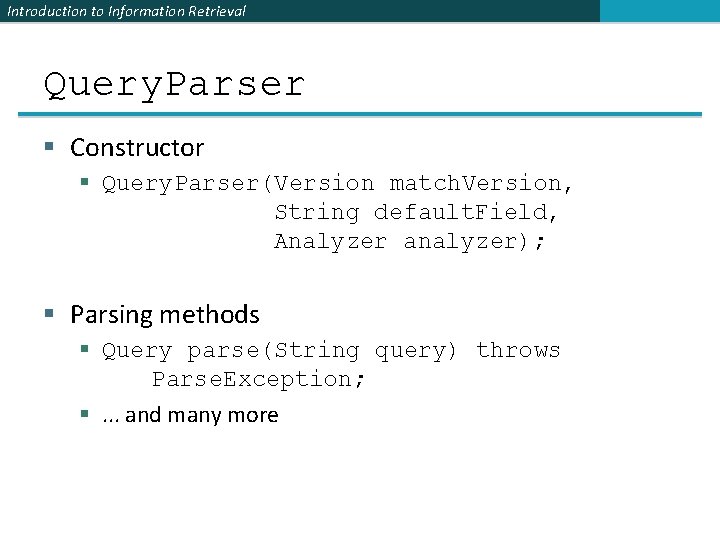
Introduction to Information Retrieval Query. Parser § Constructor § Query. Parser(Version match. Version, String default. Field, Analyzer analyzer); § Parsing methods § Query parse(String query) throws Parse. Exception; §. . . and many more
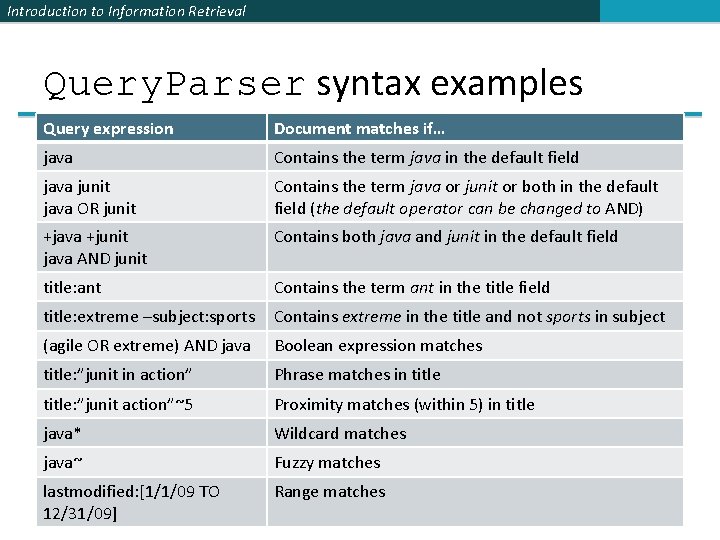
Introduction to Information Retrieval Query. Parser syntax examples Query expression Document matches if… java Contains the term java in the default field java junit java OR junit Contains the term java or junit or both in the default field (the default operator can be changed to AND) +java +junit java AND junit Contains both java and junit in the default field title: ant Contains the term ant in the title field title: extreme –subject: sports Contains extreme in the title and not sports in subject (agile OR extreme) AND java Boolean expression matches title: ”junit in action” Phrase matches in title: ”junit action”~5 Proximity matches (within 5) in title java* Wildcard matches java~ Fuzzy matches lastmodified: [1/1/09 TO 12/31/09] Range matches
Introduction to Information Retrieval Construct Querys programmatically § Term. Query § Constructed from a Term § § § § Term. Range. Query Numeric. Range. Query Prefix. Query Boolean. Query Phrase. Query Wildcard. Query Fuzzy. Query Match. All. Docs. Query
Introduction to Information Retrieval Top. Docs and Score. Doc § Top. Docs methods § Number of documents that matched the search total. Hits § Array of Score. Doc instances containing results score. Docs § Returns best score of all matches get. Max. Score() § Score. Doc methods § Document id doc § Document score
Introduction to Information Retrieval Scoring § Scoring function uses basic tf-idf scoring with § Programmable boost values for certain fields in documents § Length normalization § Boosts for documents containing more of the query terms § Index. Searcher provides an explain() method that explains the scoring of a document
Introduction to Information Retrieval Πηγές § Lucene can be downloaded from http: //www. apache. org/dyn/closer. lua/lucene/java/6. 0. 0 § Solr can be downloaded from http: //www. apache. org/dyn/closer. lua/lucene/solr/6. 0. 0
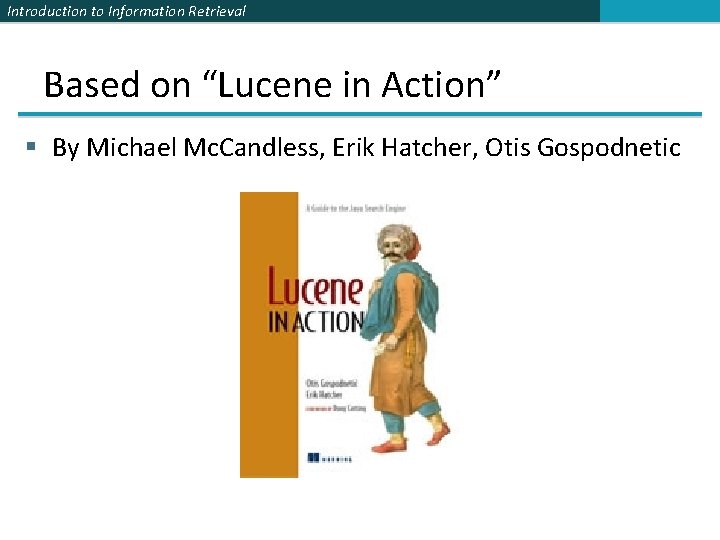
Introduction to Information Retrieval Based on “Lucene in Action” § By Michael Mc. Candless, Erik Hatcher, Otis Gospodnetic
Introduction to Information Retrieval ΤΕΛΟΣ Μαθήματος Ερωτήσεις? Υλικό των: ü Pandu Nayak and Prabhakar Raghavan, CS 276: Information Retrieval and Web Search (Stanford) 62
- Slides: 62