
Introduction to HTML 2004 CIS 101 What is
- Slides: 21
Introduction to HTML 2004 CIS 101
What is the Internet? n n Global network of computers that are connected and communicate via a series of Protocols are rules that specify the transmission of data
Internet protocols n n n TCP/IP – network protocols that govern how data moves around the Internet FTP – allows files to be transferred HTTP –transmits of Web pages
What is the World Wide Web? n n n The youngest part of the Internet (~1990) Part of the Internet that supports multimedia and consists of a collection of linked documents Multimedia supported with HTTP (Hypertext Transfer Protocol)
Web Servers n n Computer connected to the Internet that stores and sends Web pages and other files Any computer with server software and Internet connection can be a server Copying Web pages to a server is called publishing Once a Web page has been published it can be viewed on any computer with an Internet connection
Internet traffic n n n These Web sites display the global distribution of the Internet: To view internet traffic http: //www. internettrafficreport. com/ To trace the connection to a server http: //visualroute. visualware. com/
Web sites n n n Related collection of Web pages created and maintained by an individual, company, educational institution or other organization Each Web site has a starting document (usually index. html) Every Web site is stored on or runs from one or more Web servers
Web browser n Software that interprets and displays Web pages Input ->HTML Output ->Graphical Display
URLs n n n Web page location is defined as a URL (Uniform Resource Locator) URL is made up of protocol (ftp, http, etc), Web server, and (optional) Web page Example (Excel Quick Reference): http: //www. scsite. com/offxp/qrex 1. htm
Web documents n n Web documents contain text, multimedia, and links to other documents Also know as Web pages, are written in HTML (Hypertext Markup Language)
What is HTML? n Platform independent page description language n n Will display on any computer HTML describes what a Web document will look like Uses special instructions called tags to define the structure and layout of a Web document combines HTML tags and text
HTML Resources n Go to Blackboard site, click Course Material n n n Text web site Web Design Group HTML Reference (zip file you can download to your computer), or see Web site at http: //www. htmlhelp. com/ Barebones Guide to HTML http: //werbach. com/barebones/barebone. html
Elements of HTML document n n HTML elements include headings, paragraphs, hyperlinks, lists, images, and other graphical elements Most HTML elements follow this pattern: start tag content end tag example: <b>This is now bold</b>
Web editors n n In order to create HTML documents you need to be able to create a text file with an extension of. htm or. html Can use HTML editor or any text editor Text uses Notepad, available on most computers This class will use HTML editor HTML-Kit (free download)
HTML-Kit n n n Will use this software in class for HTML and Java. Script Access software at http: //csis. pace. edu/cis 101 Start up HTML-Kit
HTML-Kit Startup n n n Select New Documents Select blank document for HTML Project One Provides basic HTML template
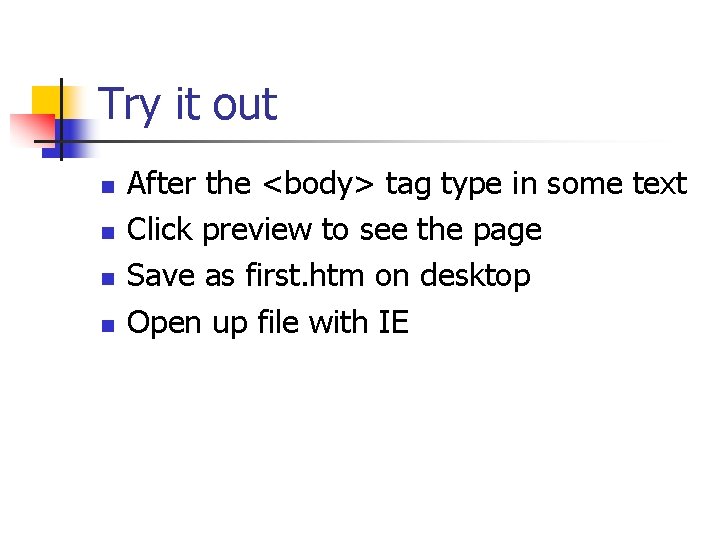
Try it out n n After the <body> tag type in some text Click preview to see the page Save as first. htm on desktop Open up file with IE
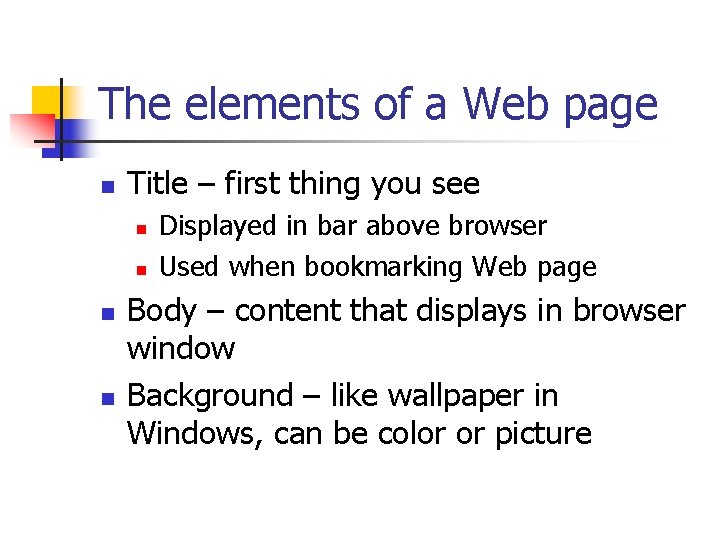
The elements of a Web page n Title – first thing you see n n Displayed in bar above browser Used when bookmarking Web page Body – content that displays in browser window Background – like wallpaper in Windows, can be color or picture
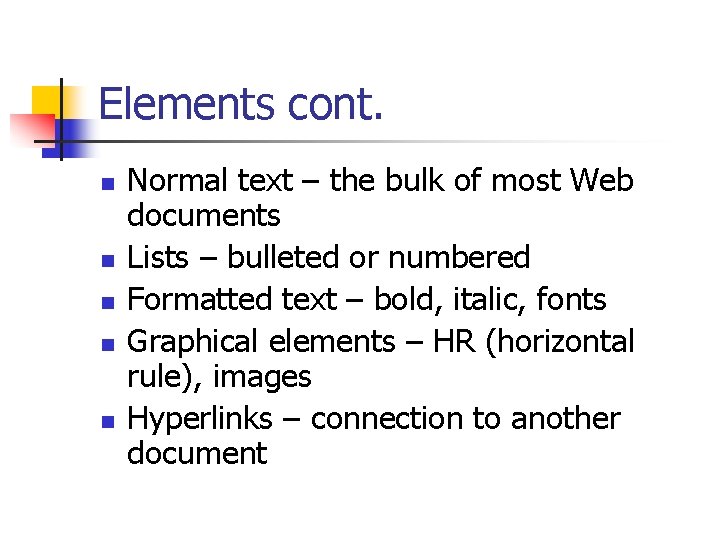
Elements cont. n n n Normal text – the bulk of most Web documents Lists – bulleted or numbered Formatted text – bold, italic, fonts Graphical elements – HR (horizontal rule), images Hyperlinks – connection to another document
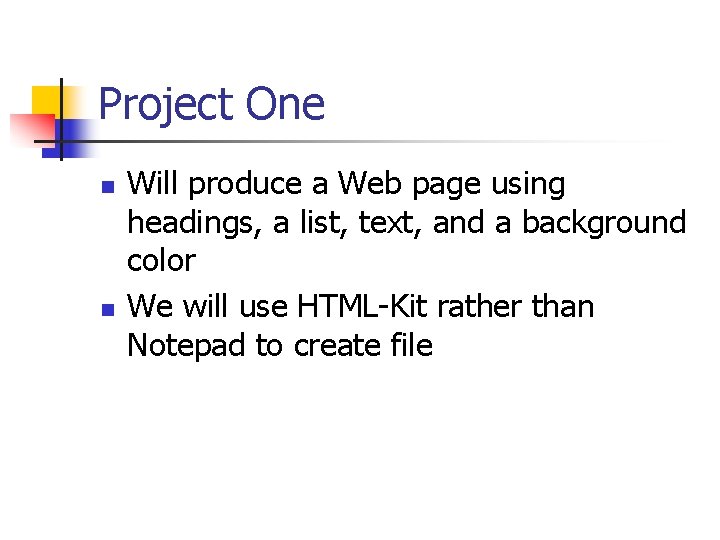
Project One n n Will produce a Web page using headings, a list, text, and a background color We will use HTML-Kit rather than Notepad to create file
Viewing your Web page n n Use preview tab Save file, then do File, Open in browser (IE or Netscape) to view n n Click File Open and select document Start entering text (p. 1. 11)