
Introduction to GUI in Graphical User Interface Nouf
- Slides: 12
Introduction to GUI in Graphical User Interface Nouf Almunyif 1
Graphical User Interface • Java is equipped with many powerful , easy to use GUI component such as input and output dialog boxes that you can use them to make your program attractive and user friendly • GUI-based programs are implemented by using classes from the javax. swing and java. awt packages. Nouf Almunyif 2
Using Dialog Boxes for Input/Output • JOption. Pane this class is contained in the package javax. swing • We will use two methods of this class : • show. Input. Dialog • show. Messagee. Dialog Nouf Almunyif 3
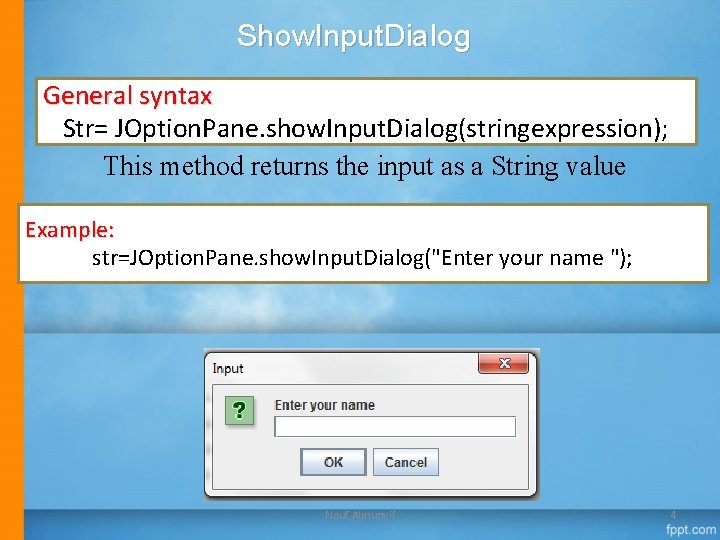
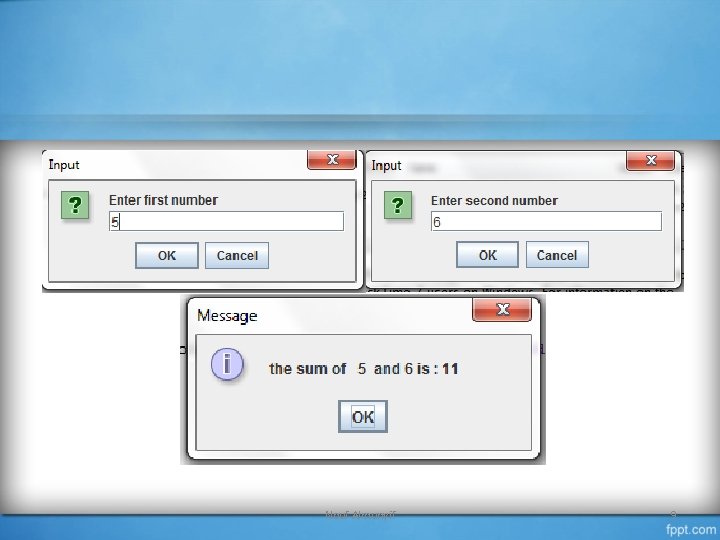
Show. Input. Dialog General syntax Str= JOption. Pane. show. Input. Dialog(stringexpression); This method returns the input as a String value Example: str=JOption. Pane. show. Input. Dialog("Enter your name "); Nouf Almunyif 4
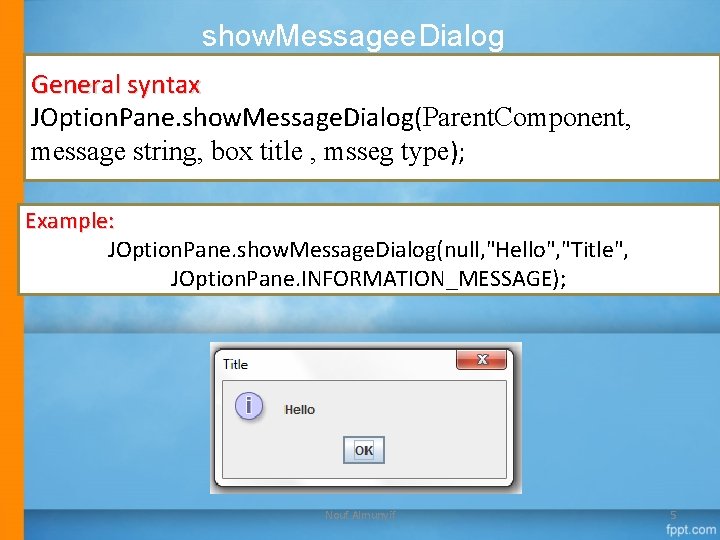
show. Messagee. Dialog General syntax JOption. Pane. show. Message. Dialog(Parent. Component, message string, box title , msseg type); Example: JOption. Pane. show. Message. Dialog(null, "Hello", "Title", JOption. Pane. INFORMATION_MESSAGE); Nouf Almunyif 5
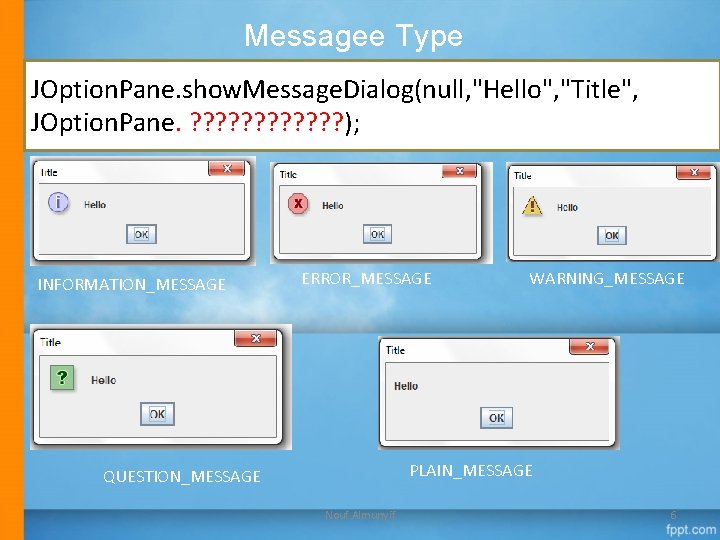
Messagee Type JOption. Pane. show. Message. Dialog(null, "Hello", "Title", JOption. Pane. ? ? ? ); INFORMATION_MESSAGE ERROR_MESSAGE WARNING_MESSAGE PLAIN_MESSAGE QUESTION_MESSAGE Nouf Almunyif 6
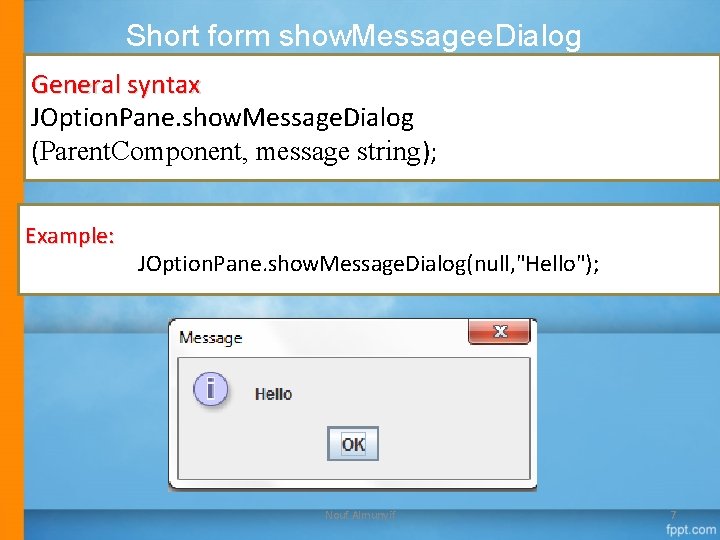
Short form show. Messagee. Dialog General syntax JOption. Pane. show. Message. Dialog (Parent. Component, message string); Example: JOption. Pane. show. Message. Dialog(null, "Hello"); Nouf Almunyif 7
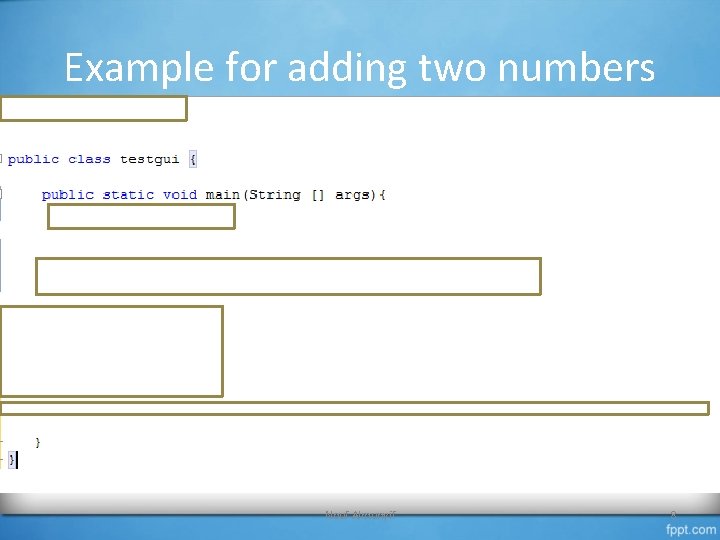
Example for adding two numbers Nouf Almunyif 8
Nouf Almunyif 9
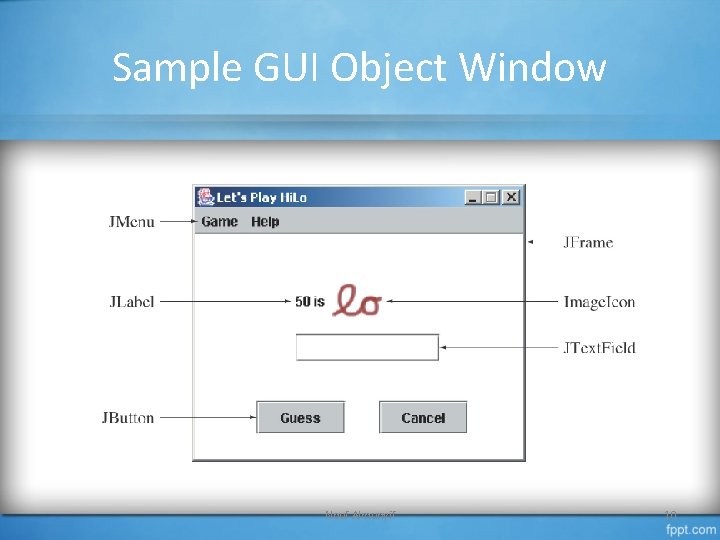
Sample GUI Object Window Nouf Almunyif 10
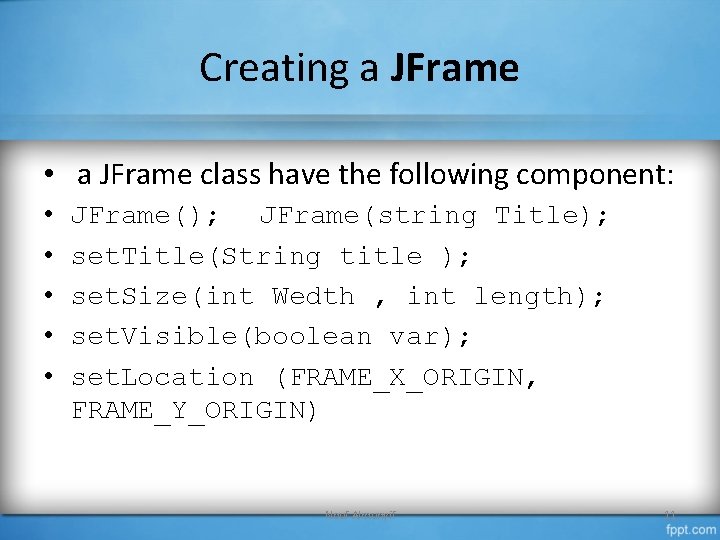
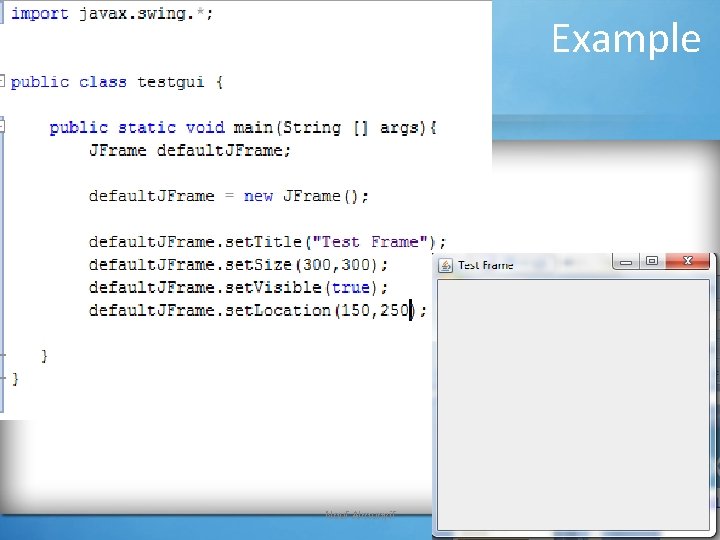
Creating a JFrame • a JFrame class have the following component: • • • JFrame(); JFrame(string Title); set. Title(String title ); set. Size(int Wedth , int length); set. Visible(boolean var); set. Location (FRAME_X_ORIGIN, FRAME_Y_ORIGIN) Nouf Almunyif 11
Example Nouf Almunyif 12