
Introduction to Git Chirag Dani Objectives Basics of
Introduction to Git - Chirag Dani
Objectives • Basics of Git • Understanding different “Mindset of Git” • Demo - Git with Visual Studio
From where to get? • Free download available for Windows, Linux and Mac OS • http: //git-scm. com/
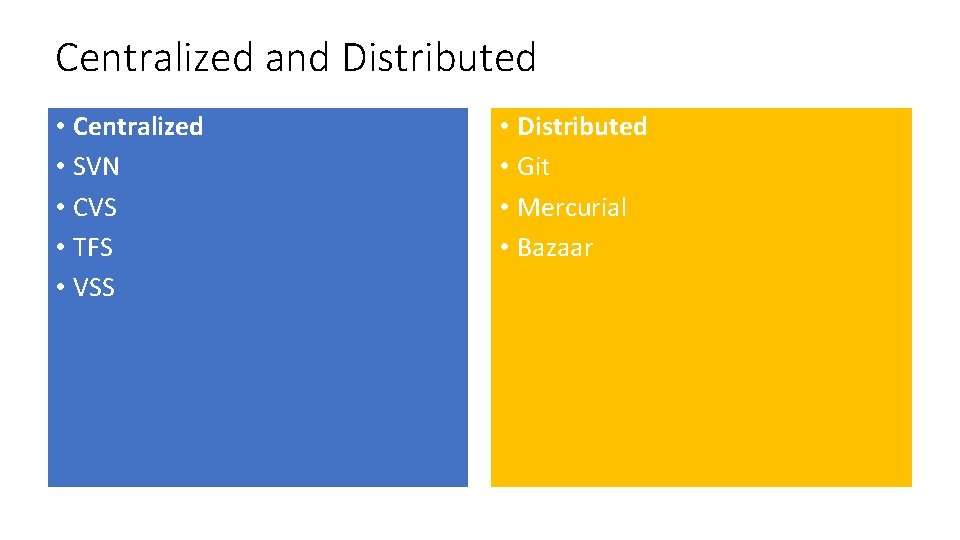
Centralized and Distributed • Centralized • SVN • CVS • TFS • VSS • Distributed • Git • Mercurial • Bazaar
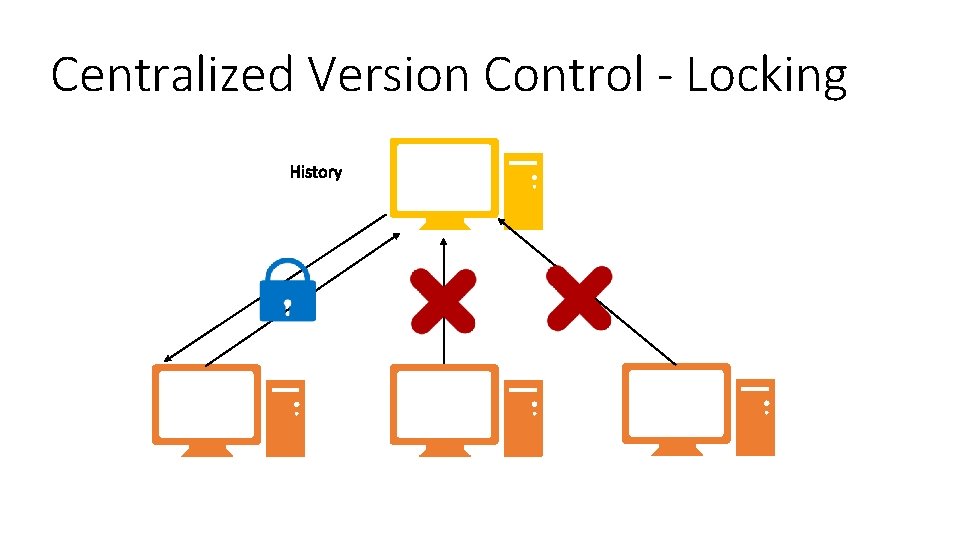
Centralized Version Control - Locking
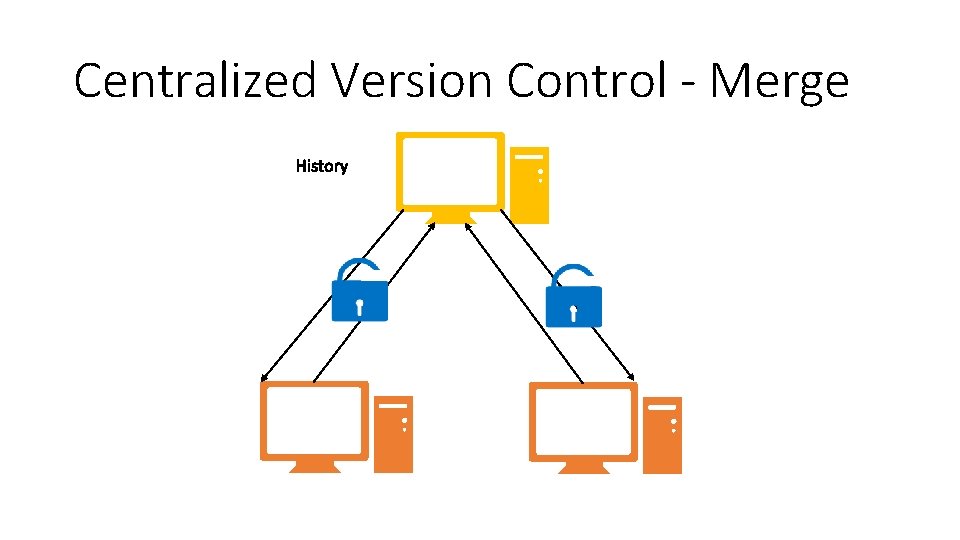
Centralized Version Control - Merge
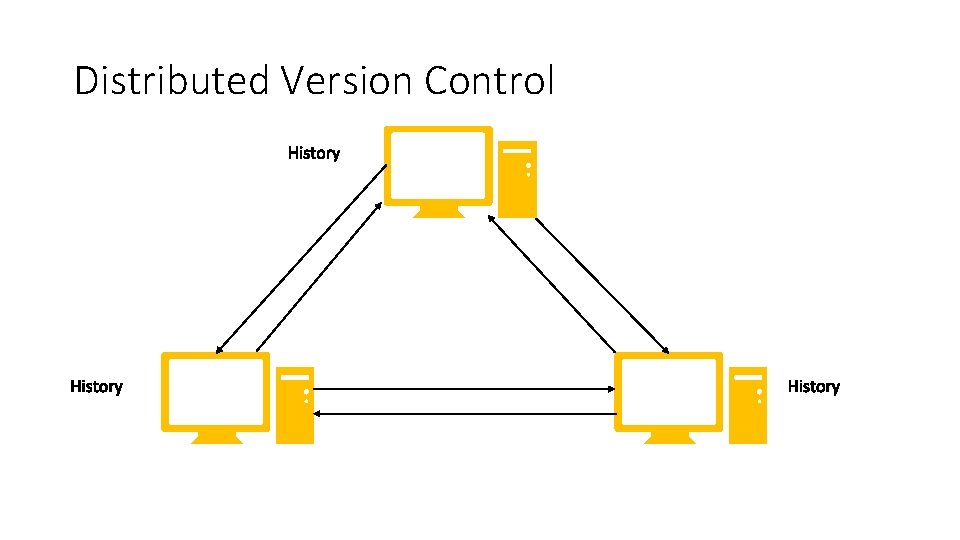
Distributed Version Control
Centralized Version Control • One master copy of project • Only master has latest revision • Only works till central server is available and online
Distributed Version Control • Local copy of repository and full history • Use branches to work on changes • Work offline with local repository
Tools • Visual Studio • Git Bash • Atlassian Source Tree • Github and many more …
Repository • Git Init • Git Add • Git Clone • Magic hidden folder: • . git – do not modify • Two files: • . gitattributes • . gitignore
Branching Strategy • “Each branch in itself is a repository” • PRSD Project Strategy • Master • Develop • Feature/ Hotfix
Branch • Create a new branch • Switch to another branch • Checkout is different than TFS
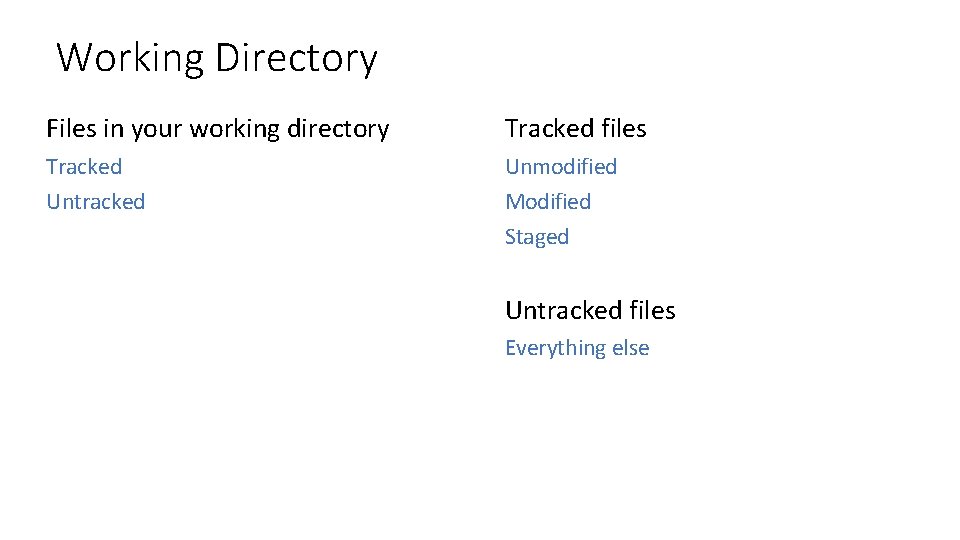
Working Directory Files in your working directory Tracked files Tracked Unmodified Untracked Modified Staged Untracked files Everything else
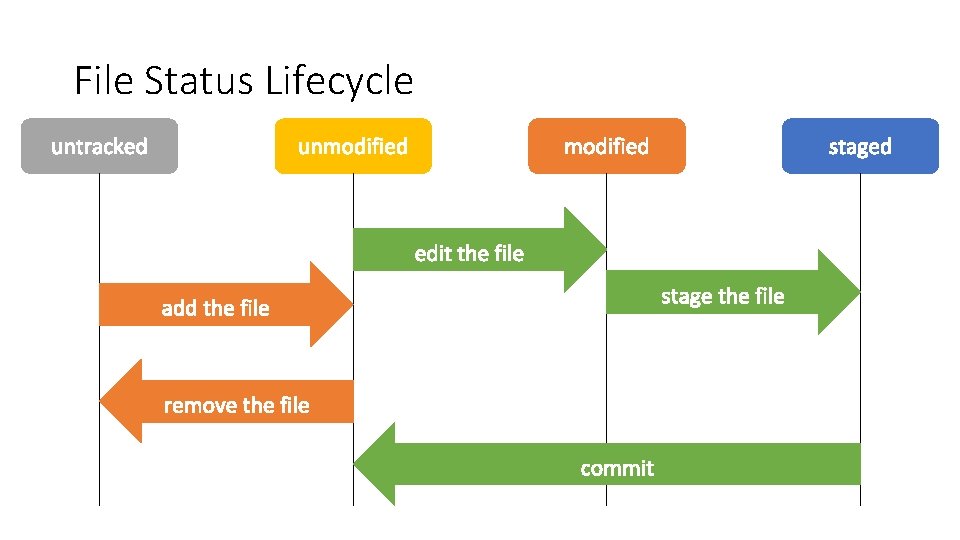
File Status Lifecycle
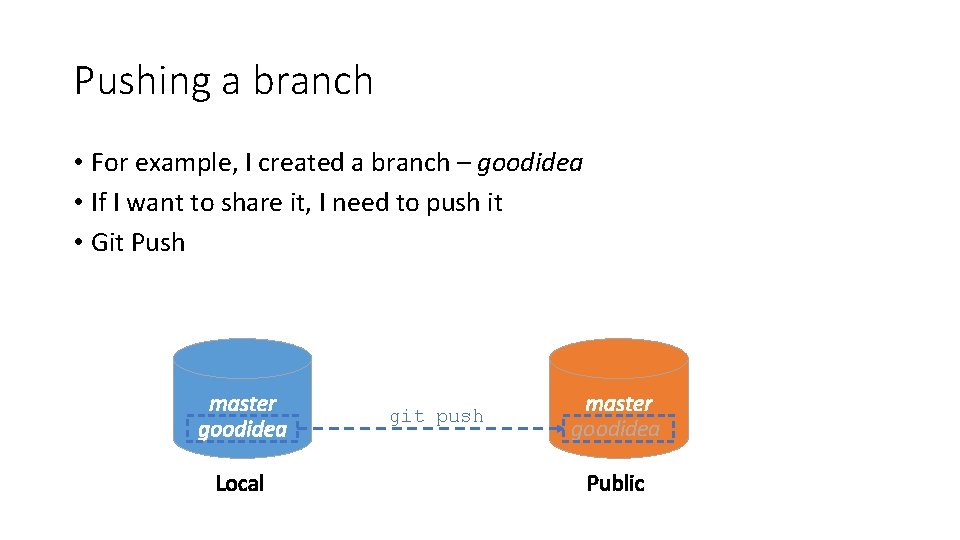
Pushing a branch • For example, I created a branch – goodidea • If I want to share it, I need to push it • Git Push git push goodidea
Basic merge conflicts • Pauses the merge commit • Git status shows unmerged conflicts • Resolve & Commit • Useful Commands: • • git add git mergetool git status git commit
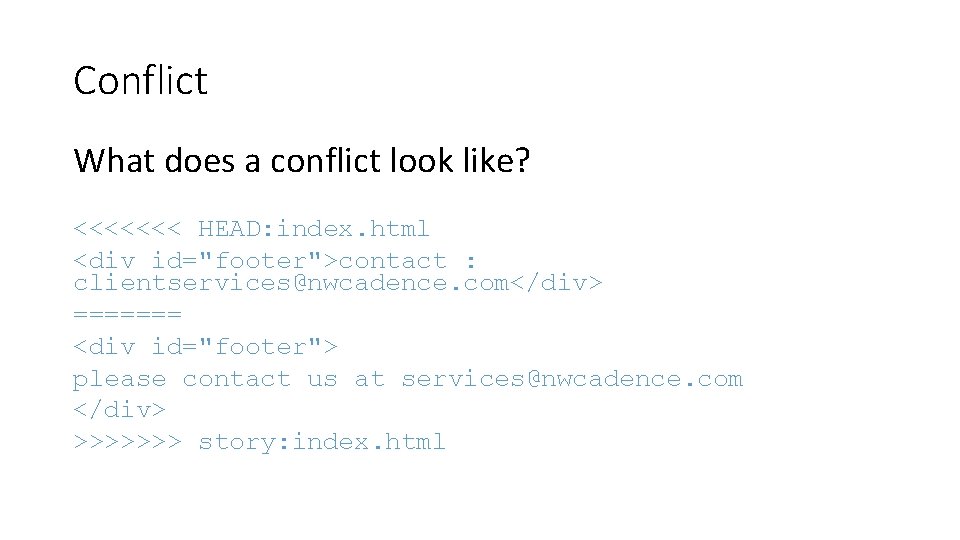
Conflict What does a conflict look like? <<<<<<< HEAD: index. html <div id="footer">contact : clientservices@nwcadence. com</div> ======= <div id="footer"> please contact us at services@nwcadence. com </div> >>>>>>> story: index. html
How to resolve conflict? • Merge • Rebase
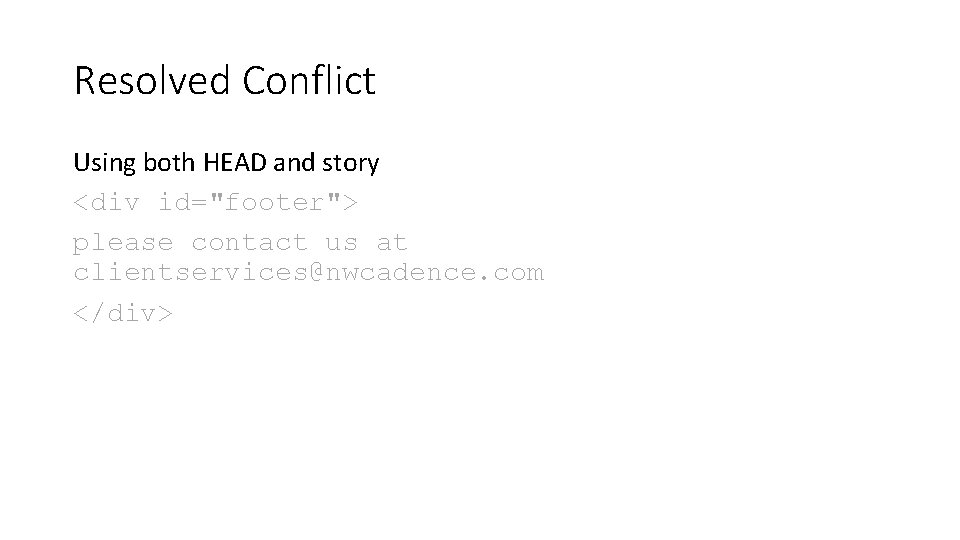
Resolved Conflict Using both HEAD and story <div id="footer"> please contact us at clientservices@nwcadence. com </div>
Save work • Commit • Push • Pull Request – Code Review • Merge • Delete
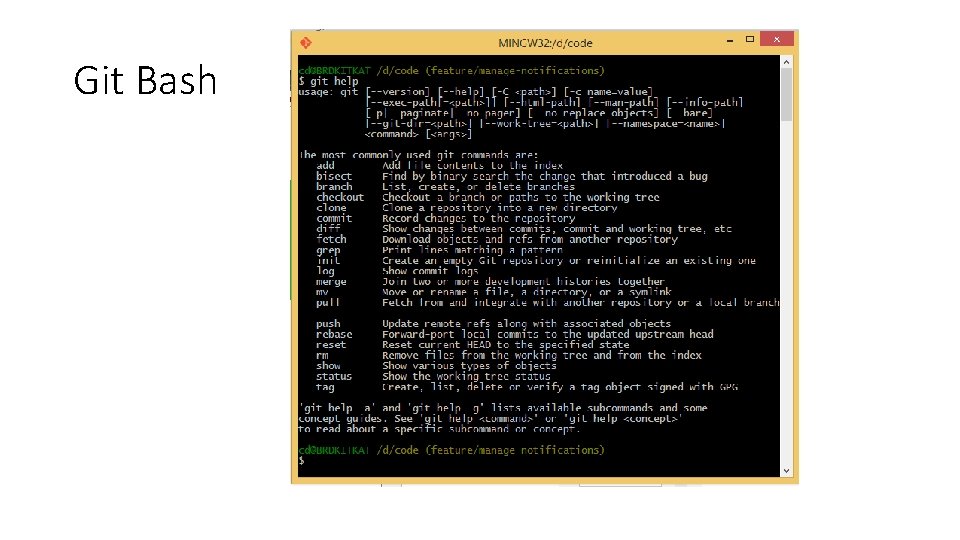
Git Bash

Queries

Thank You
- Slides: 24