
Introduction to Git and Github Joshua Gall Sirkle
Introduction to Git and Github Joshua Gall @Sirkle. Zero imtraum. com
Introduction to Git and Github • An overview of Git • Getting started on Windows • Using Git from the Command Line • Creating Repositories • Working with code • Working with Remotes • A simple development workflow • Some Git. Hub stuff
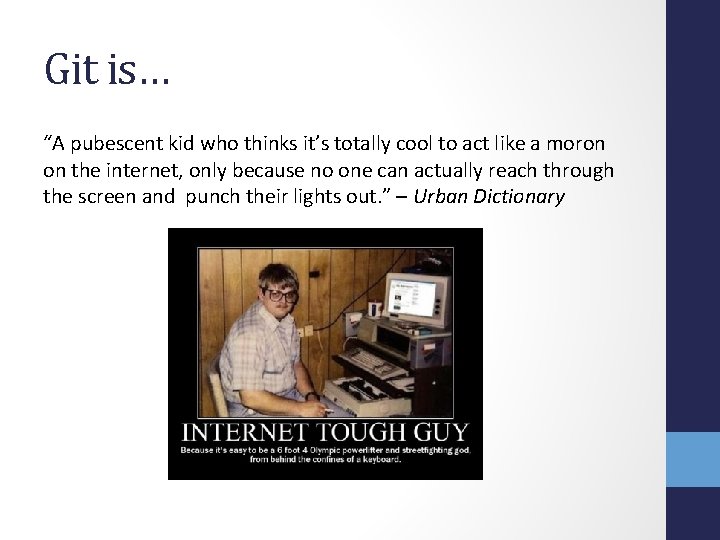
Git is… “A pubescent kid who thinks it’s totally cool to act like a moron on the internet, only because no one can actually reach through the screen and punch their lights out. ” – Urban Dictionary
Git is… Git is an open source distributed version control system designed for speed and efficiency.

Git is… Git is an open source distributed version control system designed for speed and efficiency. Git is DISTRIBUTED (but mostly local) Git is FAST Git is COOL
Git Isn’t like TFS, VSS or Subversion hard to learn great at versioning large binary files (media for example)
Why Git? • Working with Git will change how you develop concurrent software. • Work local by default, work with server when needed • It’s fast, Ferreals fast • Branches are Easy, not Scary • Merges are Trivial (Reintegration Merges == ERMAHGERD) • Cryptographically verifiable • Every repository is a backup in some form • Scriptable
Gitting Started on Windows • Install msysgit from www. git-scm. org • Choose (and install) a Git Interface • • • Git. Hub for Windows (Phil Haack) Tortoise. GIT Git Extensions Command Line (Powershell) Many others available • Set your name and email address • Via Gui • Via Command Line • git config –global user. name “Joshua Gall” • git config –global user. email “josh@imtraum. com”
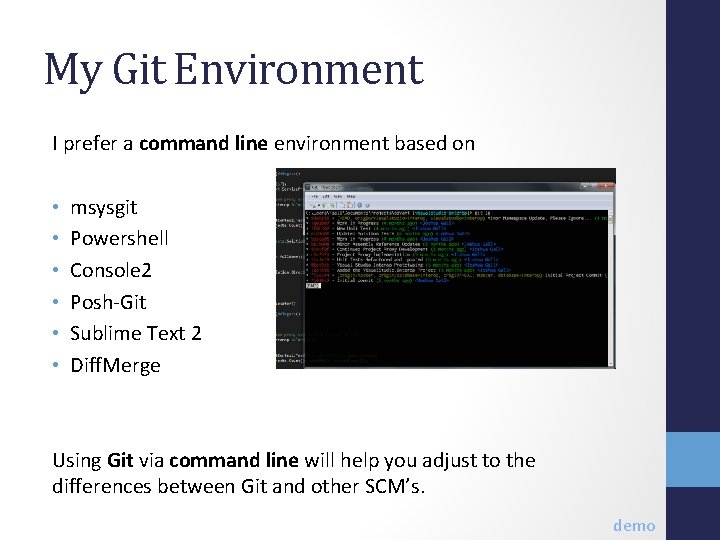
My Git Environment I prefer a command line environment based on • • • msysgit Powershell Console 2 Posh-Git Sublime Text 2 Diff. Merge Using Git via command line will help you adjust to the differences between Git and other SCM’s. demo
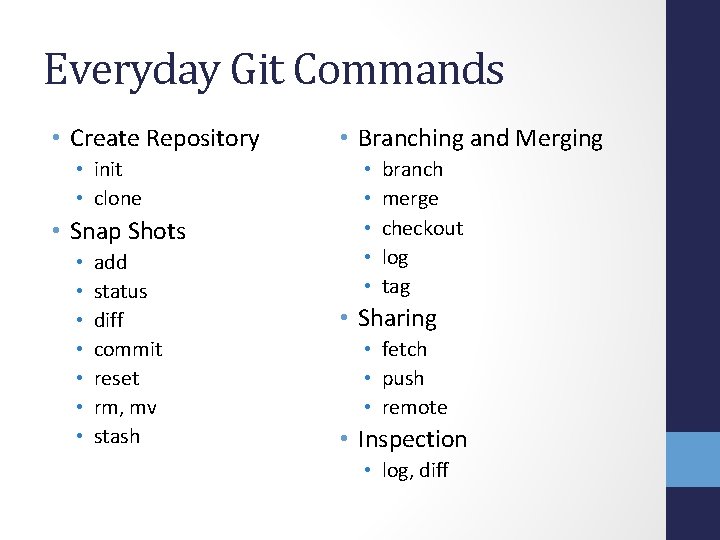
Everyday Git Commands • Create Repository • init • clone • Snap Shots • • add status diff commit reset rm, mv stash • Branching and Merging • • • branch merge checkout log tag • Sharing • fetch • push • remote • Inspection • log, diff
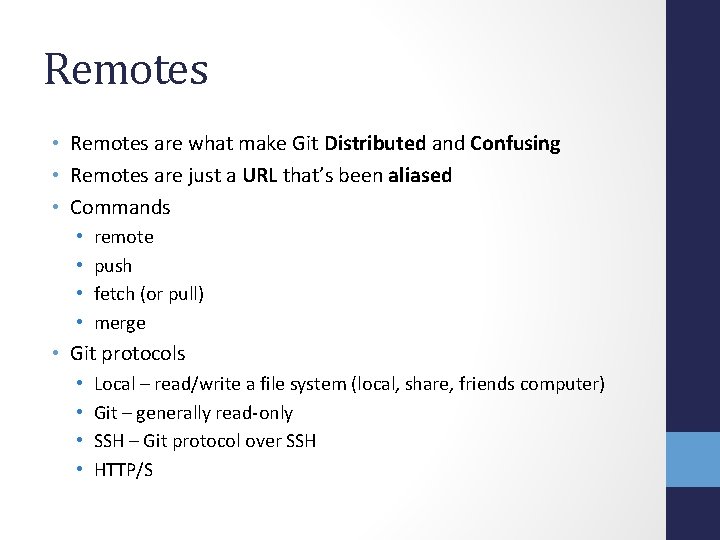
Remotes • Remotes are what make Git Distributed and Confusing • Remotes are just a URL that’s been aliased • Commands • • remote push fetch (or pull) merge • Git protocols • • Local – read/write a file system (local, share, friends computer) Git – generally read-only SSH – Git protocol over SSH HTTP/S
Cool Git. Hub Stuff • • • Git. Hub hosts repositories – a remote for your local repo Git. Hub hosts Wiki’s versioned by Git. Hub has simple defect tracking Pull Requests – Code Review and Collaboration Numerous ways to navigate your code demo
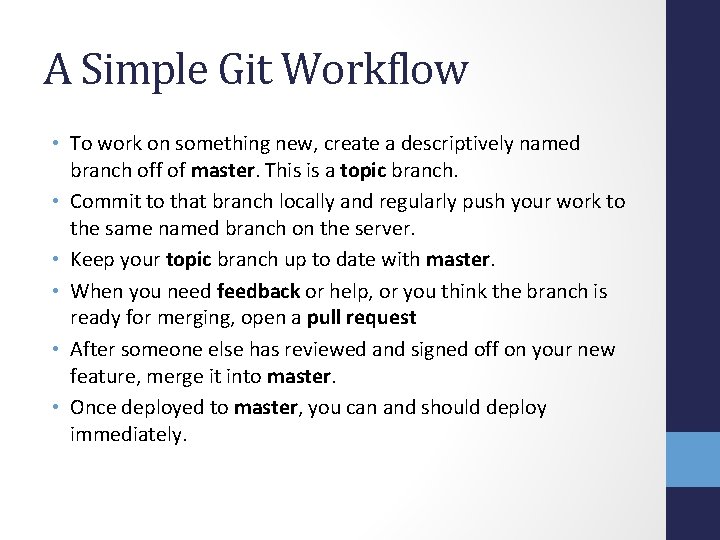
A Simple Git Workflow • To work on something new, create a descriptively named branch off of master. This is a topic branch. • Commit to that branch locally and regularly push your work to the same named branch on the server. • Keep your topic branch up to date with master. • When you need feedback or help, or you think the branch is ready for merging, open a pull request • After someone else has reviewed and signed off on your new feature, merge it into master. • Once deployed to master, you can and should deploy immediately.
Introduction to Git and Github Helpful Git Resources • • • git-scm. com – Git Documentation github. com – Repository Hosting gitref. org – Reference Materials progit. org – Downloadable Book try. github. com – Git Tutorial Follow me @Sirkle. Zero imtraum. com
- Slides: 14