
Introduction to GAMITGLOBK Tutorial 1 Basic framework GAMIT
Introduction to GAMIT/GLOBK Tutorial 1
Basic framework: GAMIT • GAMIT: Series of programs that analyze GPS phase data to estimate parameters: – Station positions (coordinates) • assumed constant at epoch of data – Satellite orbital parameters • Initial conditions • Radiation parameters • Phase center offsets – Earth orientation parameters (EOP) – Atmospheric delay parameters • Time-dependent Zenith delays and gradients – Carrier phase ambiguities 2/21/2021 GAMIT/GLOBK Tutorial 1 2
Basic framework: GLOBK • GLOBK combines solutions from GPS, SLR, & VLBI data via their parameter estimates and full covariance matrices to estimate other parameters: – Site velocities • temporal derivative of position in mm/yr • requires a time series of measurements – Satellite orbit adjustments – EOP parameters – Others parameters, e. g. , co-seismic displacements 2/21/2021 GAMIT/GLOBK Tutorial 1 3
GAMIT Structure • • History Data types Steps needed in processing Files needed for processing 2/21/2021 GAMIT/GLOBK Tutorial 1 4
GAMIT History • Development started in late 1970 s when MIT was building GPS receivers • Code derived from 1960 -1970 planetary ephemeris and VLBI software • Ported to Unix in 1987 • Start of IGS in 1992 prompted development of automatic processing schemes • Fully automatic processing mid-1990 s including continuous stations and campaign GPS measurements 2/21/2021 GAMIT/GLOBK Tutorial 1 5
Current GAMIT Status • Automatic features: – FTP'ing of data and other files – Extraction of information from RINEX files – Automatic creation of directories – Status/Warning files to monitor process • Largest automatic run: – Southern California Earthquake Center campaignstyle data set from 1992 -2002 2/21/2021 GAMIT/GLOBK Tutorial 1 6
Data Types • L 1 and L 2 phase – used for parameter estimation • P 1 and P 2 range measurements – used to help clean phase data • used to estimate receiver clock offset with tolerance of 1 microsecond (= 300 m) • LC phase – proportional to geometric range – sensitive insensitive to ionospheric delay – linear combination of L 1 and L 2 2/21/2021 GAMIT/GLOBK Tutorial 1 7
Data Types (cont’d) • LG phase – measures ionospheric delay only – insensitive to geomery • Widelane WL – linear combination of L 1, L 2, P 1 and P 2 – Melbourne-Wubbena – Should be constant (+/- noise) 2/21/2021 GAMIT/GLOBK Tutorial 1 8
Major steps for GAMIT • arc integrates GPS satellite orbits • model: – calculates theoretical (modeled) phase – partial derivatives of phase w. r. t. parameters • autcln – cleans GPS data and repairs cycle slips • solve – estimates parameters via least squares – calculates goodness of fit 2/21/2021 GAMIT/GLOBK Tutorial 1 9
Minor steps for GAMIT • Generate yaw table for GPS satellites • Ocean tide loading coefficients – Explicit site values – Interpolation of gridded values • Estimation clock models – satellite frequency standard – ground receiver clock • Display phase residuals – time series – sky plot 2/21/2021 GAMIT/GLOBK Tutorial 1 10
Files needed for processing • Control files for GAMIT (Lecture 03) • Initial orbit information from: – Broadcast ephemeris from receivers – SP 3 orbit files from IGS – GAMIT g-files • Earth Orientation Parameters (EOP) files: – arc integrates in inertial frame • Satellite clock files (J-files) • Ocean tide files 2/21/2021 GAMIT/GLOBK Tutorial 1 11

Files (continued) • Moon and Sun ephemerides – orbit integration – solid Earth tides • leap-second file (UTC versus GPST or TAI) • Satellite information files • Information about stations – prior (approximate) estimates of coordinates – receiver and antenna types – antenna heights • models for GPS antenna phase center 2/21/2021 GAMIT/GLOBK Tutorial 1 12
Data Files • Raw receiver files – UNAVCO teqc program translates to RINEX • RINEX files: – GAMIT converts to own format x-files • Data files: – local, or – ftp'd from international archives 2/21/2021 GAMIT/GLOBK Tutorial 1 13
GAMIT File summary • GAMIT uses many files • Many of these files are standard and automatically created • Automatic processing scripts either link or ftp these files. • Some files should be updated from MIT ftp site (bowie. mit. edu) – For example, the satellite information files need to be updated when new satellites are launched 2/21/2021 GAMIT/GLOBK Tutorial 1 14
GAMIT documentation • GAMIT documentation available as PDF, Postscript and RTF files – Each chapter as separate document • • 2/21/2021 Chapter 1: Overview Chapter 2: Theory Chapter 3: File structure and names Chapter 4: Creating input files Chapter 5: Batch Processing Chapter 6: Data Editing Chapter 7: Running modules GAMIT/GLOBK Tutorial 1 15
Chapters continued – Chapter 8: Atmospheric delay models – Chapter 9: Utility programs – Chapter 10: Automatic Batch Processing • Appendices • Shell scripts document themselves 2/21/2021 GAMIT/GLOBK Tutorial 1 16
GLOBK Structure • History • Steps in processing • Files in processing 2/21/2021 GAMIT/GLOBK Tutorial 1 17
GLOBK History • Suite of programs • Written in mid-1980 s to handle combination of VLBI data • Extended in 1989 to handle GPS results: GAMIT modified to output needed files • 1990's: Extensions to handle SLR data and SINEX files 2/21/2021 GAMIT/GLOBK Tutorial 1 18

GLOBK philosophy • • Driven by command files Flexible format and file-naming Accepts solutions from upstream analysis Input upstream solutions as binary h-files globk (combination) glred (smaller sessions, one at a time) glorg (generalized constraints) Analysis & interpretation 2/21/2021 GAMIT/GLOBK Tutorial 1 19
Required files • binary h-files generated by htoglb from: – GAMIT h-files (ASCII), – SINEX – other • command files – very flexible, key-word structure 2/21/2021 GAMIT/GLOBK Tutorial 1 20
Optional files • • • Orbit files (svs format) EOP (pmu files) Earthquake/rename definitions "Source" files with subsets of commands apriori coordinate and motion files Information not specified by user files is generated by various techniques 2/21/2021 GAMIT/GLOBK Tutorial 1 21
GLOBK documentation • Available as PDF, PS and RTF files • Nearly all modules in GLOBK suite have up-to-date documentation on-line • To get help for a command, type its name alone on the command line. 2/21/2021 GAMIT/GLOBK Tutorial 1 22
Differences between GAMIT and GLOBK • GAMIT operations and files are rigid; GLOBK uses flexible formats and is used in many different ways • GAMIT tends to stop if a problem is encountered (less so these days); GLOBK tries to continue as far as it can by defaulting values • Pros/Cons: GAMIT stops can be frustrating; GLOBK may appear to work but might generate erroneous results. 2/21/2021 GAMIT/GLOBK Tutorial 1 23
Differences (continued) • Basic aim of GAMIT is to generate positions/orbits for one day of data. Standard product of GAMIT is a minimally constrained solution • GLOBK flexibly combines minimally constrained parameter estimates from one or more measurement types (GPS, SLR, VLBI, DORIS) 2/21/2021 GAMIT/GLOBK Tutorial 1 24
Getting GAMIT/GLOBK • Free for research/non-commercial license • Fortran Source code • Executables for HP, Solaris and Linux 2/21/2021 GAMIT/GLOBK Tutorial 1 25
Getting GAMIT/GLOBK (2) • Point browser to – http: //www-gpsg. mit. edu/~simon/gtgk/index. html • Click on icon to download software • Complete the license information, and send via e-mail to rwk@chandler. mit. edu • Password changes with every new release. – Registered users will receive an email message when new passwords are set 2/21/2021 GAMIT/GLOBK Tutorial 1 26
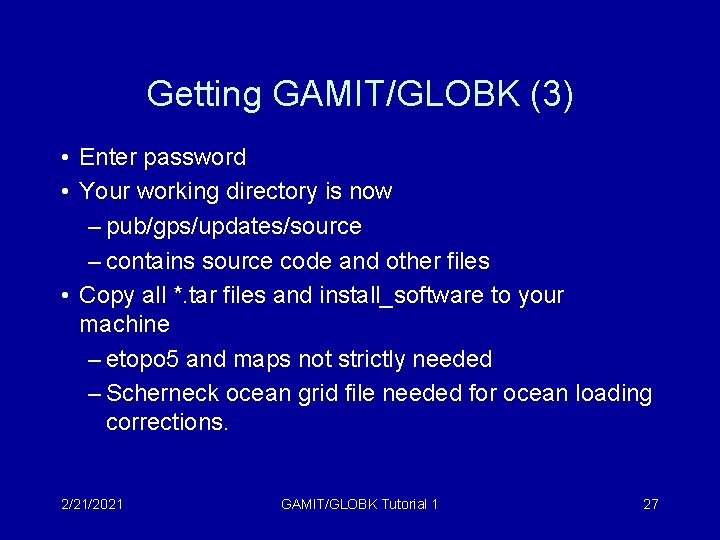
Getting GAMIT/GLOBK (3) • Enter password • Your working directory is now – pub/gps/updates/source – contains source code and other files • Copy all *. tar files and install_software to your machine – etopo 5 and maps not strictly needed – Scherneck ocean grid file needed for ocean loading corrections. 2/21/2021 GAMIT/GLOBK Tutorial 1 27
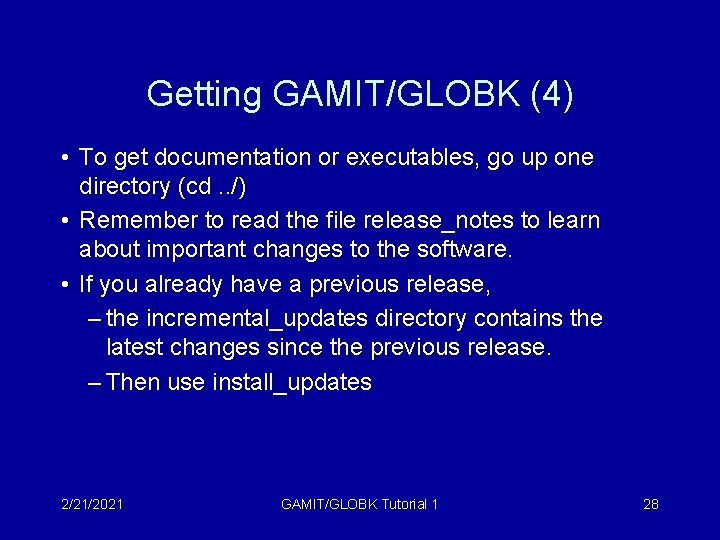
Getting GAMIT/GLOBK (4) • To get documentation or executables, go up one directory (cd. . /) • Remember to read the file release_notes to learn about important changes to the software. • If you already have a previous release, – the incremental_updates directory contains the latest changes since the previous release. – Then use install_updates 2/21/2021 GAMIT/GLOBK Tutorial 1 28
Installing GAMIT/GLOBK • In the directory on your machine containing the tar files, simply type install_software • Wait a while. 2/21/2021 GAMIT/GLOBK Tutorial 1 29
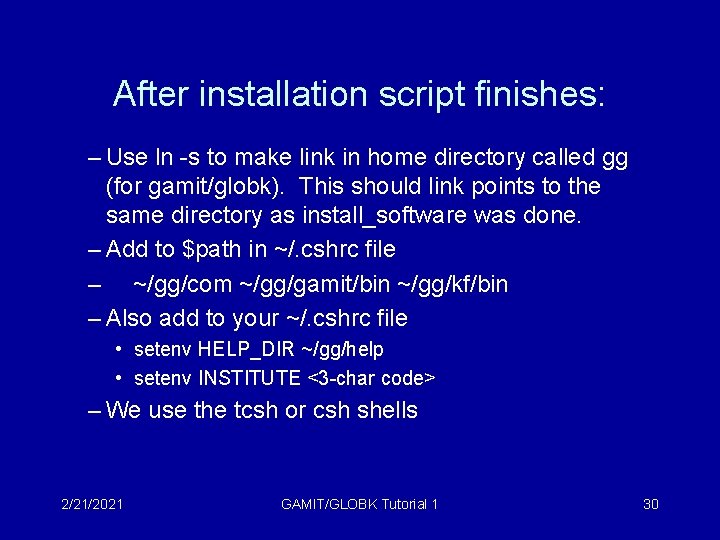
After installation script finishes: – Use ln -s to make link in home directory called gg (for gamit/globk). This should link points to the same directory as install_software was done. – Add to $path in ~/. cshrc file – ~/gg/com ~/gg/gamit/bin ~/gg/kf/bin – Also add to your ~/. cshrc file • setenv HELP_DIR ~/gg/help • setenv INSTITUTE <3 -char code> – We use the tcsh or csh shells 2/21/2021 GAMIT/GLOBK Tutorial 1 30
Summary • GAMIT: Phase data processing – Suite of programs needed for processing – Files needed from various sources – Automatic script sh_gamit generates most files • GLOBK: Combination program – Also a suite of programs – Files from GAMIT and other sources • Contact person for GAMIT/GLOBK: rwk@chandler. mit. edu 2/21/2021 GAMIT/GLOBK Tutorial 1 31
- Slides: 31