
Introduction to Flash Action Script 3 0 Statements
- Slides: 17
Introduction to Flash Action. Script 3. 0 Statements & Loops Thomas Lövgren, Flash developer thomas. lovgren@humlab. umu. se
Conditional Statements n n A way for the computer to make a choice based on some condition ”If it is dark, then light the lamp, if not, leave it off. ” The operator checks a specific condition for the statement(s) The condition could be either true or false depending on the setup The if - statement is the most important conditional statement in Action. Script if (statement_one operator statement_two){ //run code }
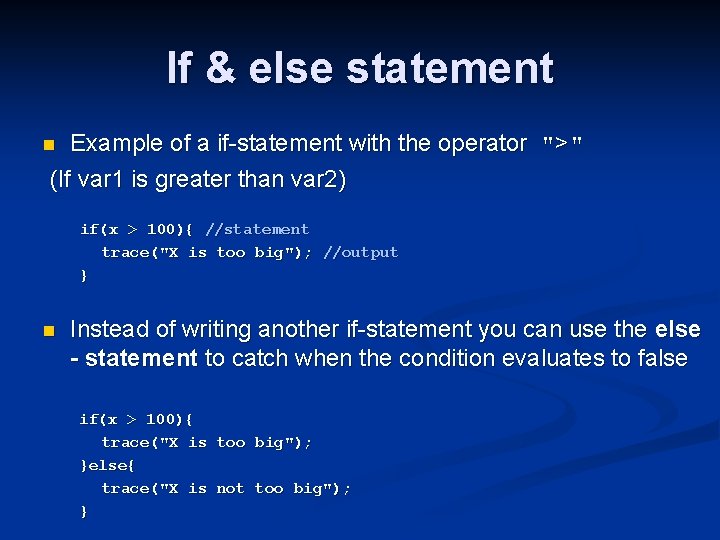
If & else statement Example of a if-statement with the operator ">" (If var 1 is greater than var 2) n if(x > 100){ //statement trace("X is too big"); //output } n Instead of writing another if-statement you can use the else - statement to catch when the condition evaluates to false if(x > 100){ trace("X is too big"); }else{ trace("X is not too big"); }
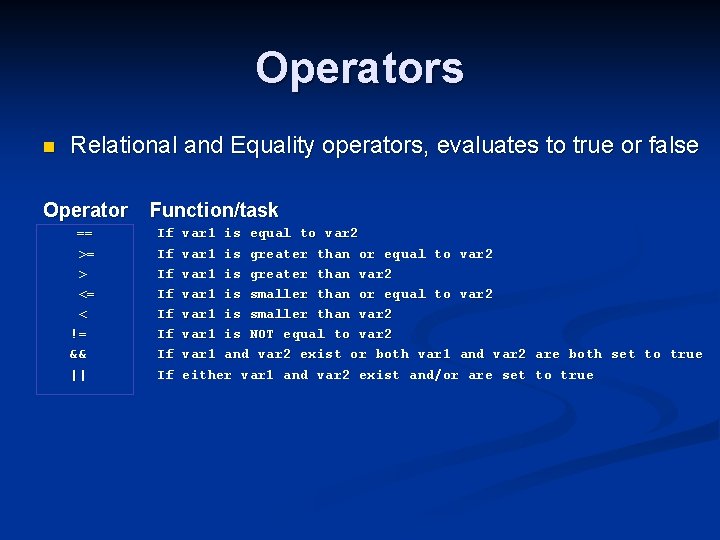
Operators n Relational and Equality operators, evaluates to true or false Operator == >= > <= < != && || Function/task If If var 1 is equal to var 2 var 1 is greater than or equal to var 2 var 1 is greater than var 2 var 1 is smaller than or equal to var 2 var 1 is smaller than var 2 var 1 is NOT equal to var 2 var 1 and var 2 exist or both var 1 and var 2 are both set to true either var 1 and var 2 exist and/or are set to true
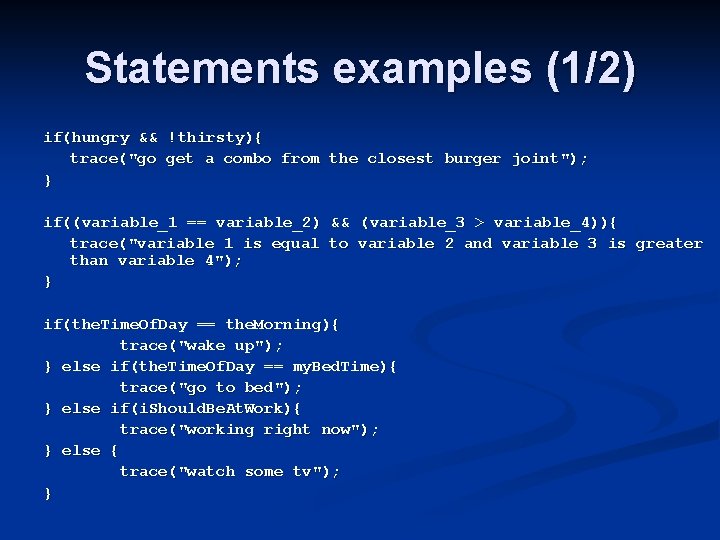
Statements examples (1/2) if(hungry && !thirsty){ trace("go get a combo from the closest burger joint"); } if((variable_1 == variable_2) && (variable_3 > variable_4)){ trace("variable 1 is equal to variable 2 and variable 3 is greater than variable 4"); } if(the. Time. Of. Day == the. Morning){ trace("wake up"); } else if(the. Time. Of. Day == my. Bed. Time){ trace("go to bed"); } else if(i. Should. Be. At. Work){ trace("working right now"); } else { trace("watch some tv"); }
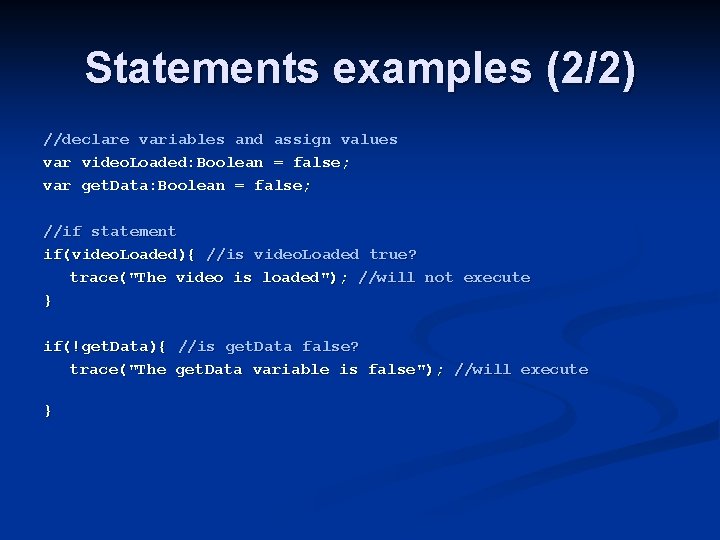
Statements examples (2/2) //declare variables and assign values var video. Loaded: Boolean = false; var get. Data: Boolean = false; //if statement if(video. Loaded){ //is video. Loaded true? trace("The video is loaded"); //will not execute } if(!get. Data){ //is get. Data false? trace("The get. Data variable is false"); //will execute }
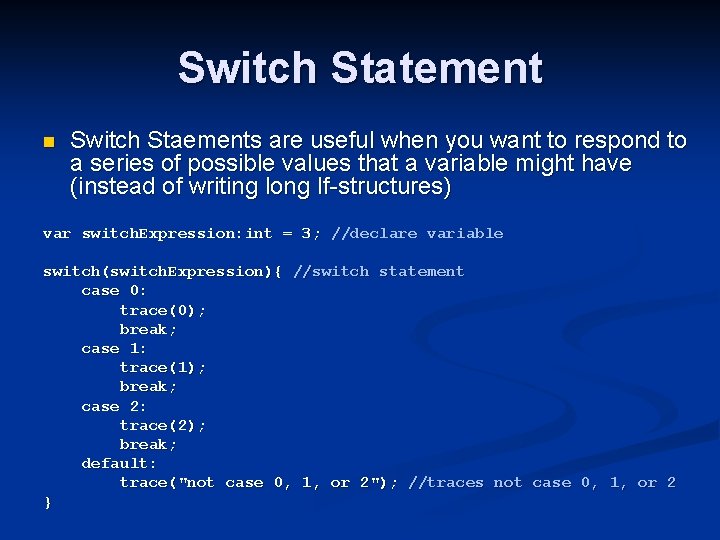
Switch Statement n Switch Staements are useful when you want to respond to a series of possible values that a variable might have (instead of writing long If-structures) var switch. Expression: int = 3; //declare variable switch(switch. Expression){ //switch statement case 0: trace(0); break; case 1: trace(1); break; case 2: trace(2); break; default: trace("not case 0, 1, or 2"); //traces not case 0, 1, or 2 }
Loops n Action. Script loops are used to execute a segment of code repeatedly for a number of times or while a certain condition is satisfied n This can save time and effort by not having to type the same code multiple times to repeat a process n Example of loops: n n n For - loop While - loop Do/While loop
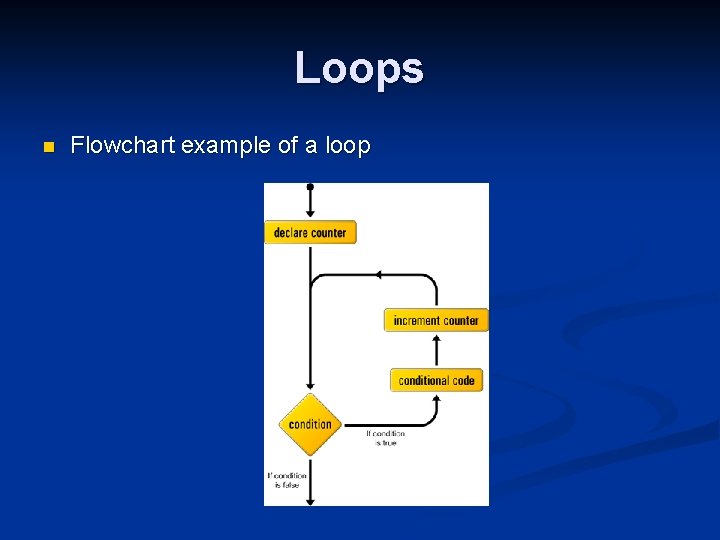
Loops n Flowchart example of a loop
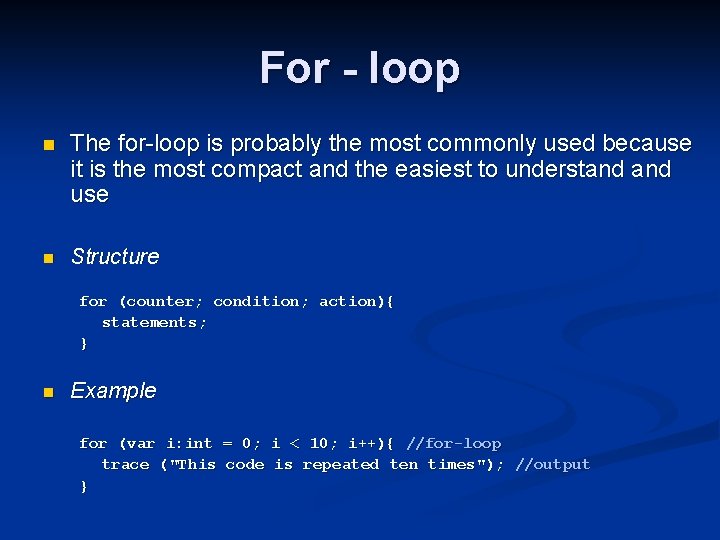
For - loop n The for-loop is probably the most commonly used because it is the most compact and the easiest to understand use n Structure for (counter; condition; action){ statements; } n Example for (var i: int = 0; i < 10; i++){ //for-loop trace ("This code is repeated ten times"); //output }
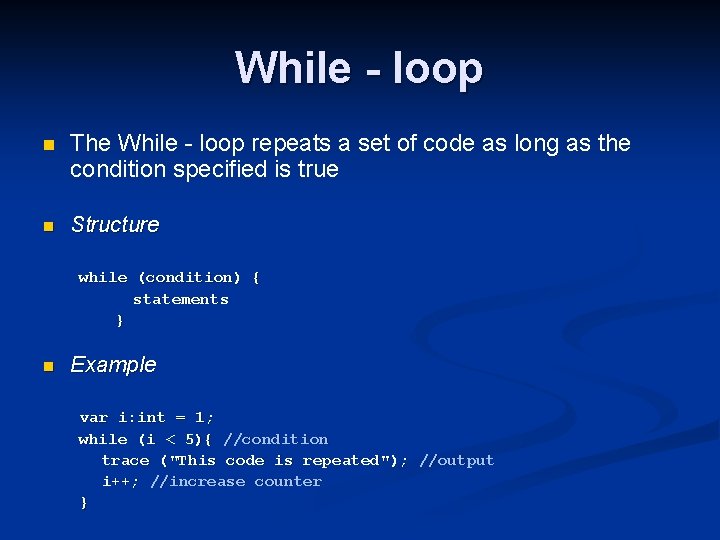
While - loop n The While - loop repeats a set of code as long as the condition specified is true n Structure while (condition) { statements } n Example var i: int = 1; while (i < 5){ //condition trace ("This code is repeated"); //output i++; //increase counter }
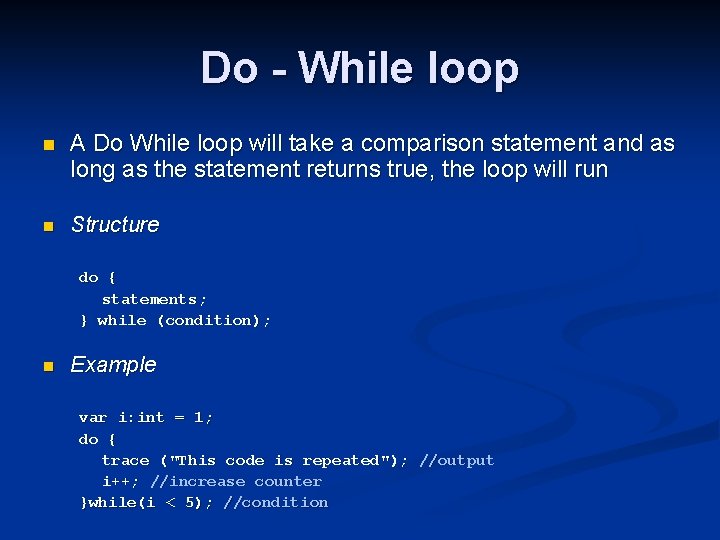
Do - While loop n A Do While loop will take a comparison statement and as long as the statement returns true, the loop will run n Structure do { statements; } while (condition); n Example var i: int = 1; do { trace ("This code is repeated"); //output i++; //increase counter }while(i < 5); //condition
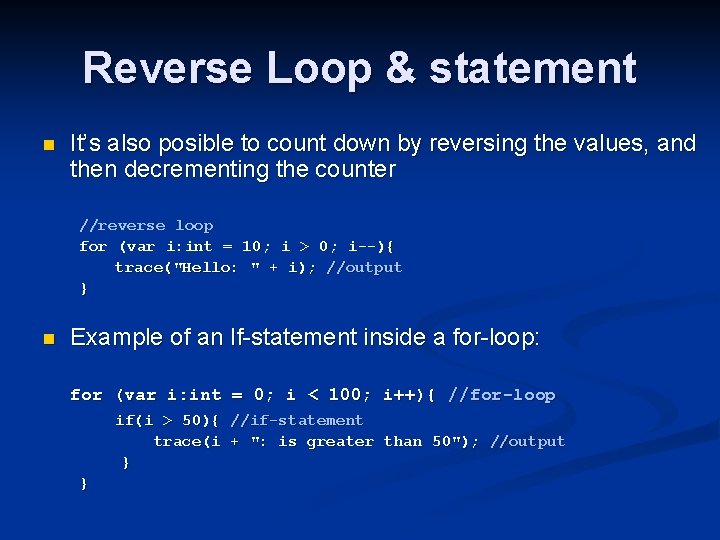
Reverse Loop & statement n It’s also posible to count down by reversing the values, and then decrementing the counter //reverse loop for (var i: int = 10; i > 0; i--){ trace(" trace( Hello: " + i); //output } n Example of an If-statement inside a for-loop: for (var i: int = 0; i < 100; i++){ //for-loop if(i > 50){ //if-statement trace(i + ": is greater than 50"); //output } }
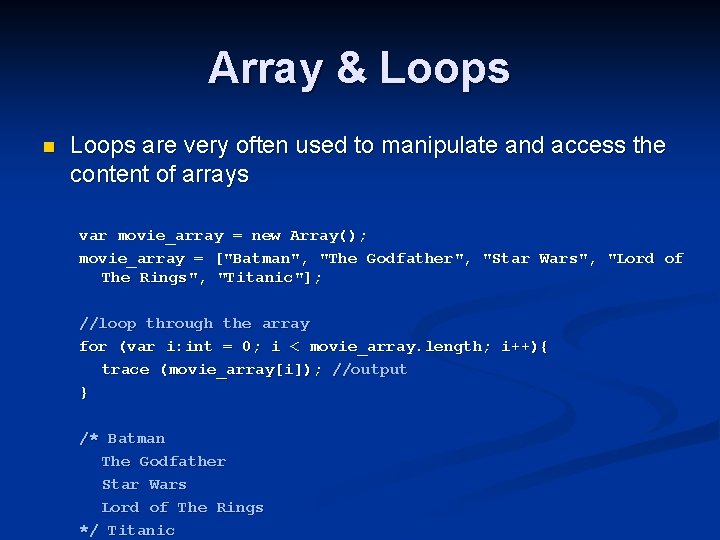
Array & Loops n Loops are very often used to manipulate and access the content of arrays var movie_array = new Array(); movie_array = ["Batman", "The Godfather", "Star Wars", "Lord of The Rings", "Titanic"]; //loop through the array for (var i: int = 0; i < movie_array. length; i++){ trace (movie_array[i]); //output } /* Batman The Godfather Star Wars Lord of The Rings */ Titanic
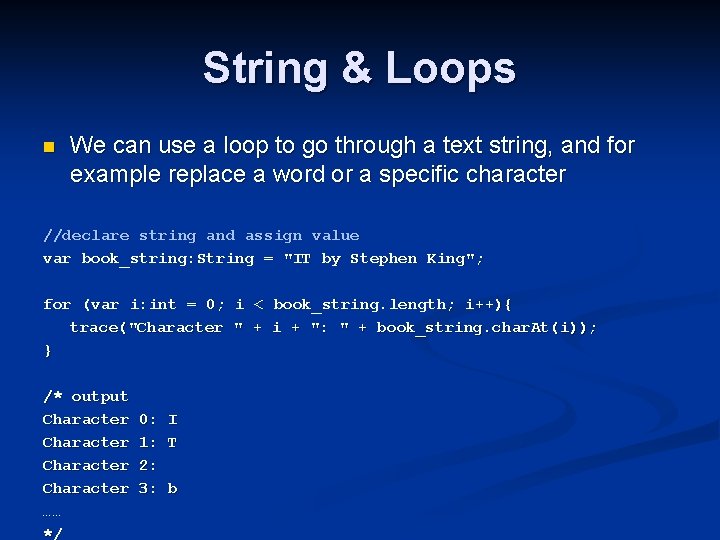
String & Loops n We can use a loop to go through a text string, and for example replace a word or a specific character //declare string and assign value var book_string: String = "IT by Stephen King"; for (var i: int = 0; i < book_string. length; i++){ trace("Character " + i + ": " + book_string. char. At(i)); } /* output Character …… */ 0: I 1: T 2: 3: b
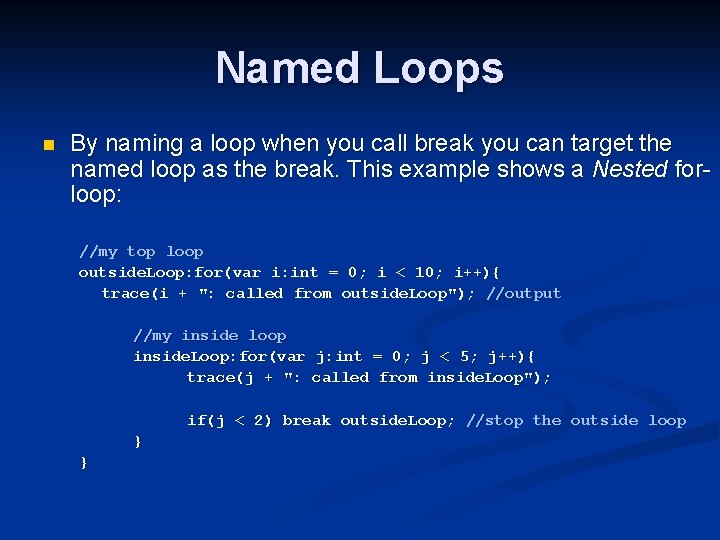
Named Loops n By naming a loop when you call break you can target the named loop as the break. This example shows a Nested forloop: //my top loop outside. Loop: for(var i: int = 0; i < 10; i++){ trace(i + ": called from outside. Loop"); //output //my inside loop inside. Loop: for(var j: int = 0; j < 5; j++){ trace(j + ": called from inside. Loop"); if(j < 2) break outside. Loop; //stop the outside loop } }
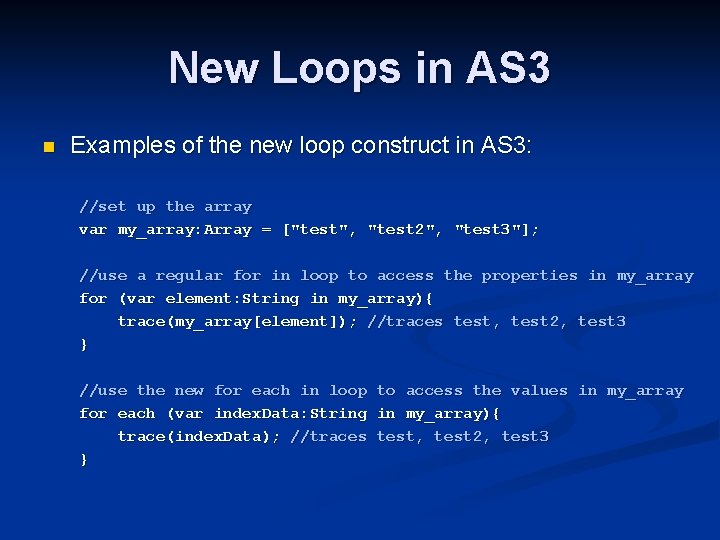
New Loops in AS 3 n Examples of the new loop construct in AS 3: //set up the array var my_array: Array = ["test", "test 2", "test 3"]; //use a regular for in loop to access the properties in my_array for (var element: String in my_array){ trace(my_array[element]); //traces test, test 2, test 3 } //use the new for each in loop to access the values in my_array for each (var index. Data: String in my_array){ trace(index. Data); //traces test, test 2, test 3 }