
Introduction to Firewalls What is a Firewall A

- Slides: 25
Introduction to Firewalls
What is a Firewall? A firewall is hardware, software, or a combination of both that is used to prevent unauthorized programs or Internet users from accessing a private network and/or a single computer. A firewall is software or hardware that checks information coming from the Internet or a network, and then either blocks it or allows it to pass through to your computer, depending on your firewall settings.
Hardware vs. Software Firewalls Hardware Firewalls ◦ Protect an entire network ◦ Implemented on the router level ◦ Usually more expensive, harder to configure Software Firewalls ◦ Protect a single computer ◦ Usually less expensive, easier to configure
How does a software firewall work? Inspects each individual “packet” of data as it arrives at either side of the firewall Inbound to or outbound from your computer Determines whether it should be allowed to pass through or if it should be blocked
Firewall Rules Allow – traffic that flows automatically because it has been deemed as “safe” (Ex. Meeting Maker, Eudora, etc. ) Block – traffic that is blocked because it has been deemed dangerous to your computer Ask – asks the user whether or not the traffic is allowed to pass through
What a personal firewall can do Stop hackers from accessing your computer Protects your personal information Blocks “pop up” ads and certain cookies Determines which programs can access the Internet
What a personal firewall cannot do Cannot prevent e-mail viruses ◦ Only an antivirus product with updated definitions can prevent e-mail viruses After setting it initially, you can forget about it ◦ The firewall will require periodic updates to the rulesets and the software itself
Considerations when using personal firewall software If you did not initialize an action and your firewall picks up something, you should most likely deny it and investigate it It’s a learning process (Ex. Spooler Subsystem App) If you notice you cannot do something you did prior to the installation, there is a good chance it might be because of your firewall
Examples of personal firewall software Zone. Alarm <www. zonelabs. com> Black. ICE Defender <http: //blackice. iss. net> Tiny Personal Firewall <www. tinysoftware. com> Norton Personal Firewall <www. symantec. com> ***Please be sure to read the license agreement carefully to verify that the firewall can be legally used at home and/or the office.
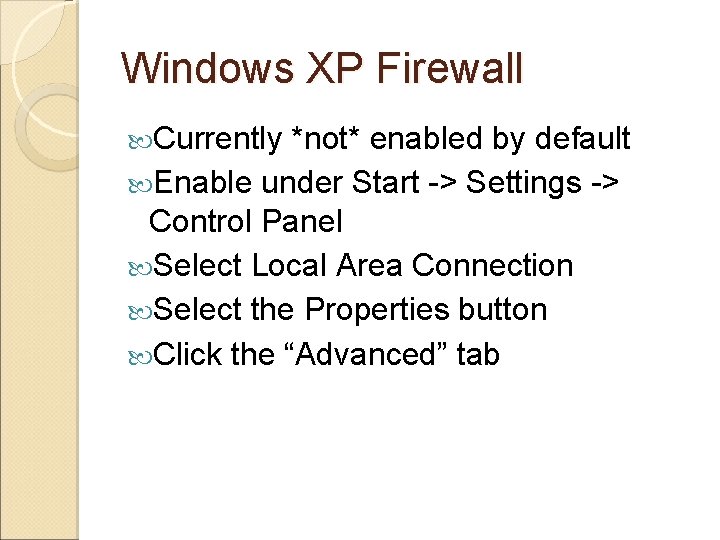
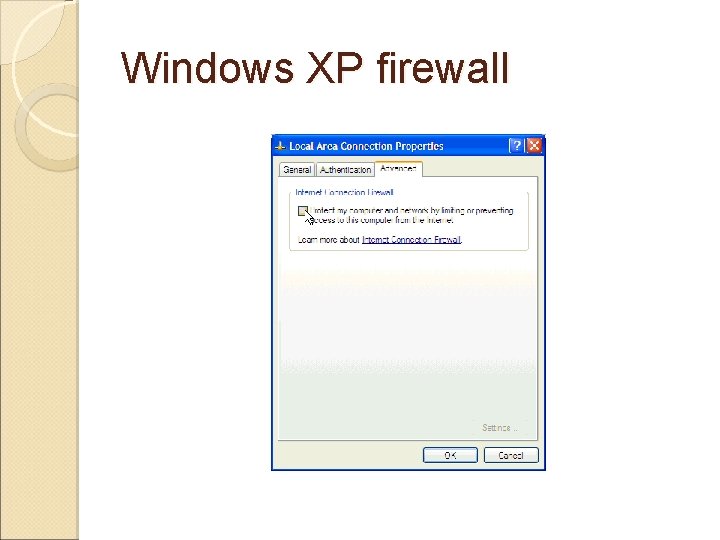
Windows XP Firewall Currently *not* enabled by default Enable under Start -> Settings -> Control Panel Select Local Area Connection Select the Properties button Click the “Advanced” tab
Windows XP firewall
Updates to Windows XP Firewall *Will* be enabled in default installations of Windows XP Service Pack 2 Ports will be closed except when they are in use Improved user interface for easier configuration Improved application compatibility when firewall is enabled
Firewall Basic Issues What does "allowing a program to communicate through the firewall" mean? Allowing a program to communicate through the firewall, sometimes called unblocking, is when you allow a particular program to send information through the firewall. You can also allow a program to communicate through the firewall by opening one or more ports.
What are the recommended settings for Windows Firewall? Recommend the default firewall settings: The firewall is on for all network locations (Home or work, Public place, or Domain). The firewall is on for all network connections. The firewall is blocking all inbound connections except those that you
What are some of the things that a firewall can't prevent? E‑mail viruses are attached to e‑mail messages. A firewal can't determine the contents of e‑mail messages, so it can't protect you from these types of viruses. You should use an antivirus program to scan and delete suspicious attachments from an e‑mail message before you open it. Even when you have an antivirus program, you should not open an e‑mail attachment if you're not positive it's safe. Phishing scams Phishing is a technique used to trick computer users into revealing personal or financial information, such as a bank account password. A common online phishing scam starts with an e‑mail message that appears to come from a trusted source, but actually directs recipients to provide information to a fraudulent website. Firewalls can't determine the contents of e‑mail messages, so they can't protect you from this type attack.
If I have a router with a built-in firewall, should I also turn on Windows Firewall? Yes, because router-based firewalls only provide protection from computers on the Internet, not from computers on your home network. For example, if a mobile computer or guest computer connects to some other network, becomes infected with a computer worm, and then connects to your home network, your router-based firewall won't be able to prevent the spread of the worm. However, a firewall running on each computer on your network can help control the spread of worms. However, running more than one firewall program on your computer at the same time could cause conflicts. It's best to just use one firewall program, in addition to a router-based firewall.
Wireless Security
Palm Pilots / PDAs / Cell Phones/ Wireless Security
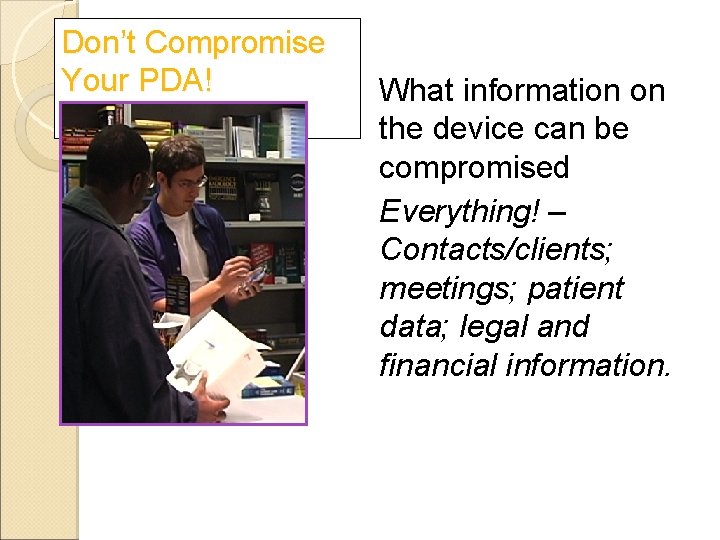
Don’t Compromise Your PDA! What information on the device can be compromised Everything! – Contacts/clients; meetings; patient data; legal and financial information.
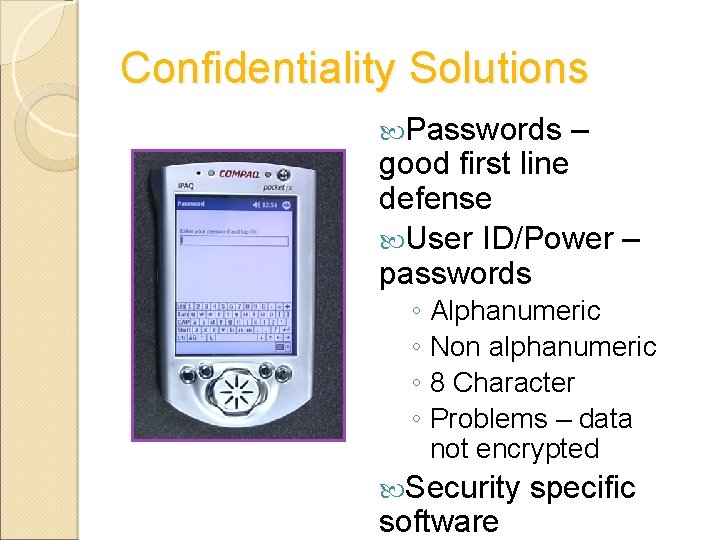
Confidentiality Solutions Passwords – good first line defense User ID/Power – passwords ◦ Alphanumeric ◦ Non alphanumeric ◦ 8 Character ◦ Problems – data not encrypted Security software specific
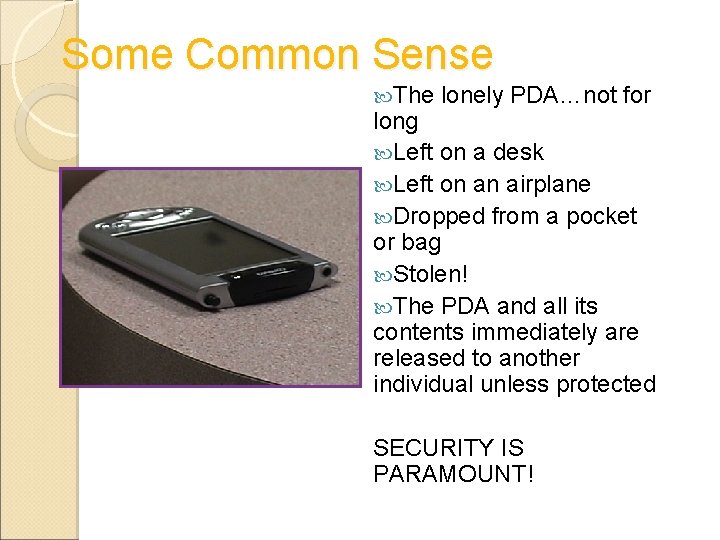
Some Common Sense The lonely PDA…not for long Left on a desk Left on an airplane Dropped from a pocket or bag Stolen! The PDA and all its contents immediately are released to another individual unless protected SECURITY IS PARAMOUNT!
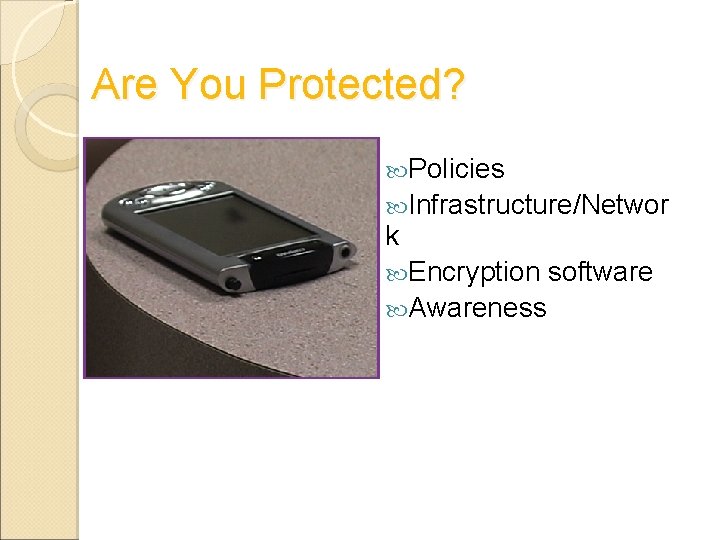
Are You Protected? Policies Infrastructure/Networ k Encryption Awareness software
Handheld Device Features • Security features limited - Handheld devices have simpler user interfaces and less CPU, storage, memory, and network bandwidth than desktops or laptops. • Inherently harder to manage. ◦ Not continuously connected More difficult to enforce security policies and monitor security events. • Handhelds often ship with security features disabled by default.
Threats Handhelds are also potentially vulnerable to viruses, worms, trojans, and spyware. • Most are Win 32 viruses that can be spread from unprotected handhelds to desktops through synchronization, email, or file shares. ◦ Self-replicating worms like Bugbear, Klez, and Spida flood email and file servers, delete registry keys, kill processes, disable software, and carry trojans. ◦ Trojans can log keystrokes, launch denial of service (Do. S) zombies, or let attackers assume remote control of infected hosts. ◦ Spyware in cookies and programs like Kazaa are not overtly malicious, but leak potentially sensitive information about your computing behavior. •
Practical Security Strategies for Pocket PCs Set power-on passwords. According to Gartner, the biggest risk associated with Pocket PCs is that no power-on password is required by default. • Use mobile firewall to block unauthorized handheld network activity ◦ Defends against port scans, unauthorized requests, unwanted peer-to-peer connections, denial of service floods, and other network-borne attacks. •