
Introduction to Exchange Chapter 13 Monitoring and Troubleshooting
Introduction to Exchange - Chapter 13 - Monitoring and Troubleshooting the Server 1

Monitoring Server monitors Check the status of designated services and the usage of various resources Resources Monitored Windows 2000 Service SMTP queue growth X. 400 queue growth CPU utilization Free disk space Services Monitored Microsoft Exchange Information Store Microsoft Exchange MTA Stacks Microsoft Exchange Routing Engine Microsoft Exchange System Attendant SMTP (Simple Mail Transport Protocol) World Wide Web Publishing Service Additional services can be added as well 2
Monitoring (2) Link monitors Check the status of a connector between two servers. You can configure and view the status of both types of monitoring through Exchange System Manager 3
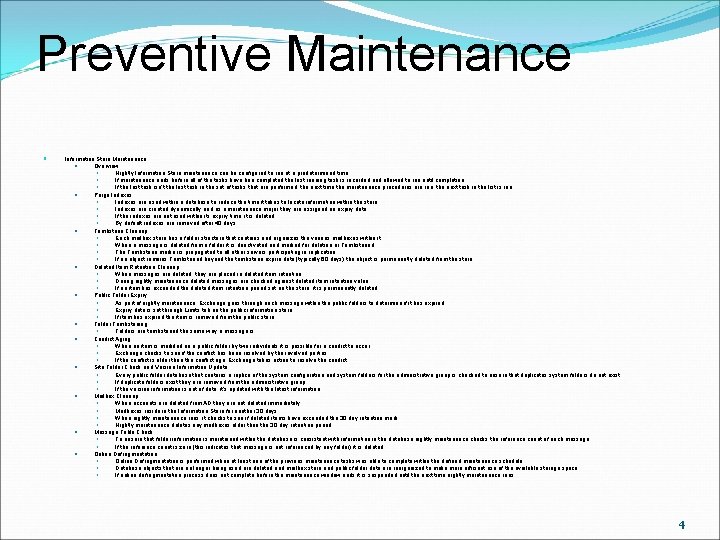
Preventive Maintenance Information Store Maintenance Overview Nightly Information Store maintenance can be configured to run at a predetermined time If maintenance ends before all of the tasks have bee completed the last running task is recorded and allowed to run until completion If the last task isn't the last task in the set of tasks that are performed, the next time the maintenance procedures are run, the next task in the list is run. Purge Indexes are used within a database to reduce the time it takes to locate information within the store. Indexes are created dynamically and as a maintenance major they are assigned an expiry date If the indexes are not used within its expiry time, it is deleted By default indexes are removed after 40 days. Tombstone Cleanup Each mailbox store has a folder structure that contains and organizes the various mailboxes within it. When a message is deleted from a folder it is deactivated and marked for deletion or Tombstoned The Tombstone marker is propagated to all other servers participating in replication If an object remains Tombstoned beyond the tombstone expire date (typically 60 days) the object is permanently deleted from the store. Deleted Item Retention Cleanup When messages are deleted, they are placed in deleted item retention During nightly maintenance deleted messages are checked against deleted item retention value If an item has exceeded the deleted item retention period set on the store, it is permanently deleted Public Folder Expiry As part of nightly maintenance, Exchange goes through each message within the public folders to determine if it has expired Expiry date is set through Limits tab on the public information store If item has expired the item is removed from the public store Folder Tombstoning Folders are tombstoned the same way a message is Conflict Aging When an item is modified on a public folder by two individuals it is possible for a conflict to occur Exchange checks to see if the conflict has been resolved by the involved parties If the conflict is older than the conflict age, Exchange takes action to resolve the conflict Site Folder Check and Version Information Update Every public folder database that contains a replica of the system configuration and system folders for the administrative group is checked to ensure that duplicates system folders do not exist. If duplicate folders exist they are removed from the administrative group If the version information is out of date; it's updated with the latest information Mailbox Cleanup When accounts are deleted from AD they are not deleted immediately Mailboxes reside in the Information Store for another 30 days When nightly maintenance runs, it checks to see if deleted items have exceeded the 30 day retention mark Nightly maintenance deletes any mailboxes older than the 30 day retention period Message Table Check To ensure that folder information is maintained within the database is consistent with information in the database nightly maintenance checks the reference count of each message If the reference count is zero (this indicates that message is not referenced by any folder) it is deleted Online Defragmentation is performed when at least one of the previous maintenance tasks was able to complete within the defined maintenance schedule. Database objects that are no longer being used are deleted and mailbox store and public folder data are reorganized to make more efficient use of the available storage space If online defragmentation process does not complete before the maintenance window ends it is suspended until the next time nightly maintenance runs 4
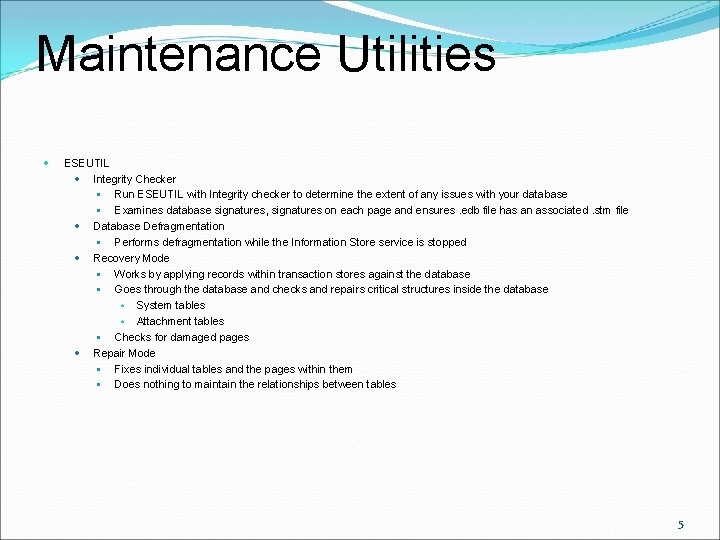
Maintenance Utilities ESEUTIL Integrity Checker Run ESEUTIL with Integrity checker to determine the extent of any issues with your database Examines database signatures, signatures on each page and ensures. edb file has an associated. stm file Database Defragmentation Performs defragmentation while the Information Store service is stopped Recovery Mode Works by applying records within transaction stores against the database Goes through the database and checks and repairs critical structures inside the database System tables Attachment tables Checks for damaged pages Repair Mode Fixes individual tables and the pages within them Does nothing to maintain the relationships between tables 5
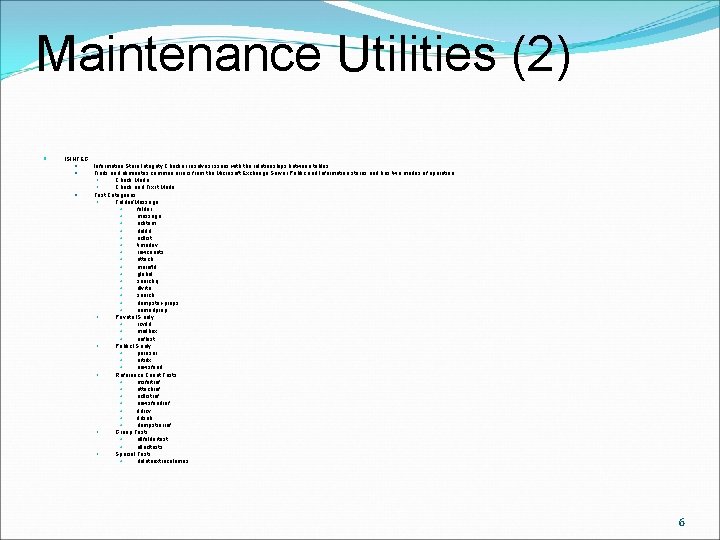
Maintenance Utilities (2) ISINTEG Information Store Integrity Checker resolves issues with the relationships between tables Finds and eliminates common errors from the Microsoft Exchange Server Public and Information stores and has two modes of operation Check Mode Check and Fix it Mode Test Categories Folder/Message folder message aclitem delfld acllist timedev rowcounts attach morefld global searchq dlvrto search dumpster-props namedprop Private IS only rcvfld mailbox oofhist Public IS only peruser artidx newsfeed Reference Count Tests msfoftref attachref acllistref newsfeedref fldrcv fldsub dumpstrerref Group Tests allfoldertest allacltests Special Tests deleteextracolumns 6
Maintenance Utilities (3) RPC Ping RPCs allows a program on one computer to execute a program on another computer Exchange servers in one group rely on RPCs to communicate with one another Tests the following protocols by default IPX/SPX Named Pipes Net. BIOS TCP/IP VINES MTA Check Command line utility that attempts to fix all MTA message queues and the messages that those queues contain Automatically discards all corrput messages from the queue and backs those messages up When the MTA service starts it automatically runs the MTA Check Utility 7
Resolving Server Issues Guidelines Is the issue client related server related? Can the problem be duplicated or is Random? What is the frequency of the problem? Do all clients experience the problem, or is it confined to an individual or select set of individuals? What is common about the problem? Review the Event Logs Look at the system log for general service problems Look at the application log for Exchange specific problems Investigate logs to look for clues to problems with the infrastructure or software running on that infrastructure 8
Resolving Server Issues Guidelines (2) Investigate the Queues Determine if mail is backing up anywhere within the email infrastructure Can be an indicator of whether the problem is related to a connector, remote host connectivity, DNS resolution issues etc. Monitor Performance Counters Sluggish or unresponsive systems are usually require checking performance counters, specifically those related to Exchange 9
Resolving Server Issues Guidelines (3) Check that DNS is configured properly The majority of Exchange Server 2003 directory access problems are caused by DNS and name resolution problems Symptoms of DNS trouble include failures in starting Exchange 2003 services and setup failure Verify the configuration of AD and the correct of operation of Domains within it. If domain controllers are not accessible than Exchange cannot gain access to configuration information about recipients who need messages delivered 10
Resolving Server Issues Guidelines (4) Investigate permissions issues to determine if they are related to the problem at hand Permissions issues tend to be the cause of significant number of problems If troubleshooting front-end/back-end server configurations in which a firewall is involved ensure firewalls are configured properly. 11
Summary Service monitoring allow you to configure a utility that will monitor the up or down status of services on your computer By default, a server monitor checks various Exchange Server 2003 utilities that affect the operations and performance of the server Queue Monitoring allows you to configure a utility that will monitor the queue growth over time. When queue monitoring is configured, you can specify the number of minutes of continual queue growth that will cause the server to enter a warning 12
Summary (2) CPU monitoring allows you to configure a utility that will monitor the CPU utilization on your system. You can specify how long the CPU can run above a certain utilization level before the server's state changes to Warning or Critical Disk monitoring allows you to configure a utility that will monitor the disk utilization of your system. Using disk monitoring, you can specify the threshold that your free disk space can fall below before the server's state changes from to Warning or Critical 13
Summary (3) Virtual memory monitoring allows you to configure a utility that will monitor the memory usage on your server You can configure memory thresholds so that if your server falls below a specific threshold, the monitor changes the state of the server from Warning to Critical Nightly Information Store maintenance performs routine tasks on the Information Store to ensure the store is consistent and without error. Also performs cleanup of various objects within the database to make sure that it does not contain extraneous information 14
Summary (4) The ESEUTIL utility is used to perform operations on Exchange Server 2003 Information Stores. Used to check that the database is syntactically correct. It does nothing to verify that the data contained within the database is contextually correct. The ISINTEG utility is used to perform operations on Exchange Server 2003 Information Stores. It is used to check that the information within a database is contextually correct and the relationships between tables within the database are correct 15
Summary (5) The RPC Ping utility is used to confirm RPC connectivity between two system as well as make sure that Exchange Services are responding to requests. Server Component Client Component The MTA check utility is a command line tool that attempts to fix all MTA message queues and the messages that those queues contain. It automatically discards all corrupt messages from the queues after backing them up 16
Summary (6) When troubleshooting problems, you should always take a top-down approach to investigating the issue. Learn as much about the problem and combine that information with what you know about your e-mail infrastructure. 17
- Slides: 17