
Introduction to Emgu EE 4 H M Sc
![Getting or Setting Pixels in Emgu The slow way is to use the []](https://slidetodoc.com/presentation_image/4fed337096171a35c796cd419c45e3e1/image-9.jpg "Getting or Setting Pixels in Emgu The slow way is to use the []")
- Slides: 12
Introduction to Emgu EE 4 H, M. Sc 04 24086 Computer Vision Dr. Mike Spann m. spann@bham. ac. uk http: //www. eee. bham. ac. uk/spannm
About Emgu All of this material is taken from an Emgu wiki tutorial http: //www. emgu. com/wiki/index. php/Tutorial Also check out the API documentation http: //www. emgu. com/wiki/files/2. 4. 2/document/I ndex. html Emgu is a cross platform. NET wrapper to the Open. CV image processing library Written entirely in C# but Allowing Open. CV functions to be called from. NET compatible languages such as C#, VB, VC++, Iron. Python
Setting up Emgu – C# There is a nice wiki article about how to set up Emgu using C# http: //www. emgu. com/wiki/index. php/Setting_up_EM GU_C_Sharp Also the article presents a tutorial on writing a simple Emgu application
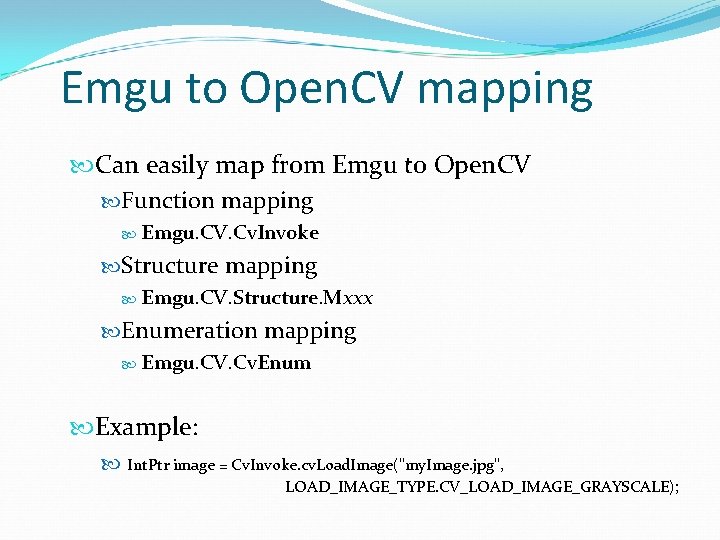
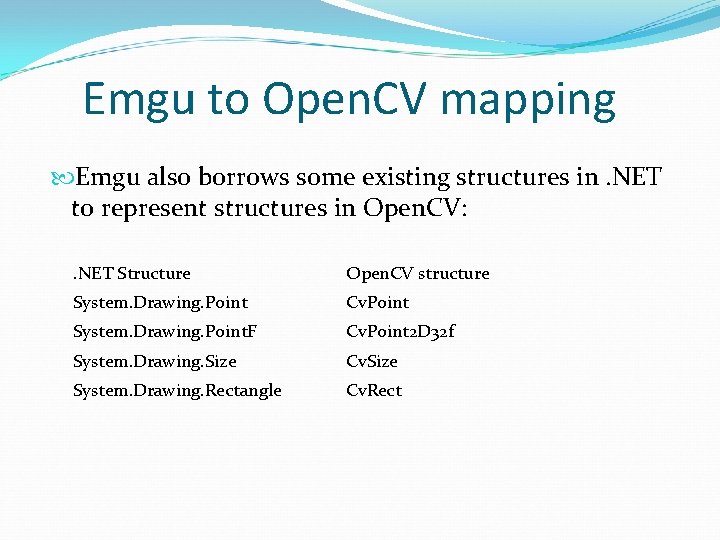
Emgu to Open. CV mapping Can easily map from Emgu to Open. CV Function mapping Emgu. CV. Cv. Invoke Structure mapping Emgu. CV. Structure. Mxxx Enumeration mapping Emgu. CV. Cv. Enum Example: Int. Ptr image = Cv. Invoke. cv. Load. Image("my. Image. jpg", LOAD_IMAGE_TYPE. CV_LOAD_IMAGE_GRAYSCALE);
Emgu to Open. CV mapping Emgu also borrows some existing structures in. NET to represent structures in Open. CV: . NET Structure Open. CV structure System. Drawing. Point Cv. Point System. Drawing. Point. F Cv. Point 2 D 32 f System. Drawing. Size Cv. Size System. Drawing. Rectangle Cv. Rect
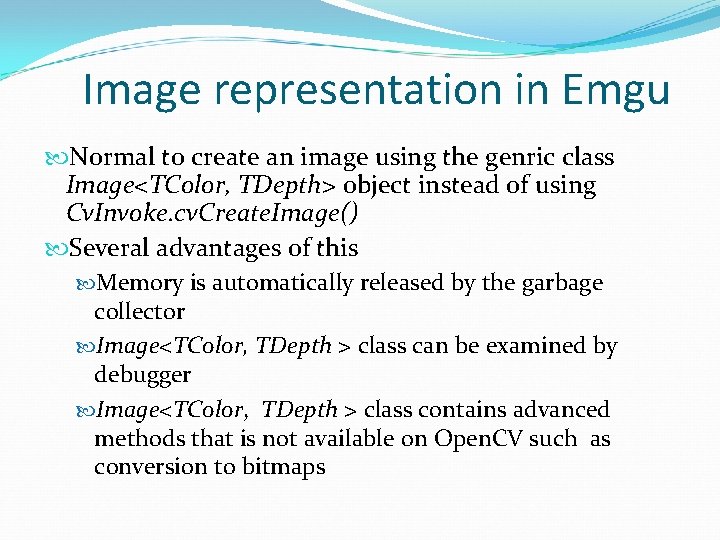
Image representation in Emgu Normal to create an image using the genric class Image<TColor, TDepth> object instead of using Cv. Invoke. cv. Create. Image() Several advantages of this Memory is automatically released by the garbage collector Image<TColor, TDepth > class can be examined by debugger Image<TColor, TDepth > class contains advanced methods that is not available on Open. CV such as conversion to bitmaps
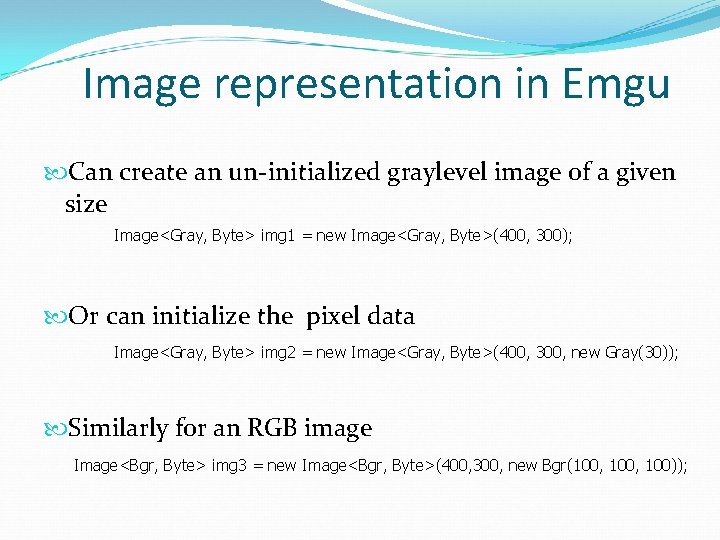
Image representation in Emgu Can create an un-initialized graylevel image of a given size Image<Gray, Byte> img 1 = new Image<Gray, Byte>(400, 300); Or can initialize the pixel data Image<Gray, Byte> img 2 = new Image<Gray, Byte>(400, 300, new Gray(30)); Similarly for an RGB image Image<Bgr, Byte> img 3 = new Image<Bgr, Byte>(400, 300, new Bgr(100, 100));
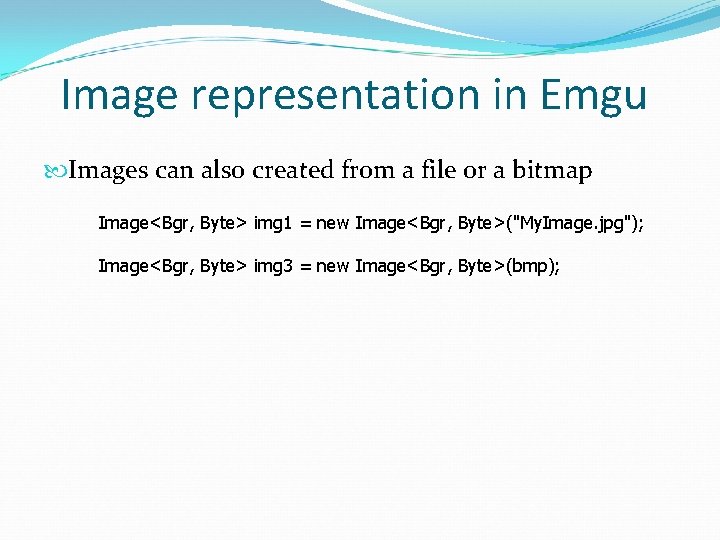
Image representation in Emgu Images can also created from a file or a bitmap Image<Bgr, Byte> img 1 = new Image<Bgr, Byte>("My. Image. jpg"); Image<Bgr, Byte> img 3 = new Image<Bgr, Byte>(bmp);
Getting or Setting Pixels in Emgu The slow way is to use the [] operator on the image object // Get the gray level Gray g = img[y, x]; // Set the gray level img[y, x] = new Gray(100); Faster way is to use the Data property of the image object Byte g = img. Data[y, x, 0]; http: //stackoverflow. com/questions/5101986/iterate-overpixels-of-an-image-with-emgu-cv gives some benchmarking for iterating over pixel data
Displaying, drawing and converting images An image can be displayed using the Image. Box control Image. Box is a high performance control for displaying images. Displays a Bitmap that shares memory with the Image object, therefore no memory copy is needed (very fast). The Image class has a To. Bitmap() function that return a Bitmap object Allows the image to be displayed on a Picture. Box control There is also an Image. Viewer class in the Emgu. CV. UI namespace
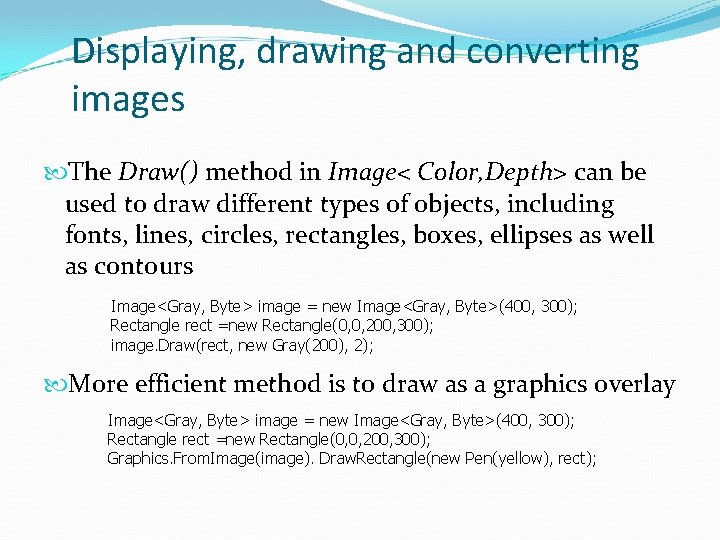
Displaying, drawing and converting images The Draw() method in Image< Color, Depth> can be used to draw different types of objects, including fonts, lines, circles, rectangles, boxes, ellipses as well as contours Image<Gray, Byte> image = new Image<Gray, Byte>(400, 300); Rectangle rect =new Rectangle(0, 0, 200, 300); image. Draw(rect, new Gray(200), 2); More efficient method is to draw as a graphics overlay Image<Gray, Byte> image = new Image<Gray, Byte>(400, 300); Rectangle rect =new Rectangle(0, 0, 200, 300); Graphics. From. Image(image). Draw. Rectangle(new Pen(yellow), rect);
Conclusions Emgu is a powerful development platform for image processing/computer vision Similar capabilities to Open. CV but has additional capabilities because of additional language features specific to C#