
Introduction to Dynamic Web Content Chapter 1 Dr
Introduction to Dynamic Web Content Chapter 1 Dr. Charles Severance To be used in assocition with the book: PHP, My. Sql, and Java. Script by Robin Nixon

Unless otherwise noted, the content of this course material is licensed under a Creative Commons Attribution 3. 0 License. http: //creativecommons. org/licenses/by/3. 0/. Copyright 2011 -2013, Charles Severance

Early History of Important* Programming Languages • • Machine Language (1940's) Assembly Language (1940's) FORTRAN - Mathematics expressions (1955) C - High-productivity Assembly Language (1969) * As defined by Dr. Chuck
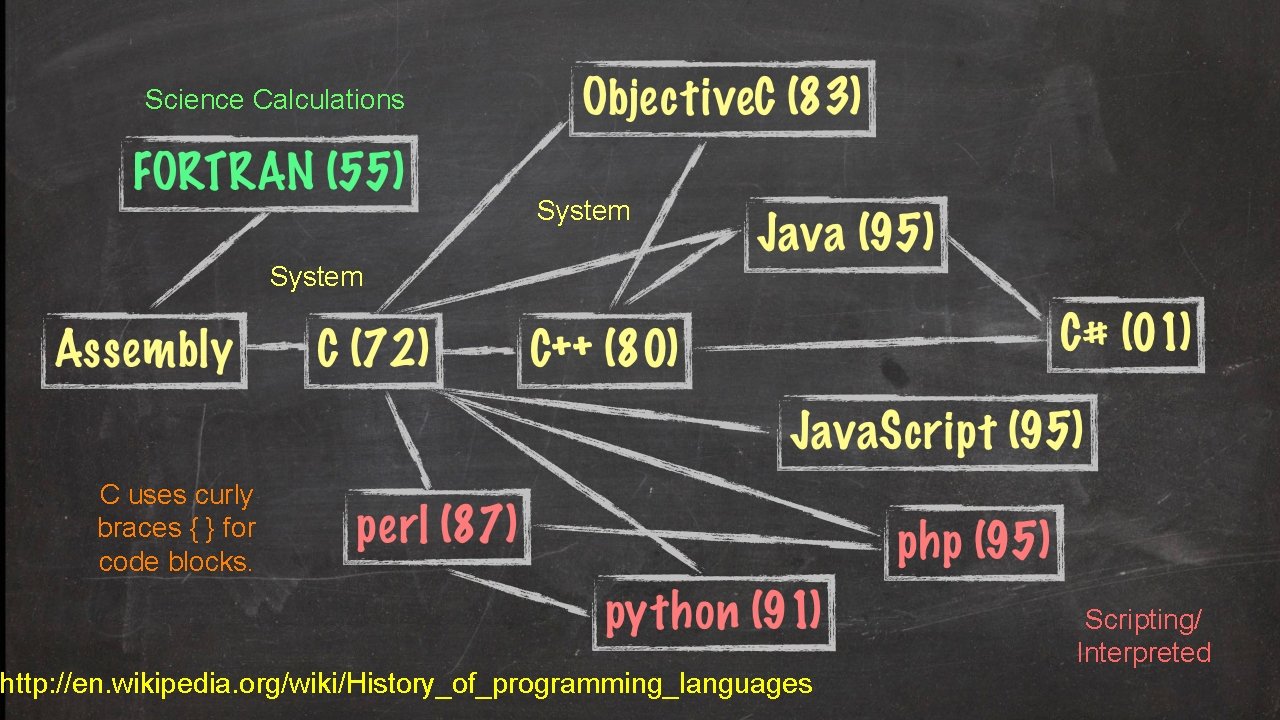
Science Calculations System C uses curly braces { } for code blocks. http: //en. wikipedia. org/wiki/History_of_programming_languages Scripting/ Interpreted
Show Me The Money. . . • • C, C++, C#, Objective. C Java PHP. . . http: //langpop. com/ http: //www. flickr. com/photos/tracy_olson/61056391/
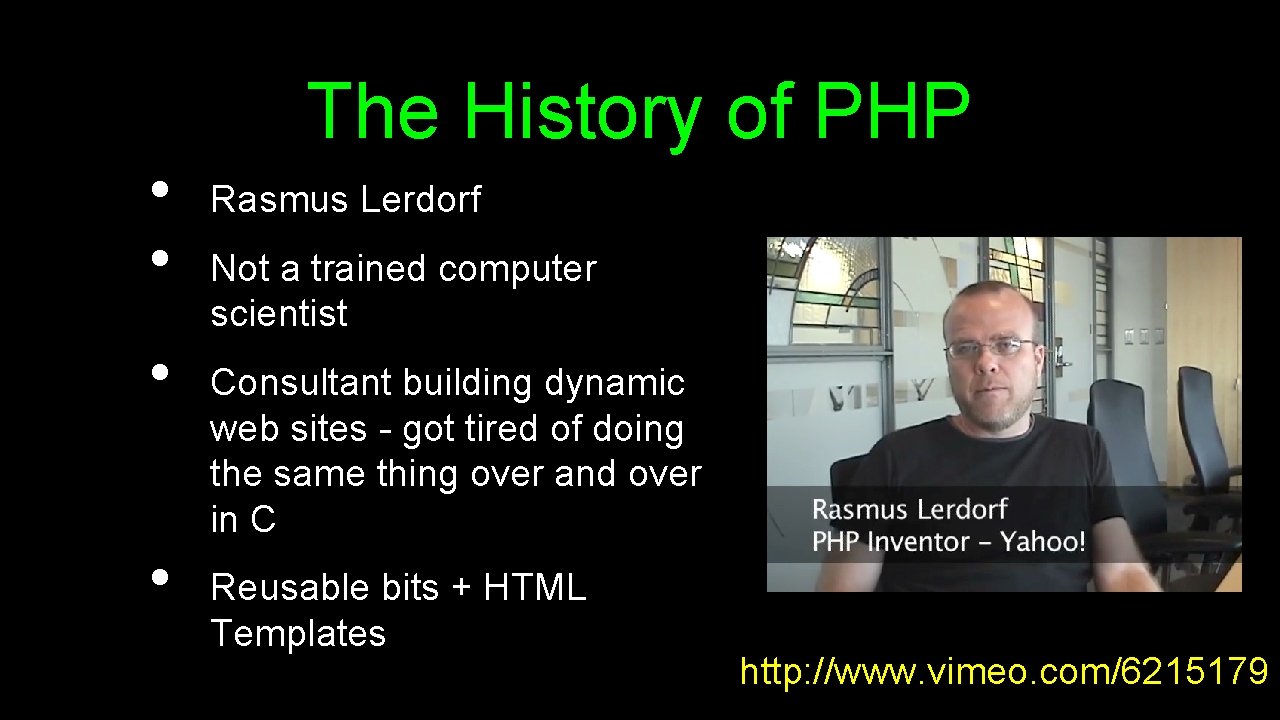
• • The History of PHP Rasmus Lerdorf Not a trained computer scientist Consultant building dynamic web sites - got tired of doing the same thing over and over in C Reusable bits + HTML Templates http: //www. vimeo. com/6215179
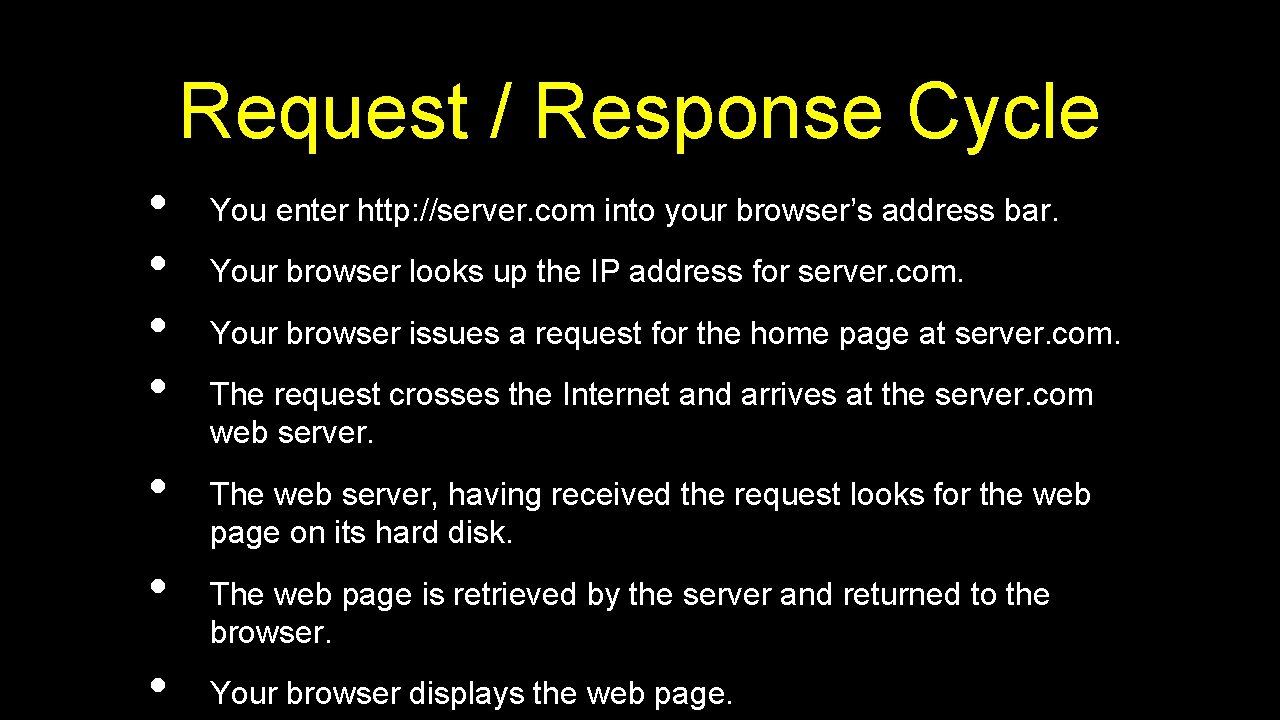
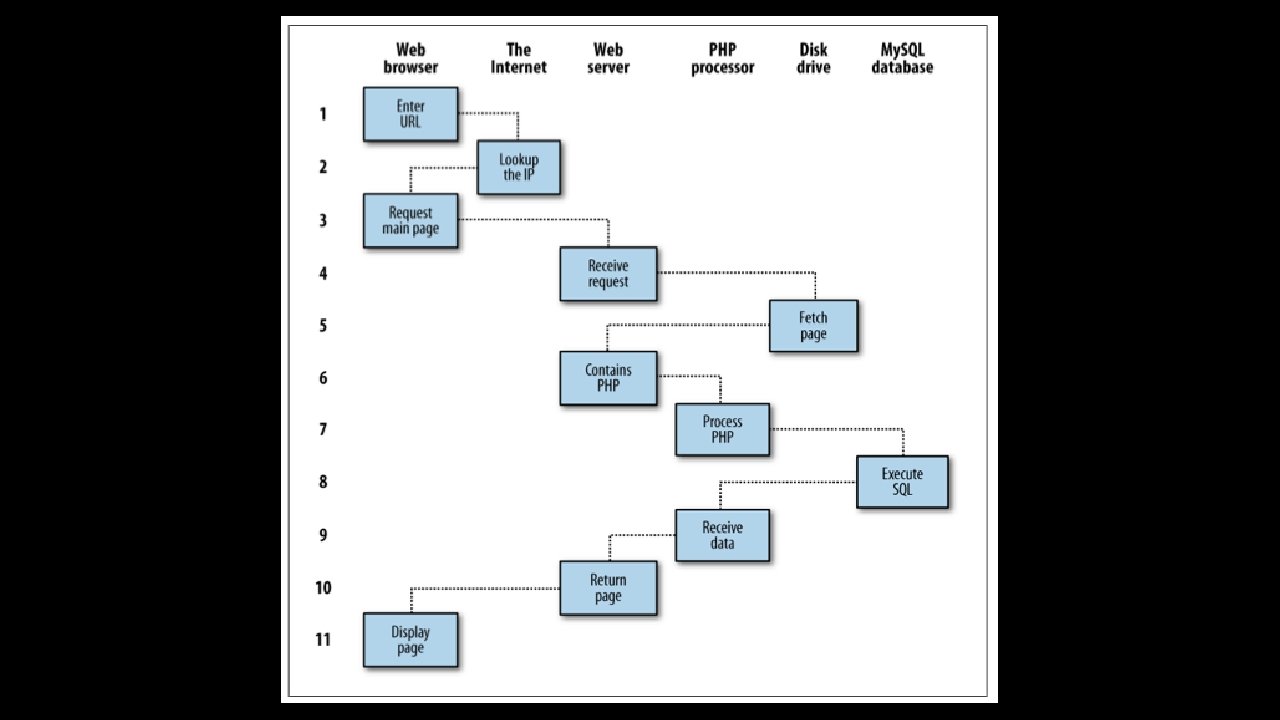
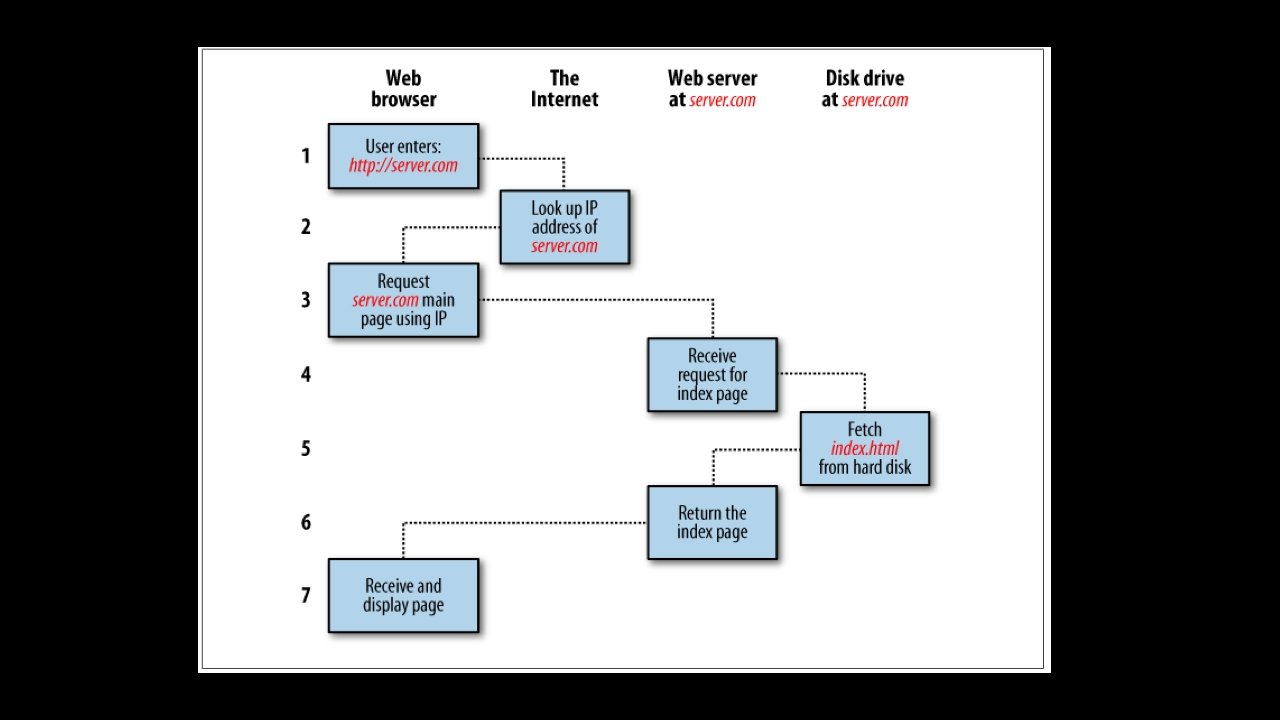
Request / Response Cycle • • You enter http: //server. com into your browser’s address bar. Your browser looks up the IP address for server. com. Your browser issues a request for the home page at server. com. The request crosses the Internet and arrives at the server. com web server. The web server, having received the request looks for the web page on its hard disk. The web page is retrieved by the server and returned to the browser. Your browser displays the web page.
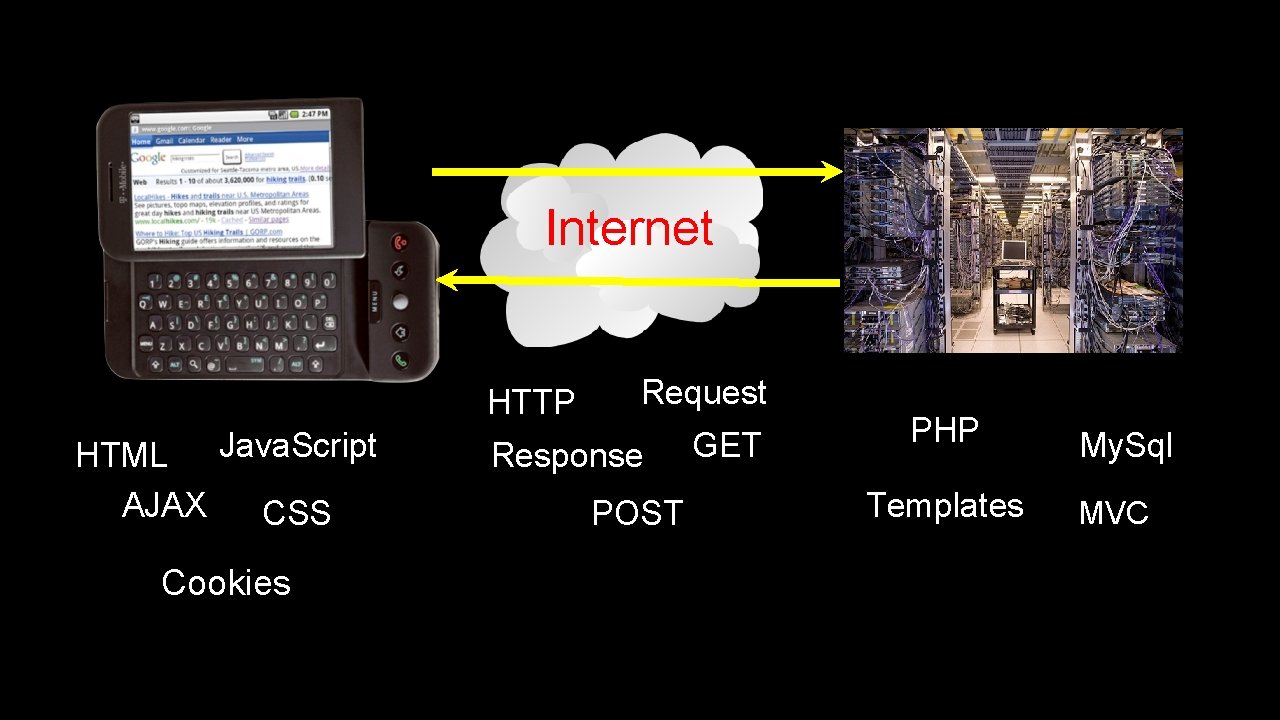
Internet HTTP Java. Script HTML AJAX CSS Cookies Request Response POST GET PHP Templates My. Sql MVC
Our Technologies
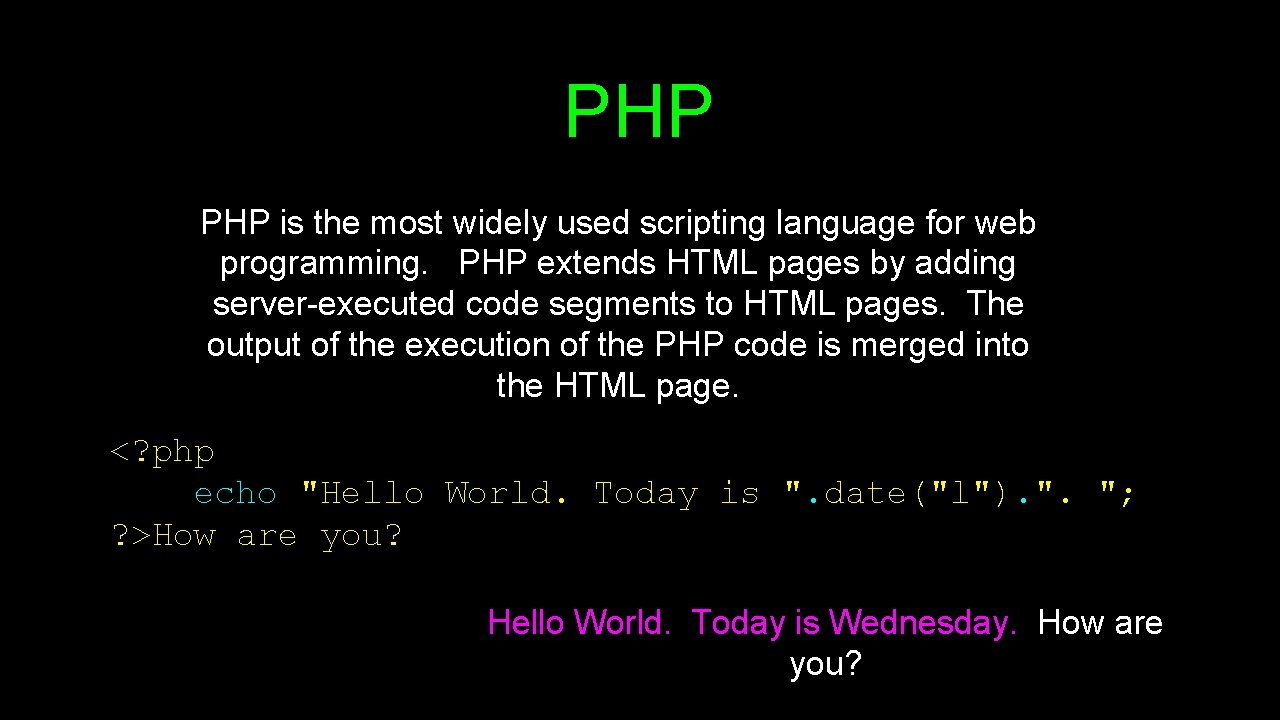
PHP is the most widely used scripting language for web programming. PHP extends HTML pages by adding server-executed code segments to HTML pages. The output of the execution of the PHP code is merged into the HTML page. <? php echo "Hello World. Today is ". date("l"). ". "; ? >How are you? Hello World. Today is Wednesday. How are you?
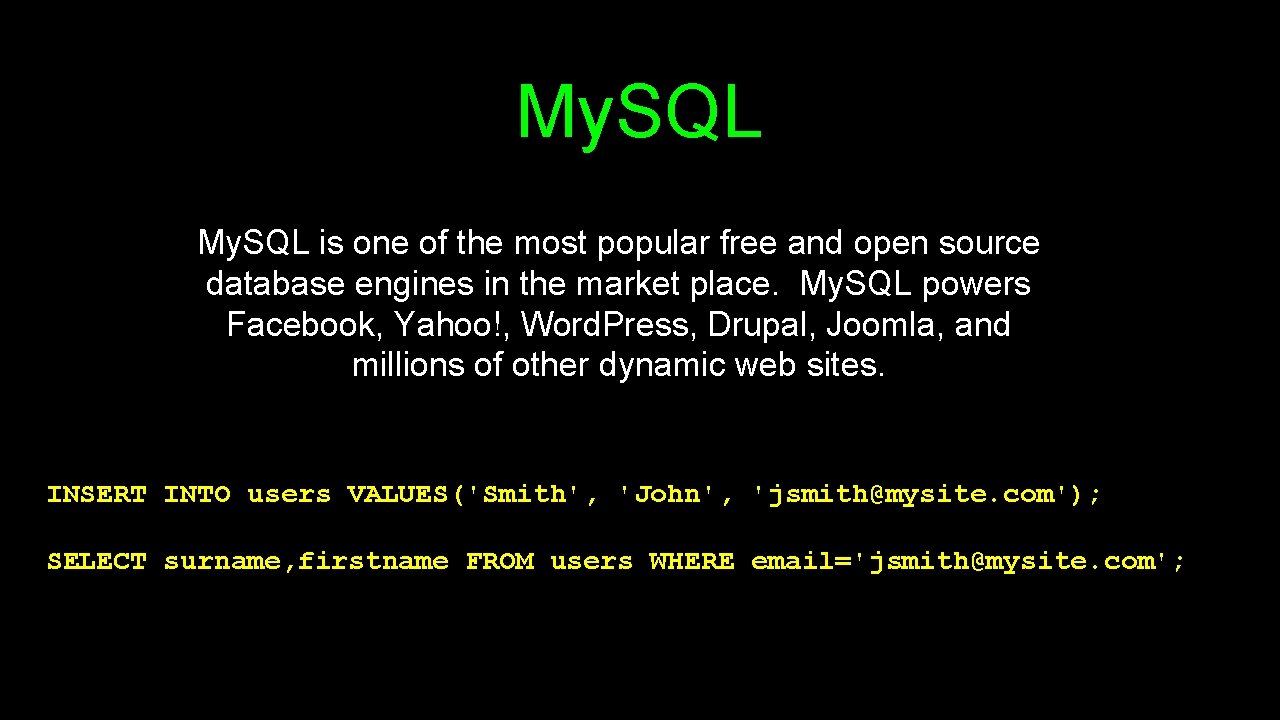
My. SQL is one of the most popular free and open source database engines in the market place. My. SQL powers Facebook, Yahoo!, Word. Press, Drupal, Joomla, and millions of other dynamic web sites. INSERT INTO users VALUES('Smith', 'John', 'jsmith@mysite. com'); SELECT surname, firstname FROM users WHERE email='jsmith@mysite. com';
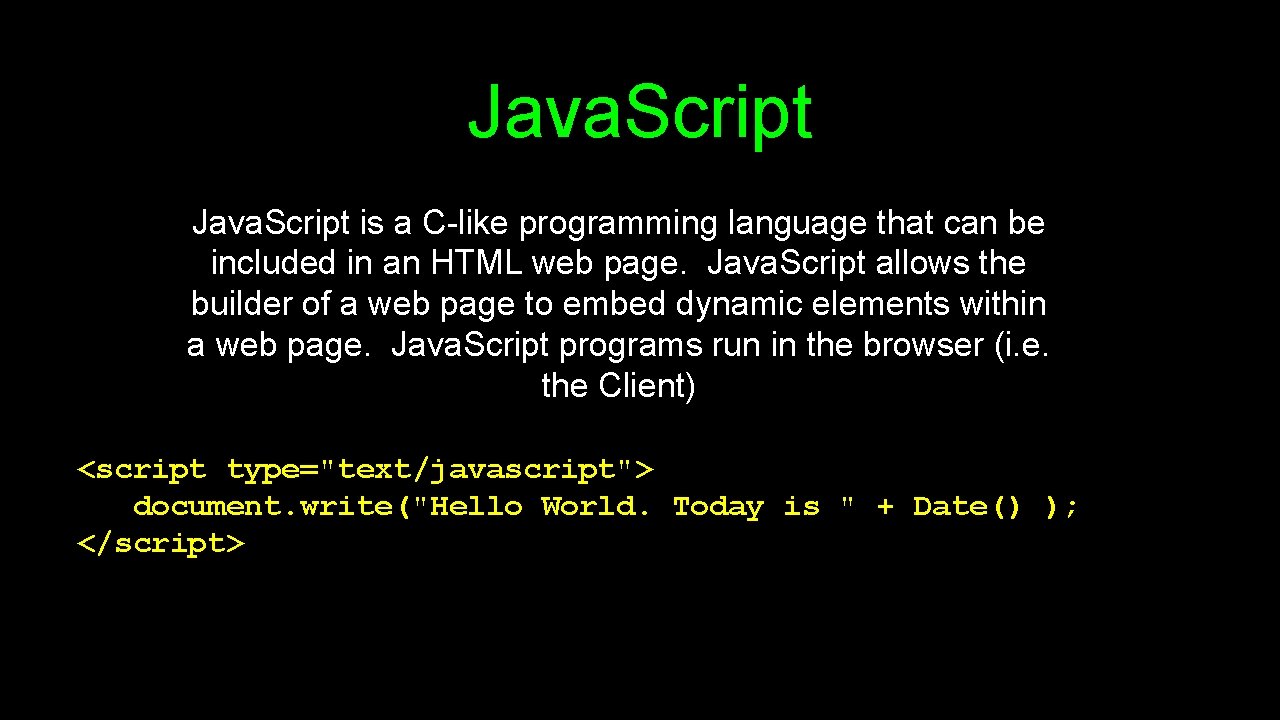
Java. Script is a C-like programming language that can be included in an HTML web page. Java. Script allows the builder of a web page to embed dynamic elements within a web page. Java. Script programs run in the browser (i. e. the Client) <script type="text/javascript"> document. write("Hello World. Today is " + Date() ); </script>
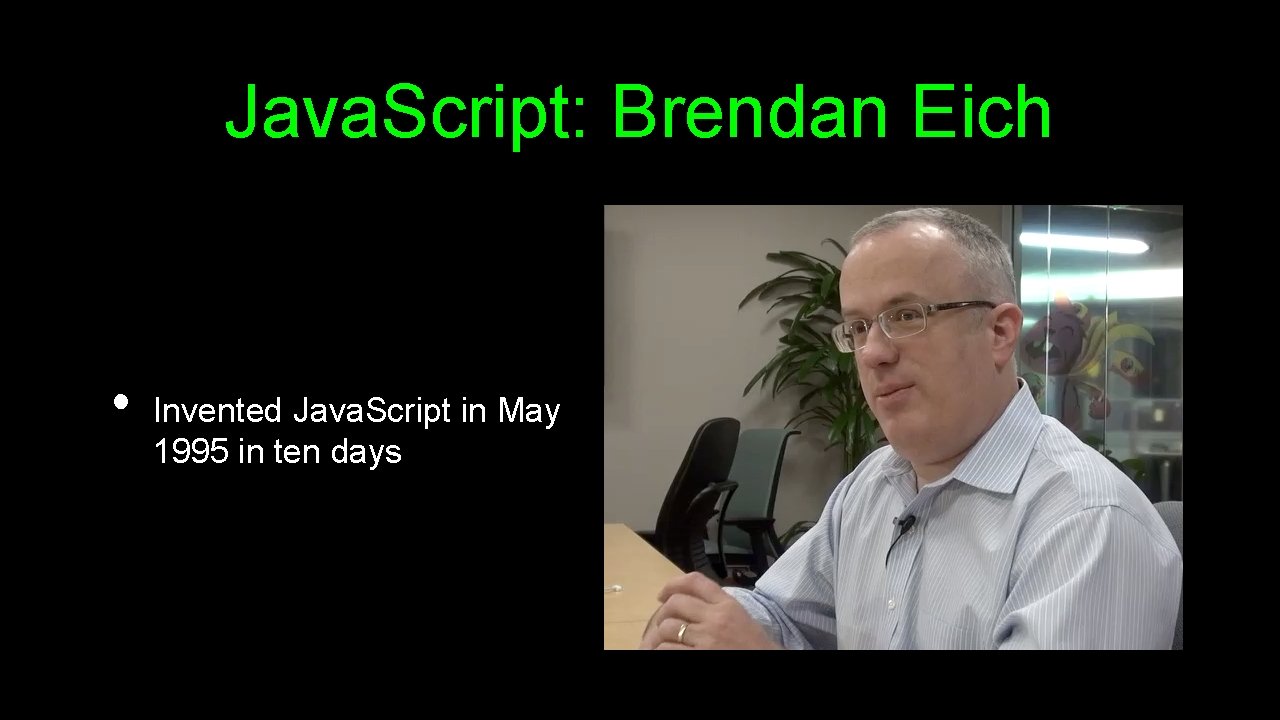
Java. Script: Brendan Eich • Invented Java. Script in May 1995 in ten days
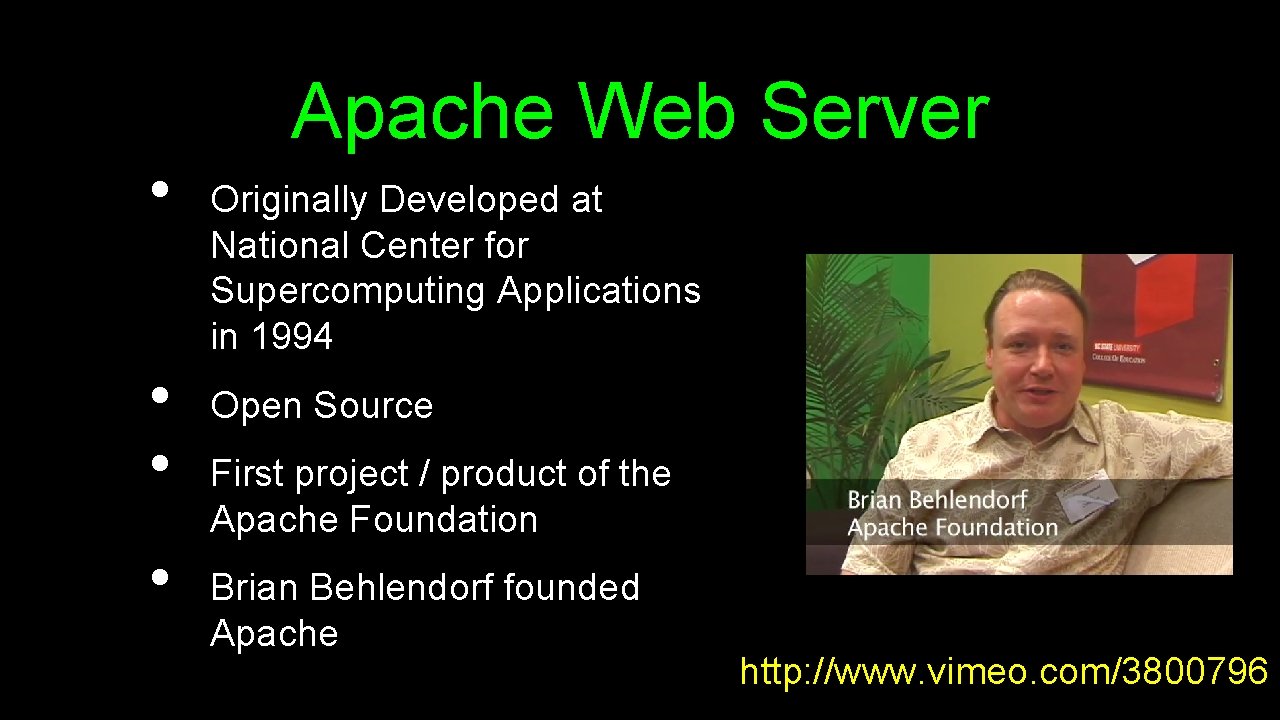
• • Apache Web Server Originally Developed at National Center for Supercomputing Applications in 1994 Open Source First project / product of the Apache Foundation Brian Behlendorf founded Apache http: //www. vimeo. com/3800796
Summary • We laid out the general structure for the course and introduced the technologies that will be used for the course.
Setting up a Development Server • • Chapter 2 Dr. Charles Severance To be used in associaton with the book: PHP, My. Sql, and Java. Script by Robin Nixon

Unless otherwise noted, the content of this course material is licensed under a Creative Commons Attribution 3. 0 License. http: //creativecommons. org/licenses/by/3. 0/. Copyright 20111 -2012, Charles Severance
What We Need • • Apache Web Server (Includes PHP) My. Sql Database Server My. Sql Administation Software (Php. My. Admin) We could install this by hand. . .
All-In-One Pre-Packaged • • • WAMP - Windows, Apache, My. SQL, and PHP MAMP - Mac, Apache, My. SQL, and PHP LAMP - Linux, Apache, My. SQL, and PHP XAMPP Prefer: MAMP on Macintosh XAMPP on Windows
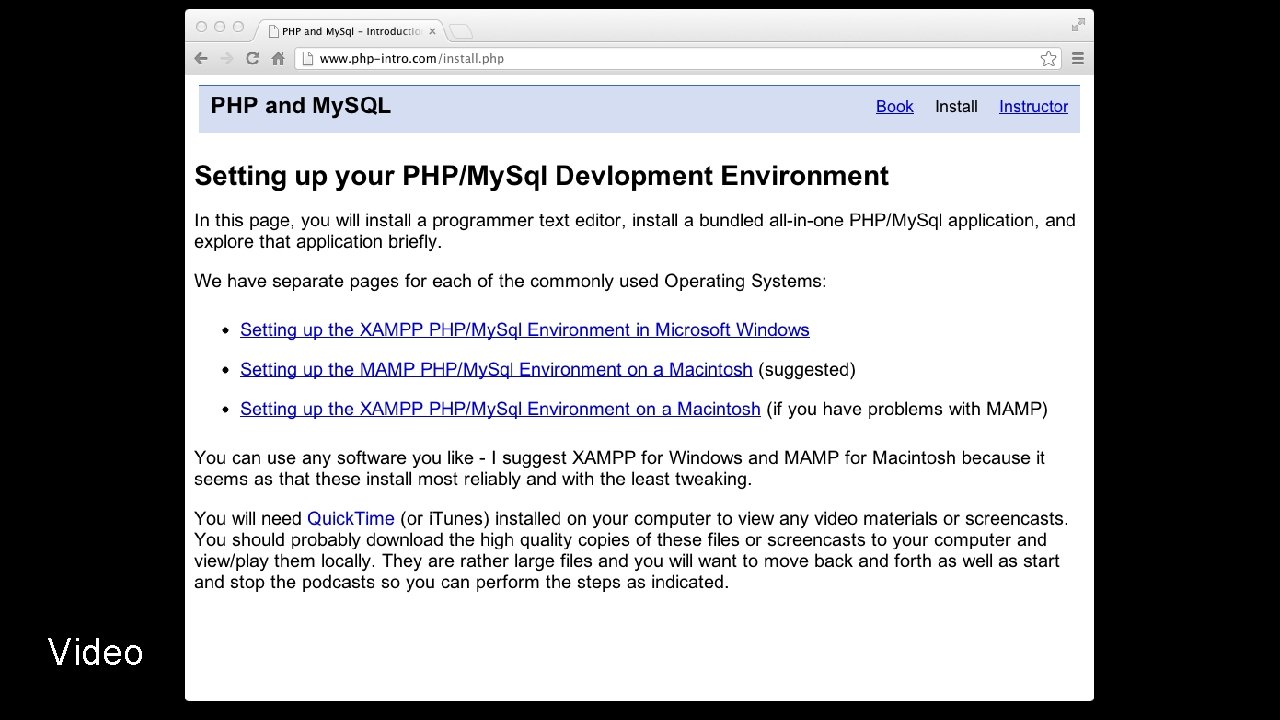
Outline of Tasks • • • Install text editor Download and install XAMPP Create a Simple PHP file
Programmer Editor • • • Do not use Word, Text. Edit, or Note. Pad Programmer Editor • • Windows: Note. Pad++ Macintosh: Text. Wrangler Feel free to use an Integrated Development Environment such Eclipse, etc. if you have experience.
Video
Assignment Deliverables
Assignment Deliverables
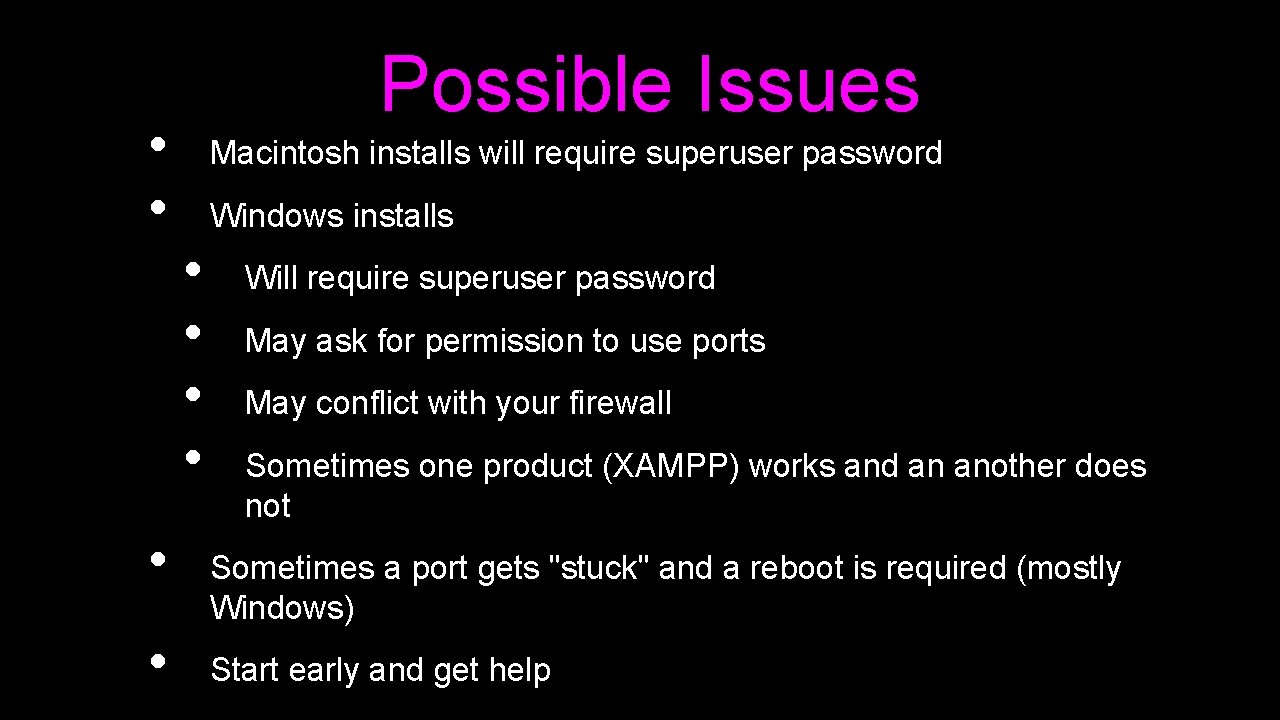
• • Possible Issues Macintosh installs will require superuser password Windows installs • • Will require superuser password May ask for permission to use ports May conflict with your firewall Sometimes one product (XAMPP) works and an another does not Sometimes a port gets "stuck" and a reboot is required (mostly Windows) Start early and get help
Introduction to PHP • • • Chapter 3 Dr. Charles Severance www. php-intro. com To be used in association with the book: PHP, My. Sql, and Java. Script by Robin Nixon

Unless otherwise noted, the content of this course material is licensed under a Creative Commons Attribution 3. 0 License. http: //creativecommons. org/licenses/by/3. 0/. Copyright 2011 - Charles Severance
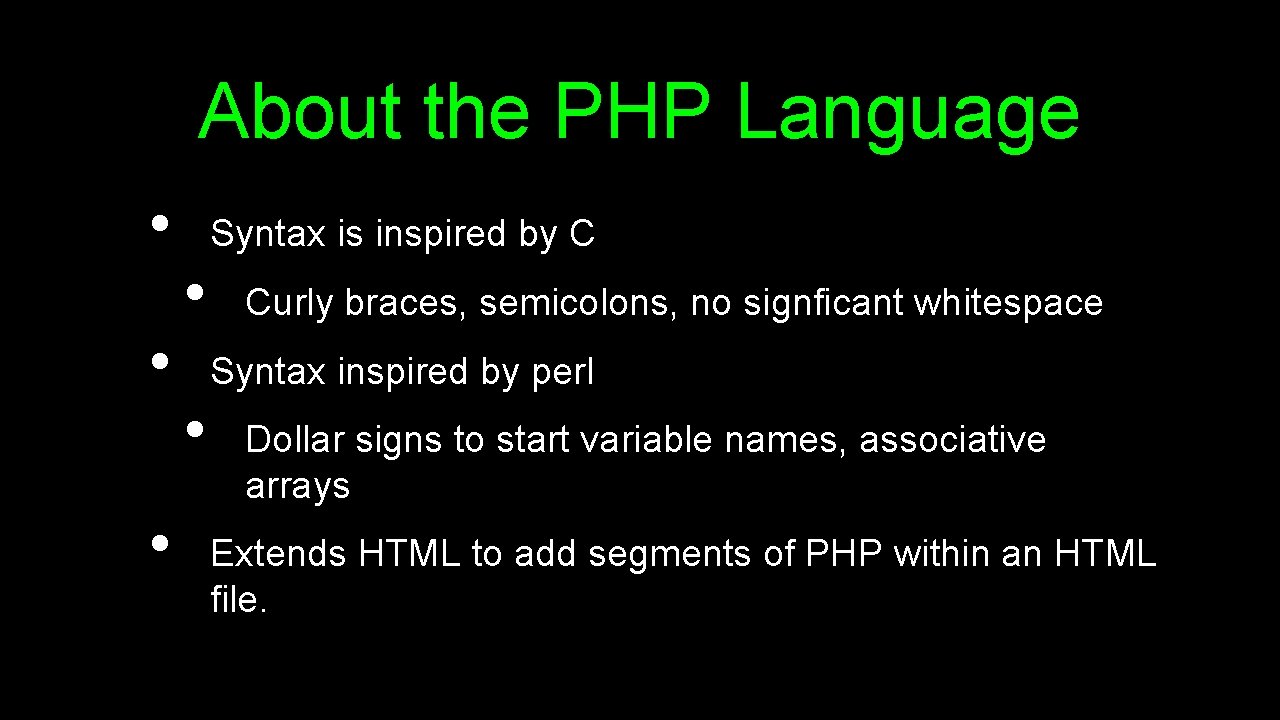
About the PHP Language • • • Syntax is inspired by C • Curly braces, semicolons, no signficant whitespace Syntax inspired by perl • Dollar signs to start variable names, associative arrays Extends HTML to add segments of PHP within an HTML file.
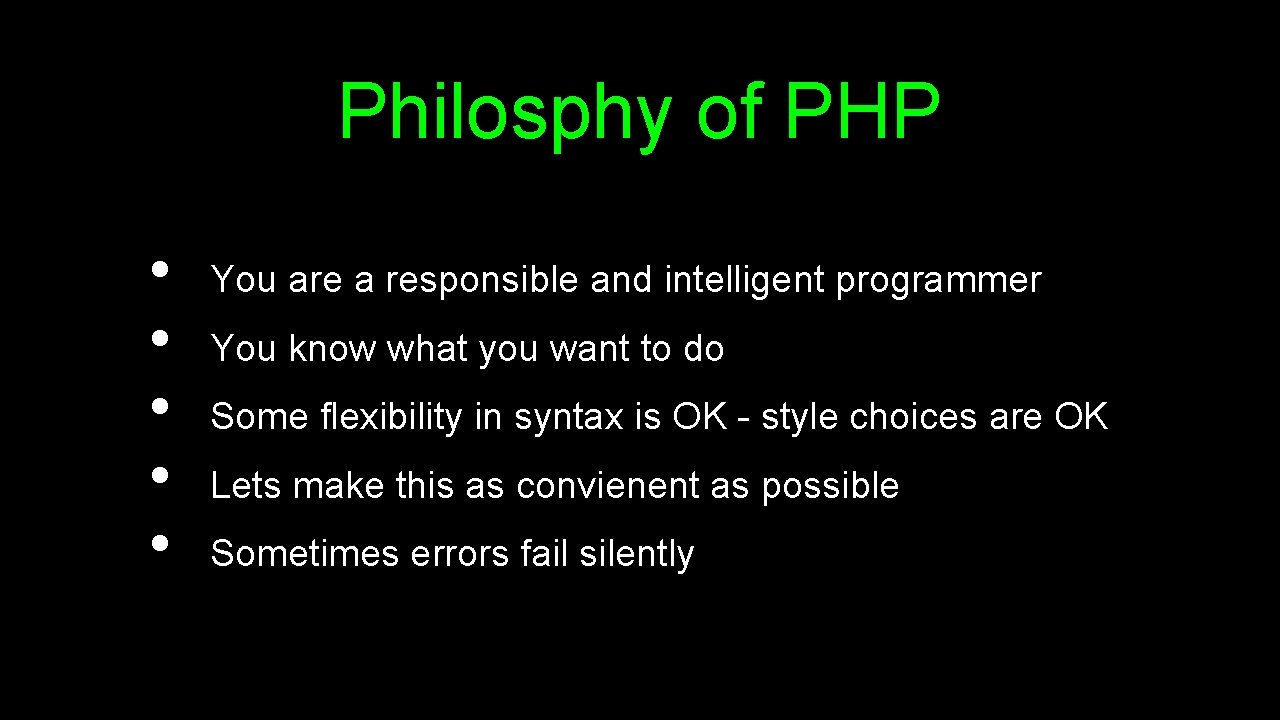
Philosphy of PHP • • • You are a responsible and intelligent programmer You know what you want to do Some flexibility in syntax is OK - style choices are OK Lets make this as convienent as possible Sometimes errors fail silently
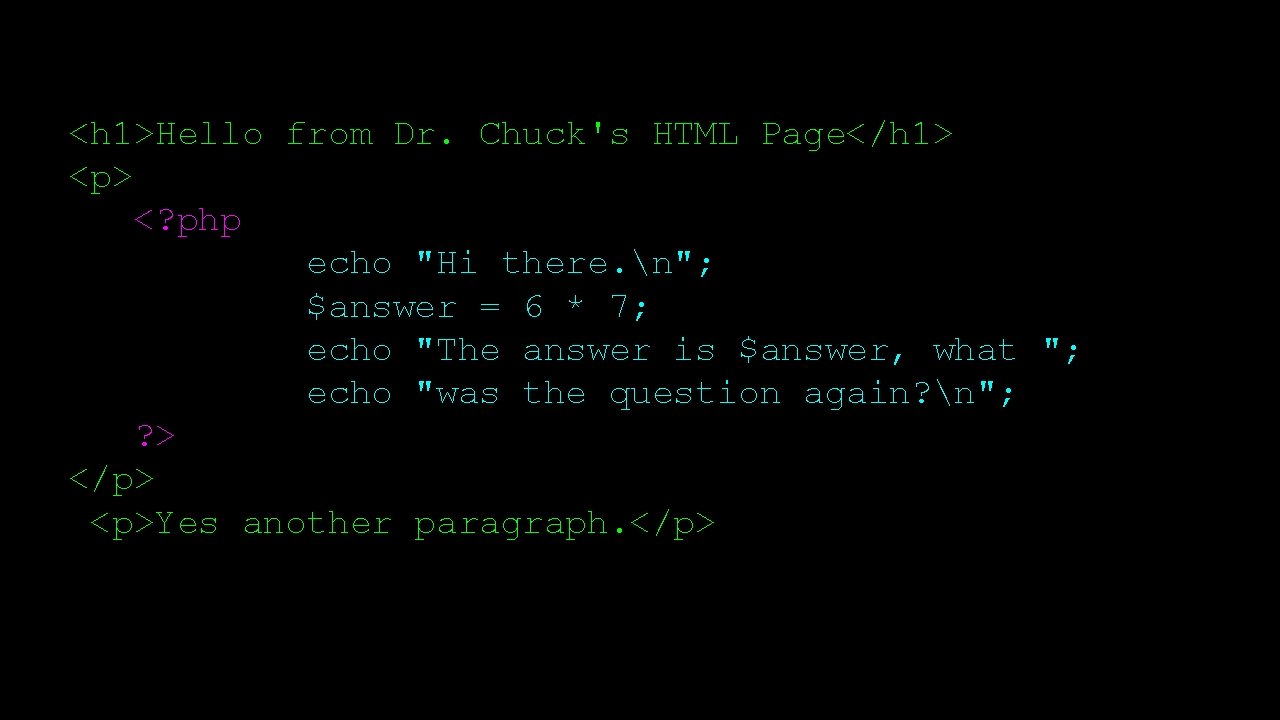
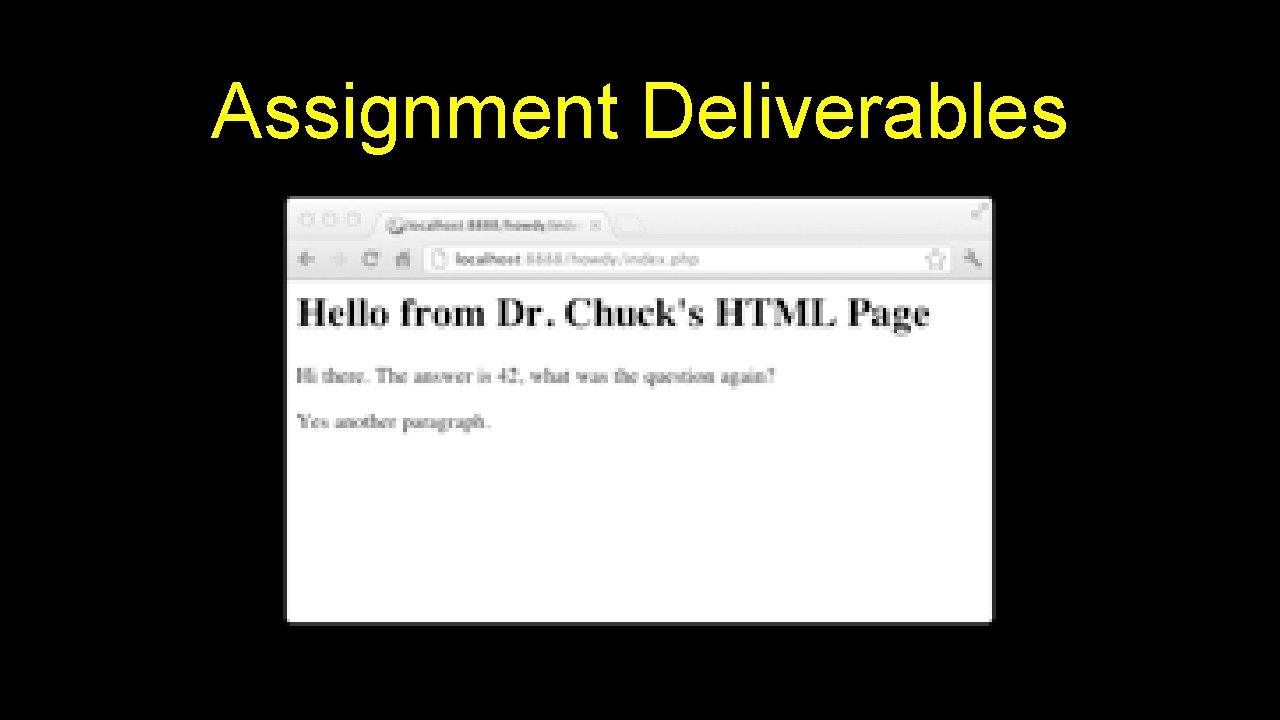
<h 1>Hello from Dr. Chuck's HTML Page</h 1> <p> <? php echo "Hi there. n"; $answer = 6 * 7; echo "The answer is $answer, what "; echo "was the question again? n"; ? > </p> <p>Yes another paragraph. </p>
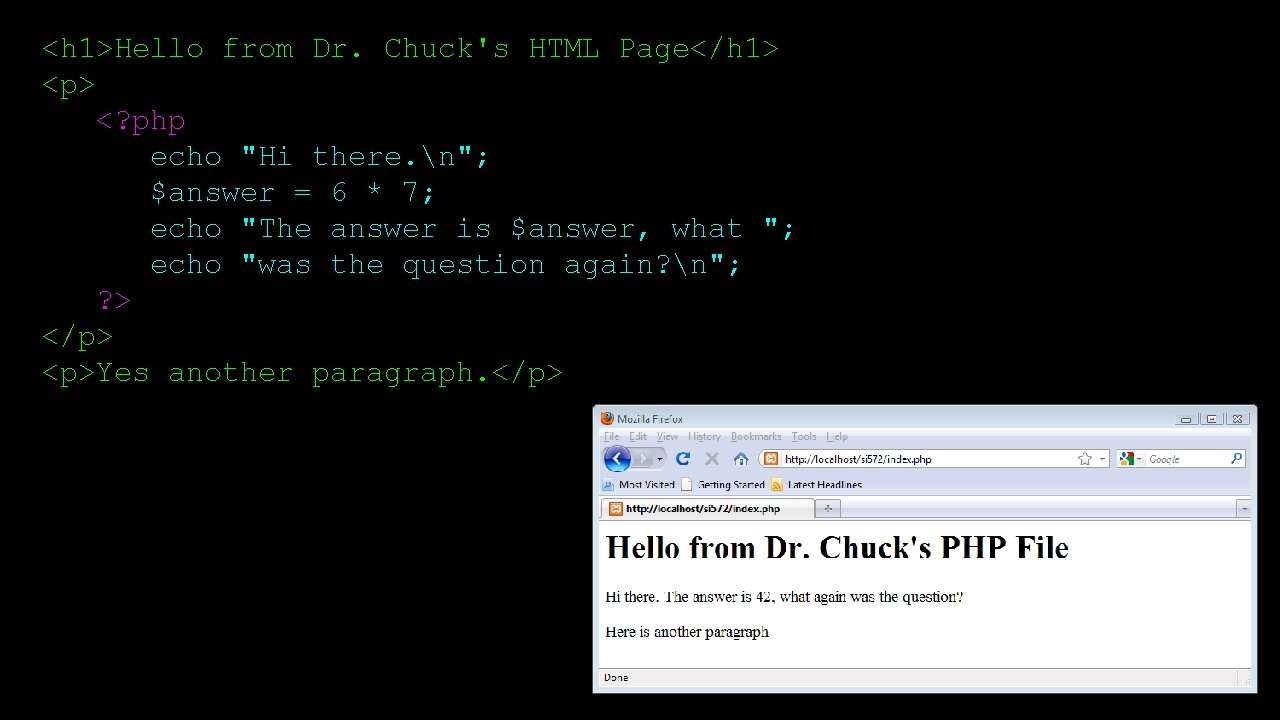
<h 1>Hello from Dr. Chuck's HTML Page</h 1> <p> <? php echo "Hi there. n"; $answer = 6 * 7; echo "The answer is $answer, what "; echo "was the question again? n"; ? > </p> <p>Yes another paragraph. </p>
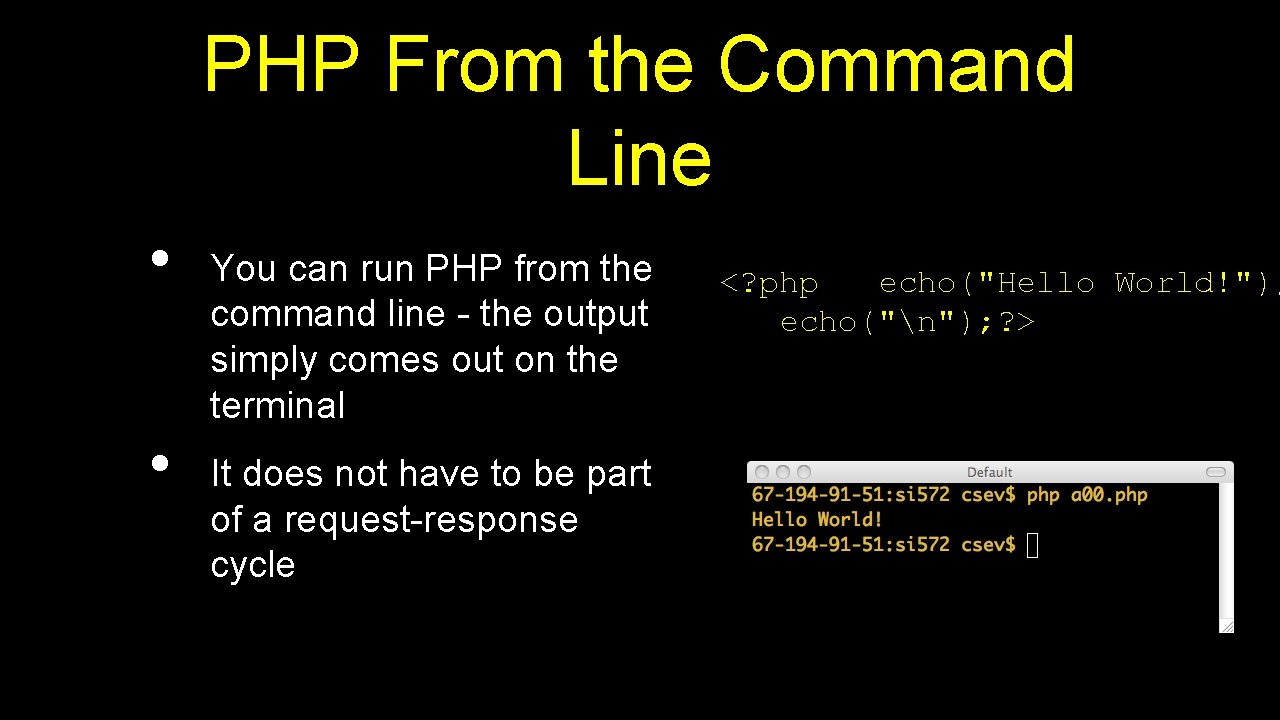
PHP From the Command Line • • You can run PHP from the command line - the output simply comes out on the terminal It does not have to be part of a request-response cycle <? php echo("Hello World!"); echo("n"); ? >
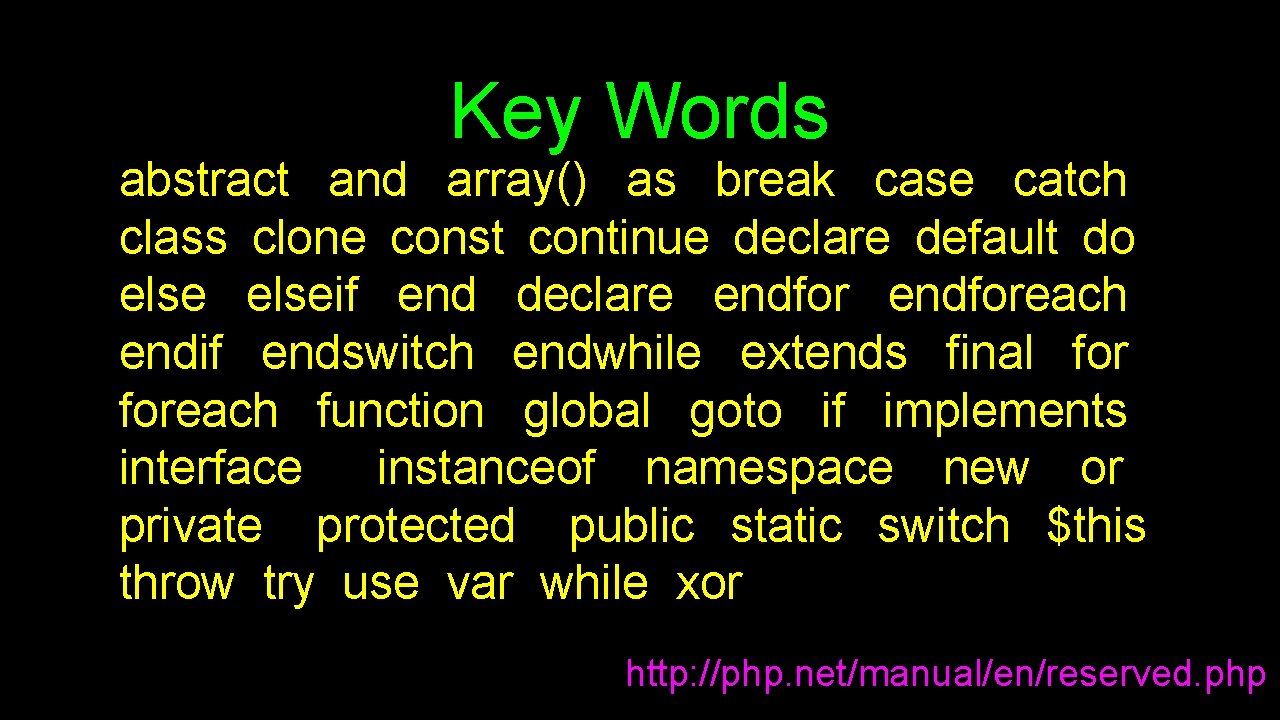
Key Words abstract and array() as break case catch class clone const continue declare default do elseif end declare endforeach endif endswitch endwhile extends final foreach function global goto if implements interface instanceof namespace new or private protected public static switch $this throw try use var while xor http: //php. net/manual/en/reserved. php
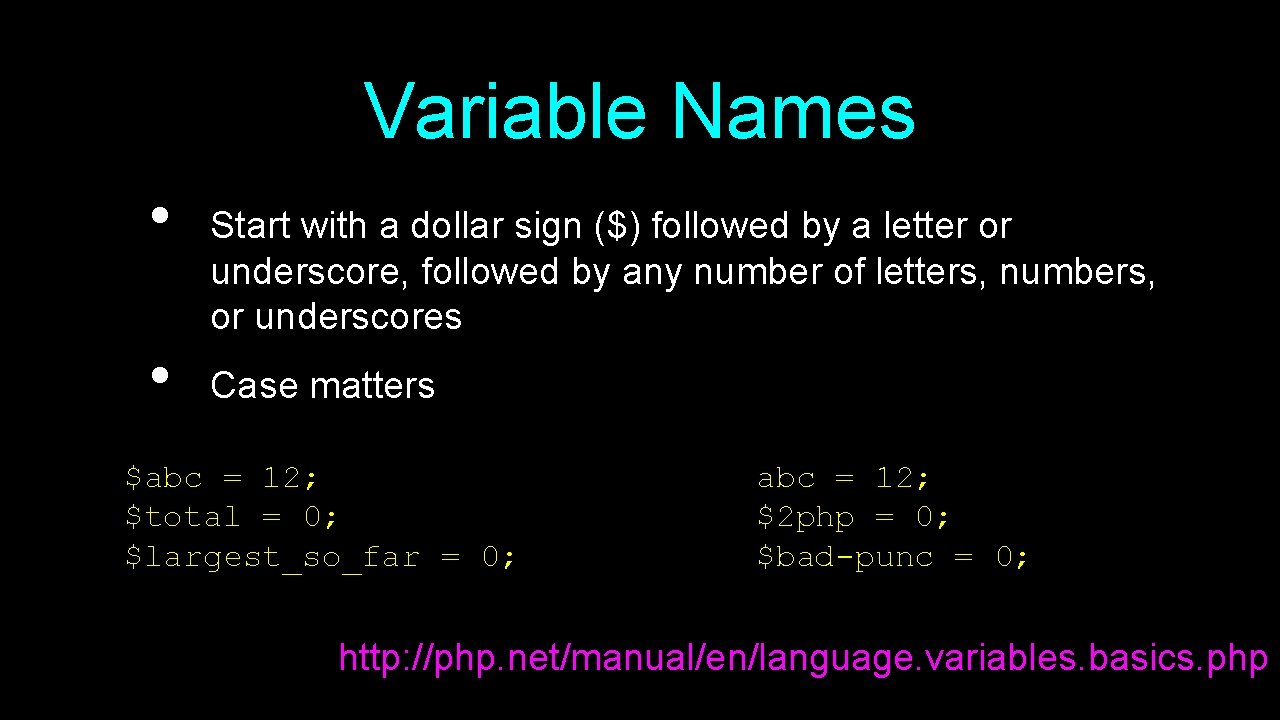
Variable Names • • Start with a dollar sign ($) followed by a letter or underscore, followed by any number of letters, numbers, or underscores Case matters $abc = 12; $total = 0; $largest_so_far = 0; abc = 12; $2 php = 0; $bad-punc = 0; http: //php. net/manual/en/language. variables. basics. php
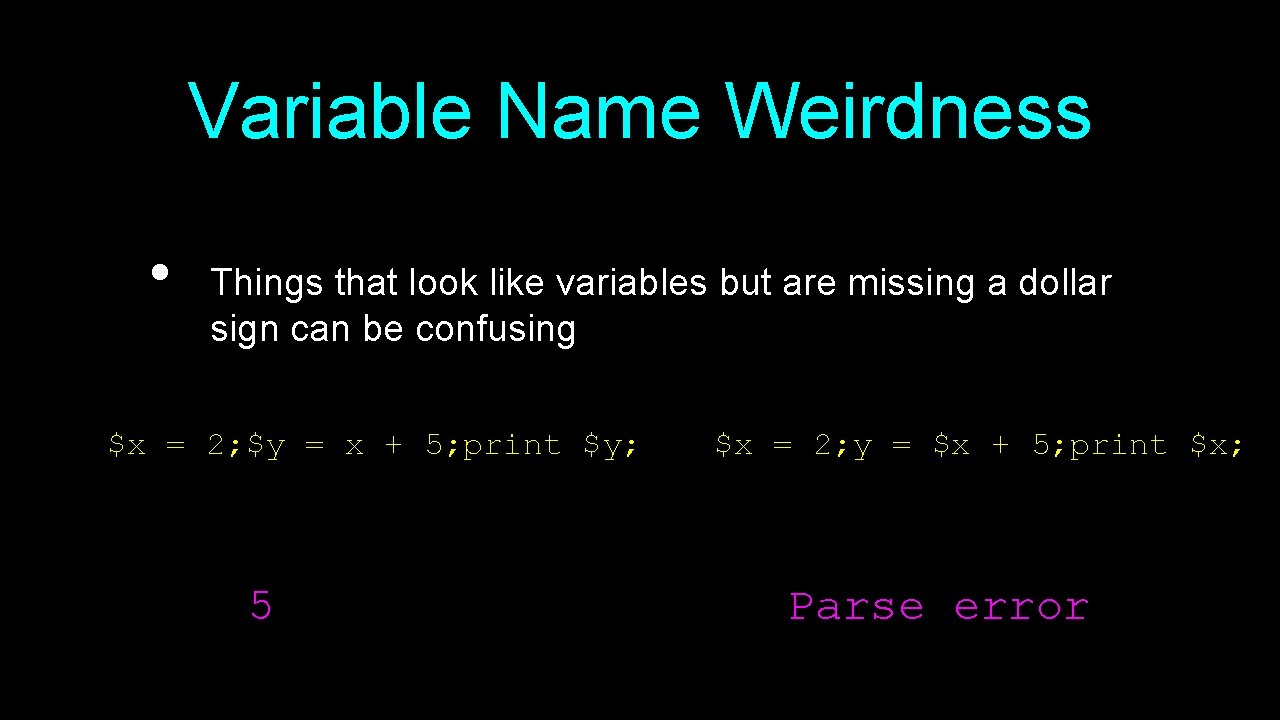
Variable Name Weirdness • Things that look like variables but are missing a dollar sign can be confusing $x = 2; $y = x + 5; print $y; 5 $x = 2; y = $x + 5; print $x; Parse error
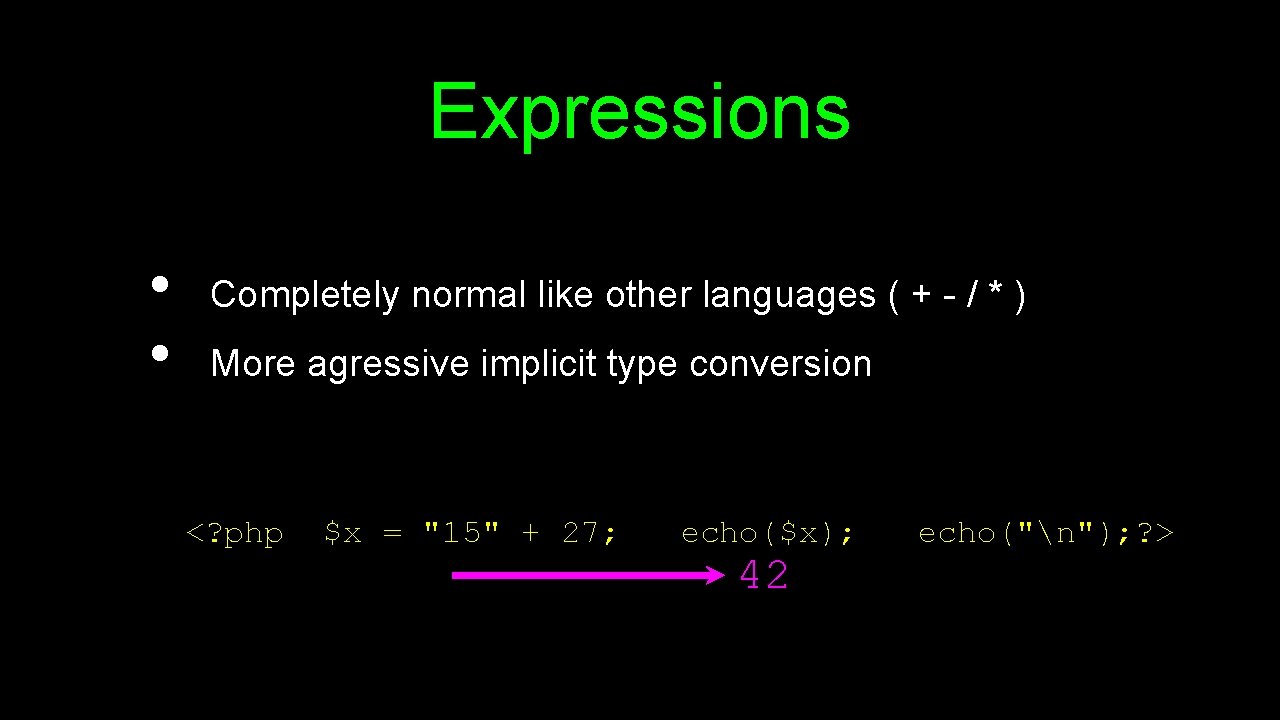
Expressions • • Completely normal like other languages ( + - / * ) More agressive implicit type conversion <? php $x = "15" + 27; echo($x); 42 echo("n"); ? >
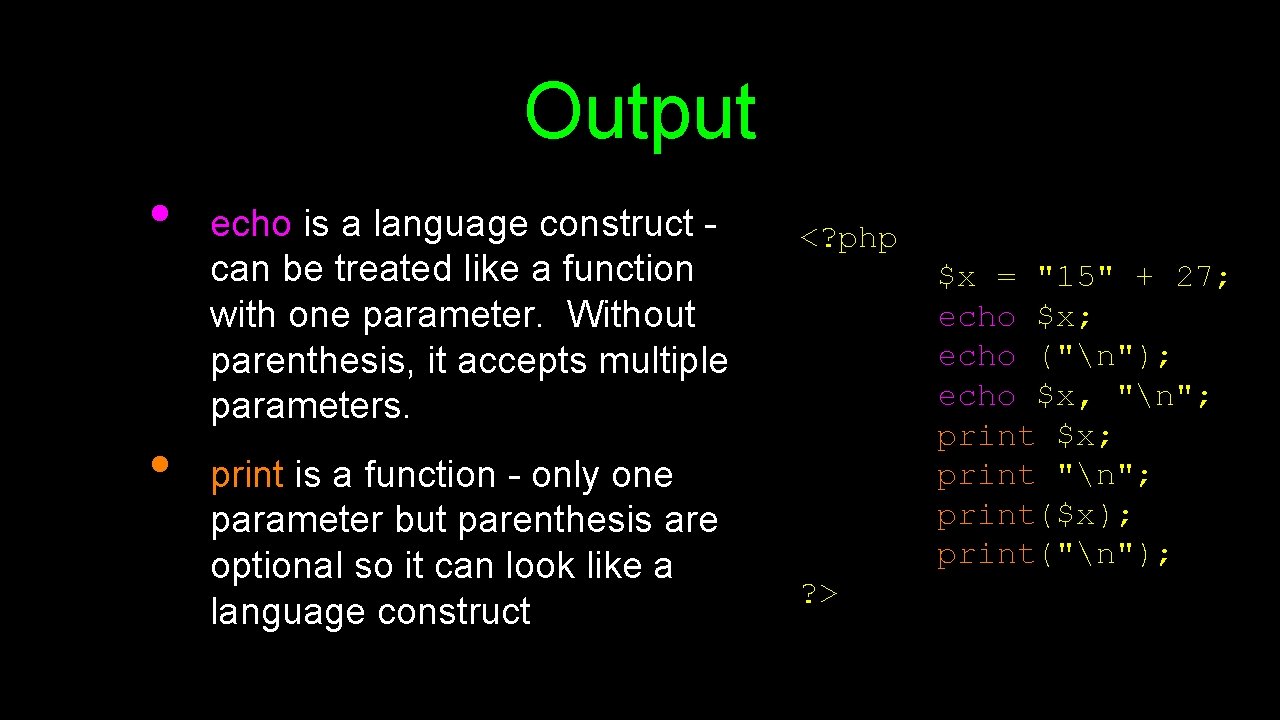
Output • • echo is a language construct can be treated like a function with one parameter. Without parenthesis, it accepts multiple parameters. print is a function - only one parameter but parenthesis are optional so it can look like a language construct <? php $x = "15" + 27; echo $x; echo ("n"); echo $x, "n"; print $x; print "n"; print($x); print("n"); ? >
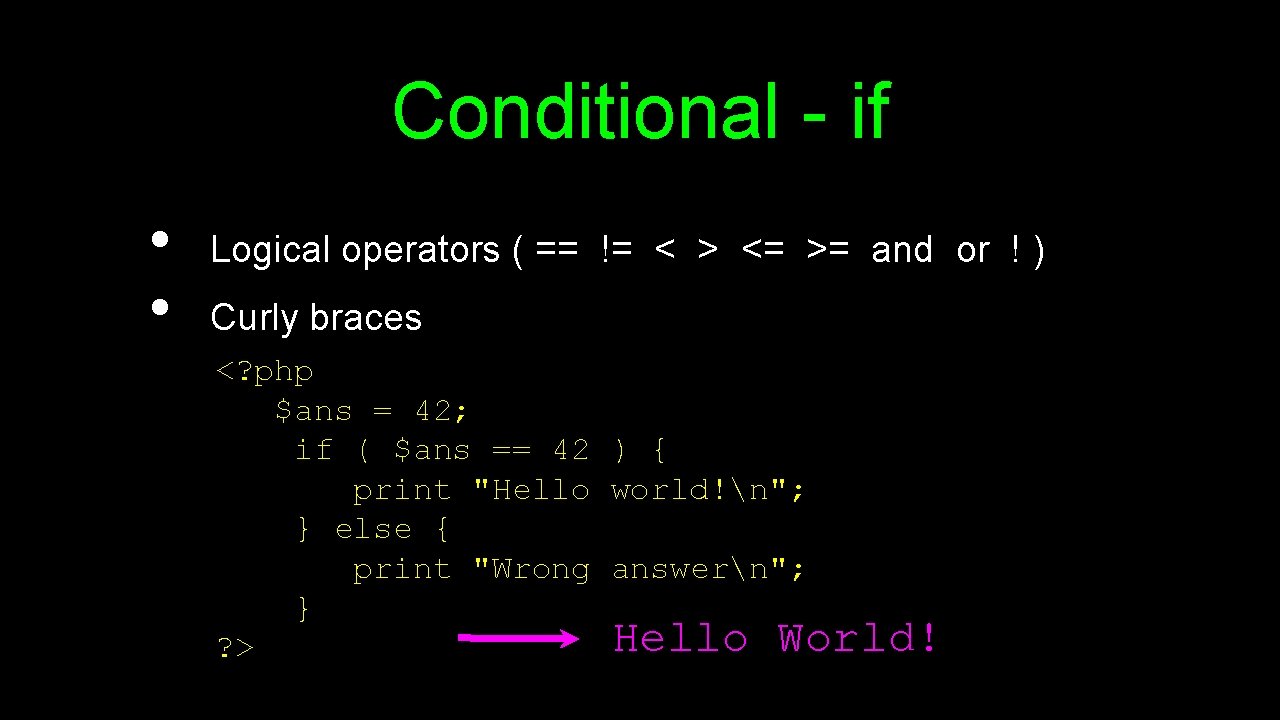
Conditional - if • • Logical operators ( == != < > <= >= and or ! ) Curly braces <? php $ans = 42; if ( $ans == 42 ) { print "Hello world!n"; } else { print "Wrong answern"; } Hello World! ? >
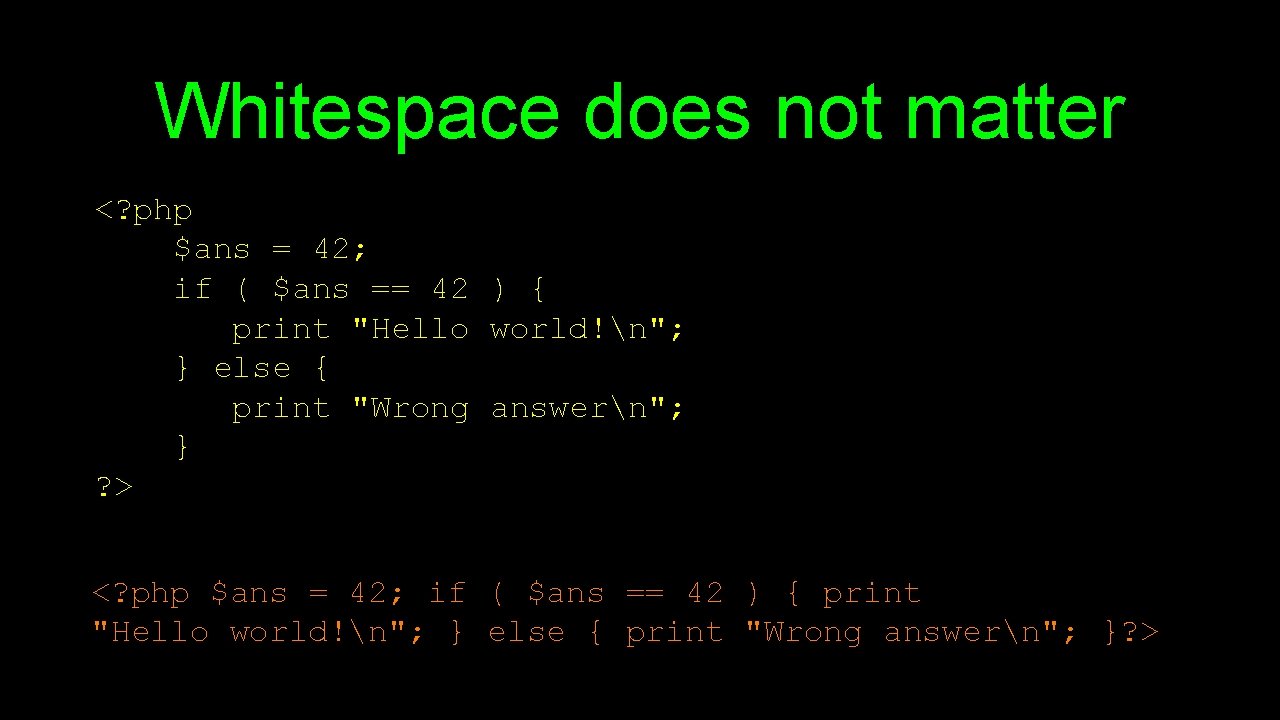
Whitespace does not matter <? php $ans = 42; if ( $ans == 42 ) { print "Hello world!n"; } else { print "Wrong answern"; } ? > <? php $ans = 42; if ( $ans == 42 ) { print "Hello world!n"; } else { print "Wrong answern"; }? >
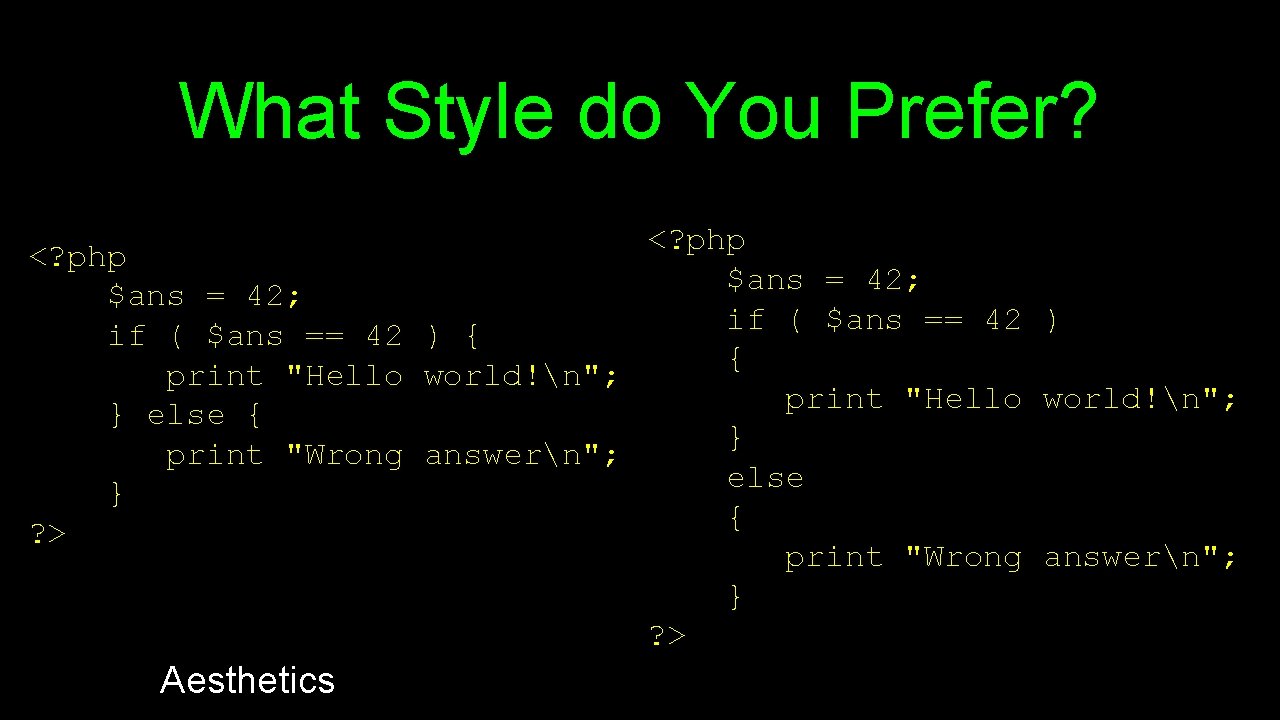
What Style do You Prefer? <? php $ans = 42; if ( $ans == 42 ) { { print "Hello world!n"; } else { } print "Wrong answern"; else } { ? > print "Wrong answern"; } ? > Aesthetics
Associative Arrays • • • Like Python Dictonaries+Lists - but more powerful Can be key => value or simply indexed by numbers Ignore two-dimensional arrays for now. . .
![Integer Indices <? php $stuff = array("Hi", "There"); echo $stuff[1], "n"; ? > There](http://slidetodoc.com/presentation_image_h2/e47cbc4f531b70a3819a82f9b47a51e2/image-44.jpg "Integer Indices <? php $stuff = array(\"Hi\", \"There\"); echo $stuff[1], \"n\"; ? > There")
Integer Indices <? php $stuff = array("Hi", "There"); echo $stuff[1], "n"; ? > There
![Integer Indices <? php $stuff = Array(); $stuff[] = "Hello"; $stuff[] = "World"; echo](http://slidetodoc.com/presentation_image_h2/e47cbc4f531b70a3819a82f9b47a51e2/image-45.jpg "Integer Indices <? php $stuff = Array(); $stuff[] = \"Hello\"; $stuff[] = \"World\"; echo")
Integer Indices <? php $stuff = Array(); $stuff[] = "Hello"; $stuff[] = "World"; echo $stuff[1], "n"; ? > Word
![Integer Indices <? php $stuff = Array(); $stuff[2] = "Hello"; $stuff[9] = "World"; echo](http://slidetodoc.com/presentation_image_h2/e47cbc4f531b70a3819a82f9b47a51e2/image-46.jpg "Integer Indices <? php $stuff = Array(); $stuff[2] = \"Hello\"; $stuff[9] = \"World\"; echo")
Integer Indices <? php $stuff = Array(); $stuff[2] = "Hello"; $stuff[9] = "World"; echo $stuff[9], "n"; ? > World
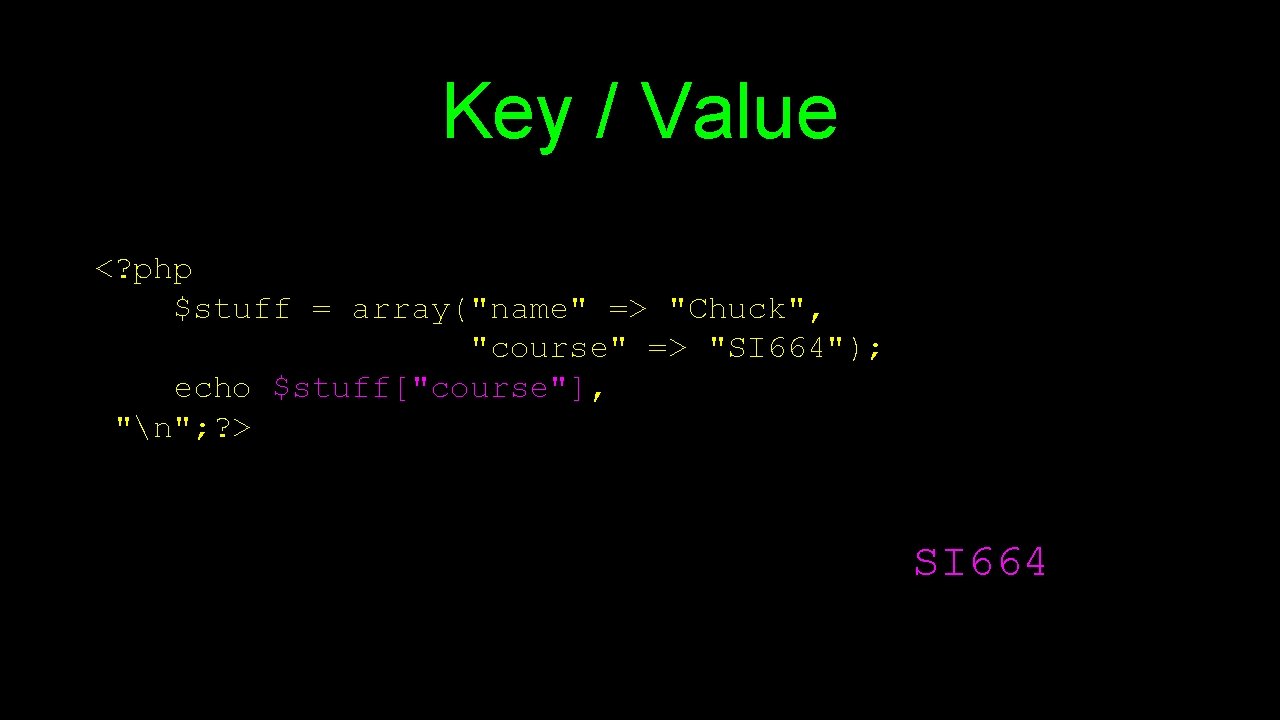
Key / Value <? php $stuff = array("name" => "Chuck", "course" => "SI 664"); echo $stuff["course"], "n"; ? > SI 664
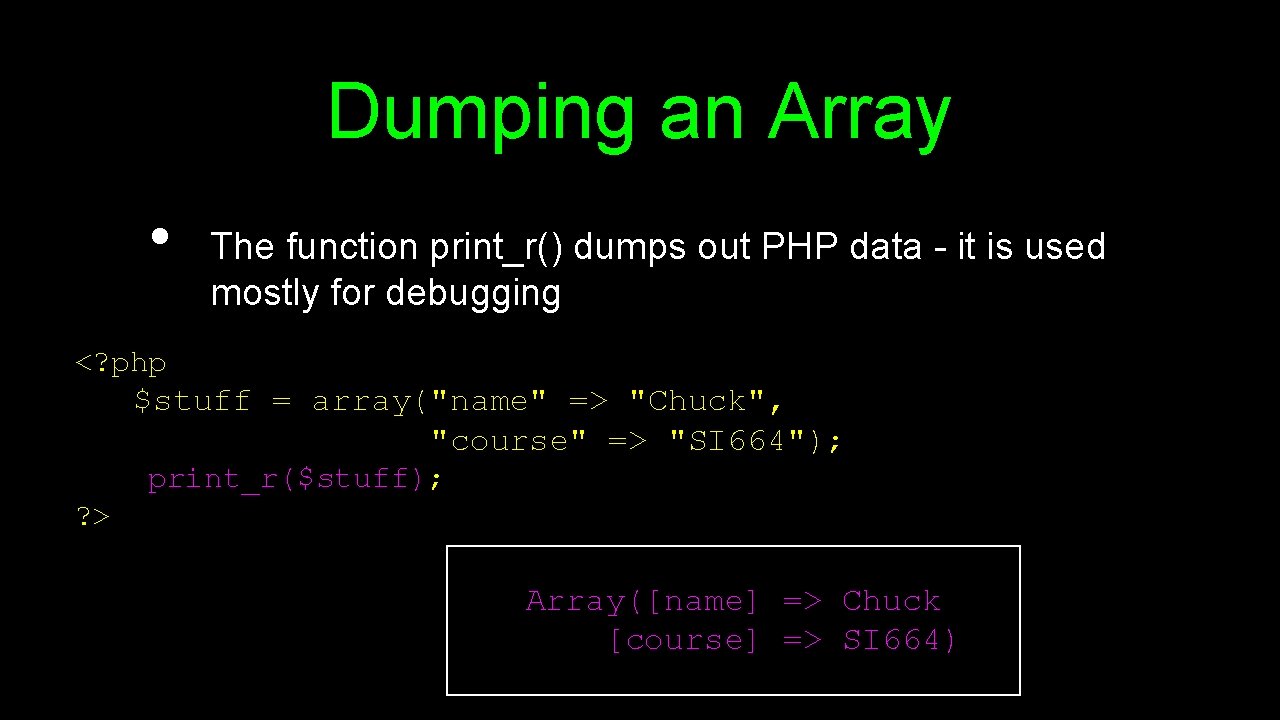
Dumping an Array • The function print_r() dumps out PHP data - it is used mostly for debugging <? php $stuff = array("name" => "Chuck", "course" => "SI 664"); print_r($stuff); ? > Array([name] => Chuck [course] => SI 664)
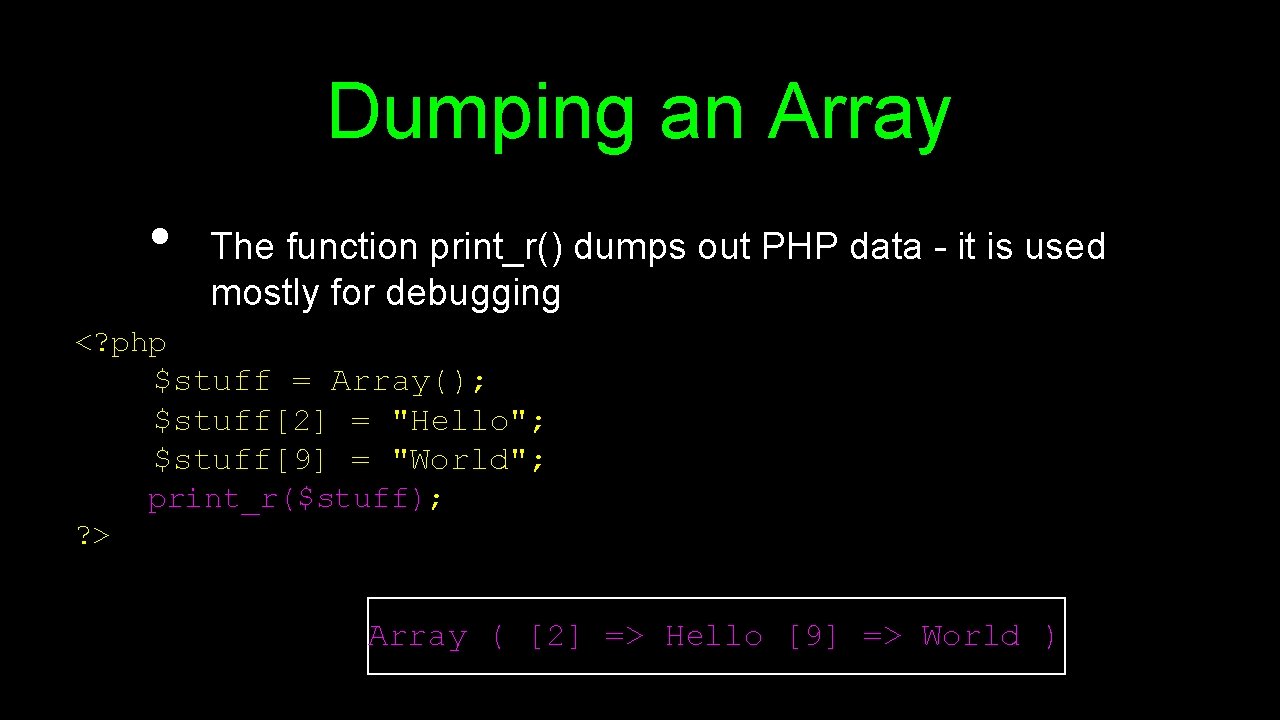
Dumping an Array • The function print_r() dumps out PHP data - it is used mostly for debugging <? php $stuff = Array(); $stuff[2] = "Hello"; $stuff[9] = "World"; print_r($stuff); ? > Array ( [2] => Hello [9] => World )
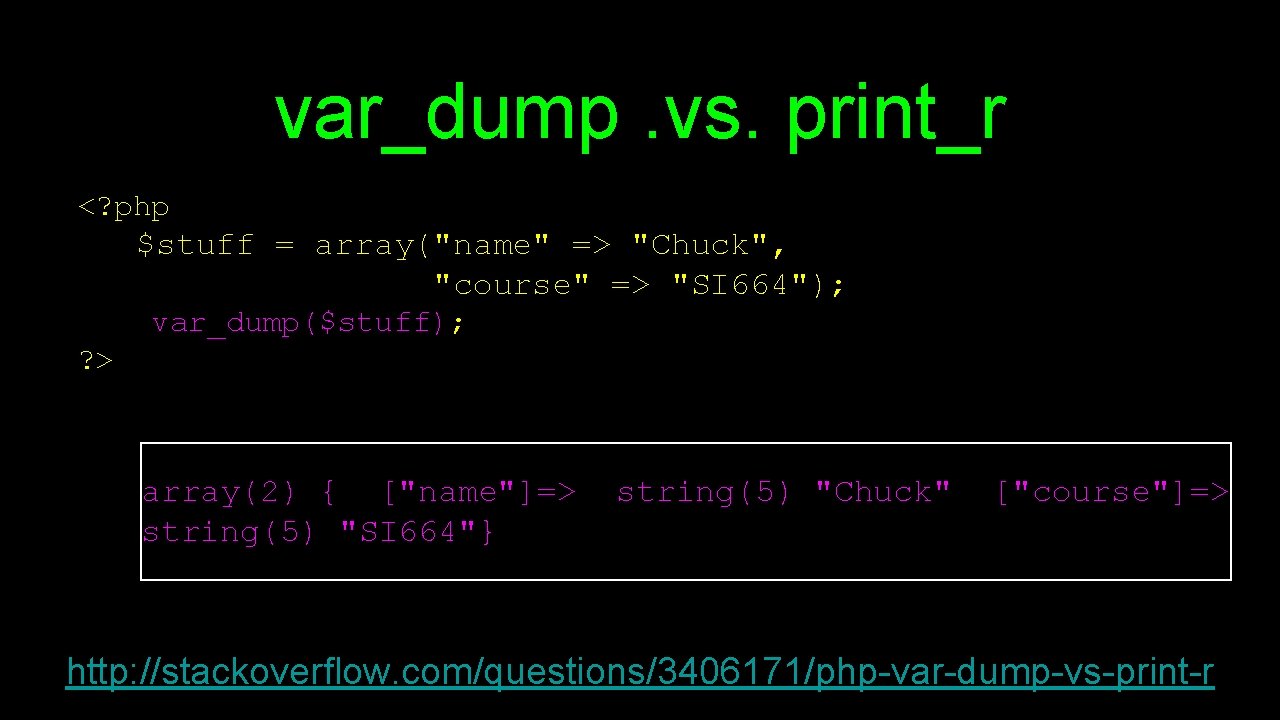
var_dump. vs. print_r <? php $stuff = array("name" => "Chuck", "course" => "SI 664"); var_dump($stuff); ? > array(2) { ["name"]=> string(5) "SI 664"} string(5) "Chuck" ["course"]=> http: //stackoverflow. com/questions/3406171/php-var-dump-vs-print-r
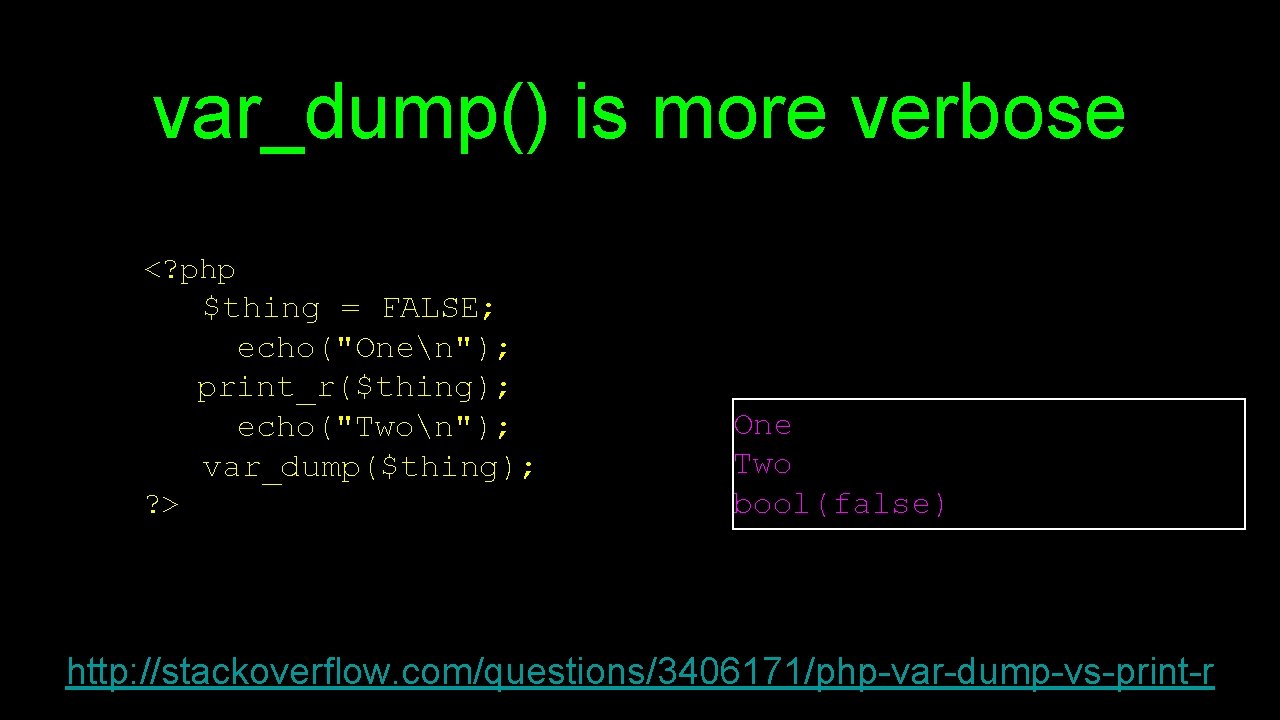
var_dump() is more verbose <? php $thing = FALSE; echo("Onen"); print_r($thing); echo("Twon"); var_dump($thing); ? > One Two bool(false) http: //stackoverflow. com/questions/3406171/php-var-dump-vs-print-r
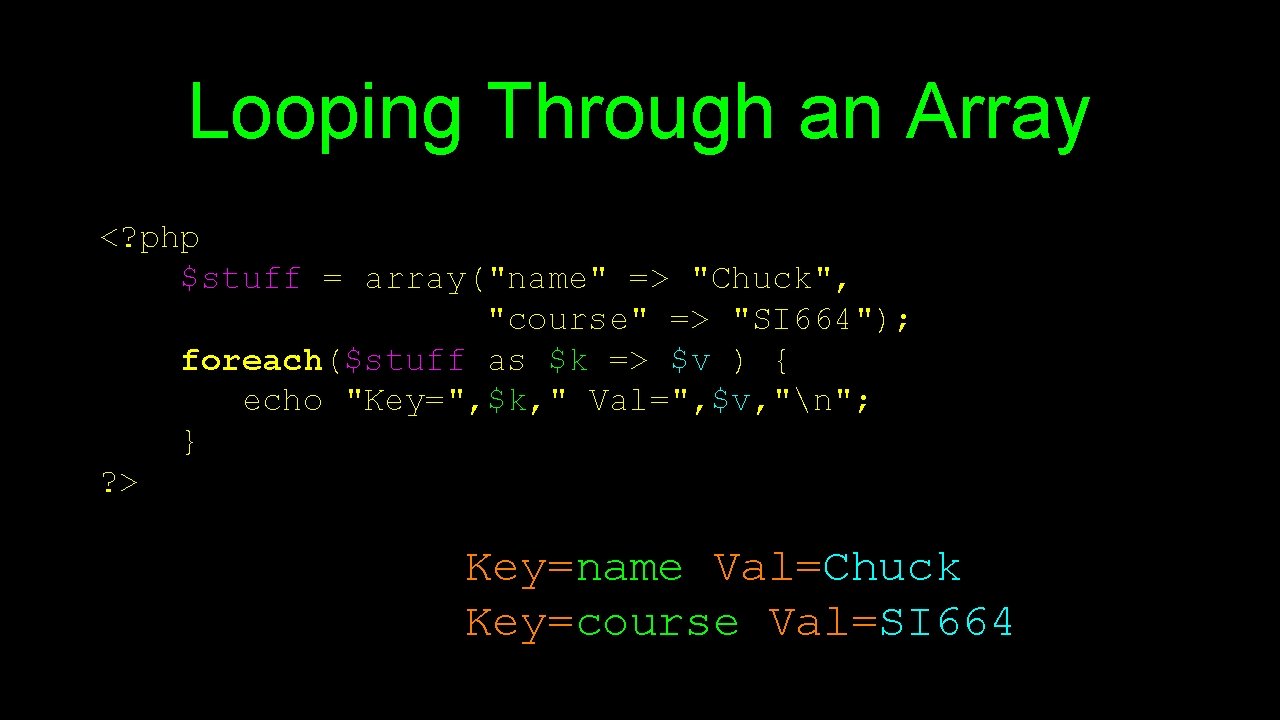
Looping Through an Array <? php $stuff = array("name" => "Chuck", "course" => "SI 664"); foreach($stuff as $k => $v ) { echo "Key=", $k, " Val=", $v, "n"; } ? > Key=name Val=Chuck Key=course Val=SI 664
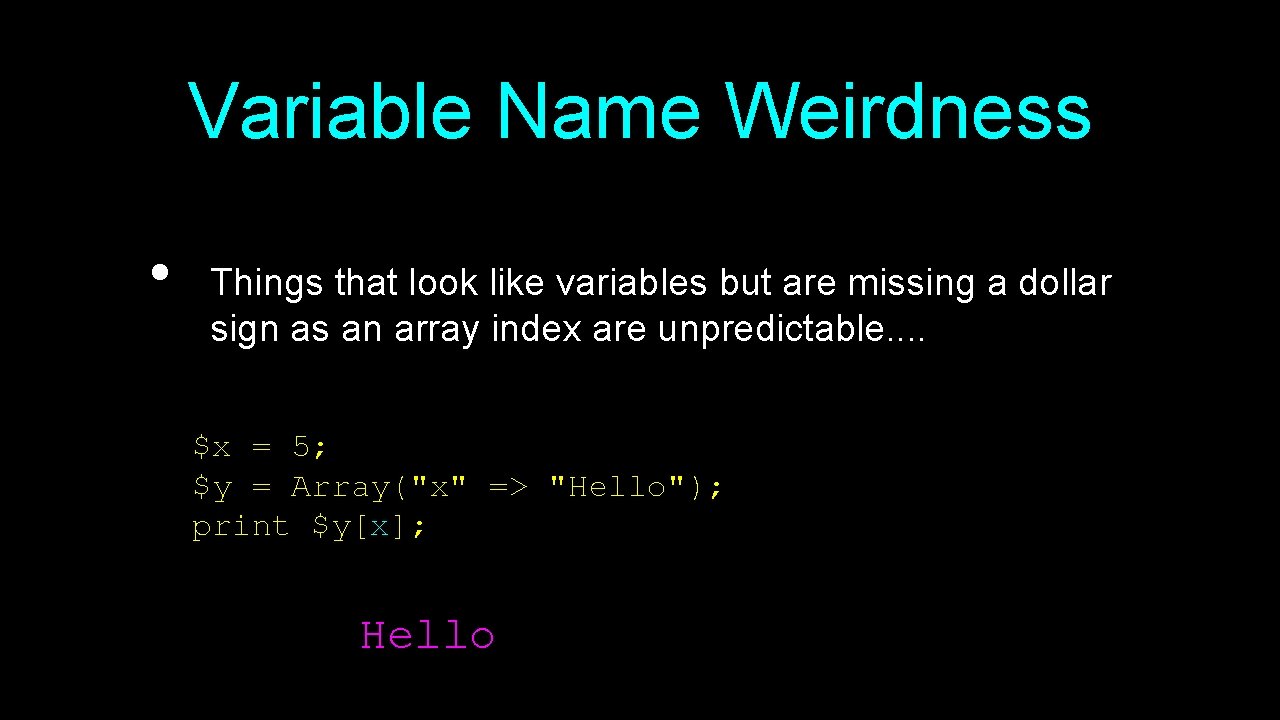
Variable Name Weirdness • Things that look like variables but are missing a dollar sign as an array index are unpredictable. . $x = 5; $y = Array("x" => "Hello"); print $y[x]; Hello
Strings • • String literals can use single quotes or double quotes The backslash () is used as an "escape" character Strings can span multiple lines - the newline is part of the string In double-quoted strings variable values are expanded http: //php. net/manual/en/language. types. string. php
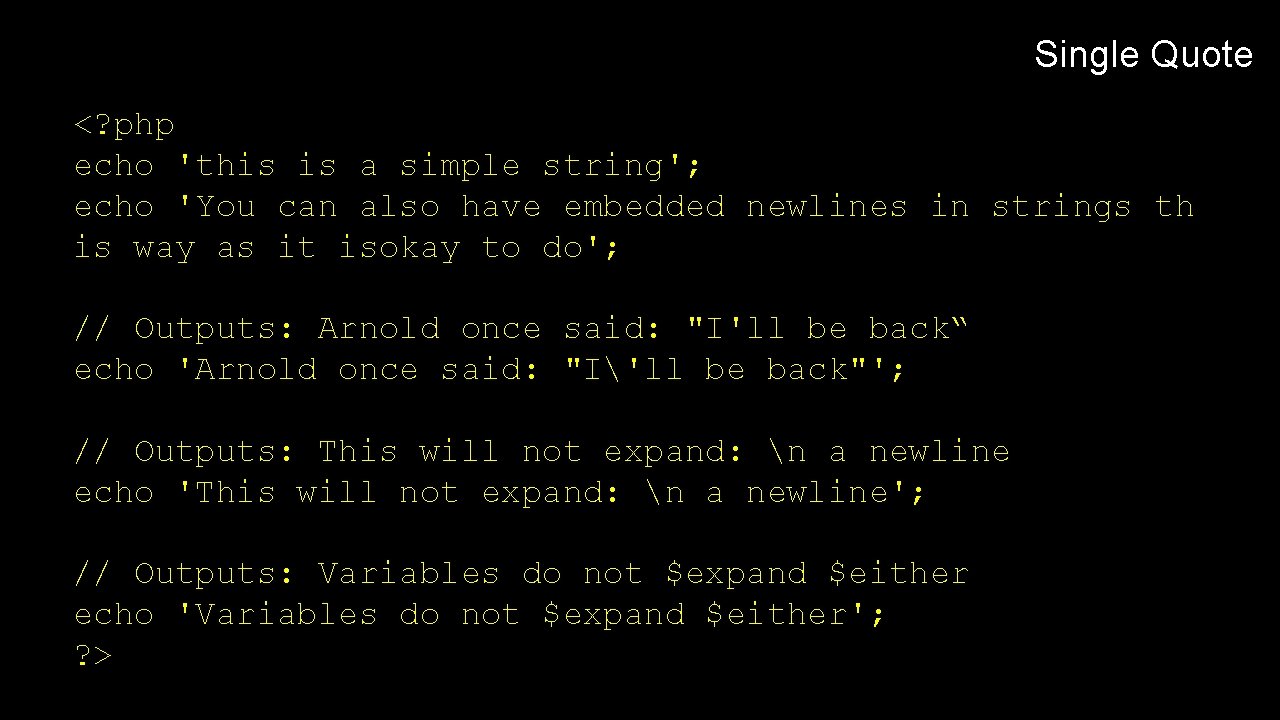
Single Quote <? php echo 'this is a simple string'; echo 'You can also have embedded newlines in strings th is way as it isokay to do'; // Outputs: Arnold once said: "I'll be back“ echo 'Arnold once said: "I'll be back"'; // Outputs: This will not expand: n a newline echo 'This will not expand: n a newline'; // Outputs: Variables do not $expand $either echo 'Variables do not $expand $either'; ? >
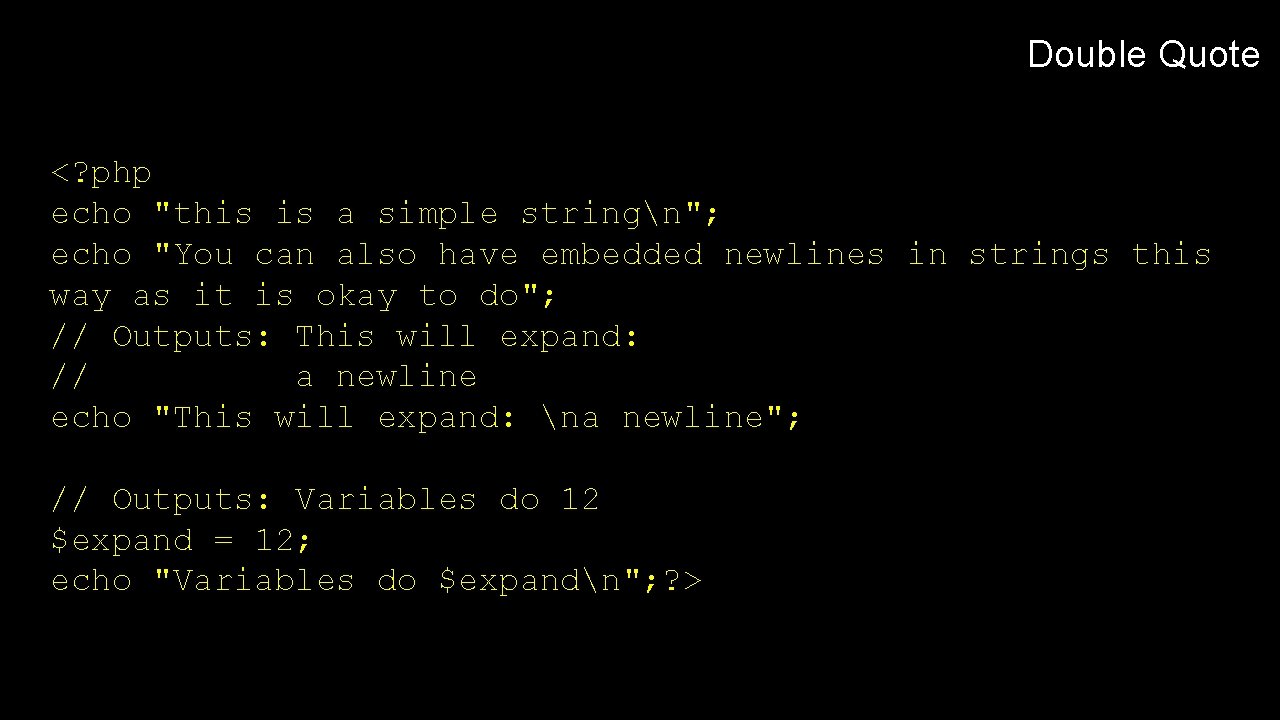
Double Quote <? php echo "this is a simple stringn"; echo "You can also have embedded newlines in strings this way as it is okay to do"; // Outputs: This will expand: // a newline echo "This will expand: na newline"; // Outputs: Variables do 12 $expand = 12; echo "Variables do $expandn"; ? >
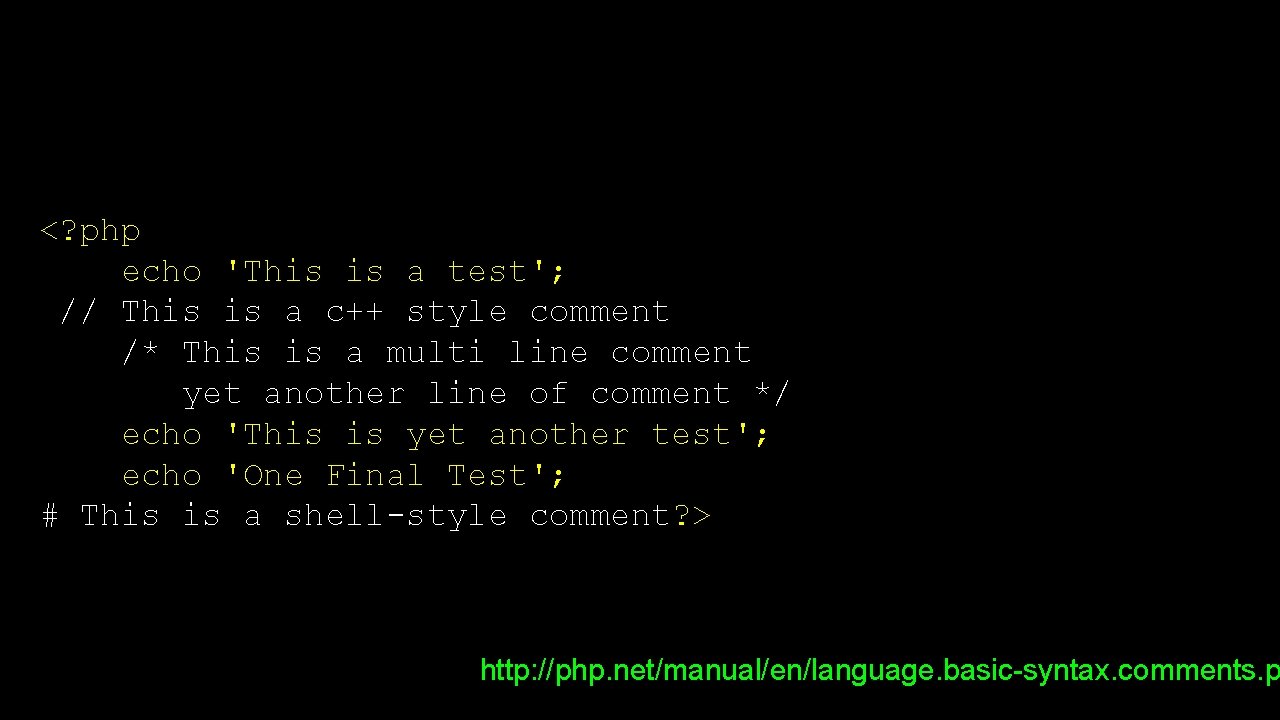
<? php echo 'This is a test'; // This is a c++ style comment /* This is a multi line comment yet another line of comment */ echo 'This is yet another test'; echo 'One Final Test'; # This is a shell-style comment? > http: //php. net/manual/en/language. basic-syntax. comments. p
Summary • This is a sprint through the language features of PHP
Forms and PHP • • • Chapter 11 Dr. Charles Severance www. php-intro. com To be used in association with the book: PHP, My. Sql, and Java. Script by Robin Nixon

Unless otherwise noted, the content of this course material is licensed under a Creative Commons Attribution 3. 0 License. http: //creativecommons. org/licenses/by/3. 0/. Copyright 2011 - Charles Severance
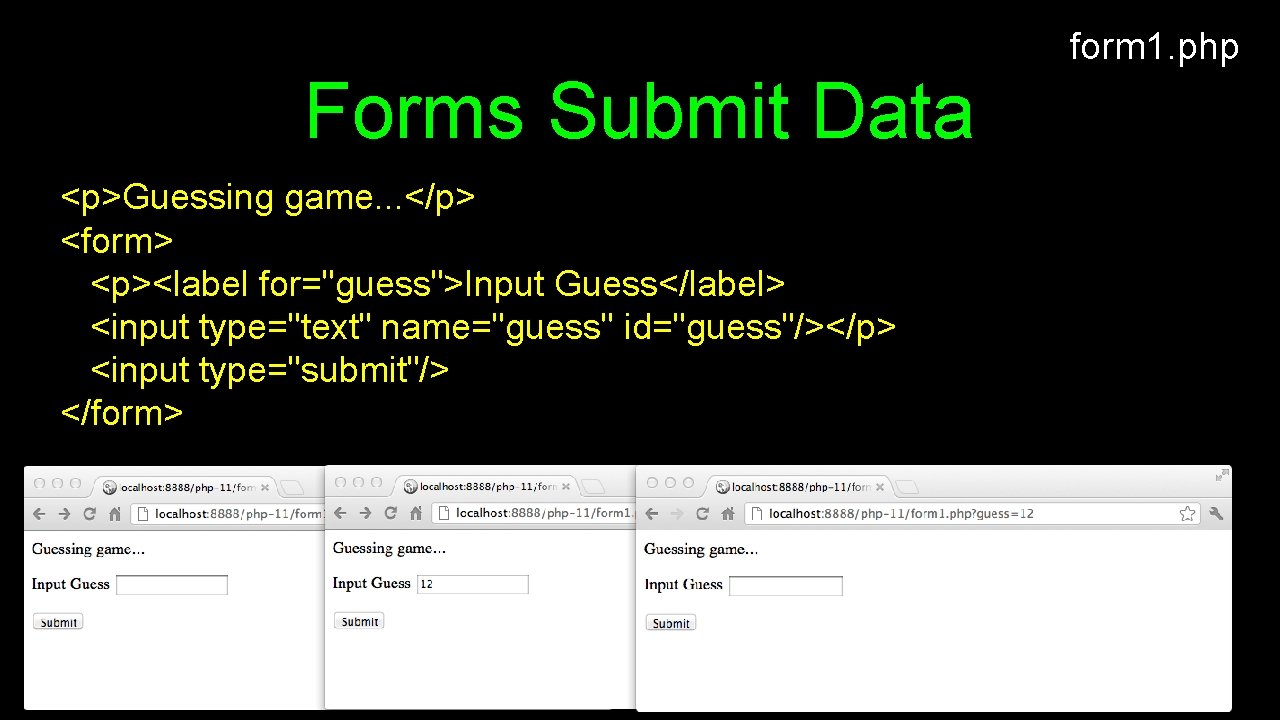
form 1. php Forms Submit Data <p>Guessing game. . . </p> <form> <p><label for="guess">Input Guess</label> <input type="text" name="guess" id="guess"/></p> <input type="submit"/> </form>
$_GET and $_POST • • PHP loads the values for the URL parameters into an array called $_GET and the POST parameters into an array called $_POST There is another array called $_REQUEST which merges GET and POST data
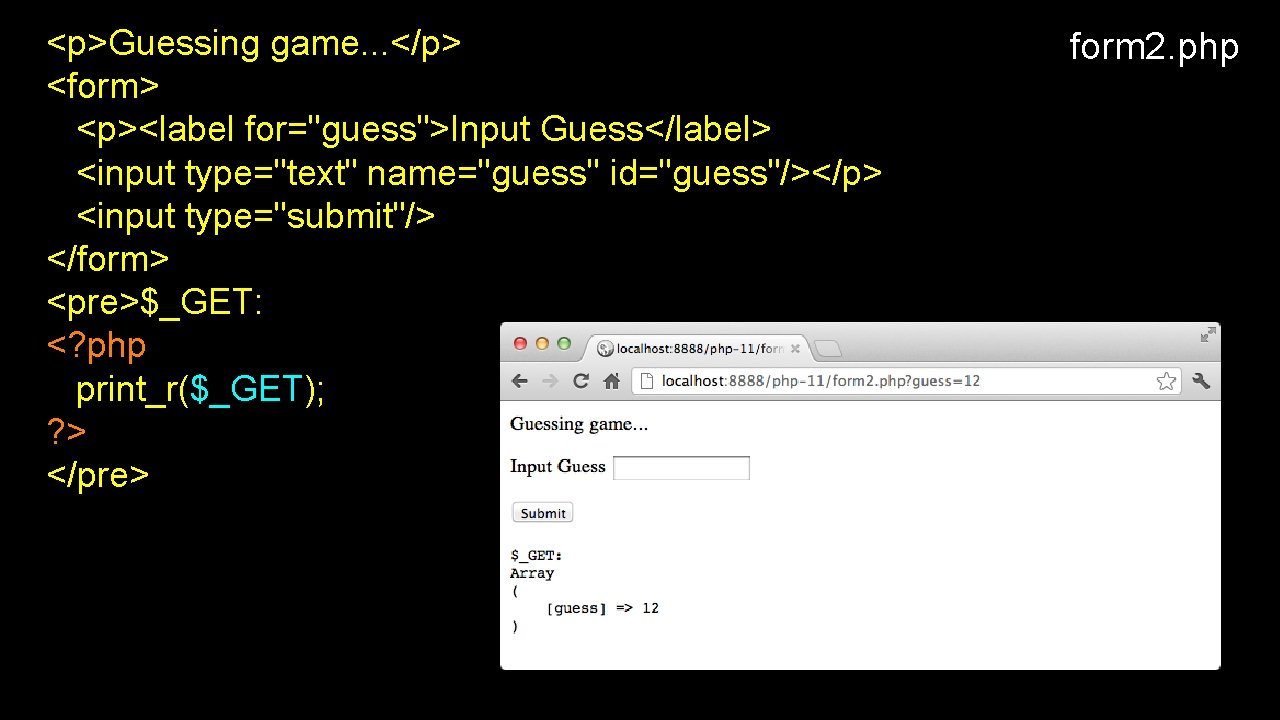
<p>Guessing game. . . </p> <form> <p><label for="guess">Input Guess</label> <input type="text" name="guess" id="guess"/></p> <input type="submit"/> </form> <pre>$_GET: <? php print_r($_GET); ? > </pre> form 2. php
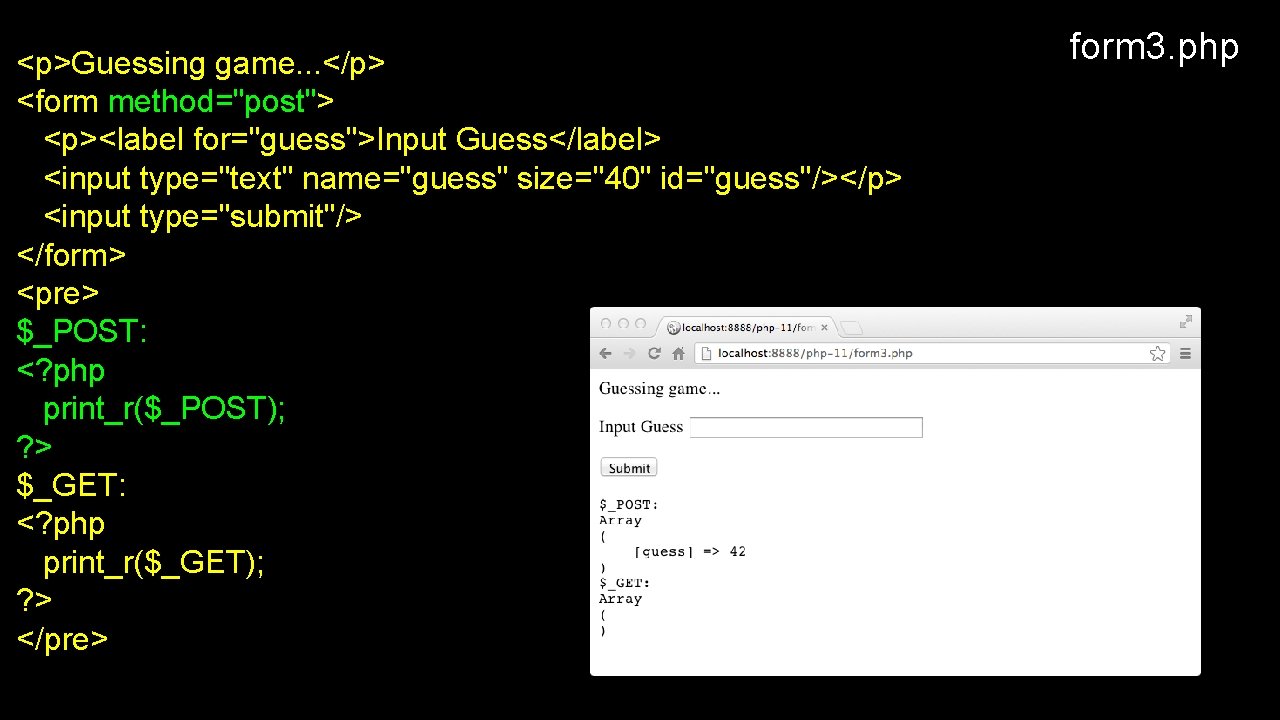
<p>Guessing game. . . </p> <form method="post"> <p><label for="guess">Input Guess</label> <input type="text" name="guess" size="40" id="guess"/></p> <input type="submit"/> </form> <pre> $_POST: <? php print_r($_POST); ? > $_GET: <? php print_r($_GET); ? > </pre> form 3. php
![form 4. php <? php $oldguess = isset($_POST['guess']) ? $_POST['guess'] : ''; ? >](http://slidetodoc.com/presentation_image_h2/e47cbc4f531b70a3819a82f9b47a51e2/image-65.jpg "form 4. php <? php $oldguess = isset($_POST['guess']) ? $_POST['guess'] : ''; ? >")
form 4. php <? php $oldguess = isset($_POST['guess']) ? $_POST['guess'] : ''; ? > <p>Guessing game. . . </p> <form method="post"> <p><label for="guess">Input Guess</label> <input type="text" name="guess" id="guess" size="40” 'value="'. $oldguess. '"'; ? >/></p> <input type="submit"/> </form> <? php echo
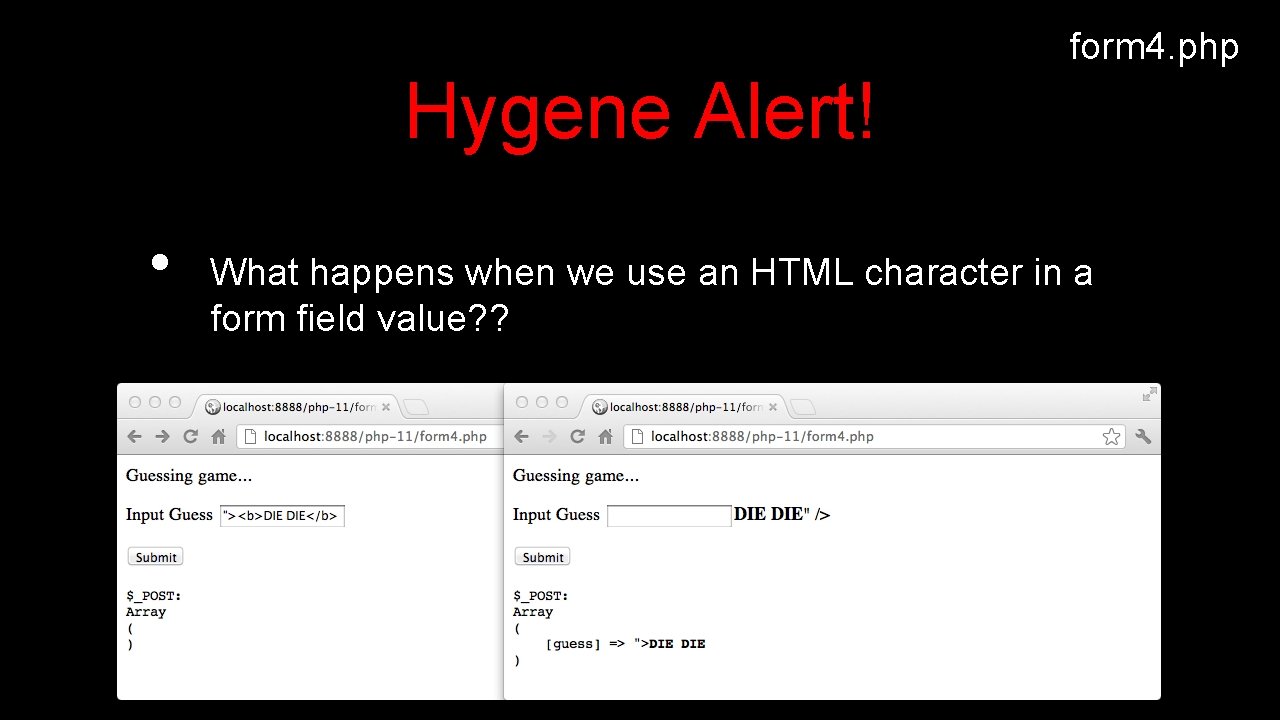
form 4. php Hygene Alert! • What happens when we use an HTML character in a form field value? ?
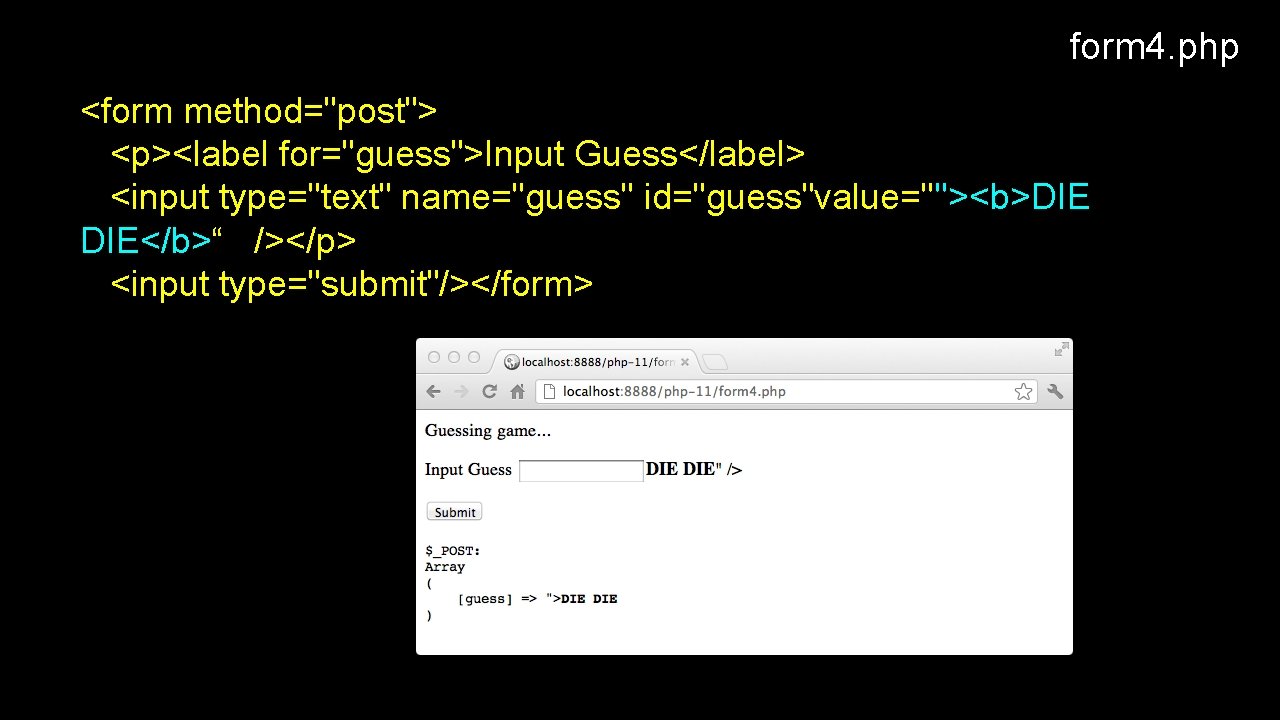
form 4. php <form method="post"> <p><label for="guess">Input Guess</label> <input type="text" name="guess" id="guess"value=""><b>DIE DIE</b>“ /></p> <input type="submit"/></form>
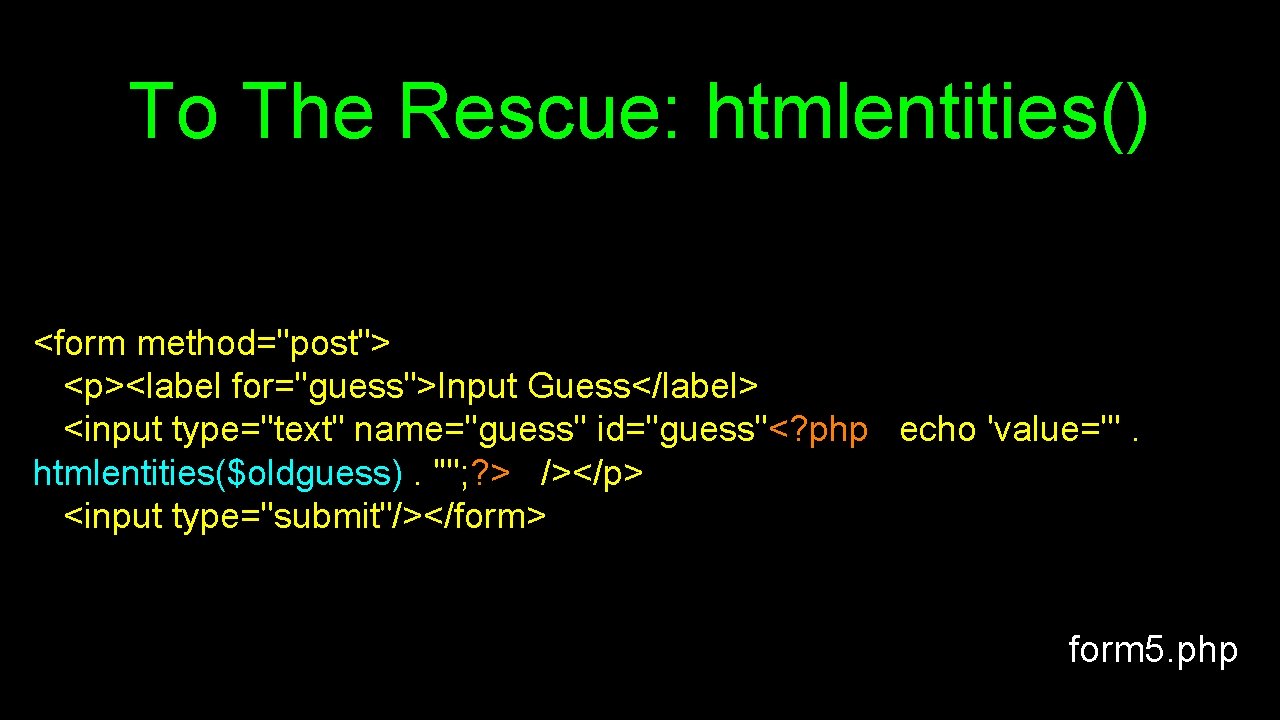
To The Rescue: htmlentities() <form method="post"> <p><label for="guess">Input Guess</label> <input type="text" name="guess" id="guess"<? php echo 'value="'. htmlentities($oldguess). '"'; ? > /></p> <input type="submit"/></form> form 5. php
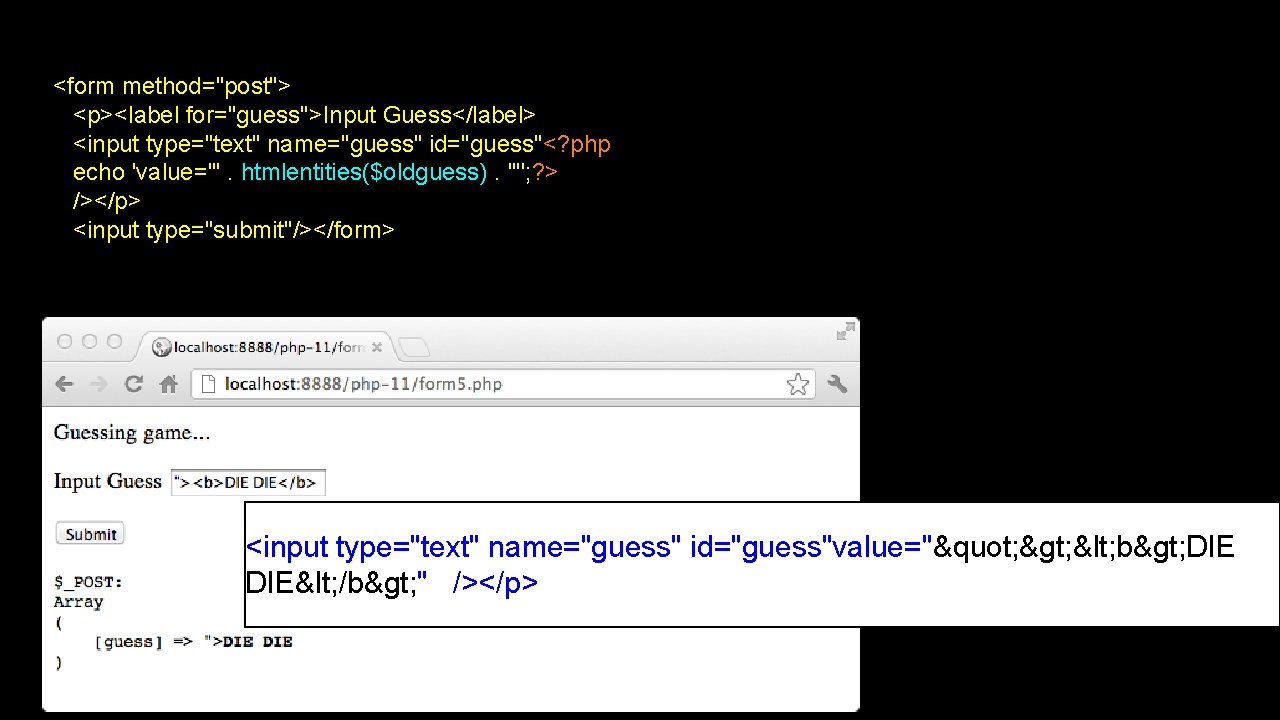
<form method="post"> <p><label for="guess">Input Guess</label> <input type="text" name="guess" id="guess"<? php echo 'value="'. htmlentities($oldguess). '"'; ? > /></p> <input type="submit"/></form> <input type="text" name="guess" id="guess"value="" > < b> DIE< /b> " /></p>
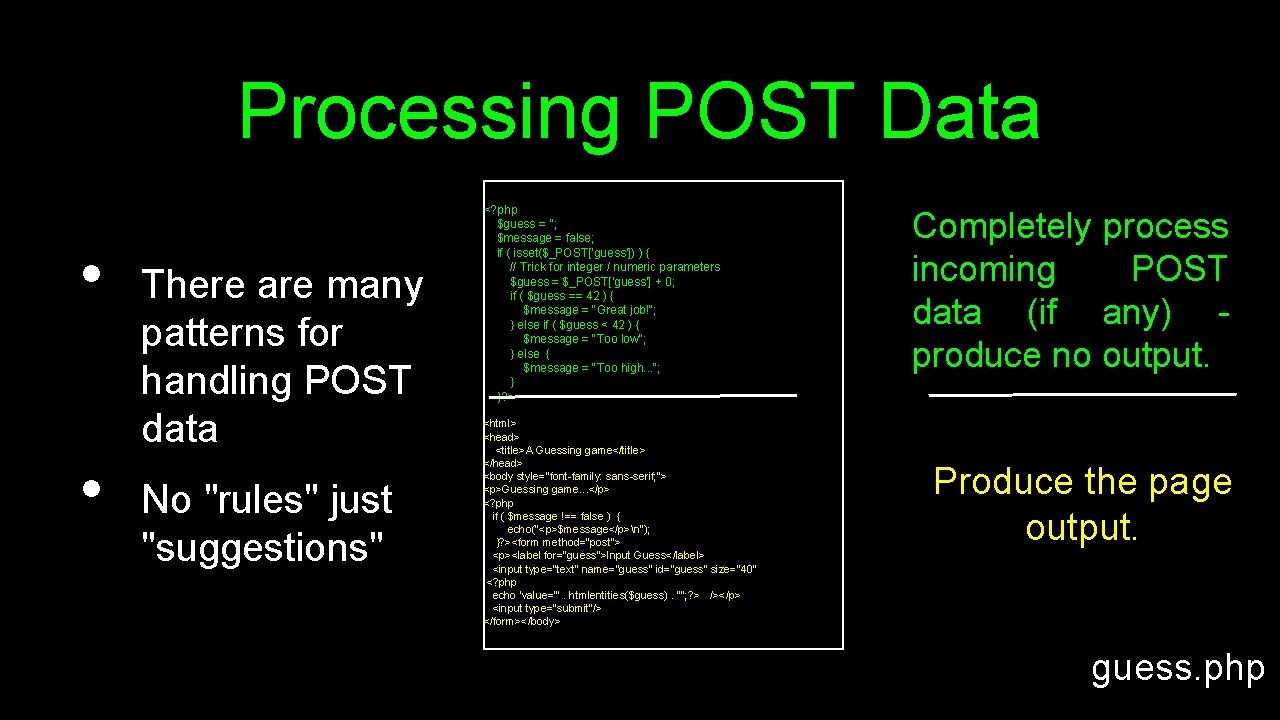
Processing POST Data • • There are many patterns for handling POST data No "rules" just "suggestions" <? php $guess = ''; $message = false; if ( isset($_POST['guess']) ) { // Trick for integer / numeric parameters $guess = $_POST['guess'] + 0; if ( $guess == 42 ) { $message = "Great job!"; } else if ( $guess < 42 ) { $message = "Too low"; } else { $message = "Too high. . . "; } }? > <html> <head> <title>A Guessing game</title> </head> <body style="font-family: sans-serif; "> <p>Guessing game. . . </p> <? php if ( $message !== false ) { echo("<p>$message</p>n"); }? ><form method="post"> <p><label for="guess">Input Guess</label> <input type="text" name="guess" id="guess" size="40“ <? php echo 'value="'. htmlentities($guess). '"'; ? > /></p> <input type="submit"/> </form></body> Completely process incoming POST data (if any) produce no output. Produce the page output. guess. php
![<? php $guess = ''; $message = false; if ( isset($_POST['guess']) ) { //](http://slidetodoc.com/presentation_image_h2/e47cbc4f531b70a3819a82f9b47a51e2/image-71.jpg "<? php $guess = ''; $message = false; if ( isset($_POST['guess']) ) { //")
<? php $guess = ''; $message = false; if ( isset($_POST['guess']) ) { // Trick for integer / numeric parameters $guess = $_POST['guess'] + 0; if ( $guess == 42 ) { $message = "Great job!"; } else if ( $guess < 42 ) { $message = "Too low"; } else { $message = "Too high. . . "; } } ? > <html> <head> <title>A Guessing game</title> </head> <body style="font-family: sans-serif; "><p>Guessing game. . . </p> <? php if ( $message !== false ) { echo("<p>$message</p>n"); } ? > <form method="post"> <p><label for="guess">Input Guess</label> <input type="text" name="guess" id="guess" size="40" <? php echo 'value="'. htmlentities($guess). '"'; ? > /></p> <input type="submit"/>< /form> </body> guess. php
![<? php $guess = ''; $message = false; if ( isset($_POST['guess']) ) { //](http://slidetodoc.com/presentation_image_h2/e47cbc4f531b70a3819a82f9b47a51e2/image-72.jpg "<? php $guess = ''; $message = false; if ( isset($_POST['guess']) ) { //")
<? php $guess = ''; $message = false; if ( isset($_POST['guess']) ) { // Trick for integer / numeric parameters $guess = $_POST['guess'] + 0; if ( $guess == 42 ) { $message = "Great job!"; } else if ( $guess < 42 ) { $message = "Too low"; } else { $message = "Too high. . . "; } } ? > <html> <head> <title>A Guessing game</title> </head> <body style="font-family: sans-serif; "><p>Guessing game. . . </p> <? php if ( $message !== false ) { echo("<p>$message</p>n"); } ? > <form method="post"> <p><label for="guess">Input Guess</label> <input type="text" name="guess" id="guess" size="40" <? php echo 'value="'. htmlentities($guess). '"'; ? > /></p> <input type="submit"/>< /form> </body> <? php $guess = ''; $message = false; if ( isset($_POST['guess']) ) { // Nifty trick $guess = $_POST['guess'] + 0; if ( $guess == 42 ) { $message = "Great job!"; } else if ( $guess < 42 ){ $message = "Too low"; } else { $message = "Too high. . . "; } }? > <html>. . . guess. php
![<? php $guess = ''; $message = false; if ( isset($_POST['guess']) ) { //](http://slidetodoc.com/presentation_image_h2/e47cbc4f531b70a3819a82f9b47a51e2/image-73.jpg "<? php $guess = ''; $message = false; if ( isset($_POST['guess']) ) { //")
<? php $guess = ''; $message = false; if ( isset($_POST['guess']) ) { // Trick for integer / numeric parameters $guess = $_POST['guess'] + 0; if ( $guess == 42 ) { $message = "Great job!"; } else if ( $guess < 42 ) { $message = "Too low"; } else { $message = "Too high. . . "; } } ? > <html> <head> <title>A Guessing game</title> </head> <body style="font-family: sans-serif; "><p>Guessing game. . . </p> <? php if ( $message !== false ) { echo("<p>$message</p>n"); } ? > <form method="post"> <p><label for="guess">Input Guess</label> <input type="text" name="guess" id="guess" size="40" <? php echo 'value="'. htmlentities($guess). '"'; ? > /></p> <input type="submit"/>< /form> </body> . . . ? ><html> <head> <title>A Guessing game</title> </head> <body style="font-family: sans-serif; "> <p>Guessing game. . . </p> <? php if ( $message !== false ) { echo("<p>$message</p>n"); }? > <form method="post"> <p><label for="guess">Input Guess</label> <input type="text" name="guess" id="guess" size="40" <? php echo 'value="'. htmlentities($guess). '"'; ? > /></p> <input type="submit"/></form></body>
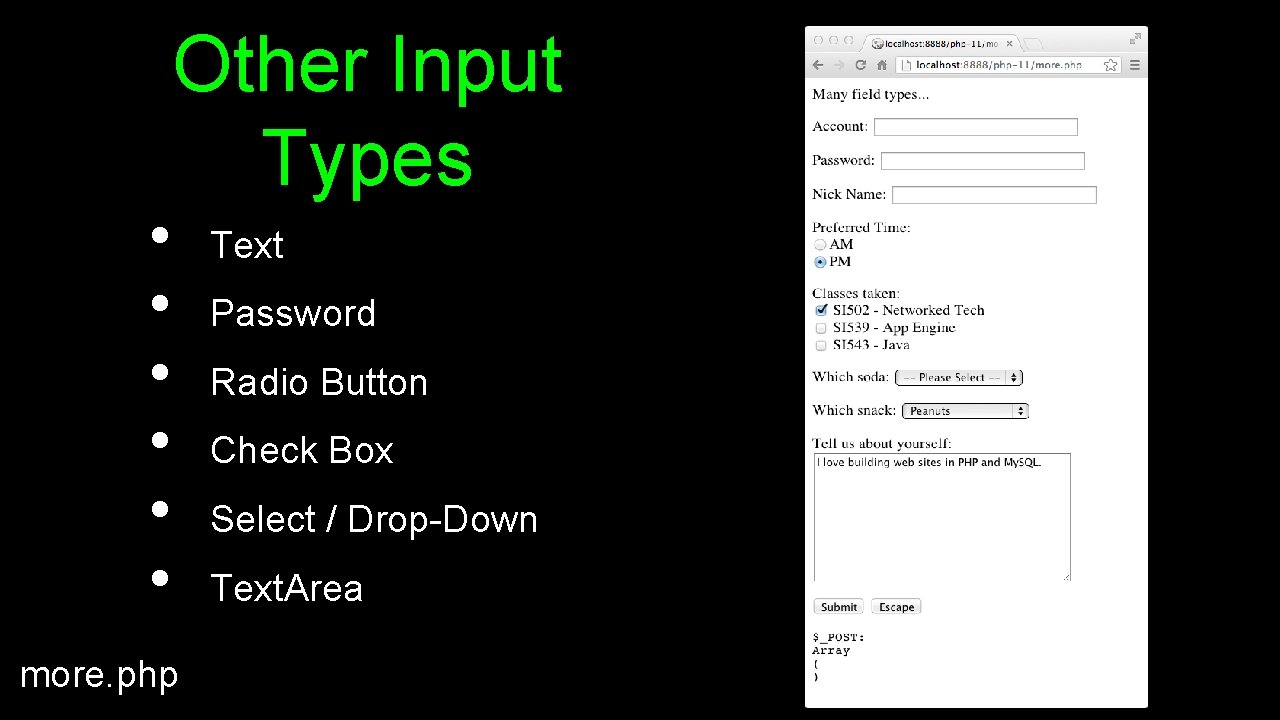
• • • Other Input Types more. php Text Password Radio Button Check Box Select / Drop-Down Text. Area
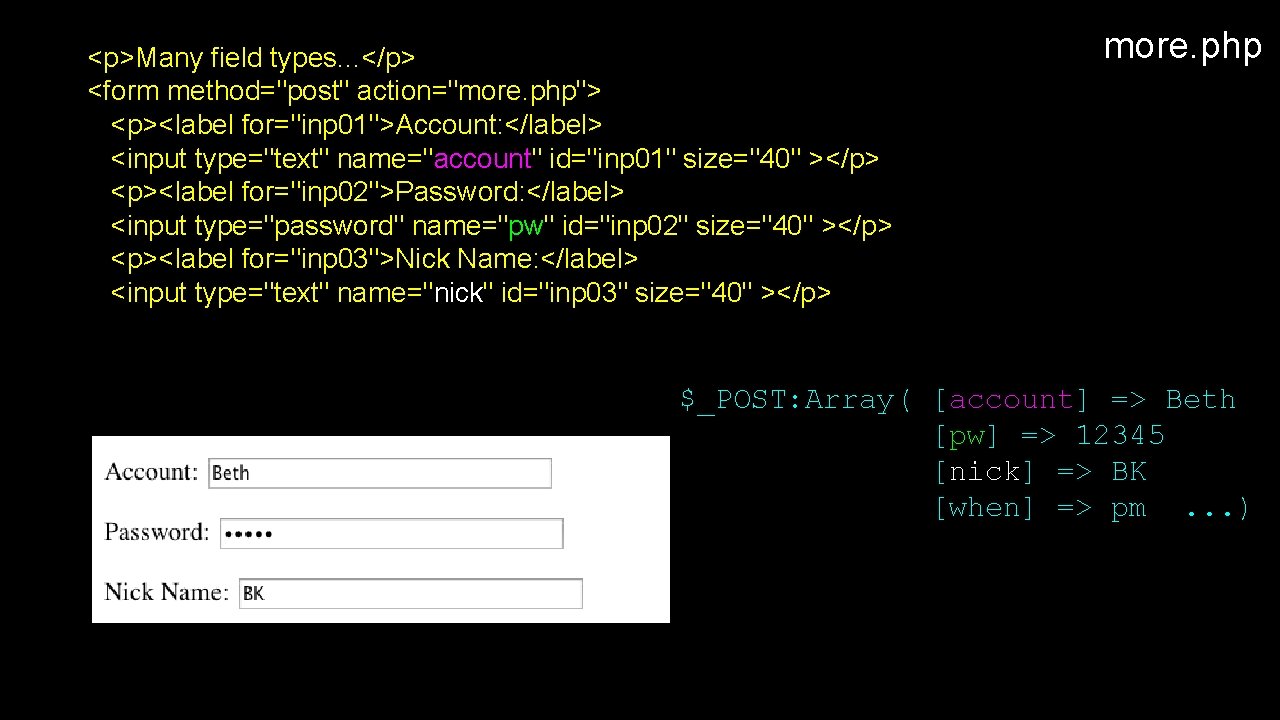
<p>Many field types. . . </p> <form method="post" action="more. php"> <p><label for="inp 01">Account: </label> <input type="text" name="account" id="inp 01" size="40" ></p> <p><label for="inp 02">Password: </label> <input type="password" name="pw" id="inp 02" size="40" ></p> <p><label for="inp 03">Nick Name: </label> <input type="text" name="nick" id="inp 03" size="40" ></p> more. php $_POST: Array( [account] => Beth [pw] => 12345 [nick] => BK [when] => pm. . . )
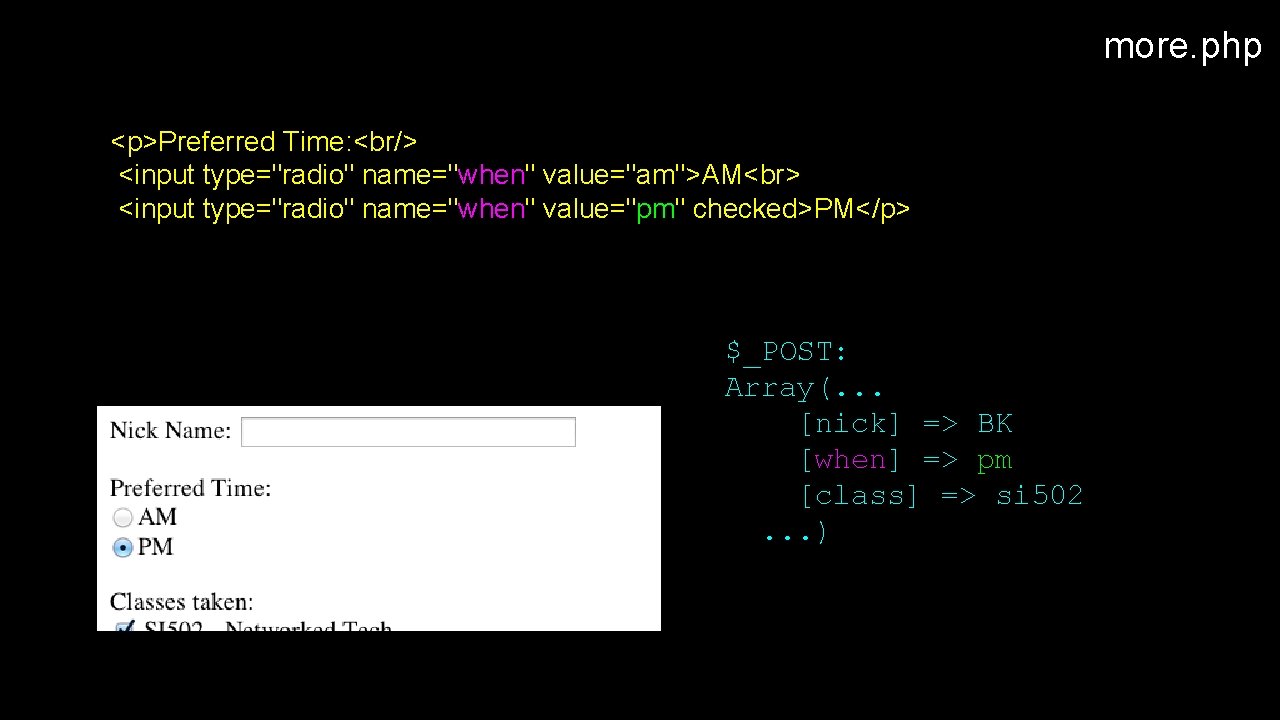
more. php <p>Preferred Time: <br/> <input type="radio" name="when" value="am">AM <input type="radio" name="when" value="pm" checked>PM</p> $_POST: Array(. . . [nick] => BK [when] => pm [class] => si 502. . . )
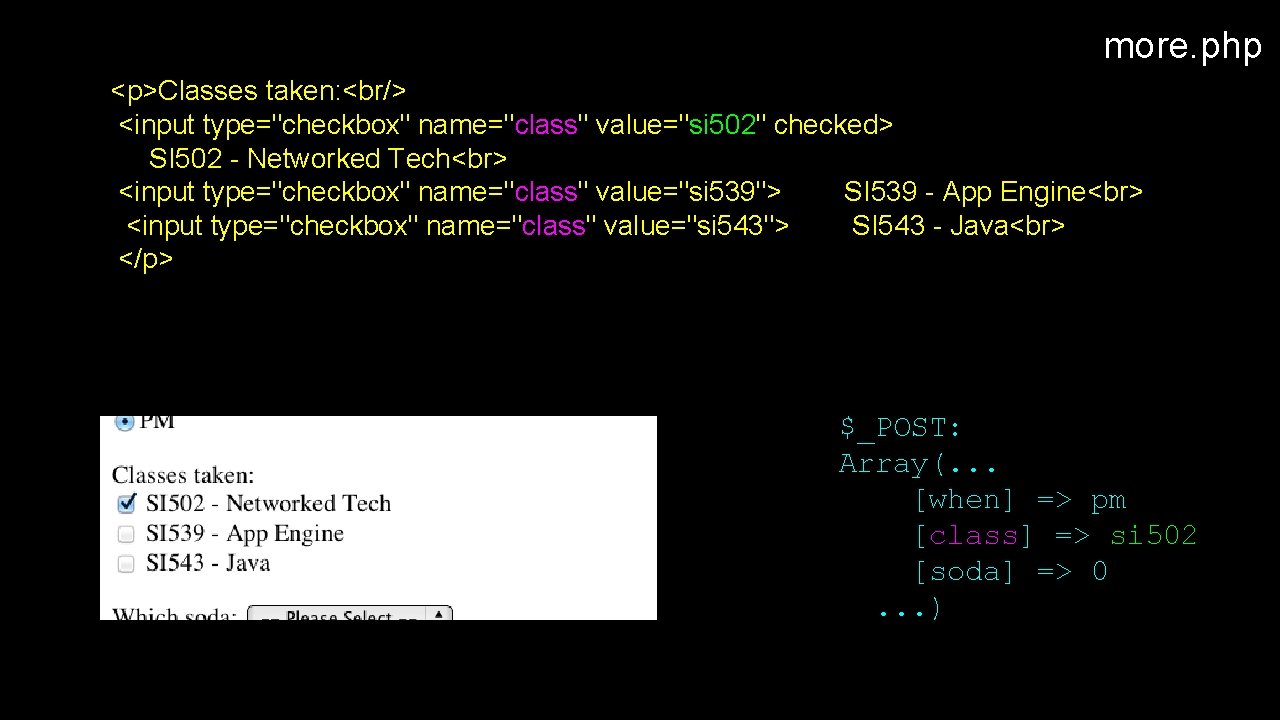
more. php <p>Classes taken: <br/> <input type="checkbox" name="class" value="si 502" checked> SI 502 - Networked Tech <input type="checkbox" name="class" value="si 539"> SI 539 - App Engine <input type="checkbox" name="class" value="si 543"> SI 543 - Java </p> $_POST: Array(. . . [when] => pm [class] => si 502 [soda] => 0. . . )
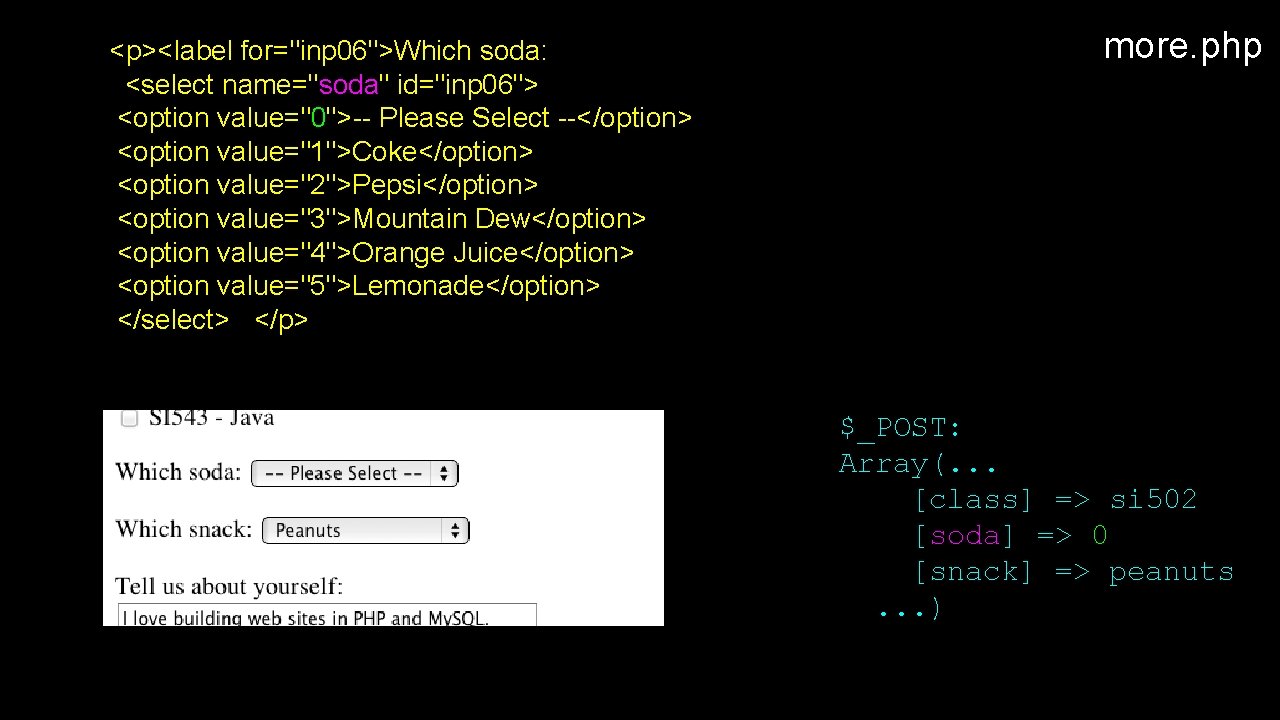
<p><label for="inp 06">Which soda: <select name="soda" id="inp 06"> <option value="0">-- Please Select --</option> <option value="1">Coke</option> <option value="2">Pepsi</option> <option value="3">Mountain Dew</option> <option value="4">Orange Juice</option> <option value="5">Lemonade</option> </select> </p> more. php $_POST: Array(. . . [class] => si 502 [soda] => 0 [snack] => peanuts. . . )
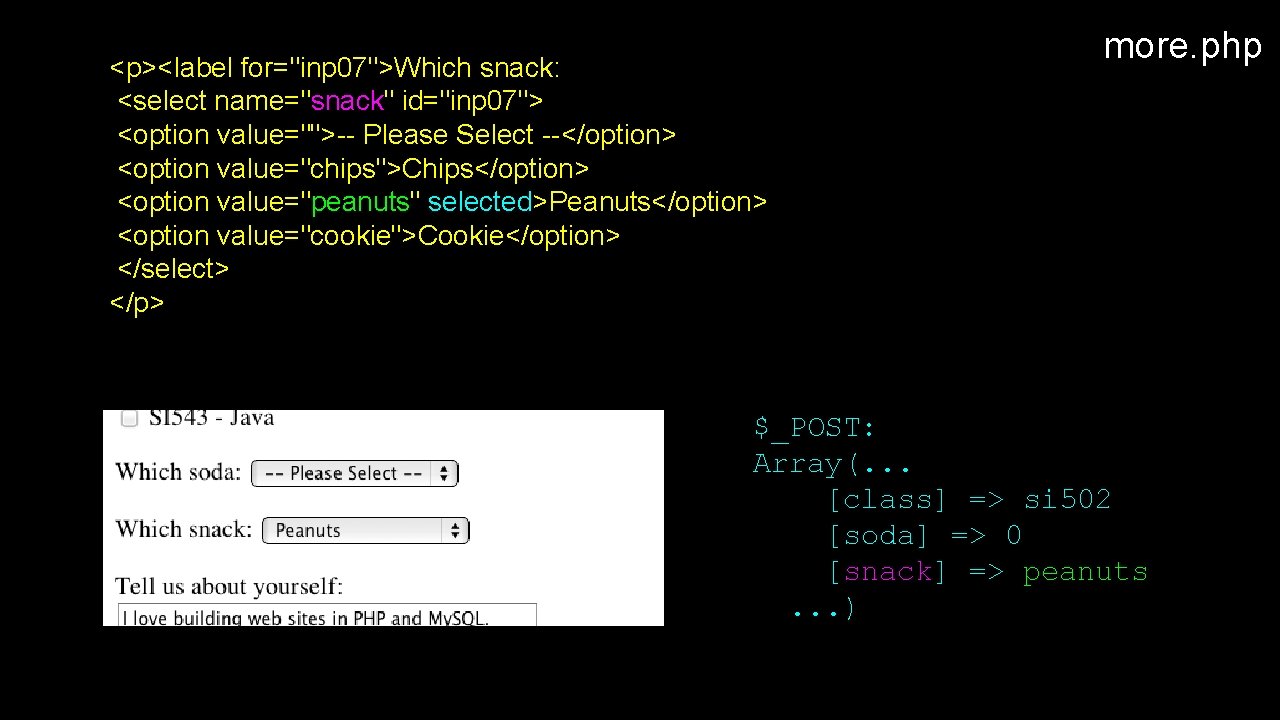
<p><label for="inp 07">Which snack: <select name="snack" id="inp 07"> <option value="">-- Please Select --</option> <option value="chips">Chips</option> <option value="peanuts" selected>Peanuts</option> <option value="cookie">Cookie</option> </select> </p> more. php $_POST: Array(. . . [class] => si 502 [soda] => 0 [snack] => peanuts. . . )
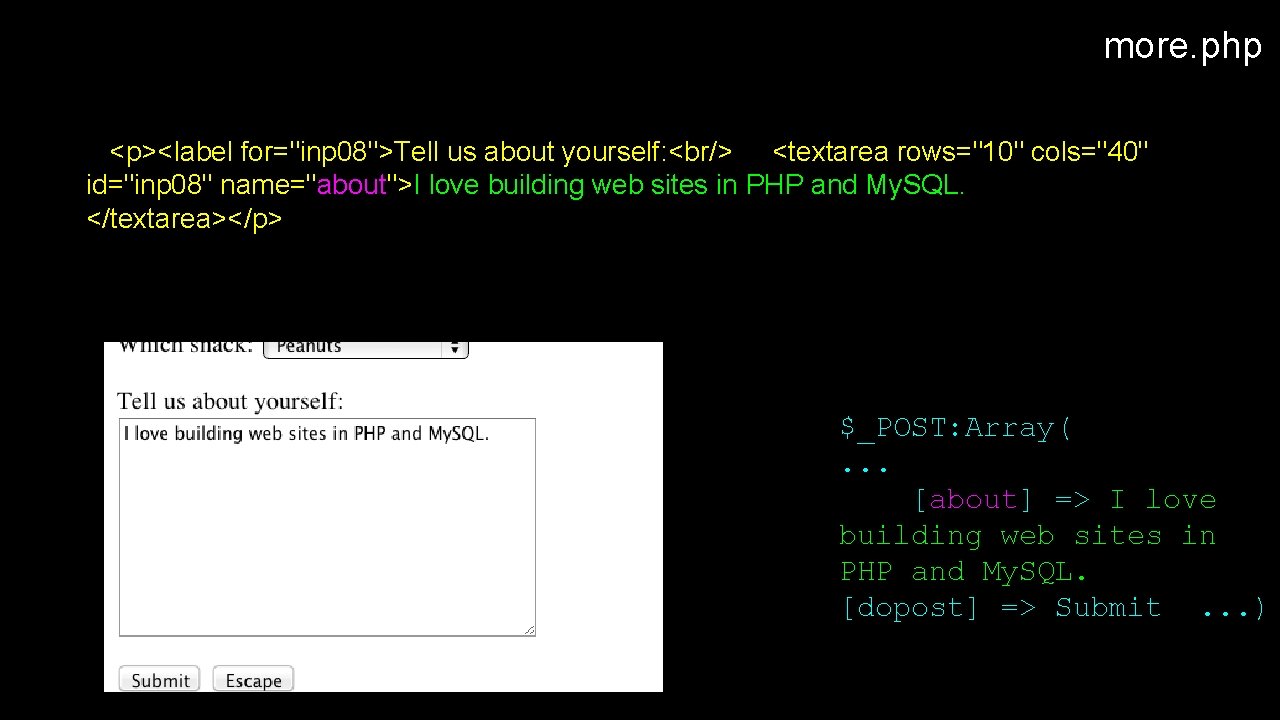
more. php <p><label for="inp 08">Tell us about yourself: <br/> <textarea rows="10" cols="40" id="inp 08" name="about">I love building web sites in PHP and My. SQL. </textarea></p> $_POST: Array(. . . [about] => I love building web sites in PHP and My. SQL. [dopost] => Submit. . . )
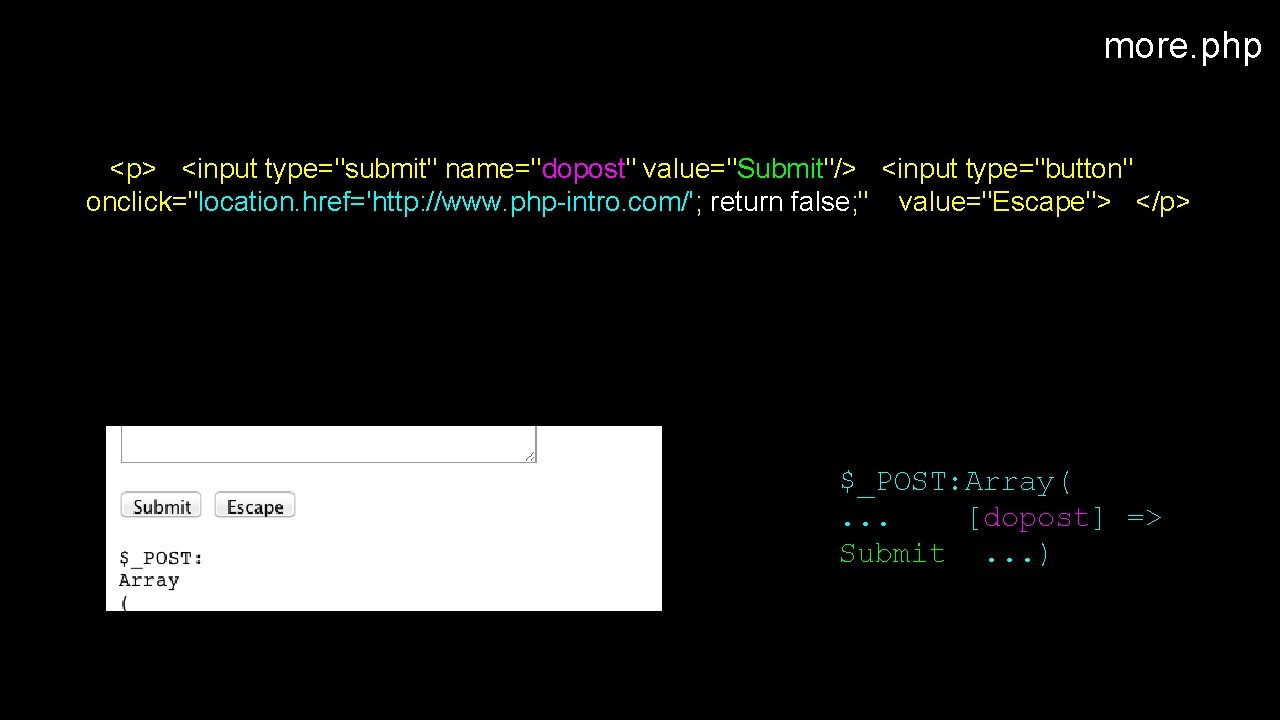
more. php <p> <input type="submit" name="dopost" value="Submit"/> <input type="button" onclick="location. href='http: //www. php-intro. com/'; return false; " value="Escape"> </p> $_POST: Array(. . . [dopost] => Submit. . . )
Summary • • Forms, $_GET and $_POST Sanitizing HTML
- Slides: 82