
Introduction to Digital Media What is it Digital
- Slides: 25
Introduction to Digital Media
What is it? • Digital media is what computers use to; • Store, transmit, receive and manipulate data • Raw data are numbers, characters, images, sound – elements that when we put enough together it becomes meaningful • When data is arranged meaningfully, it becomes (to us) information
Digital Media • Is what is ‘made’ or ‘produced’ electronically and stored in a file. • Sound, text, numbers, images and video are the most common forms we use • Digital media is stored in a simple way by a computer – using a number system called Binary.
Binary • Humans like to use DECIMAL number systems. • 0, 1, 2, 3, 4, 5, 6, 7, 8, 9 • 10 digits • Computers use the BINARY system • 0 or 1 • 2 digits only
Why Binary • Computers are very simple things. They use electricity to work. To a computer, there are only 2 options. • Off or On • Electricity is there, or it is not there • They use 1 to mean – YES, electric current • 0 means – NO, no electric current
Computer Brains • Digital media is stored and used using Memory Cells, there are millions of tiny cells in their memory. • Each cell either has an electrical charge (1) • Or it doesn’t have one (0) • So all digital media is made up of a series of 0 s and 1 s. Nothing else.
Binary Strings • Right now, just remember that all digital media is represented in a computer as a long line of 0 s and 1 s. • So a computer is a very simple thing really. • These 1 s and 0 s are stored as a STRING • A STRING is just a line of 0 s and 1 s. • A 16 bit computer uses a STRING of 16 zeros and ones. • 0011 0010 0001 – this is a STRING of DATA
Data Handling • All text, images, sound, video can be handled in DIGITAL MEDIA by BINARY STRINGS. • We call it DIGITAL from the word DIGIT • A DIGIT can be a 0 or a 1 • Computers can process millions of digits every second. That all your processor does!
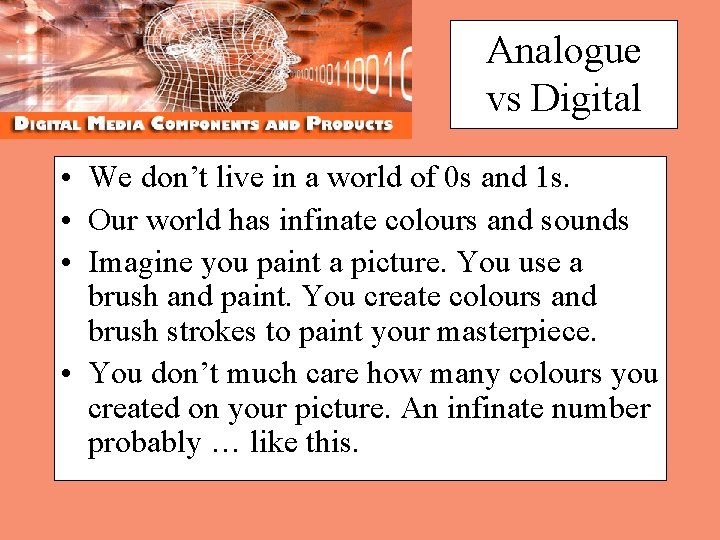
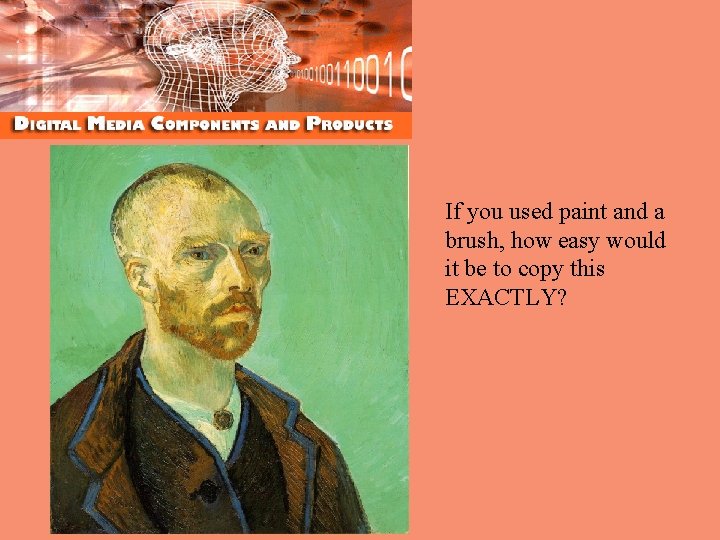
Analogue vs Digital • We don’t live in a world of 0 s and 1 s. • Our world has infinate colours and sounds • Imagine you paint a picture. You use a brush and paint. You create colours and brush strokes to paint your masterpiece. • You don’t much care how many colours you created on your picture. An infinate number probably … like this.
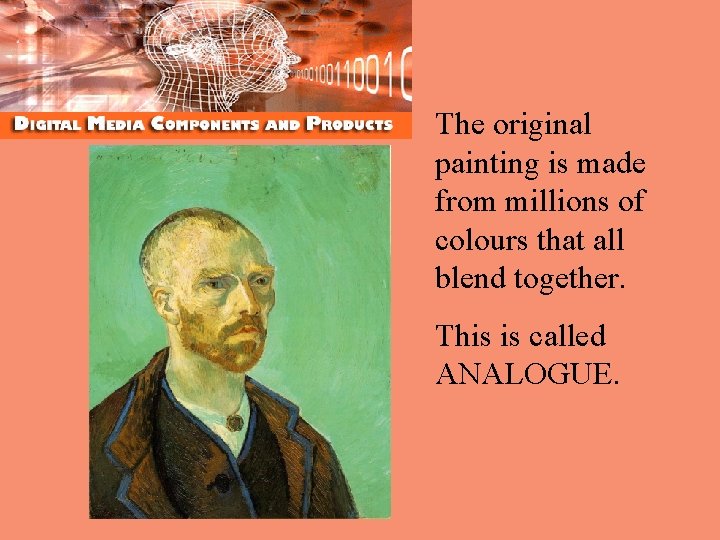
The original painting is made from millions of colours that all blend together. This is called ANALOGUE.
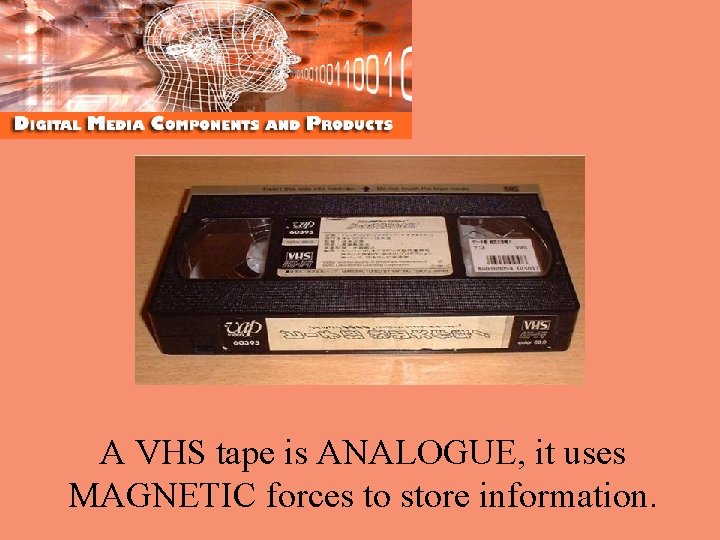
A VHS tape is ANALOGUE, it uses MAGNETIC forces to store information.
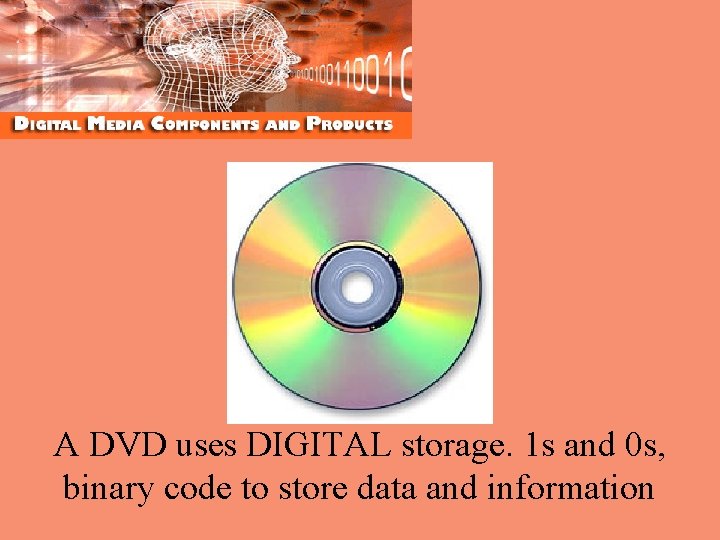
A DVD uses DIGITAL storage. 1 s and 0 s, binary code to store data and information
Analoge vs Digital • Which looks better – VHS or a DVD? • Which sounds better – a cassette tape or a CD? • What happens if you copy a VHS tape, then copy the copy and then copy the copy of the copy? • What if you do the same with a DVD?
Analogue vs Digital • Often with ANALOGUE, each time you copy it, there is a reduction in quality. • That’s because you are trying to ‘copy’ an almost infinate number of possibilities from one ‘variable’ media to another. • Not surprising that it’s almost impossible to make a copy that’s the same as the original.
If you used paint and a brush, how easy would it be to copy this EXACTLY?
Digital Media • It’s a lot easier to deal with a media that is made up of not millions of possibilities, but just 2 – BINARY • Digital media can be copied with NO loss of quality. • Every copy is going to be the same!
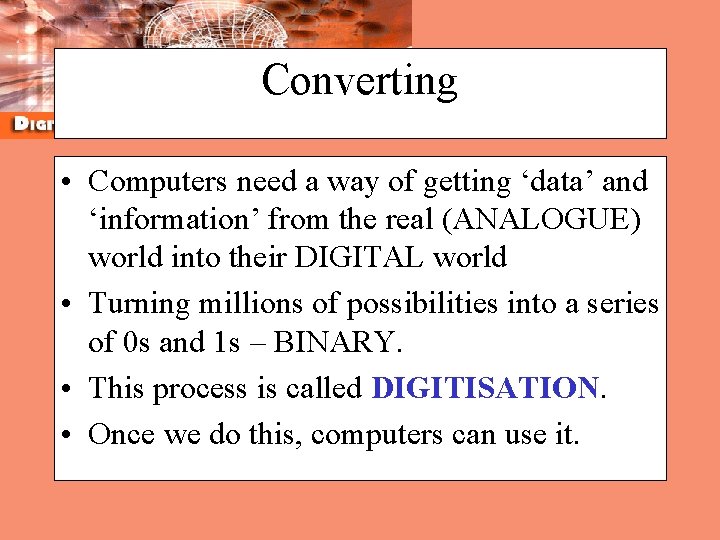
Converting • Computers need a way of getting ‘data’ and ‘information’ from the real (ANALOGUE) world into their DIGITAL world • Turning millions of possibilities into a series of 0 s and 1 s – BINARY. • This process is called DIGITISATION. • Once we do this, computers can use it.
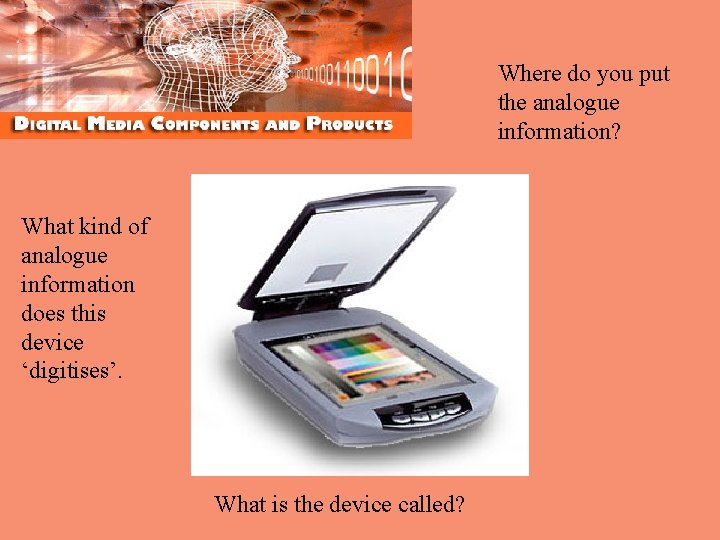
Where do you put the analogue information? What kind of analogue information does this device ‘digitises’. What is the device called?
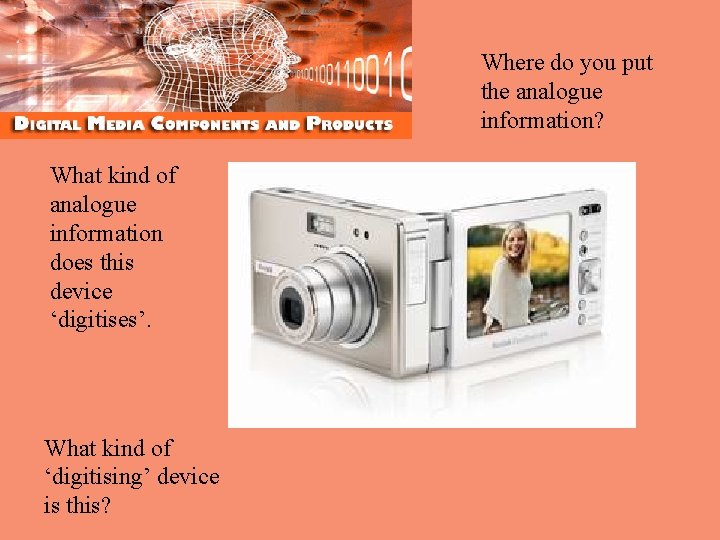
Where do you put the analogue information? What kind of analogue information does this device ‘digitises’. What kind of ‘digitising’ device is this?
MIDI Music If we don’t digitise ‘sound’ then the only way to make music, is to create a program that can read digital data and then output sound. MIDI music is pure digital… why it sounds so great.
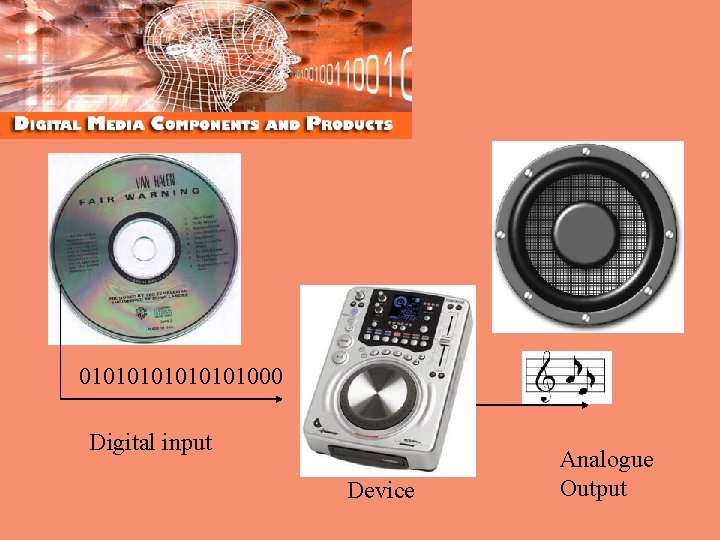
Converting Sound • We digitise ‘sound’. We take an analogue input (microphone) and convert the signal into a digital one. • CDs are digital, and the sound on them is just 0 s and 1 s that your CD Player (which has a simple processor in it) turns into sound using your speakers
Sound Formats • CDs hold 700 mb of BINARY data(ish) • Sound is stored in a WAV format • The WAV format is a ‘known’ way in which we store the STRING of 0 s and 1 s. • The CD player recognises the PATTERN and can interpret the code to produce music using speakers.
CD 01010101000 Digital input Device Analogue Output
Sound Formats • Why can’t a CD Player play MP 3 sound files if you save them on a CD – it’s all BINARY? • Because the STRING of DIGITAL DATA is in the MP 3 format, which is quite different from a WAV format. • MP 3 uses less 0 s and 1 s to store any given song than WAV does • Your CD player is not ‘programmed’ to understand WAV format, so does nothing.
More reasons to go digital! • Digital files are easily transmitted and received. Email is faster than writing and sending an analogue letter! • Digital files can be stored easily and retrieved easily. Much faster than an analoge filing cabinet! • You can ‘manipulate’ digital files – especially images, video and sound!