
Introduction to Database Systems Data Definition and Manipulation
Introduction to Database Systems Data Definition and Manipulation in SQL Irvanizam Zamanhuri, M. Sc Informatics (Computer Science) Study Program Syiah Kuala University http: //www. informatika. unsyiah. ac. id Email: irvanizam. zamanhuri@informatika. unsyiah. ac. id 1

6. Data Definition and Manipulation in SQL 6. 1 Data Definition 1. 2. Data Definition Data Manipulation 2
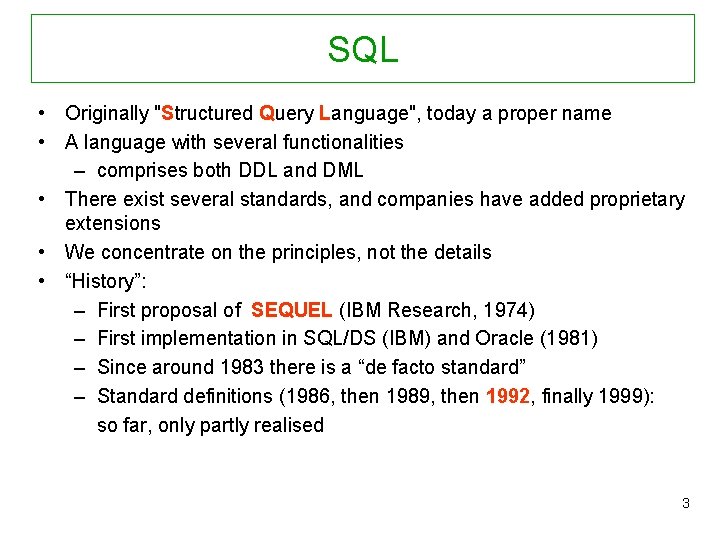
SQL • Originally "Structured Query Language", today a proper name • A language with several functionalities – comprises both DDL and DML • There exist several standards, and companies have added proprietary extensions • We concentrate on the principles, not the details • “History”: – First proposal of SEQUEL (IBM Research, 1974) – First implementation in SQL/DS (IBM) and Oracle (1981) – Since around 1983 there is a “de facto standard” – Standard definitions (1986, then 1989, then 1992, finally 1999): so far, only partly realised 3
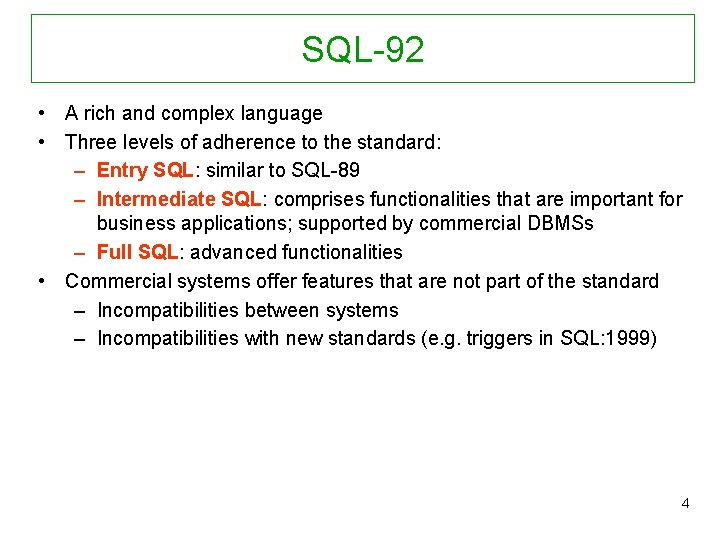
SQL-92 • A rich and complex language • Three levels of adherence to the standard: – Entry SQL: similar to SQL-89 – Intermediate SQL: comprises functionalities that are important for business applications; supported by commercial DBMSs – Full SQL: advanced functionalities • Commercial systems offer features that are not part of the standard – Incompatibilities between systems – Incompatibilities with new standards (e. g. triggers in SQL: 1999) 4
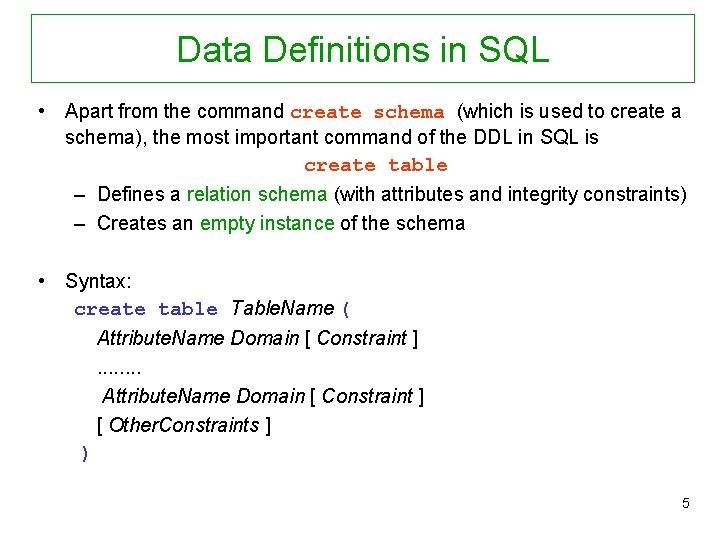
Data Definitions in SQL • Apart from the command create schema (which is used to create a schema), the most important command of the DDL in SQL is create table – Defines a relation schema (with attributes and integrity constraints) – Creates an empty instance of the schema • Syntax: create table Table. Name ( Attribute. Name Domain [ Constraint ]. . . . Attribute. Name Domain [ Constraint ] [ Other. Constraints ] ) 5
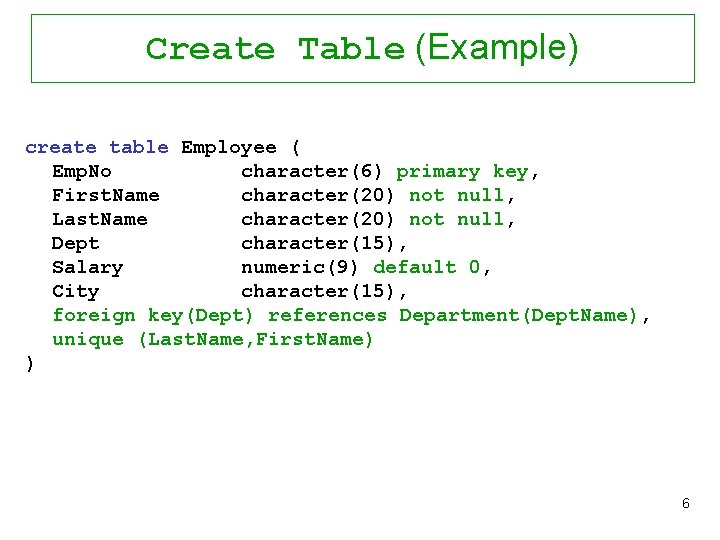
Create Table (Example) create table Employee ( Emp. No character(6) primary key, First. Name character(20) not null, Last. Name character(20) not null, Dept character(15), Salary numeric(9) default 0, City character(15), foreign key(Dept) references Department(Dept. Name), unique (Last. Name, First. Name) ) 6
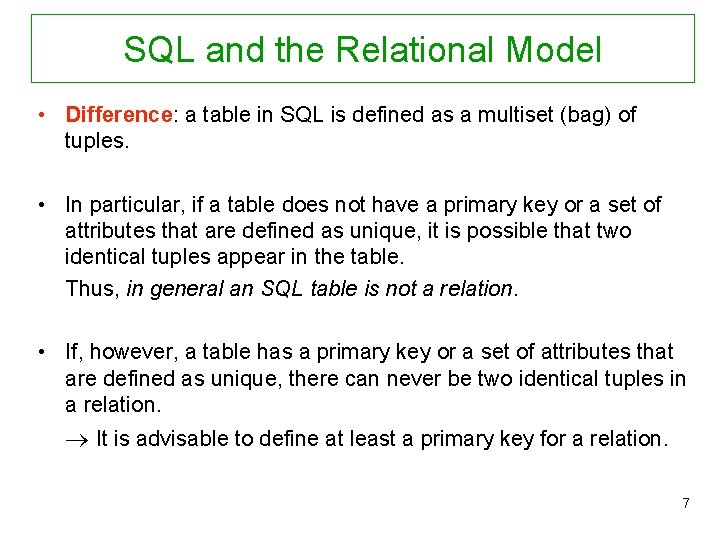
SQL and the Relational Model • Difference: a table in SQL is defined as a multiset (bag) of tuples. • In particular, if a table does not have a primary key or a set of attributes that are defined as unique, it is possible that two identical tuples appear in the table. Thus, in general an SQL table is not a relation. • If, however, a table has a primary key or a set of attributes that are defined as unique, there can never be two identical tuples in a relation. It is advisable to define at least a primary key for a relation. 7
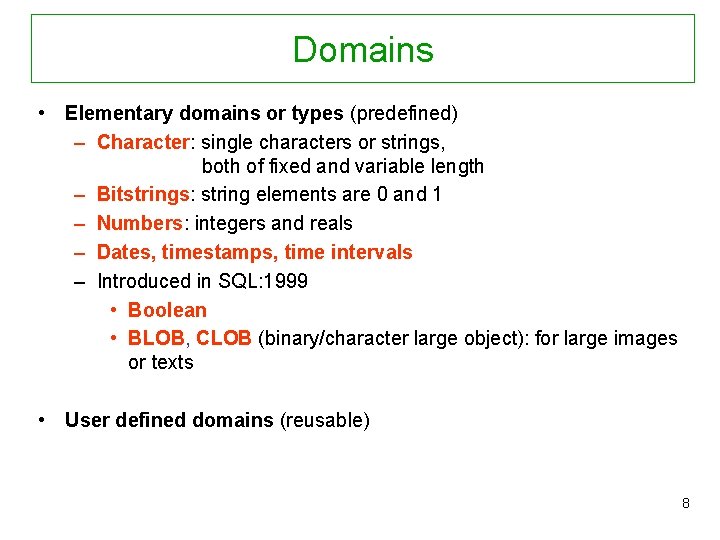
Domains • Elementary domains or types (predefined) – Character: single characters or strings, both of fixed and variable length – Bitstrings: string elements are 0 and 1 – Numbers: integers and reals – Dates, timestamps, time intervals – Introduced in SQL: 1999 • Boolean • BLOB, CLOB (binary/character large object): for large images or texts • User defined domains (reusable) 8
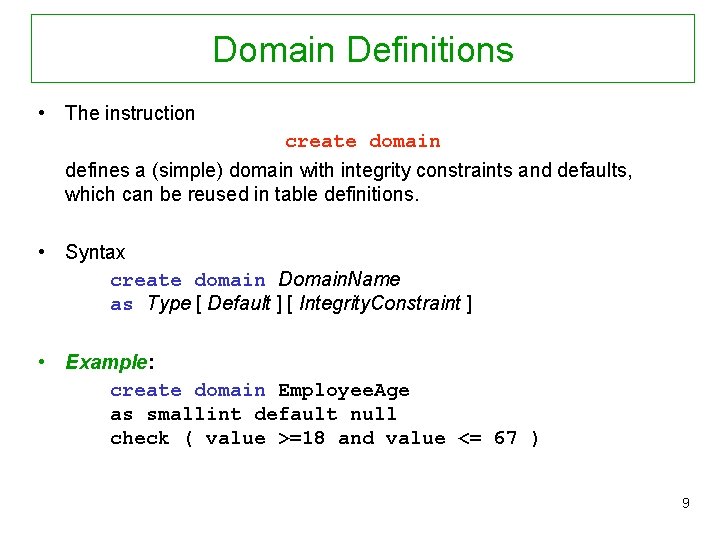
Domain Definitions • The instruction create domain defines a (simple) domain with integrity constraints and defaults, which can be reused in table definitions. • Syntax create domain Domain. Name as Type [ Default ] [ Integrity. Constraint ] • Example: create domain Employee. Age as smallint default null check ( value >=18 and value <= 67 ) 9
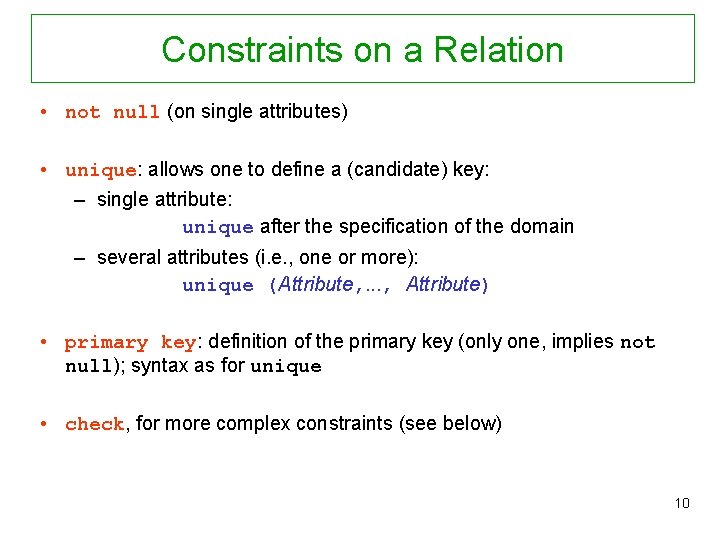
Constraints on a Relation • not null (on single attributes) • unique: allows one to define a (candidate) key: – single attribute: unique after the specification of the domain – several attributes (i. e. , one or more): unique (Attribute, . . . , Attribute) • primary key: definition of the primary key (only one, implies not null); syntax as for unique • check, for more complex constraints (see below) 10
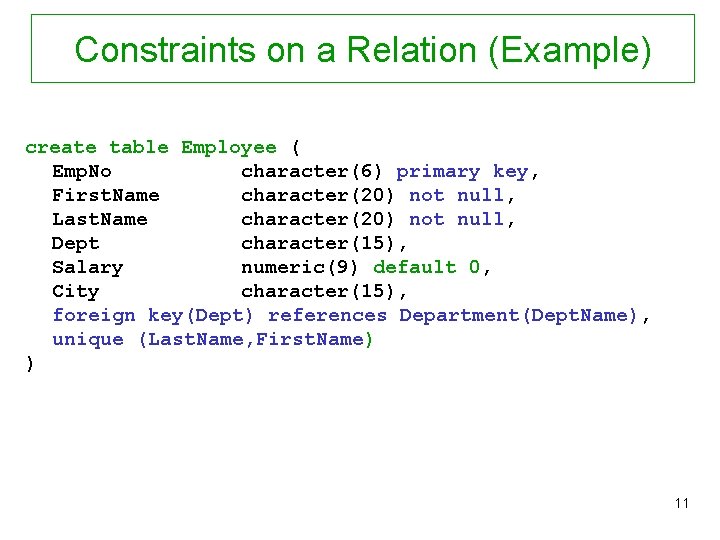
Constraints on a Relation (Example) create table Employee ( Emp. No character(6) primary key, First. Name character(20) not null, Last. Name character(20) not null, Dept character(15), Salary numeric(9) default 0, City character(15), foreign key(Dept) references Department(Dept. Name), unique (Last. Name, First. Name) ) 11
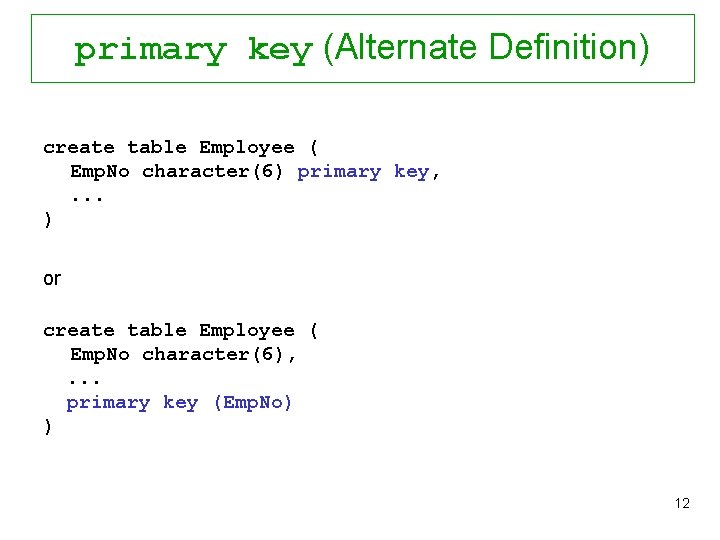
primary key (Alternate Definition) create table Employee ( Emp. No character(6) primary key, . . . ) or create table Employee ( Emp. No character(6), . . . primary key (Emp. No) ) 12
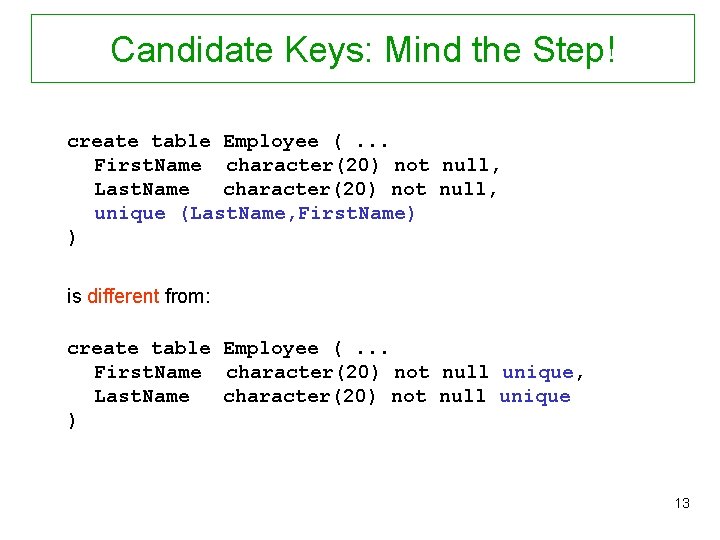
Candidate Keys: Mind the Step! create table Employee (. . . First. Name character(20) not null, Last. Name character(20) not null, unique (Last. Name, First. Name) ) is different from: create table Employee (. . . First. Name character(20) not null unique, Last. Name character(20) not null unique ) 13
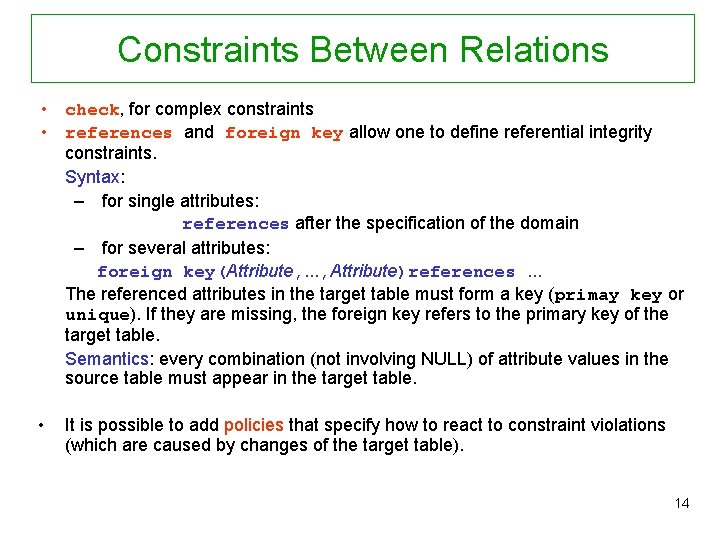
Constraints Between Relations • check, for complex constraints • references and foreign key allow one to define referential integrity constraints. Syntax: – for single attributes: references after the specification of the domain – for several attributes: foreign key(Attribute, . . . , Attribute)references. . . The referenced attributes in the target table must form a key (primay key or unique). If they are missing, the foreign key refers to the primary key of the target table. Semantics: every combination (not involving NULL) of attribute values in the source table must appear in the target table. • It is possible to add policies that specify how to react to constraint violations (which are caused by changes of the target table). 14
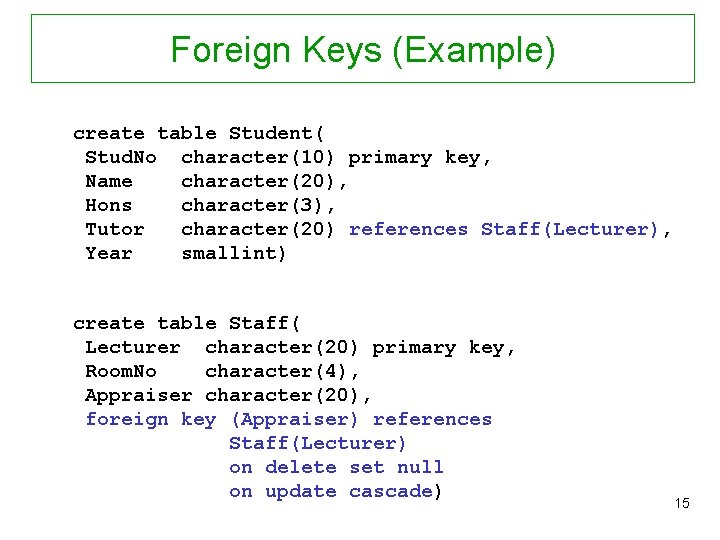
Foreign Keys (Example) create table Student( Stud. No character(10) primary key, Name character(20), Hons character(3), Tutor character(20) references Staff(Lecturer), Year smallint) create table Staff( Lecturer character(20) primary key, Room. No character(4), Appraiser character(20), foreign key (Appraiser) references Staff(Lecturer) on delete set null on update cascade) 15
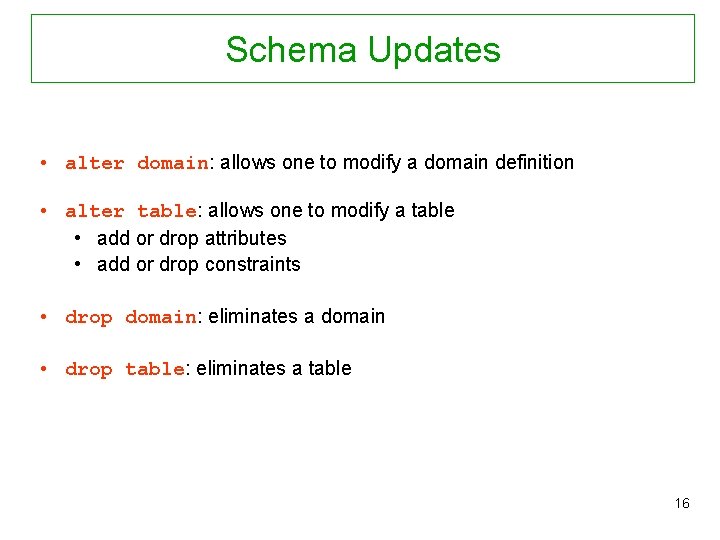
Schema Updates • alter domain: allows one to modify a domain definition • alter table: allows one to modify a table • add or drop attributes • add or drop constraints • drop domain: eliminates a domain • drop table: eliminates a table 16

Catalogue or Data Dictionary Every relational system offers predefined tables that collect data about: • tables • attributes • domains • . . . For instance, the table Columns contains the attributes: • Column_Name • Table_name • Ordinal_Position • Column_Default • … 17
6. Data Definition and Manipulation in SQL 6. 2 Data Manipulaton 1. 2. Data Definition Data Manipulation 18
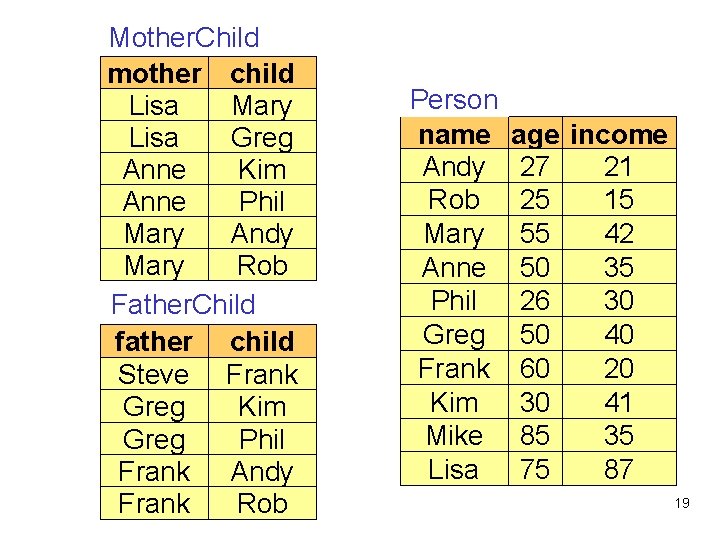
Mother. Child mother child Lisa Mary Lisa Greg Anne Kim Anne Phil Mary Andy Mary Rob Father. Child father child Steve Frank Greg Kim Greg Phil Frank Andy Frank Rob Person name Andy Rob Mary Anne Phil Greg Frank Kim Mike Lisa age income 27 21 25 15 55 42 50 35 26 30 50 40 60 20 30 41 85 35 75 87 19
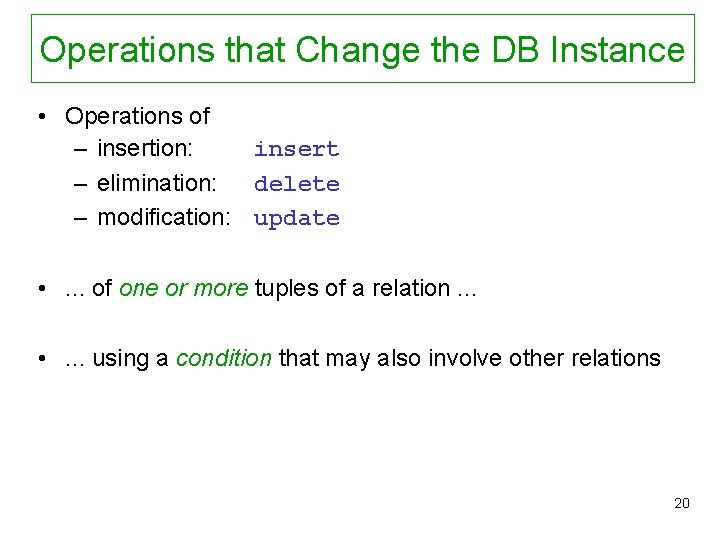
Operations that Change the DB Instance • Operations of – insertion: insert – elimination: delete – modification: update • . . . of one or more tuples of a relation. . . • . . . using a condition that may also involve other relations 20
![Insertion: Syntax insert into Table [ ( Attributes ) ] values( Values ) (values](http://slidetodoc.com/presentation_image/51c3113683072195cf0bff222aa4dec7/image-21.jpg "Insertion: Syntax insert into Table [ ( Attributes ) ] values( Values ) (values")
Insertion: Syntax insert into Table [ ( Attributes ) ] values( Values ) (values are stated explicitly) or insert into Table [ ( Attributes) ] select. . . (values are produced by a query) 21
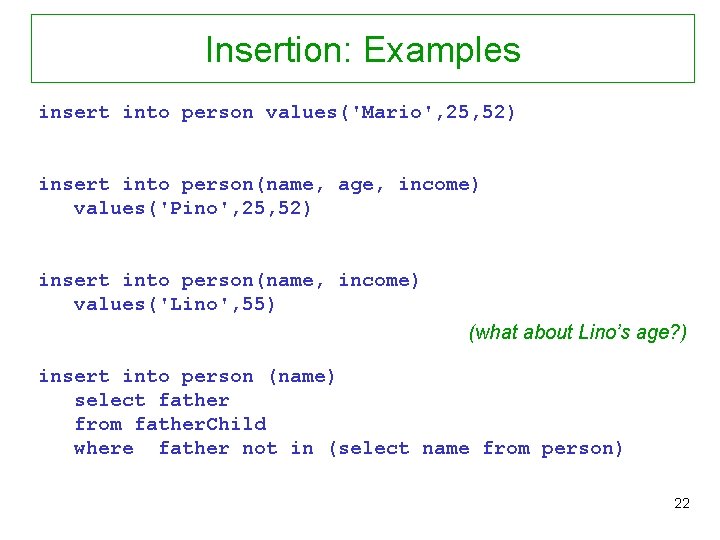
Insertion: Examples insert into person values('Mario', 25, 52) insert into person(name, age, income) values('Pino', 25, 52) insert into person(name, income) values('Lino', 55) (what about Lino’s age? ) insert into person (name) select father from father. Child where father not in (select name from person) 22
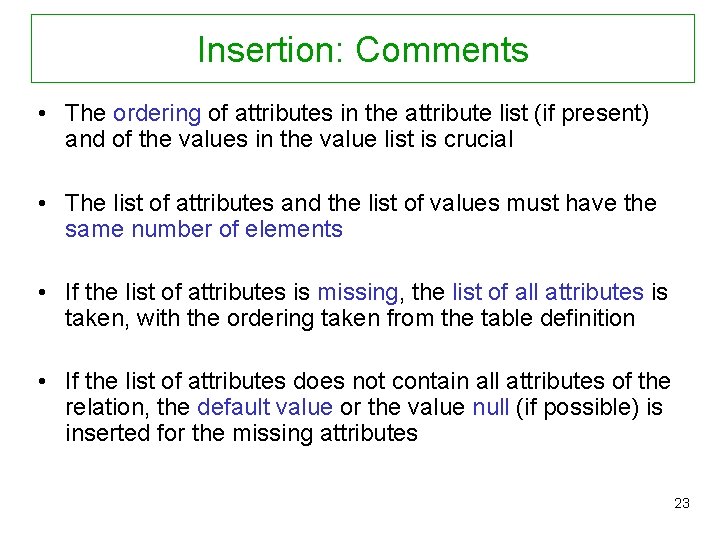
Insertion: Comments • The ordering of attributes in the attribute list (if present) and of the values in the value list is crucial • The list of attributes and the list of values must have the same number of elements • If the list of attributes is missing, the list of all attributes is taken, with the ordering taken from the table definition • If the list of attributes does not contain all attributes of the relation, the default value or the value null (if possible) is inserted for the missing attributes 23
![Elimination of Tuples Syntax: delete from Table [ where Condition ] Examples: delete from](http://slidetodoc.com/presentation_image/51c3113683072195cf0bff222aa4dec7/image-24.jpg "Elimination of Tuples Syntax: delete from Table [ where Condition ] Examples: delete from")
Elimination of Tuples Syntax: delete from Table [ where Condition ] Examples: delete from person where age < 35 (conditions are similar to query conditions) delete from father. Child where child not in (select name from person) 24
Elimination: Comments • All tuples that satisfy the condition are eliminated • May cause eliminations in other relations if the repair policy cascade has been specified for those relations • Note: if the where part is missing, it is understood as where true 25
Modification of Tuples • Syntax: update Table. Name set Attribute = < Expression | select … | null | default > [ where Condition ] • Semantics: all tuples of the table are modified that satisfy the where condition • Examples: update person set income = 45 where name = ‘Greg' update person set income = income * 1. 1 where age < 30 26
References In preparing the lectures I have used several sources. The main ones are the following: Books: • A First Course in Database Systems, by J. Ullman and J. Widom • Fundamentals of Database Systems, by R. Elmasri and S. Navathe Slides: • The slides of this chapter are mostly translations of material prepared by Maurizio Lenzerini (University of Rome, “La Sapienza”) and Warner Nutt and Diego Calvanese (Free University of Bozen-Bolzano) for their introductory course on databases at the University of Rome, “La Sapienza” 27
- Slides: 27