
INTRODUCTION TO DATABASE SQL By Varian Aditya Iryanto
INTRODUCTION TO DATABASE & SQL By : Varian Aditya Iryanto
What is Database? Database is a place to store data(s) and also take it back again if needed.
What is SQL? Standard Query Language Used to communicate and manipulate database Standard language for relational DB management
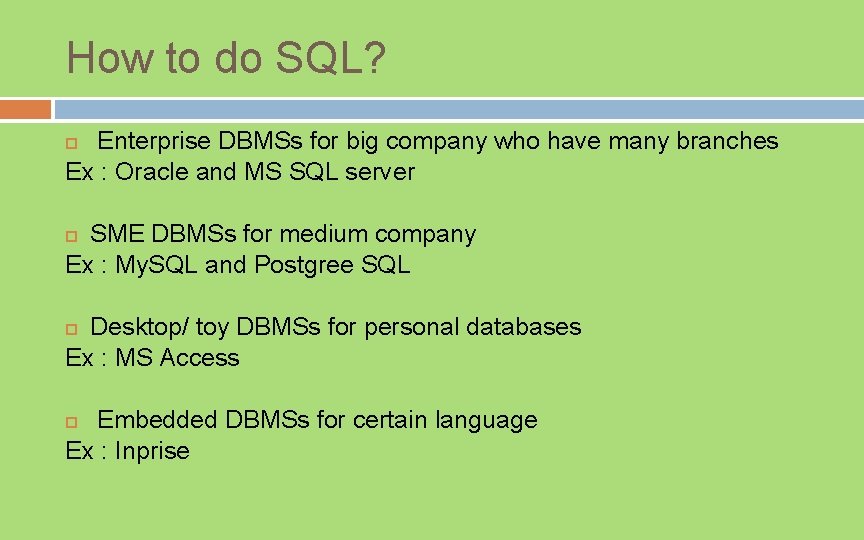
How to do SQL? Enterprise DBMSs for big company who have many branches Ex : Oracle and MS SQL server SME DBMSs for medium company Ex : My. SQL and Postgree SQL Desktop/ toy DBMSs for personal databases Ex : MS Access Embedded DBMSs for certain language Ex : Inprise
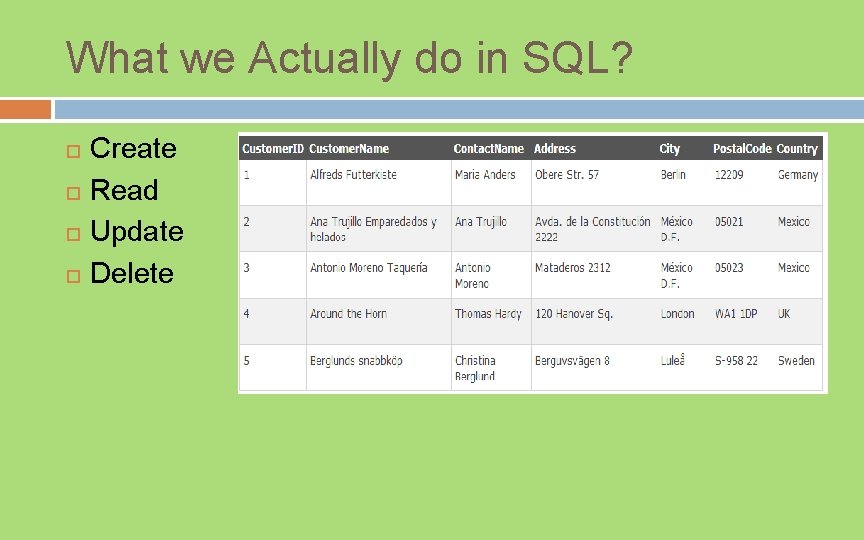
What we Actually do in SQL? Create Read Update Delete
(Super, Candidate, Primary, Foreign) KEY Super key: column(s) with unique values Candidate key: minimal superkey Primary key: a designated candidate key; cannot contain null values Foreign key: column(s) whose values must match the values in a candidate key of another table
Common Data Type CHAR(L) VARCHAR(L) INTEGER FLOAT(P) Date/Time: DATE, TIMESTAMP DECIMAL(W, R) BOOLEAN
1. Create Database Syntax: CREATE DATABASE database. Name; Example: CREATE DATABASE student_db;
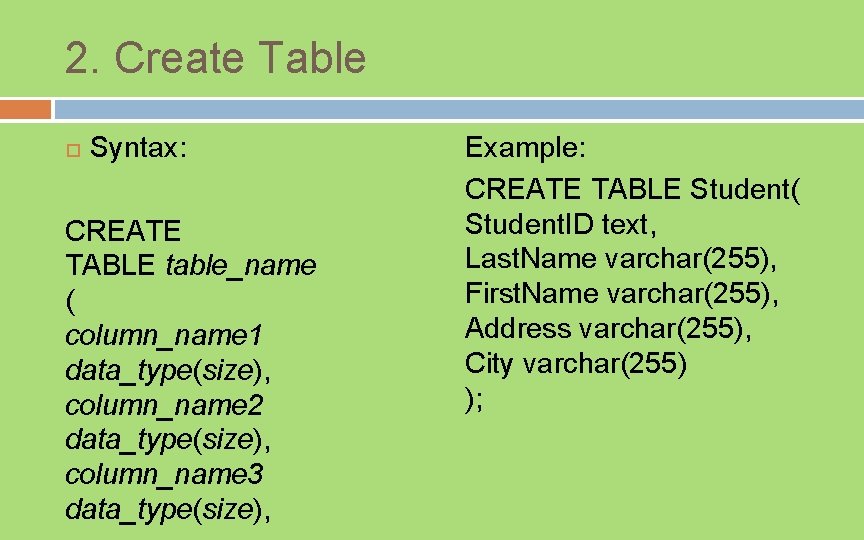
2. Create Table Syntax: CREATE TABLE table_name ( column_name 1 data_type(size), column_name 2 data_type(size), column_name 3 data_type(size), Example: CREATE TABLE Student( Student. ID text, Last. Name varchar(255), First. Name varchar(255), Address varchar(255), City varchar(255) );
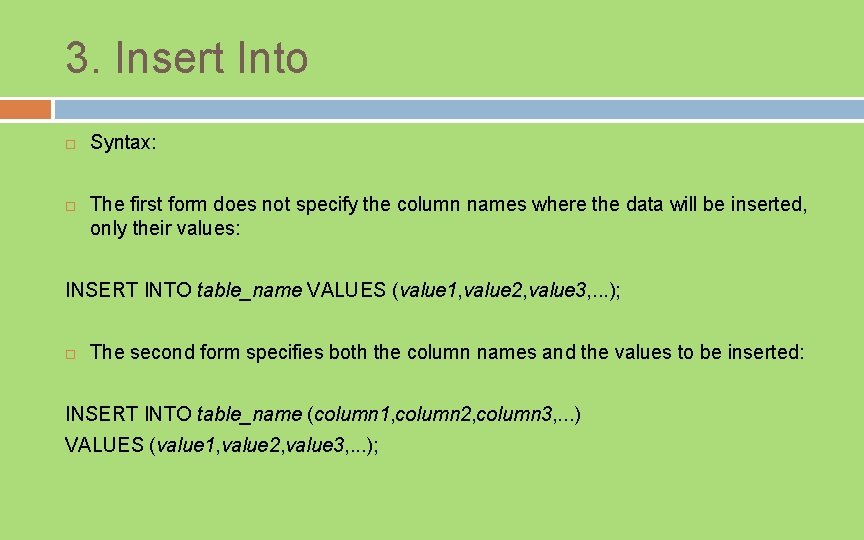
3. Insert Into Syntax: The first form does not specify the column names where the data will be inserted, only their values: INSERT INTO table_name VALUES (value 1, value 2, value 3, . . . ); The second form specifies both the column names and the values to be inserted: INSERT INTO table_name (column 1, column 2, column 3, . . . ) VALUES (value 1, value 2, value 3, . . . );
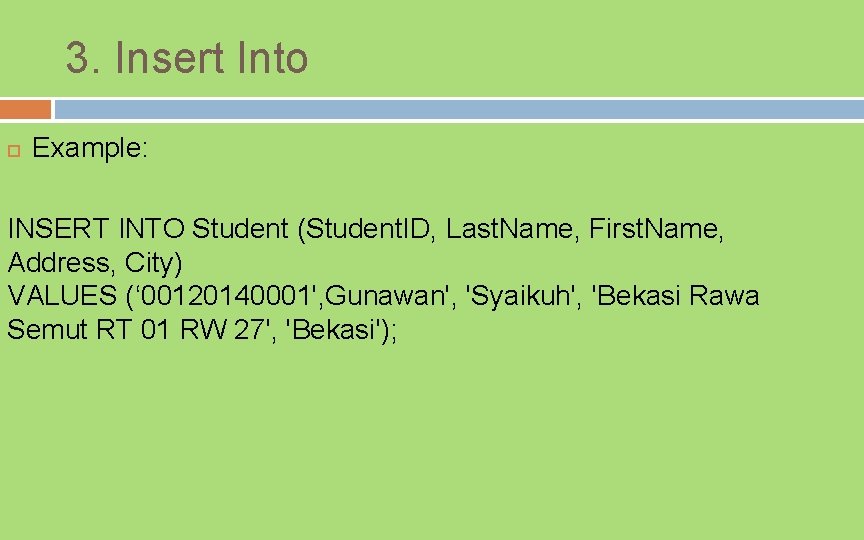
3. Insert Into Example: INSERT INTO Student (Student. ID, Last. Name, First. Name, Address, City) VALUES (‘ 00120140001', Gunawan', 'Syaikuh', 'Bekasi Rawa Semut RT 01 RW 27', 'Bekasi');
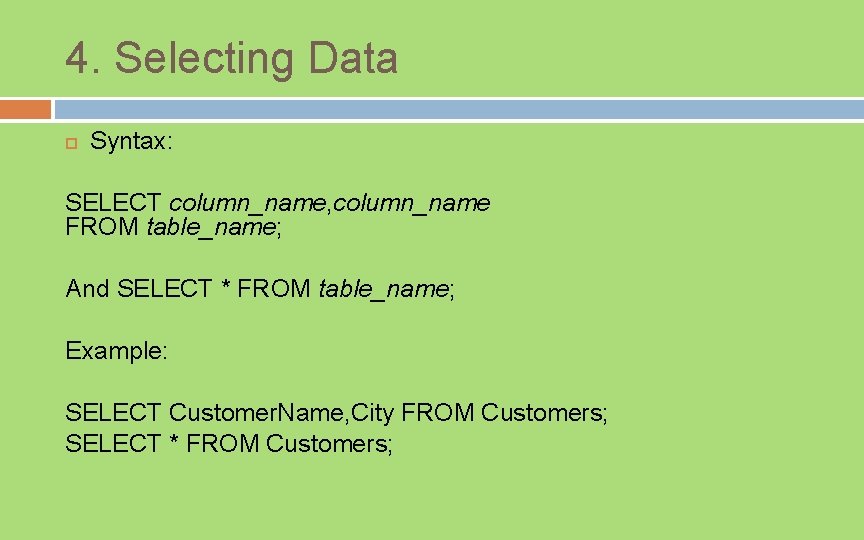
4. Selecting Data Syntax: SELECT column_name, column_name FROM table_name; And SELECT * FROM table_name; Example: SELECT Customer. Name, City FROM Customers; SELECT * FROM Customers;
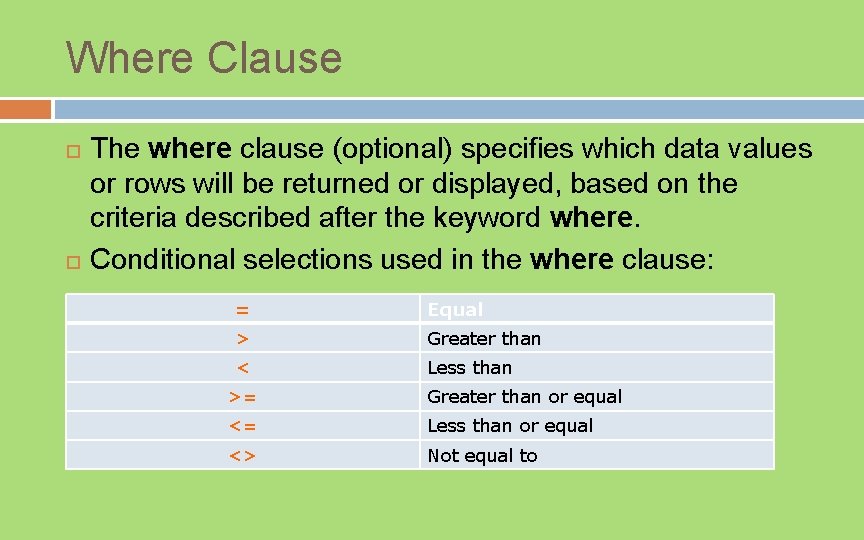
Where Clause The where clause (optional) specifies which data values or rows will be returned or displayed, based on the criteria described after the keyword where. Conditional selections used in the where clause: = Equal > Greater than < Less than >= Greater than or equal <= Less than or equal <> Not equal to
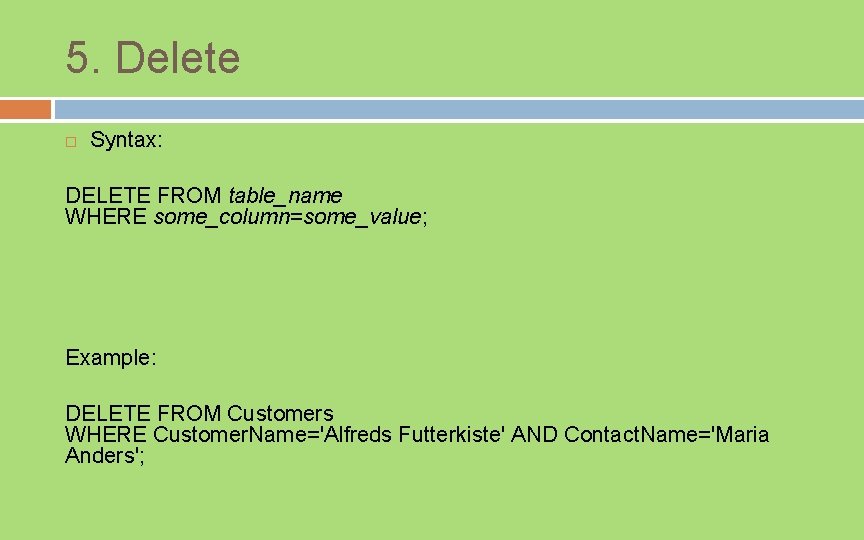
5. Delete Syntax: DELETE FROM table_name WHERE some_column=some_value; Example: DELETE FROM Customers WHERE Customer. Name='Alfreds Futterkiste' AND Contact. Name='Maria Anders';
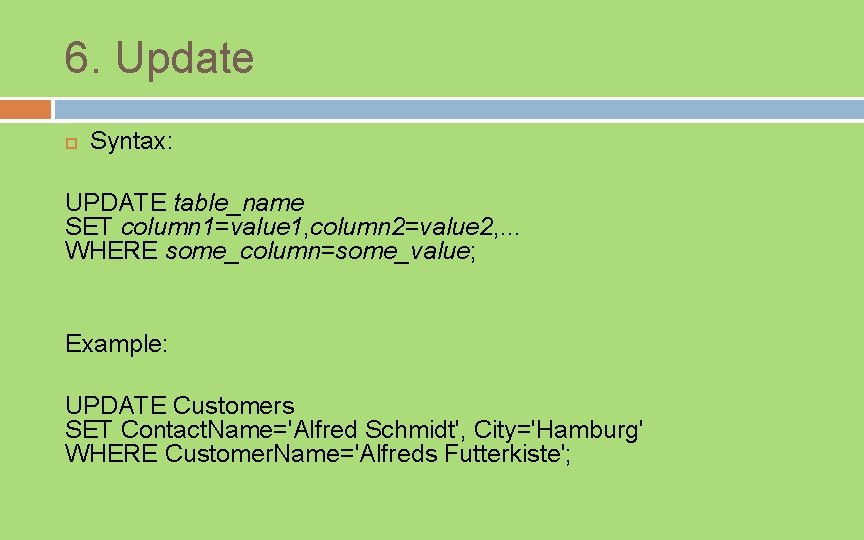
6. Update Syntax: UPDATE table_name SET column 1=value 1, column 2=value 2, . . . WHERE some_column=some_value; Example: UPDATE Customers SET Contact. Name='Alfred Schmidt', City='Hamburg' WHERE Customer. Name='Alfreds Futterkiste';
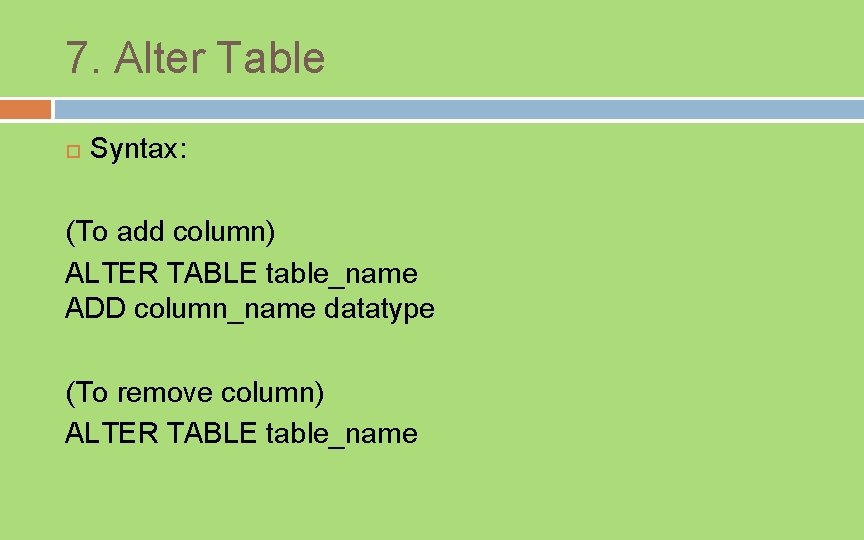
7. Alter Table Syntax: (To add column) ALTER TABLE table_name ADD column_name datatype (To remove column) ALTER TABLE table_name
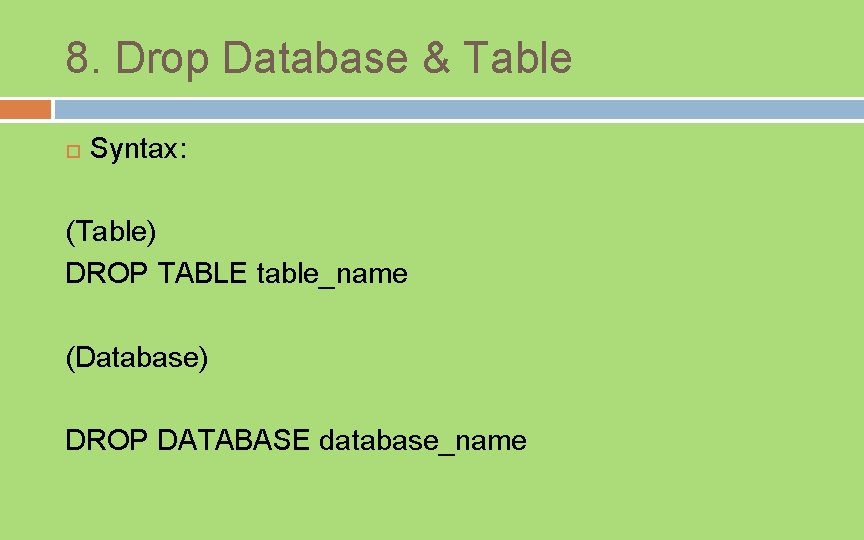
8. Drop Database & Table Syntax: (Table) DROP TABLE table_name (Database) DROP DATABASE database_name
- Slides: 17