
Introduction to Database Programming through ADO NET By
Introduction to Database Programming through ADO. NET By Prakash G Asnani Assistant Professor Computer Science Government Science College Chikhli
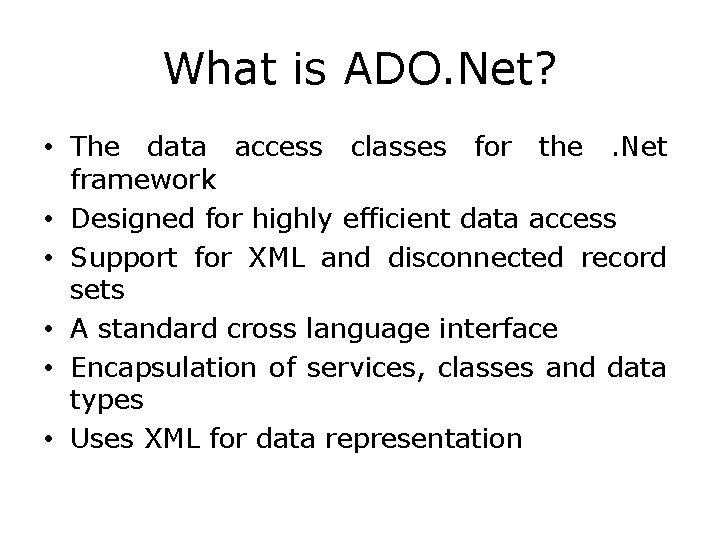
What is ADO. Net? • The data access classes for the. Net framework • Designed for highly efficient data access • Support for XML and disconnected record sets • A standard cross language interface • Encapsulation of services, classes and data types • Uses XML for data representation
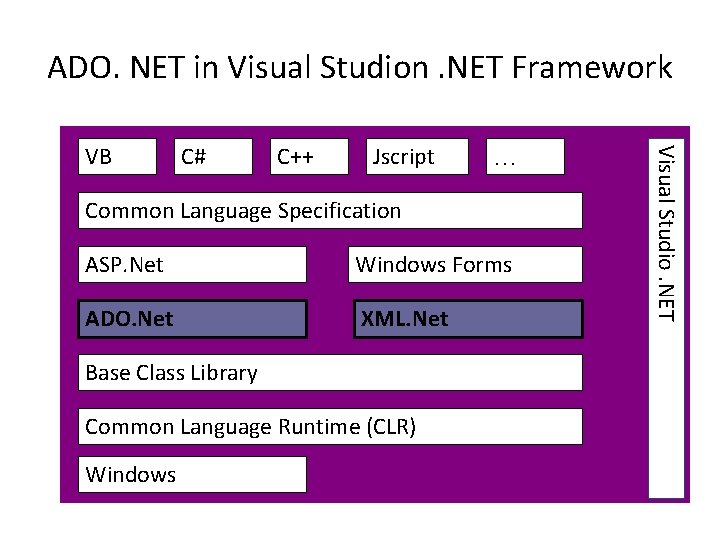
ADO. NET in Visual Studion. NET Framework C# C++ Jscript … Common Language Specification ASP. Net Windows Forms ADO. Net XML. Net Base Class Library Common Language Runtime (CLR) Windows Visual Studio. NET VB
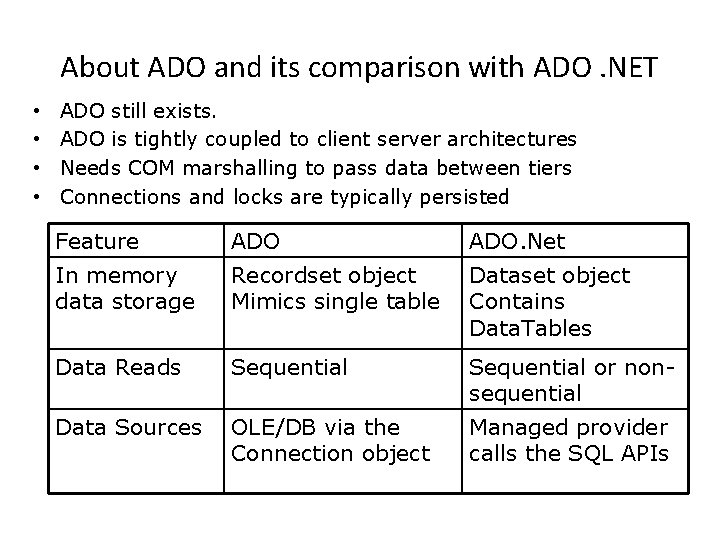
About ADO and its comparison with ADO. NET • • ADO still exists. ADO is tightly coupled to client server architectures Needs COM marshalling to pass data between tiers Connections and locks are typically persisted Feature ADO. Net In memory data storage Recordset object Mimics single table Dataset object Contains Data. Tables Data Reads Sequential or nonsequential Data Sources OLE/DB via the Connection object Managed provider calls the SQL APIs
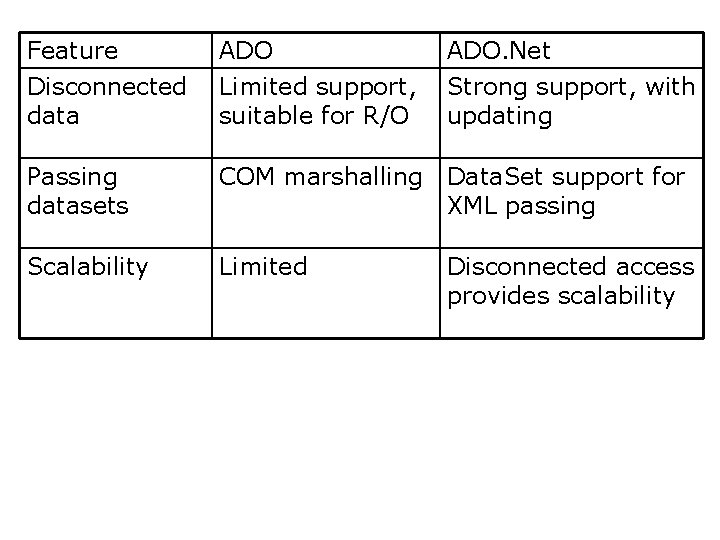
Feature Disconnected data ADO Limited support, suitable for R/O ADO. Net Strong support, with updating Passing datasets COM marshalling Data. Set support for XML passing Scalability Limited Disconnected access provides scalability
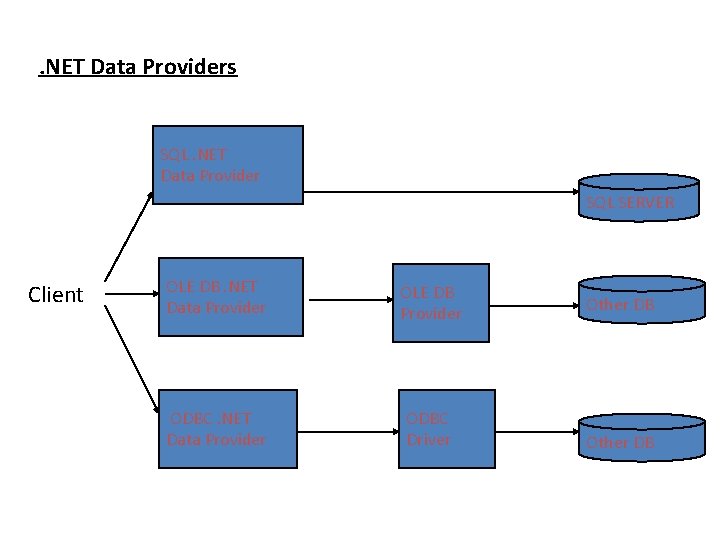
. NET Data Providers SQL. NET Data Provider SQL SERVER Client OLE DB. NET Data Provider OLE DB Provider ODBC. NET Data Provider ODBC Driver Other DB
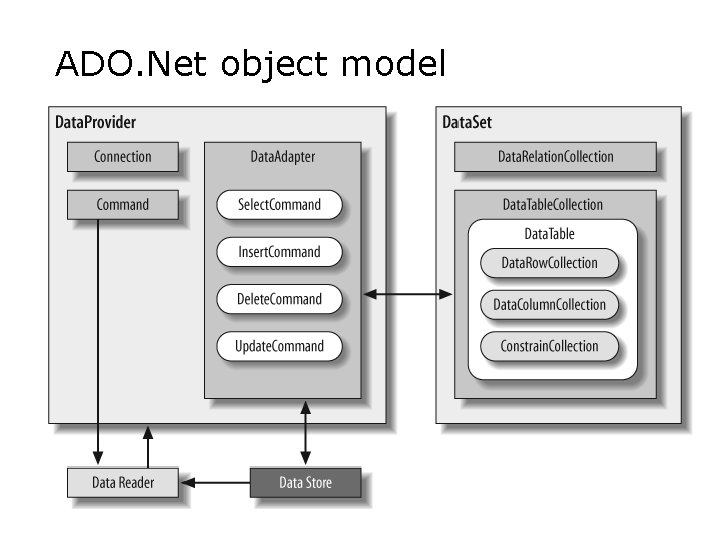
ADO. Net object model
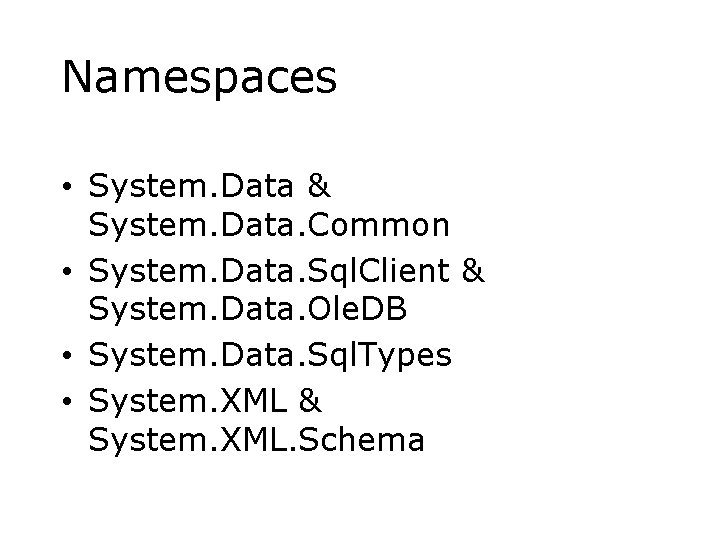
Namespaces • System. Data & System. Data. Common • System. Data. Sql. Client & System. Data. Ole. DB • System. Data. Sql. Types • System. XML & System. XML. Schema
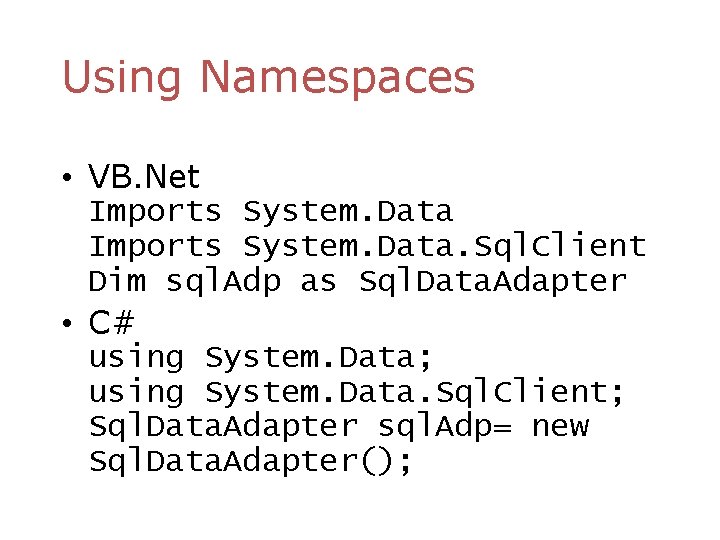
Using Namespaces • VB. Net Imports System. Data. Sql. Client Dim sql. Adp as Sql. Data. Adapter • C# using System. Data; using System. Data. Sql. Client; Sql. Data. Adapter sql. Adp= new Sql. Data. Adapter();
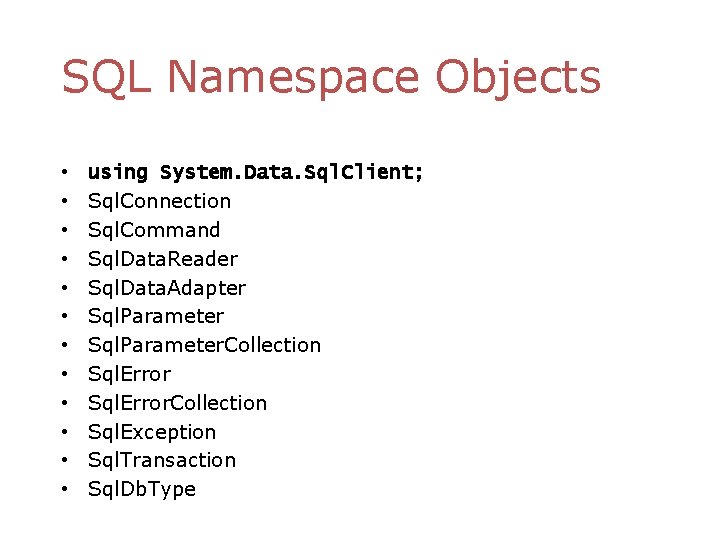
SQL Namespace Objects • • • using System. Data. Sql. Client; Sql. Connection Sql. Command Sql. Data. Reader Sql. Data. Adapter Sql. Parameter. Collection Sql. Error. Collection Sql. Exception Sql. Transaction Sql. Db. Type
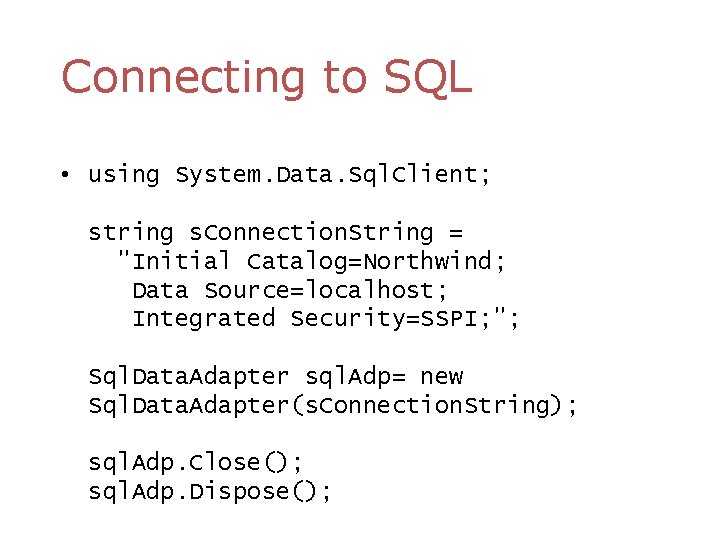
Connecting to SQL • using System. Data. Sql. Client; string s. Connection. String = "Initial Catalog=Northwind; Data Source=localhost; Integrated Security=SSPI; "; Sql. Data. Adapter sql. Adp= new Sql. Data. Adapter(s. Connection. String); sql. Adp. Close(); sql. Adp. Dispose();
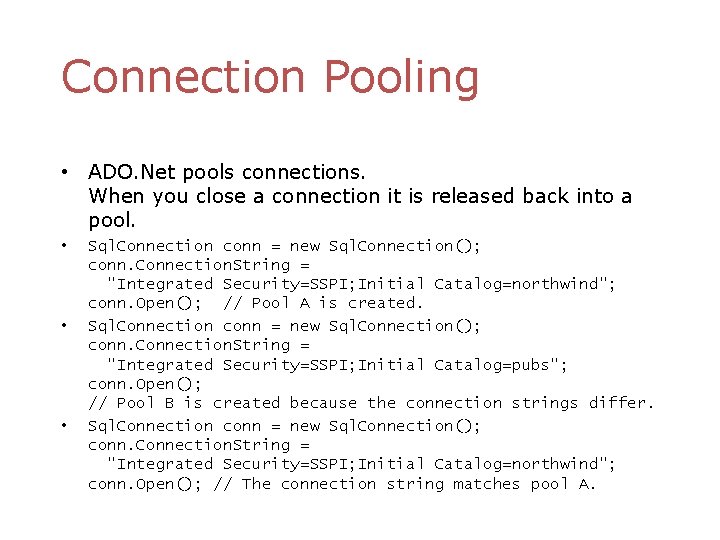
Connection Pooling • ADO. Net pools connections. When you close a connection it is released back into a pool. • • • Sql. Connection conn = new Sql. Connection(); conn. Connection. String = "Integrated Security=SSPI; Initial Catalog=northwind"; conn. Open(); // Pool A is created. Sql. Connection conn = new Sql. Connection(); conn. Connection. String = "Integrated Security=SSPI; Initial Catalog=pubs"; conn. Open(); // Pool B is created because the connection strings differ. Sql. Connection conn = new Sql. Connection(); conn. Connection. String = "Integrated Security=SSPI; Initial Catalog=northwind"; conn. Open(); // The connection string matches pool A.
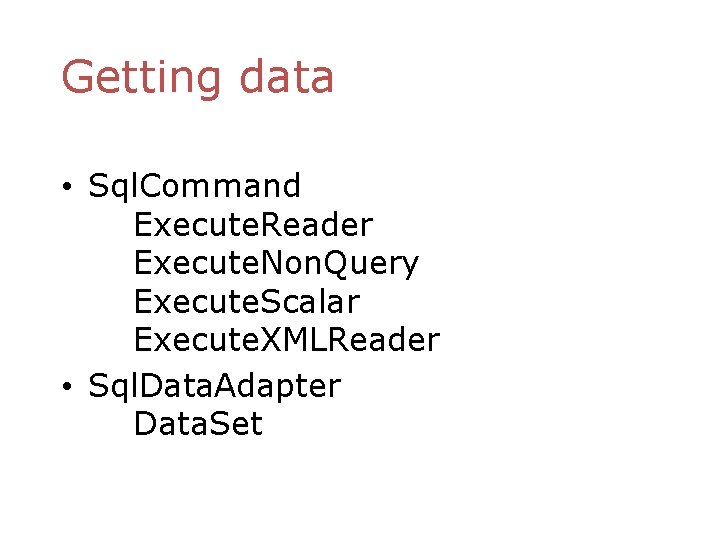
Getting data • Sql. Command Execute. Reader Execute. Non. Query Execute. Scalar Execute. XMLReader • Sql. Data. Adapter Data. Set
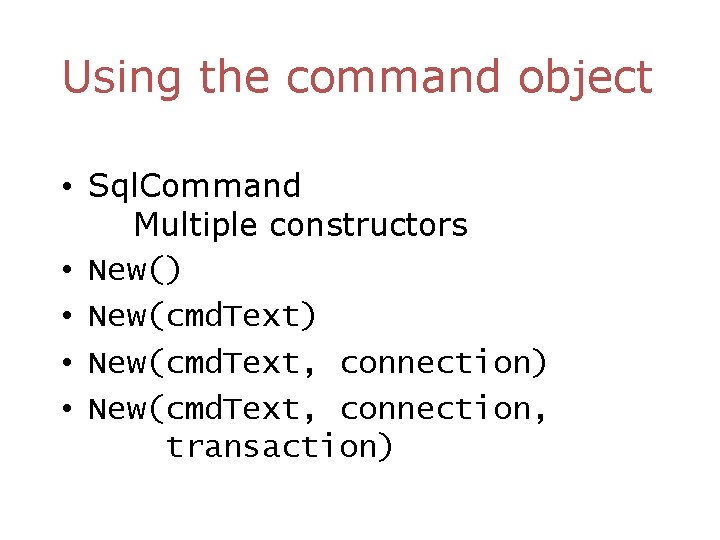
Using the command object • Sql. Command Multiple constructors • New() • New(cmd. Text, connection) • New(cmd. Text, connection, transaction)
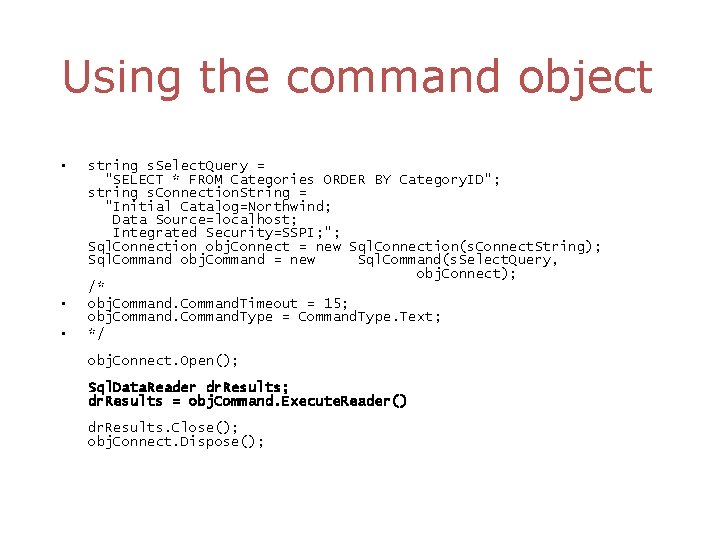
Using the command object • • • string s. Select. Query = "SELECT * FROM Categories ORDER BY Category. ID"; string s. Connection. String = "Initial Catalog=Northwind; Data Source=localhost; Integrated Security=SSPI; "; Sql. Connection obj. Connect = new Sql. Connection(s. Connect. String); Sql. Command obj. Command = new Sql. Command(s. Select. Query, obj. Connect); /* obj. Command. Timeout = 15; obj. Command. Type = Command. Type. Text; */ obj. Connect. Open(); Sql. Data. Reader dr. Results; dr. Results = obj. Command. Execute. Reader() dr. Results. Close(); obj. Connect. Dispose();
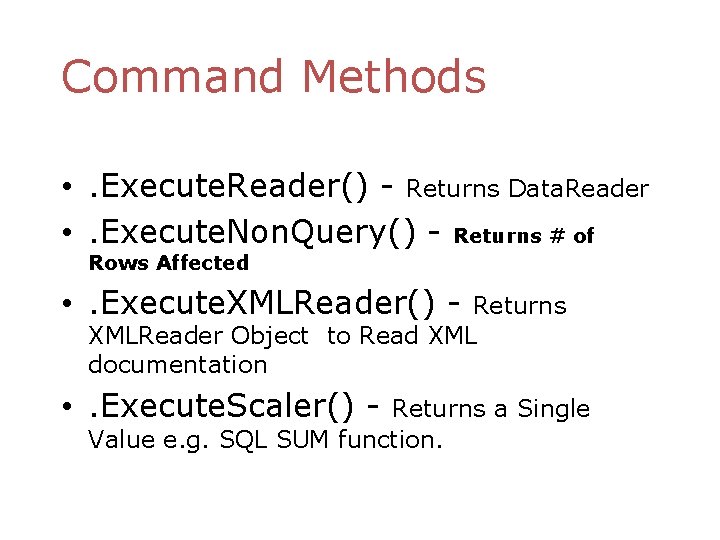
Command Methods • . Execute. Reader() - Returns Data. Reader • . Execute. Non. Query() - Returns # of Rows Affected • . Execute. XMLReader() - Returns XMLReader Object to Read XML documentation • . Execute. Scaler() - Returns a Single Value e. g. SQL SUM function.
The Data. Reader object • Data. Reader objects are highly optimised for fast, forward only enumeration of data from a data command • A Data. Reader is not disconnected
The Data. Reader object • Access to data is on a per record basis. • Forward only • Read only • Does support multiple recordsets
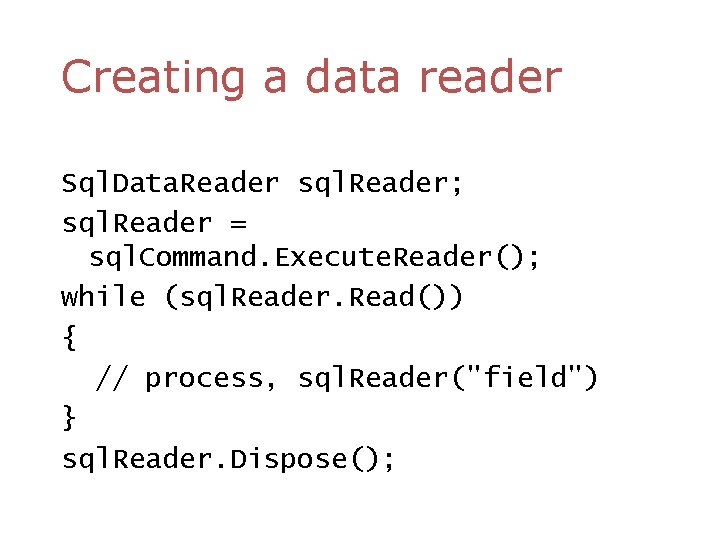
Creating a data reader Sql. Data. Reader sql. Reader; sql. Reader = sql. Command. Execute. Reader(); while (sql. Reader. Read()) { // process, sql. Reader("field") } sql. Reader. Dispose();
Data. Sets • In-memory representation of data contained in a database/XML • Operations are performed on the Data. Set, not the data source • Can be created programmatically, using a Data. Adapter or XML schema and document (or any mixture)
Creating Data. Sets • • Setup Sql. Connection Setup a Sql. Data. Adapter Create a Data. Set Call the. Fill() method on the DA
Data. Adapters • Pipeline between Data. Sets and data sources • Geared towards functionality rather than speed • Disconnected by design • Supports select, insert, delete, update commands and methods • Must always specify a select command • All other commands can be generated or specified
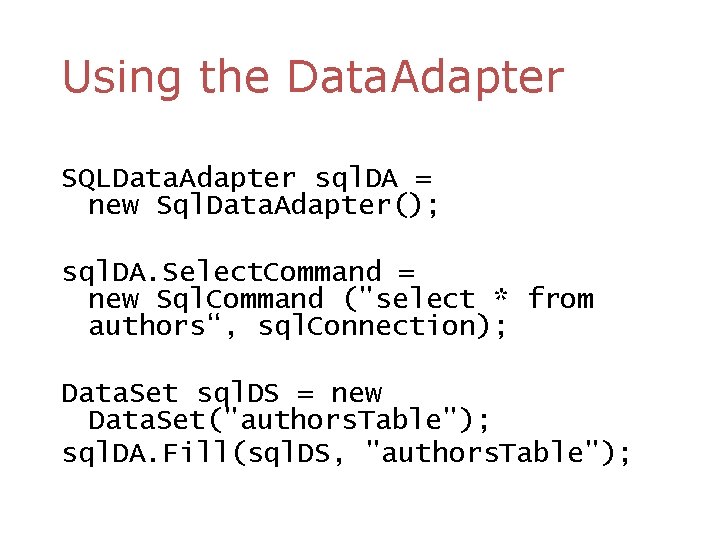
Using the Data. Adapter SQLData. Adapter sql. DA = new Sql. Data. Adapter(); sql. DA. Select. Command = new Sql. Command ("select * from authors“, sql. Connection); Data. Set sql. DS = new Data. Set("authors. Table"); sql. DA. Fill(sql. DS, "authors. Table");
Data. Adapters • For speed and efficiency you should set your own Insert. Command, Update. Command Delete. Command • Call Get. Changes to seperates the updates, adds and deletes since the last sync. Then sync each type.
References • ADO. Net Programmer’s Reference Bilbija, Dickenson et al. Wrox Press • http: //oberon. idunno. org/sql/ • My email : desai 8@uwindsor. ca • An Introduction to ADO. Net by Marmagna Desai

- Slides: 26