
Introduction to Computers Plain ppt version A Programmable
Introduction to Computers Plain ppt version
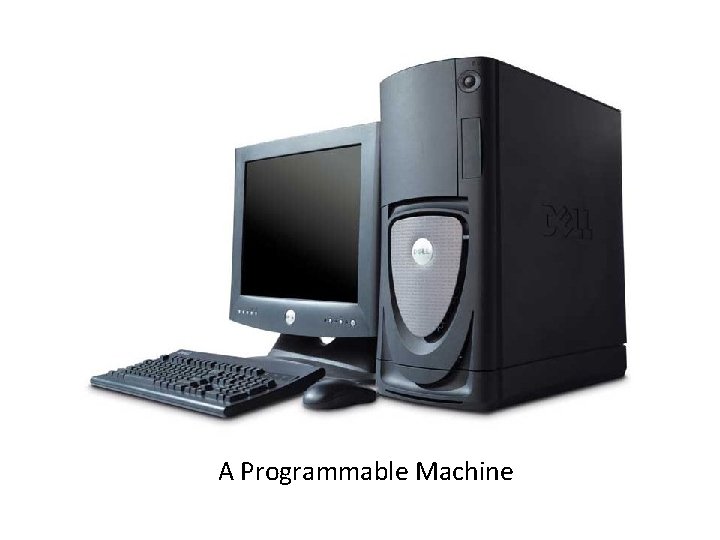
A Programmable Machine
Properties • Receives input • Stores and manipulates data • Provides output in a useful format
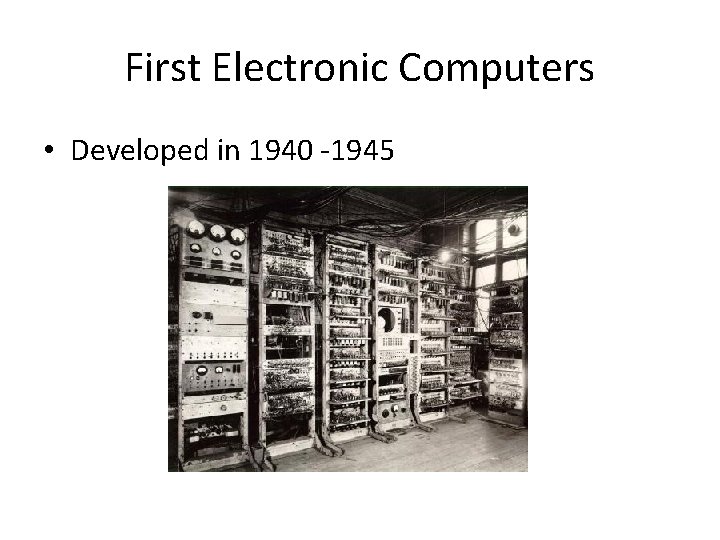
First Electronic Computers • Developed in 1940 -1945
Extremely Versatile • Store and execute lists of instructions called PROGRAMS
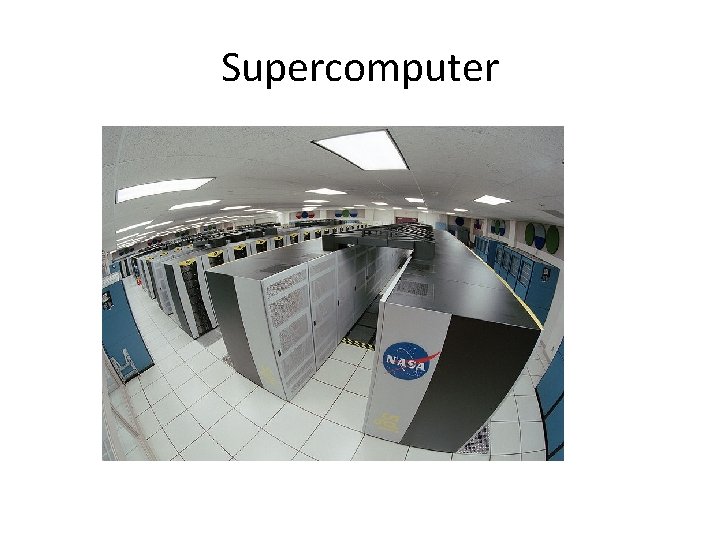
Supercomputer
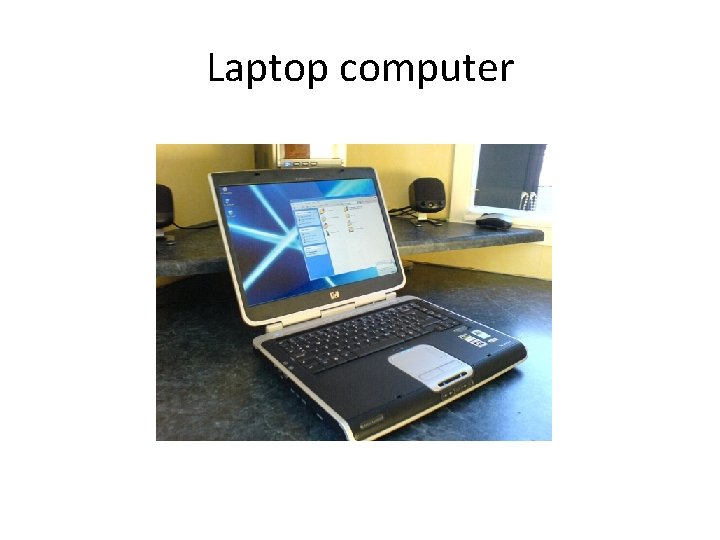
Laptop computer
Three Key Concepts to How Computers Work • 1. The purpose of a computer is to process data into information. • 2. Know the difference between HARDWARE and SOFTWARE • 3. All computers follow four basic operations
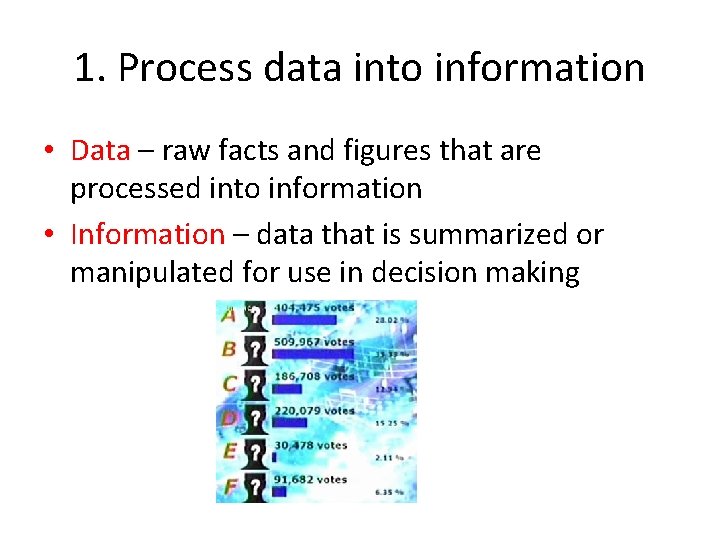
1. Process data into information • Data – raw facts and figures that are processed into information • Information – data that is summarized or manipulated for use in decision making
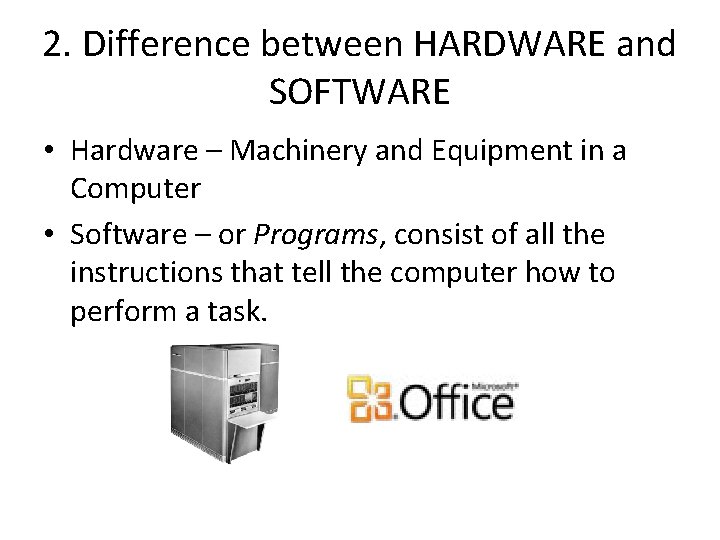
2. Difference between HARDWARE and SOFTWARE • Hardware – Machinery and Equipment in a Computer • Software – or Programs, consist of all the instructions that tell the computer how to perform a task.
3. Five basic operations • • • Input operation Processing operation Storage operation Output operation Communications operation
Input operation • Input – Whatever is put in (“input”) to a computer system. – Letters – Numbers – Symbols – Shapes – Colors – INPUT DATA – type words or numbers on a keyword
Processing operation • The manipulation a computer does to transform data into INFORMATION. • 2+2=4 • Done by the Central Processing Unit (CPU)
Storage operation • Primary Storage – Computer circuitry that temporarily holds data waiting to be processed • Secondary Storage – “Storage”. Area in the computer where data or information is held permanently. – E. g. Hard disk. It holds programs
Output operation • Whatever is output from (“put of”) the computer system, the results of processing, usually information.
Communications operation • Most, though not all computers have communications ability. • Wired or wireless communications connections – Data may be input from afar, processed in a remote area, stored in several different locations, output in yet other places.
- Slides: 16