
INTRODUCTION TO COMPUTERS Module ZERO Information and Communication
- Slides: 35
INTRODUCTION TO COMPUTERS Module ZERO Information and Communication Technology Fundamentals
Objectives 1. Explain why computer literacy is vital to the success in today’s world. 2. Define the term, computer, & describe the relationship between data and information. 3. Describe the five components of a computer. 4. Discuss the advantages & disadvantages that users experience when working computers. 5. Define the term, network, & identify benefits of sharing resources on a network. 6. Discuss the uses of the Internet & World Wide Web.
Objectives (Cont. ) 7. Distinguish between system software and application 8. 9. 10. 11. software Differentiate among types, sizes, and functions of computers in each category Describe the role of each element in an information system Explain how home users, small office/home office users, mobile users, power users, and enterprise users each interact with computers Discuss how society uses computers in education, finance, government, health care, science, publishing, travel, and manufacturing
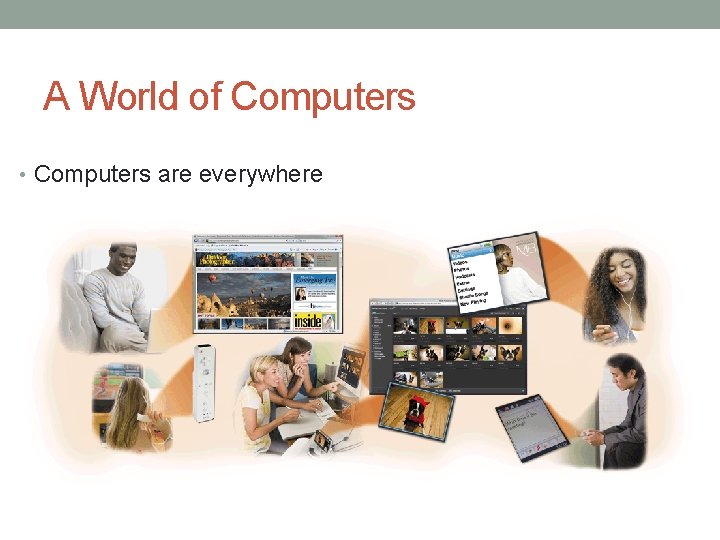
A World of Computers • Computers are everywhere
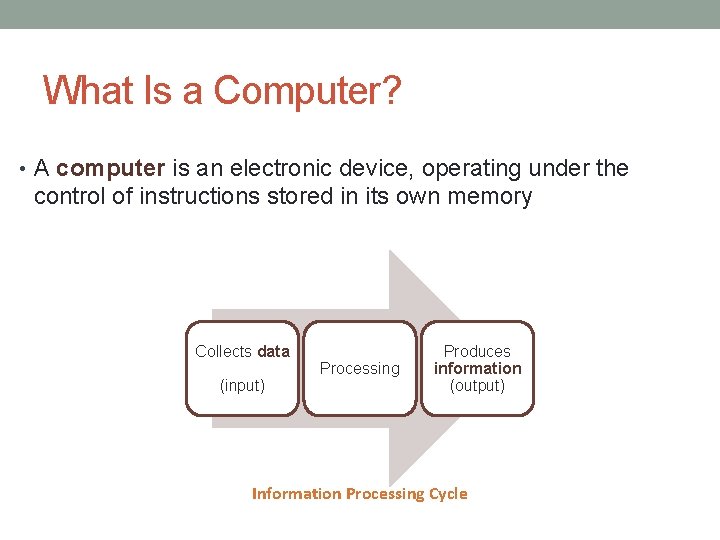
What Is a Computer? • A computer is an electronic device, operating under the control of instructions stored in its own memory Collects data (input) Processing Produces information (output) Information Processing Cycle
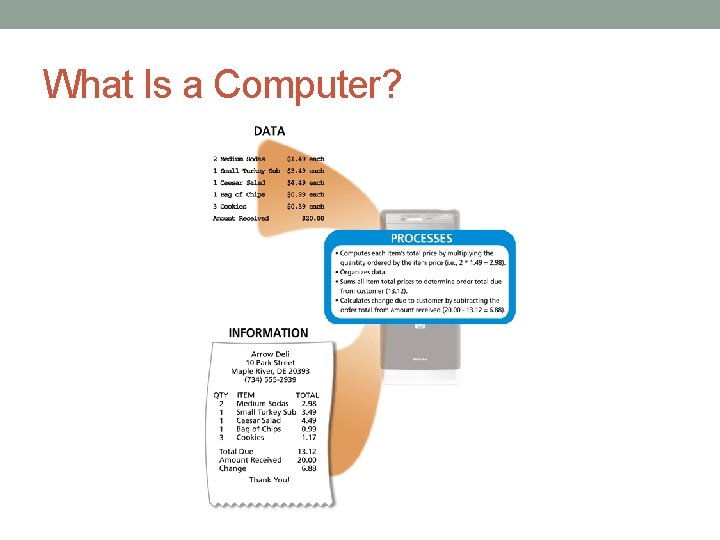
What Is a Computer?
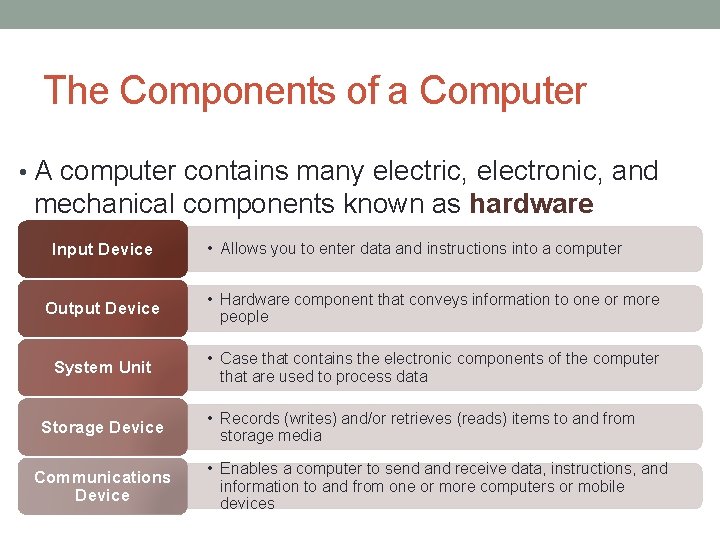
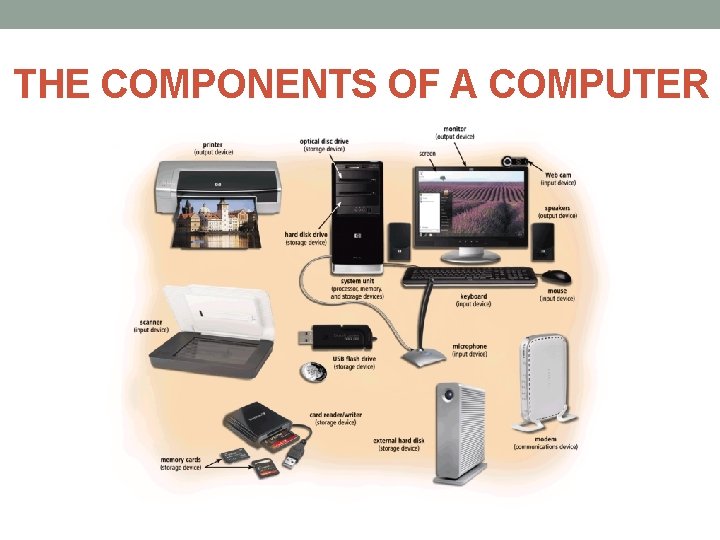
The Components of a Computer • A computer contains many electric, electronic, and mechanical components known as hardware Input Device • Allows you to enter data and instructions into a computer Output Device • Hardware component that conveys information to one or more people System Unit • Case that contains the electronic components of the computer that are used to process data Storage Device Communications Device • Records (writes) and/or retrieves (reads) items to and from storage media • Enables a computer to send and receive data, instructions, and information to and from one or more computers or mobile devices
THE COMPONENTS OF A COMPUTER
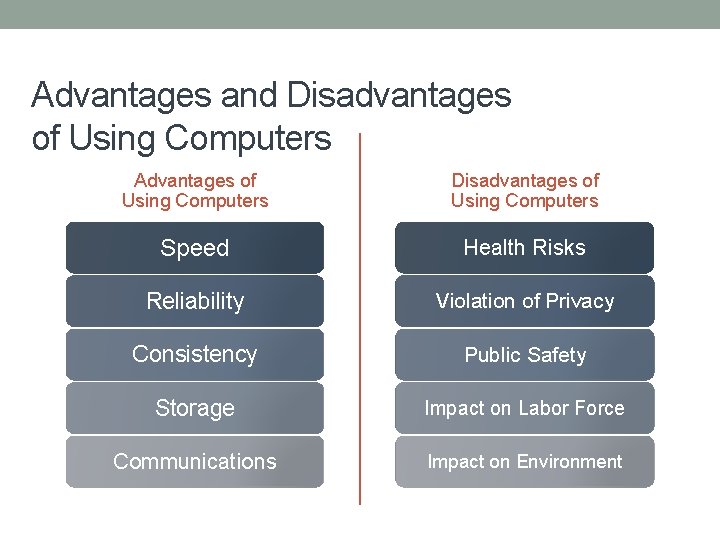
Advantages and Disadvantages of Using Computers Advantages of Using Computers Disadvantages of Using Computers Speed Health Risks Reliability Violation of Privacy Consistency Public Safety Storage Impact on Labor Force Communications Impact on Environment
Advantages and Disadvantages of Using Computers • Green computing involves reducing the electricity consumed and environmental waste generated when using a computer • Strategies include: – Recycling – Regulating manufacturing processes – Extending the life of computers – Immediately donating or properly disposing of replaced computers
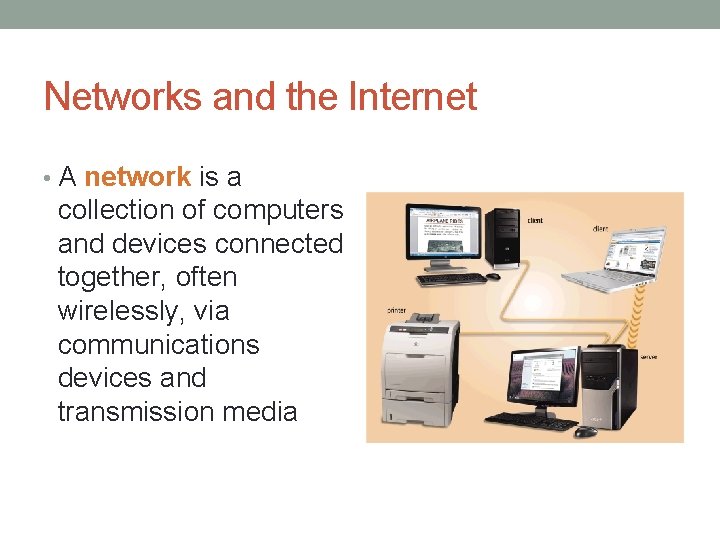
Networks and the Internet • A network is a collection of computers and devices connected together, often wirelessly, via communications devices and transmission media
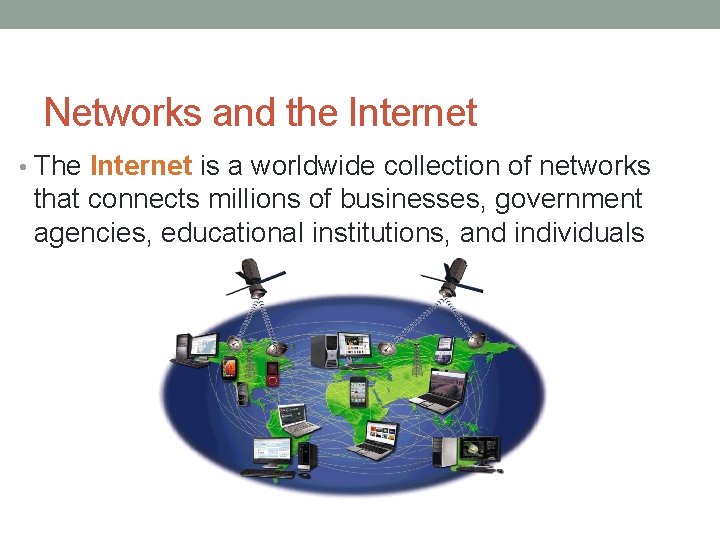
Networks and the Internet • The Internet is a worldwide collection of networks that connects millions of businesses, government agencies, educational institutions, and individuals
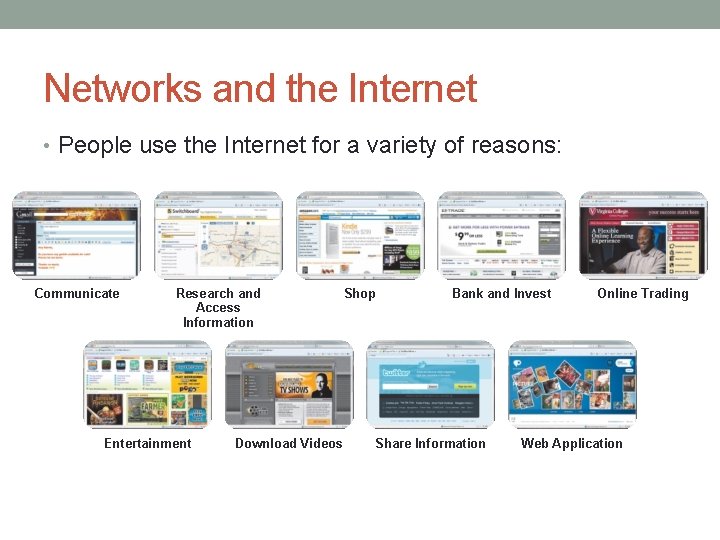
Networks and the Internet • People use the Internet for a variety of reasons: Communicate Research and Access Information Entertainment Download Videos Shop Bank and Invest Share Information Online Trading Web Application
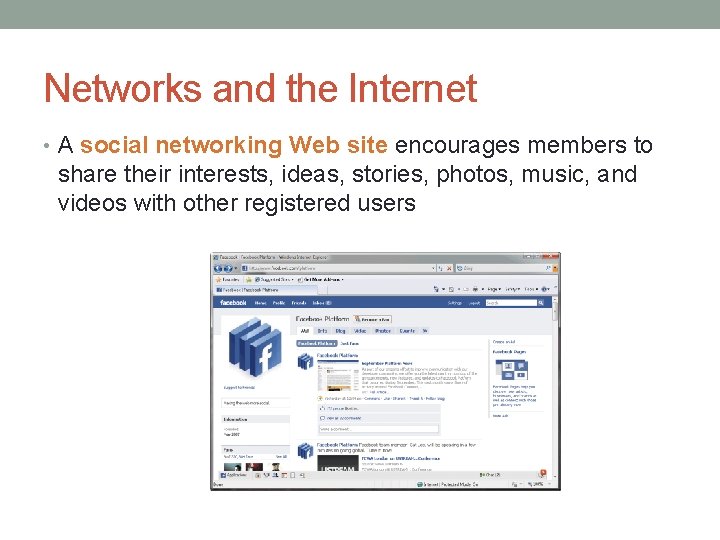
Networks and the Internet • A social networking Web site encourages members to share their interests, ideas, stories, photos, music, and videos with other registered users
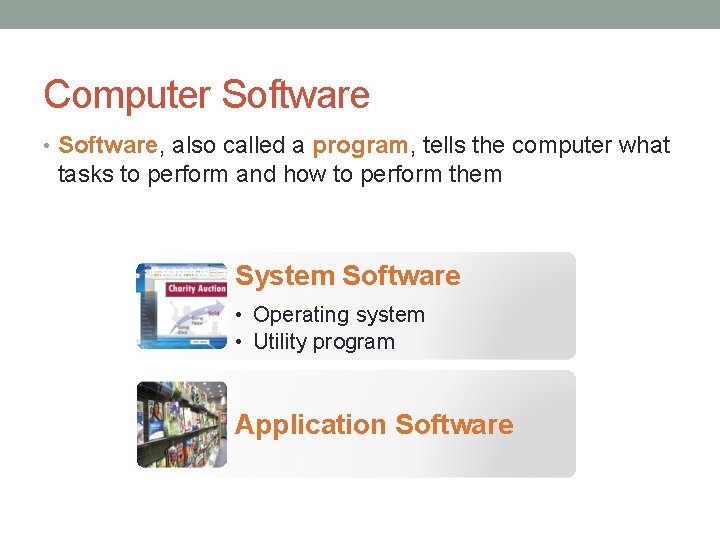
Computer Software • Software, also called a program, tells the computer what tasks to perform and how to perform them System Software • Operating system • Utility program Application Software
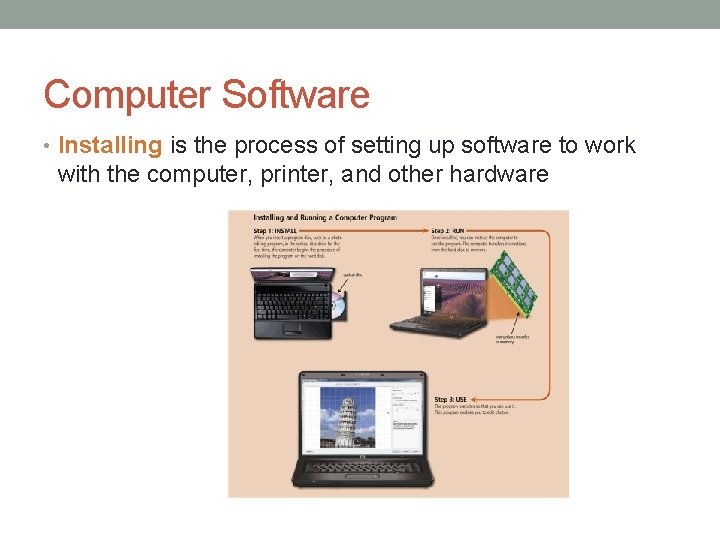
Computer Software • Installing is the process of setting up software to work with the computer, printer, and other hardware
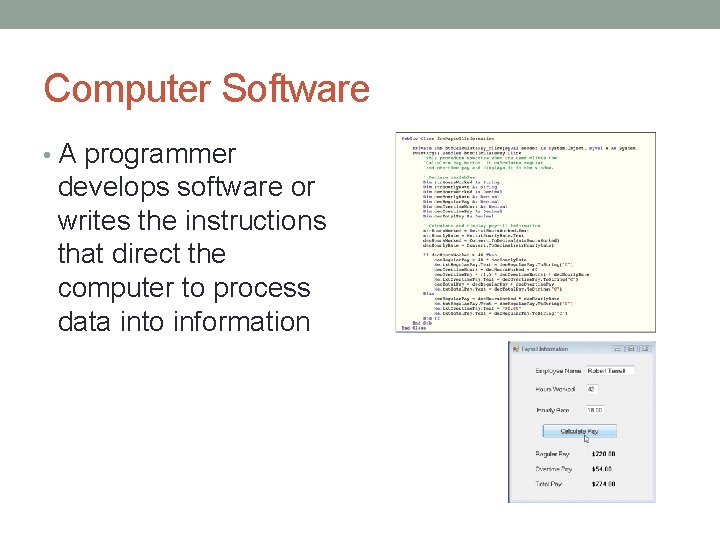
Computer Software • A programmer develops software or writes the instructions that direct the computer to process data into information
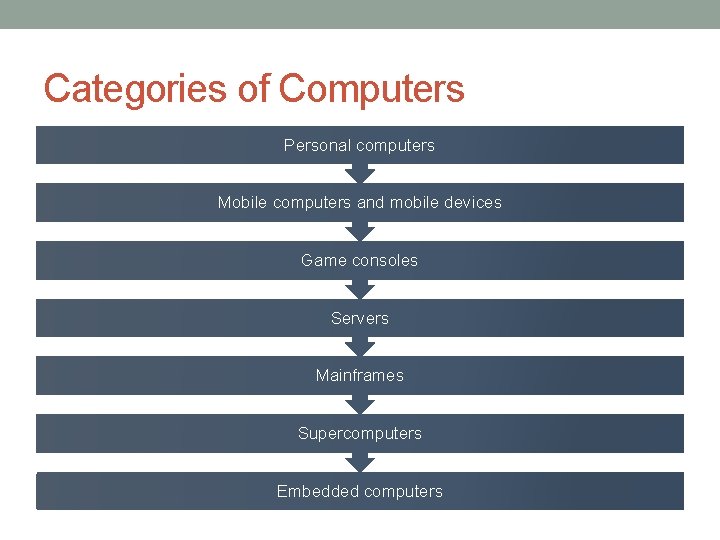
Categories of Computers Personal computers Mobile computers and mobile devices Game consoles Servers Mainframes Supercomputers Embedded computers
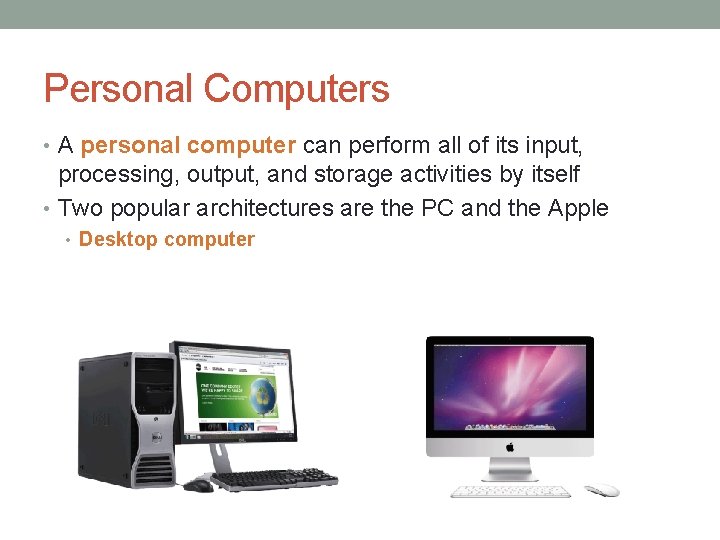
Personal Computers • A personal computer can perform all of its input, processing, output, and storage activities by itself • Two popular architectures are the PC and the Apple • Desktop computer
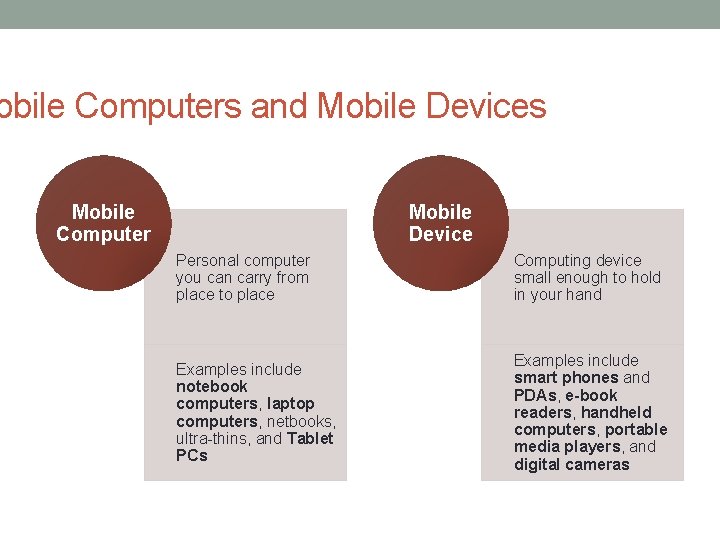
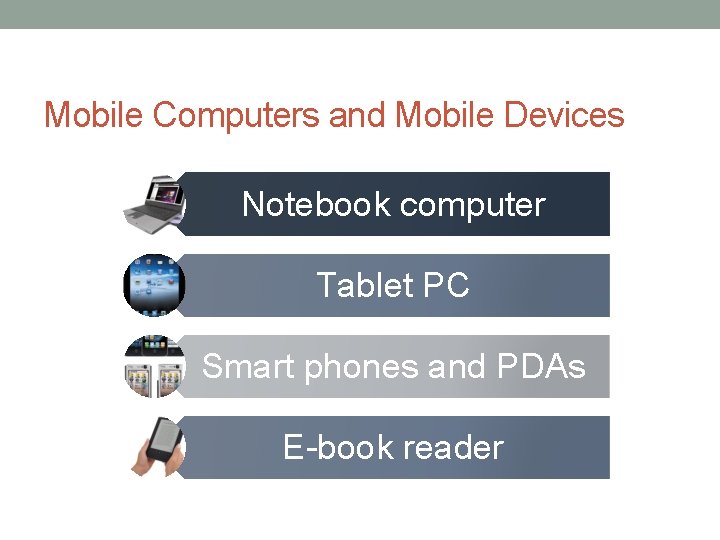
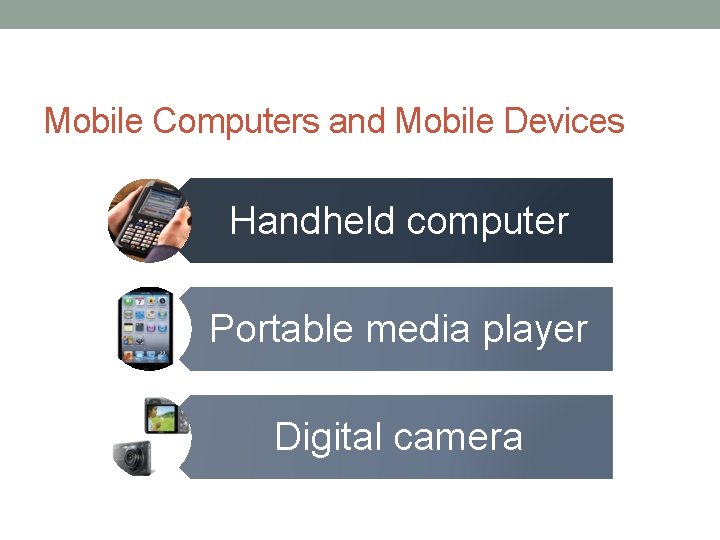
obile Computers and Mobile Devices Mobile Computer Mobile Device Personal computer you can carry from place to place Computing device small enough to hold in your hand Examples include notebook computers, laptop computers, netbooks, ultra-thins, and Tablet PCs Examples include smart phones and PDAs, e-book readers, handheld computers, portable media players, and digital cameras
Mobile Computers and Mobile Devices Notebook computer Tablet PC Smart phones and PDAs E-book reader
Mobile Computers and Mobile Devices Handheld computer Portable media player Digital camera
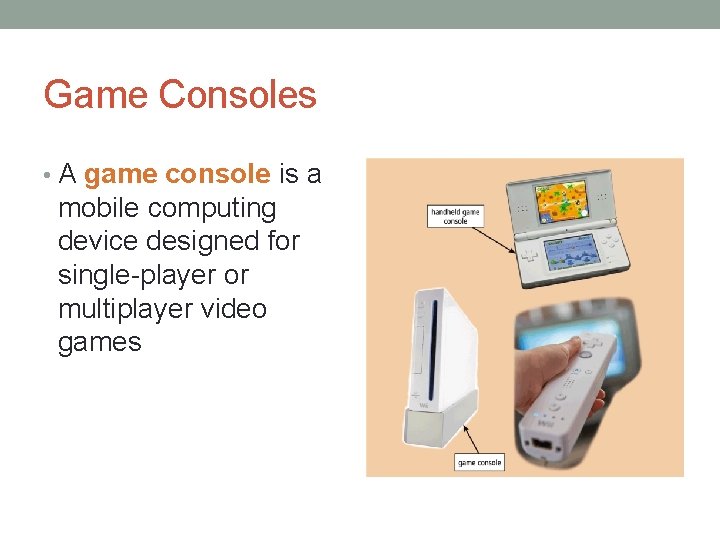
Game Consoles • A game console is a mobile computing device designed for single-player or multiplayer video games
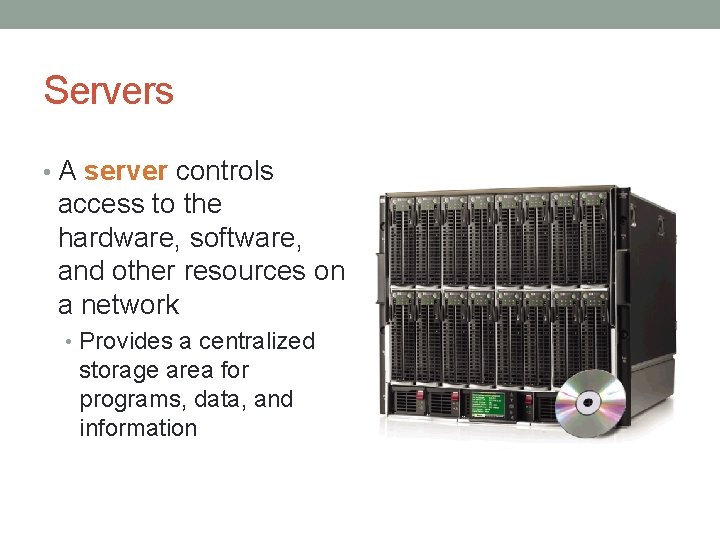
Servers • A server controls access to the hardware, software, and other resources on a network • Provides a centralized storage area for programs, data, and information
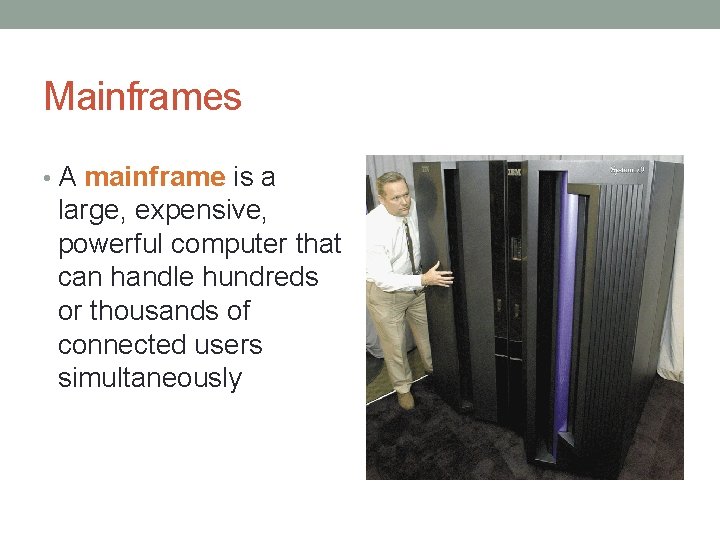
Mainframes • A mainframe is a large, expensive, powerful computer that can handle hundreds or thousands of connected users simultaneously
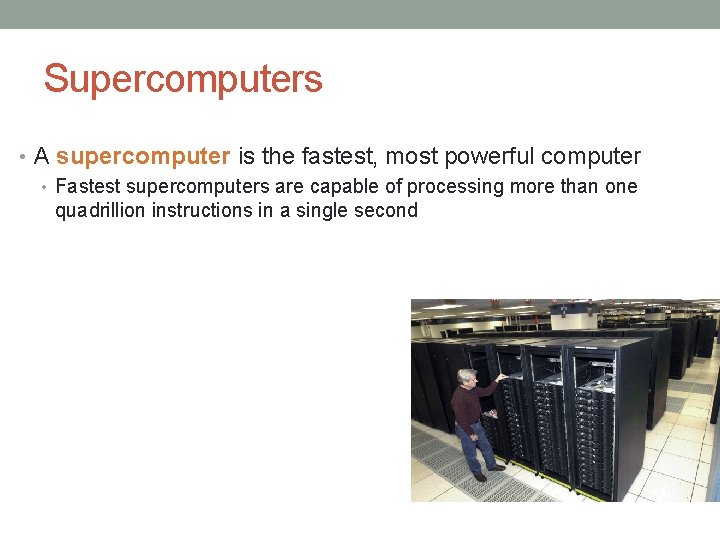
Supercomputers • A supercomputer is the fastest, most powerful computer • Fastest supercomputers are capable of processing more than one quadrillion instructions in a single second
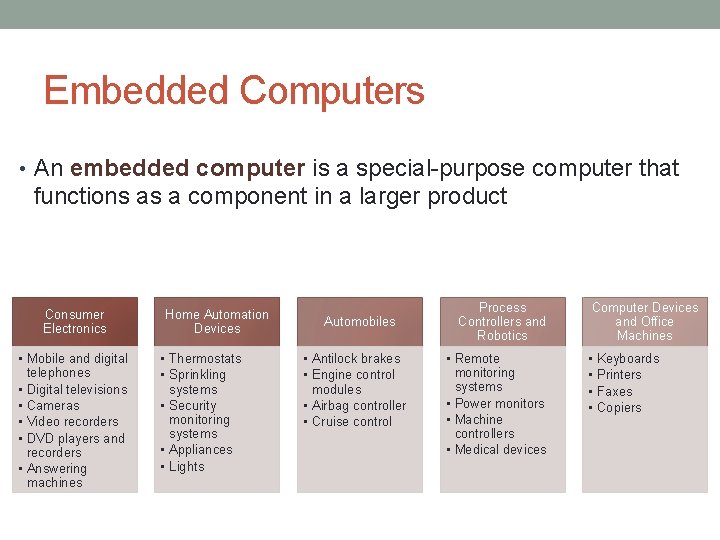
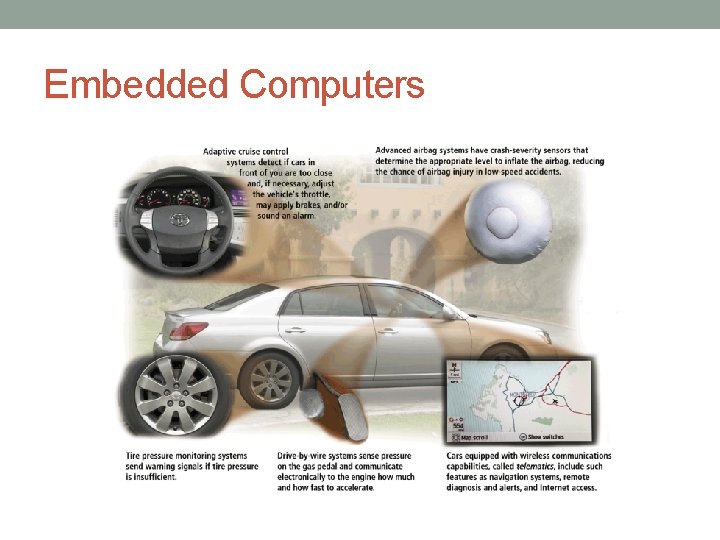
Embedded Computers • An embedded computer is a special-purpose computer that functions as a component in a larger product Consumer Electronics • Mobile and digital telephones • Digital televisions • Cameras • Video recorders • DVD players and recorders • Answering machines Home Automation Devices • Thermostats • Sprinkling systems • Security monitoring systems • Appliances • Lights Automobiles • Antilock brakes • Engine control modules • Airbag controller • Cruise control Process Controllers and Robotics • Remote monitoring systems • Power monitors • Machine controllers • Medical devices Computer Devices and Office Machines • • Keyboards Printers Faxes Copiers
Embedded Computers
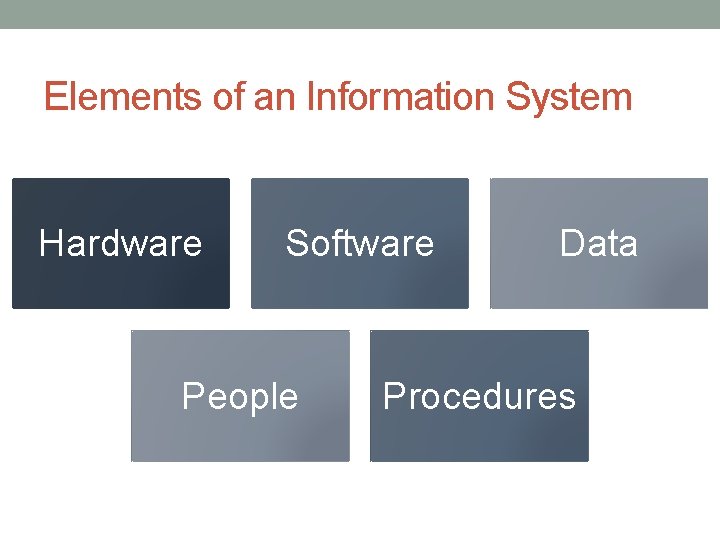
Elements of an Information System Hardware Software People Data Procedures
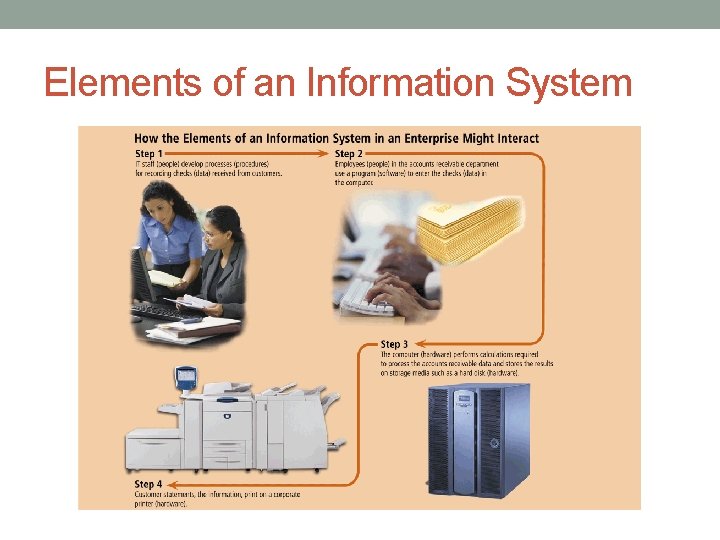
Elements of an Information System
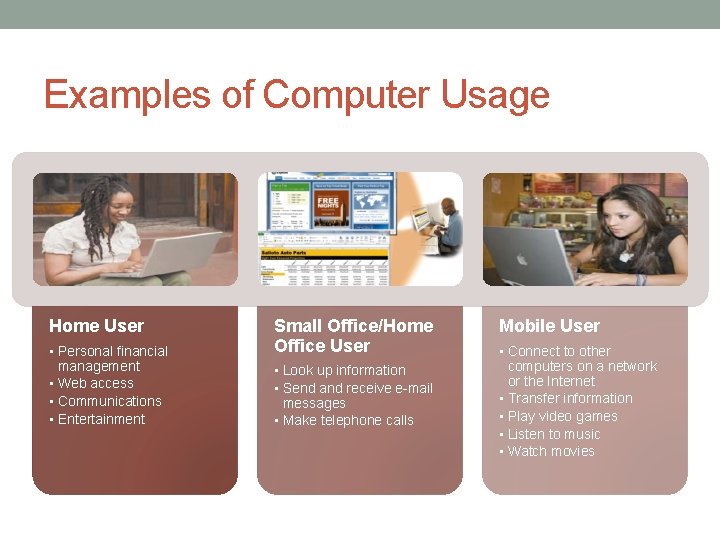
Examples of Computer Usage Home User • Personal financial management • Web access • Communications • Entertainment Small Office/Home Office User • Look up information • Send and receive e-mail messages • Make telephone calls Mobile User • Connect to other computers on a network or the Internet • Transfer information • Play video games • Listen to music • Watch movies
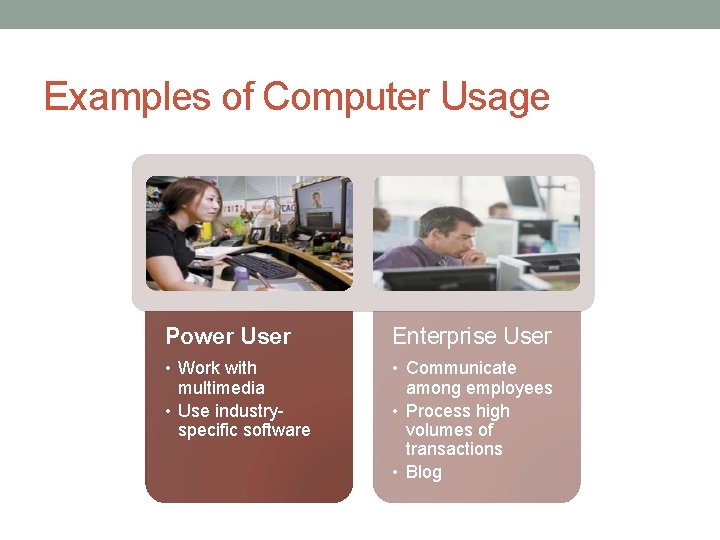
Examples of Computer Usage Power User Enterprise User • Work with multimedia • Use industryspecific software • Communicate among employees • Process high volumes of transactions • Blog
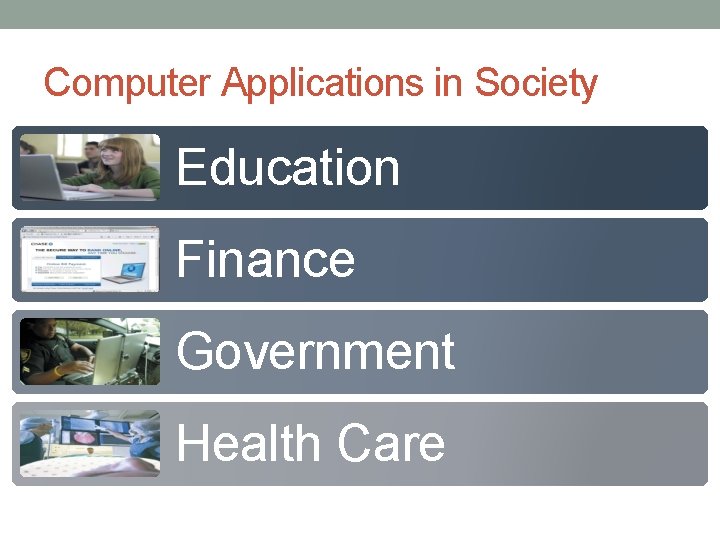
Computer Applications in Society Education Finance Government Health Care
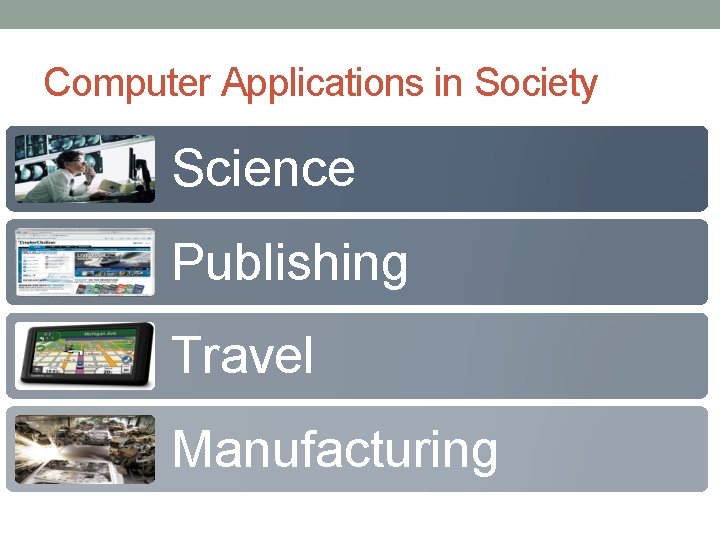
Computer Applications in Society Science Publishing Travel Manufacturing
Summary 1. Basic computer concepts 2. Components of a computer 3. Networks, the Internet, and Computer Software 4. Many different categories of computers, computer users, a computer applications in society.