
Introduction to Computers Mechatronic and Industrial Robotics Program
Introduction to Computers Mechatronic and Industrial Robotics Program 1
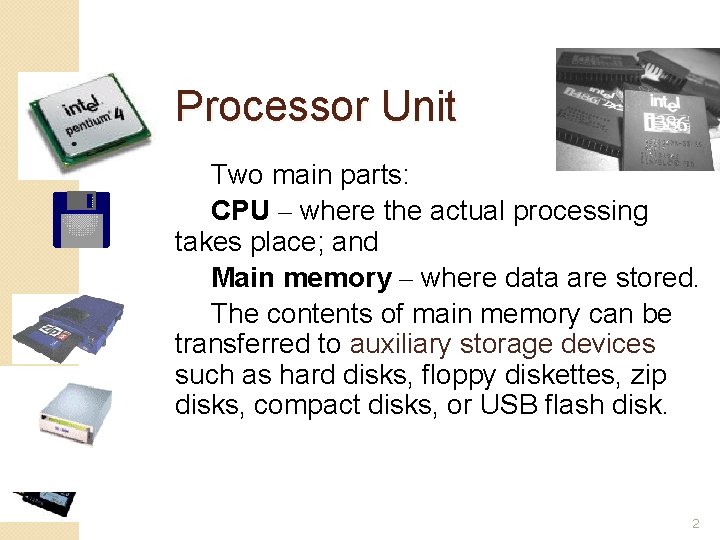
Processor Unit Two main parts: CPU – where the actual processing takes place; and Main memory – where data are stored. The contents of main memory can be transferred to auxiliary storage devices such as hard disks, floppy diskettes, zip disks, compact disks, or USB flash disk. 2
Central Processing Unit The microprocessor, the brains of the computer. Referred to a CPU or processor Housed on a tiny silicon chip Chip contains millions of switches and pathways that help your computer make important decisions. 3
CPU knows which switches to turn on and which to turn off because it receives its instructions from computer programs (software). CPU has two primary sections: Arithmetic/logic unit Control unit 4

Arithmetic/logic unit (ALU): - Performs arithmetic computations and logical operations; by combining these two operations the ALU can execute complex tasks. - Arithmetic operations include addition, subtractions, multiplication, and division. - Logical operations involve comparisons. 5

Control Unit: Unit is the “boss” and coordinates all of the CPU’s activities. Uses programming instructions, it controls the flow of information through the processor by controlling what happens inside the processor. We communicate with the computer through programming languages. Examples: COBOL, C++, HTML, Java Script or Visual. Basic. net 6
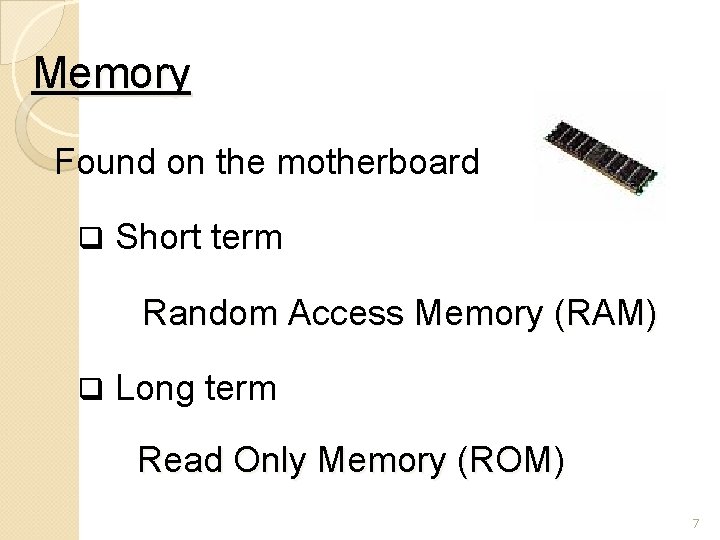
Memory Found on the motherboard q Short term Random Access Memory (RAM) q Long term Read Only Memory (ROM) 7
Random Access Memory (RAM) Memory on the motherboard that is short term; where data, information, and program instructions are stored temporarily on a RAM chip or a set of RAM chips. Known as the main memory. This memory is considered volatile. The computer can read from and write to RAM. 8
When the computer is turned off or if there is loss of power, what ever is stored in RAM disappears. “Temporary Memory” – Short Term 9
Read-Only Memory (ROM) Memory on the motherboard that is long term; where the specific instructions that are needed for the computer to operate are stored. This memory is nonvolatile and your computer can only read from a ROM chip. 10
The instructions remain on the chip regardless if the power is turned on or off. Most common is the BIOS ROM; where the computer uses instructions contained on this chip to boot or start the system when you turn on your computer. “Permanent Memory” – Long Term 11
- Slides: 11