
Introduction to Computers Day 4 1 Storage device
- Slides: 24
Introduction to Computers Day 4 1
Storage device • A functional unit into which data can be – placed – retained – retrieved (stored) (accessed) 2
Storage device • Main Parameters – Location • Internal storage • External storage – Capacity – Speed – Access Method 3
Storage devices • Primary Storage (Main memory) always uses Random Access method. • Two methods for storing and accessing instructions or data in secondary (external) storage – direct access – Sequential access 4
Random Access • Random Access means, that in any cell in the memory can be accessed in a fixed time irrespective of its physical location. 5
Direct access • Direct access means that the data is stored in a specific location so that any data can be found quickly. e. g. Hard disk, floppy disk, CD-ROM. • Direct access is the most widely used storage method in external storage devices. The most common direct-access storage medium is the disk. 6
Access Time • RAM – 60 nanoseconds (ns) or less to access memory locations in RAM • Secondary Storage – 7 to 9 milliseconds (ms) to access sectors in a hard disk 7
Sequential access • Sequential access means that the data is stored and accessed in a set order, perhaps alphabetically or by date and time. The most common sequential storage medium is magnetic tape on reels or cassettes. • Sequential-access storage devices are used mostly for backup purposes. e. g. Reel-to-reel magnetic tape, Tape Cartridges 8
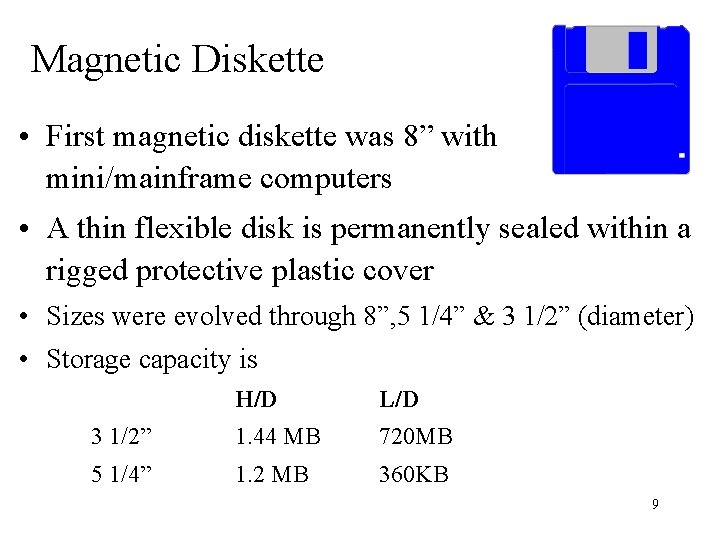
Magnetic Diskette • First magnetic diskette was 8” with mini/mainframe computers • A thin flexible disk is permanently sealed within a rigged protective plastic cover • Sizes were evolved through 8”, 5 1/4” & 3 1/2” (diameter) • Storage capacity is H/D L/D 3 1/2” 1. 44 MB 720 MB 5 1/4” 1. 2 MB 360 KB 9
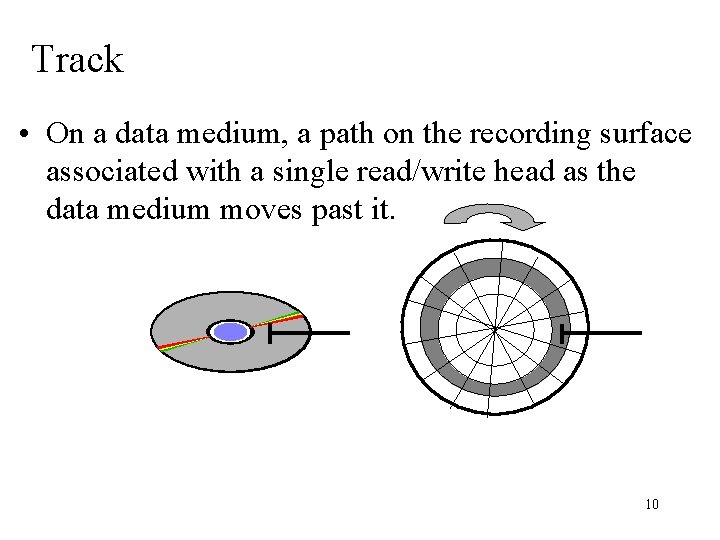
Track • On a data medium, a path on the recording surface associated with a single read/write head as the data medium moves past it. 10
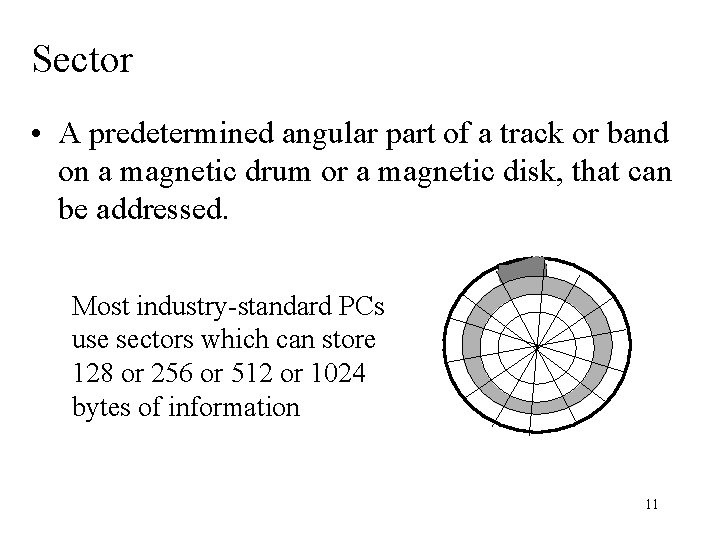
Sector • A predetermined angular part of a track or band on a magnetic drum or a magnetic disk, that can be addressed. Most industry-standard PCs use sectors which can store 128 or 256 or 512 or 1024 bytes of information 11
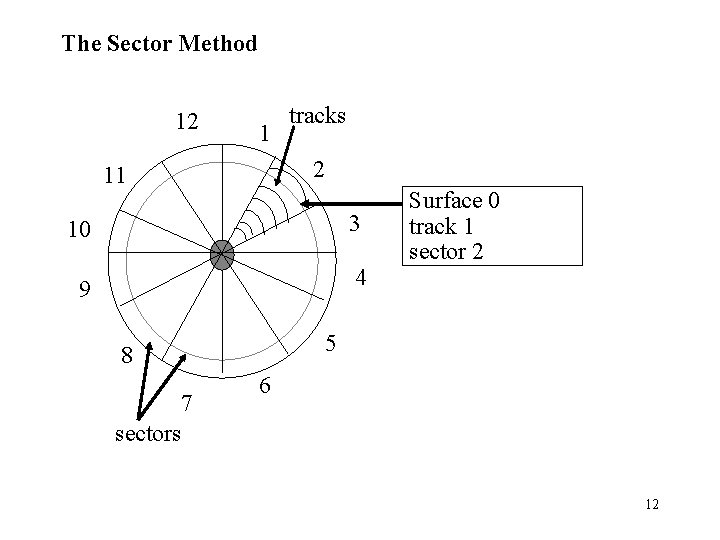
The Sector Method 12 1 tracks 2 11 10 3 9 4 5 8 7 sectors Surface 0 track 1 sector 2 6 12
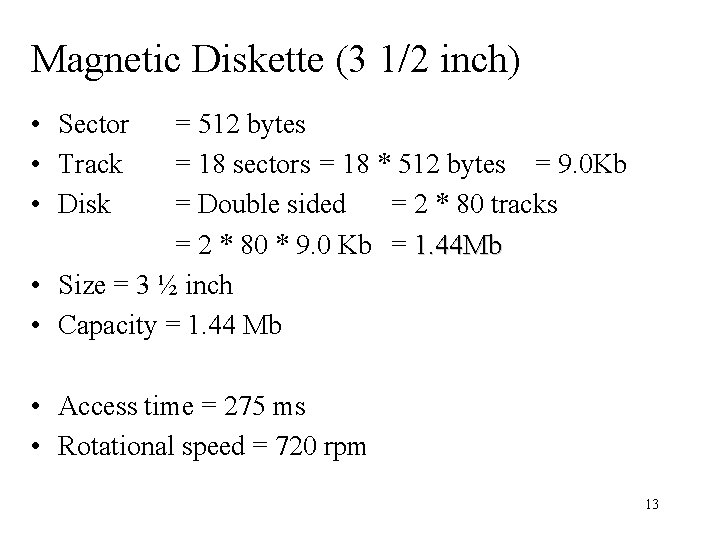
Magnetic Diskette (3 1/2 inch) • Sector • Track • Disk = 512 bytes = 18 sectors = 18 * 512 bytes = 9. 0 Kb = Double sided = 2 * 80 tracks = 2 * 80 * 9. 0 Kb = 1. 44 Mb • Size = 3 ½ inch • Capacity = 1. 44 Mb • Access time = 275 ms • Rotational speed = 720 rpm 13
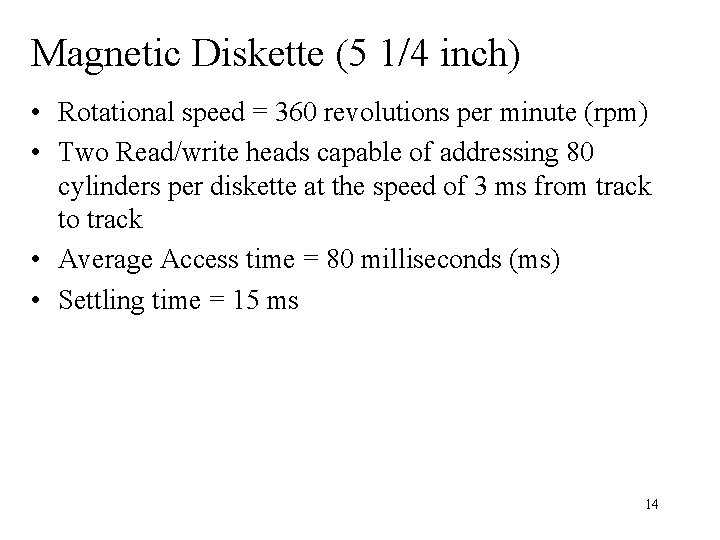
Magnetic Diskette (5 1/4 inch) • Rotational speed = 360 revolutions per minute (rpm) • Two Read/write heads capable of addressing 80 cylinders per diskette at the speed of 3 ms from track to track • Average Access time = 80 milliseconds (ms) • Settling time = 15 ms 14
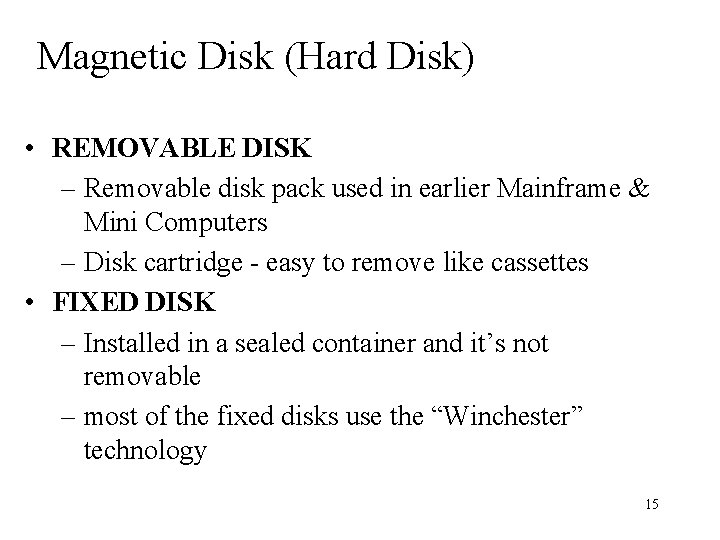
Magnetic Disk (Hard Disk) • REMOVABLE DISK – Removable disk pack used in earlier Mainframe & Mini Computers – Disk cartridge - easy to remove like cassettes • FIXED DISK – Installed in a sealed container and it’s not removable – most of the fixed disks use the “Winchester” technology 15
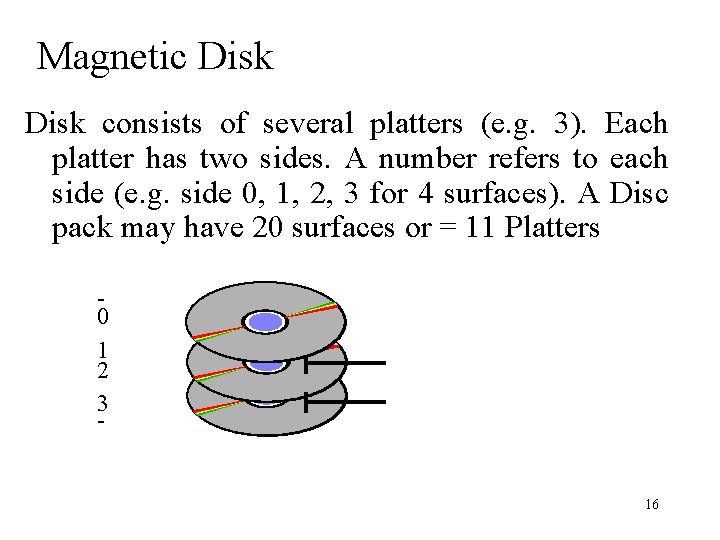
Magnetic Disk consists of several platters (e. g. 3). Each platter has two sides. A number refers to each side (e. g. side 0, 1, 2, 3 for 4 surfaces). A Disc pack may have 20 surfaces or = 11 Platters 0 1 2 3 - 16
Magnetic Disk • A disk starts out very unstructured – just a lot of bits of magnetic stuff without any organisation, rhyme or reason. Before the system can start writing records to it, the disk must have a structure- a grid work into which the information can be placed. 17
Magnetic Disk • Formatting a disk is the process of putting the grid work on the disk and building the organisational structure so that file can be found. Once a disk is formatted it is ready for the system to write data to it. 18
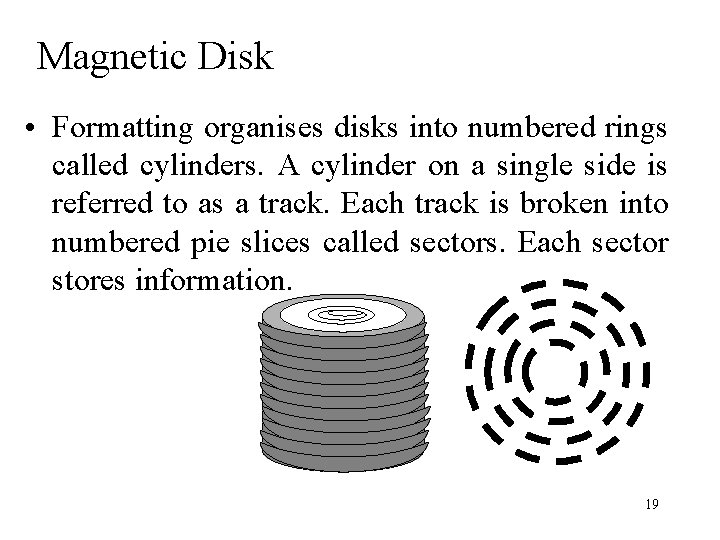
Magnetic Disk • Formatting organises disks into numbered rings called cylinders. A cylinder on a single side is referred to as a track. Each track is broken into numbered pie slices called sectors. Each sector stores information. 19
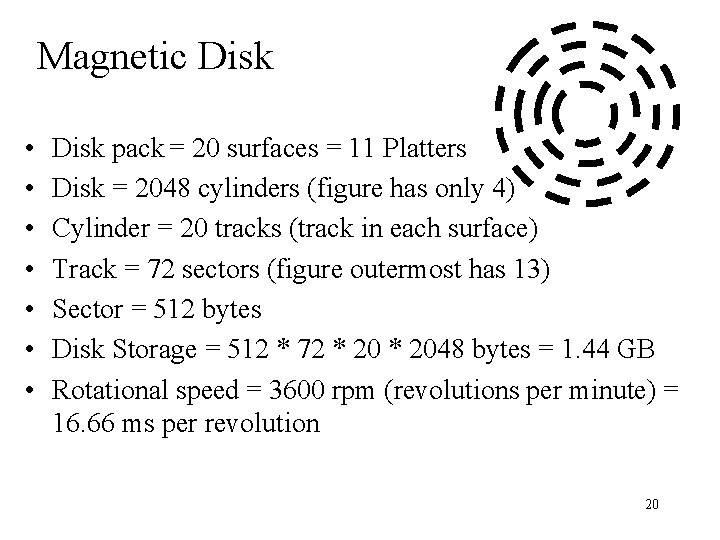
Magnetic Disk • • Disk pack = 20 surfaces = 11 Platters Disk = 2048 cylinders (figure has only 4) Cylinder = 20 tracks (track in each surface) Track = 72 sectors (figure outermost has 13) Sector = 512 bytes Disk Storage = 512 * 72 * 2048 bytes = 1. 44 GB Rotational speed = 3600 rpm (revolutions per minute) = 16. 66 ms per revolution 20
Magnetic Disk • The time required to position the read-write heads over the required track is the seek time. • The time required for the read-write head to come to a complete stop after it is moved is called the settling time. 21
Magnetic Disk • The time required for the disk to rotate to the position where the beginning of the desired bock arrives at the read-write head is latency. Average Rotational delay (latency) = ½ revolution Track capacity = 72 x 512 = 36 KB Cylinder capacity = 20 x 36 = 720 KB Disk capacity = 2048 x 720 = 1. 44 GB 22
Hard Disk Technology Removable-pack hard disk system • Contains 6 -20 hard disks of 10 1/2 or 14 inch diameter, aligned one above the other in a sealed unit. Fixed disk drive • High-speed, high-capacity disk drives that are housed in their own cabinets. 23
Hard Disk Technology Redundant Arrays of Inexpensive Disks (RAID) • The disk system consists of a number of 5 1/4 -inch disk drives within a single cabinet and sends data to the computer along several parallel paths simultaneously. • The main purpose is to increase the reliability and availability. I. e. If one disk fails, still no data is lost 24