
INTRODUCTION TO COMPUTERS Computer Components Hardware cont Lecture
- Slides: 18
INTRODUCTION TO COMPUTERS Computer Components – Hardware (cont. ) Lecture 3
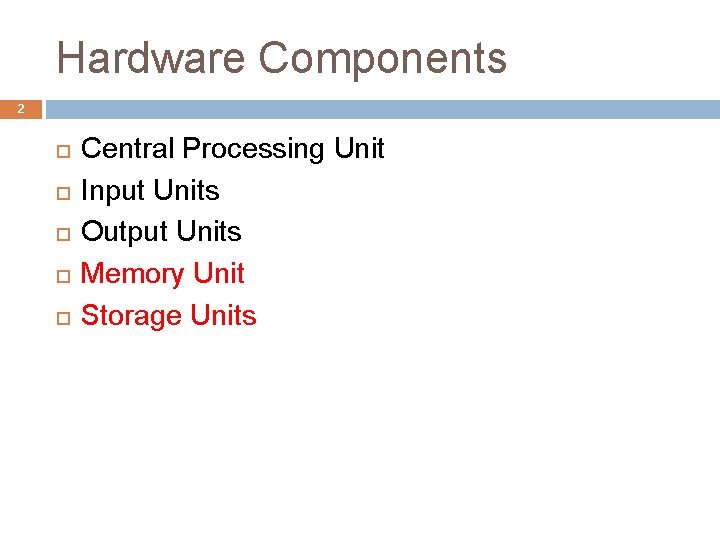
Hardware Components 2 Central Processing Unit Input Units Output Units Memory Unit Storage Units
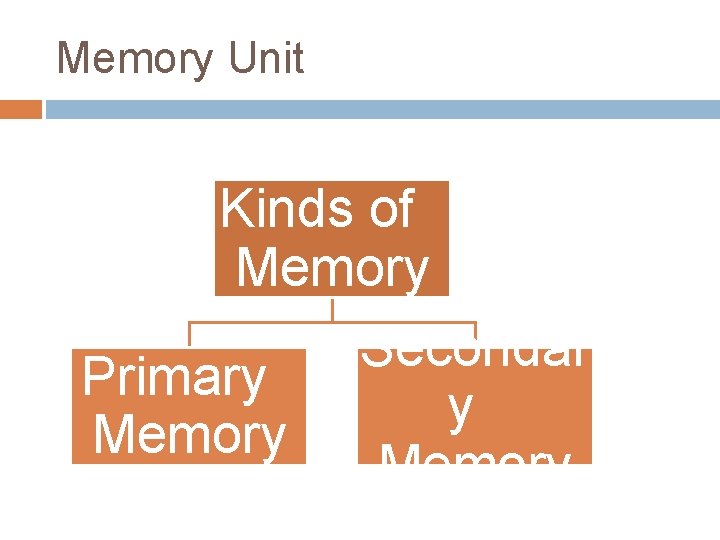
Memory Unit Kinds of Memory Secondar Primary y Memory
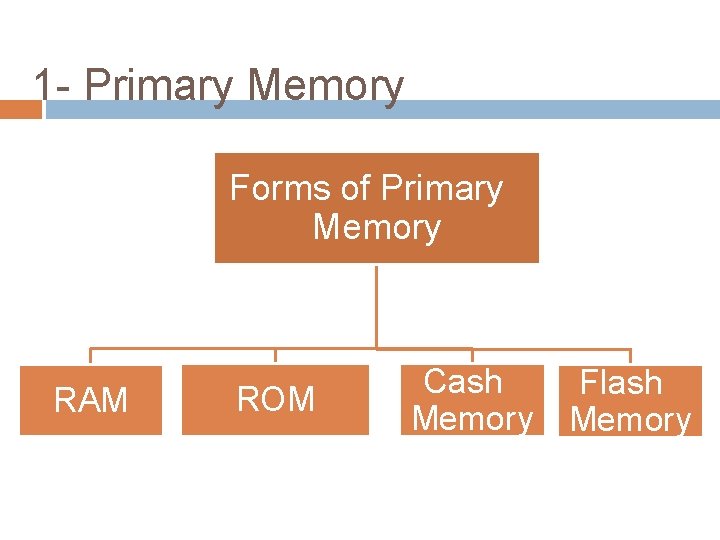
1 - Primary Memory Forms of Primary Memory RAM ROM Cash Memory Flash Memory
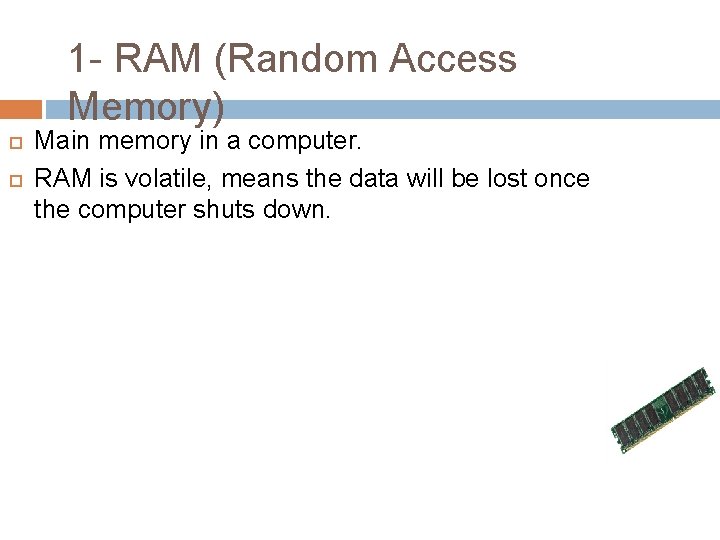
1 - RAM (Random Access Memory) Main memory in a computer. RAM is volatile, means the data will be lost once the computer shuts down.
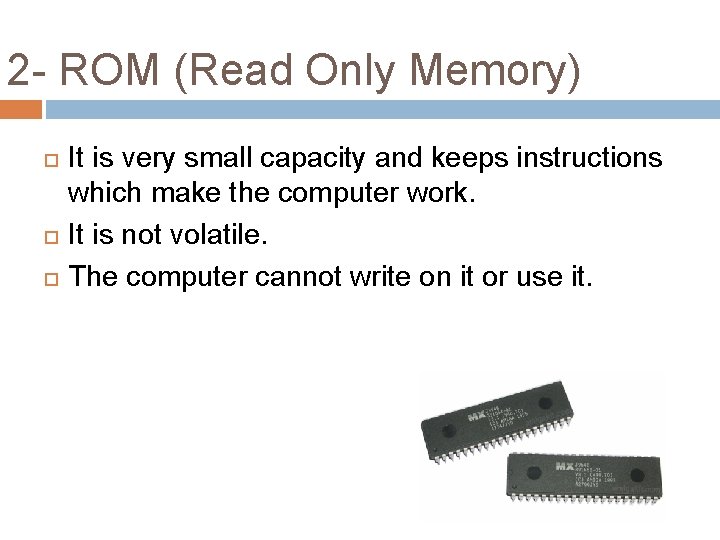
2 - ROM (Read Only Memory) It is very small capacity and keeps instructions which make the computer work. It is not volatile. The computer cannot write on it or use it.
3 - Cache memory It is linked to the CPU. It is very fast. Keeps the data and programs that are used a lot.
Memory 4 - Flash It can be used in Mobiles, Portables, digital camera and printers.
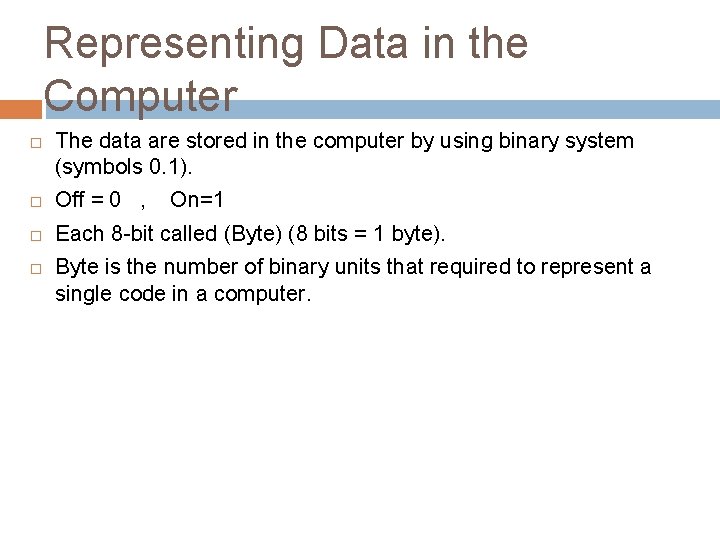
Representing Data in the Computer The data are stored in the computer by using binary system (symbols 0. 1). Off = 0 , Each 8 -bit called (Byte) (8 bits = 1 byte). On=1 Byte is the number of binary units that required to represent a single code in a computer.
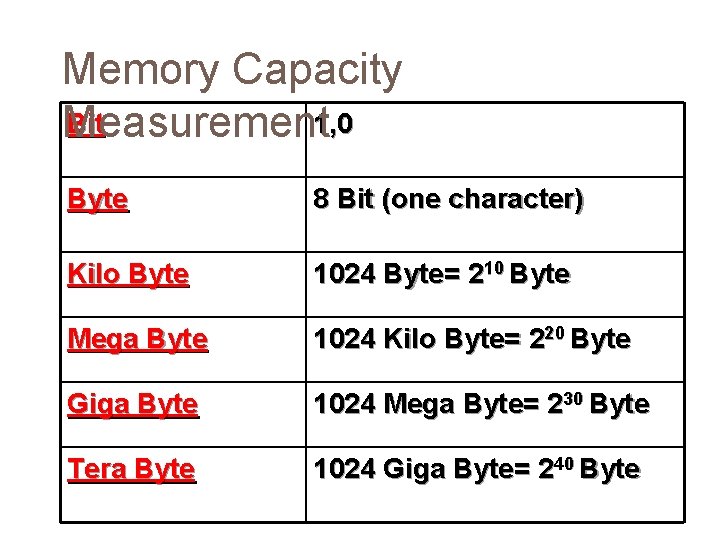
Memory Capacity Bit 1, 0 Measurement Byte 8 Bit (one character) Kilo Byte 1024 Byte= 210 Byte Mega Byte 1024 Kilo Byte= 220 Byte Giga Byte 1024 Mega Byte= 230 Byte Tera Byte 1024 Giga Byte= 240 Byte
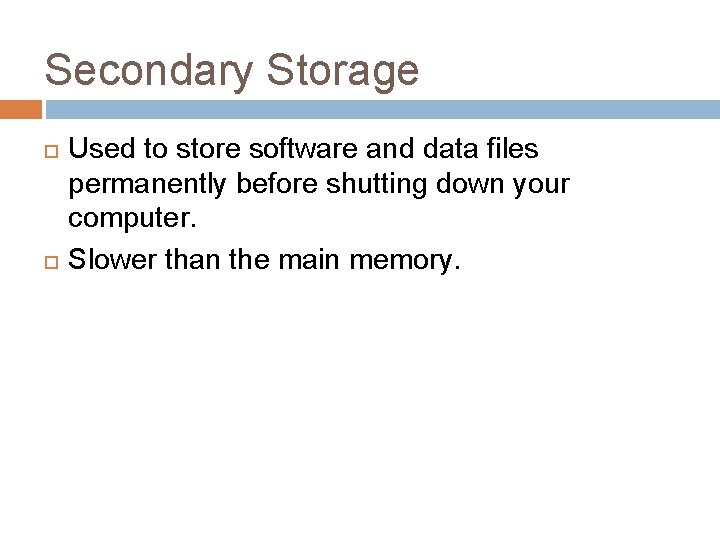
Secondary Storage Used to store software and data files permanently before shutting down your computer. Slower than the main memory.
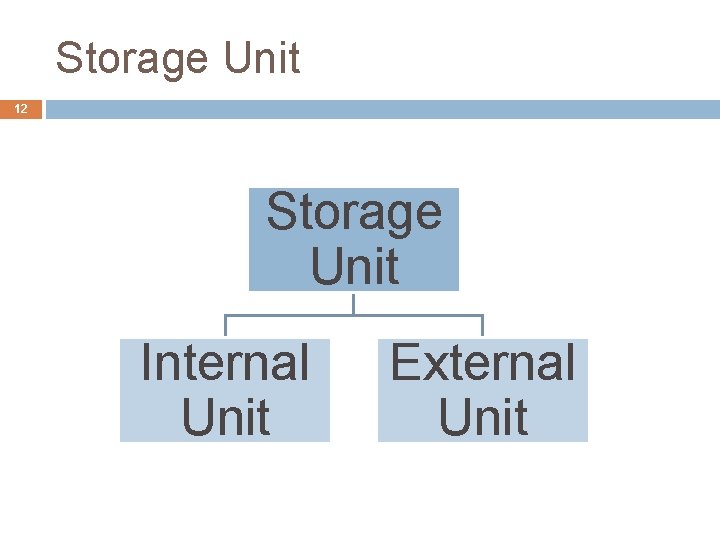
Storage Unit 12 Storage Unit Internal Unit External Unit
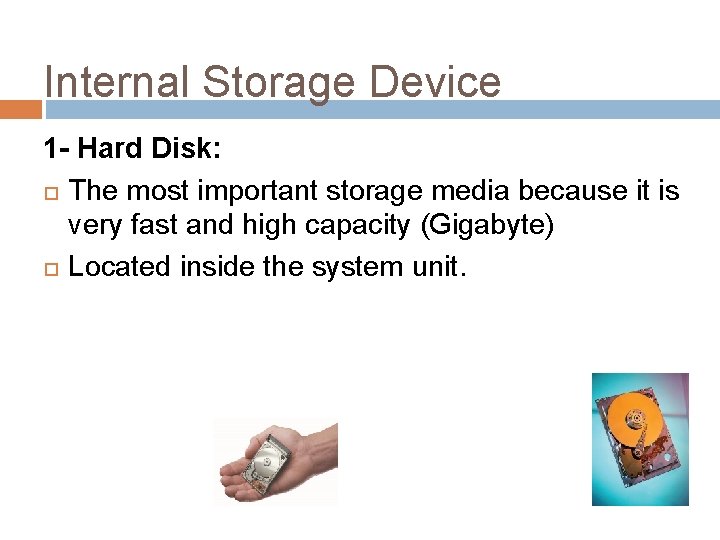
Internal Storage Device 1 - Hard Disk: The most important storage media because it is very fast and high capacity (Gigabyte) Located inside the system unit.
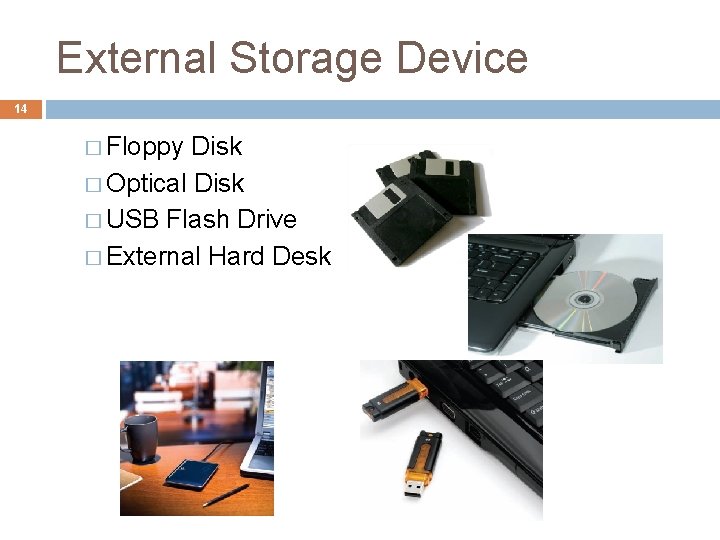
External Storage Device 14 � Floppy Disk � Optical Disk � USB Flash Drive � External Hard Desk
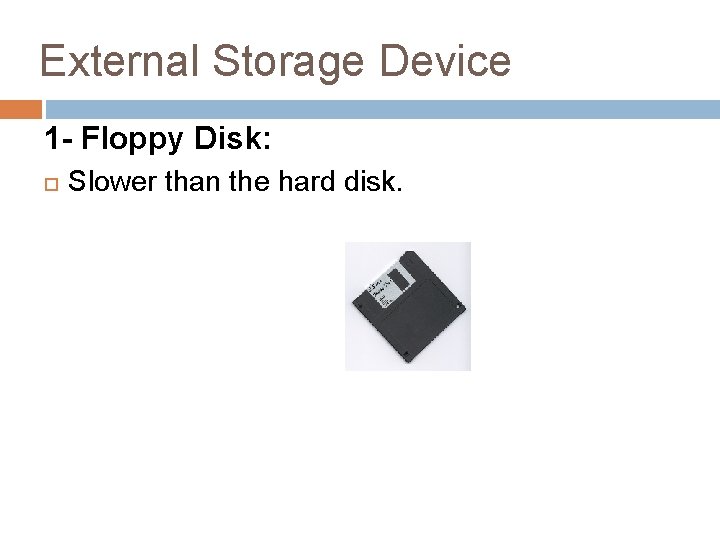
External Storage Device 1 - Floppy Disk: Slower than the hard disk.
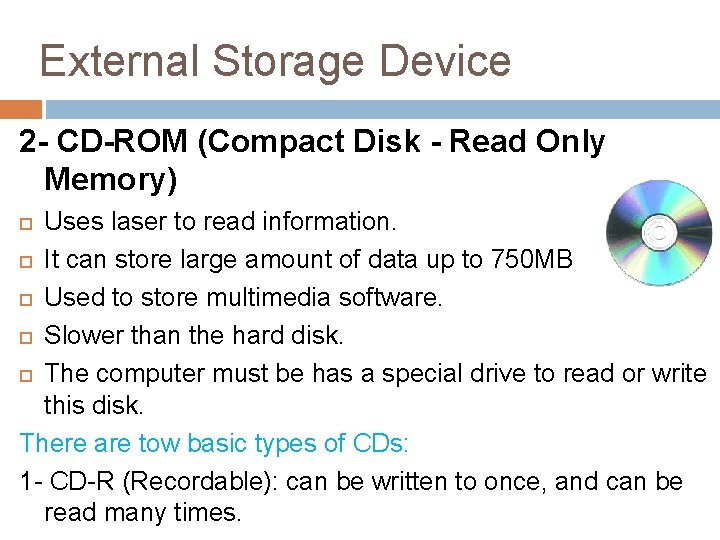
External Storage Device 2 - CD-ROM (Compact Disk - Read Only Memory) Uses laser to read information. It can store large amount of data up to 750 MB Used to store multimedia software. Slower than the hard disk. The computer must be has a special drive to read or write this disk. There are tow basic types of CDs: 1 - CD-R (Recordable): can be written to once, and can be read many times.
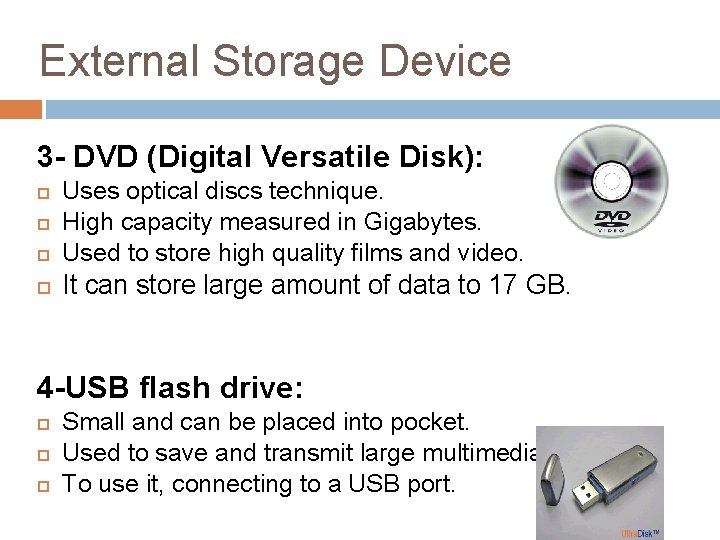
External Storage Device 3 - DVD (Digital Versatile Disk): Uses optical discs technique. High capacity measured in Gigabytes. Used to store high quality films and video. It can store large amount of data to 17 GB. 4 -USB flash drive: Small and can be placed into pocket. Used to save and transmit large multimedia files. To use it, connecting to a USB port.
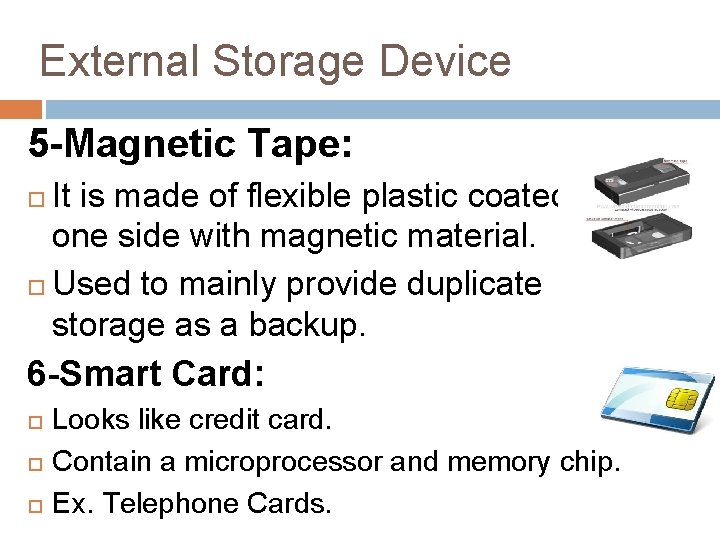
External Storage Device 5 -Magnetic Tape: It is made of flexible plastic coated on one side with magnetic material. Used to mainly provide duplicate storage as a backup. 6 -Smart Card: Looks like credit card. Contain a microprocessor and memory chip. Ex. Telephone Cards.