
Introduction to computers and Information Technology Chapter 3

- Slides: 21
Introduction to computers and Information Technology Chapter 3, Input / Output Basics Lesson 3 -1, Basic Input Devices Robert Crawford, MBA West Middle School
UNIT O BJECTIVES � Distinguish among four types of input. � Compare and contrast basic input devices. � Discuss the health risks of using some input devices. Essential Question What are the four types of input and what devices are best suited to each type of input?
KEY TERMS � Command � Digital Camera � Ergonomic � Pointer � Pointing Device � Repetitive Strain Injury (RSI) � Scanner
The four basic types of input Pages 28 & 29
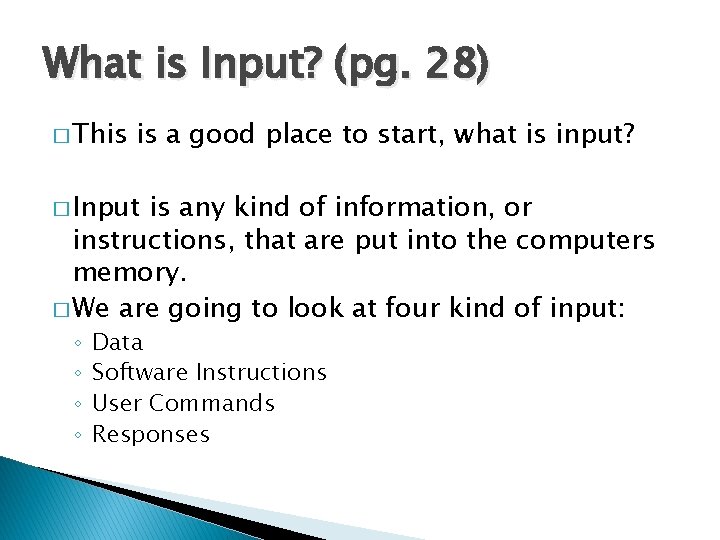
What is Input? (pg. 28) � This is a good place to start, what is input? � Input is any kind of information, or instructions, that are put into the computers memory. � We are going to look at four kind of input: ◦ ◦ Data Software Instructions User Commands Responses
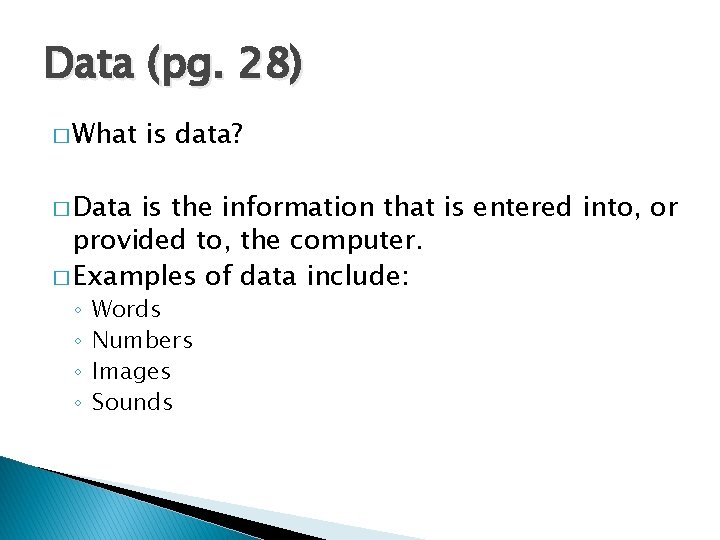
Data (pg. 28) � What is data? � Data is the information that is entered into, or provided to, the computer. � Examples of data include: ◦ ◦ Words Numbers Images Sounds
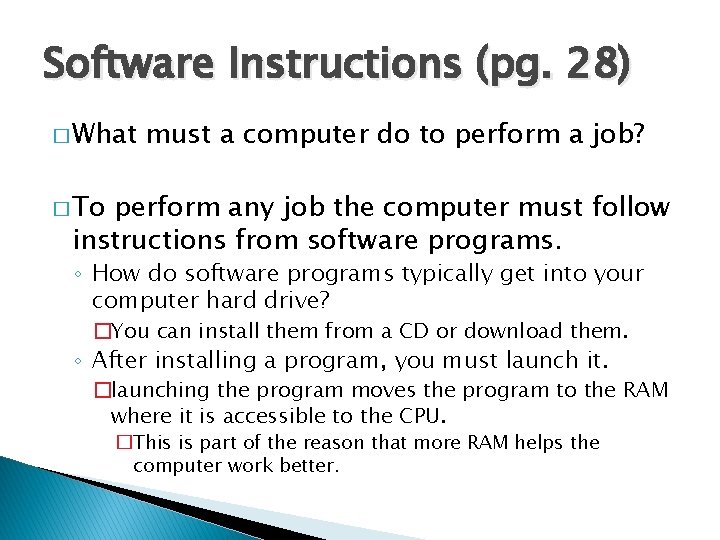
Software Instructions (pg. 28) � What must a computer do to perform a job? � To perform any job the computer must follow instructions from software programs. ◦ How do software programs typically get into your computer hard drive? �You can install them from a CD or download them. ◦ After installing a program, you must launch it. �launching the program moves the program to the RAM where it is accessible to the CPU. �This is part of the reason that more RAM helps the computer work better.
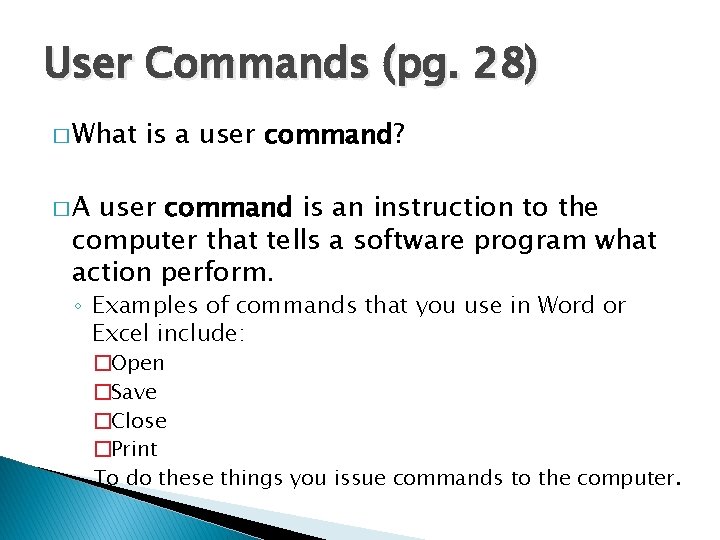
User Commands (pg. 28) � What is a user command? �A user command is an instruction to the computer that tells a software program what action perform. ◦ Examples of commands that you use in Word or Excel include: �Open �Save �Close �Print To do these things you issue commands to the computer.
Responses (pg. 29) � When the computer asks you for information before it can carry out a command, what is it asking for? ◦ (one word, starts with ‘R’) � When the computer asks you for information before it can carry out a command, it is asking for a response.
What is input (pg. 28 & 29) � We have been discussing the basic types of input. ◦ What are the four basic types of input? � The ◦ ◦ four basic types of input are: Data Software Instructions User Commands Responses
Input Devices Pages 29 & 30
What is an input device? (pg. 29) � This is a good place to start, what is an input device? � An input device is any hardware used to input data. ◦ The two most common input devices are the keyboard and the mouse. ◦ As we mentioned, there are other devices that perform similar tasks to a mouse: �Track pad �Trackball �All of these input devices are, primarily, used to move the pointer/cursor, as such, they are called “pointing devices. ”
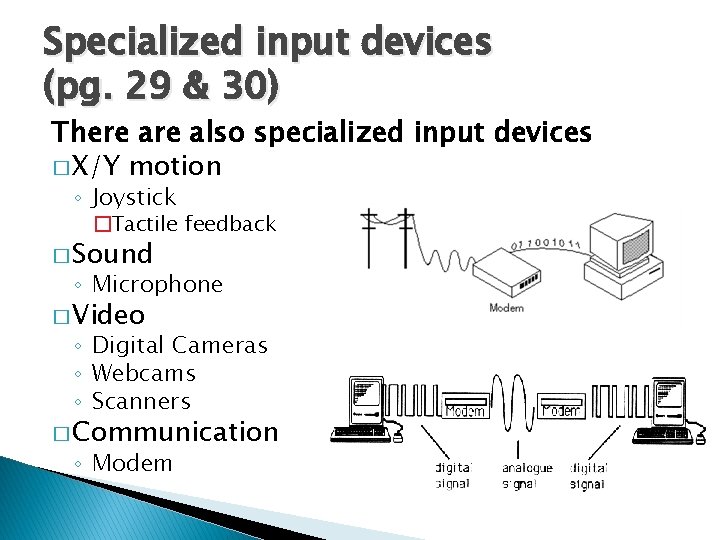
Specialized input devices (pg. 29 & 30) There also specialized input devices � X/Y motion ◦ Joystick �Tactile feedback � Sound ◦ Microphone � Video ◦ Digital Cameras ◦ Webcams ◦ Scanners � Communication ◦ Modem
Health Risks of Some Input Devices Page 30
Repetitive Strain Injury (pg. 30) � A repetitive strain injury (RSI) is an "injury to the musculoskeletal and nervous systems that may be caused by repetitive tasks, forceful exertions, vibrations, mechanical compression, or sustained or awkward positions. “ � Specific sources of discomfort have been popularly referred to by terms such as Blackberry thumb, i. Pod finger, gamer's thumb, among others.
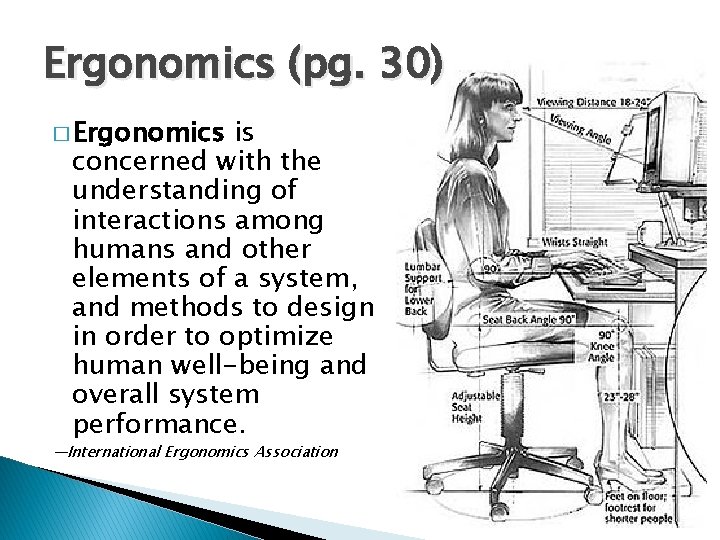
Ergonomics (pg. 30) � Ergonomics is concerned with the understanding of interactions among humans and other elements of a system, and methods to design in order to optimize human well-being and overall system performance. —International Ergonomics Association
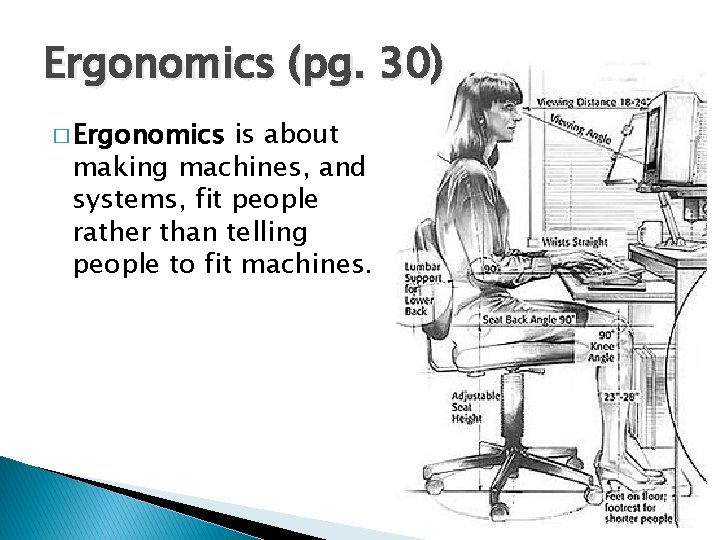
Ergonomics (pg. 30) � Ergonomics is about making machines, and systems, fit people rather than telling people to fit machines.
UNIT O BJECTIVES � Distinguish among four types of input. ◦ What are the four basic types of input? � Compare and contrast basic input devices. � Discuss the health risks of using some input devices.
UNIT O BJECTIVES � Distinguish � Compare among four types of input. and contrast basic input devices. ◦ Name two types of input devices The type of input they are used for ◦ What is a modem? � Discuss devices. the health risks of using some input
UNIT O BJECTIVES � Distinguish among four types of input. � Compare and contrast basic input devices. � Discuss devices. the health risks of using some input ◦ What kind of injury can occur when you make the same movement over and over again? ◦ What is the field of science devoted to avoiding these types of injuries?
KEY TERMS � Command � Digital Camera � Ergonomic � Pointer � Pointing Device � Repetitive Strain Injury (RSI) � Scanner