
Introduction to Computer Science V 1 0 Topic
- Slides: 23
Introduction to Computer Science V 1. 0 Topic 3: Internal Components of Computer Hardware © NCC Education Limited
Internal Components of Computer Hardware Topic 3 3. 2 Scope and Coverage This topic will cover: • An investigation of the internal components of a computer system • How components communicate with each other • How components communicate with external devices © NCC Education Limited
Internal Components of Computer Hardware Topic 3 3. 3 Learning Objectives By the end of this topic, students will be able to: • Describe internal components of computer hardware • Describe how hardware components communicate with each other • Understand how components communicate with external devices © NCC Education Limited
Internal Components of Computer Hardware Topic 3 3. 4 An Overview of Internal Components We will focus on the following internal components of computer hardware: • Motherboard • Chips • Central processing unit (CPU) • Clock • Memory • Chipset • Expansion slots and cards • Power supply • Fan • Buses • Connectors © NCC Education Limited
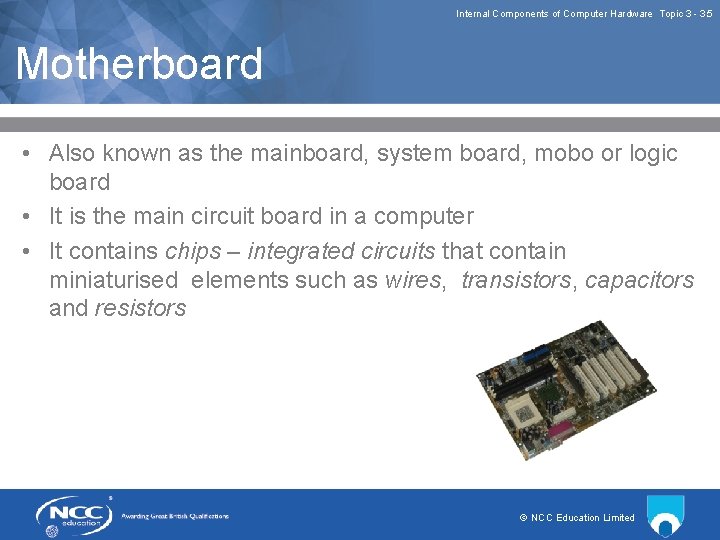
Internal Components of Computer Hardware Topic 3 3. 5 Motherboard • Also known as the mainboard, system board, mobo or logic board • It is the main circuit board in a computer • It contains chips – integrated circuits that contain miniaturised elements such as wires, transistors, capacitors and resistors © NCC Education Limited
Internal Components of Computer Hardware Topic 3 3. 6 Main Components of a Motherboard • Components attached to a motherboard include: • Central processing unit (CPU) • Memory slots: • ROM • RAM • CMOS • Clock • Chipset • Expansion slots/add on boards for cards • Connectors to other devices © NCC Education Limited
Internal Components of Computer Hardware Topic 3 3. 7 Purpose of a Motherboard • Components such as the CPU, memory and chipset are plugged directly onto a motherboard • Peripheral devices are also connected by connectors such as USB (which we will discuss in Lecture Two of this topic) • It integrates a computer’s main functions by controlling the communications between the components • Controls the inputs to and outputs from a computer • Features differentiating one motherboard from another include the number of available expansion slots, type and speed of the CPU and RAM and number and type of hard drives that can be connected © NCC Education Limited
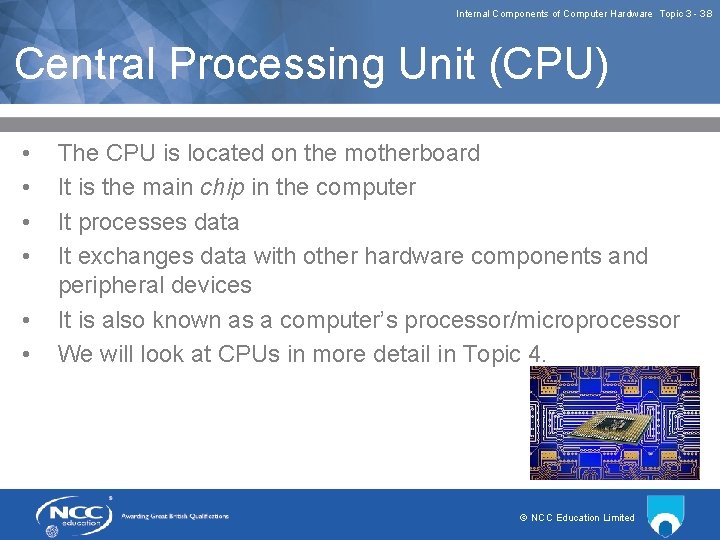
Internal Components of Computer Hardware Topic 3 3. 8 Central Processing Unit (CPU) • • • The CPU is located on the motherboard It is the main chip in the computer It processes data It exchanges data with other hardware components and peripheral devices It is also known as a computer’s processor/microprocessor We will look at CPUs in more detail in Topic 4. © NCC Education Limited
Internal Components of Computer Hardware Topic 3 3. 9 Clock • • A computer’s clock is found on a microchip that regulates the timing and speed of all a computer’s functions It is also known as the internal clock or real time clock (RTC) Faster clock speeds result in more operations being performed in a set time A clock’s speed is measured in Megahertz (MHz) or Gigahertz (GHz) Typical clock speeds are 3 GHz three thousand million times a second The clock rate influences the performance of CPUs, making some CPUs work faster than others Some powerful processors are superscalar – this means that they can execute more than one instruction per clock cycle © NCC Education Limited
Internal Components of Computer Hardware Topic 3 3. 10 Memory • Computer memory includes the following types: • Random Access Memory (RAM) • Read Only Memory (ROM) • Firmware • Virtual memory • Complementary metal oxide semiconductor (CMOS) © NCC Education Limited
Internal Components of Computer Hardware Topic 3 3. 11 RAM • • Is a computer’s main memory located on a motherboard It is used to hold programs while they are being used It is used to hold data while it is being processed Its data and instructions can be accessed in any order, which is why it’s given the name ‘random access’ • RAM’s access speeds can be as fast as 8 billionth of a second or 8 nanoseconds • It is classed as volatile, that is, data is lost when a computer’s power is turned off • Extra RAM can be installed in a computer system © NCC Education Limited
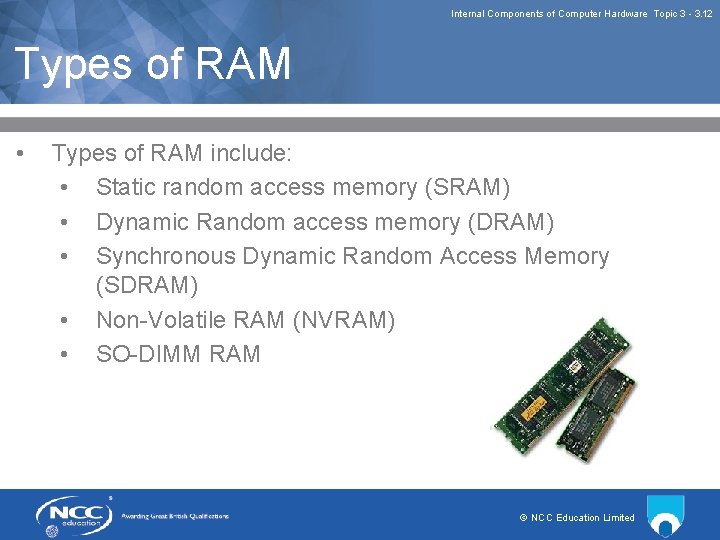
Internal Components of Computer Hardware Topic 3 3. 12 Types of RAM • Types of RAM include: • Static random access memory (SRAM) • Dynamic Random access memory (DRAM) • Synchronous Dynamic Random Access Memory (SDRAM) • Non Volatile RAM (NVRAM) • SO DIMM RAM © NCC Education Limited
Internal Components of Computer Hardware Topic 3 3. 13 Virtual Memory • • A technique used to manage memory and simulate RAM A computer might have 2 Gb of RAM available for the CPU to use, however, that amount of RAM might not be enough to run all the programs that a user wants to run simultaneously Part of secondary storage, e. g. hard disk is set aside by the operating system as a temporary memory store this frees up space in RAM to load another program Less expensive than buying more RAM but can slow down a computer if virtual memory begins to fill up © NCC Education Limited
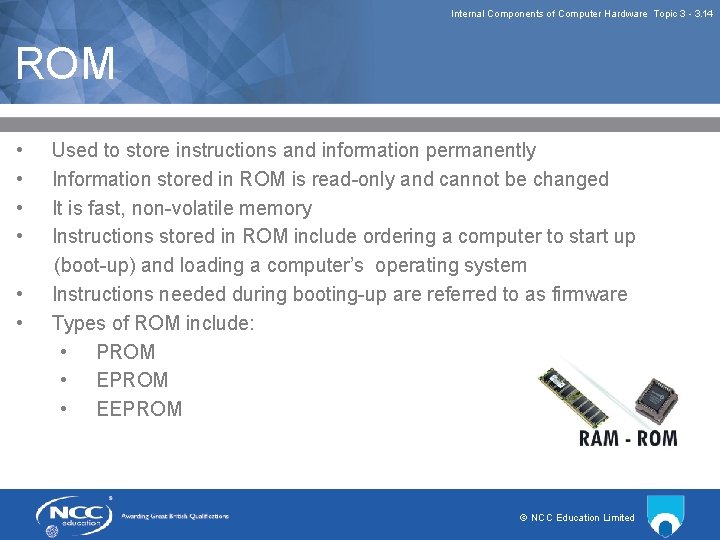
Internal Components of Computer Hardware Topic 3 3. 14 ROM • • • Used to store instructions and information permanently Information stored in ROM is read only and cannot be changed It is fast, non volatile memory Instructions stored in ROM include ordering a computer to start up (boot up) and loading a computer’s operating system Instructions needed during booting up are referred to as firmware Types of ROM include: • PROM • EEPROM © NCC Education Limited
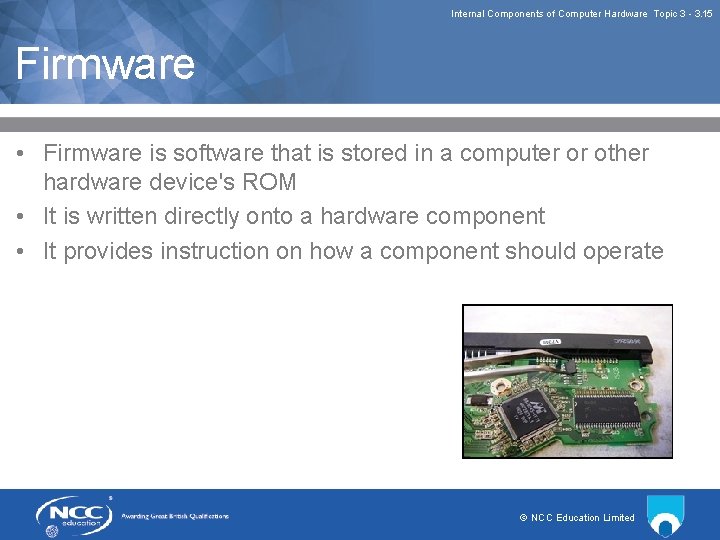
Internal Components of Computer Hardware Topic 3 3. 15 Firmware • Firmware is software that is stored in a computer or other hardware device's ROM • It is written directly onto a hardware component • It provides instruction on how a component should operate © NCC Education Limited
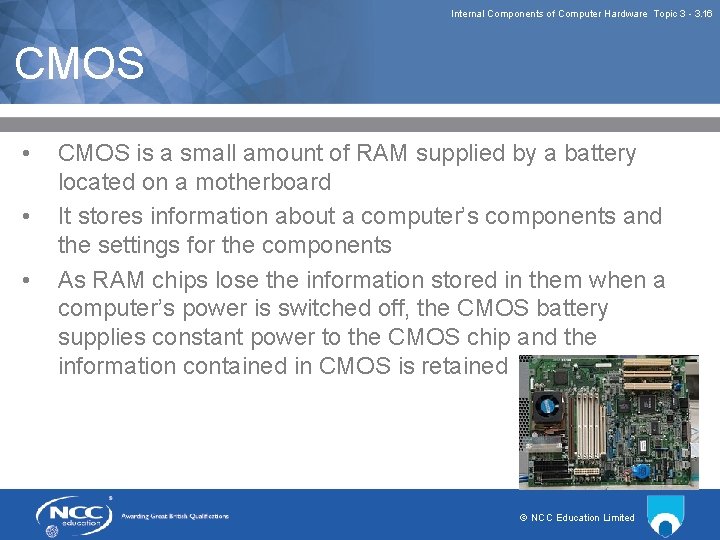
Internal Components of Computer Hardware Topic 3 3. 16 CMOS • • • CMOS is a small amount of RAM supplied by a battery located on a motherboard It stores information about a computer’s components and the settings for the components As RAM chips lose the information stored in them when a computer’s power is switched off, the CMOS battery supplies constant power to the CMOS chip and the information contained in CMOS is retained © NCC Education Limited
Internal Components of Computer Hardware Topic 3 3. 17 Chipset • A group of chips which act as an interface between a CPU and the devices connected to a computer • Functions are contained in two chips – a northbridge chip and a southbridge chip • A northbridge chip forms an interface between a CPU, RAM and components such as a graphics/video display cards • A southbridge chip acts as an interface with input and output devices • Chipsets are usually designed to work with a particular ‘family’ of processors © NCC Education Limited
Internal Components of Computer Hardware Topic 3 3. 18 Expansion Slots • Motherboards contain expansion slots that various components can be slotted into • Components can include: • RAM chips • Expansion cards such as: • Network interface cards (NICs) • Graphics cards/video display cards • Sound cards • The above are used to upgrade/enhance a computer system’s functions • There is a range of different slots that internal and external devices can connect to and different computers have different types and numbers of slots, therefore, care must be taken to use a card that matches a particular slot © NCC Education Limited
Internal Components of Computer Hardware Topic 3 3. 19 Expansions and Chipsets • It should be noted that chipset manufacturers are placing more functions in chipsets instead of in expansion cards • These functions include: • Video card (integrated into the northbridge) • Sound card (integrated into the southbridge) • Modem (integrated into the southbridge) • Network (integrated into the southbridge) © NCC Education Limited
Internal Components of Computer Hardware Topic 3 3. 20 Power Supply • • • This component supplies power to all components in a computer It includes a transformer, voltage control and a cooling fan It transforms mains voltage into the voltages required by a computer’s components © NCC Education Limited
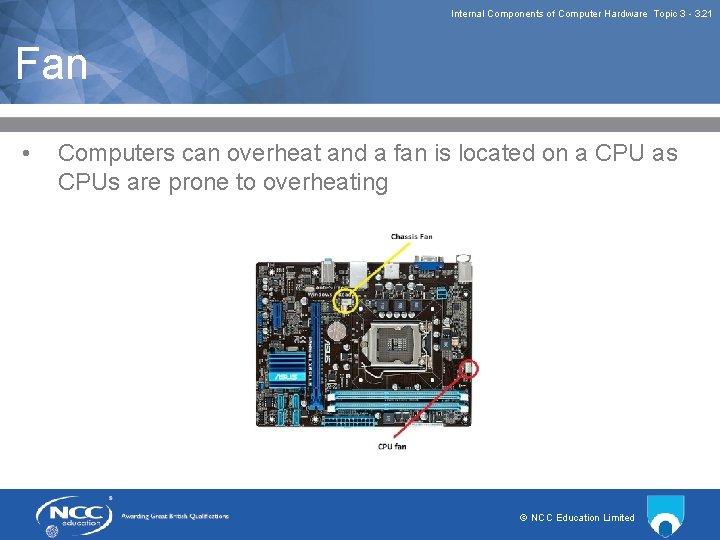
Internal Components of Computer Hardware Topic 3 3. 21 Fan • Computers can overheat and a fan is located on a CPU as CPUs are prone to overheating © NCC Education Limited
Internal Components of Computer Hardware Topic 3 3. 22 Review of Lecture One • • In Lecture One we have identified various internal components of computer hardware We have discussed their locations and purposes and functions © NCC Education Limited
Internal Components of Computer Hardware Topic 3 3. 23 References • • How to Assemble A desktop PC, Wikibooks Contributors, 2007, Creative Commons https: //upload. wikimedia. org/wikipedia/commons/3/3 f/How_T o_Assemble_A_Desktop_PC. pdf • Computing Fundamentals: IC 3 Edition, Wempen, F. 2014, Chapters 1 and 2 • Explaining Computers, Christopher Barnatt, 2014 http: //www. explainingcomputers. com/hardware. html © NCC Education Limited