
Introduction to Computer Science Unit 13 More on

![The Pseudocode Version if ( table[row][col] greater than letter ) decrease col by 1](https://slidetodoc.com/presentation_image_h2/8d839254c8904b69aa102429f15b4b84/image-14.jpg "The Pseudocode Version if ( table[row][col] greater than letter ) decrease col by 1")
- Slides: 24
Introduction to Computer Science Unit 13 More on Loops and Bounds One dimensional u Two dimensional u
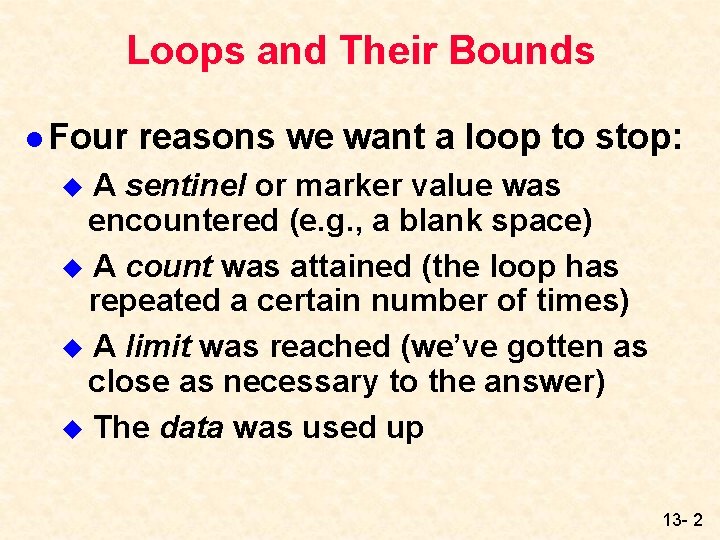
Loops and Their Bounds l Four reasons we want a loop to stop: A sentinel or marker value was encountered (e. g. , a blank space) u A count was attained (the loop has repeated a certain number of times) u A limit was reached (we’ve gotten as close as necessary to the answer) u The data was used up u 13 - 2
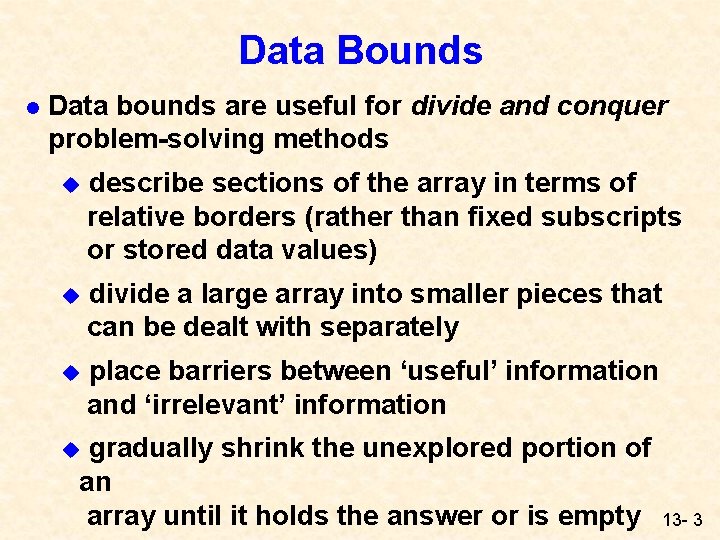
Data Bounds l Data bounds are useful for divide and conquer problem-solving methods u describe sections of the array in terms of relative borders (rather than fixed subscripts or stored data values) u divide a large array into smaller pieces that can be dealt with separately u place barriers between ‘useful’ information and ‘irrelevant’ information gradually shrink the unexplored portion of an array until it holds the answer or is empty u 13 - 3
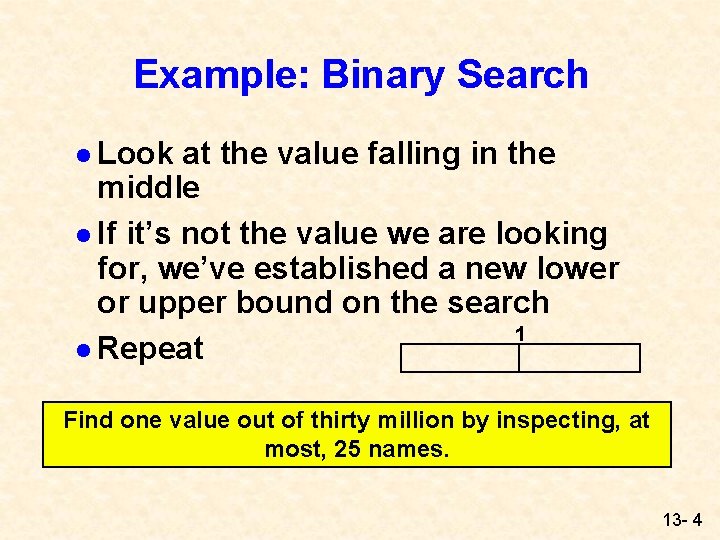
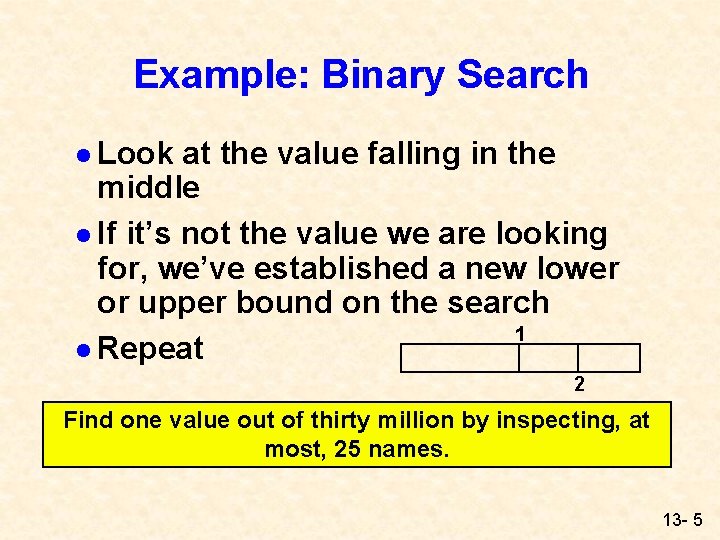
Example: Binary Search l Look at the value falling in the middle l If it’s not the value we are looking for, we’ve established a new lower or upper bound on the search 1 l Repeat Find one value out of thirty million by inspecting, at most, 25 names. 13 - 4
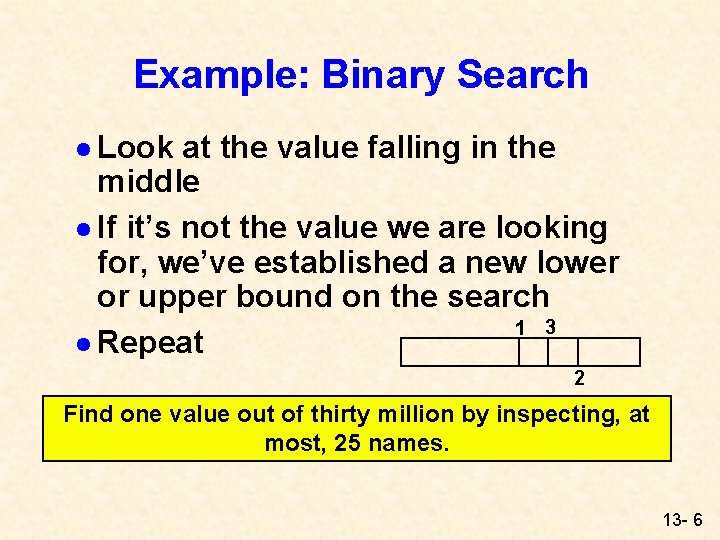
Example: Binary Search l Look at the value falling in the middle l If it’s not the value we are looking for, we’ve established a new lower or upper bound on the search 1 l Repeat 2 Find one value out of thirty million by inspecting, at most, 25 names. 13 - 5
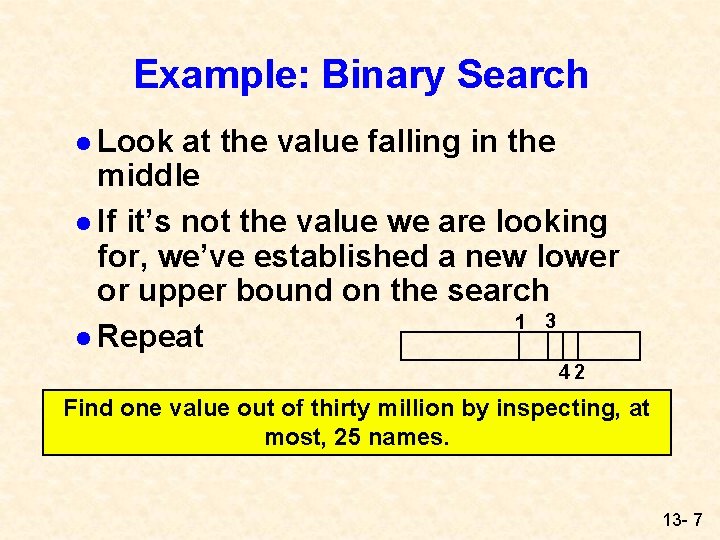
Example: Binary Search l Look at the value falling in the middle l If it’s not the value we are looking for, we’ve established a new lower or upper bound on the search 1 3 l Repeat 2 Find one value out of thirty million by inspecting, at most, 25 names. 13 - 6
Example: Binary Search l Look at the value falling in the middle l If it’s not the value we are looking for, we’ve established a new lower or upper bound on the search 1 3 l Repeat 42 Find one value out of thirty million by inspecting, at most, 25 names. 13 - 7
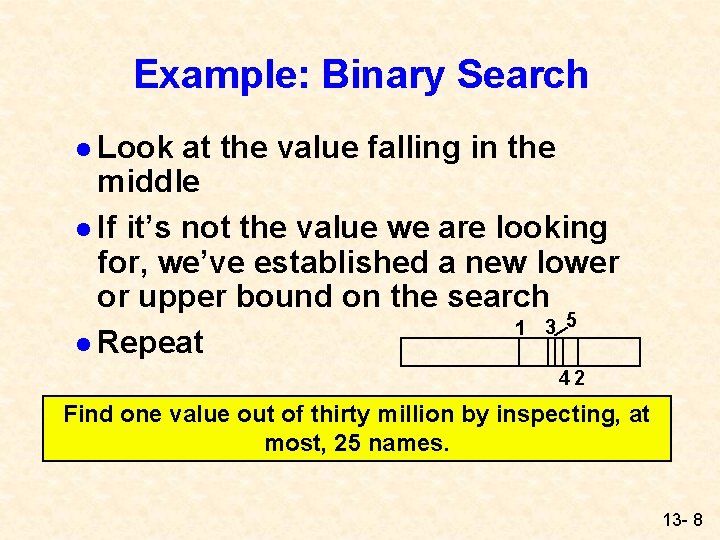
Example: Binary Search l Look at the value falling in the middle l If it’s not the value we are looking for, we’ve established a new lower or upper bound on the search 1 3 5 l Repeat 42 Find one value out of thirty million by inspecting, at most, 25 names. 13 - 8
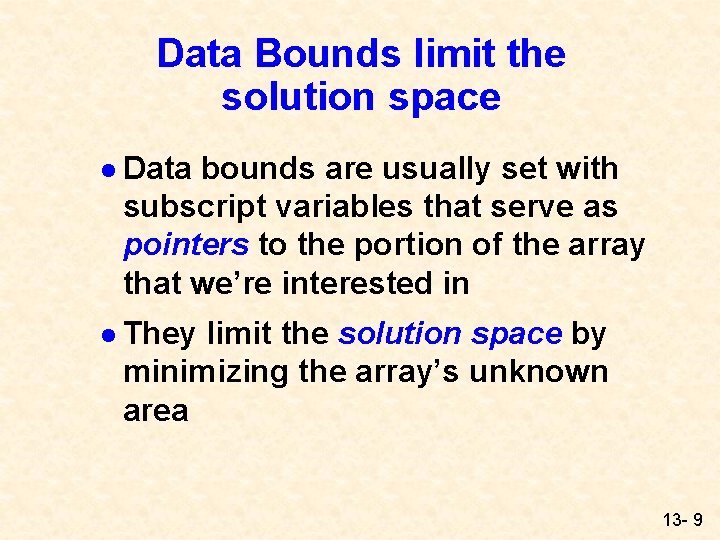
Data Bounds limit the solution space l Data bounds are usually set with subscript variables that serve as pointers to the portion of the array that we’re interested in l They limit the solution space by minimizing the array’s unknown area 13 - 9
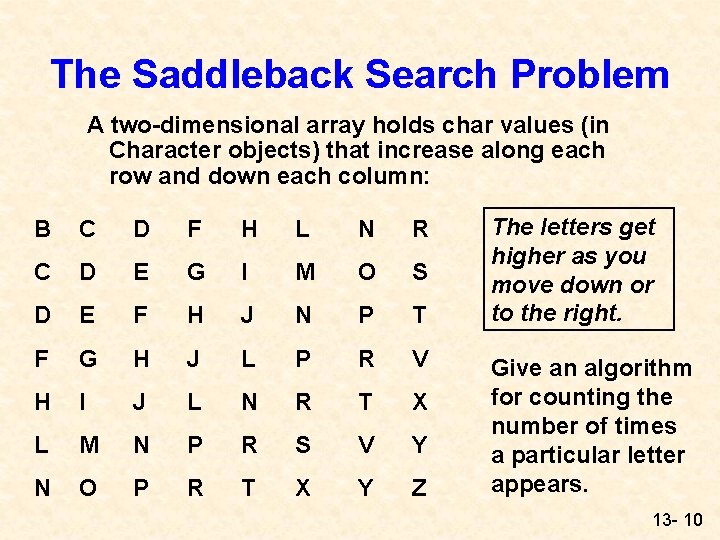
The Saddleback Search Problem A two-dimensional array holds char values (in Character objects) that increase along each row and down each column: B C D F H L N R C D E G I M O S D E F H J N P T F G H J L P R V H I J L N R T X L M N P R S V Y N O P R T X Y Z The letters get higher as you move down or to the right. Give an algorithm for counting the number of times a particular letter appears. 13 - 10
The Exhaustive Search Approach //Counting the Ns in a ROWLEN by // COLLEN array initialize count to 0 for (row = 0; row < ROWLEN; row++) for (col = 0; col < COLLEN; col++) if table[row][col] equals letter add 1 to count 13 - 11
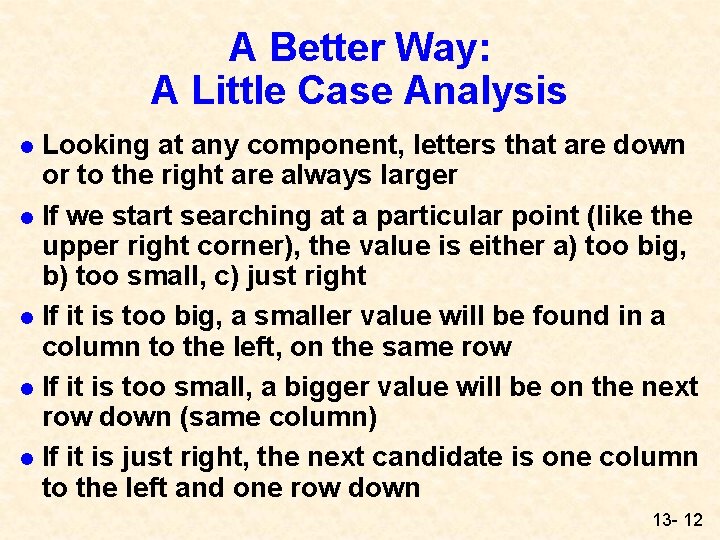
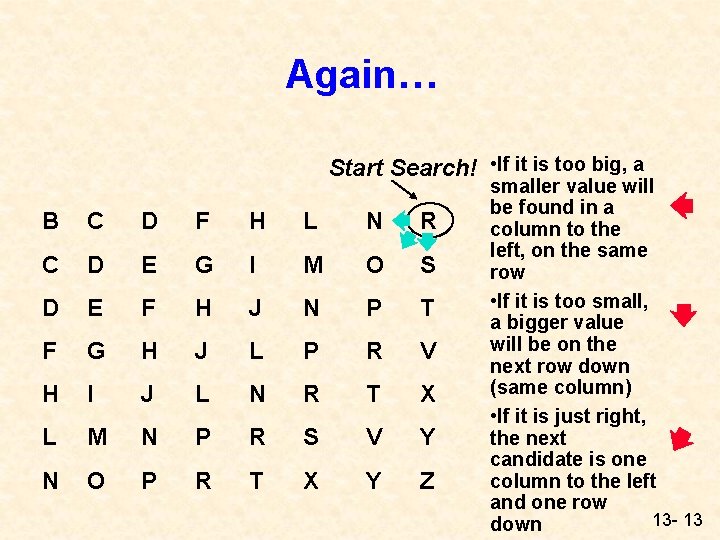
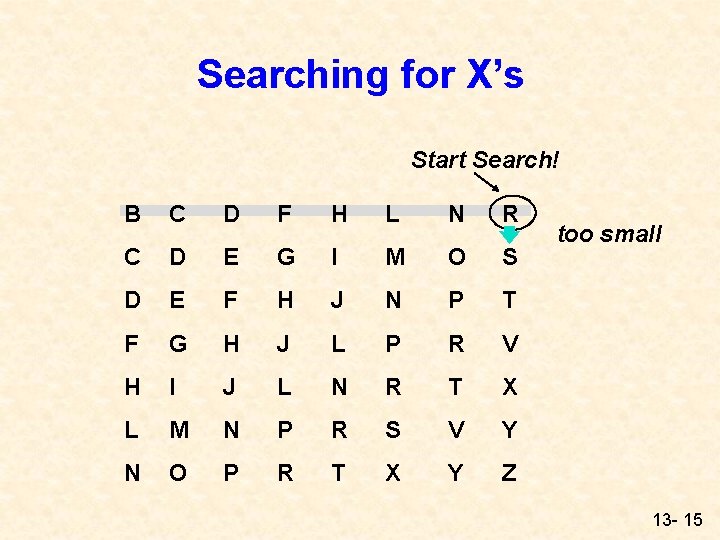
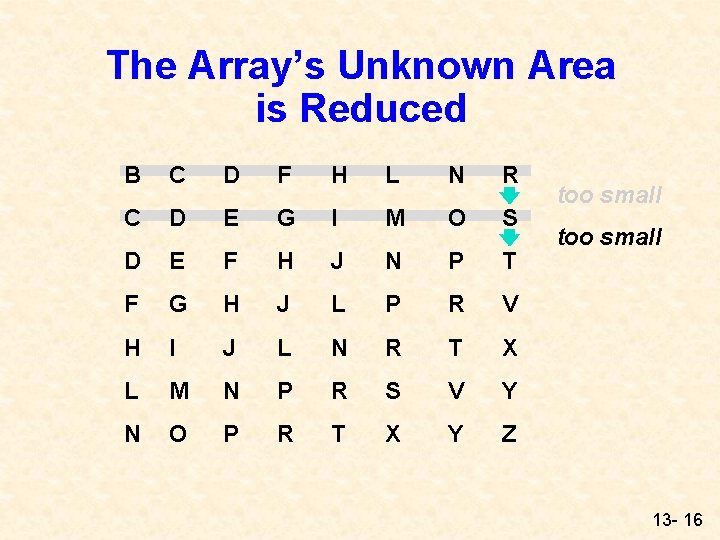
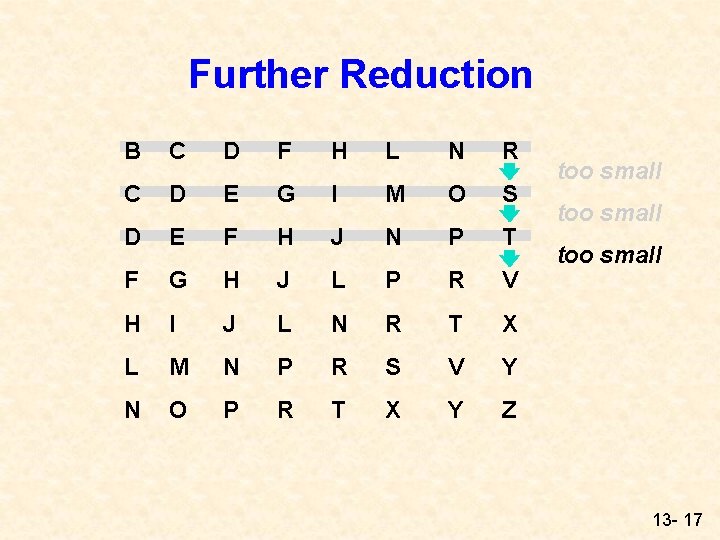
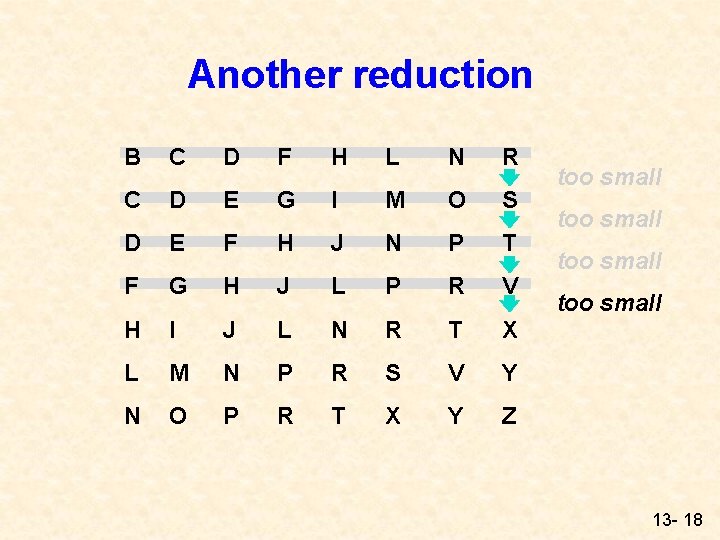
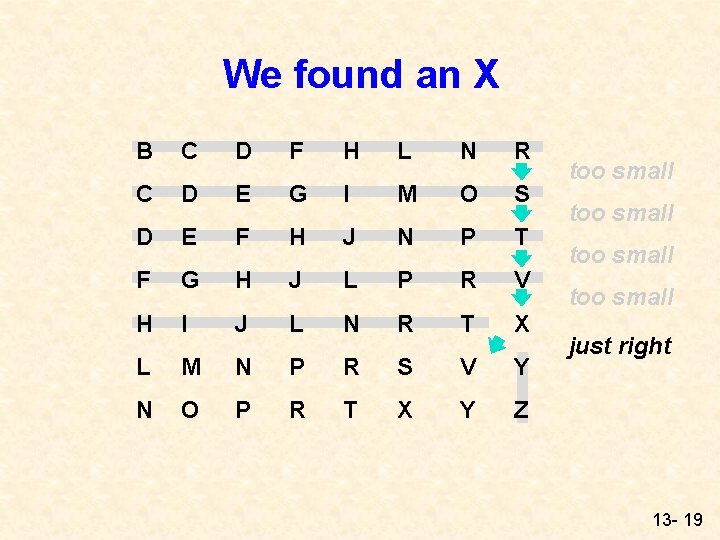
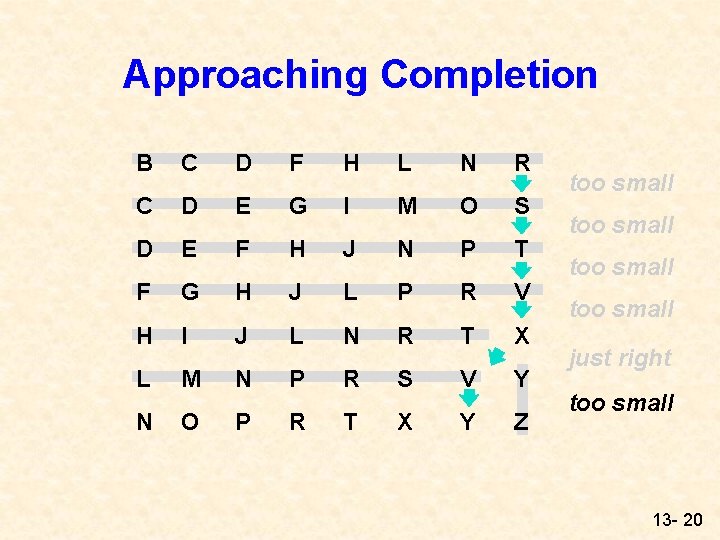
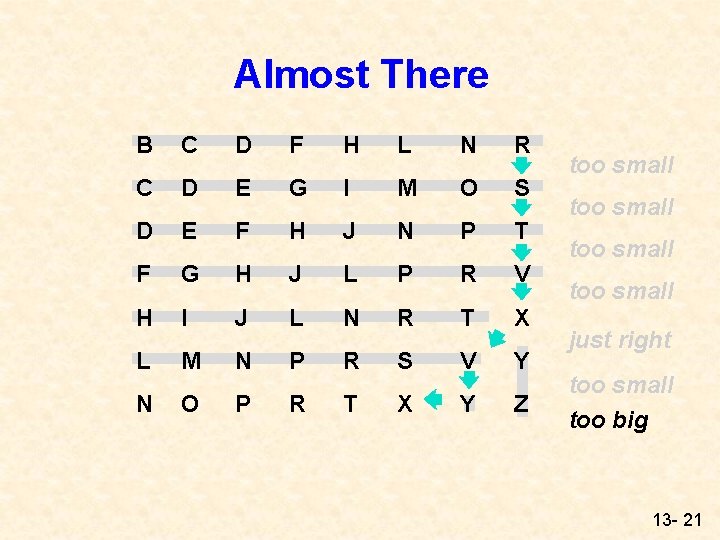
A Better Way: A Little Case Analysis Looking at any component, letters that are down or to the right are always larger l If we start searching at a particular point (like the upper right corner), the value is either a) too big, b) too small, c) just right l If it is too big, a smaller value will be found in a column to the left, on the same row l If it is too small, a bigger value will be on the next row down (same column) l If it is just right, the next candidate is one column to the left and one row down l 13 - 12
Again… Start Search! • If it is too big, a B C D F H L N R C D E G I M O S D E F H J N P T F G H J L P R V H I J L N R T X L M N P R S V Y N O P R T X Y Z smaller value will be found in a column to the left, on the same row • If it is too small, a bigger value will be on the next row down (same column) • If it is just right, the next candidate is one column to the left and one row 13 - 13 down
The Pseudocode Version if ( table[row][col] greater than letter ) decrease col by 1 to go back one column else if ( table[row][col] less than letter ) increase row by 1 to go down one row else table[row][col] equals letter so count another appearance of letter; decrease col by 1; increase row by 1; 13 - 14
Searching for X’s Start Search! B C D F H L N R C D E G I M O S D E F H J N P T F G H J L P R V H I J L N R T X L M N P R S V Y N O P R T X Y Z too small 13 - 15
The Array’s Unknown Area is Reduced B C D F H L N R C D E G I M O S D E F H J N P T F G H J L P R V H I J L N R T X L M N P R S V Y N O P R T X Y Z too small 13 - 16
Further Reduction B C D F H L N R C D E G I M O S D E F H J N P T F G H J L P R V H I J L N R T X L M N P R S V Y N O P R T X Y Z too small 13 - 17
Another reduction B C D F H L N R C D E G I M O S D E F H J N P T F G H J L P R V H I J L N R T X L M N P R S V Y N O P R T X Y Z too small 13 - 18
We found an X B C D F H L N R C D E G I M O S D E F H J N P T F G H J L P R V H I J L N R T X L M N P R S V Y N O P R T X Y Z too small just right 13 - 19
Approaching Completion B C D F H L N R C D E G I M O S D E F H J N P T F G H J L P R V H I J L N R T X L M N P R S V Y N O P R T X Y Z too small just right too small 13 - 20
Almost There B C D F H L N R C D E G I M O S D E F H J N P T F G H J L P R V H I J L N R T X L M N P R S V Y N O P R T X Y Z too small just right too small too big 13 - 21
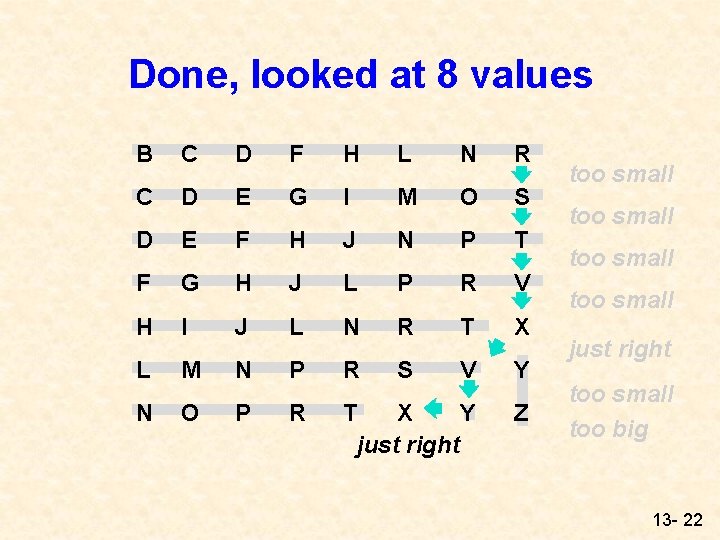
Done, looked at 8 values B C D F H L N R C D E G I M O S D E F H J N P T F G H J L P R V H I J L N R T X L M N P R S V Y N O P R T X Y just right Z too small just right too small too big 13 - 22
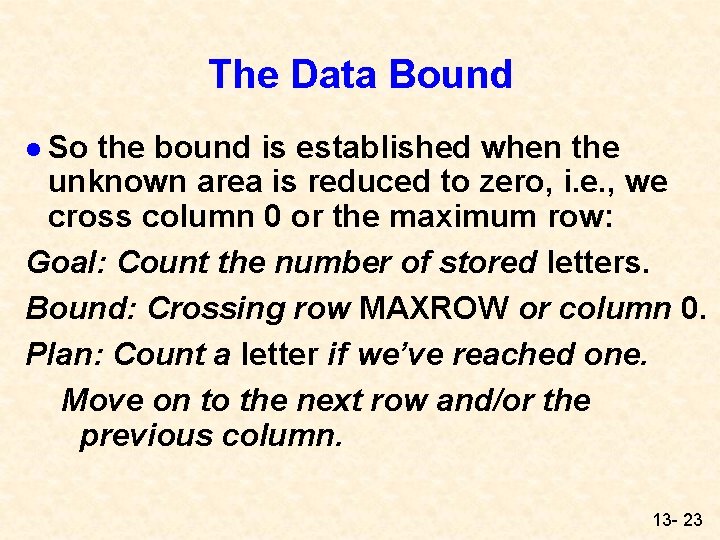
The Data Bound l So the bound is established when the unknown area is reduced to zero, i. e. , we cross column 0 or the maximum row: Goal: Count the number of stored letters. Bound: Crossing row MAXROW or column 0. Plan: Count a letter if we’ve reached one. Move on to the next row and/or the previous column. 13 - 23
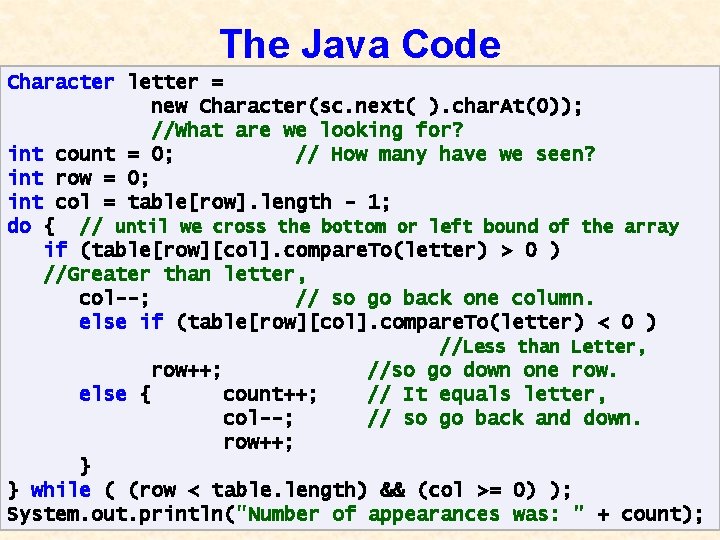
The Java Code Character letter = new Character(sc. next( ). char. At(0)); //What are we looking for? int count = 0; // How many have we seen? int row = 0; int col = table[row]. length - 1; do { // until we cross the bottom or left bound of the array if (table[row][col]. compare. To(letter) > 0 ) //Greater than letter, col--; // so go back one column. else if (table[row][col]. compare. To(letter) < 0 ) //Less than Letter, row++; //so go down one row. else { count++; // It equals letter, col--; // so go back and down. row++; } } while ( (row < table. length) && (col >= 0) ); System. out. println("Number of appearances was: " + count); 13 - 24