
Introduction to Computer Science n Instructor n n

![Definite Loops >>> for i in [0, 1, 2, 3]: print (i) 0 1](https://slidetodoc.com/presentation_image_h2/1ea67e3d20f297d2c4ad34c44fcd7e0f/image-42.jpg "Definite Loops >>> for i in [0, 1, 2, 3]: print (i) 0 1")
- Slides: 53
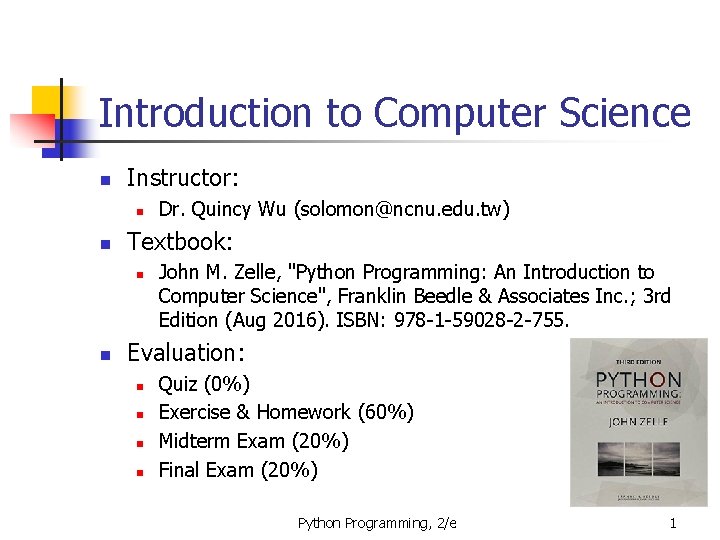
Introduction to Computer Science n Instructor: n n Textbook: n n Dr. Quincy Wu (solomon@ncnu. edu. tw) John M. Zelle, "Python Programming: An Introduction to Computer Science", Franklin Beedle & Associates Inc. ; 3 rd Edition (Aug 2016). ISBN: 978 -1 -59028 -2 -755. Evaluation: n n Quiz (0%) Exercise & Homework (60%) Midterm Exam (20%) Final Exam (20%) Python Programming, 2/e 1
Spend 3 + 6 Hours in a Week n Before a class n n Reading - textbook, online articles Before-class exercise Three-hour class You are encouraged to raise questions. After a class n Homework Python Programming, 2/e 2
A Few Suggestions n n n Take notes Think about it. Practice again. Teach it. Identify your weakness and try to improve. Python Programming, 2/e 3
Program Power n n n Software (programs) rule the hardware (the physical machine). The process of creating this software is called programming. Why learn to program? n n Fundamental part of computer science Having an understanding of programming helps you have an understanding of the strengths and limitations of computers. Python Programming, 2/e 4
Program Power n Helps you become a more intelligent user of computers n n Helps the development of problem solving skills, especially in analyzing complex systems by reducing them to interactions between simpler systems. n n n Instruct computers to handle repetitive routing tasks Devide-and-Conquer Prune-and-Search Programmers are in great demand! n A lucrative career option Python Programming, 2/e 5
Programming Languages n Natural language has ambiguity and imprecision problems when used to describe complex algorithms. n n I saw the man in the park with the telescope. Programs expressed in an unambiguous , precise way using programming languages. n n Every structure in programming language has a precise form, called its syntax Every structure in programming language has a precise meaning, called its semantics. Python Programming, 2/e 6
Programming Languages n Programming language is like a code for writing the instructions the computer will follow. n n Programmers will often refer to their program as computer code. Process of writing an algorithm in a programming language often called coding. Python Programming, 2/e 7
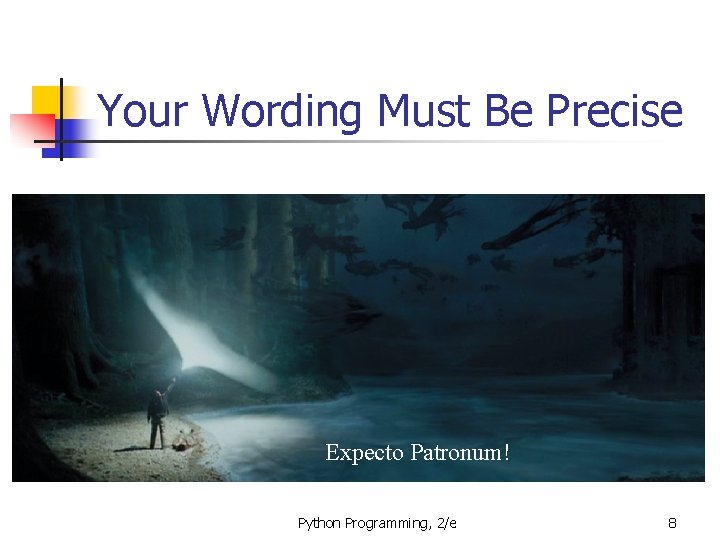
Your Wording Must Be Precise Expecto Patronum! Python Programming, 2/e 8
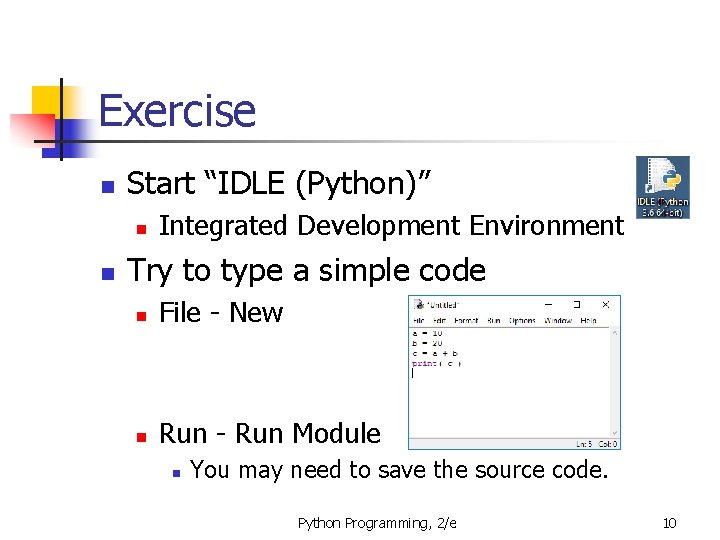
Exercise n Start “IDLE (Python)” n n Integrated Development Environment Try to type a simple code n File - New n Run - Run Module n You may need to save the source code. Python Programming, 2/e 10
Python Programming: An Introduction to Computer Science Chapter 2 Writing Simple Programs Python Programming, 2/e 11
Objectives n To be able to understand write Python statements to n n output information to the screen, assign values to variables, get numeric information entered from the keyboard, and perform a counted loop Python Programming, 2/e 12
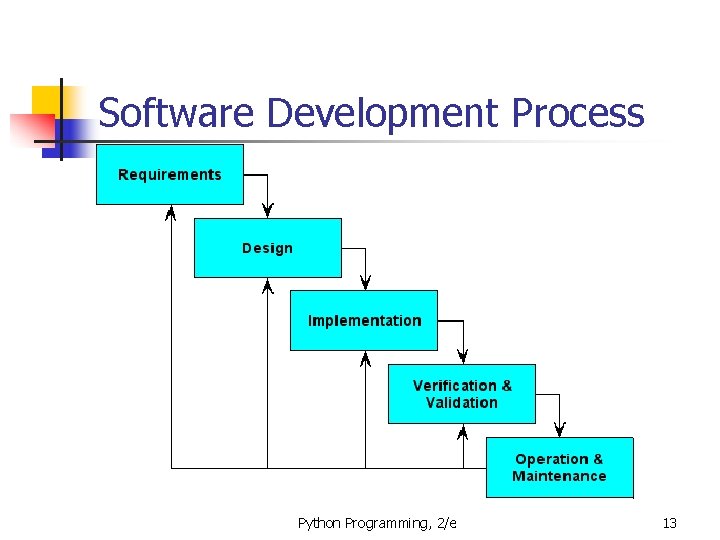
Software Development Process Python Programming, 2/e 13
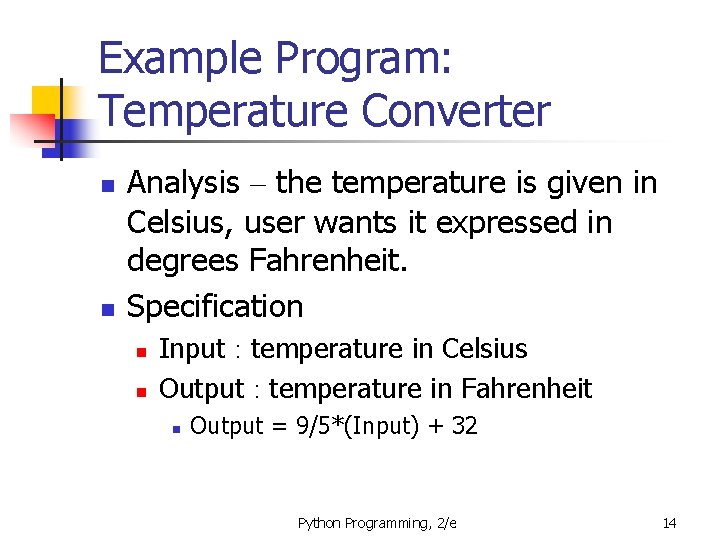
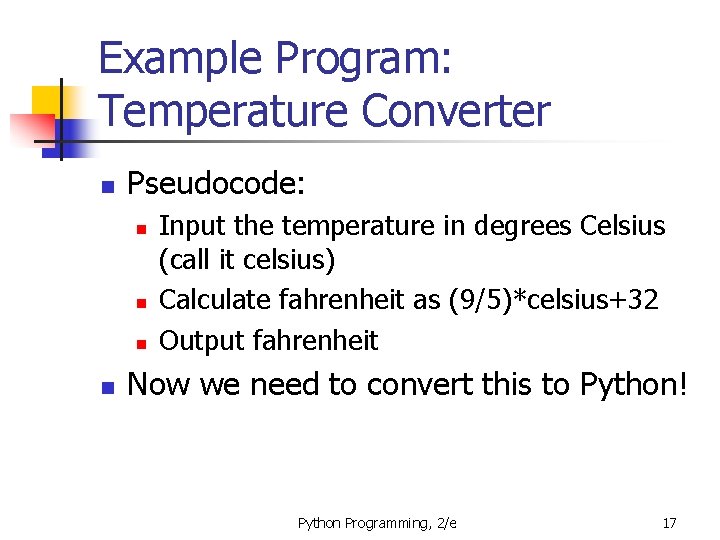
Example Program: Temperature Converter n n Analysis – the temperature is given in Celsius, user wants it expressed in degrees Fahrenheit. Specification n n Input : temperature in Celsius Output : temperature in Fahrenheit n Output = 9/5*(Input) + 32 Python Programming, 2/e 14
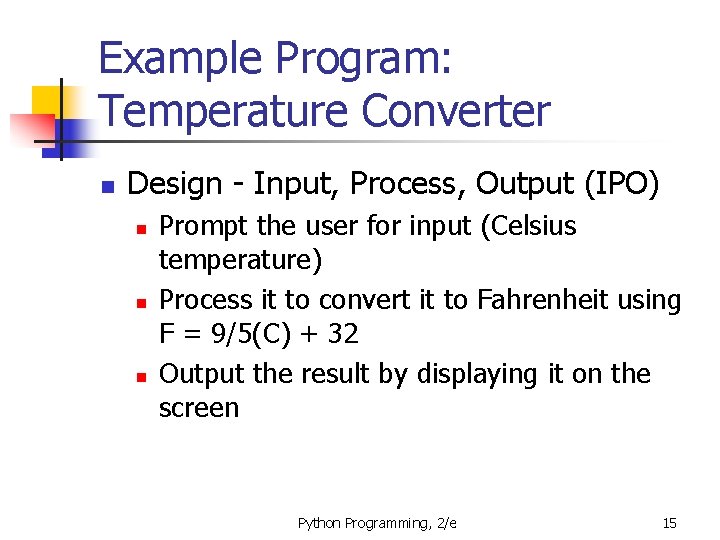
Example Program: Temperature Converter n Design - Input, Process, Output (IPO) n n n Prompt the user for input (Celsius temperature) Process it to convert it to Fahrenheit using F = 9/5(C) + 32 Output the result by displaying it on the screen Python Programming, 2/e 15
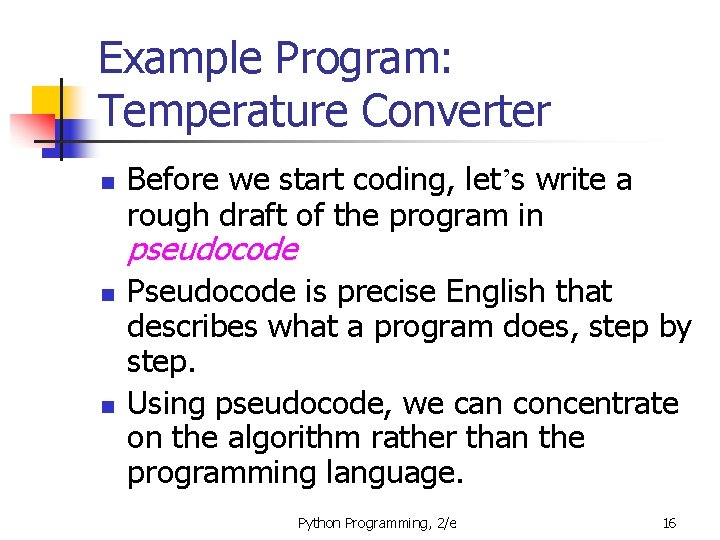
Example Program: Temperature Converter n Before we start coding, let’s write a rough draft of the program in pseudocode n n Pseudocode is precise English that describes what a program does, step by step. Using pseudocode, we can concentrate on the algorithm rather than the programming language. Python Programming, 2/e 16
Example Program: Temperature Converter n Pseudocode: n n Input the temperature in degrees Celsius (call it celsius) Calculate fahrenheit as (9/5)*celsius+32 Output fahrenheit Now we need to convert this to Python! Python Programming, 2/e 17
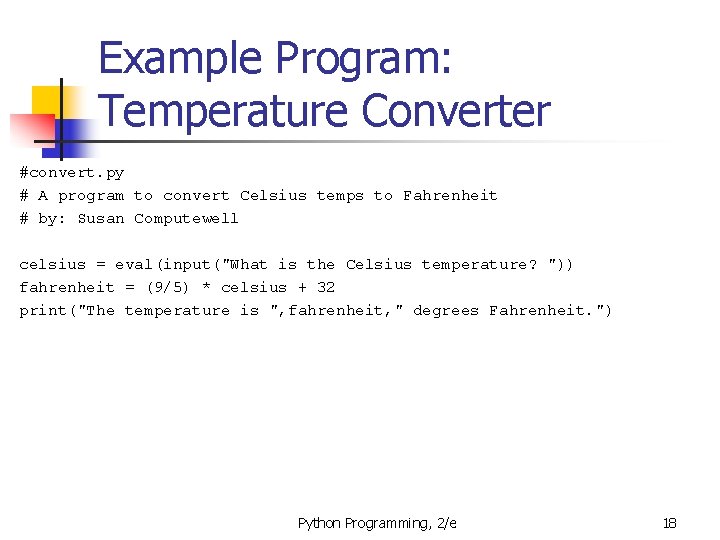
Example Program: Temperature Converter #convert. py # A program to convert Celsius temps to Fahrenheit # by: Susan Computewell celsius = eval(input("What is the Celsius temperature? ")) fahrenheit = (9/5) * celsius + 32 print("The temperature is ", fahrenheit, " degrees Fahrenheit. ") Python Programming, 2/e 18
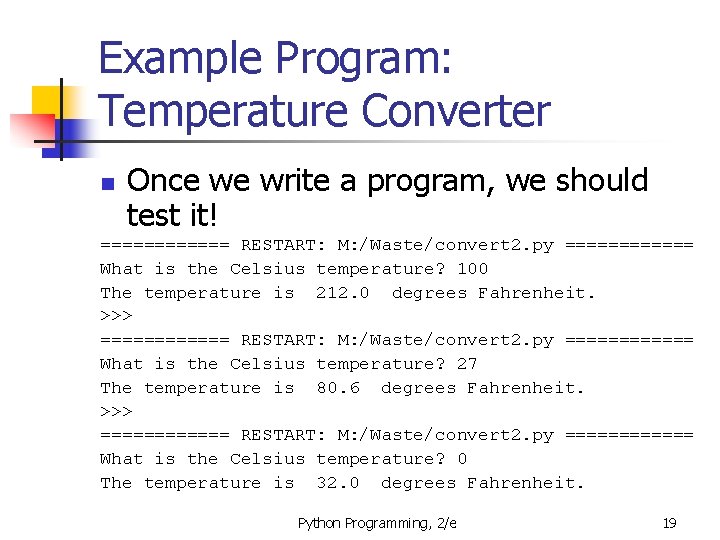
Example Program: Temperature Converter n Once we write a program, we should test it! ====== RESTART: M: /Waste/convert 2. py ====== What is the Celsius temperature? 100 The temperature is 212. 0 degrees Fahrenheit. >>> ====== RESTART: M: /Waste/convert 2. py ====== What is the Celsius temperature? 27 The temperature is 80. 6 degrees Fahrenheit. >>> ====== RESTART: M: /Waste/convert 2. py ====== What is the Celsius temperature? 0 The temperature is 32. 0 degrees Fahrenheit. Python Programming, 2/e 19
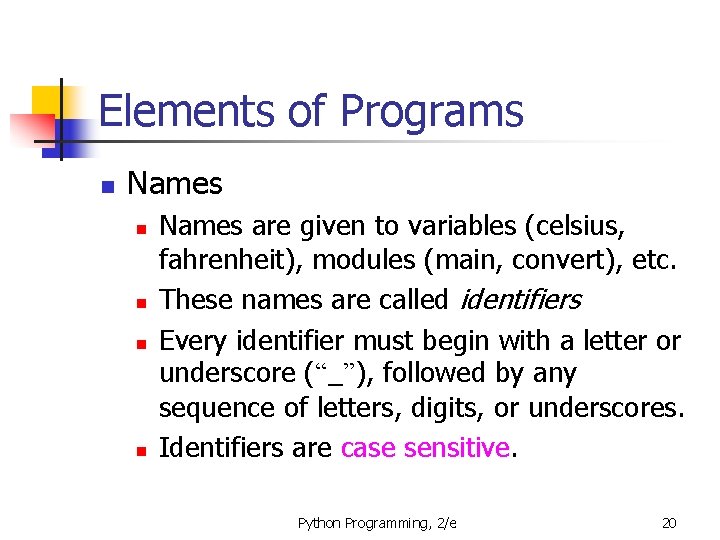
Elements of Programs n Names n n Names are given to variables (celsius, fahrenheit), modules (main, convert), etc. These names are called identifiers Every identifier must begin with a letter or underscore (“_”), followed by any sequence of letters, digits, or underscores. Identifiers are case sensitive. Python Programming, 2/e 20
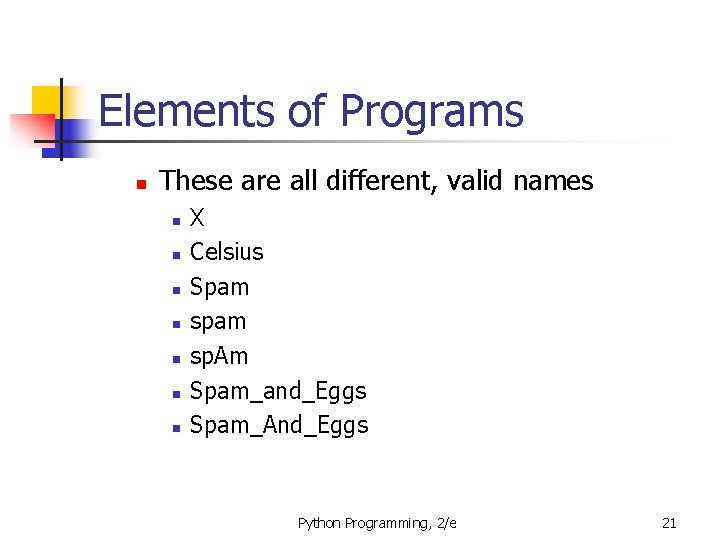
Elements of Programs n These are all different, valid names n n n n X Celsius Spam sp. Am Spam_and_Eggs Spam_And_Eggs Python Programming, 2/e 21
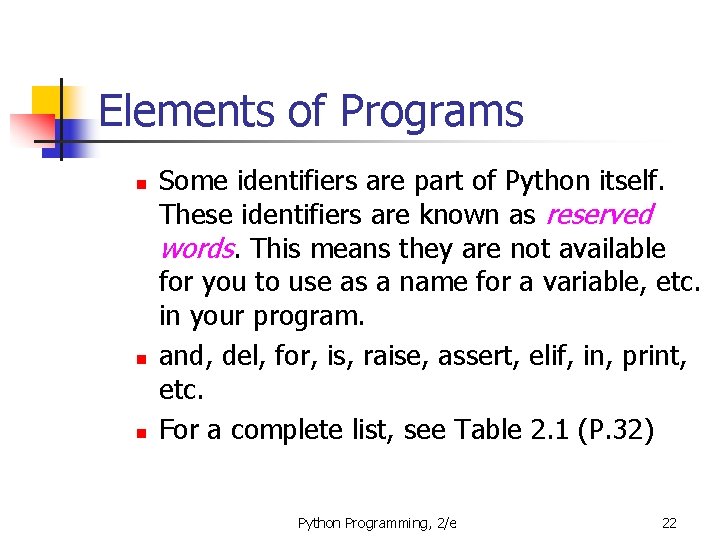
Elements of Programs n n n Some identifiers are part of Python itself. These identifiers are known as reserved words. This means they are not available for you to use as a name for a variable, etc. in your program. and, del, for, is, raise, assert, elif, in, print, etc. For a complete list, see Table 2. 1 (P. 32) Python Programming, 2/e 22
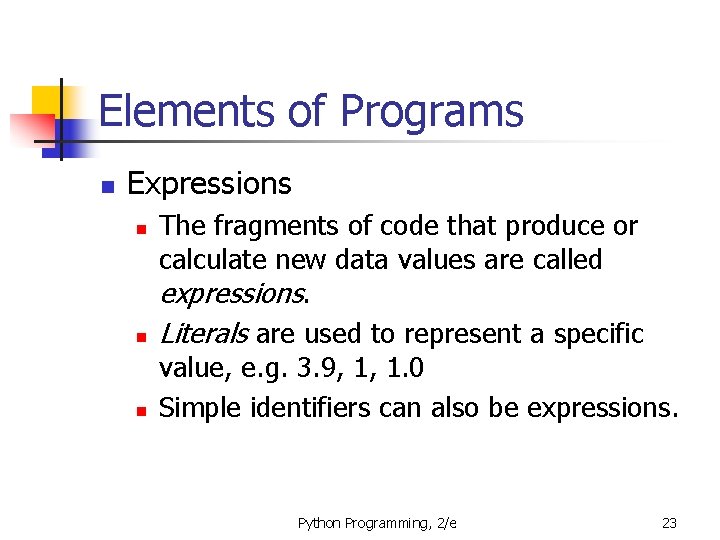
Elements of Programs n Expressions n n n The fragments of code that produce or calculate new data values are called expressions. Literals are used to represent a specific value, e. g. 3. 9, 1, 1. 0 Simple identifiers can also be expressions. Python Programming, 2/e 23
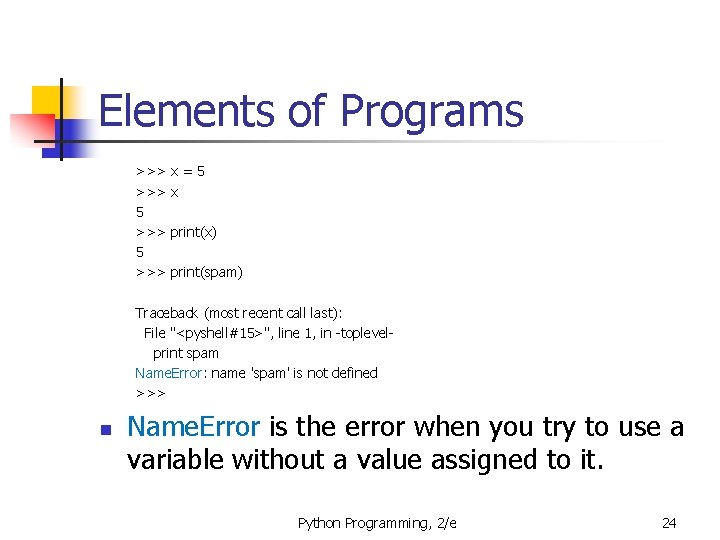
Elements of Programs >>> 5 >>> x=5 x print(x) print(spam) Traceback (most recent call last): File "<pyshell#15>", line 1, in -toplevelprint spam Name. Error: name 'spam' is not defined >>> n Name. Error is the error when you try to use a variable without a value assigned to it. Python Programming, 2/e 24
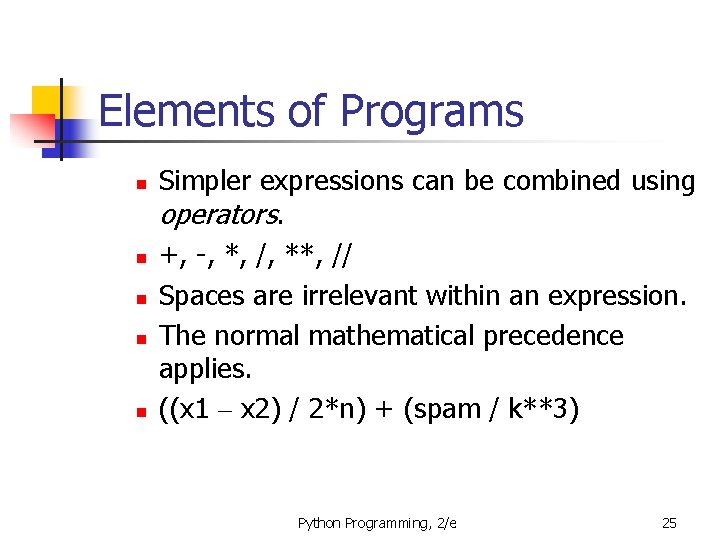
Elements of Programs n n n Simpler expressions can be combined using operators. +, -, *, /, **, // Spaces are irrelevant within an expression. The normal mathematical precedence applies. ((x 1 – x 2) / 2*n) + (spam / k**3) Python Programming, 2/e 25
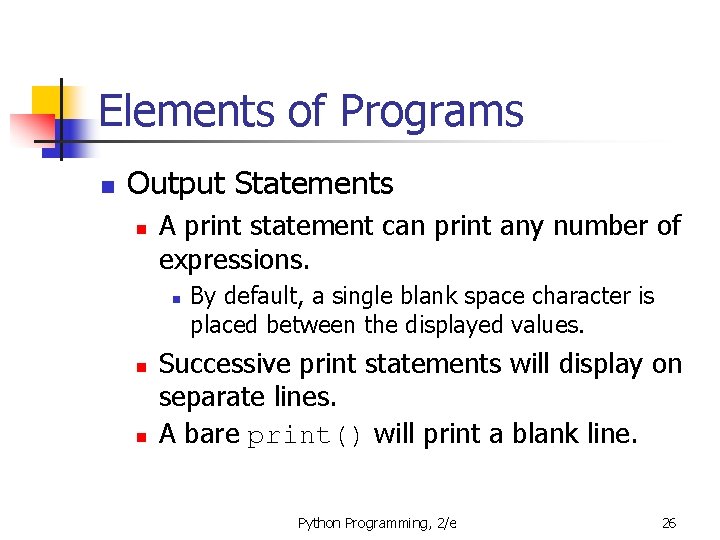
Elements of Programs n Output Statements n A print statement can print any number of expressions. n n n By default, a single blank space character is placed between the displayed values. Successive print statements will display on separate lines. A bare print() will print a blank line. Python Programming, 2/e 26
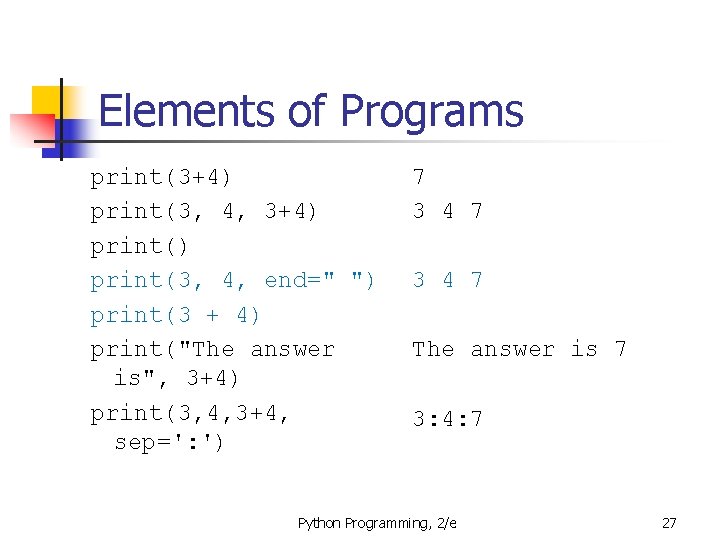
Elements of Programs print(3+4) print(3, 4, end=" ") print(3 + 4) print("The answer is", 3+4) print(3, 4, 3+4, sep=': ') 7 3 4 7 The answer is 7 3: 4: 7 Python Programming, 2/e 27
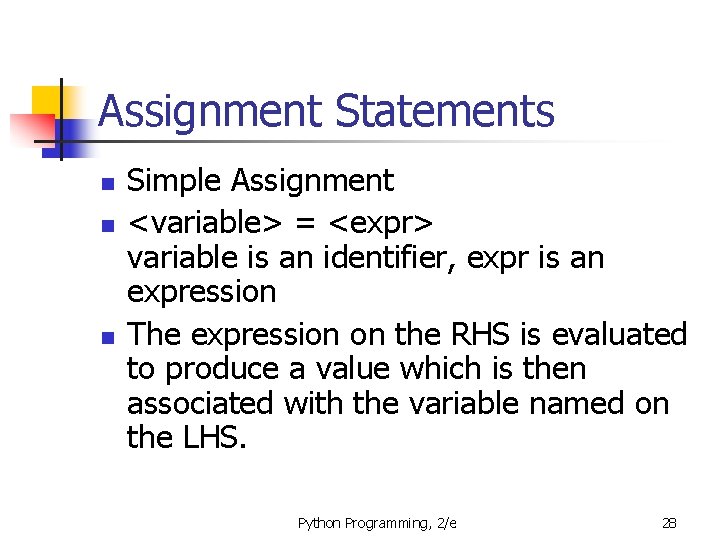
Assignment Statements n n n Simple Assignment <variable> = <expr> variable is an identifier, expr is an expression The expression on the RHS is evaluated to produce a value which is then associated with the variable named on the LHS. Python Programming, 2/e 28
Assignment Statements n n n x = 3. 9 * x * (1 -x) fahrenheit = 9/5 * celsius + 32 x=5 Python Programming, 2/e 29
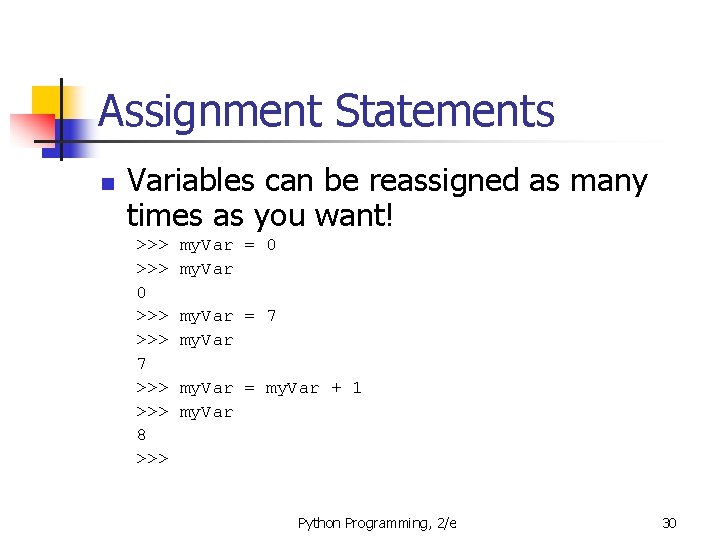
Assignment Statements n Variables can be reassigned as many times as you want! >>> 0 >>> 7 >>> 8 >>> my. Var = 0 my. Var = 7 my. Var = my. Var + 1 my. Var Python Programming, 2/e 30
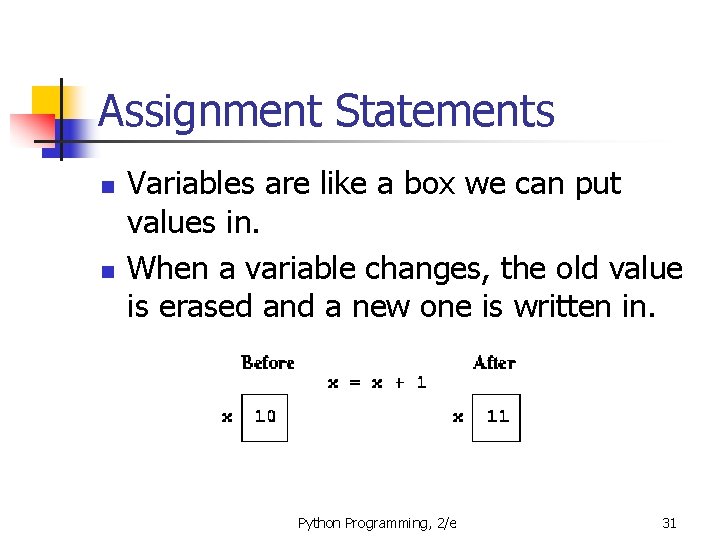
Assignment Statements n n Variables are like a box we can put values in. When a variable changes, the old value is erased and a new one is written in. Python Programming, 2/e 31
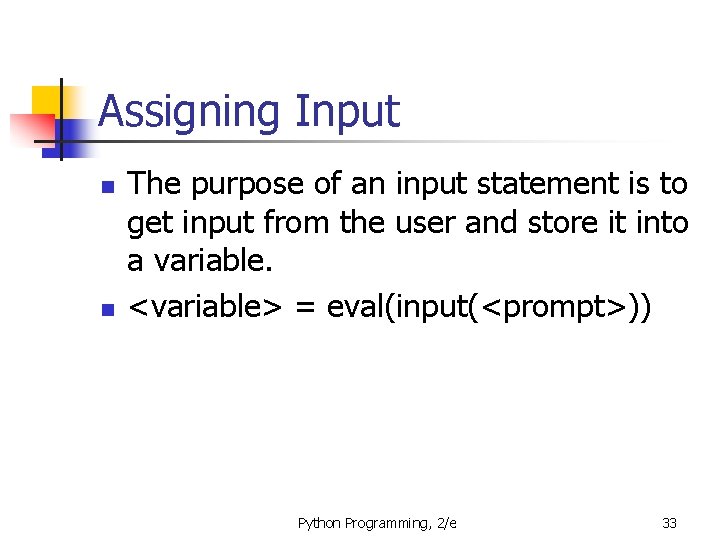
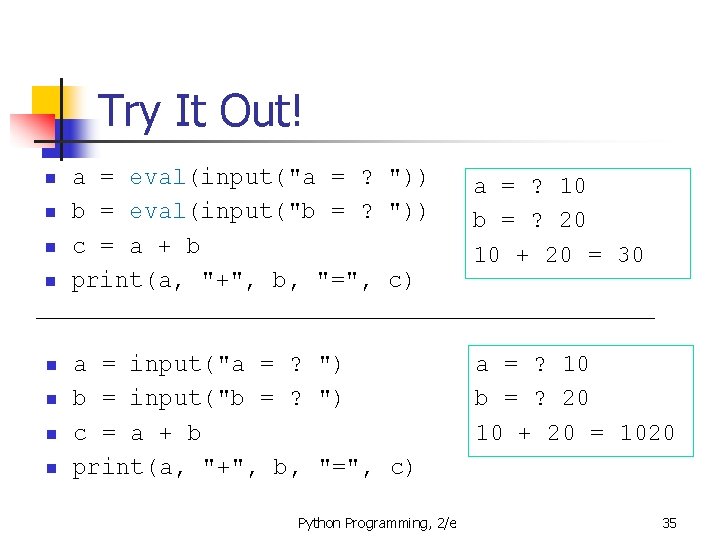
Assigning Input n n The purpose of an input statement is to get input from the user and store it into a variable. <variable> = eval(input(<prompt>)) Python Programming, 2/e 33
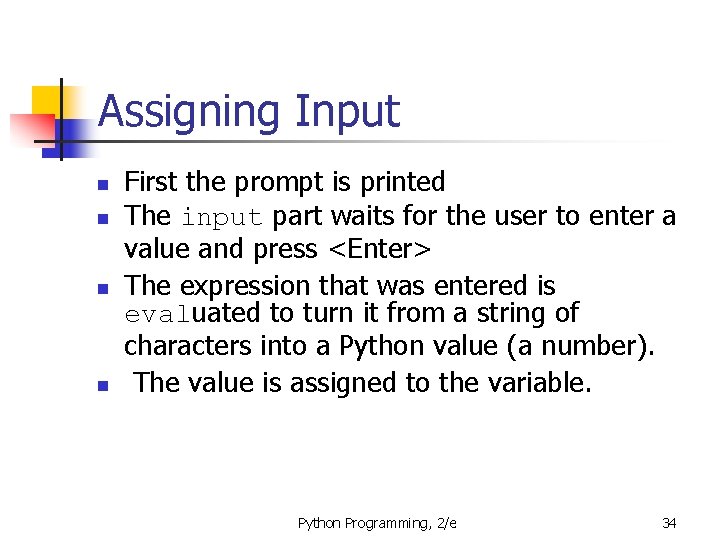
Assigning Input n n First the prompt is printed The input part waits for the user to enter a value and press <Enter> The expression that was entered is evaluated to turn it from a string of characters into a Python value (a number). The value is assigned to the variable. Python Programming, 2/e 34
Try It Out! n n n n a = eval(input("a = ? ")) b = eval(input("b = ? ")) c = a + b print(a, "+", b, "=", c) a = ? 10 b = ? 20 10 + 20 = 30 a = input("a = ? ") b = input("b = ? ") c = a + b print(a, "+", b, "=", c) a = ? 10 b = ? 20 10 + 20 = 1020 Python Programming, 2/e 35
Exercise: n In which year were you born? Python Programming, 2/e 36
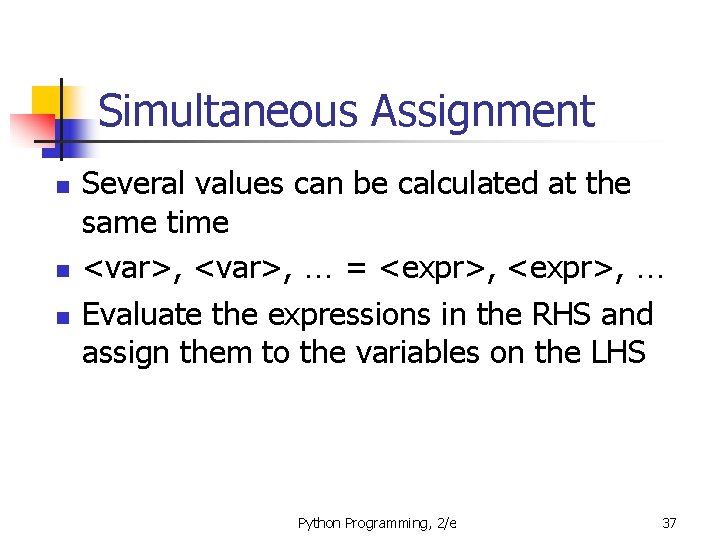
Simultaneous Assignment n n n Several values can be calculated at the same time <var>, … = <expr>, … Evaluate the expressions in the RHS and assign them to the variables on the LHS Python Programming, 2/e 37
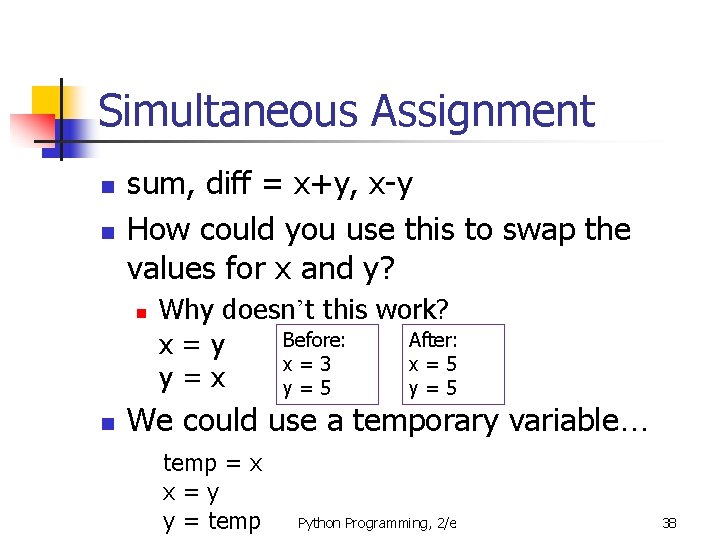
Simultaneous Assignment n n sum, diff = x+y, x-y How could you use this to swap the values for x and y? n n Why doesn’t this work? Before: After: x=y x=3 x=5 y=x y=5 We could use a temporary variable… temp = x x=y y = temp Python Programming, 2/e 38
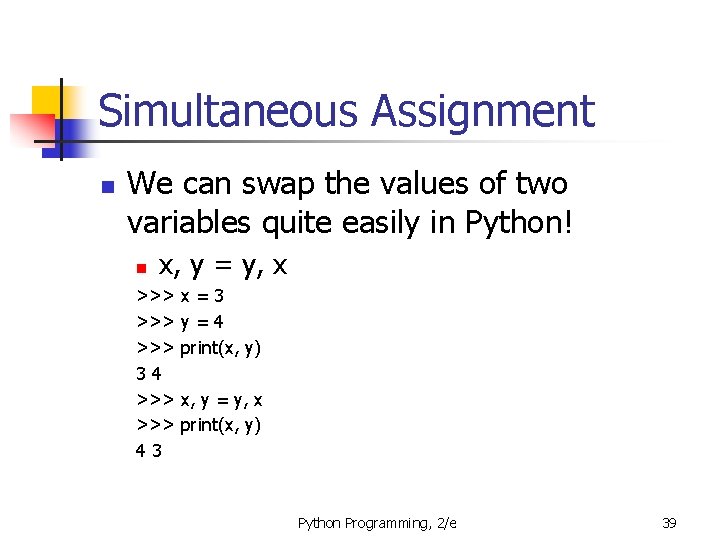
Simultaneous Assignment n We can swap the values of two variables quite easily in Python! n x, y = y, x >>> >>> 34 >>> 43 x=3 y=4 print(x, y) x, y = y, x print(x, y) Python Programming, 2/e 39
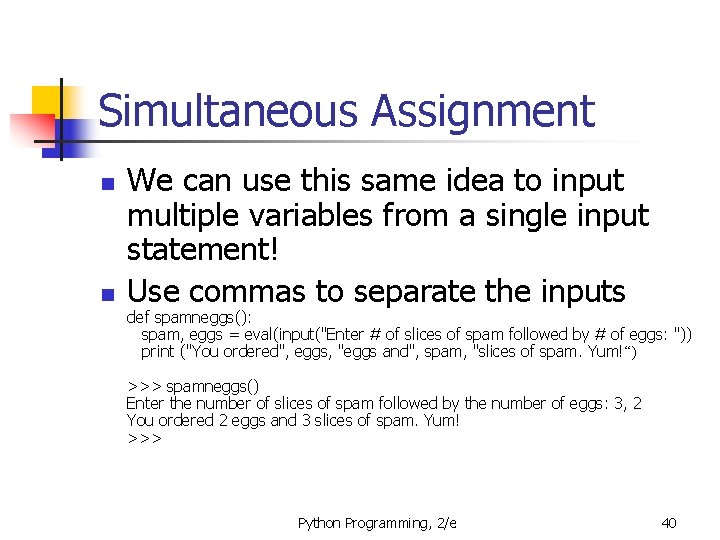
Simultaneous Assignment n n We can use this same idea to input multiple variables from a single input statement! Use commas to separate the inputs def spamneggs(): spam, eggs = eval(input("Enter # of slices of spam followed by # of eggs: ")) print ("You ordered", eggs, "eggs and", spam, "slices of spam. Yum!“) >>> spamneggs() Enter the number of slices of spam followed by the number of eggs: 3, 2 You ordered 2 eggs and 3 slices of spam. Yum! >>> Python Programming, 2/e 40
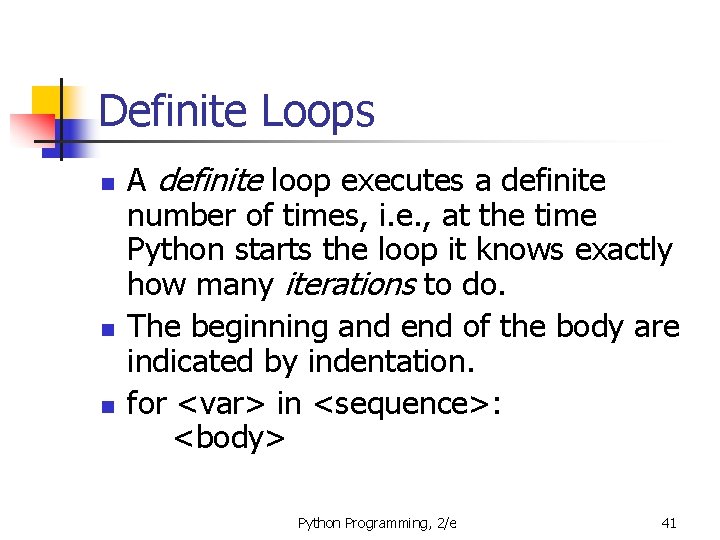
Definite Loops n n n A definite loop executes a definite number of times, i. e. , at the time Python starts the loop it knows exactly how many iterations to do. The beginning and end of the body are indicated by indentation. for <var> in <sequence>: <body> Python Programming, 2/e 41
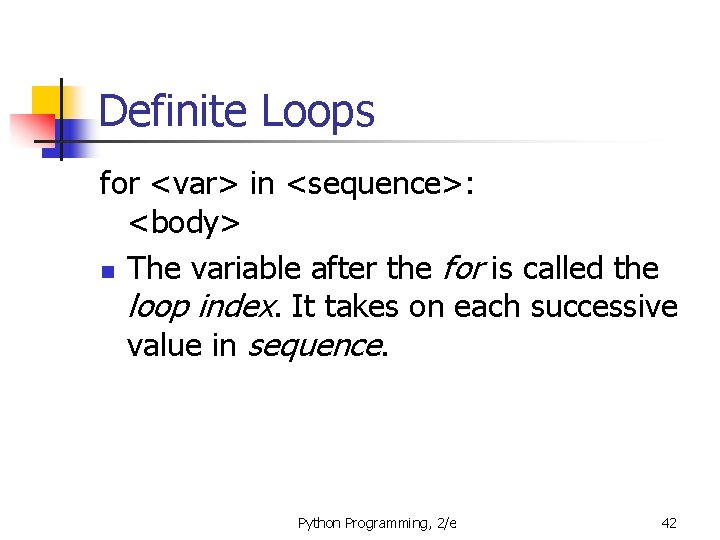
Definite Loops for <var> in <sequence>: <body> n The variable after the for is called the loop index. It takes on each successive value in sequence. Python Programming, 2/e 42
Definite Loops >>> for i in [0, 1, 2, 3]: print (i) 0 1 2 3 >>> for odd in [1, 3, 5, 7]: print(odd*odd) 1 9 25 49 >>> Python Programming, 2/e 43
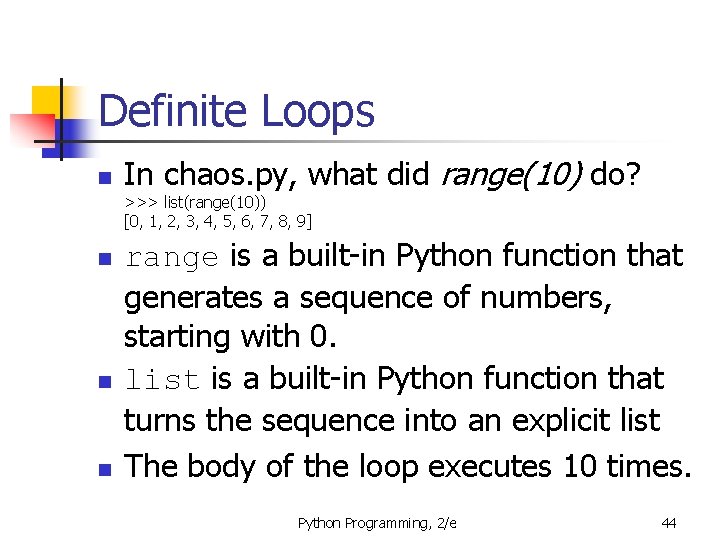
Definite Loops n In chaos. py, what did range(10) do? >>> list(range(10)) [0, 1, 2, 3, 4, 5, 6, 7, 8, 9] n n n range is a built-in Python function that generates a sequence of numbers, starting with 0. list is a built-in Python function that turns the sequence into an explicit list The body of the loop executes 10 times. Python Programming, 2/e 44
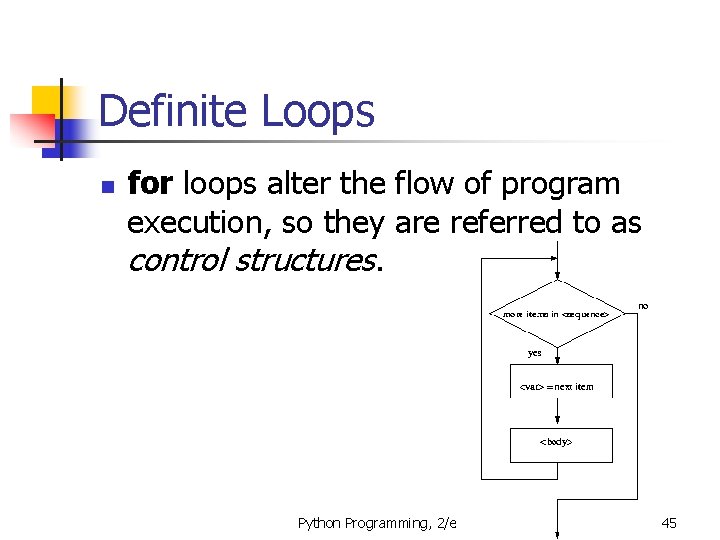
Definite Loops n for loops alter the flow of program execution, so they are referred to as control structures. Python Programming, 2/e 45
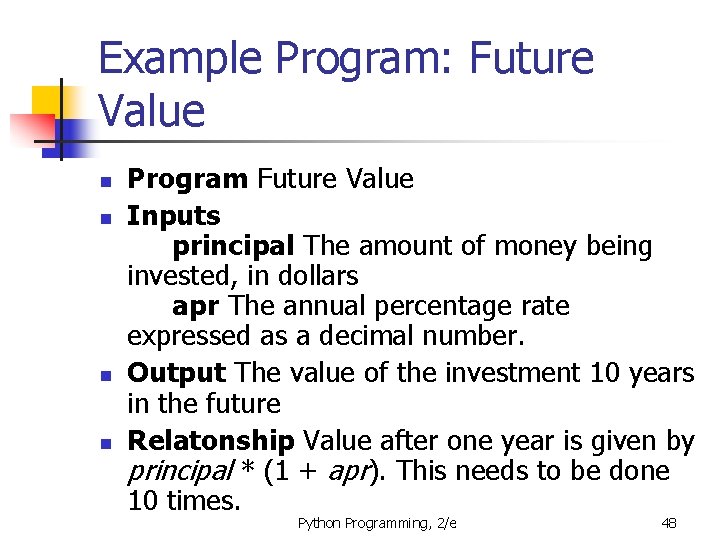
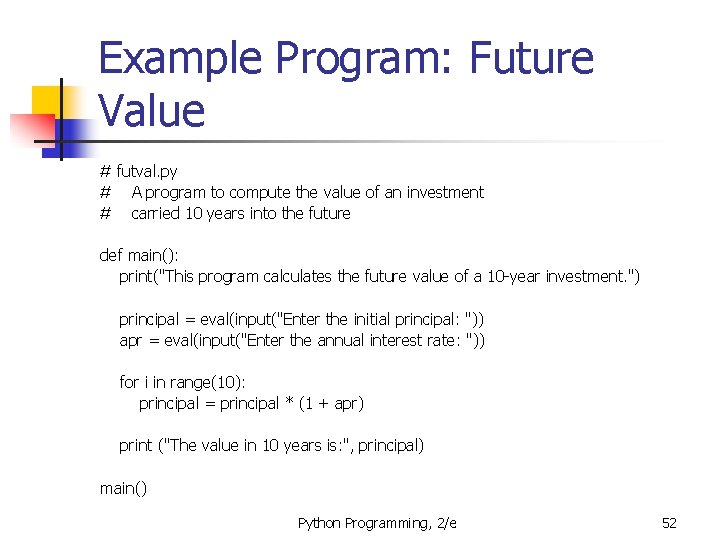
Example Program: Future Value n Analysis n n Money deposited in a bank account earns interest. How much will the account be worth 10 years from now? Inputs: principal, interest rate Output: value of the investment in 10 years Python Programming, 2/e 46
Example Program: Future Value n Specification n User enters the initial amount to invest, the principal User enters an annual percentage rate, the interest The specifications can be represented like this … Python Programming, 2/e 47
Example Program: Future Value n n Program Future Value Inputs principal The amount of money being invested, in dollars apr The annual percentage rate expressed as a decimal number. Output The value of the investment 10 years in the future Relatonship Value after one year is given by principal * (1 + apr). This needs to be done 10 times. Python Programming, 2/e 48
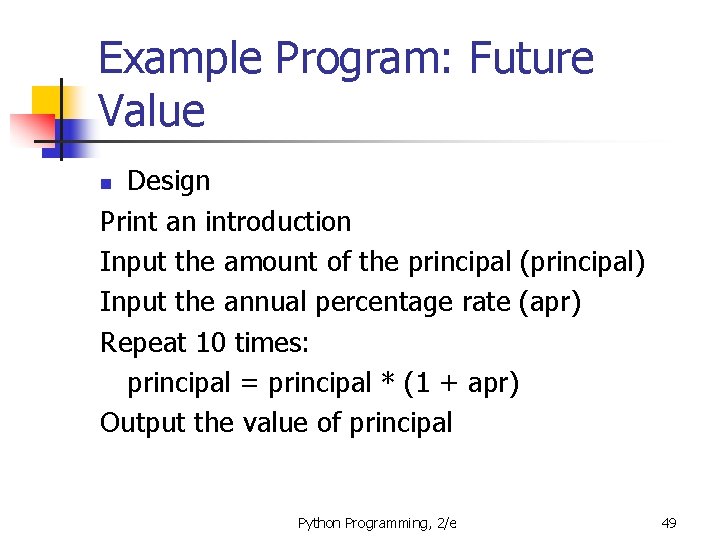
Example Program: Future Value Design Print an introduction Input the amount of the principal (principal) Input the annual percentage rate (apr) Repeat 10 times: principal = principal * (1 + apr) Output the value of principal n Python Programming, 2/e 49
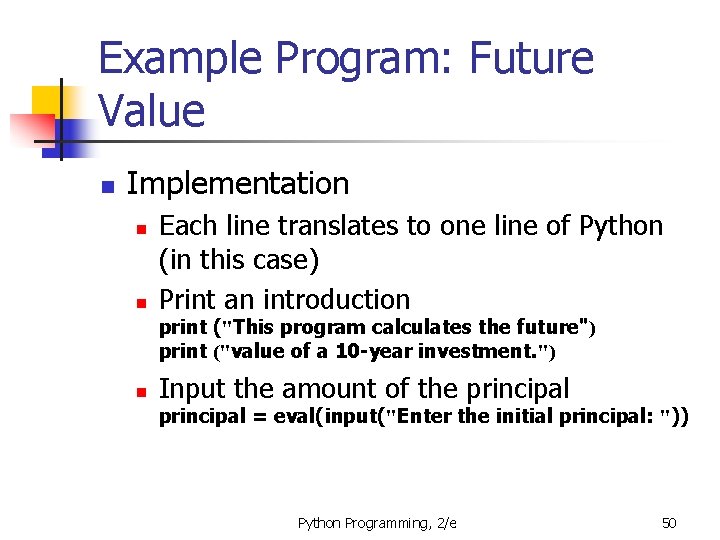
Example Program: Future Value n Implementation n n Each line translates to one line of Python (in this case) Print an introduction print ("This program calculates the future") print ("value of a 10 -year investment. ") n Input the amount of the principal = eval(input("Enter the initial principal: ")) Python Programming, 2/e 50
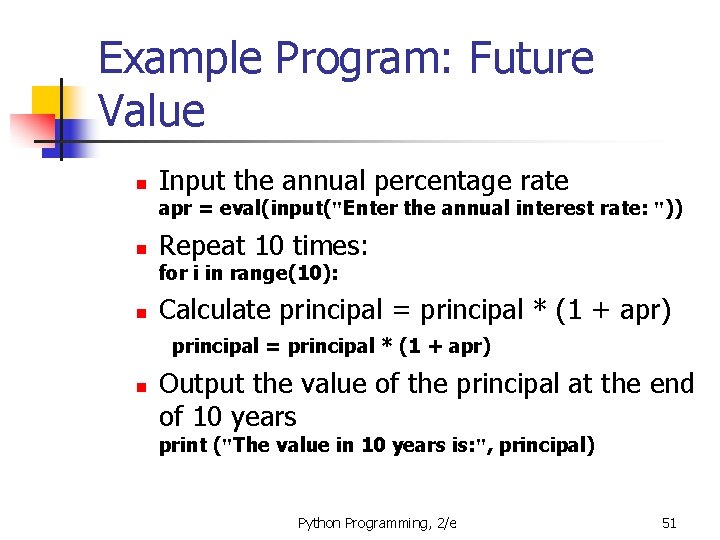
Example Program: Future Value n Input the annual percentage rate apr = eval(input("Enter the annual interest rate: ")) n Repeat 10 times: for i in range(10): n Calculate principal = principal * (1 + apr) n Output the value of the principal at the end of 10 years print ("The value in 10 years is: ", principal) Python Programming, 2/e 51
Example Program: Future Value # futval. py # A program to compute the value of an investment # carried 10 years into the future def main(): print("This program calculates the future value of a 10 -year investment. ") principal = eval(input("Enter the initial principal: ")) apr = eval(input("Enter the annual interest rate: ")) for i in range(10): principal = principal * (1 + apr) print ("The value in 10 years is: ", principal) main() Python Programming, 2/e 52
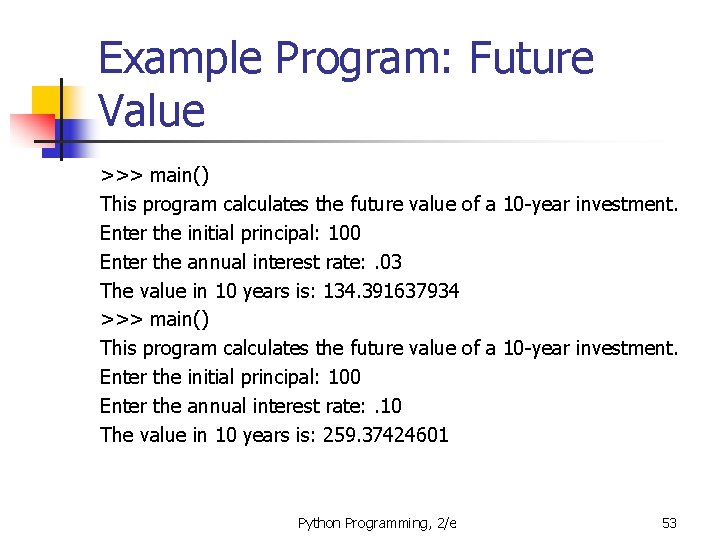
Example Program: Future Value >>> main() This program calculates the future value of a 10 -year investment. Enter the initial principal: 100 Enter the annual interest rate: . 03 The value in 10 years is: 134. 391637934 >>> main() This program calculates the future value of a 10 -year investment. Enter the initial principal: 100 Enter the annual interest rate: . 10 The value in 10 years is: 259. 37424601 Python Programming, 2/e 53
Exercise: Stars Python Programming, 2/e 54