
INTRODUCTION TO COMPUTER OPERATING SYSTEMS IT 111 4
- Slides: 33
INTRODUCTION TO COMPUTER & OPERATING SYSTEMS. IT 111 (4 Credit Units) 1
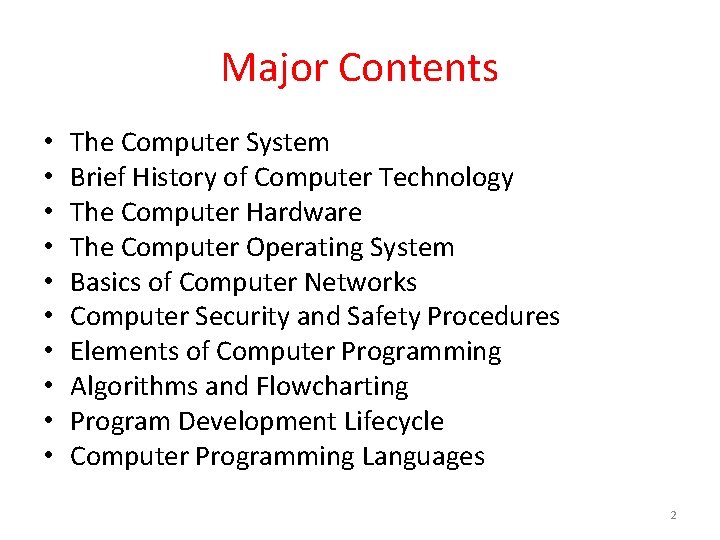
Major Contents • • • The Computer System Brief History of Computer Technology The Computer Hardware The Computer Operating System Basics of Computer Networks Computer Security and Safety Procedures Elements of Computer Programming Algorithms and Flowcharting Program Development Lifecycle Computer Programming Languages 2
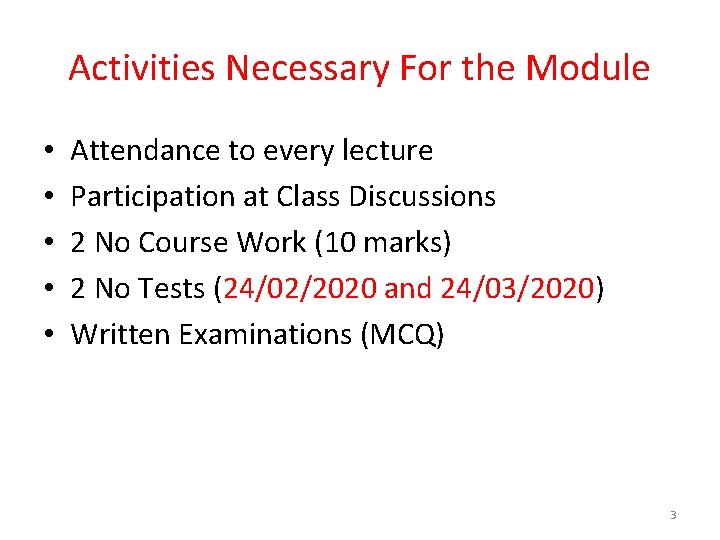
Activities Necessary For the Module • • • Attendance to every lecture Participation at Class Discussions 2 No Course Work (10 marks) 2 No Tests (24/02/2020 and 24/03/2020) Written Examinations (MCQ) 3
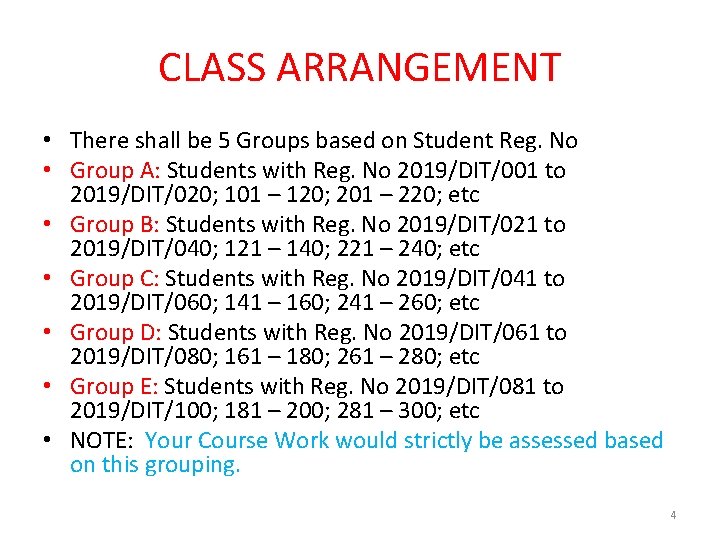
CLASS ARRANGEMENT • There shall be 5 Groups based on Student Reg. No • Group A: Students with Reg. No 2019/DIT/001 to 2019/DIT/020; 101 – 120; 201 – 220; etc • Group B: Students with Reg. No 2019/DIT/021 to 2019/DIT/040; 121 – 140; 221 – 240; etc • Group C: Students with Reg. No 2019/DIT/041 to 2019/DIT/060; 141 – 160; 241 – 260; etc • Group D: Students with Reg. No 2019/DIT/061 to 2019/DIT/080; 161 – 180; 261 – 280; etc • Group E: Students with Reg. No 2019/DIT/081 to 2019/DIT/100; 181 – 200; 281 – 300; etc • NOTE: Your Course Work would strictly be assessed based on this grouping. 4
Texts/Material • There is NO Compulsory Text • You can Consult the Virtual Library for any material • However, the Course Leader is using the Book: Introduction to Computers and Programming. By Emefoh Kene A. C. ISBN 978 -936 -155 -7 5
Week One • THE COMPUTER SYSTEM • Various definition of the computer. • It is an electronic device that can receive input, process & manipulate data, produce output, and make some storage. • What do you think is a computer? • 2 major components: • i. The Software • ii. The Hardware • There are 3 major principal characteristic of the computer • i. It responds to a specific set of instructions in a well defined manner. 6
THE COMPUTER SYSTEM (contd) • ii. It can execute a pre-recorded list of instructions (the stored program concept), and • iii. It can quickly store, process and retrieve large amounts of data. • The Software: The invisible part of the computer. You can not see them but your computer cannot do anything without the Software. In some cases, it is just like a list of instructions given to the computer to execute. Compared to the human system, the software is like the soul; without which the human body is dead. • 2 major components: the Systems Software and the Applications software. • While the systems software refer to those group of software that seem to have direct effect on the hardware, the Applications software those software that a user uses to accomplish a chosen task. 7
THE HARDWARE COMPONENT • The Hardware: This is the physical component of the computer. You can see and handle it. This is the actual machinery – wires, transistors and circuits – of the computer system. • Discussion: • Why would you consider the software/hardware to be more important than the hardware/software? 8
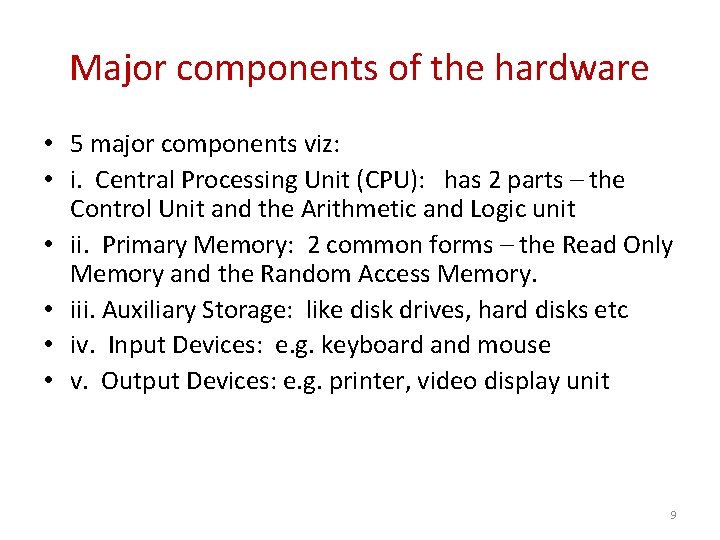
Major components of the hardware • 5 major components viz: • i. Central Processing Unit (CPU): has 2 parts – the Control Unit and the Arithmetic and Logic unit • ii. Primary Memory: 2 common forms – the Read Only Memory and the Random Access Memory. • iii. Auxiliary Storage: like disk drives, hard disks etc • iv. Input Devices: e. g. keyboard and mouse • v. Output Devices: e. g. printer, video display unit 9
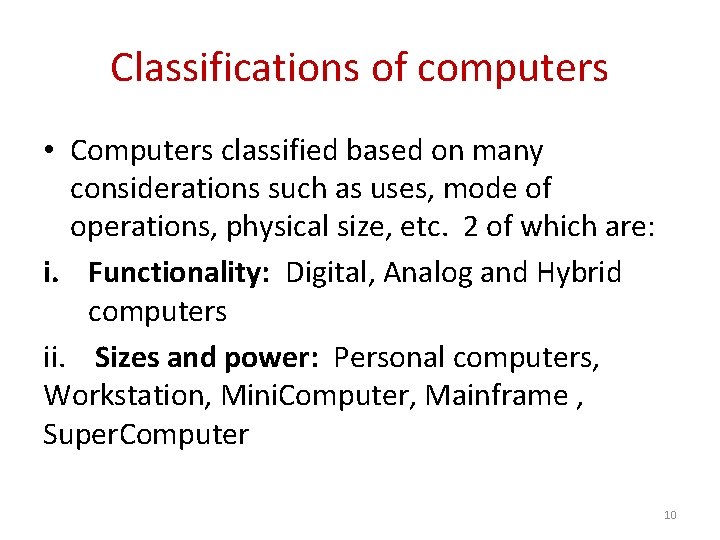
Classifications of computers • Computers classified based on many considerations such as uses, mode of operations, physical size, etc. 2 of which are: i. Functionality: Digital, Analog and Hybrid computers ii. Sizes and power: Personal computers, Workstation, Mini. Computer, Mainframe , Super. Computer 10
Questions/Discussions • i. What are the principal characteristics of the computer? • ii. List and discuss the 5 main components of the hardware giving examples where appropriate. • iii. What is the difference between RAM and ROM and explain why a computer would need a secondary storage memory. 11
WEEK 2 The Computer Operating System • Introduction • Programming is an art used to control the operations of the computer. Why? • Computer is an ‘idiot’; it has no intelligence of its own. How come? • Computer is a very ‘intelligent’ machine. The same machine? • The operating system is a must for your computer to work effectively. 12
TYPES AND FUNCTIONS OF O/S • The O/S is a software designed for your computer system to ensure your system is working together smoothly and efficiently. • The O/S is like a factory manager to the computer; it is the computer master control program. • An o/s processes system data and user input, and responds by managing tasks and internal system resources. 13
Types and Functions • Real time operating system: very fast, relatively small and usually embedded in the device. • Single-user/Single tasking o/s: This can only support one user at a time and only perform a function at a time. • Single-user/multi-tasking o/s: Allows a single user to perform more than one task at a time. 14
Types and Functions (cont’d) • Multi-user/multi-tasking o/s: Can allow more than one user at a time and can allow more than one task at a time also. • All desktop computers have operating systems. The most common examples are: Microsoft Windows, Linux, Mac OS x 15
Primary Functions of the O/S • Displays the on-screen elements with which the user interact i. e. user interface • Loads programs such as MS-Word, into the computers main memory. • Coordinates how programs work with the computer hardware and other software. • Provides ways to manage and organize the way information is stored on and retrieved from disks. 16
Differences between Systems programs, Application programs and O/S • Systems software/system programs: group of software/programs that enables the computer hardware to run effectively. They more or less tend to have direct effect on the hardware; examples – the o/s, the device drivers etc. • Application software/application programs: group of programs used in solving (or carrying out) a given task on the computer. Example include MS word, Excel etc. 17
Differences between Systems programs, Application programs and O/S (cont’d) • The o/s is the group of software that acts as an interface between the system user and the hardware. It provides the platform under which the application software run. 18
The Programming Language and Translators • The Programming Language and Translators : these are software that are used to convert (or translate) a source program (written in a chosen programming language) to its equivalent object code. • A Translator is a program that converts a source code to equivalent object code. E. g. include compiler, the interpreter and the assembler. • NB: There are Low Level Languages (LLL) and High Level Languages (HLL) 19
• Machine language: the language of the computers consists of 1 s and 0 s combined in groups of eight to form characters. This is because computers operate on switches that can be either ON (1) or OFF (0). Each 1 or 0 is a bit, and eight bits form a byte. Machine language is the native tongue of the computer i. e. the language closest to the hardware. • The computer programs are either translated or compiled. 20
• Low level languages are closer to machine language and a far more cryptic than the high level languages. • Assembler is the commonest LLL on most computers. • Assembly Language: represents an effort to make programming easier for the human. The machine language instructions are replaced with simple mnemonics (abbreviations e. g. ADD, MOV). They are machine dependent. • What is the difference between Assembler and Compiler? 21
Computer networks • Unless and until computers are interconnected, its full potential cannot be fully appreciated. We can do lots of things with a computer but, connect it up to other computers and peripherals (such as modems, printers and scanners) and we can do a lot more. • A computer network is a collection of computers and other hardware components interconnected by communication channels that allow sharing of computer resources. • Computer networks may be classified according to a wide variety of characteristics, such as the medium used to transport the data, communications protocol used, scale topology, and organizational scope. 22
• Computers are all about logic. • Not all computers networks are the same. • All the nodes are connected in an orderly pattern known as network topology. • Just because a machine is on a network, it doesn’t automatically follow that every other machine and device has access to it (or can be accessed by it). The internet is an obvious example. • Permissions and security are central to the idea of networking: you can only access files and share resources only if someone gives you permission to do so. 23
Components of a Network • You need nodes and connections /links between them to make a network. Connections can be wired or wireless. • These include the computers, connections, peripherals, network interface card. • The bigger the network the more extra parts are needed to add to make it function efficiently. • Because signals can travel to certain distances, sometimes in big networks you need to add devices called REPEATERS. Other devices such as bridges, switches and routers are also needful. • Communication protocols are define the set of rules and data format for exchanging information in a computer network. 24
Common properties of a network • Common features include but not limited to the following: • Facilitates communication • Permit sharing of files, data, and other typed of information. • Share network and computing resources • May be insecure • May interfere with other technologies • May be difficult to set up • Communication media. 25
Network Topology • These are : – Star topology – Ring topology – Bus topology – Tree topology – Mesh topology – Hybrid topology • NB: Each has its characteristic, advantage and disadvantage. 26
Elements of Programming concepts • Computer programming is an art/process. • A computer program is a finite logical set of step-bystep instructions that direct the computer to do the tasks you want it to do and possibly produce the results you want. • The programming process Defining the problem Planning the solution Coding the program Testing the programs Documenting the program 27
Characteristics of good program • • Accuracy Efficiency Maintainability Robbustness 28
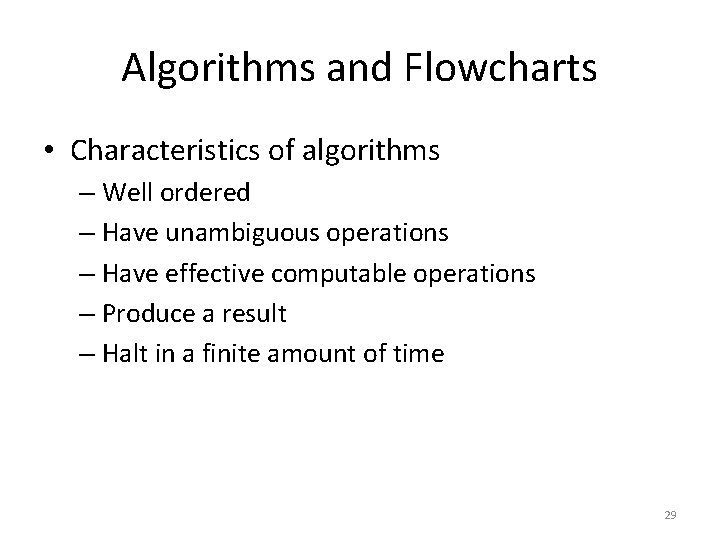
Algorithms and Flowcharts • Characteristics of algorithms – Well ordered – Have unambiguous operations – Have effective computable operations – Produce a result – Halt in a finite amount of time 29
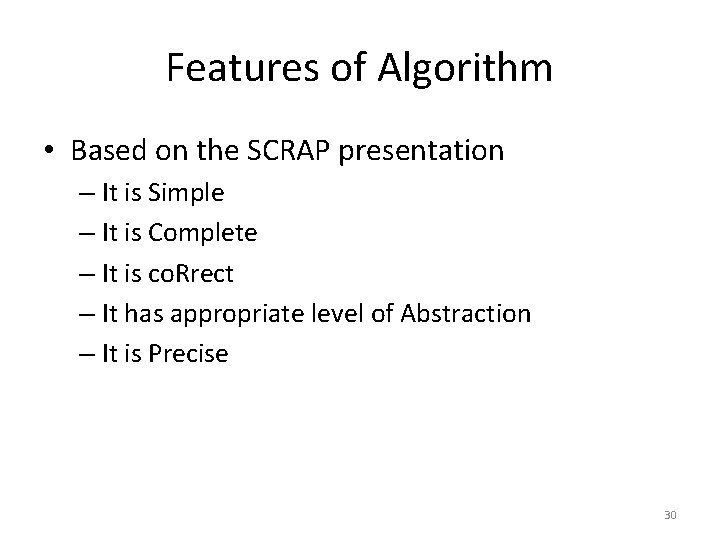
Features of Algorithm • Based on the SCRAP presentation – It is Simple – It is Complete – It is co. Rrect – It has appropriate level of Abstraction – It is Precise 30
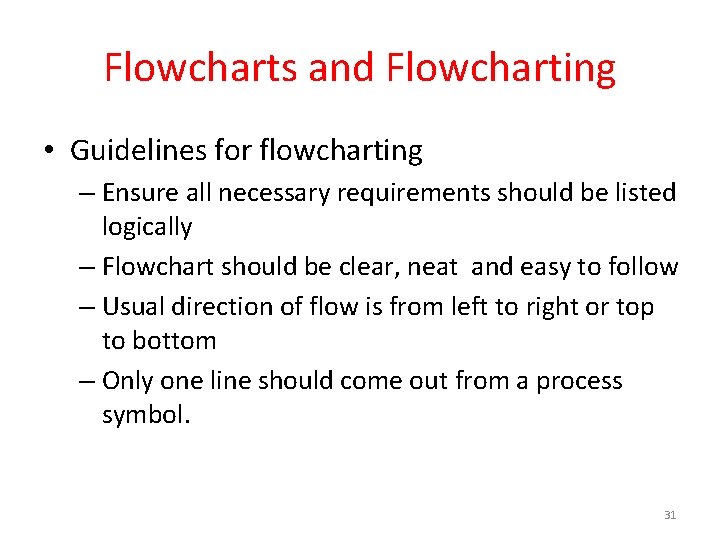
Flowcharts and Flowcharting • Guidelines for flowcharting – Ensure all necessary requirements should be listed logically – Flowchart should be clear, neat and easy to follow – Usual direction of flow is from left to right or top to bottom – Only one line should come out from a process symbol. 31
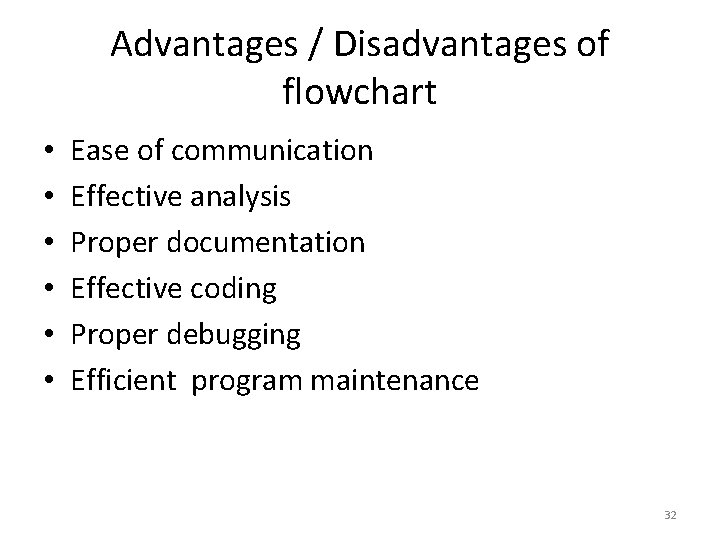
Advantages / Disadvantages of flowchart • • • Ease of communication Effective analysis Proper documentation Effective coding Proper debugging Efficient program maintenance 32
Limitations • • Complex logic Abstractions and modifications Reproduction The essentials of what is done can easily be lost in the technical details of how it is done. 33