
Introduction to Computer Networks Chapter 2 INTRODUCTION TO
- Slides: 62
Introduction to Computer Networks Chapter 2 INTRODUCTION TO COMPUTER NETWORKS
Learning outcomes l l l The difference between networks and internets The difference between logical and physical addresses What is a protocol in the context of computer networking How protocols are used on remote computers to communicate easily Explain the concept of layering – – – OSI , TCP/IP and hybrid models
Reading l l l Joe Casad, Teach Yourself TCP/IP, Chs 1 -2 William Buchana, Mastering the Internet, Ch. 3 Neil Briscoe, Understanding the 7 -layer OSI model, July 2000. – l http: //pcnetworkadvisor. com Julian Moss, Understanding TCP/IP (first part September 1997) – http: //pcnetworkadvisor. com
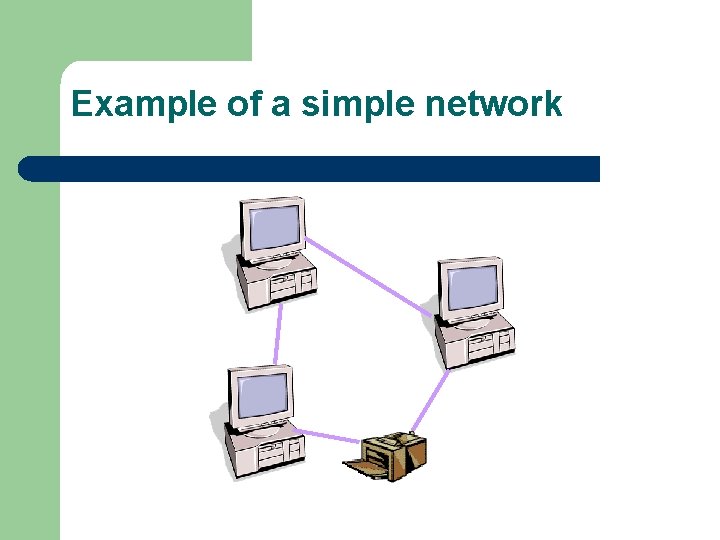
What is a network? A network consists of two or more computers l connected by network media – – . i. e cables, telephone lines, radio waves share the same resources such as database, printer Exchange files Exchange electronic message between each others l Email
Example of a simple network
How are they linked? l Computers on a network may be linked through: – – cables, telephone lines, radio waves, satellites or wireless technologies
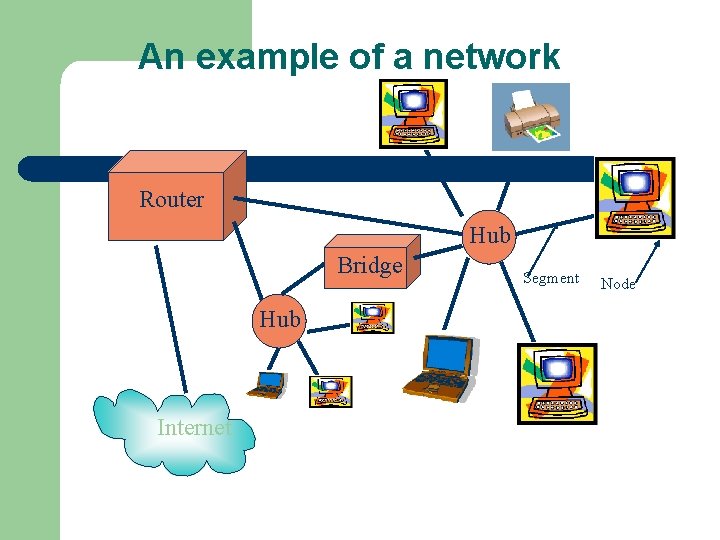
An example of a network Router Hub Bridge Hub Internet Segment Node
Introduction to Computer Networks Applications of Networks Resource Sharing Hardware (computing resources, disks, printers) Software (application software) Information Sharing Easy accessibility from anywhere (files, databases) Search Capability (WWW) Communication Email Message broadcast Remote computing Distributed processing (GRID Computing)
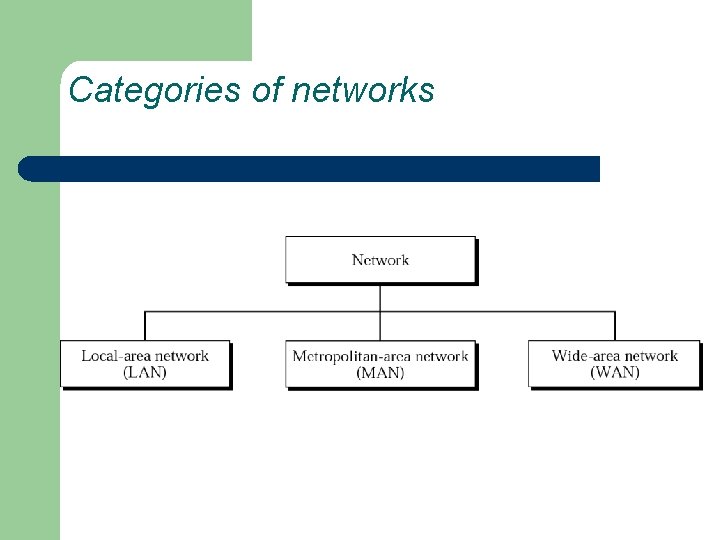
Categories of networks
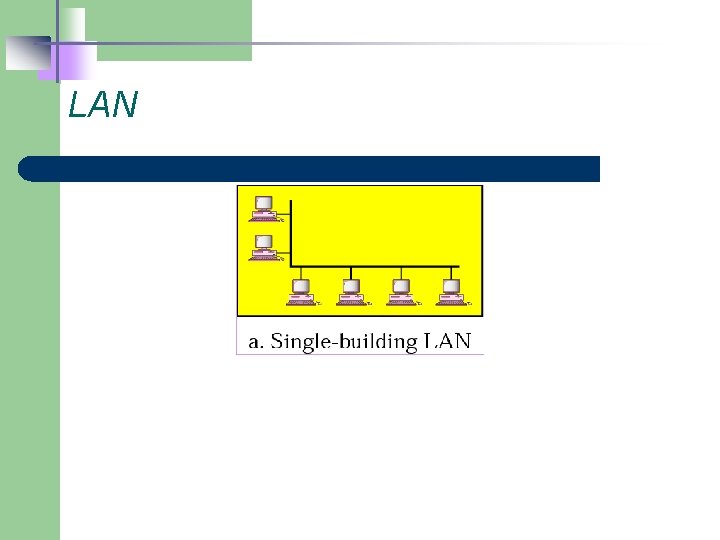
Local Area Network • A LAN is a network that is used for communicating among computer devices, usually within an office building or home • LAN’s enable the sharing of resources such as files or hardware devices that may be needed by multiple users • Is limited in size, typically spanning a few hundred meters, and no more than a mile • Is very fast, with speeds from 10 Mbps to 10 Gbps • Requires very little wiring, typically a single cable connecting to each device • Has lower cost compared to MAN’s or WAN’s
LAN
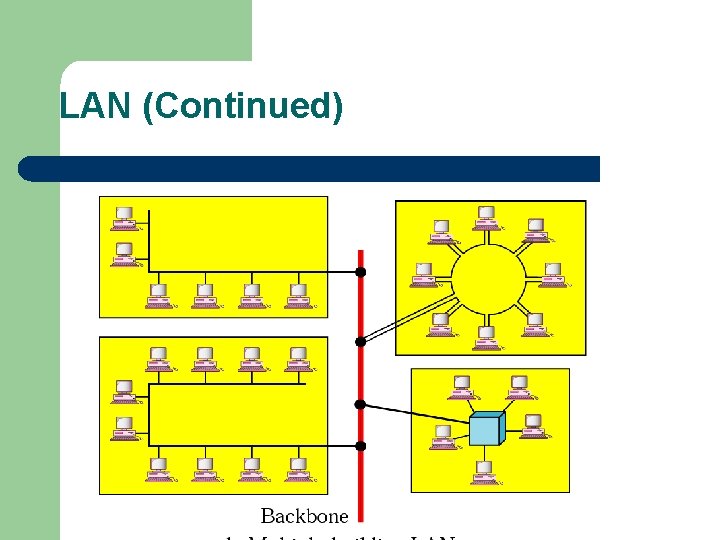
LAN (Continued)
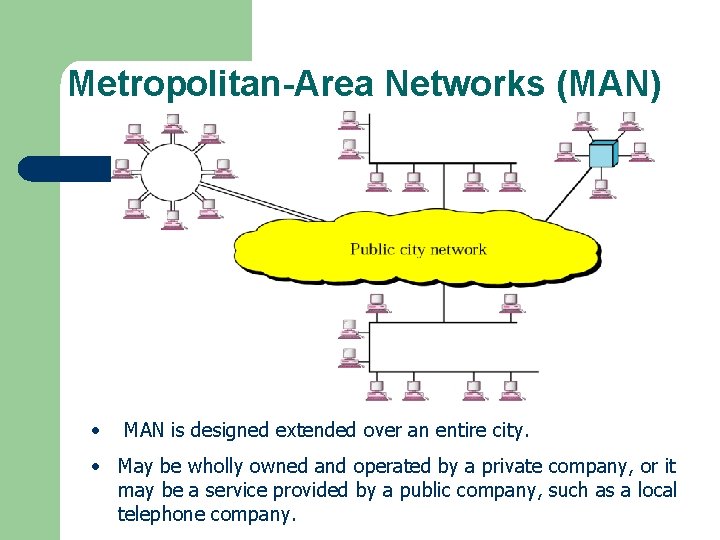
Metropolitan-Area Networks (MAN) • MAN is designed extended over an entire city. • May be wholly owned and operated by a private company, or it may be a service provided by a public company, such as a local telephone company.
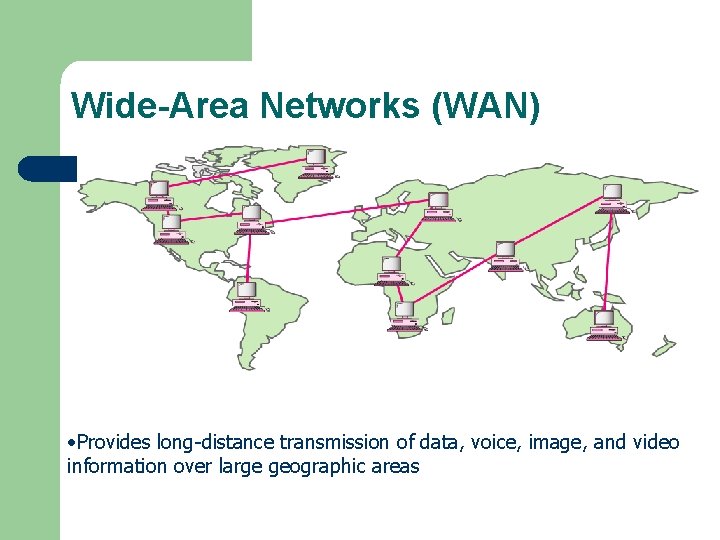
Wide-Area Networks (WAN) • Provides long-distance transmission of data, voice, image, and video information over large geographic areas
WAN (Continued) – WANs connect larger areas, such as whole states, or even the world. – Transoceanic cables and satellites are used to connect WANs
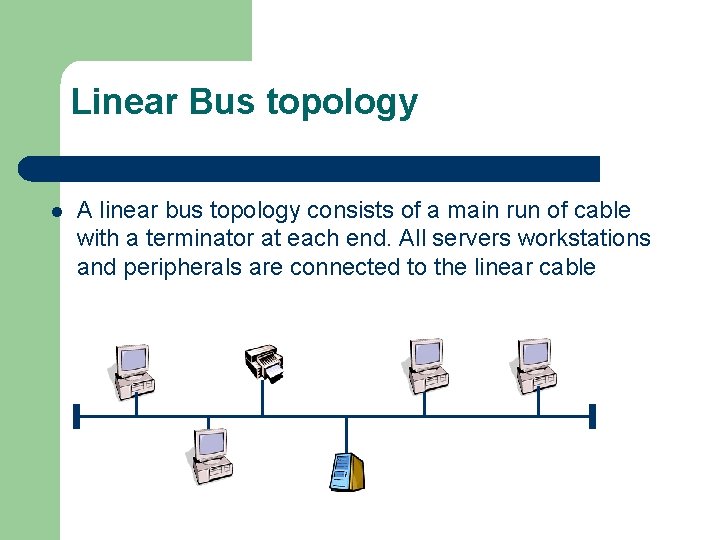
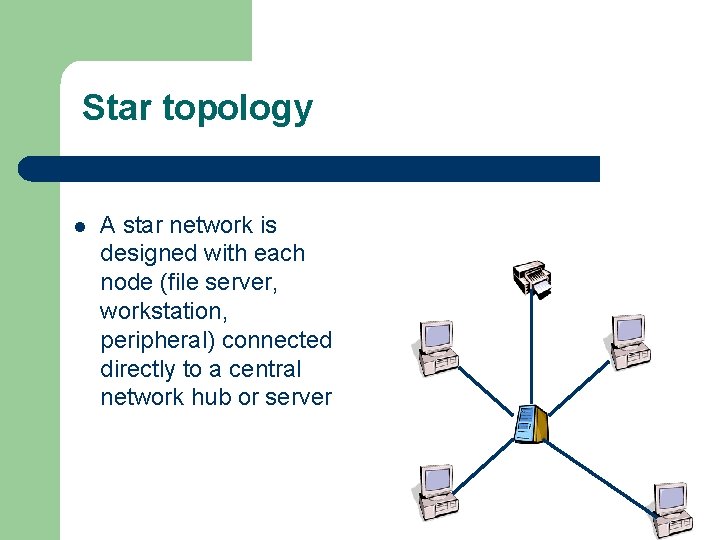
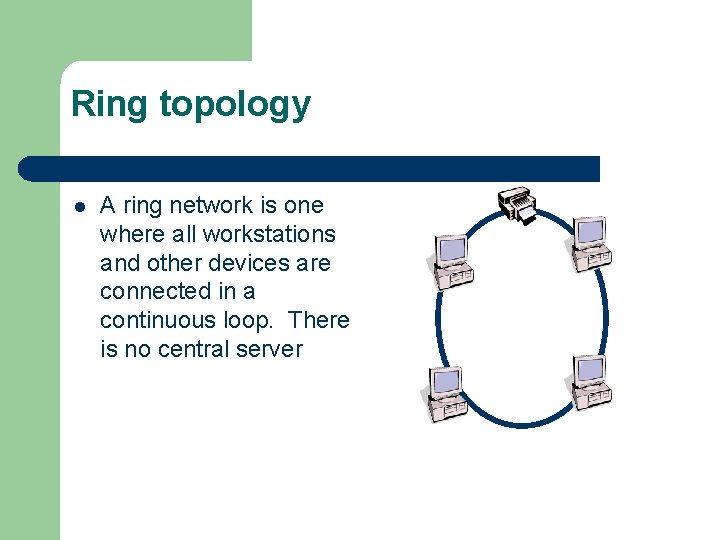
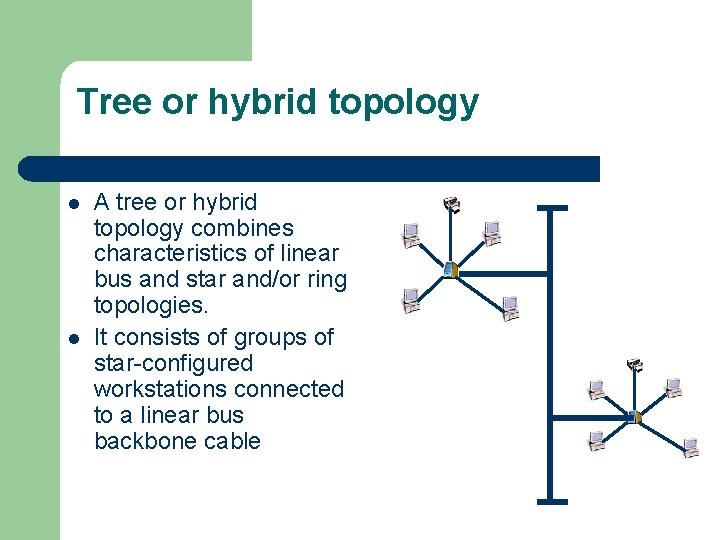
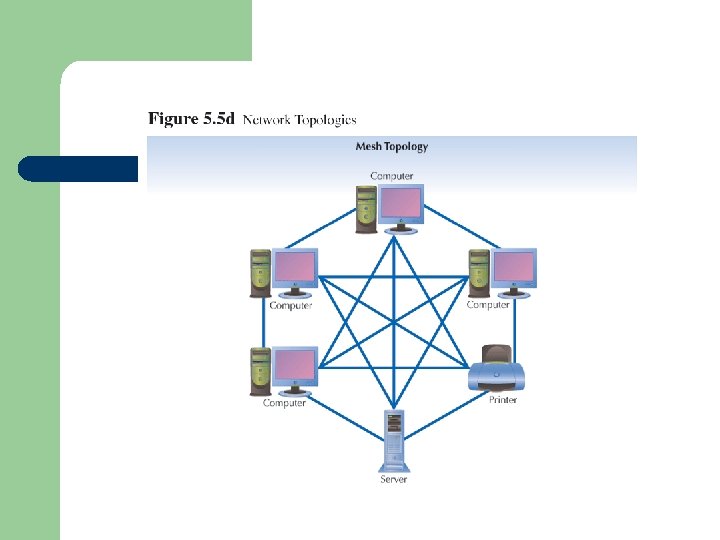
Topology l l The physical topology of a network refers to the configuration of cables, computers and other peripherals. The main types of network topologies are: – – Linear Bus Star Ring Tree or Hybrid
Linear Bus topology l A linear bus topology consists of a main run of cable with a terminator at each end. All servers workstations and peripherals are connected to the linear cable
Star topology l A star network is designed with each node (file server, workstation, peripheral) connected directly to a central network hub or server
Ring topology l A ring network is one where all workstations and other devices are connected in a continuous loop. There is no central server
Tree or hybrid topology l l A tree or hybrid topology combines characteristics of linear bus and star and/or ring topologies. It consists of groups of star-configured workstations connected to a linear bus backbone cable
Network Operating Software l l Network operating systems coordinate the activities of multiple computers across a network The two major types of network OS are: – – Peer-to-peer Client/server
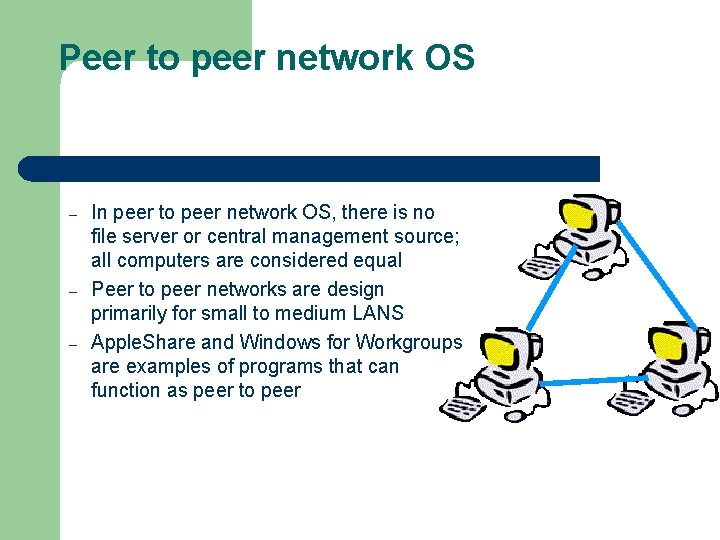
Peer to peer network OS – – – In peer to peer network OS, there is no file server or central management source; all computers are considered equal Peer to peer networks are design primarily for small to medium LANS Apple. Share and Windows for Workgroups are examples of programs that can function as peer to peer
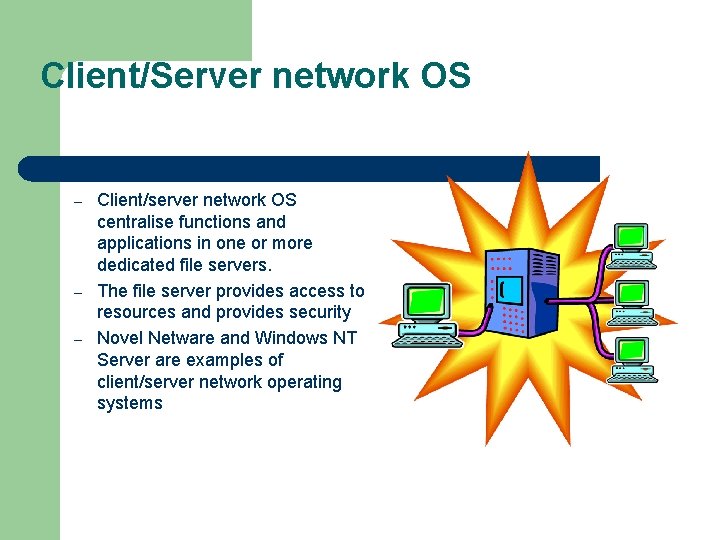
Client/Server network OS – – – Client/server network OS centralise functions and applications in one or more dedicated file servers. The file server provides access to resources and provides security Novel Netware and Windows NT Server are examples of client/server network operating systems
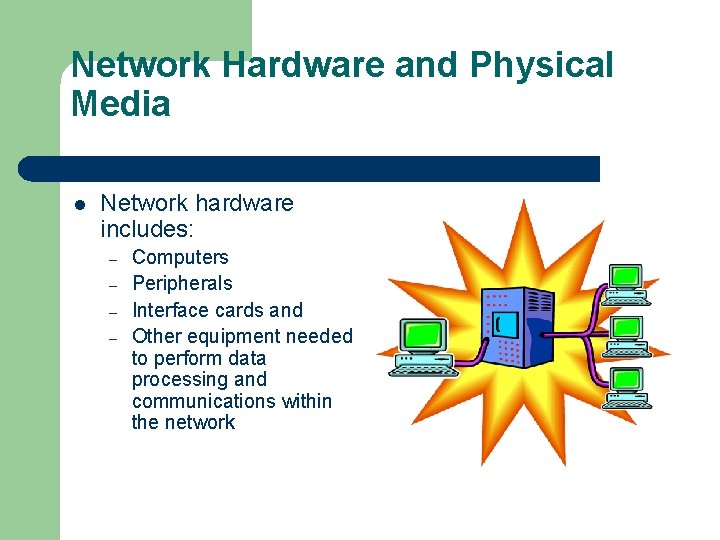
Network Hardware and Physical Media l Network hardware includes: – – Computers Peripherals Interface cards and Other equipment needed to perform data processing and communications within the network
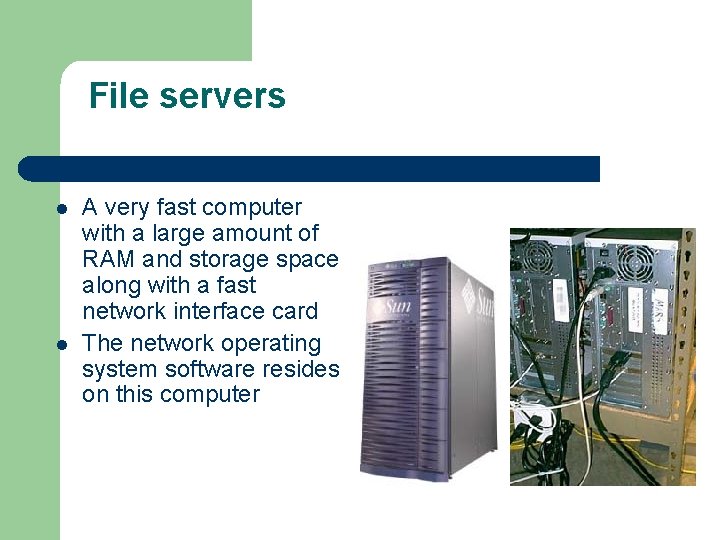
File servers l l A very fast computer with a large amount of RAM and storage space along with a fast network interface card The network operating system software resides on this computer
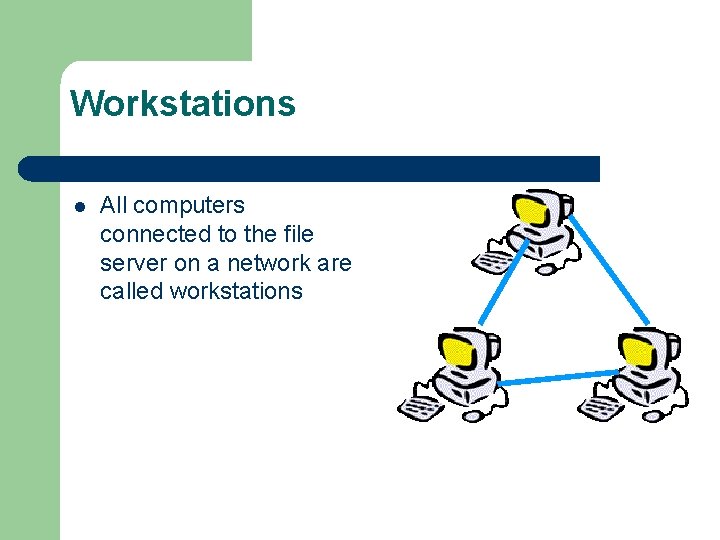
Workstations l All computers connected to the file server on a network are called workstations
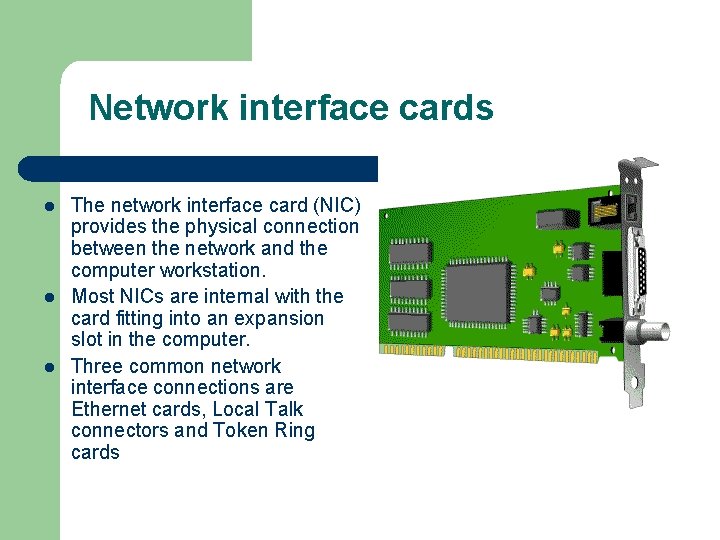
Network interface cards l l l The network interface card (NIC) provides the physical connection between the network and the computer workstation. Most NICs are internal with the card fitting into an expansion slot in the computer. Three common network interface connections are Ethernet cards, Local Talk connectors and Token Ring cards
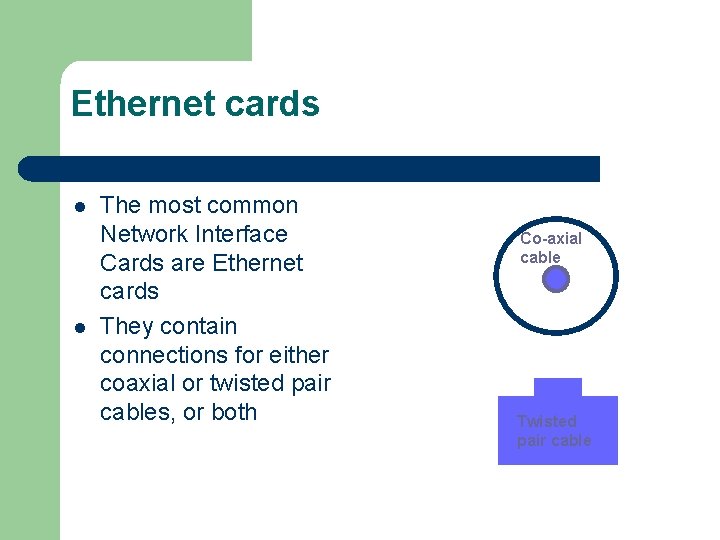
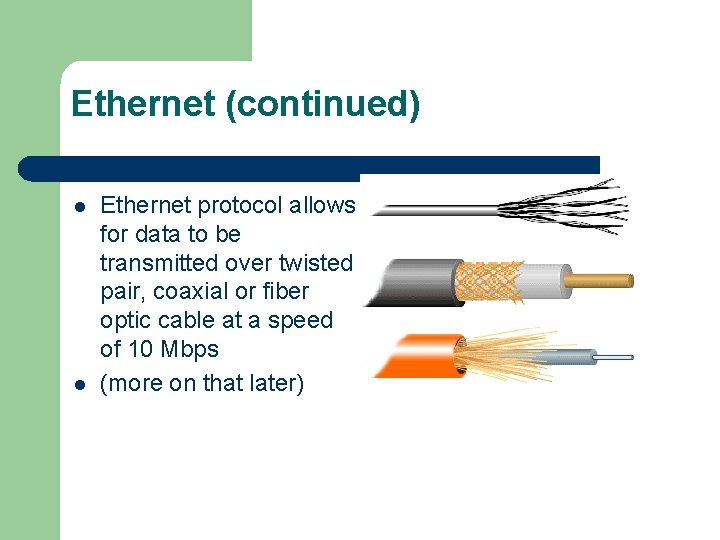
Ethernet cards l l The most common Network Interface Cards are Ethernet cards They contain connections for either coaxial or twisted pair cables, or both Co-axial cable Twisted pair cable
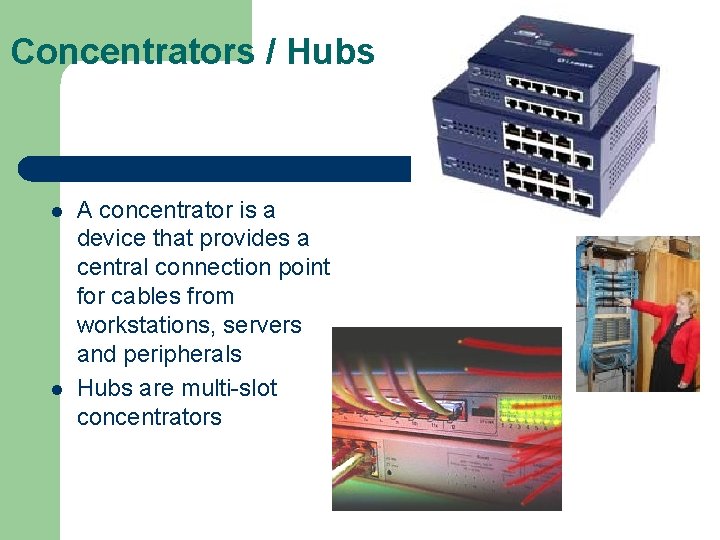
Concentrators / Hubs l l A concentrator is a device that provides a central connection point for cables from workstations, servers and peripherals Hubs are multi-slot concentrators
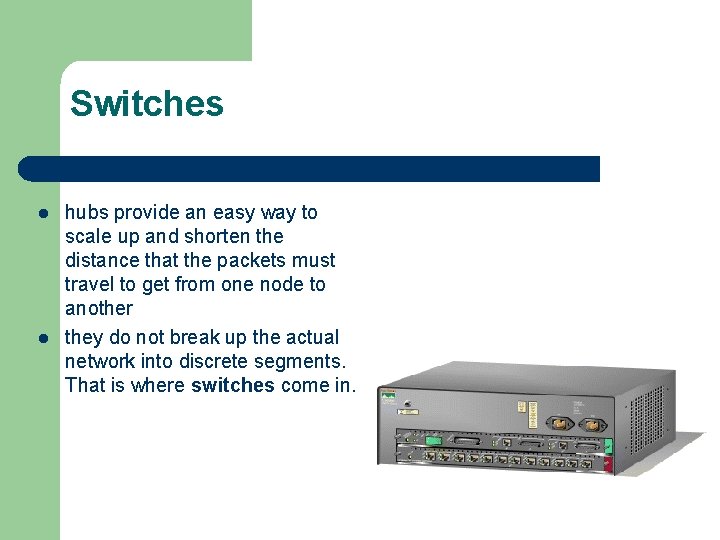
Switches l l hubs provide an easy way to scale up and shorten the distance that the packets must travel to get from one node to another they do not break up the actual network into discrete segments. That is where switches come in.
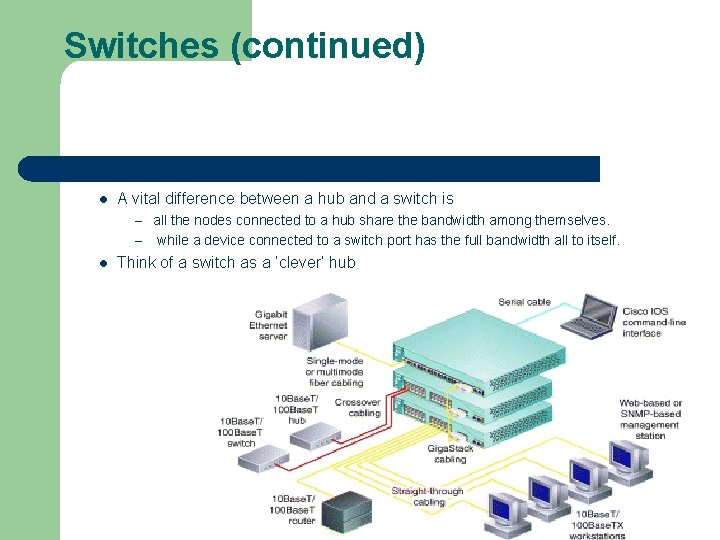
Switches (continued) l A vital difference between a hub and a switch is – all the nodes connected to a hub share the bandwidth among themselves. – l while a device connected to a switch port has the full bandwidth all to itself. Think of a switch as a ‘clever’ hub
Repeaters l l A signal loses strength as it passes along a cable, so it is often necessary to boost the signal with a device called a repeater A repeater might be a separate device, or might be part of a concentrator
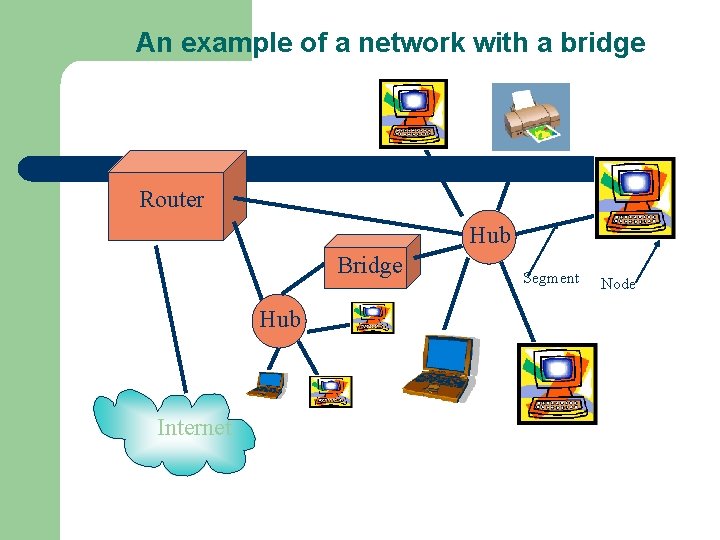
Bridges l A bridge is a device that allows you to segment a large network into two smaller, more efficient networks
An example of a network with a bridge Router Hub Bridge Hub Internet Segment Node
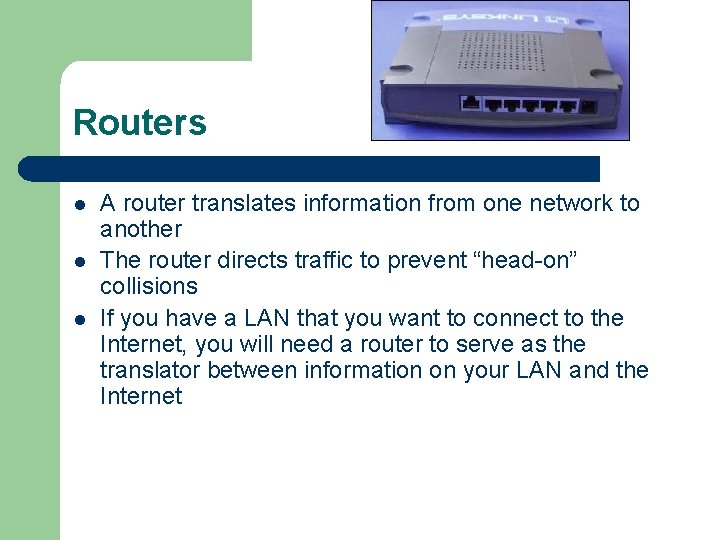
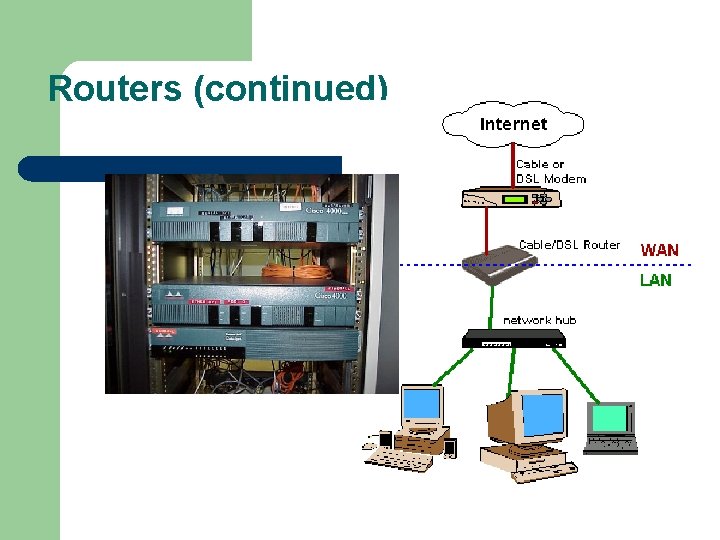
Routers l l l A router translates information from one network to another The router directs traffic to prevent “head-on” collisions If you have a LAN that you want to connect to the Internet, you will need a router to serve as the translator between information on your LAN and the Internet
Routers (continued)
Physical Media l l Physical media provide the connections between network devices that make networking possible There are four main types of physical media in widespread use today: – – Coaxial Cable Twisted Pair Fiber Optic Cable Wireless Media
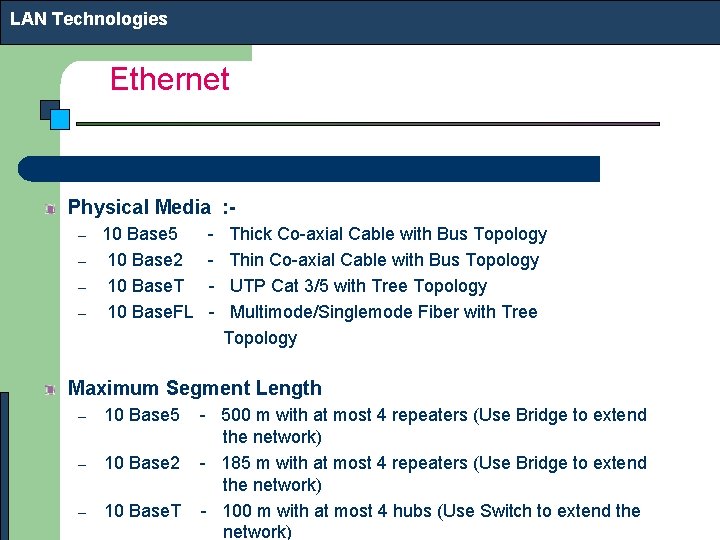
LAN Technologies Ethernet Physical Media : – – 10 Base 5 10 Base 2 10 Base. T 10 Base. FL - Thick Co-axial Cable with Bus Topology Thin Co-axial Cable with Bus Topology UTP Cat 3/5 with Tree Topology Multimode/Singlemode Fiber with Tree Topology Maximum Segment Length – 10 Base 5 – 10 Base 2 – 10 Base. T - 500 m with at most 4 repeaters (Use Bridge to extend the network) - 185 m with at most 4 repeaters (Use Bridge to extend the network) - 100 m with at most 4 hubs (Use Switch to extend the network)
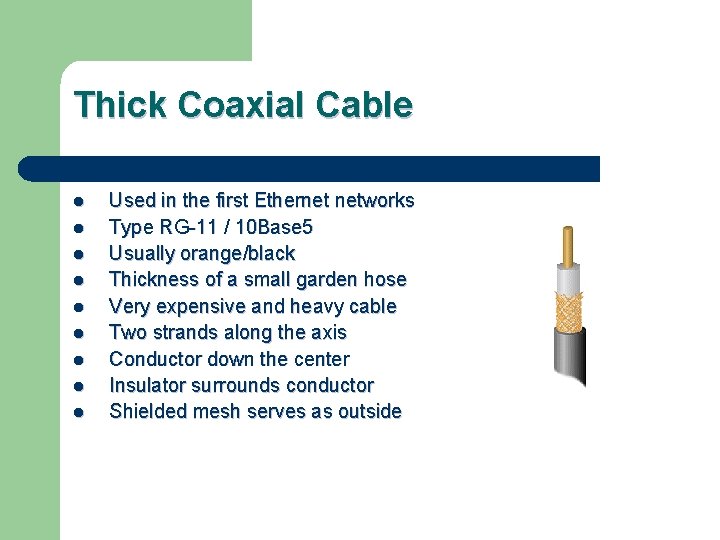
Thick Coaxial Cable l l l l l Used in the first Ethernet networks Type RG-11 / 10 Base 5 Usually orange/black Thickness of a small garden hose Very expensive and heavy cable Two strands along the axis Conductor down the center Insulator surrounds conductor Shielded mesh serves as outside
Thin Coaxial Cable l l l l Alternative to Thick Ethernet Cable Type RG-58 / 10 Base 2 / “Cheapnet” Usually black Thickness of a pencil More flexible than thick Ethernet Reduced the cost of the cabling Flexible
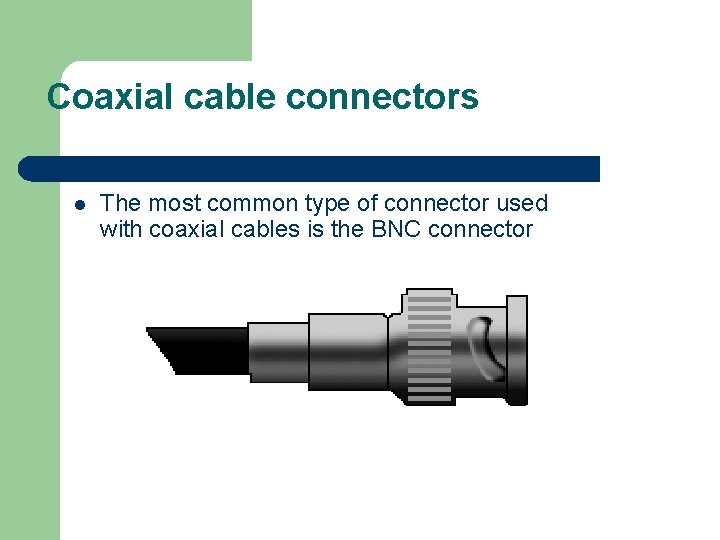
Coaxial cable connectors l The most common type of connector used with coaxial cables is the BNC connector
Twisted Pair Cable l l l Phone Systems Twisted Pair Cable consists of two copper wires, usually twisted around each other to cancel out any noise in the circuit Two main type of Twisted Pair Cabling – – Shielded Twisted Pair (STP) Unshielded Twisted Pair (UTP)
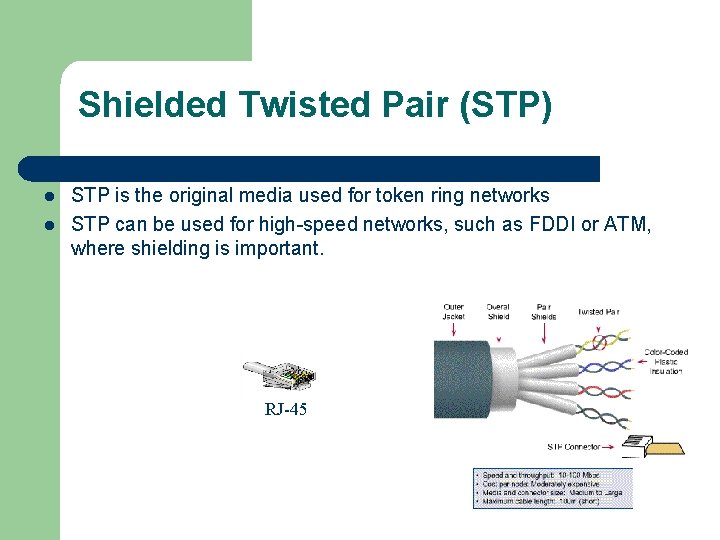
Shielded Twisted Pair (STP) l l STP is the original media used for token ring networks STP can be used for high-speed networks, such as FDDI or ATM, where shielding is important. RJ-45
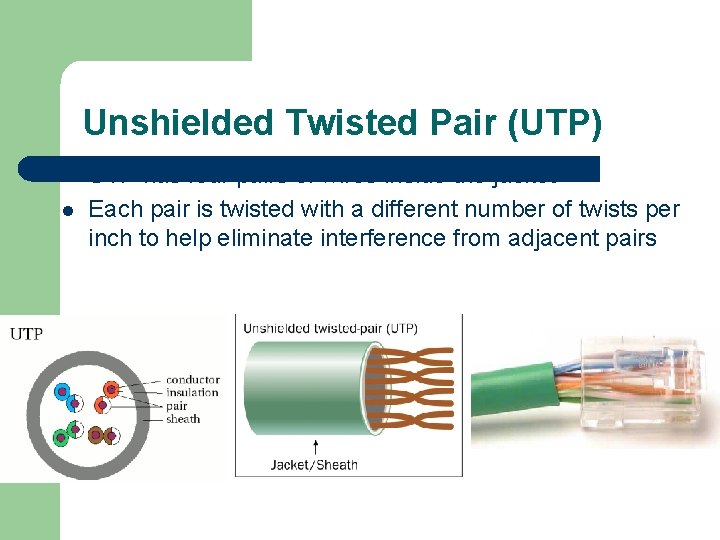
Unshielded Twisted Pair (UTP) l l UTP has four pairs of wires inside the jacket Each pair is twisted with a different number of twists per inch to help eliminate interference from adjacent pairs
UTP (Continued) l l Most commonly used twisted pair cable Uses common telephone wire UTP was standardized by the IEEE 802. 3 committee in October of 1990 UTP for LANs is now classified as: – – – Category 3 - used for LANs up to 10 Mbps Category 4 - used for LANs up to 16 Mbps Category 5 - used for LANs up to 100 Mbps
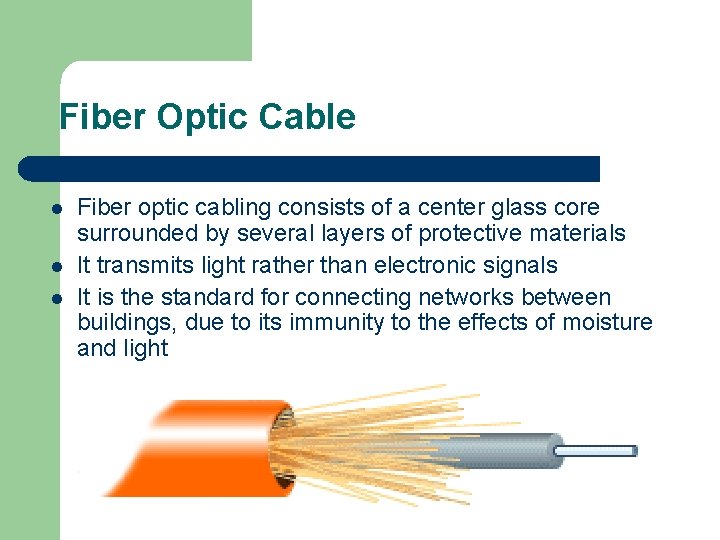
Fiber Optic Cable l l l Fiber optic cabling consists of a center glass core surrounded by several layers of protective materials It transmits light rather than electronic signals It is the standard for connecting networks between buildings, due to its immunity to the effects of moisture and light
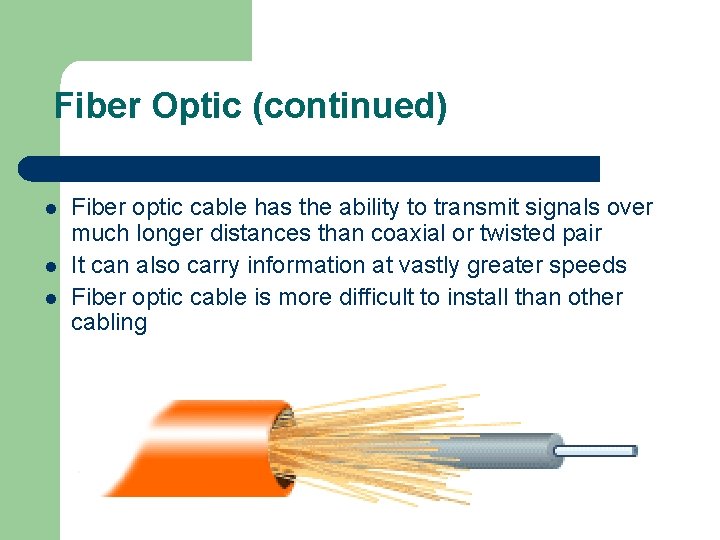
Fiber Optic (continued) l l l Fiber optic cable has the ability to transmit signals over much longer distances than coaxial or twisted pair It can also carry information at vastly greater speeds Fiber optic cable is more difficult to install than other cabling
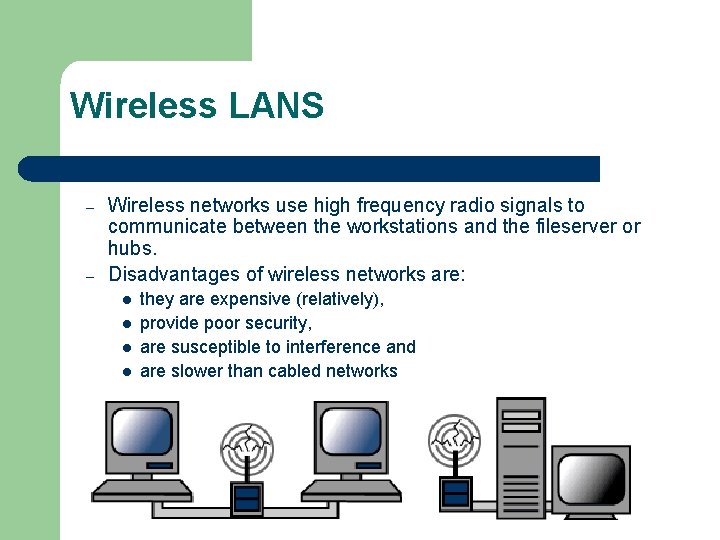
Wireless LANS – – Wireless networks use high frequency radio signals to communicate between the workstations and the fileserver or hubs. Disadvantages of wireless networks are: l l they are expensive (relatively), provide poor security, are susceptible to interference and are slower than cabled networks
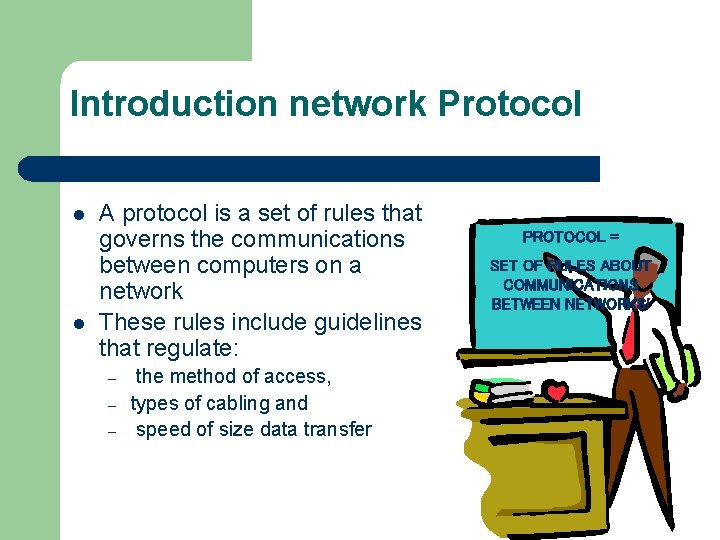
Introduction network Protocol l l A protocol is a set of rules that governs the communications between computers on a network These rules include guidelines that regulate: – – – the method of access, types of cabling and speed of size data transfer PROTOCOL = SET OF RULES ABOUT COMMUNICATIONS BETWEEN NETWORKS!
The most common protocols are: l l l Ethernet Local Talk Token Ring FDDI ATM Protocol = a formal description of a set of rules and conventions that govern how devices on a network exchange information Did you ever wonder what HTTP in web addresses was about? It stands Hyper. Text Transfer Protocol
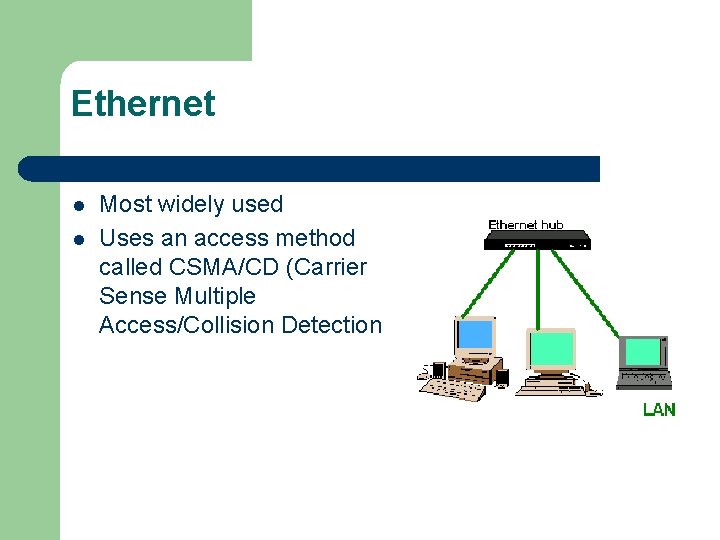
Ethernet l l Most widely used Uses an access method called CSMA/CD (Carrier Sense Multiple Access/Collision Detection
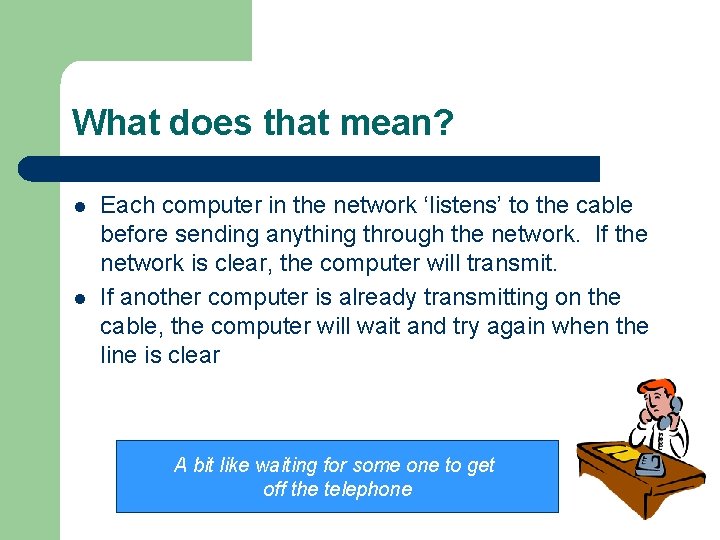
What does that mean? l l Each computer in the network ‘listens’ to the cable before sending anything through the network. If the network is clear, the computer will transmit. If another computer is already transmitting on the cable, the computer will wait and try again when the line is clear A bit like waiting for some one to get off the telephone
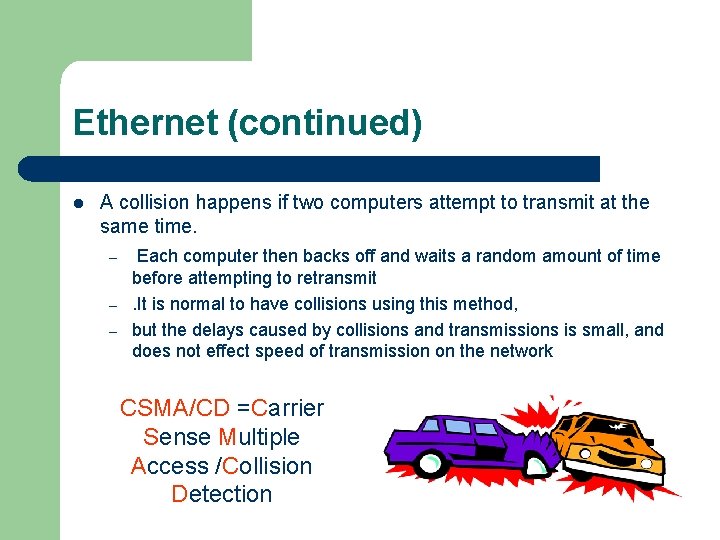
Ethernet (continued) l A collision happens if two computers attempt to transmit at the same time. – – – Each computer then backs off and waits a random amount of time before attempting to retransmit. It is normal to have collisions using this method, but the delays caused by collisions and transmissions is small, and does not effect speed of transmission on the network CSMA/CD =Carrier Sense Multiple Access /Collision Detection
Ethernet (continued) l l Ethernet protocol allows for data to be transmitted over twisted pair, coaxial or fiber optic cable at a speed of 10 Mbps (more on that later)
Fast Ethernet l l To allow for faster transmission, the Ethernet protocol has developed a new standard that supports 100 Mbps Fast Ethernet requires the use of more expensive equipment and network cards
Gigabit Ethernet l The Ethernet protocol has also developed a new standard that allows transmission of 1 Gbps (gigabit per second) One gigabit per second = one thousand megabits per second
Local Talk l l Local Talk is a network protocol that was developed by Apple for Macintosh computers Local Talk uses the CSMA/CA – – l Carrier Sense Multiple Access with Collision Avoidance It works in a similar way to CSMA/CD It is a lot slower than Ethernet (only 230 Kbps)
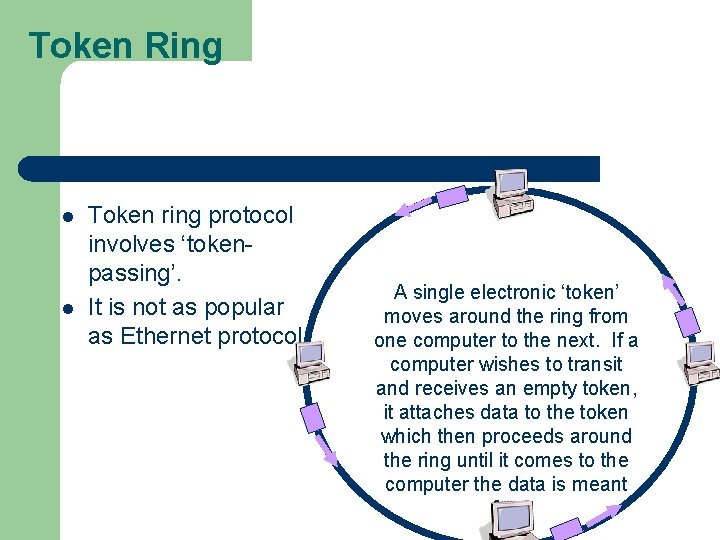
Token Ring l l Token ring protocol involves ‘tokenpassing’. It is not as popular as Ethernet protocol A single electronic ‘token’ moves around the ring from one computer to the next. If a computer wishes to transit and receives an empty token, it attaches data to the token which then proceeds around the ring until it comes to the computer the data is meant for.
FDDI l l l Stands for Fiber Distributed Data Interface Is used mainly to connect two or more LANs, often over large distances Can operate over fiber optic cable at 100 Mbps
ATM- Asynchronous Transfer Mode l l l Transmit data at a speed of 155 Mbps and higher Works by transmitting all data in small packets of fixed size (other protocols transfer variable size packets) Like FDDI , is most often used to connect two or more LANs
Where does TCP/IP fit into all this? l l TCP/IP is the protocol that is used for the transmission of information over the Internet IP (Internet Protocol) - the main delivery system for information over the Internet TCP (Transport Control Protocol) - used to break apart and rebuild information that travels over the Internet In Chapter 3 We will look into this protocol in details.