
Introduction to Computer Input Devices and Their Evaluation
- Slides: 24
Introduction to Computer Input Devices and Their Evaluation Shumin Zhai IBM Almaden Research Center
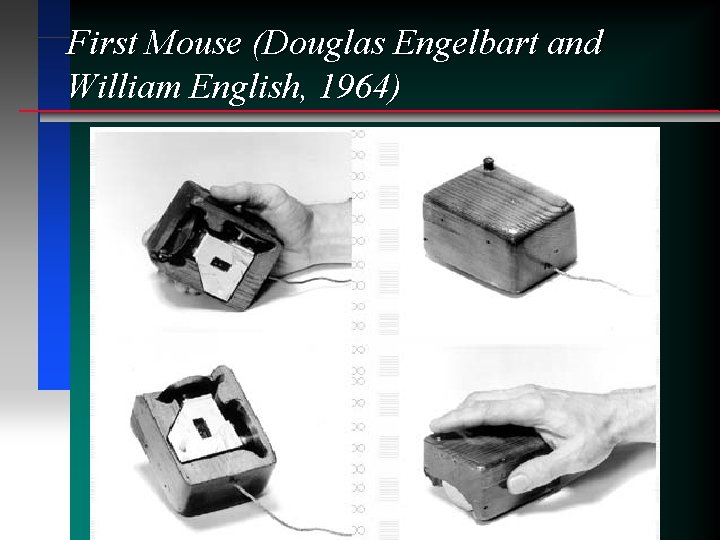
First Mouse (Douglas Engelbart and William English, 1964)
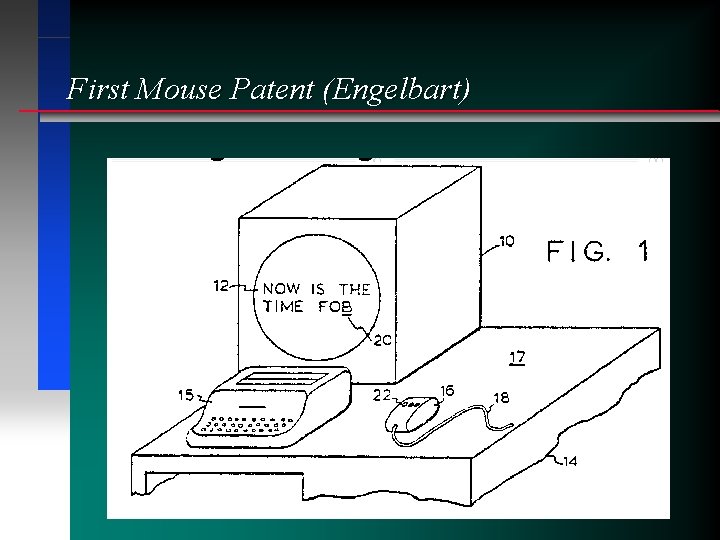
First Mouse Patent (Engelbart)
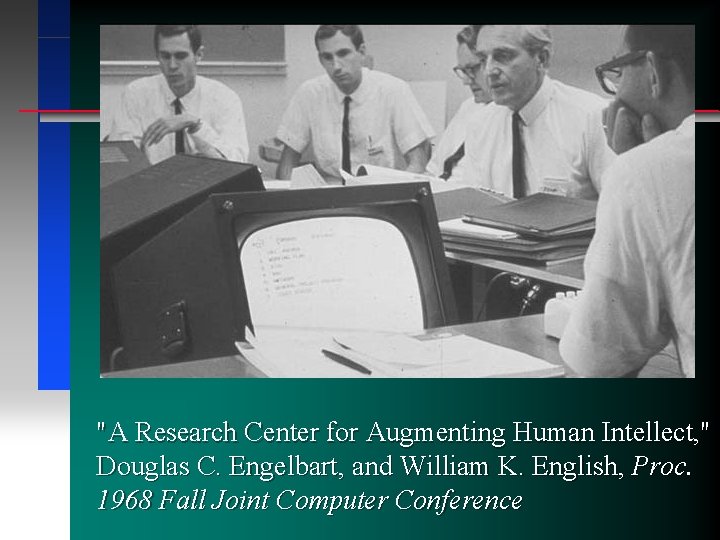
"A Research Center for Augmenting Human Intellect, " Douglas C. Engelbart, and William K. English, Proc. 1968 Fall Joint Computer Conference
A Variety of Input Devices Mouse n Stylus n Touchscreen n Touchpad n Joystick n. . . n
Performance Evaluation n “I like it!” / “It is cool!” is not enough • “Perception is not always reality” • Conscious articulation is not always behavior (describe how to ride a bike) n n Individual differences Making HCI an empirical (good) science
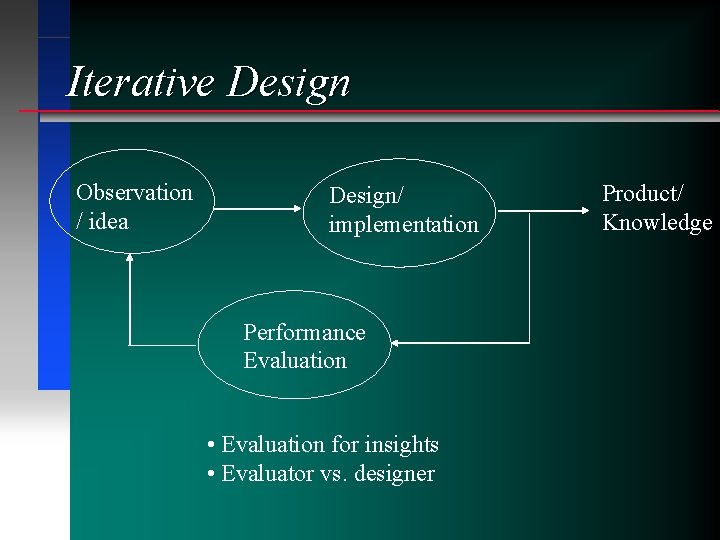
Iterative Design Observation / idea Design/ implementation Performance Evaluation • Evaluation for insights • Evaluator vs. designer Product/ Knowledge
Qualitative Analysis n Touchscreen • Pros • Cons n Stylus / light pen • Pros • Cons
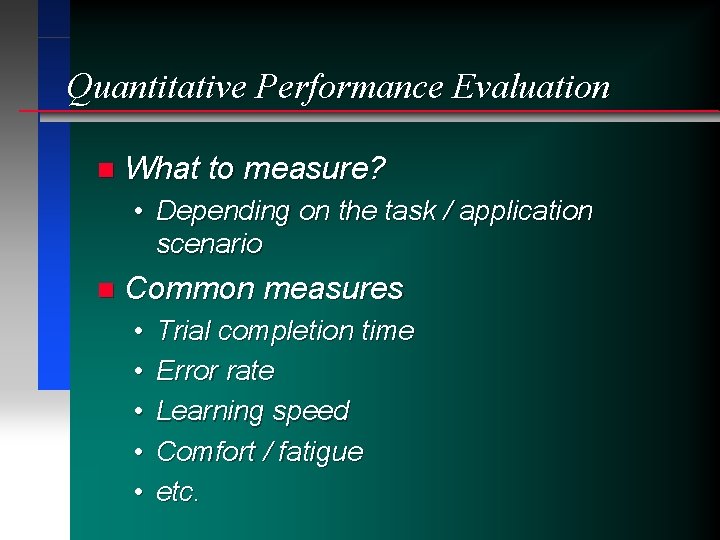
Quantitative Performance Evaluation n What to measure? • Depending on the task / application scenario n Common measures • • • Trial completion time Error rate Learning speed Comfort / fatigue etc.
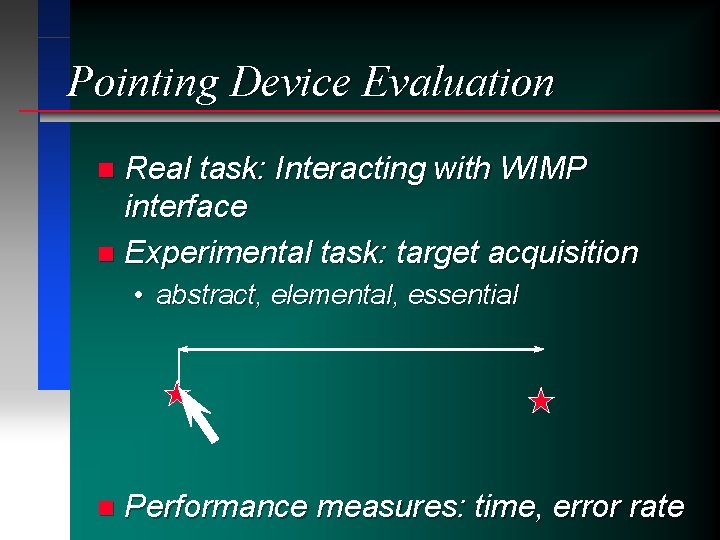
Pointing Device Evaluation Real task: Interacting with WIMP interface n Experimental task: target acquisition n • abstract, elemental, essential n Performance measures: time, error rate
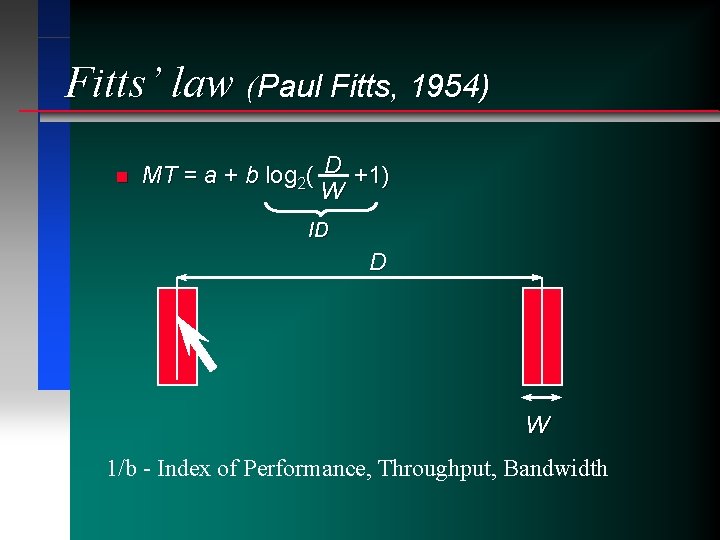
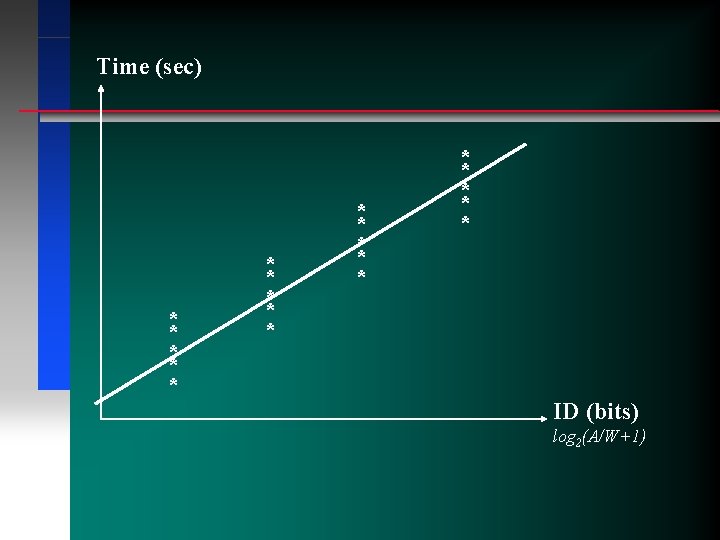
Fitts’ law (Paul Fitts, 1954) n MT = a + b log 2( D +1) W ID D W 1/b - Index of Performance, Throughput, Bandwidth
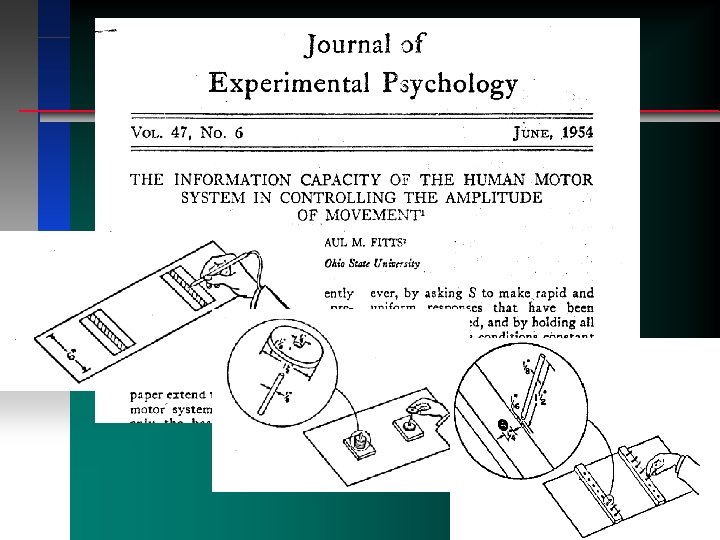
Fitts’ law n “The information capacity of the human motor system in controlling the amplitude of movement”, Journal of Experimental Psychology, vol 47, 381 -391
Time (sec) * * * * * ID (bits) log 2(A/W+1)
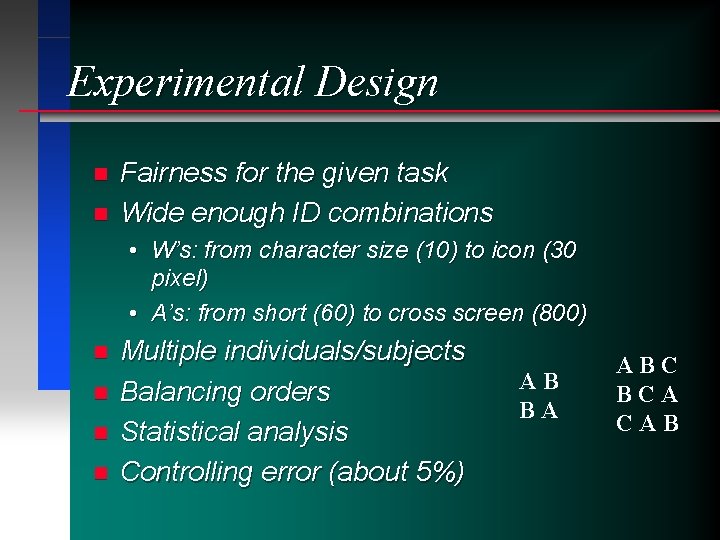
Experimental Design n n Fairness for the given task Wide enough ID combinations • W’s: from character size (10) to icon (30 pixel) • A’s: from short (60) to cross screen (800) n n Multiple individuals/subjects Balancing orders Statistical analysis Controlling error (about 5%) AB BA ABC BCA CAB
Task modeling for evaluation n Bring task modeling to device evaluation • Card, English, Burr, 1978 “Evaluation of mouse, rate controlled isometric joystick, step keys and text keys for text selection on a CRT”, Ergonomics, vol. 21, 601 -613
Beyond Fitts’ law n n Hick’s law Key stroke model Control theoretic modeling Limitations to Fitts law: pointing only
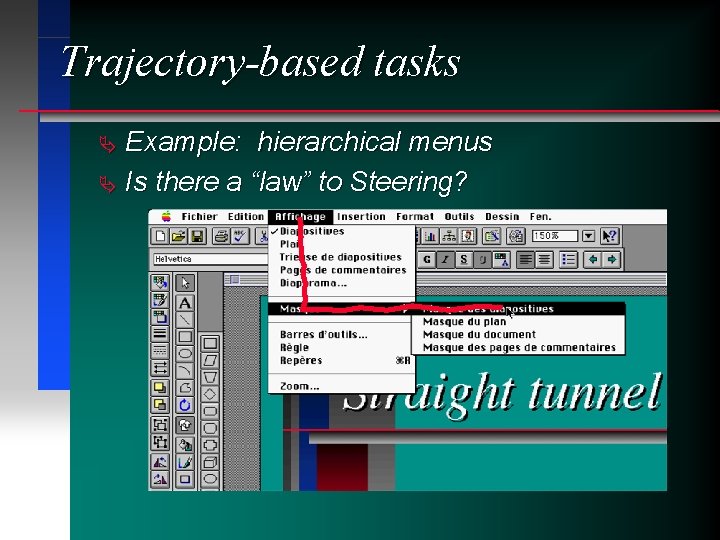
Trajectory-based tasks Example: hierarchical menus Ä Is there a “law” to Steering? Ä
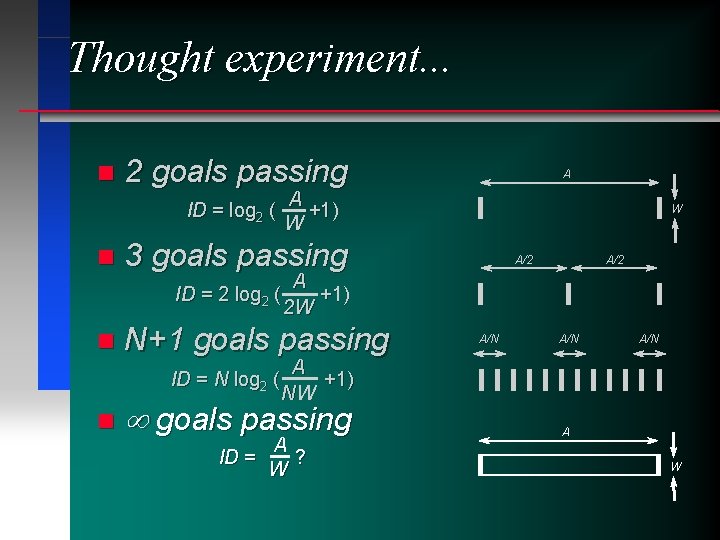
Thought experiment. . . n 2 goals passing ID = log 2 ( A +1) W n 3 goals passing n N+1 goals passing W A/2 A ID = 2 log 2 ( +1) 2 W ID = N log 2 ( n A A/N A +1) NW ¥ goals passing ID = A/N A ? W A W
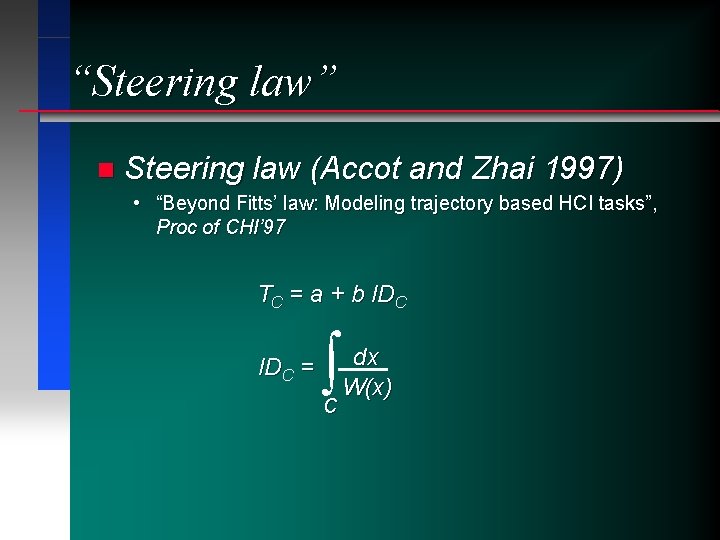
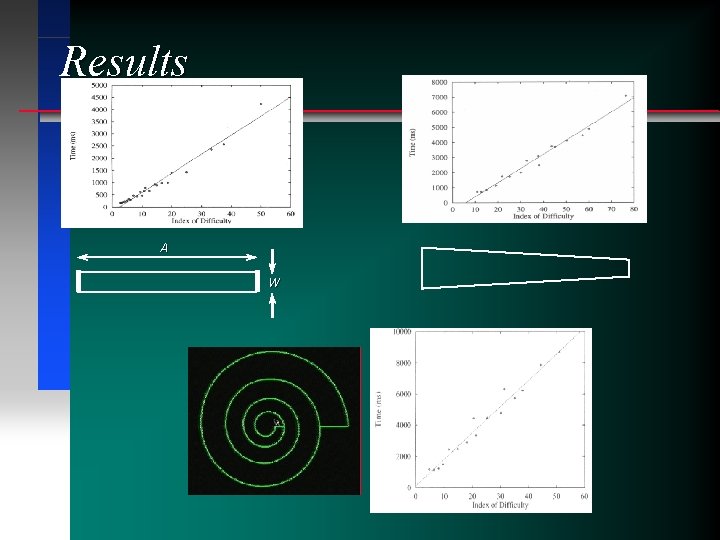
“Steering law” n Steering law (Accot and Zhai 1997) • “Beyond Fitts’ law: Modeling trajectory based HCI tasks”, Proc of CHI’ 97 TC = a + b IDC = ò C dx W(x)
Results A W
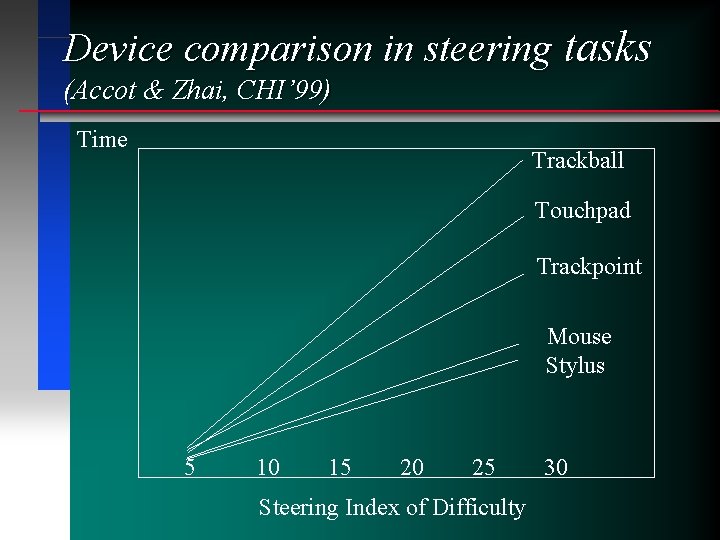
Device comparison in steering tasks (Accot & Zhai, CHI’ 99) Time Trackball Touchpad Trackpoint Mouse Stylus 5 10 15 20 25 Steering Index of Difficulty 30
Conferences and Journals n n n CHI: ACM Conference on Human Factors in Computing Systems INTERACT: IFIP Conference on Human Computer Interaction UIST: ACM Symposium on User Interface Software and Technology HFES: Human Factors and Ergonomics Annual Meeting ACM Transactions on Computer Human Interaction (TOCHI)
Lab Assignment n n n Measure Fitts’ law index of performance with bare hand on paper Measure any two devices using Fitts’ law with the Almaden Program Compare performance of the two devices Compare devices with bare hand Discuss the validity/benefits of Fitts’ law in your study. Discuss pros and cons of the devices: suggest improvements or new designs