
Introduction to Computer Graphics Koyel Datta Gupta What
- Slides: 46
Introduction to Computer Graphics Koyel Datta Gupta
What is Computer Graphics? � Creation, Manipulation, and Storage of geometric objects (modeling) and their images (rendering) � Display those images on screens or devices � Image processing
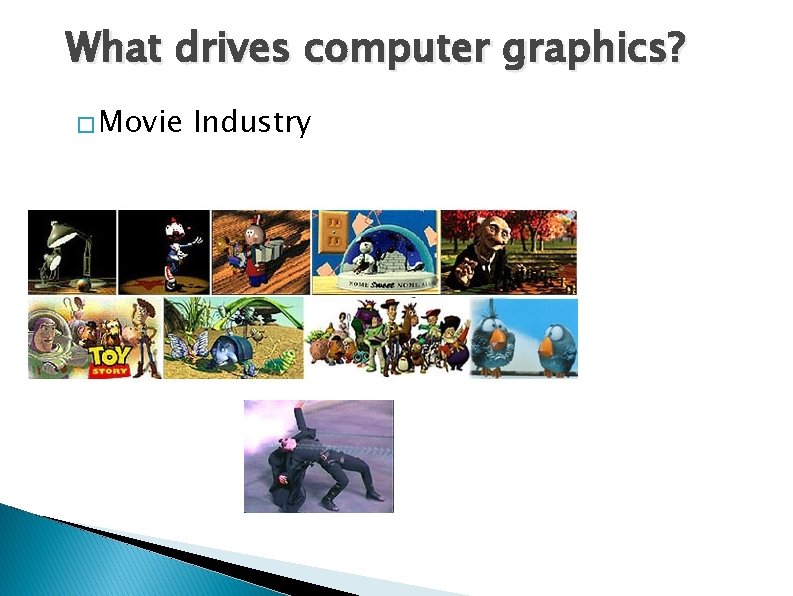
What drives computer graphics? � Movie Industry
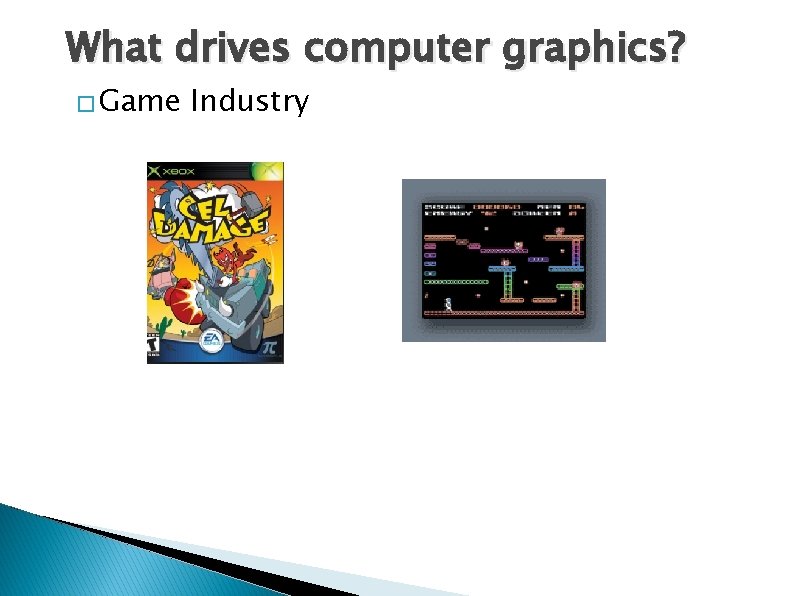
What drives computer graphics? � Game Industry
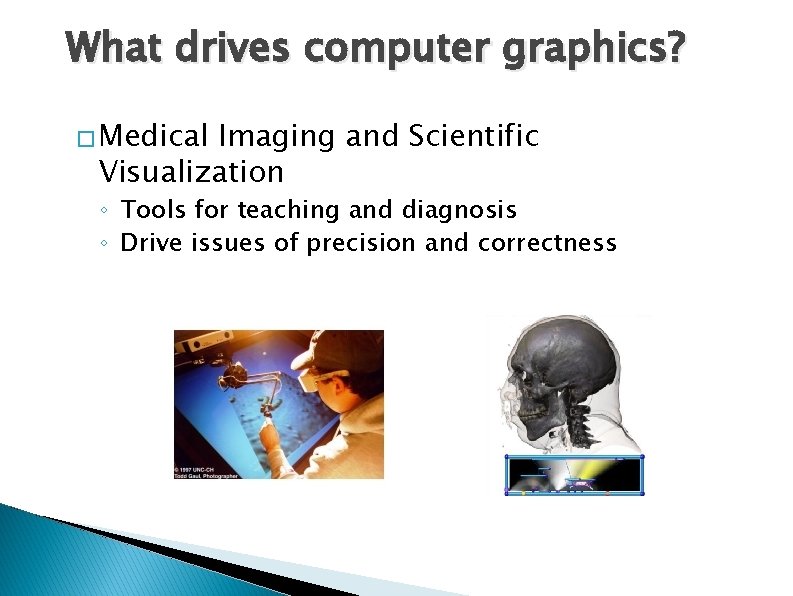
What drives computer graphics? � Medical Imaging and Scientific Visualization ◦ Tools for teaching and diagnosis ◦ Drive issues of precision and correctness
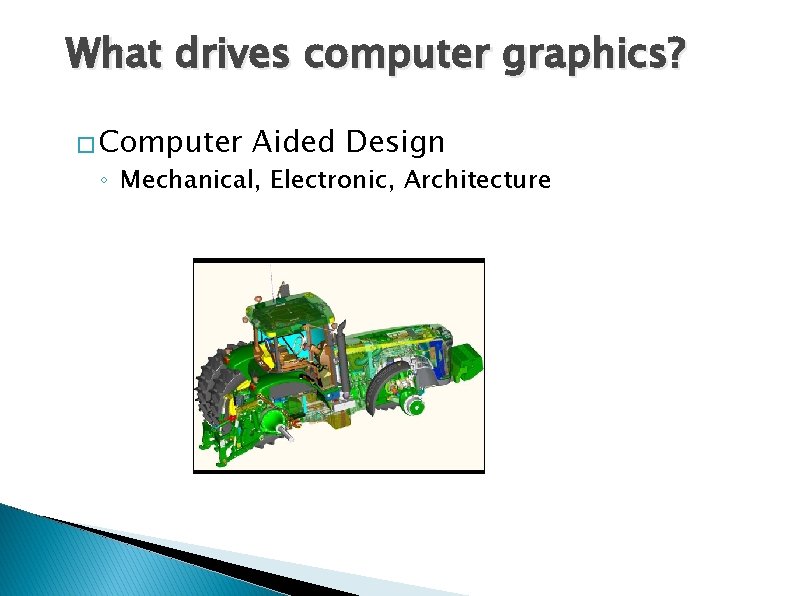
What drives computer graphics? � Computer Aided Design ◦ Mechanical, Electronic, Architecture
What drives computer graphics? � Graphic User Interfaces (GUI)
What is Computer Graphics? ◦ ◦ ◦ Hardware Rendering Interaction Modeling Scientific Visualization
Hardware: Amazing Changes � Fundamental architecture shift ◦ Dual computing engines: � CPU and GPU
Hardware: Amazing Changes � Fast, cheap GPUs � Cheap memory � Displays at low cost
Hardware: Amazing Changes � Wired -> Unwired
Input Devices � Locator Devices � Keyboard � Scanner ◦ Images ◦ Laser � Cameras (research)
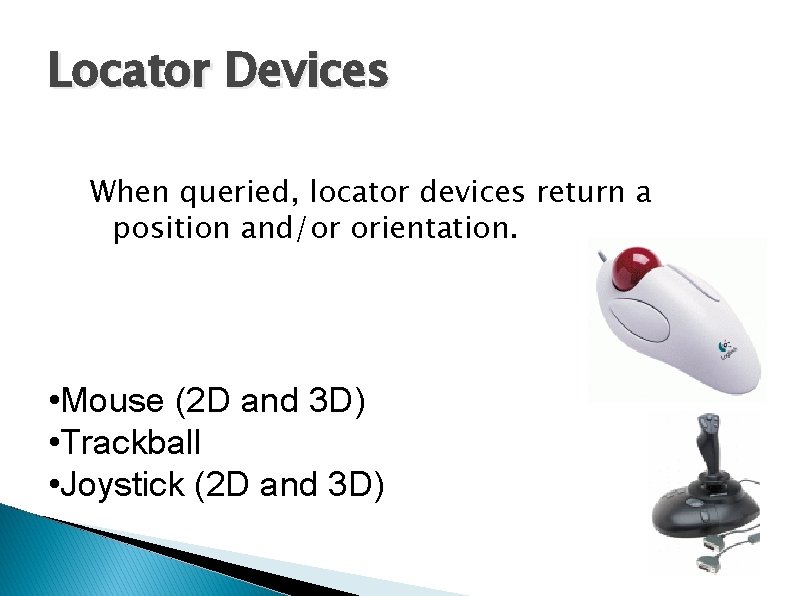
Locator Devices When queried, locator devices return a position and/or orientation. • Mouse (2 D and 3 D) • Trackball • Joystick (2 D and 3 D)
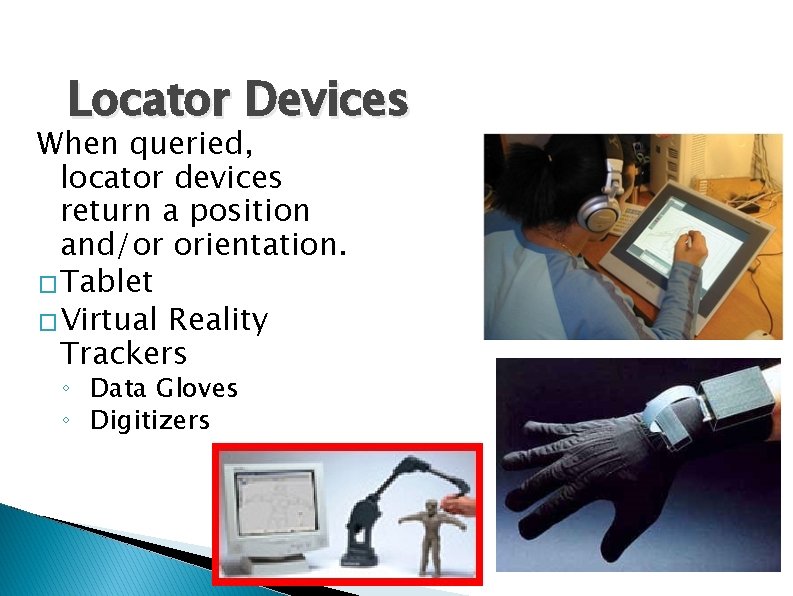
Locator Devices When queried, locator devices return a position and/or orientation. �Tablet �Virtual Reality Trackers ◦ Data Gloves ◦ Digitizers
Keyboard � Text input � Hard coded ◦ List boxes, GUI ◦ CAD/CAM ◦ Modeling ◦ Vertex locations are inserted into code
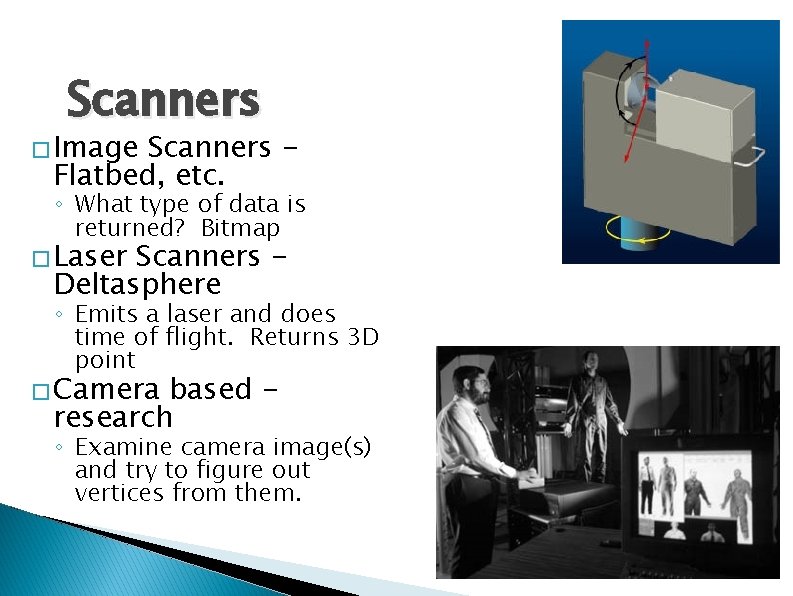
Scanners � Image Scanners Flatbed, etc. ◦ What type of data is returned? Bitmap � Laser Scanners Deltasphere ◦ Emits a laser and does time of flight. Returns 3 D point � Camera based research ◦ Examine camera image(s) and try to figure out vertices from them.
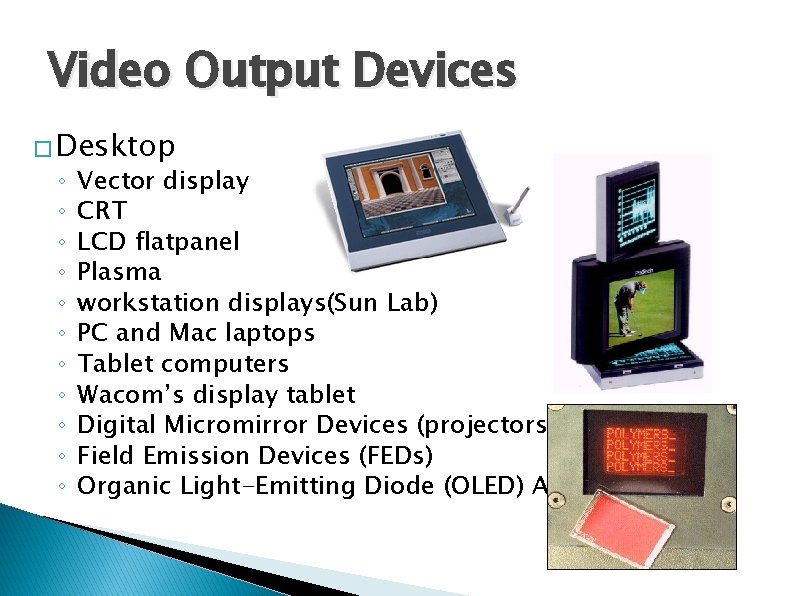
Video Output Devices � Desktop ◦ ◦ ◦ Vector display CRT LCD flatpanel Plasma workstation displays(Sun Lab) PC and Mac laptops Tablet computers Wacom’s display tablet Digital Micromirror Devices (projectors) Field Emission Devices (FEDs) Organic Light-Emitting Diode (OLED) Arrays
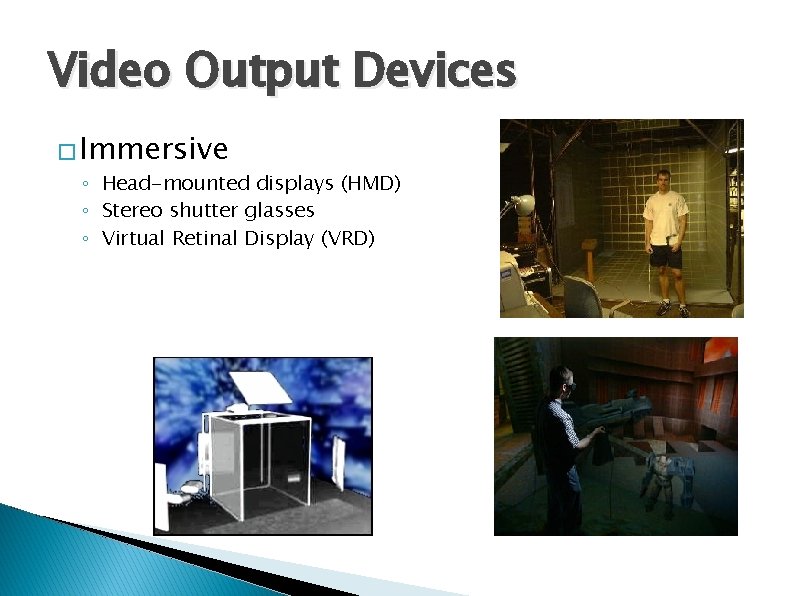
Video Output Devices � Immersive ◦ Head-mounted displays (HMD) ◦ Stereo shutter glasses ◦ Virtual Retinal Display (VRD)
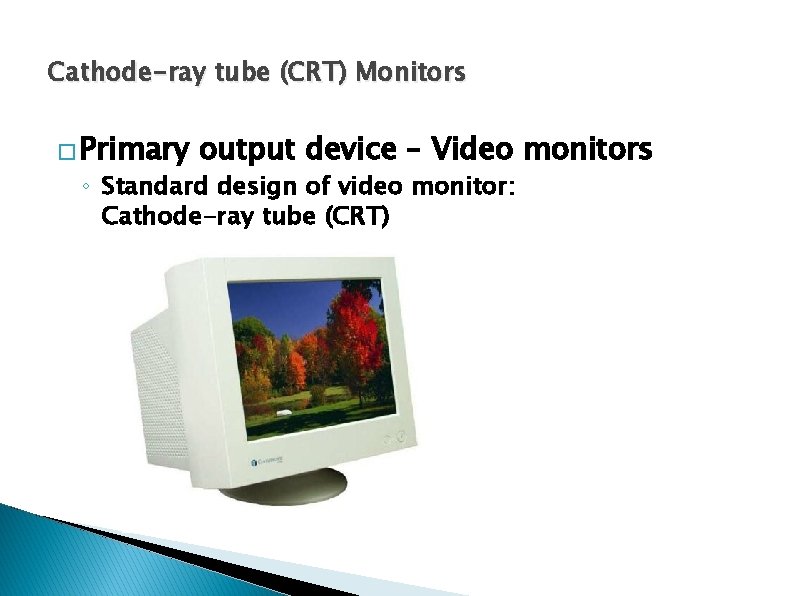
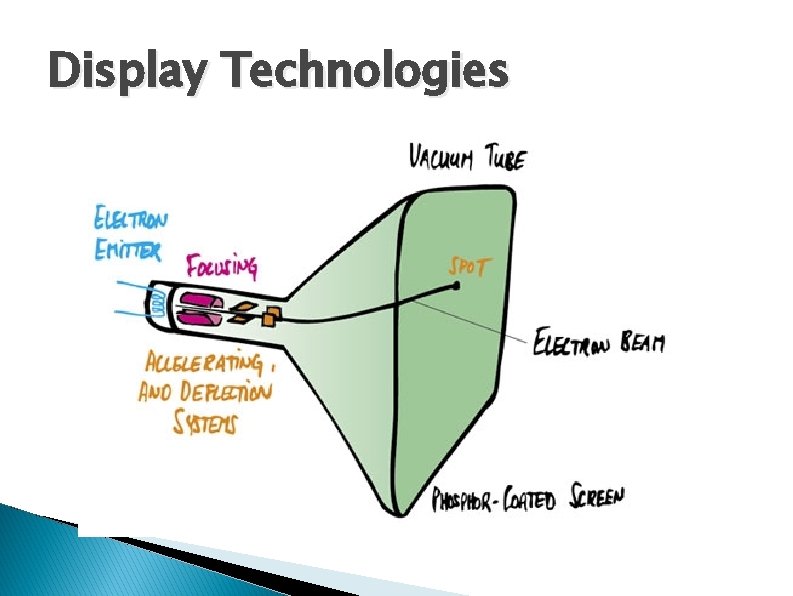
Cathode-ray tube (CRT) Monitors � Primary output device – Video monitors ◦ Standard design of video monitor: Cathode-ray tube (CRT)
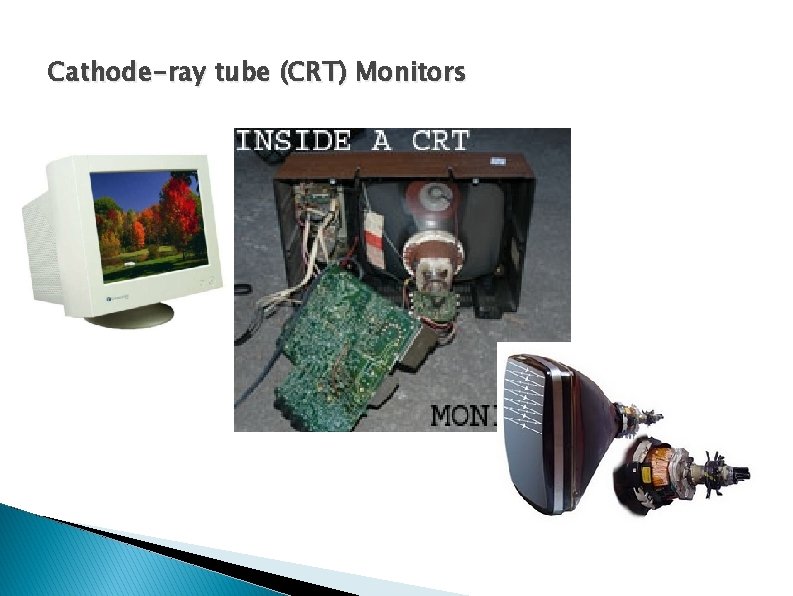
Cathode-ray tube (CRT) Monitors
Display Technologies
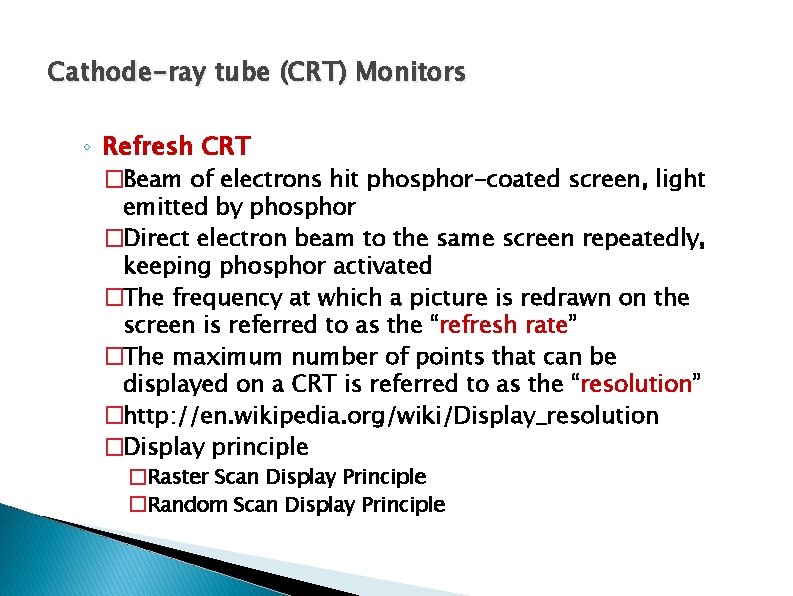
Cathode-ray tube (CRT) Monitors ◦ Refresh CRT �Beam of electrons hit phosphor-coated screen, light emitted by phosphor �Direct electron beam to the same screen repeatedly, keeping phosphor activated �The frequency at which a picture is redrawn on the screen is referred to as the “refresh rate” �The maximum number of points that can be displayed on a CRT is referred to as the “resolution” �http: //en. wikipedia. org/wiki/Display_resolution �Display principle �Raster Scan Display Principle �Random Scan Display Principle
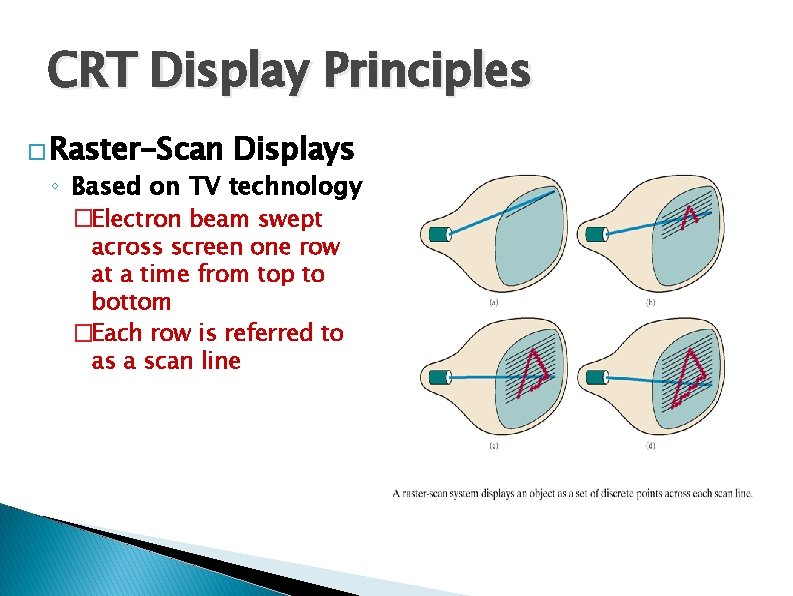
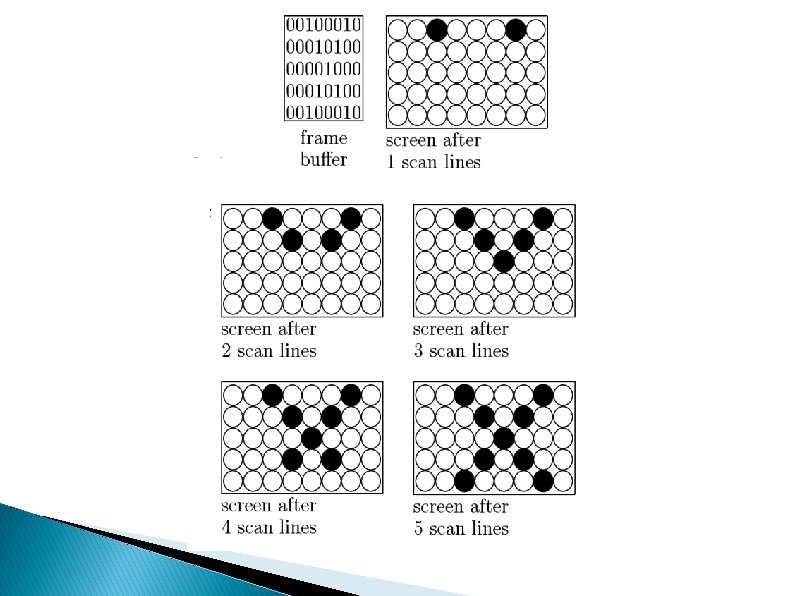
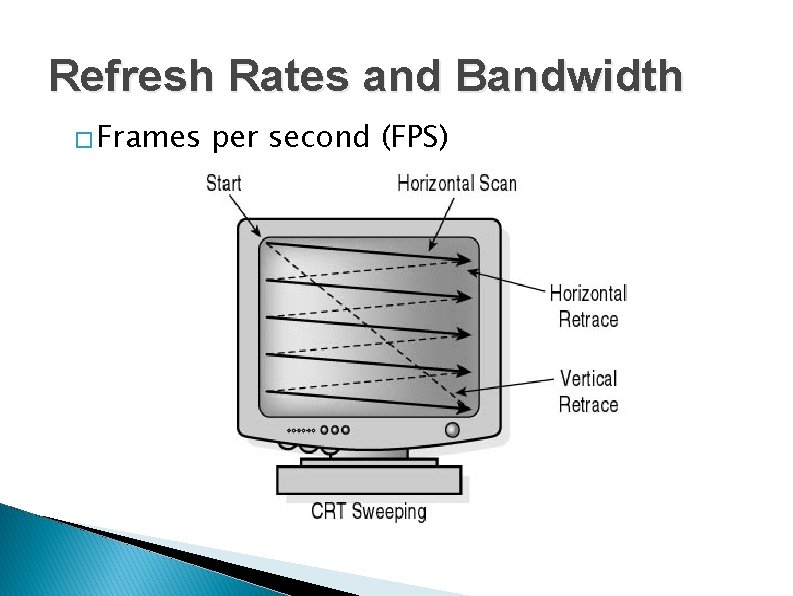
CRT Display Principles � Raster-Scan Displays ◦ Based on TV technology �Electron beam swept across screen one row at a time from top to bottom �Each row is referred to as a scan line
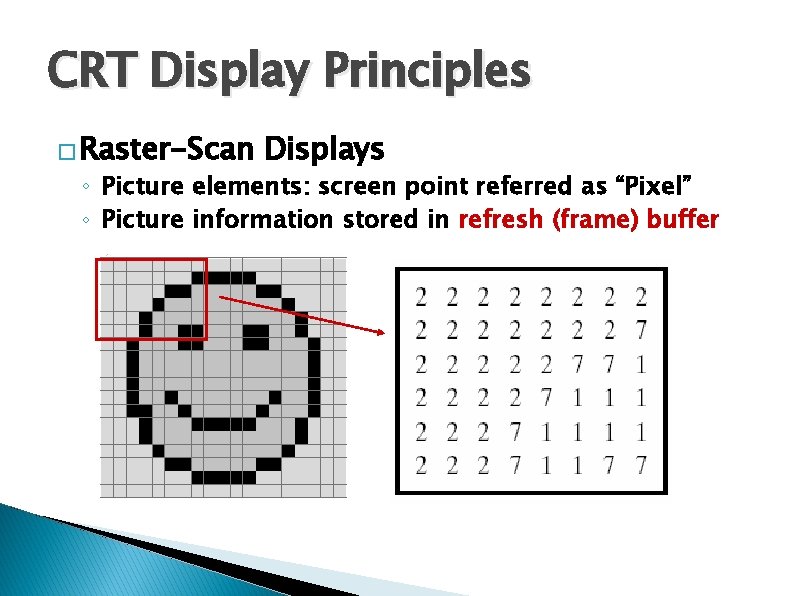
CRT Display Principles � Raster-Scan Displays ◦ Picture elements: screen point referred as “Pixel” ◦ Picture information stored in refresh (frame) buffer
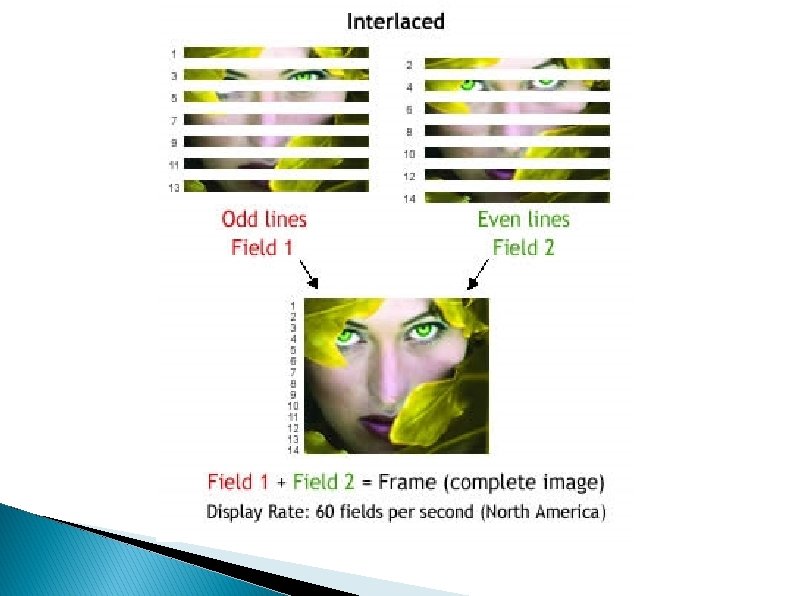
CRT Display Principles � Raster-Scan Displays ◦ Picture information stored in refresh (frame) buffer �The number of bits per pixel in the frame buffer is called depth or bit planes �Buffer with 1 bit per pixel – Bitmap �Buffer with multiple bits per pixel – Pixmap ◦ Interlaced refresh procedure �Beams sweeps across every other scan line
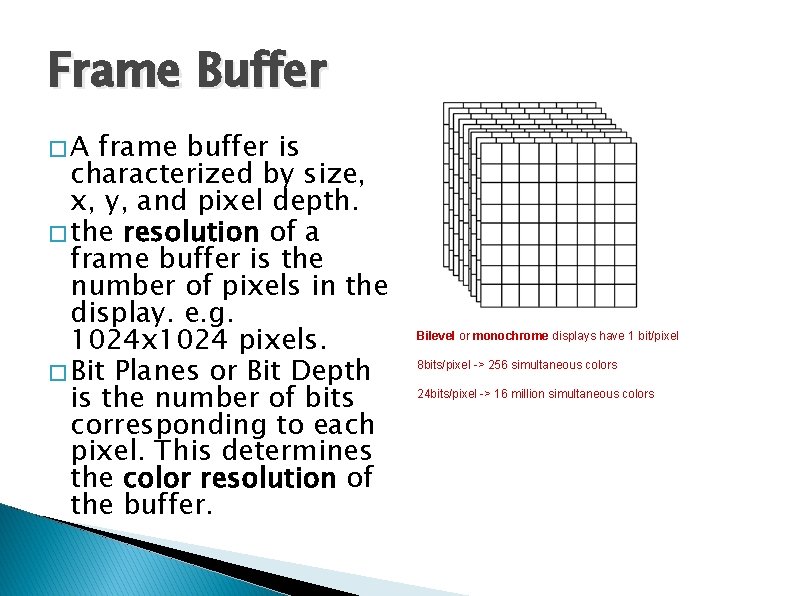
Frame Buffer �A frame buffer is characterized by size, x, y, and pixel depth. � the resolution of a frame buffer is the number of pixels in the display. e. g. 1024 x 1024 pixels. � Bit Planes or Bit Depth is the number of bits corresponding to each pixel. This determines the color resolution of the buffer. Bilevel or monochrome displays have 1 bit/pixel 8 bits/pixel -> 256 simultaneous colors 24 bits/pixel -> 16 million simultaneous colors
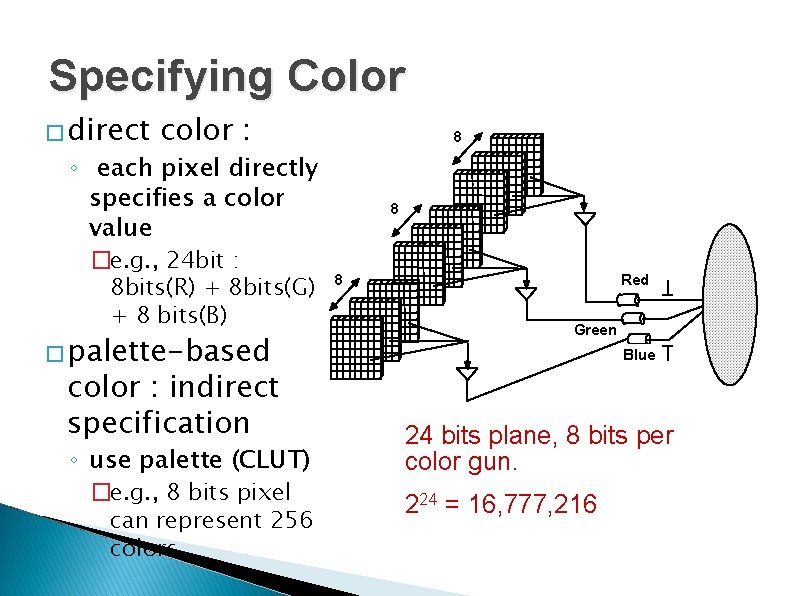
Specifying Color � direct color : 8 ◦ each pixel directly specifies a color value �e. g. , 24 bit : 8 bits(R) + 8 bits(G) + 8 bits(B) � palette-based color : indirect specification ◦ use palette (CLUT) �e. g. , 8 bits pixel can represent 256 colors 8 8 Red Green Blue 24 bits plane, 8 bits per color gun. 224 = 16, 777, 216
Refresh Rates and Bandwidth � Frames per second (FPS)
Interlaced Scanning � Scan frame 30 times per second � To reduce flicker, divide frame into two fields —one consisting of the even scan lines and the other of the odd scan lines. � Even and odd fields are scanned out alternately to produce an interlaced image.
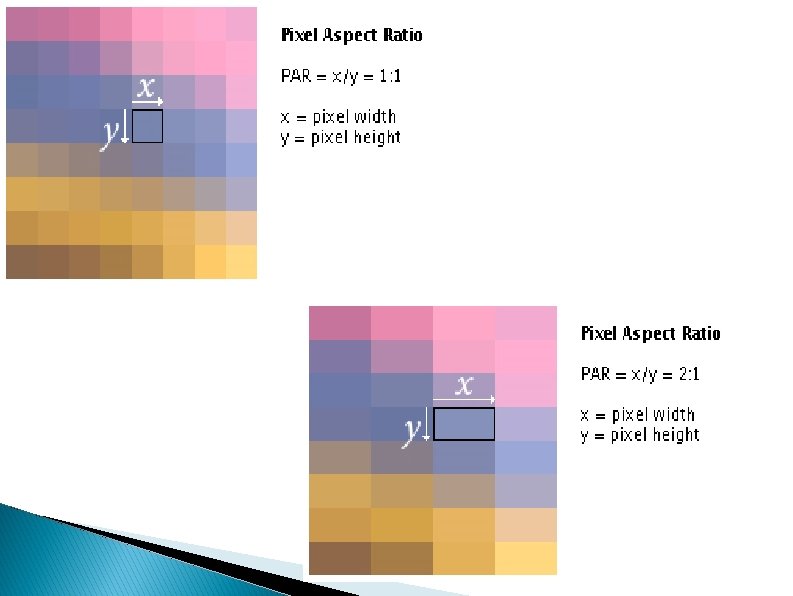
Aspect Ratio Frame aspect ratio (FAR) = horizontal/vertical size TV 4: 3 HDTV 16: 9 Pixel aspect ratio (PAR) = vres/hres
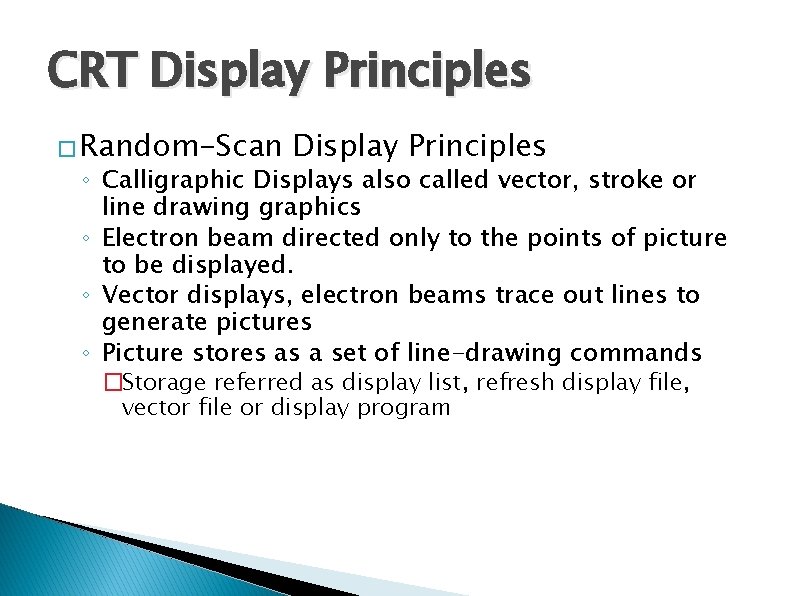
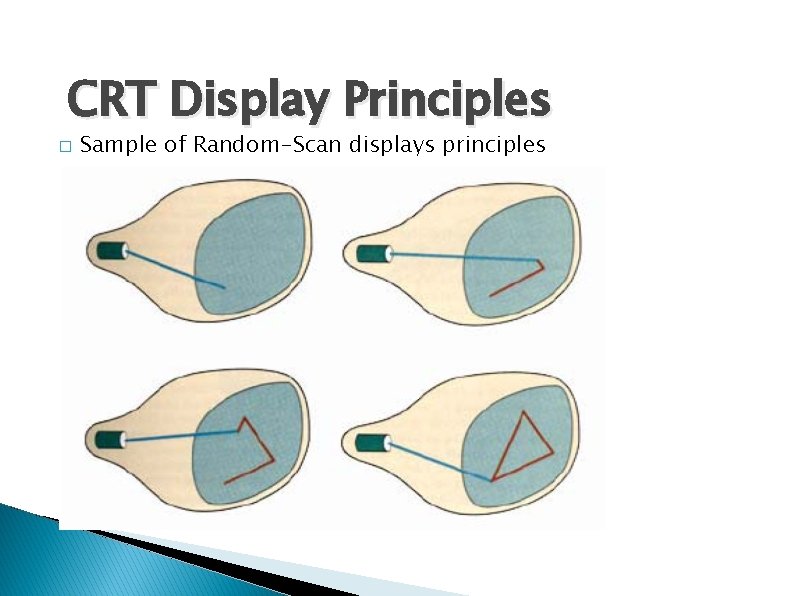
CRT Display Principles � Random-Scan Display Principles ◦ Calligraphic Displays also called vector, stroke or line drawing graphics ◦ Electron beam directed only to the points of picture to be displayed. ◦ Vector displays, electron beams trace out lines to generate pictures ◦ Picture stores as a set of line-drawing commands �Storage referred as display list, refresh display file, vector file or display program
CRT Display Principles � Sample of Random-Scan displays principles
CRT Display Principles • Images are described in terms of line segments rather than pixels • Display processor cycles through the commands
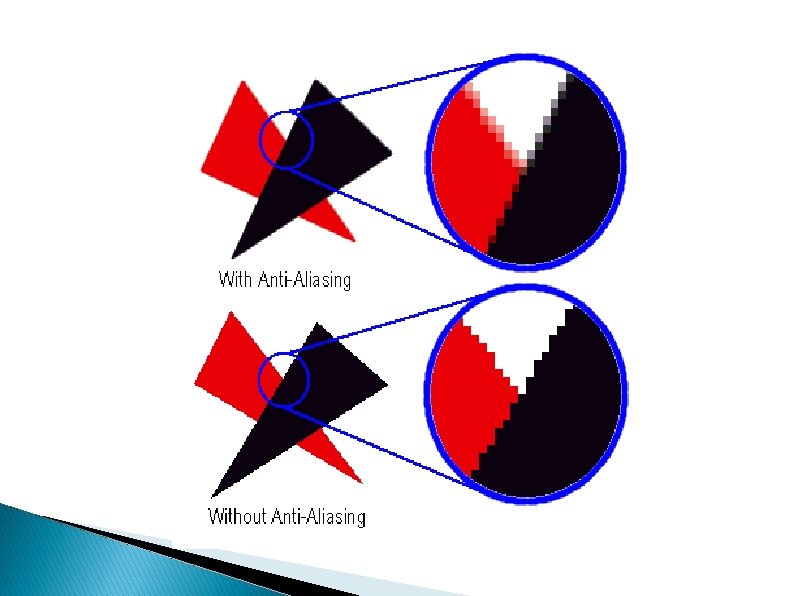
Pros and Cons �Advantages to Raster Displays ◦ lower cost ◦ filled regions/shaded images �Disadvantages to Raster Displays ◦ a discrete representation, continuous primitives must be scan-converted (i. e. fill in the appropriate scan lines) ◦ Aliasing or "jaggies" Arises due to sampling error when converting from a continuous to a discrete representation
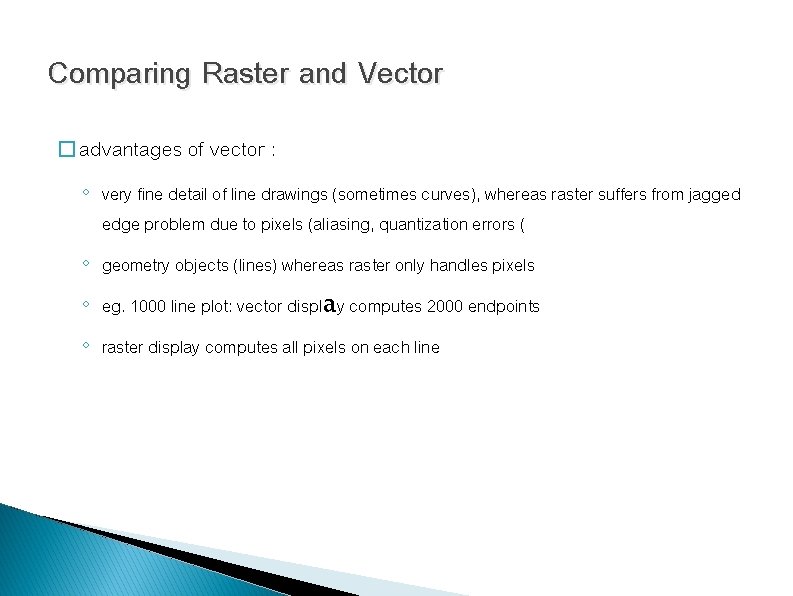
Comparing Raster and Vector � advantages of vector : ◦ very fine detail of line drawings (sometimes curves), whereas raster suffers from jagged edge problem due to pixels (aliasing, quantization errors ( ◦ geometry objects (lines) whereas raster only handles pixels ◦ eg. 1000 line plot: vector display computes 2000 endpoints ◦ raster display computes all pixels on each line
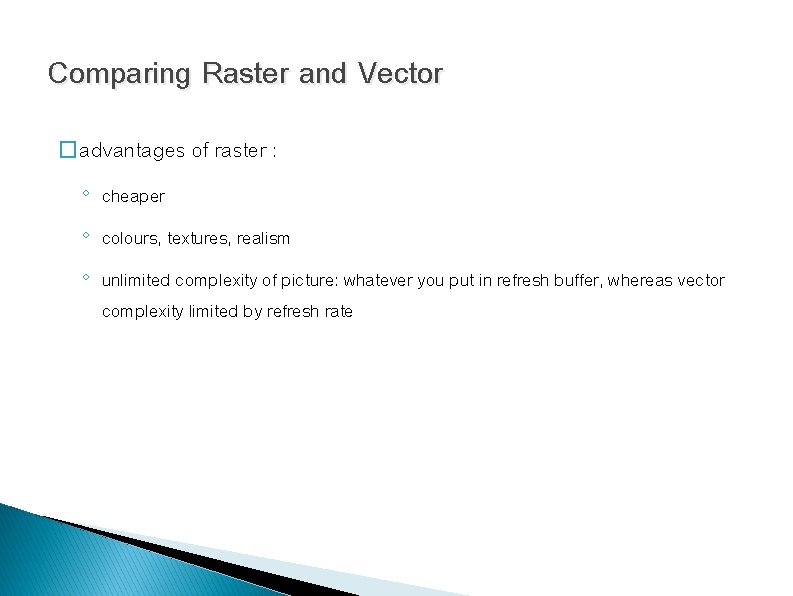
Comparing Raster and Vector �advantages of raster : ◦ cheaper ◦ colours, textures, realism ◦ unlimited complexity of picture: whatever you put in refresh buffer, whereas vector complexity limited by refresh rate
Color CRT Monitors � Using a combination of phosphors that emit different-colored light � Beam-penetration ◦ Used in random-scan monitors ◦ Use red and green phosphors layers ◦ Color depends on the penetrated length of electrons � Shadow mask ◦ Used in raster-scan systems ◦ Produce wide range of color with RGB color model
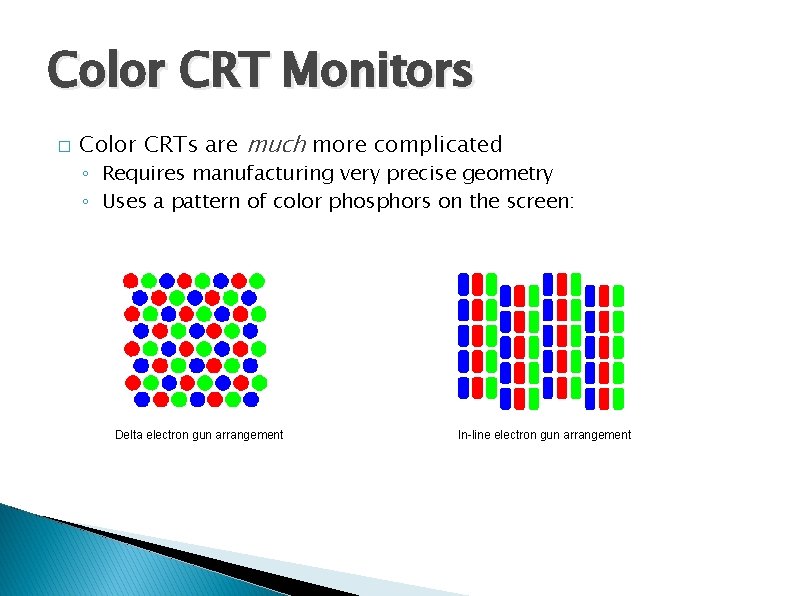
Color CRT Monitors � Color CRTs are much more complicated ◦ Requires manufacturing very precise geometry ◦ Uses a pattern of color phosphors on the screen: Delta electron gun arrangement In-line electron gun arrangement
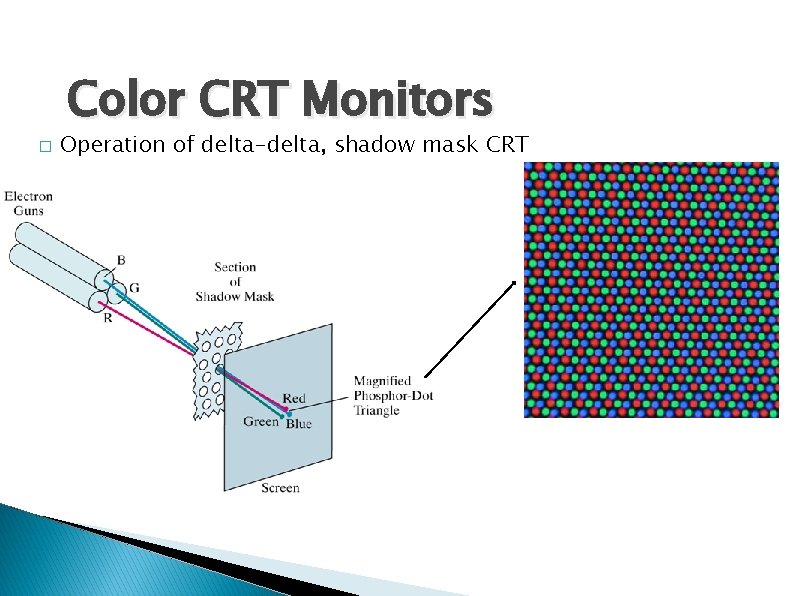
Color CRT Monitors � Operation of delta-delta, shadow mask CRT
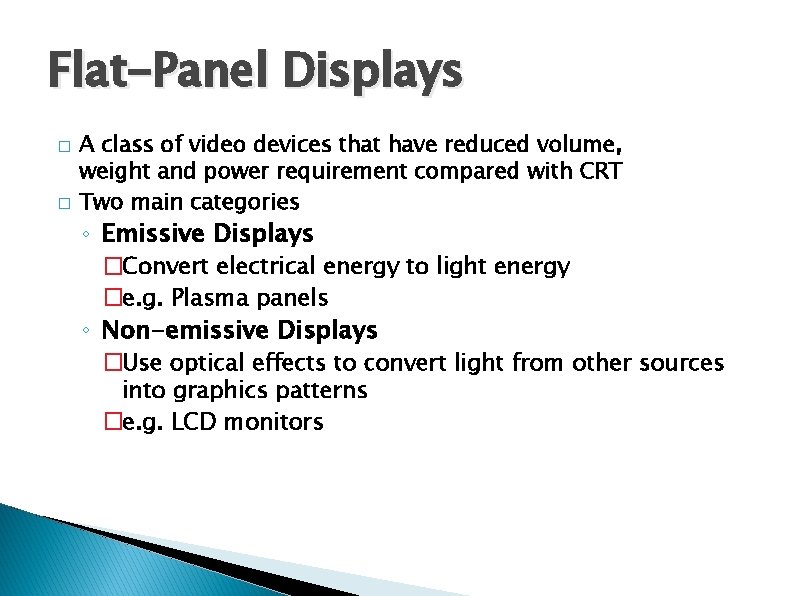
Flat-Panel Displays � � A class of video devices that have reduced volume, weight and power requirement compared with CRT Two main categories ◦ Emissive Displays �Convert electrical energy to light energy �e. g. Plasma panels ◦ Non-emissive Displays �Use optical effects to convert light from other sources into graphics patterns �e. g. LCD monitors
Plasma Panel Display � Plasma panels (gas-discharge display) ◦ Contracted by filling the region between two glass plates with a mixture of gases ◦ Refresh buffer used to store picture information ◦ Firing voltages applied to refresh the pixel positions
Liquid-crystal Displays � Liquid-crystal displays (LCD) commonly used in small systems ◦ Liquid crystal, compounds have a crystalline arrangement of molecules, flow like a liquid ◦ Passive-matrix LCD To control light twisting, voltage applied to intersecting conductors to align the molecules ◦ Active-matrix LCD Using thin-film transistor technology, place a transistor at each pixel location