
Introduction to computer Applications Lecture No 3 http
- Slides: 18
Introduction to computer Applications Lecture No: 3 http: //sites. google. com/a/iba-suk. edu. pk/sano/ Section. e@iba-suk. edu. pk Software: System Software Presented by: Sanober Fatima
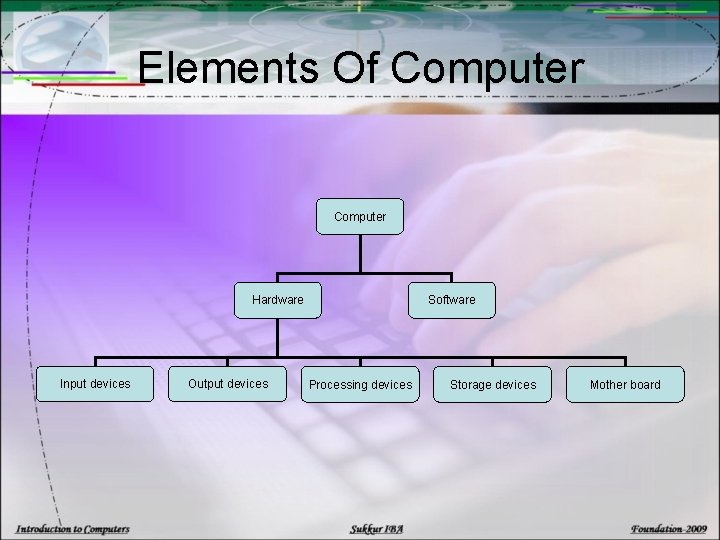
Elements Of Computer Hardware Input devices Output devices Software Processing devices Storage devices Mother board
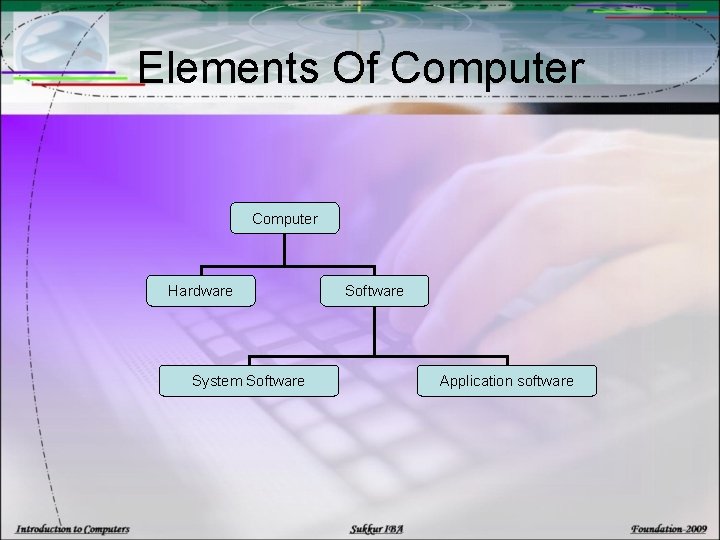
Elements Of Computer Hardware System Software Application software
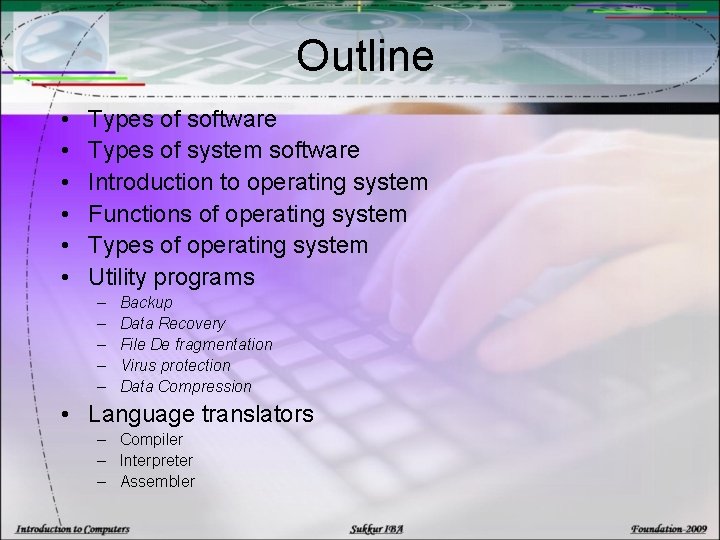
Outline • • • Types of software Types of system software Introduction to operating system Functions of operating system Types of operating system Utility programs – – – Backup Data Recovery File De fragmentation Virus protection Data Compression • Language translators – Compiler – Interpreter – Assembler
Software & its types: • Software a is collection of electronic instruction or code to be executed by the CPU or called a computer program. v Application software v System software:
Software & its Types: v System software: The system software is basically a soft ware that enables the application soft ware to interact with computer and helps the computer to manage its internal and external resources. System software is required to run application software, however the reverse in not possible. There are three basic types of system software: » » » Operating System Utility Programs Language Translator
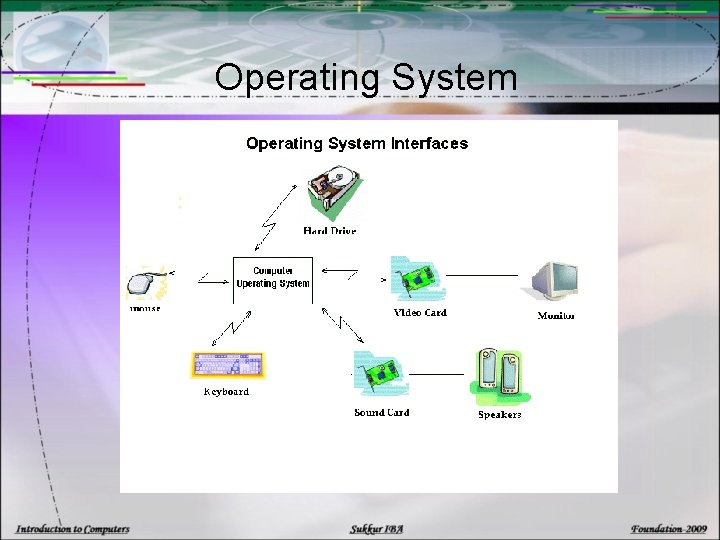
Operating System • An Operating System, or OS, is the core software component of your computer. It performs many functions and it enables the computer hardware to communicate and operate with the computer software. Without a computer Operating System, a computer would be useless. • Examples: DOS, Windows, Unix, Linux. .
Operating System
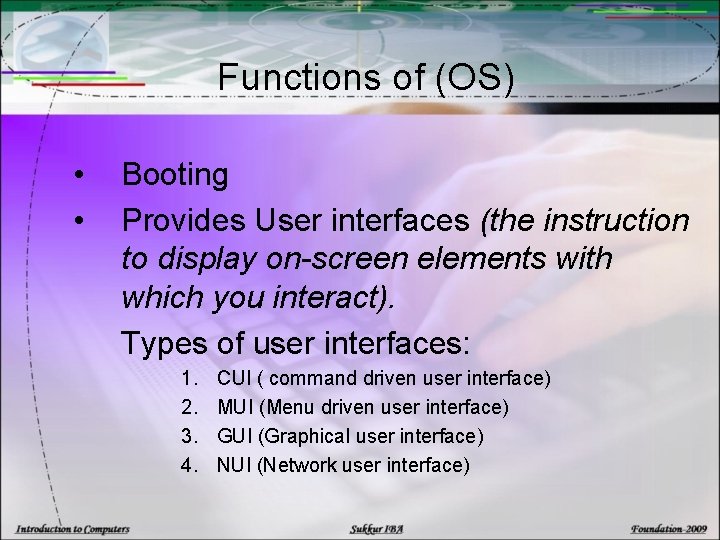
Functions of (OS) • • Booting Provides User interfaces (the instruction to display on-screen elements with which you interact). Types of user interfaces: 1. 2. 3. 4. CUI ( command driven user interface) MUI (Menu driven user interface) GUI (Graphical user interface) NUI (Network user interface)
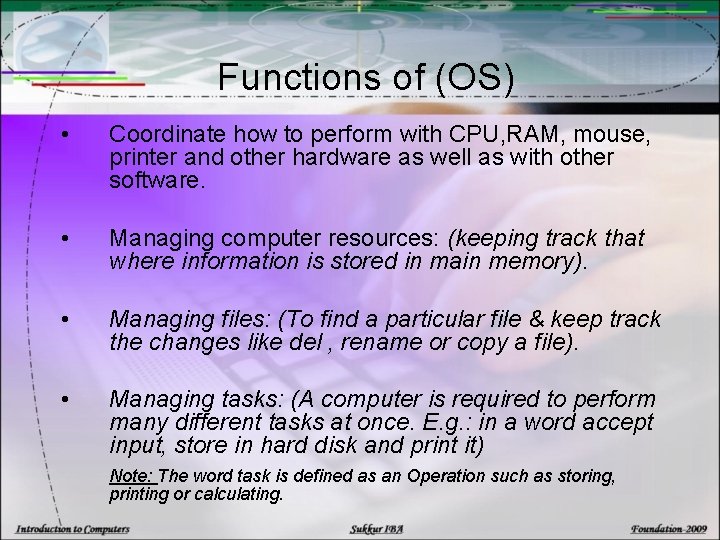
Functions of (OS) • Coordinate how to perform with CPU, RAM, mouse, printer and other hardware as well as with other software. • Managing computer resources: (keeping track that where information is stored in main memory). • Managing files: (To find a particular file & keep track the changes like del , rename or copy a file). • Managing tasks: (A computer is required to perform many different tasks at once. E. g. : in a word accept input, store in hard disk and print it) Note: The word task is defined as an Operation such as storing, printing or calculating.
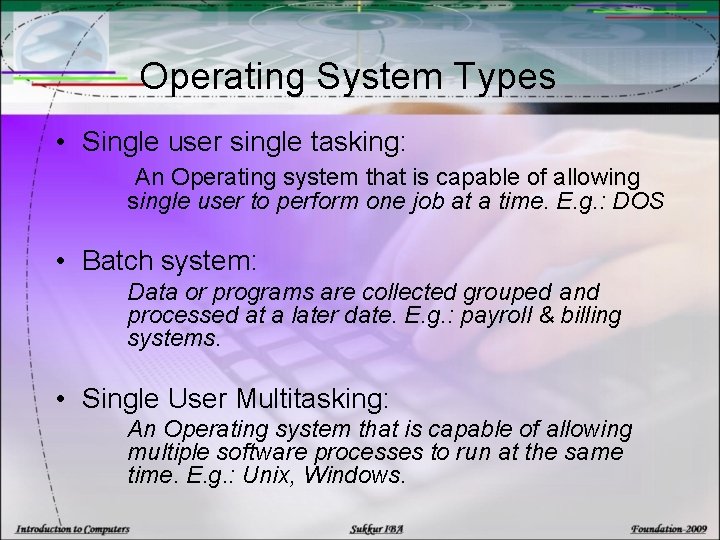
Operating System Types • Single user single tasking: An Operating system that is capable of allowing single user to perform one job at a time. E. g. : DOS • Batch system: Data or programs are collected grouped and processed at a later date. E. g. : payroll & billing systems. • Single User Multitasking: An Operating system that is capable of allowing multiple software processes to run at the same time. E. g. : Unix, Windows.
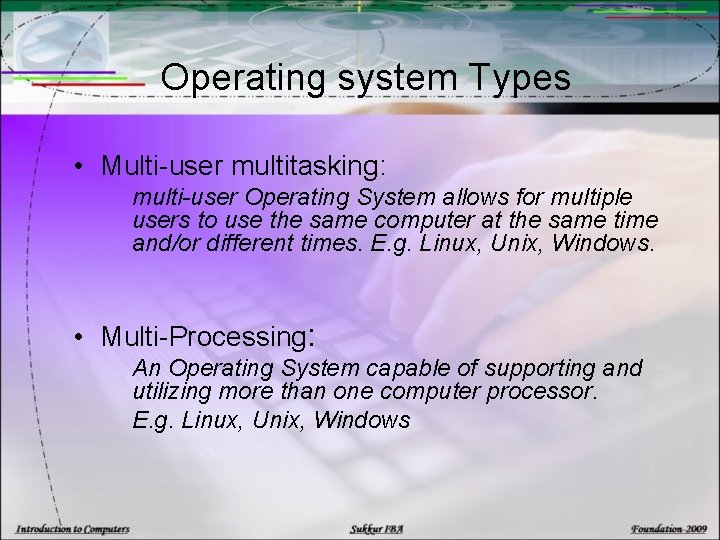
Operating system Types • Multi-user multitasking: multi-user Operating System allows for multiple users to use the same computer at the same time and/or different times. E. g. Linux, Unix, Windows. • Multi-Processing: An Operating System capable of supporting and utilizing more than one computer processor. E. g. Linux, Unix, Windows
Utility Programs – Utility programs are special programs offered that either enhance existing functions or provides those services which are not provided by system soft ware. The principal services offered by utilities are following, – Backup – Data Recovery – File Defragmentation – Virus protection – Data Compression
Utility Programs 1. Backup: A backup utility makes the duplicate of every file on your hard disk. 2. Data Recovery: A data Recovery is used to resurrect or undelete a file or information that has been accidentally deleted. For example: Undo, Recycle bin.
Utility Programs 3. File Defragmentation: § Fragmentation is the scattering of portion of files about the disk in non adjacent areas, thus greatly slowing access of files. § A defragmenter utility or defrager will find all the scattered files on your hard disk and reorganize them as a continues files.
Utility programs 4. Virus protection: A virus consists of hidden programming instructions that are buried with in an application or system program. Anti Virus soft ware is a utility program that scans had disk and memory to detect viruses. 5. Data Compression: Data compression utility removes redundant elements, gaps or unnecessary data from a computer storage space so less space is required to store or transmit data.
Language Translator – A language translator is a soft ware that translates a program written by a programmer in a language such as C, HTML into machine language (0, 1) which the computer understands. – There are three types of language translators – Compiler – Interpreter – Assembler
Language Translator – Compiler: This translates high level language program into machine language. This coverts whole program line by line but executes whole program at once. It is also called before compilation. – Interpreter: This translates high level language program into machine language. This converts and executes whole program line by line. It is also called immediately execution. – Assembler: Assembler translates assembly language program into machine language.