
Introduction to CCGI for parentsguardians in CCGI partner
- Slides: 10
Introduction to CCGI for parents/guardians in CCGI partner districts Landmark Middle School Parent University 10/4/2018
What is CCGI? CCGI is non-profit organization that offers high quality online career and college planning tools for students, families, and educators. By using the tools, the goal is for seniors to graduate with a thoughtful, well-informed plan for life after high school. We want all students to have choices after high school. 2
What is postsecondary planning? Planning for life after high school. This includes career exploration, finding college majors, certificates, and other programs to study after high school, and finding colleges to attend after high school. Postsecondary planning also includes enrolling in the right high school classes, registering for the college entrance exams (PSAT, ACT), meeting with your counselor, and learning about and applying for financial aid. Postsecondary planning is a lot of work, but it is worth it so your student can have choices after high school! 3
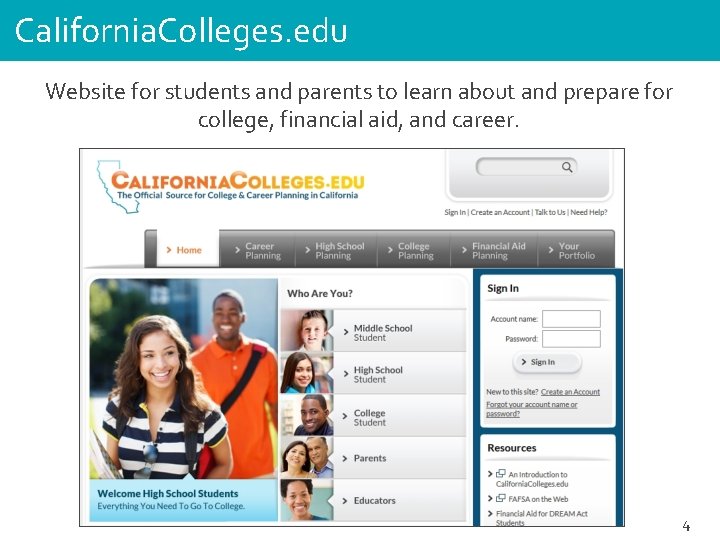
California. Colleges. edu Website for students and parents to learn about and prepare for college, financial aid, and career. 4
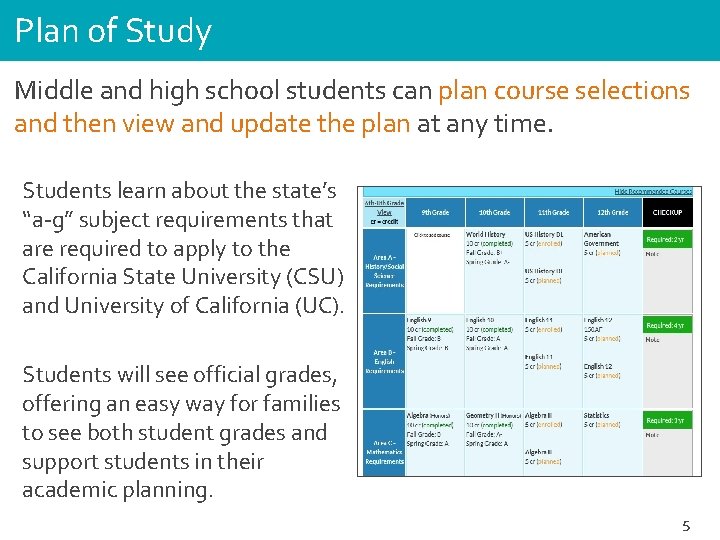
Plan of Study Middle and high school students can plan course selections and then view and update the plan at any time. Students learn about the state’s “a-g” subject requirements that are required to apply to the California State University (CSU) and University of California (UC). Students will see official grades, offering an easy way for families to see both student grades and support students in their academic planning. 5
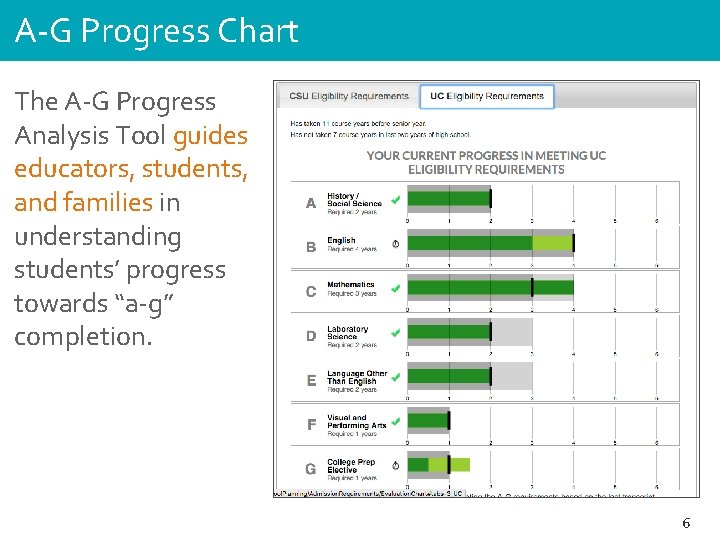
A-G Progress Chart The A-G Progress Analysis Tool guides educators, students, and families in understanding students’ progress towards “a-g” completion. 6
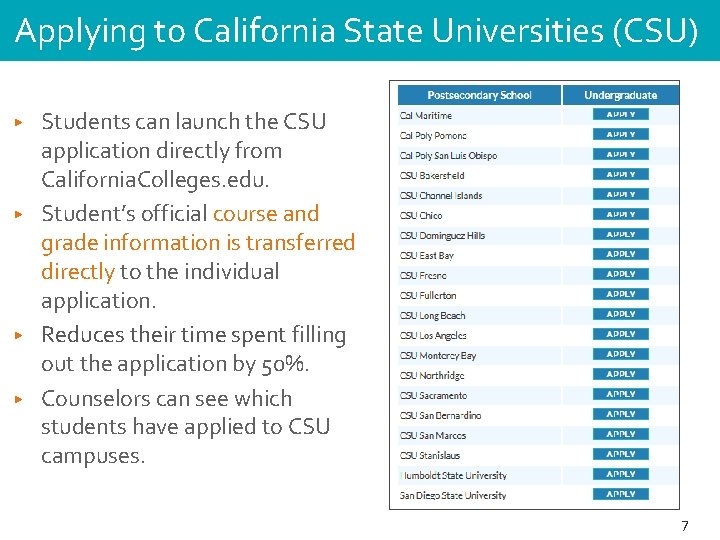
Applying to California State Universities (CSU) ▶ ▶ Students can launch the CSU application directly from California. Colleges. edu. Student’s official course and grade information is transferred directly to the individual application. Reduces their time spent filling out the application by 50%. Counselors can see which students have applied to CSU campuses. 7
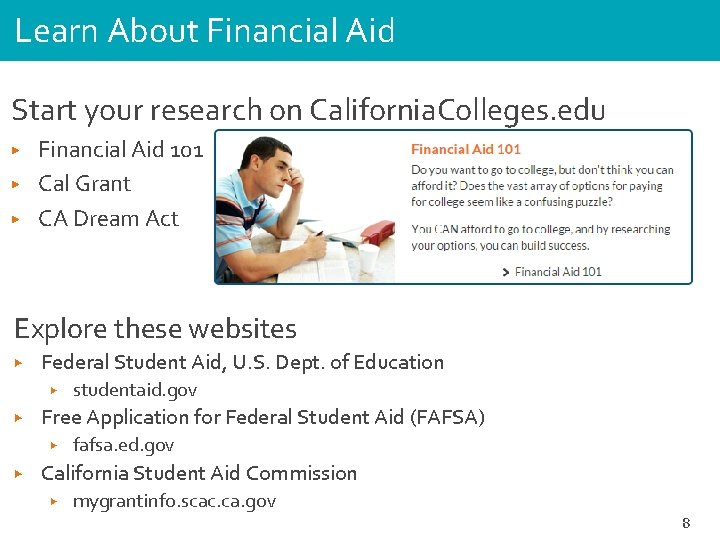
Learn About Financial Aid Start your research on California. Colleges. edu ▶ ▶ ▶ Financial Aid 101 Cal Grant CA Dream Act Explore these websites ▶ Federal Student Aid, U. S. Dept. of Education ▶ ▶ Free Application for Federal Student Aid (FAFSA) ▶ ▶ studentaid. gov fafsa. ed. gov California Student Aid Commission ▶ mygrantinfo. scac. ca. gov 8
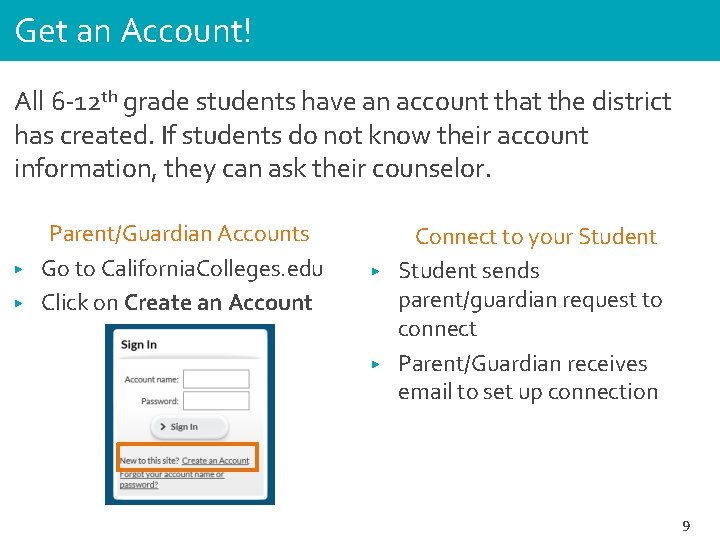
Get an Account! All 6 -12 th grade students have an account that the district has created. If students do not know their account information, they can ask their counselor. ▶ ▶ Parent/Guardian Accounts Go to California. Colleges. edu Click on Create an Account ▶ ▶ Connect to your Student sends parent/guardian request to connect Parent/Guardian receives email to set up connection 9
Questions Landmark Middle School Counseling Team: 6 th grade: afernandes@mvusd. net 7 th grade: mhixson@mvusd. net 8 th grade: chayes@mvusd. net 10