
Introduction to CAN What is CAN and what

- Slides: 16
Introduction to CAN
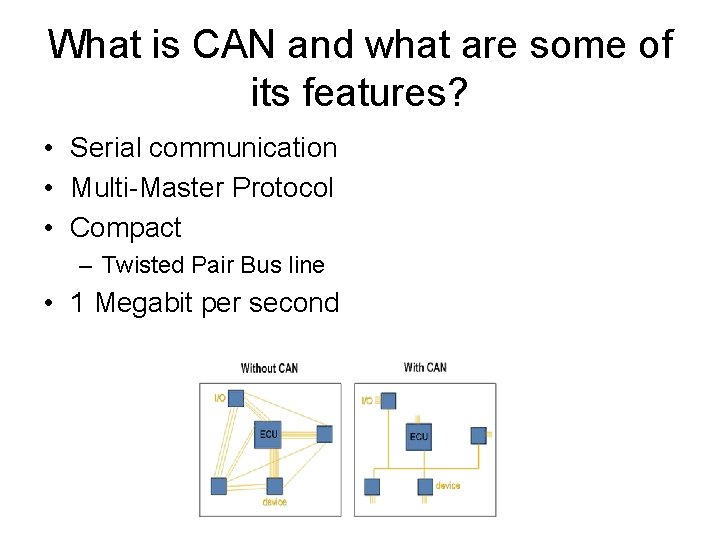
What is CAN and what are some of its features? • Serial communication • Multi-Master Protocol • Compact – Twisted Pair Bus line • 1 Megabit per second
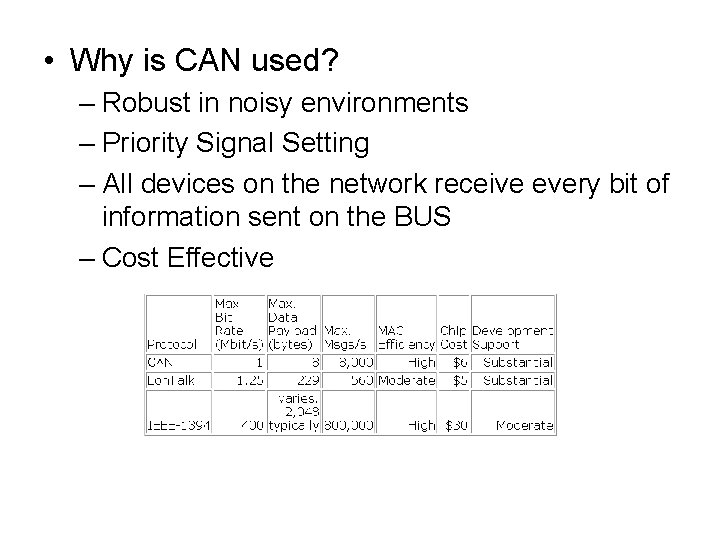
• Why is CAN used? – Robust in noisy environments – Priority Signal Setting – All devices on the network receive every bit of information sent on the BUS – Cost Effective
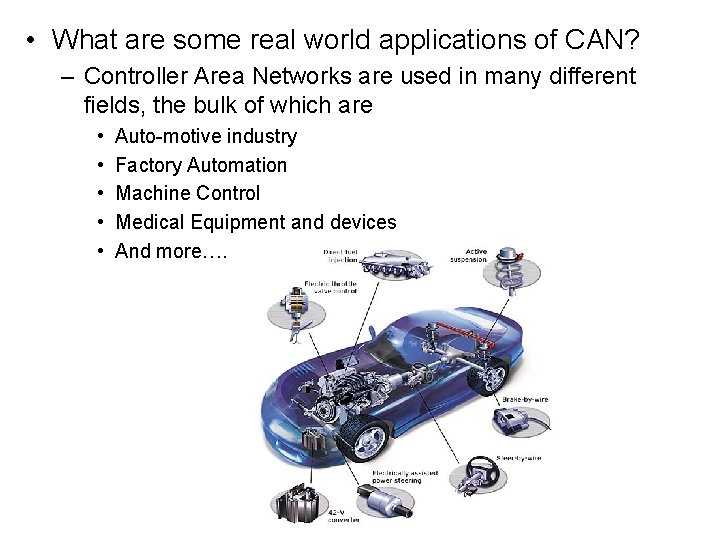
• What are some real world applications of CAN? – Controller Area Networks are used in many different fields, the bulk of which are • • • Auto-motive industry Factory Automation Machine Control Medical Equipment and devices And more….
What is transmitted? • All messages sent over a CAN network follows this format. Each bit is used either to verify the validity of the message, or is data itself.
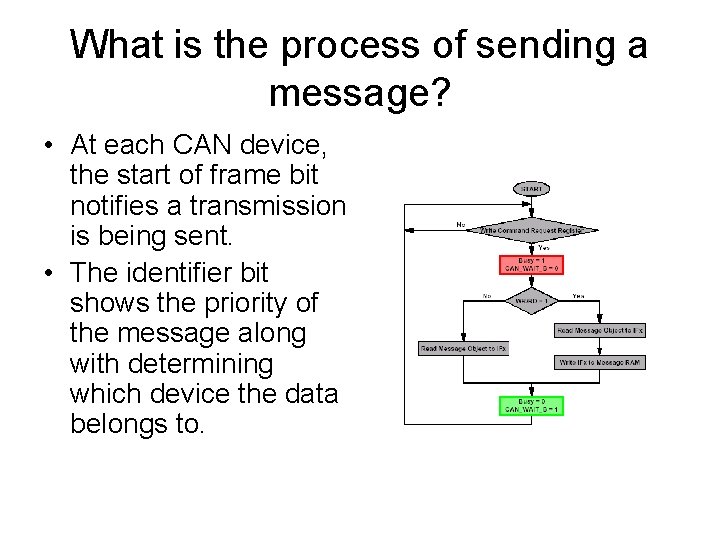
What is the process of sending a message? • At each CAN device, the start of frame bit notifies a transmission is being sent. • The identifier bit shows the priority of the message along with determining which device the data belongs to.
CAN Message Transmission
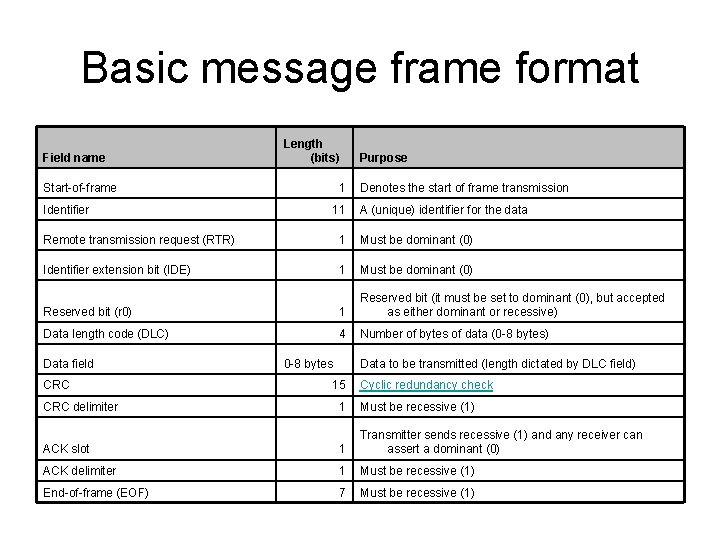
Basic message frame format Field name Length (bits) Start-of-frame Identifier 1 11 Purpose Denotes the start of frame transmission A (unique) identifier for the data Remote transmission request (RTR) 1 Must be dominant (0) Identifier extension bit (IDE) 1 Must be dominant (0) Reserved bit (r 0) 1 Reserved bit (it must be set to dominant (0), but accepted as either dominant or recessive) Data length code (DLC) 4 Number of bytes of data (0 -8 bytes) Data field CRC delimiter 0 -8 bytes Data to be transmitted (length dictated by DLC field) 15 Cyclic redundancy check 1 Must be recessive (1) ACK slot 1 Transmitter sends recessive (1) and any receiver can assert a dominant (0) ACK delimiter 1 Must be recessive (1) End-of-frame (EOF) 7 Must be recessive (1)
Arbitration Field
Message Objects • 32 message objects • Configured to transmit or receive or both • Configured using the Message Object Interface Registers • Each identifier is stored in a Message object. • Message number is the receive/transmit priority for the Message Objects – Message Object 1 has the highest priority, while Message Object 32 has the lowest priority
Message Object Interface register • ID 28 -0 Message Identifier – ID 28 - ID 0 29 -bit Identifier (“Extended Frame”). – ID 28 - ID 18 11 -bit Identifier (“Standard Frame”). • Dir Message Direction – one Direction = transmit – zero Direction = receive • Data 0 1 st data byte of a CAN Data Frame • Data 1 2 nd data byte of a CAN Data Frame
Error Field
• Enable test mode to use the modes below • Loop Back Mode • Silent Mode • Basic Mode
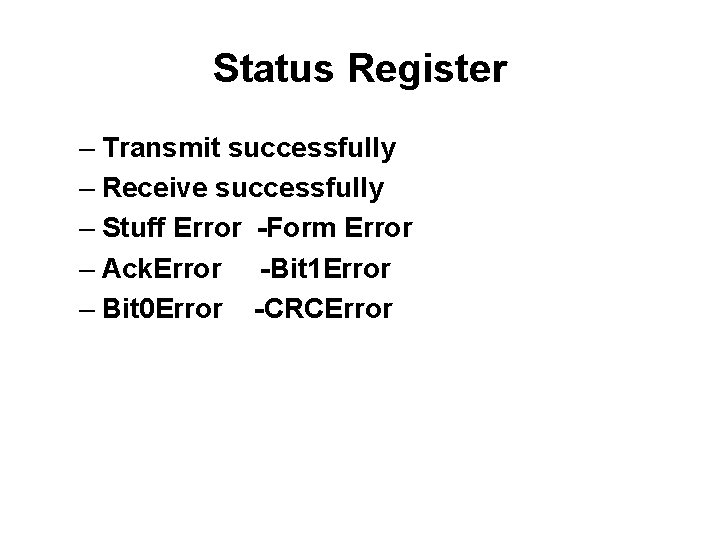
Status Register – Transmit successfully – Receive successfully – Stuff Error -Form Error – Ack. Error -Bit 1 Error – Bit 0 Error -CRCError
Debugging • Oscilloscope – Useful in Lab 1 • read the message frame and error bits • calculate the frequency of a message frame
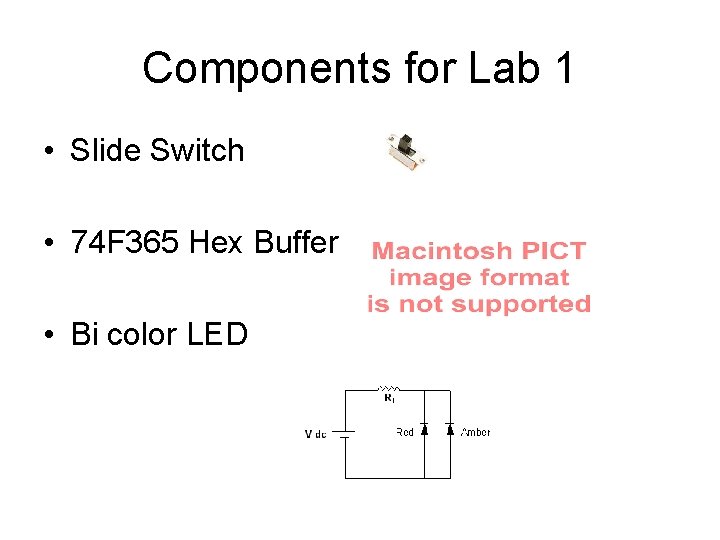
Components for Lab 1 • Slide Switch • 74 F 365 Hex Buffer • Bi color LED